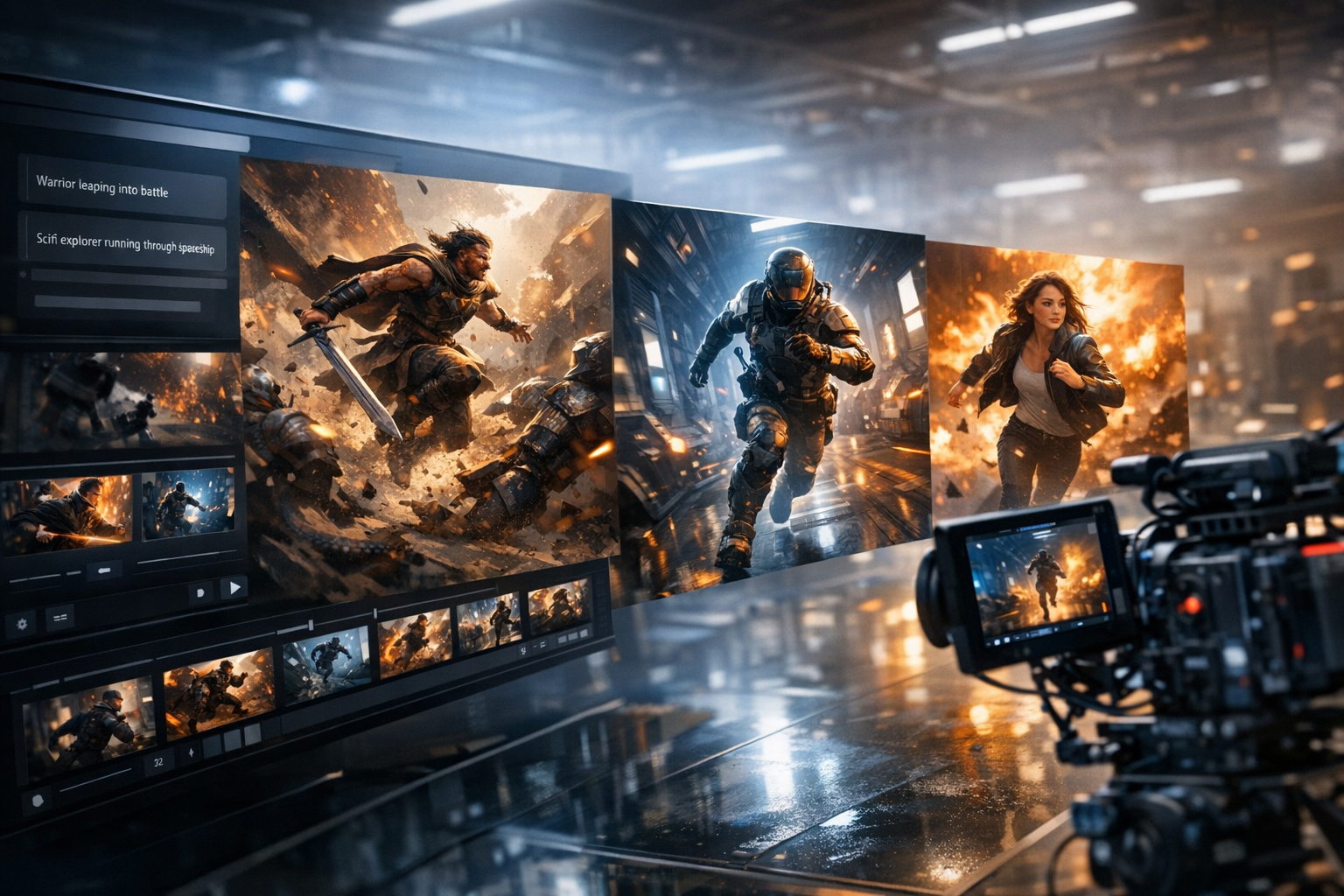
AI Influencer Generated
12K
342
2.6K
Erstelle Kling-Stil KI-Videos aus Prompts. Baue ausdrucksstarke Charakterbewegungen, Produktclips, filmische Aufnahmen und Social-Videos mit einem einfachen Text-zu-Video-Workflow.
Describe the motion, subject, camera, and mood. Add a reference when you want tighter visual control.

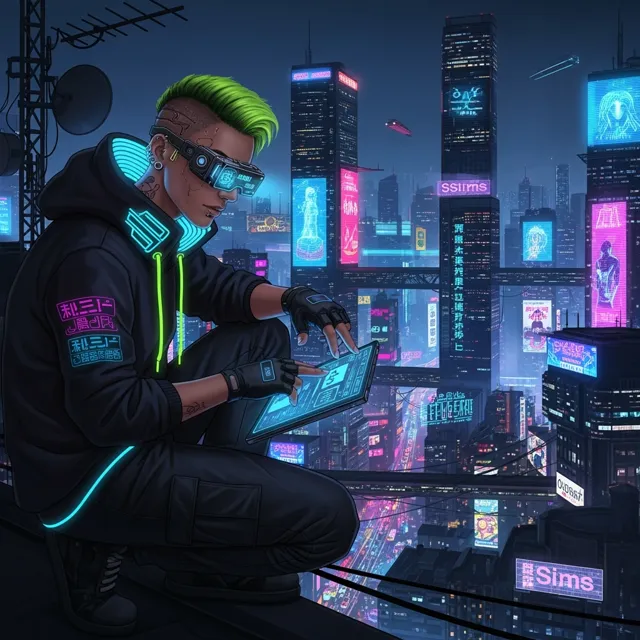
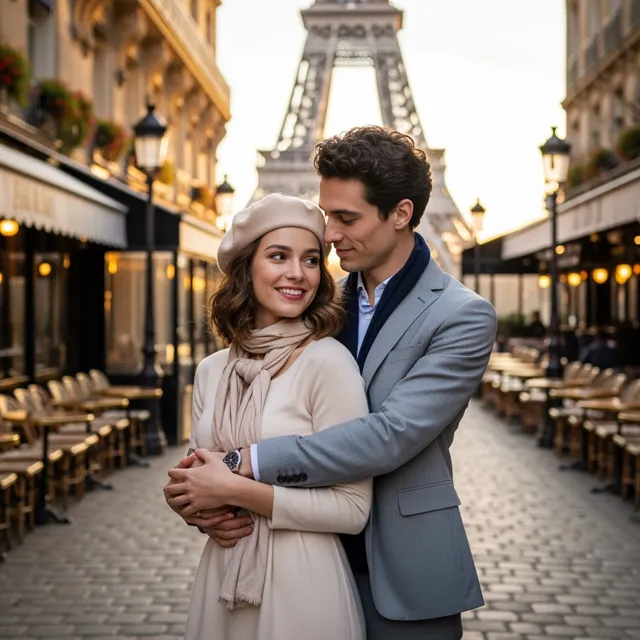
A Kling KI Video Generator can prove the idea fast. But a real video example still needs clean motion, readable framing, HD export, and no watermark before it becomes an ad, product reveal, or social post.
Decision guide
Creators and teams exploring expressive character motion, product reveals, action shots, social clips, and cinematic video concepts from written direction.
Users who require exact parity with Kuaishou Kling products, long-form editing, deterministic motion, guaranteed character consistency, or final factual footage without review.
A scene prompt with subject, action, setting, camera movement, duration goal, lighting, mood, aspect ratio, and intended platform.
A short Kling-style AI video concept that can be reviewed, iterated, and incorporated into a larger creative or marketing workflow.
Model access and capabilities can change; verify the active model, motion artifacts, character drift, factual claims, rights, and export settings before publishing.
Useful facts before you generate
A Kling-style AI video workflow turns scene and motion prompts into short video concepts.
Strong prompts specify the subject, action, camera path, lighting, pacing, aspect ratio, and intended platform.
The workflow is useful for testing character motion, product reveals, action shots, and social video directions.
Reference images can help communicate visual identity, but generated motion can still introduce subject drift.
Creators should verify the active model, artifacts, rights, factual claims, and export settings before publishing.
How LlamaGen Helps
Schreibe die Videoidee, die du erstellen möchtest. Füge das Thema, Setting, Kamerastil, Stimmung und jede wichtige Aktion hinzu.
Überprüfe den KI-Prompt und verfeinere Details wie Tempo, Seitenverhältnis, Beleuchtung, Charakterbewegung und Kamerarichtung.
Generiere das Video, sieh dir das Ergebnis an, und iteriere oder exportiere es für Social Posts, Werbung, Erklärvideos oder kreative Projekte.
Who benefits from LlamaGen
01
Beschreibe Charakterbewegung, Kamerafahrten und Szenenwechsel, um ein dynamischeres Videokonzept zu steuern.
Video idea starters
Beschreibe Charakterbewegung, Kamerafahrten und Szenenwechsel, um ein dynamischeres Videokonzept zu steuern.
Erzeuge Ideen für Werbung, Reels, Produkt-Präsentationen und Story-Momente – ganz ohne klassischen Videoeditor.
Experimentiere mit verschiedenen Prompt-Versionen, bis die Videoausrichtung zu deiner Kampagne oder Geschichte passt.
For expressive motion and product clips
PRO gives Kling-style workflows more credits, faster generation, and consistency tools for character motion, product shots, and social clips.
Paid plan benefits
FAQ
Erstelle Kling-Stil KI-Videos aus Prompts. Baue ausdrucksstarke Charakterbewegungen, Produktclips, filmische Aufnahmen und Social-Videos mit einem einfachen Text-zu-Video-Workflow.
Es ist eine KI-Video-Generator-Seite auf Prompt-Basis, mit der du Kling-Stil Videos mit filmischer Bewegung, Charakteren und Szenenregie erstellen kannst.
Du kannst Konzepte für Actionszenen, Produktvideos, Social Clips, animierte Stories und visuelle Experimente erstellen.
Ja. Beginne mit einer einfachen Idee, und füge anschließend Bewegung, Beleuchtung, Stil und Kameradetails hinzu, um das Ergebnis zu verbessern.
Move from a single generated image or video into comics, manga, storyboards, and connected visual stories.
AI video generator series
Try nearby AI video workflows for ads, reels, trailers, image animation, text to video, and model-specific generation.
 01
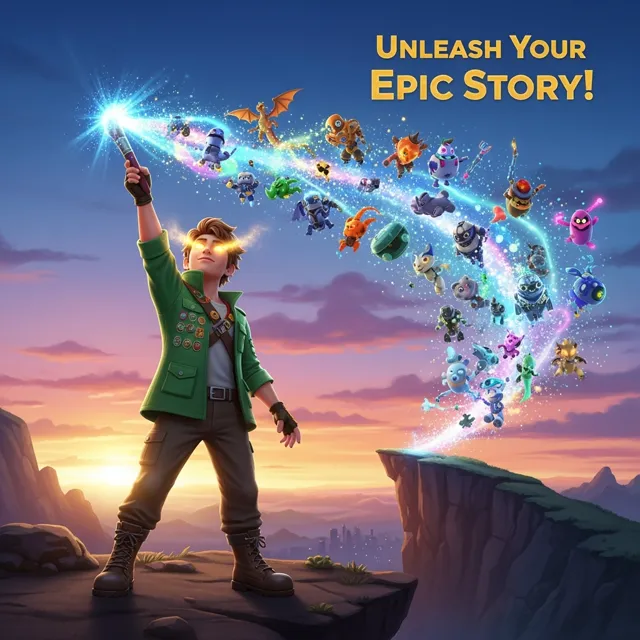
01Create game trailers, cutscenes, gameplay teasers, character reveals, and quest videos from a simple prompt. Turn game ideas into cinematic video scenes with characters, settings, mood, motion, and story beats.
 02
02Erstellen Sie in wenigen Minuten beeindruckende Marketingvideos mit unserem KI Marketing Video Generator. Wandeln Sie Ihre Produktbeschreibungen, Werbetexte oder Social-Media-Posts in ansprechende Videos um, die konvertieren. Perfekt für Marketer, Unternehmen und Content-Ersteller.
 03
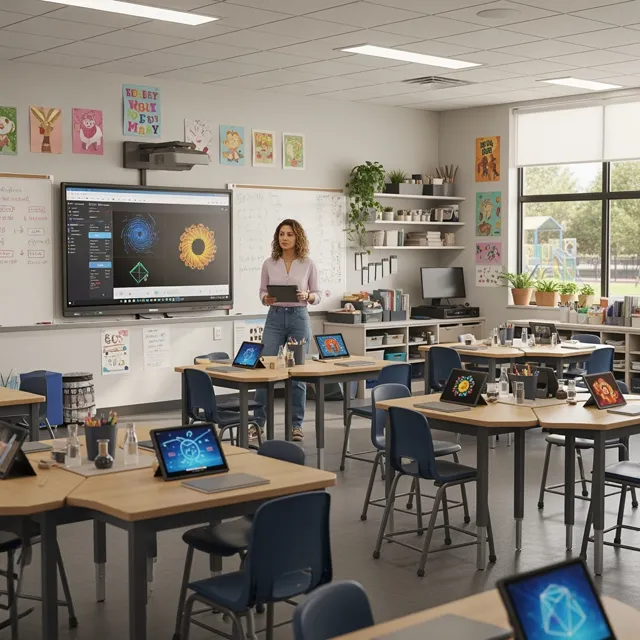
03Ermöglichen Sie Pädagog:innen und Schüler:innen die KI-gestützte Videoproduktion. Verwandeln Sie Lehrpläne, Geschichten und Konzepte in fesselnde Lernvideos in wenigen Minuten. Perfekt für den Unterricht und darüber hinaus.
 04
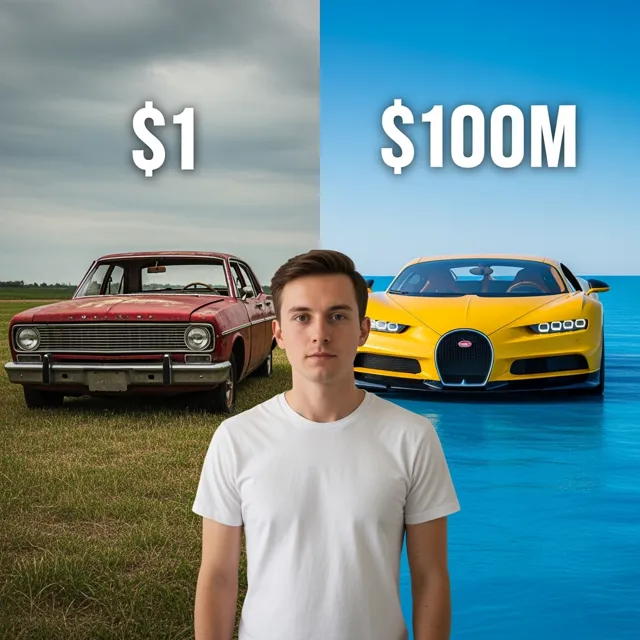
04Erstellen Sie in wenigen Minuten ansprechende YouTube-Videos mit unserem KI YouTube Video Generator. Verwandeln Sie Ihre Ideen, Skripte oder Blogbeiträge in professionell aussehende Videos, die Ihren Kanal wachsen lassen. Perfekt für YouTuber, Content-Ersteller und Unternehmen.
 05
05Erstelle kostenlos TikTok- und Instagram Reels mit KI. Verwandle Text, Ideen oder Produktfotos in kurze Videos mit Untertiteln, Stimme, Musik und sofort postbarem vertikalem Format.
 06
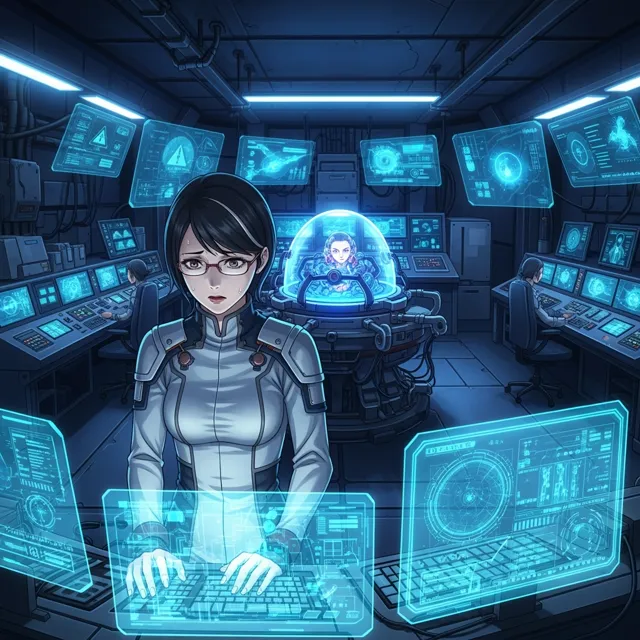
06Create short AI ads from product details, offers, or raw ideas. Turn prompts and product shots into video ad drafts with hooks, captions, and social-ready pacing.
 07
07Entfesseln Sie Ihre Kreativität mit unserem kostenlosen Ani-Sora Video-Generator. Verwandeln Sie Ihre Texteingaben in atemberaubende animierte Videos mit der Kraft fortschrittlicher KI-Technologie.
 08
08Erzeugen Sie in Sekundenschnelle hochwertige, lizenzfreie B-Roll-Aufnahmen für Ihre Videos. Beschreiben Sie die Art des benötigten Filmmaterials und unsere KI erstellt kostenlos individuelle B-Roll-Clips.
 09
09Nutze LlamaGen's Gemini AI Video Generator kostenlos online, um aus Text-Prompts oder Bildern Videos im Gemini- und Veo-Stil zu erstellen, die Bewegung zu prüfen und fertige HD-Clips ohne Wasserzeichen zu exportieren.
 10
10Bringen Sie Ihre statischen Bilder mit unserem kostenlosen Bildanimationsgenerator zum Leben. Verwandeln Sie jedes Bild mit der Kraft fortschrittlicher KI-Technologie in ein dynamisches, bewegtes Kunstwerk.
11Use LlamaGen's Sora Video Generator to create OpenAI Sora 2 videos from text prompts or a reference image, preview cinematic motion, and export finished clips for ads, stories, and social posts.
 12
12Erstelle Sora-ähnliche KI-Videos aus Text-Prompts. Beschreibe eine Szene, Kamerabewegung, Charakteraktion oder eine Story-Idee und verwandle sie in filmische Videoinhalte für Social Media, Werbung und kreative Projekte.