

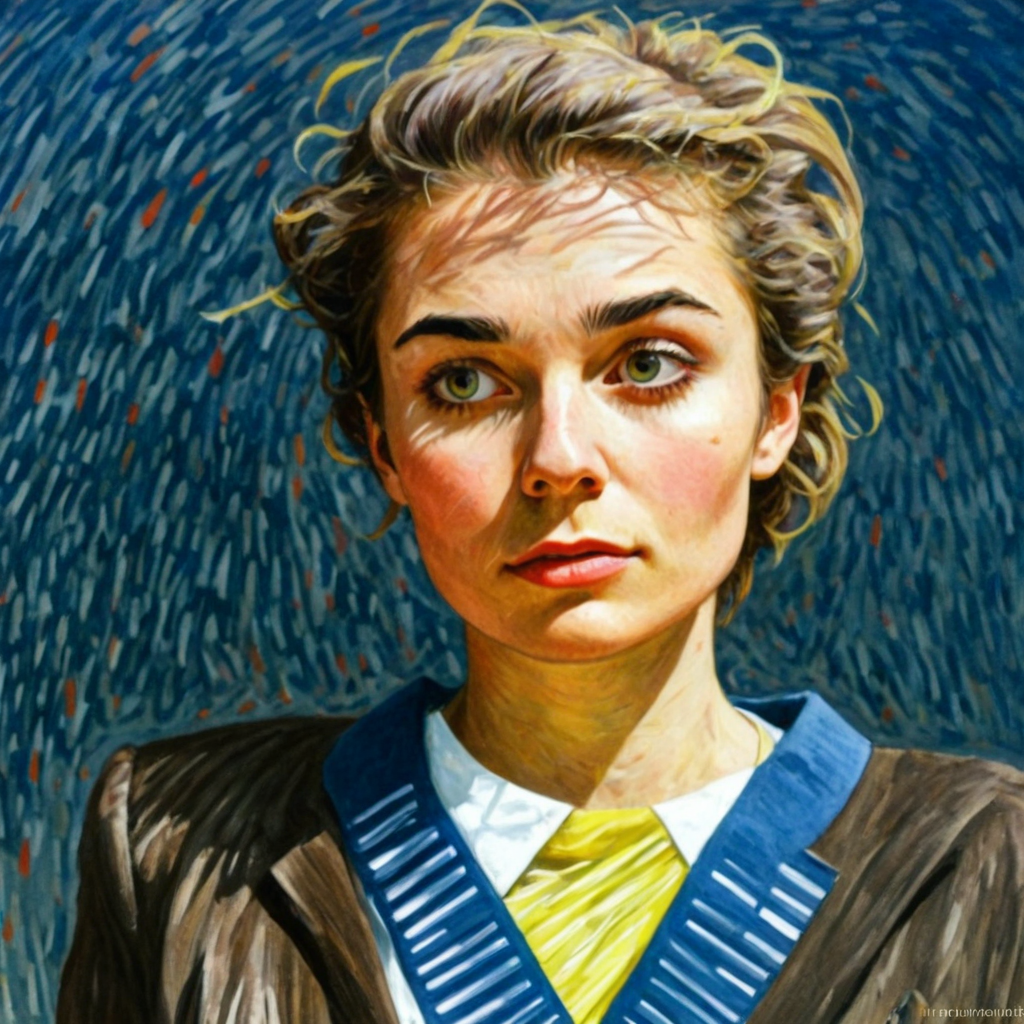
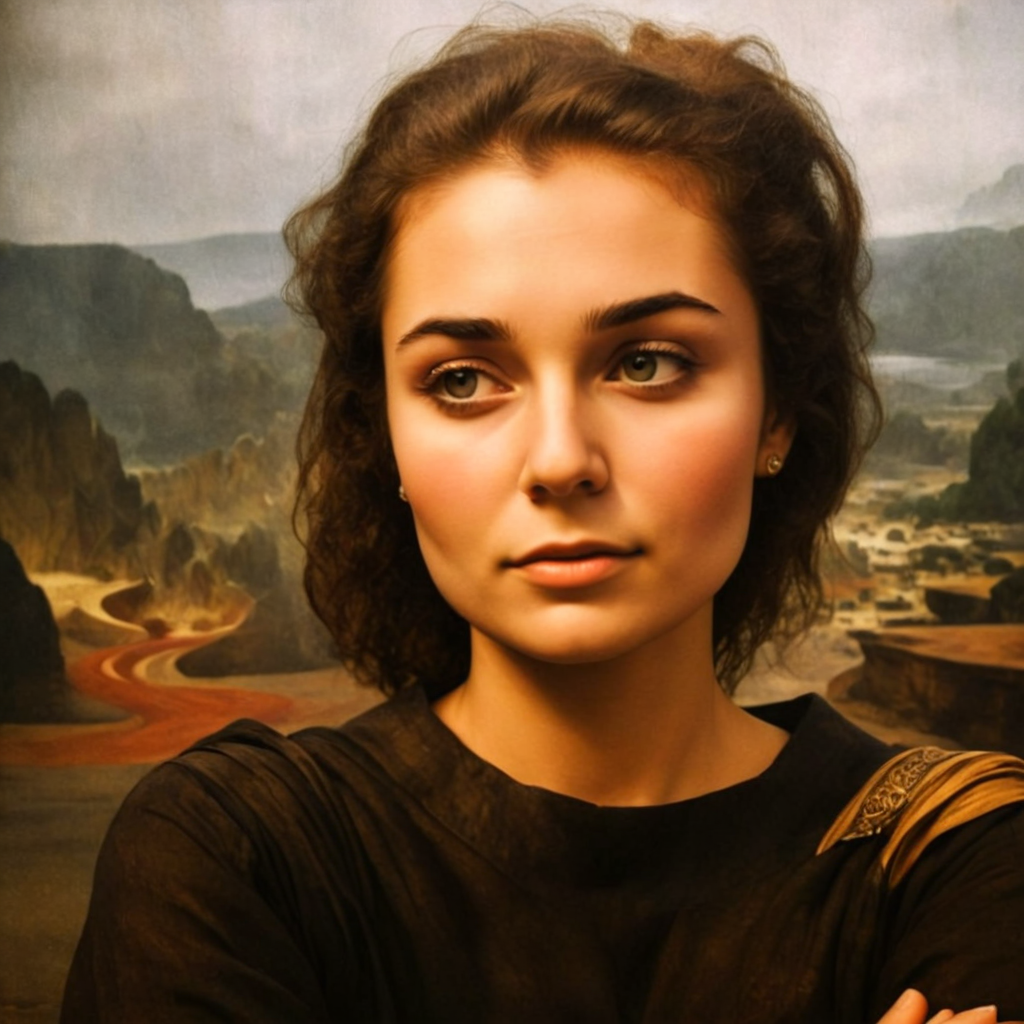
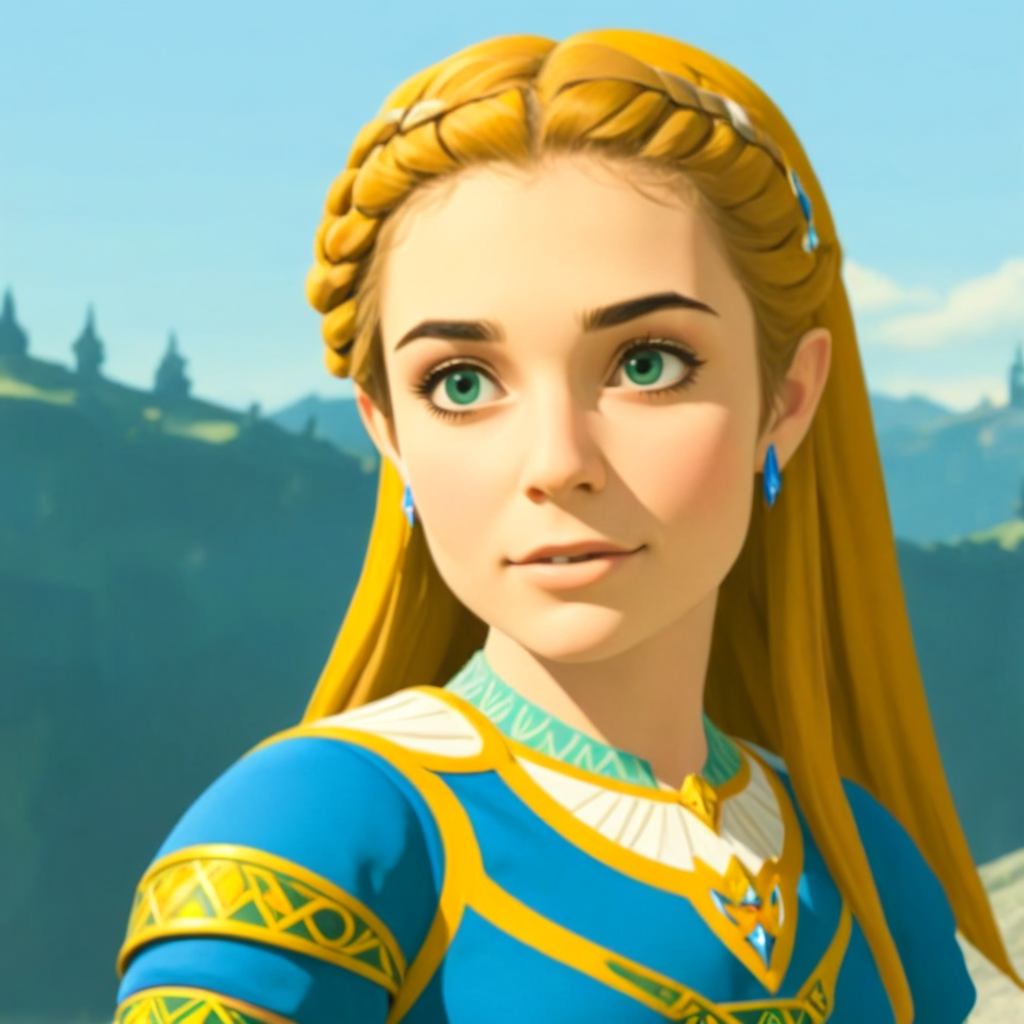
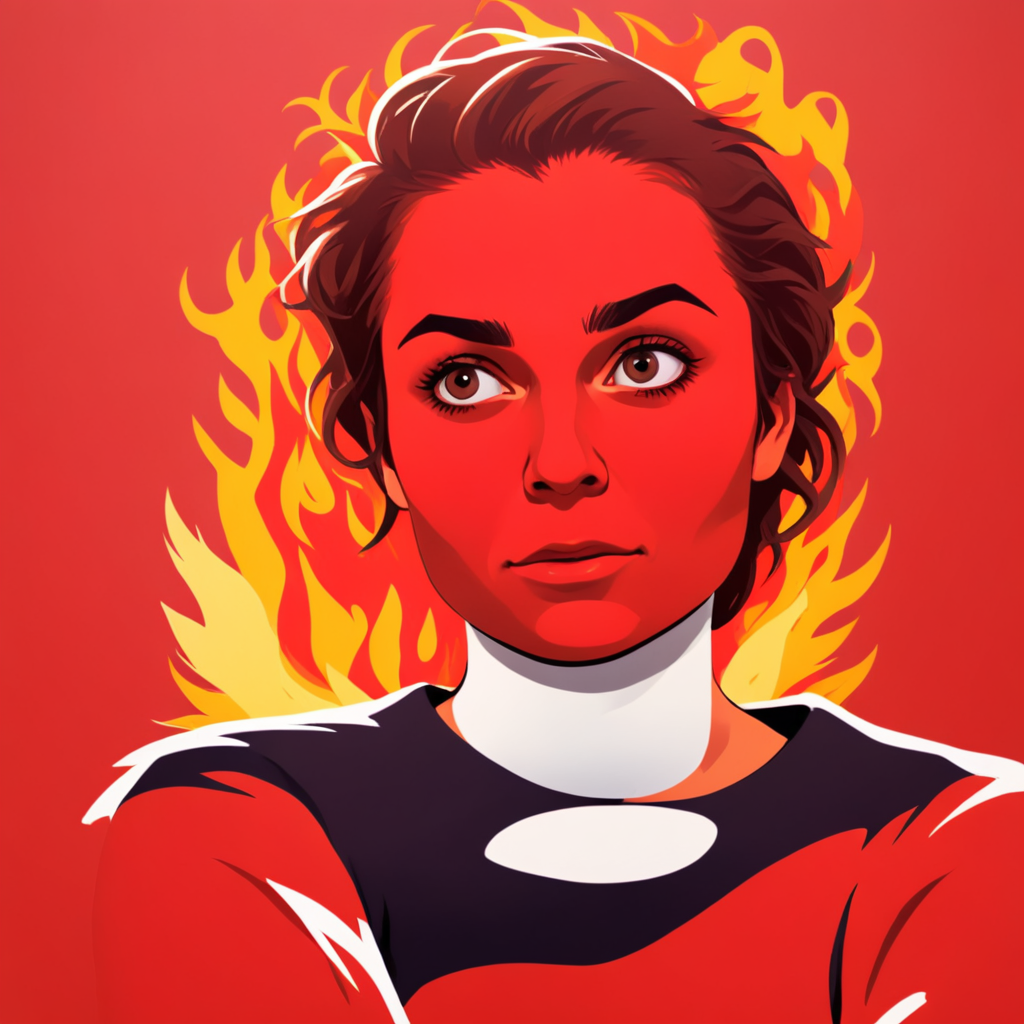
Learn how to generate images using Image to Image
It's easier than you think.
Select an image
Upload an image into the Image References section. Ensure the source image aspect ratio matches the chosen output resolution aspect ratio.
Adjust the Strength
With the Strength parameter, you can control how similar the new image will be to the initial one. The lower the value, the more similar the new image will be to the original.
Write a prompt and generate
Simply describe the image, including any adjustments or edits you're looking to make. Choose the number of images you'd like to generate - from one to a batch of 10.
Not only Image to Image
Powering 10M+ image generations monthly
Image Generator
Text to Image generation
Image Editor
Modify images with AI
Video Generator
Create captivating 4-second video clips
Frequently Asked Questions
What can you do with the Image to Image AI tool?
Transform any image while maintaining its core elements. Perfect for style transfers, artistic modifications, and creative variations.
How does Image to Image differ from Text to Image generation?
Image to Image uses an existing image as a reference, maintaining its structure while applying modifications. Text to Image creates images from scratch based on text descriptions.
What types of images work best with Image to Image AI?
Clear, well-lit images with good resolution work best. The tool can handle portraits, landscapes, abstract art, and more.