30+ Anime Filters & Styles: From Manga to Ghibli
Explore multiple anime looks for portraits, pets, scenery, and everyday photos. Use these styles when you want a different anime mood rather than a generic filter result.

Webtoon

Manga

Ghibli

Cyberpunk

DnD

Snoopy

Chibi

Disney

Clay

Simpson

South Park

Family Guy
Gallery
Photo to Anime Gallery: See the Magic of AI
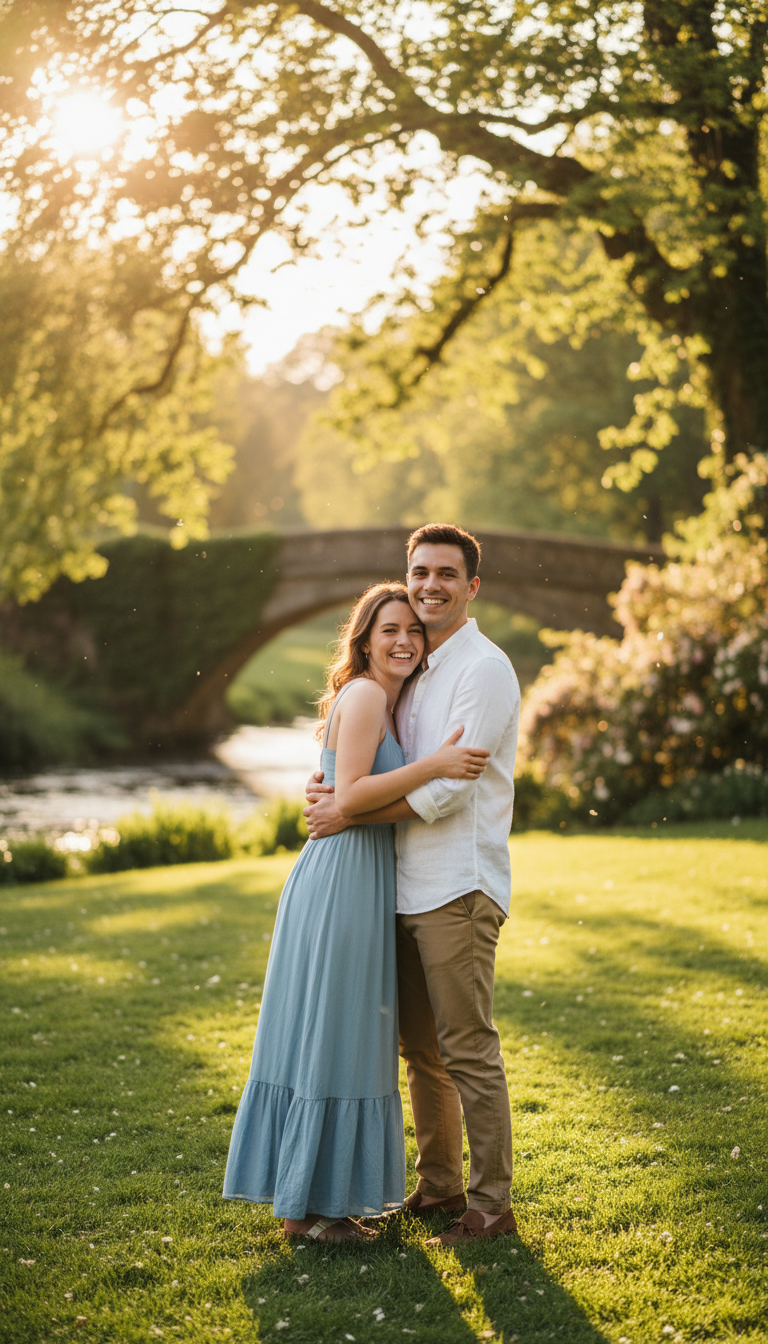
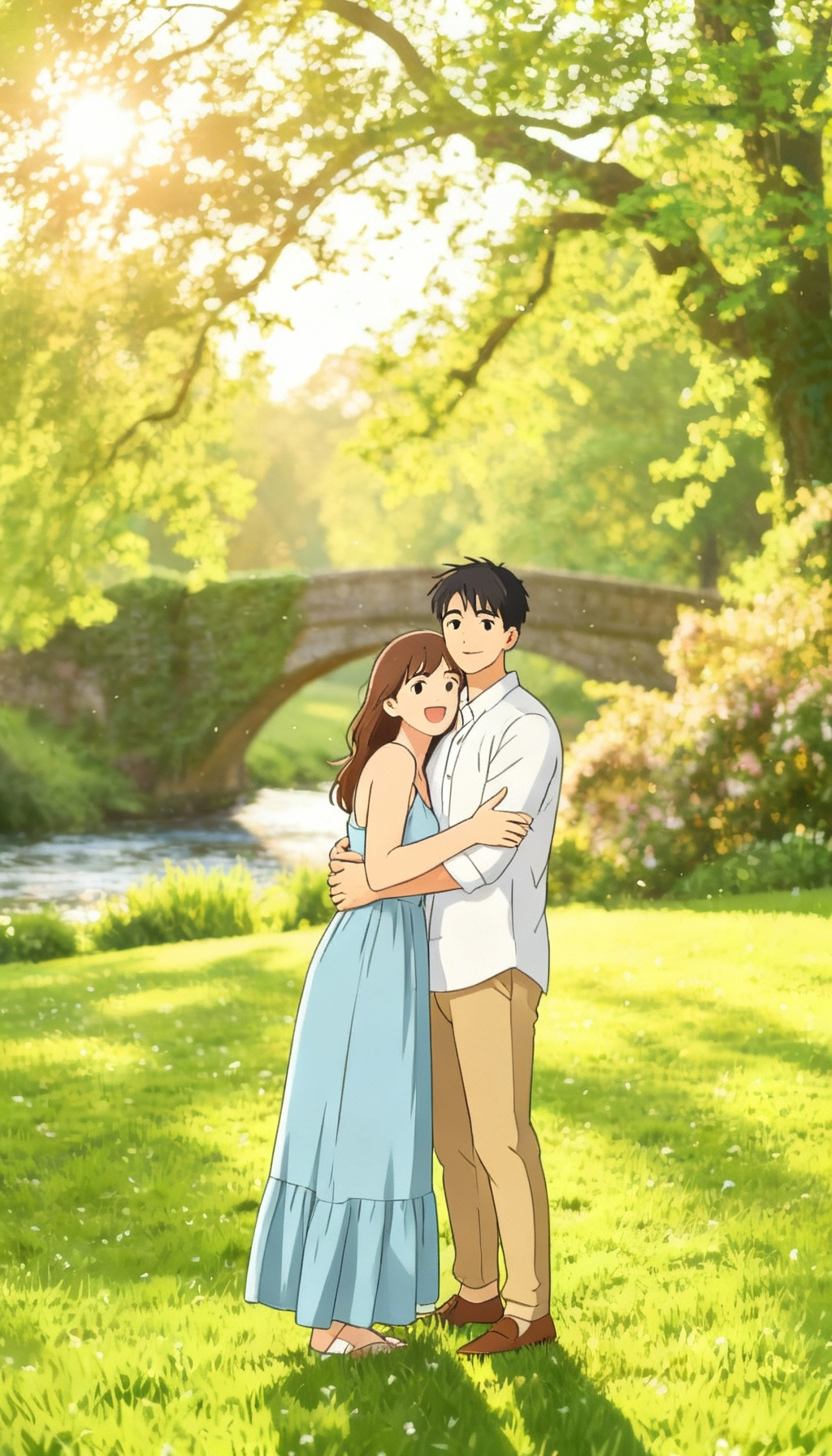
See how portraits, pets, food, and travel photos change when converted into anime-style images with cleaner lines, stylized colors, and illustration-like detail.
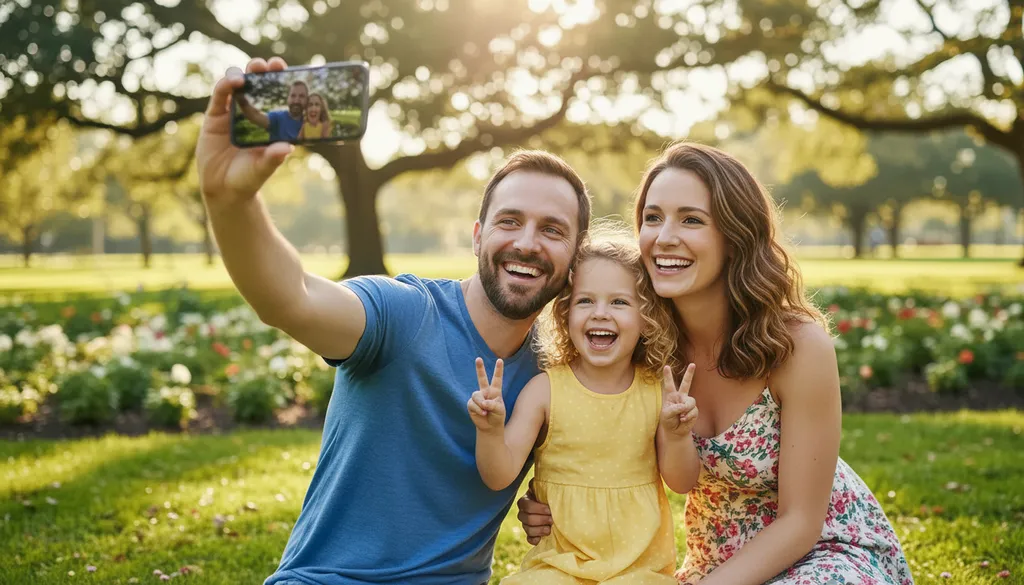
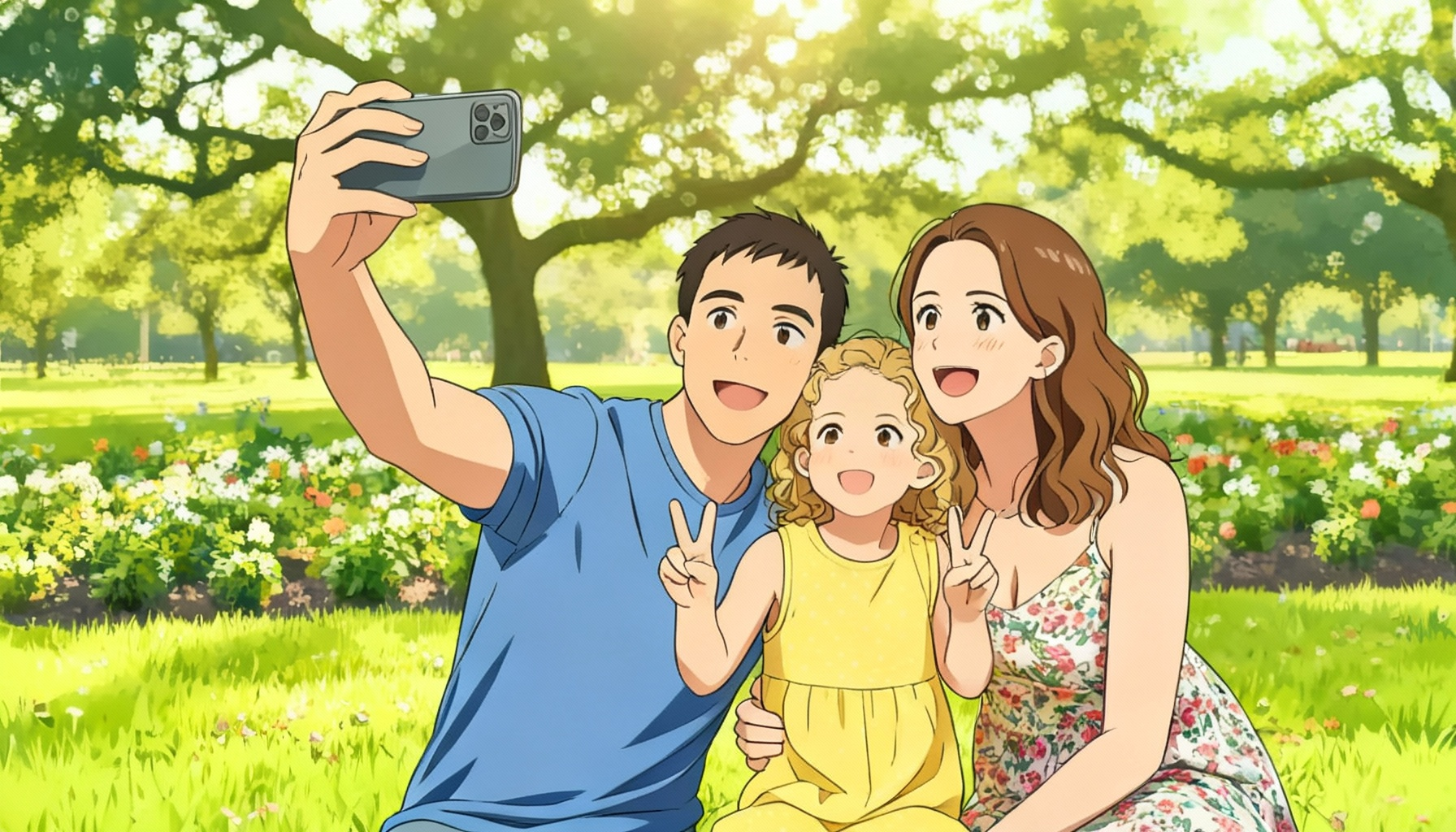
Explore Our Photo to Anime Art Gallery See Stunning Transformations Powered by AI
Browse examples across portraits, animals, scenery, and food to see which kinds of photos translate best into anime-style output.
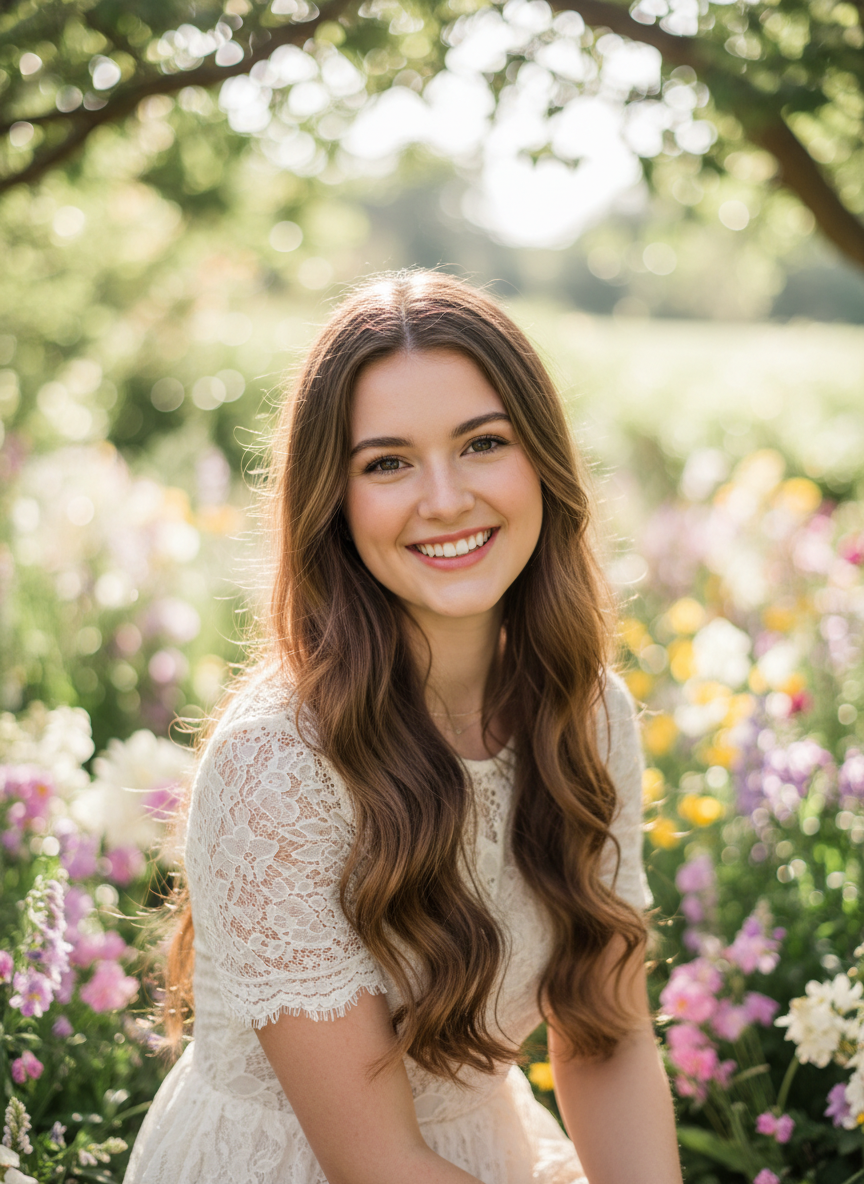
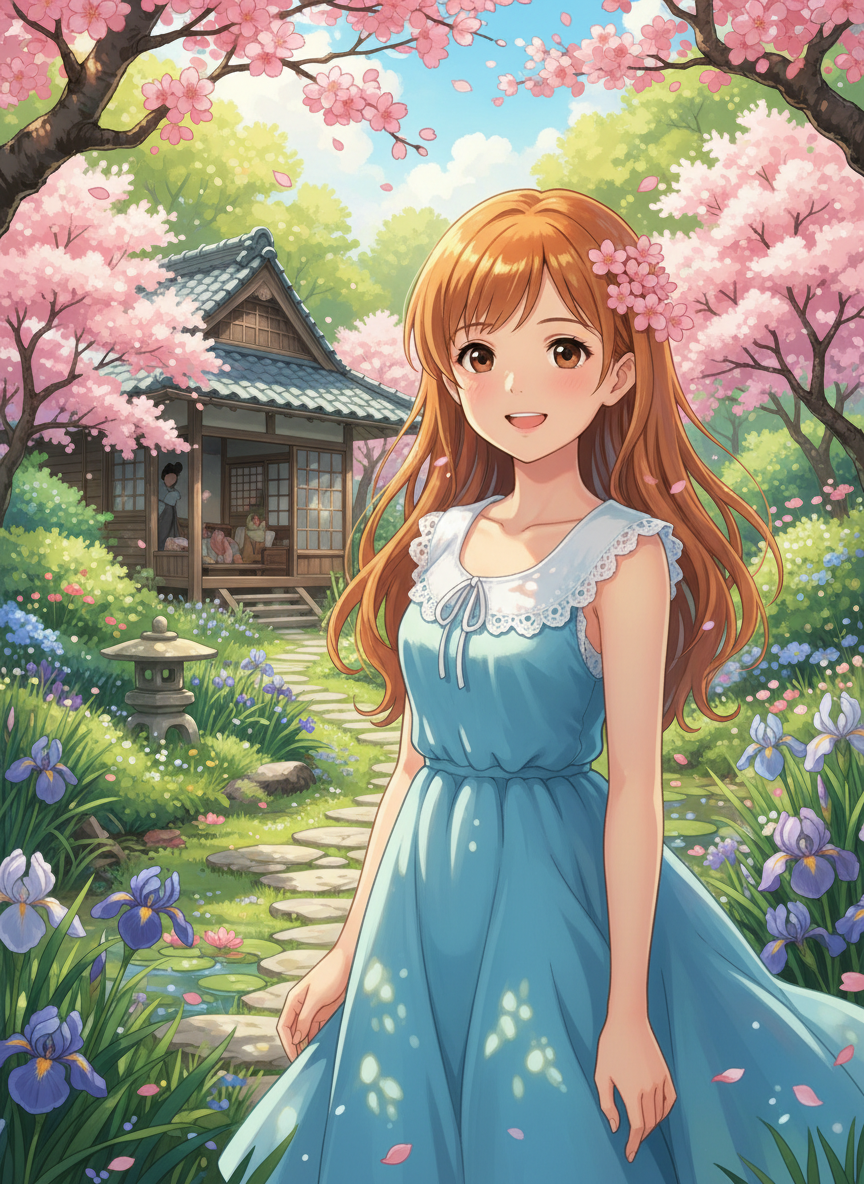
People to Anime
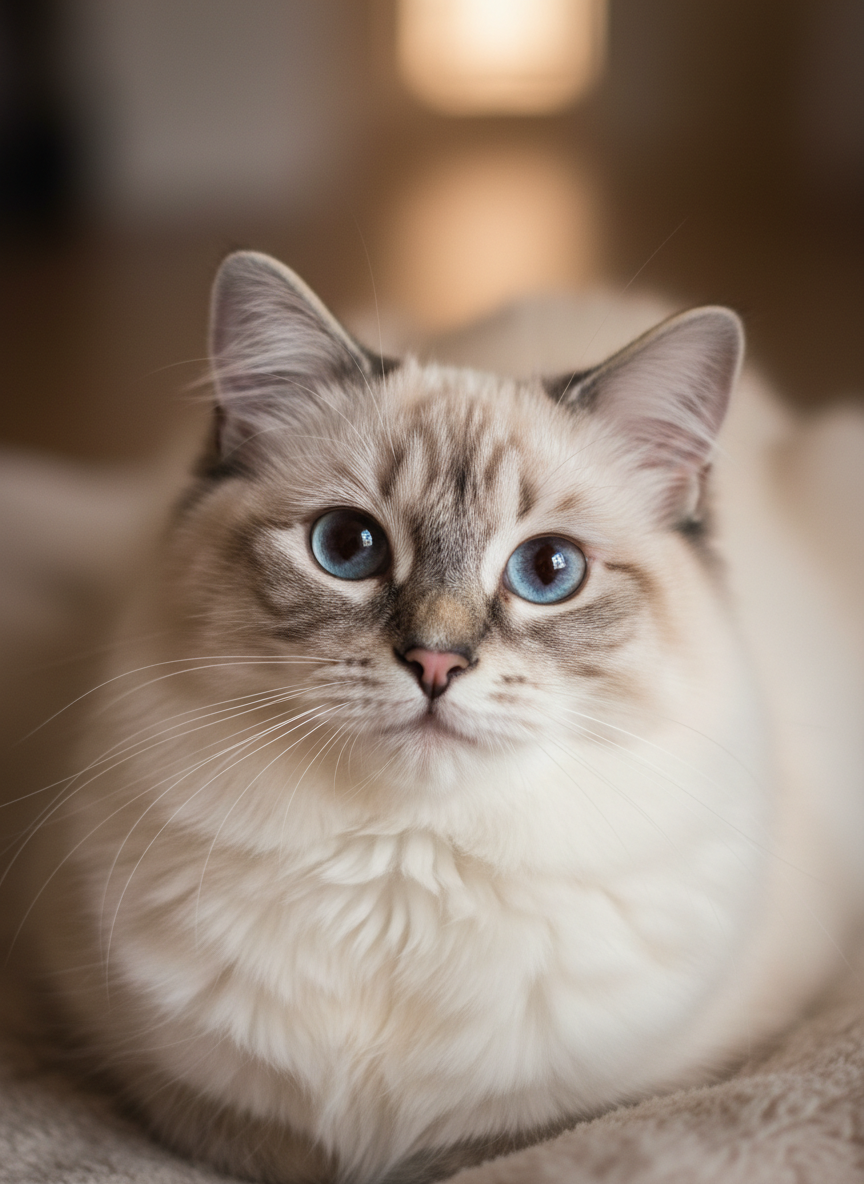
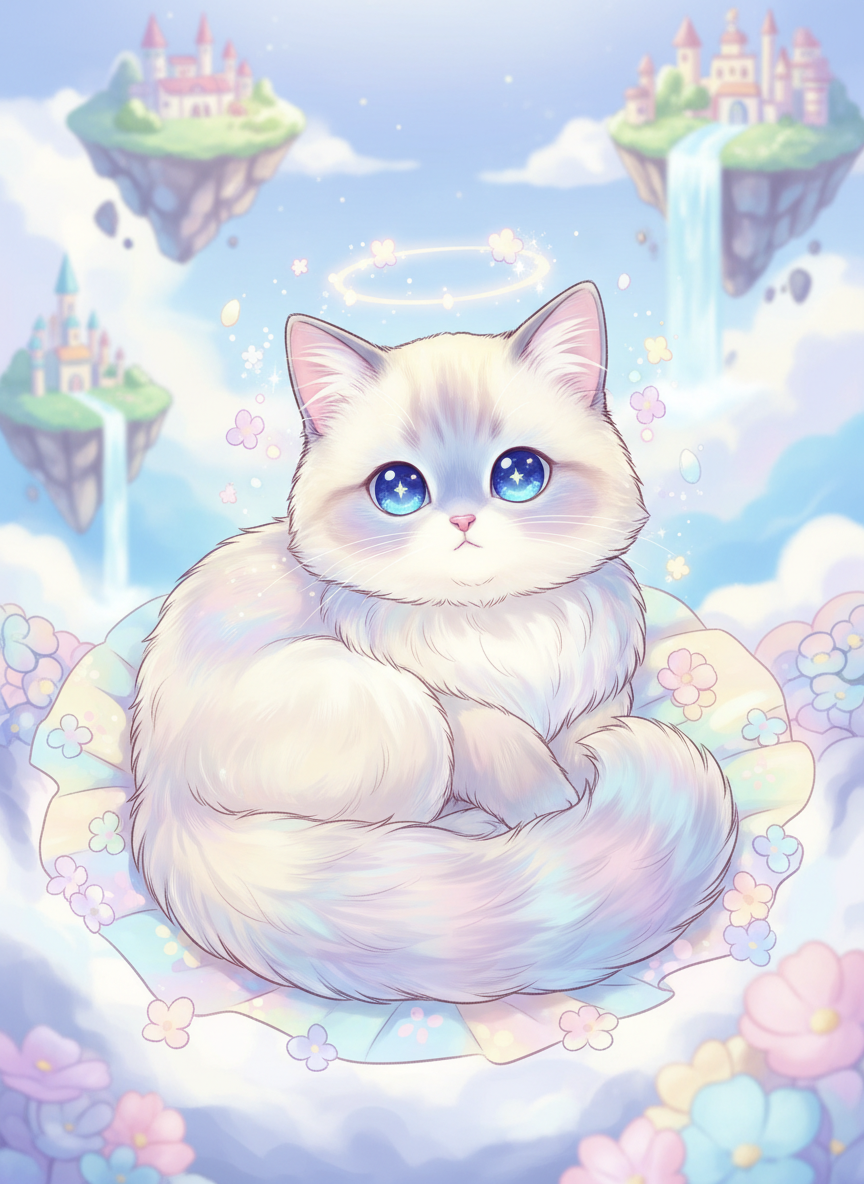
Animals to Anime
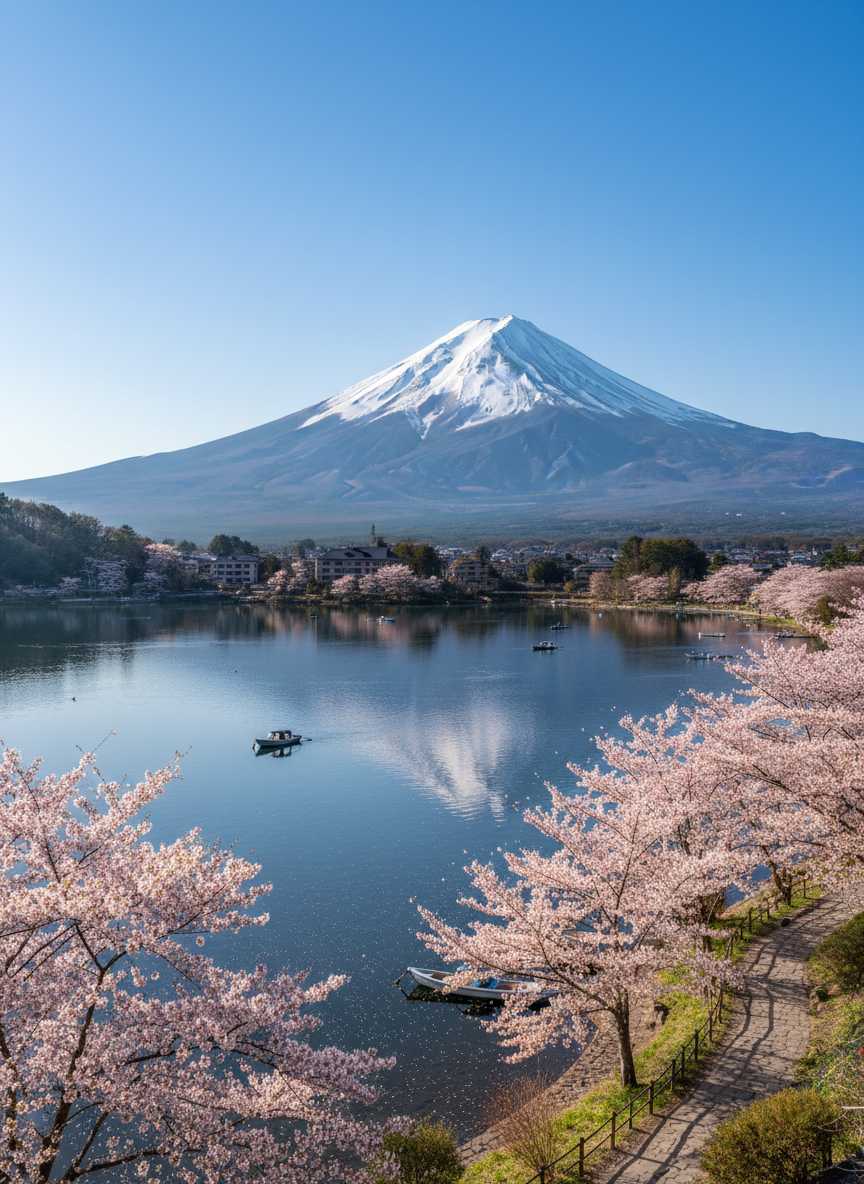
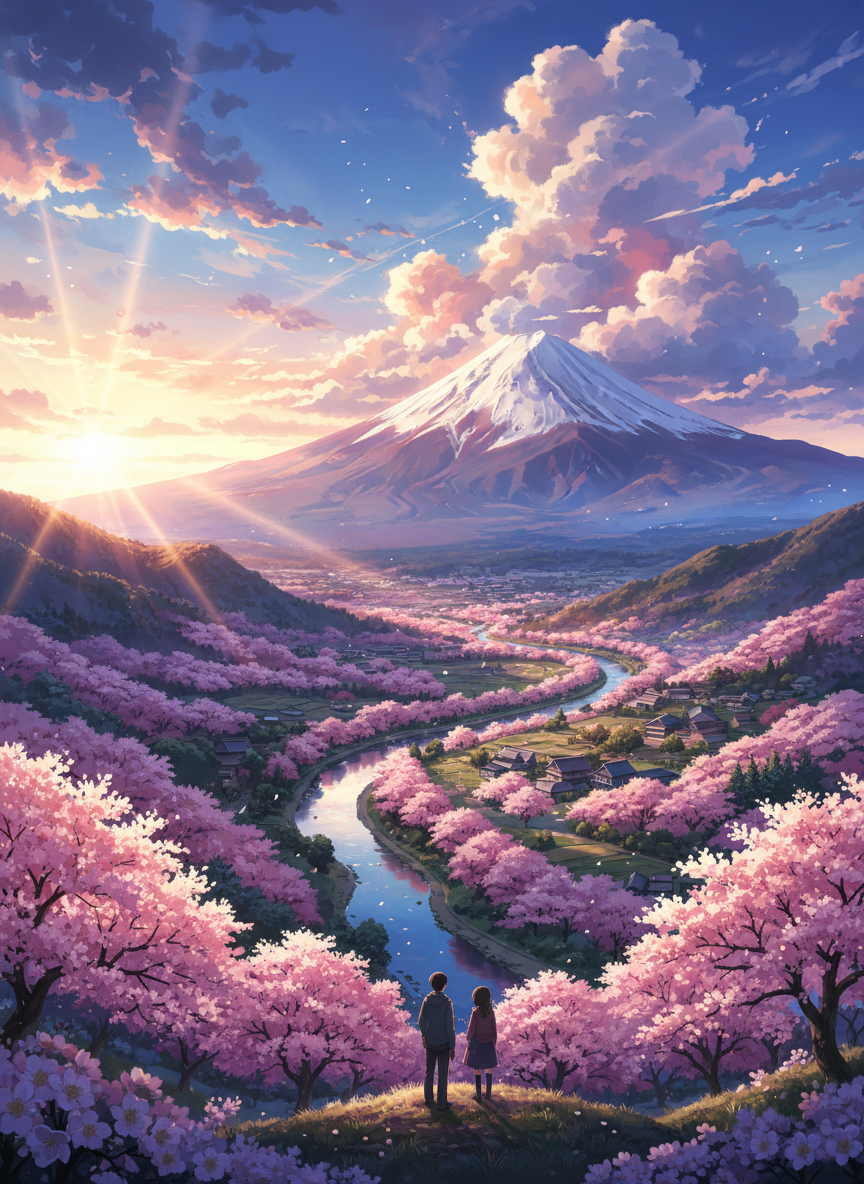
Scenery to Anime
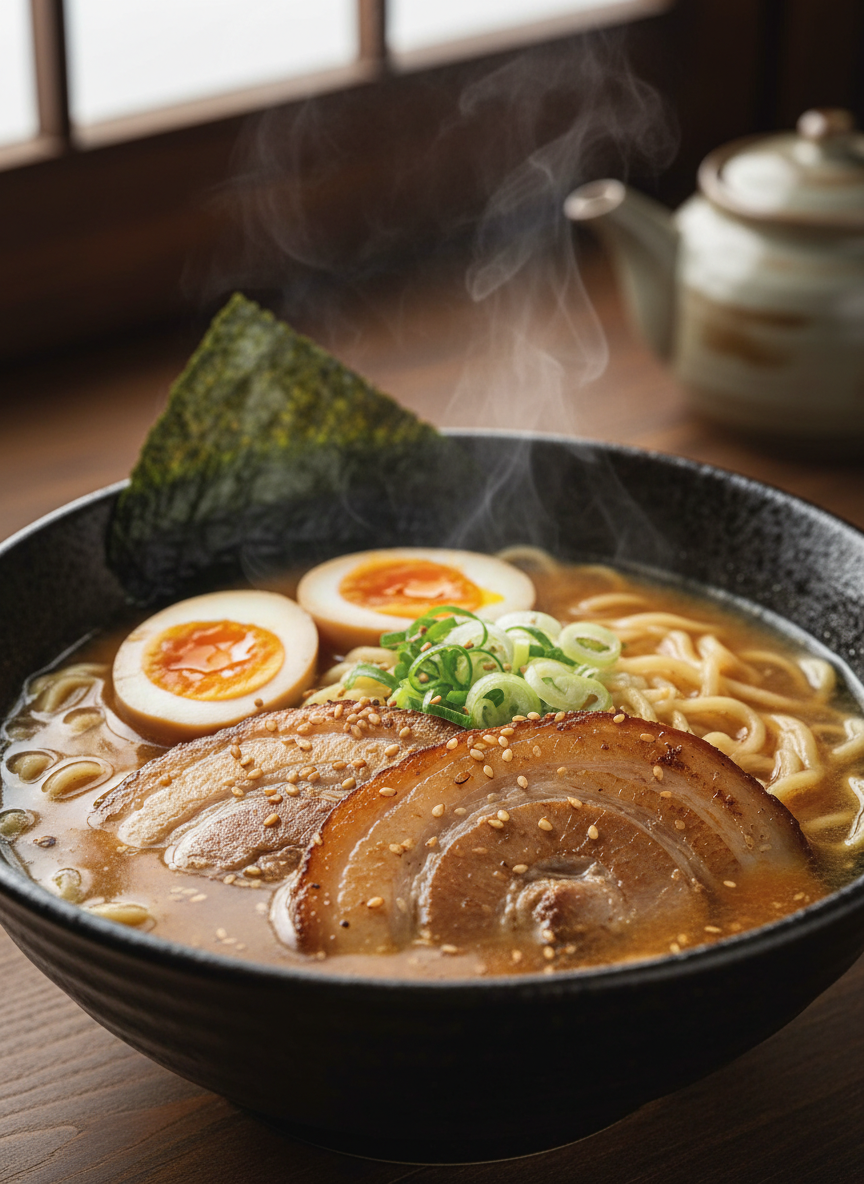
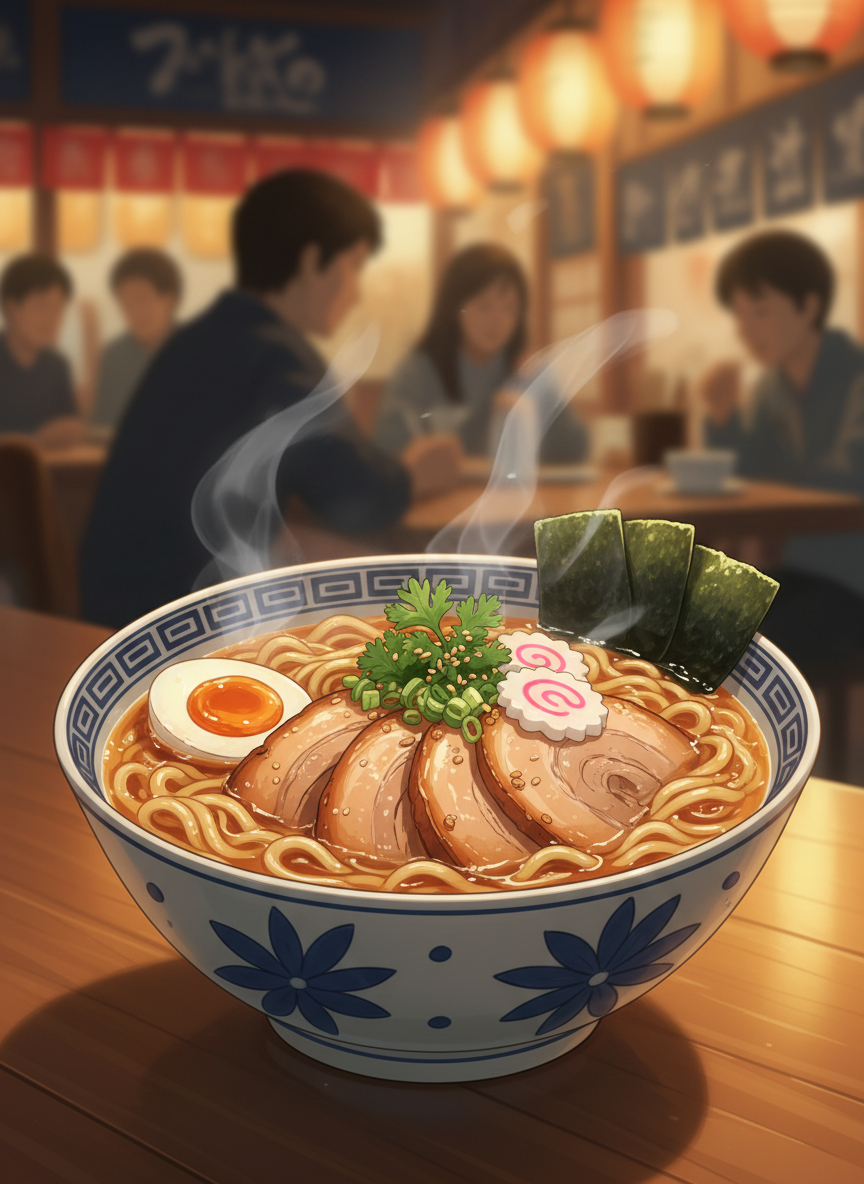
Still Life to Anime
Why Choose Our Free AI Photo to Anime Converter?
Choose this page when the intent is specifically photo to anime: converting an existing real image into anime style. It works well for selfies, portraits, pets, food, and travel shots when you want a stylized anime result without manually prompting from scratch.
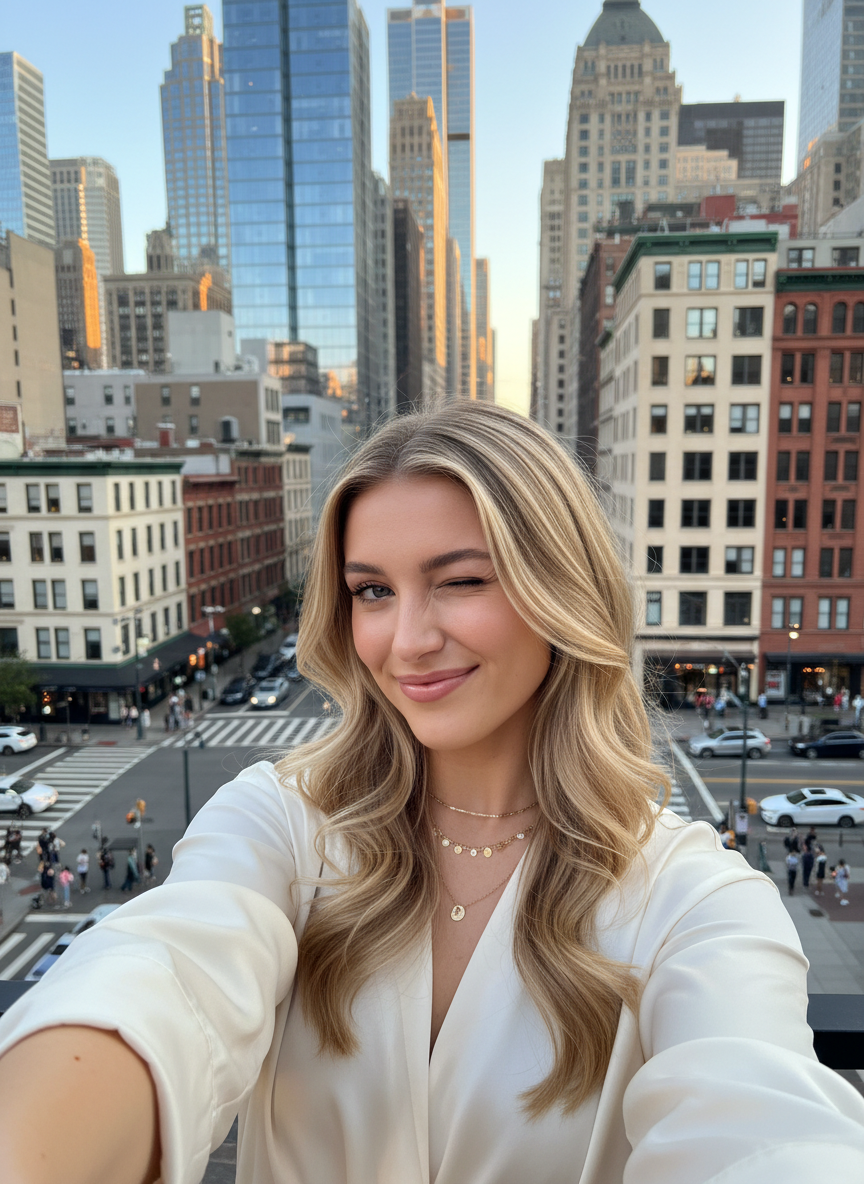
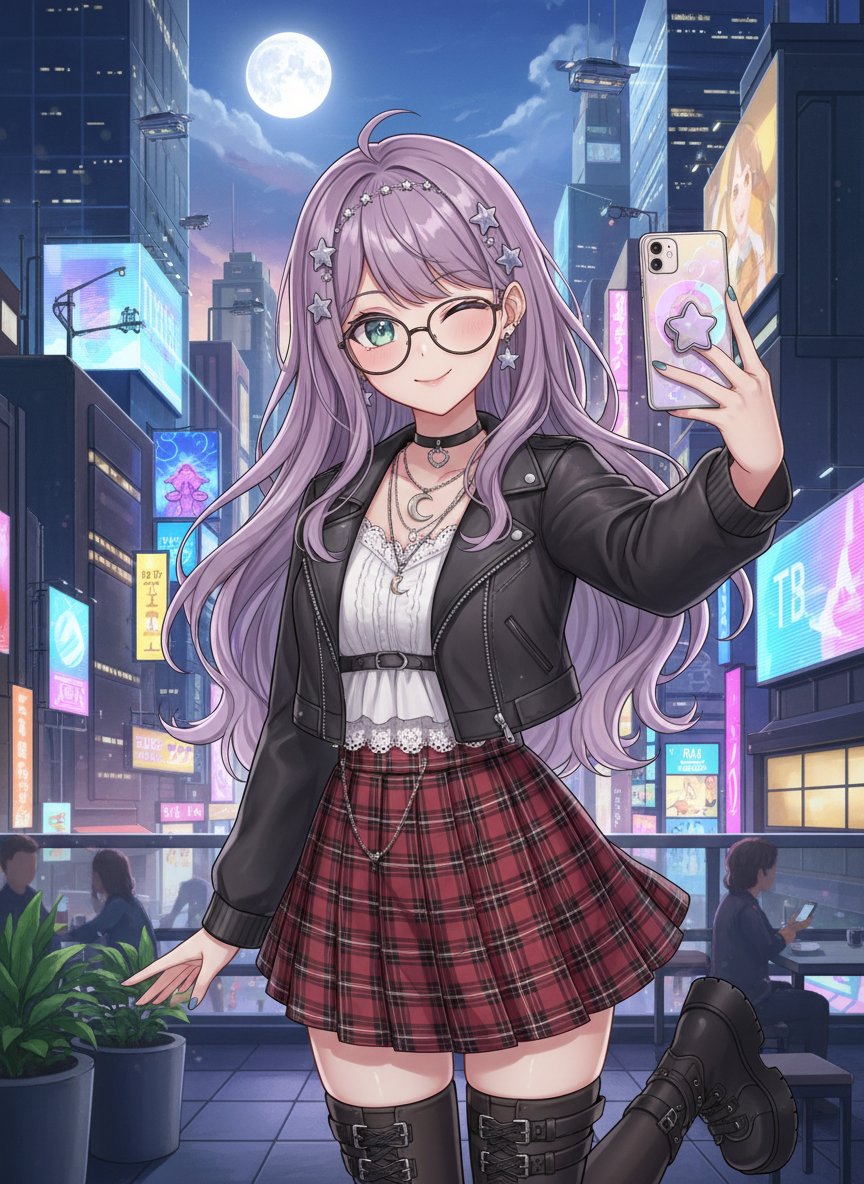


Create Your Unique Anime Avatar with LlamaGen
Use your own selfie or portrait to create an anime avatar for social profiles, gaming identities, and creator pages. This route is stronger for real-photo inputs than a general AI anime art generator because it starts from your uploaded image.
High-Resolution Outputs
LlamaGen ensures your anime images are high-quality with sharp details and vibrant colors—no loss in resolution.
Completely Free Conversion
Enjoy 100% free access to all features with no hidden costs, allowing you to create anime art without any charges.
Secure and Confidential
Your data is safe with SSL encryption, and all personal information is deleted within 24 hours to protect your privacy.
Download Without Watermarks
Get your anime creations watermark-free, allowing you to download and share your work without distractions.
Multiple Anime Styles
Choose from a variety of anime styles, like Studio Ghibli and manga, to personalize your transformation.
AI-Powered Precision
LlamaGen’s AI accurately transforms your photos into anime characters, ensuring a seamless and flawless result.
How to Turn Your Photo Into Anime with LlamaGen?
Upload the Photo
Start with a selfie, portrait, pet image, or another clear photo that you want to convert into anime style.
Choose an Anime Style
Pick the anime look that matches your goal, from manga-inspired portraits to softer cinematic styles.
Generate the Anime Version
The model reads the source photo and creates an anime-style interpretation while keeping the main subject recognizable.
Review and Download
Preview the result, download it, or try another style if you want a different anime treatment.
LlamaGen Photo to Anime AI vs Other Tools
Why should you choose us? Check out the 7 key advantages of our Photo to Anime AI tool.
| Feature | LlamaGen AI Photo to Anime | Other Tools |
|---|---|---|
| Intent Match | Built for photo-to-anime conversion from real uploaded images | Often broad AI art pages or generic style filters |
| Best Inputs | Portraits, selfies, pets, scenery, and food photos | Usually optimized for one narrow category |
| Output Focus | Anime-style images with recognizable subjects | Can drift away from the source photo |
| Style Range | Multiple anime looks for different moods | Limited or single-style filters |
| Workflow | Upload, choose style, and generate | More setup or heavier prompt work |
| Use Case Fit | Good for anime avatars and photo-based stylization | Often better for text-only art generation |
FAQ About LlamaGen AI Free Photo to Anime Converter
What is a Photo to Anime converter?
A Photo to Anime converter turns a real uploaded image into an anime-style illustration. It works well for portraits, selfies, pets, scenery, and other photos when you want an anime version of the original image.
How Do I Turn a Picture into Anime?
Simply upload your photo to our tool, select your preferred anime style (like Manga or Ghibli), and let the AI generate the anime version for you instantly.
Is this different from a general AI anime generator?
Yes. This page is focused on photo-to-anime conversion, where you start from an uploaded real image. A general AI anime generator is usually broader and may start from text prompts or non-photo workflows.
Is This Tool Free to Use?
Yes, you can start using the Photo to Anime converter for free.
What Style Options Are Available in the Photo to Anime Tool?
We offer over 30 different anime styles including Webtoon, Manga, Studio Ghibli, Cyberpunk, and many more to suit your preferences.
Can I Convert a Selfie into Anime?
Absolutely! Selfies work great. Our AI is optimized to handle portraits and facial features effectively, making it perfect for creating anime avatars.
Are My Uploaded Images Secure?
Yes, your privacy is our priority. Uploaded images are processed securely and deleted from our servers within 24 hours.