
AI Influencer Generated
12K
342
2.6K
Creating Video from Text. Try for free with free credits. Check in daily to earn more. No credit card required. Model access and credit costs vary.
Try for free with free credits. Check in daily to earn more. No credit card required.
Bring the anime image in your imagination to life. Describe a character, a world or a moment, then make it your own with AI.
Your prompt opens in the image studio. Sign in, choose an available model and canvas, and review the credit cost before generating.
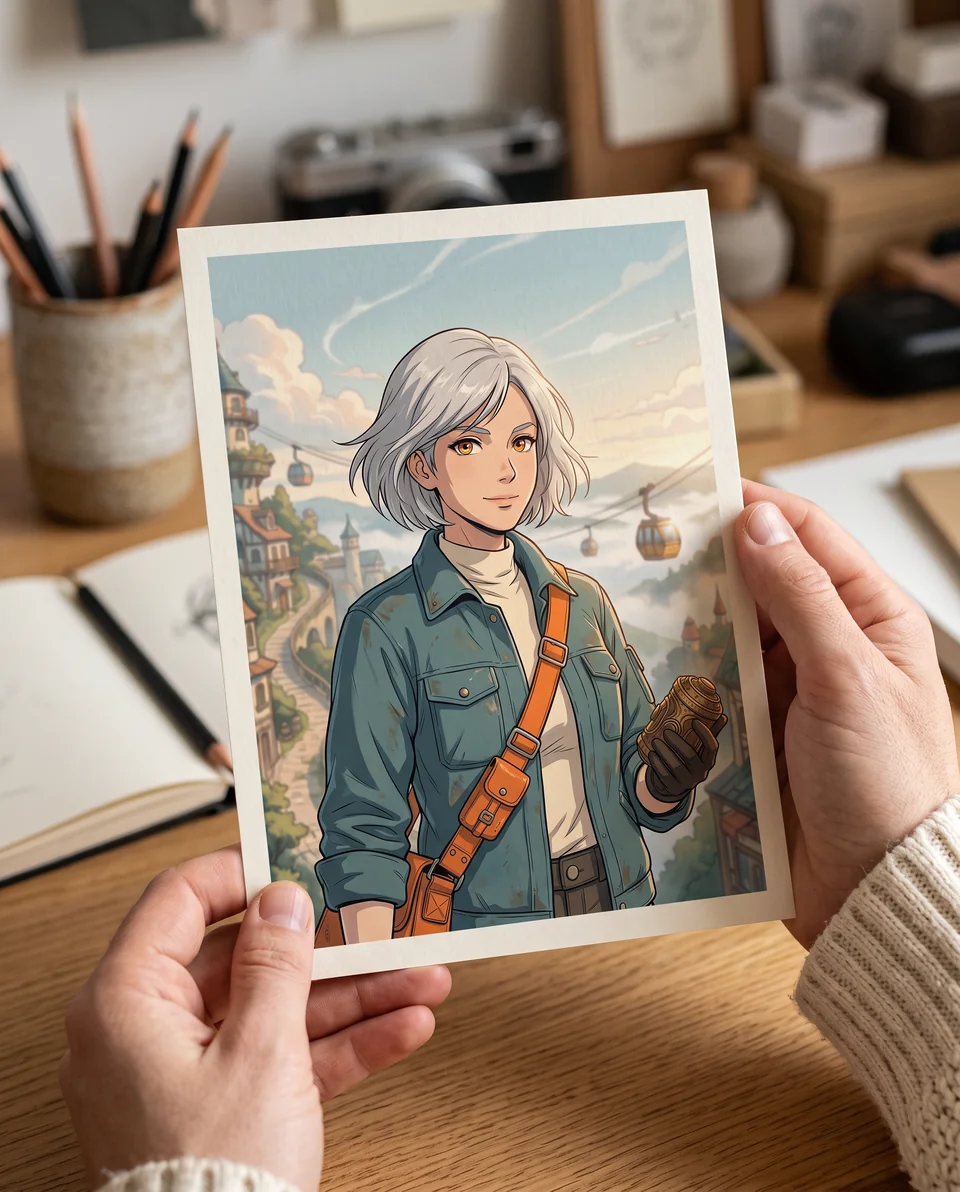
Try an anime style
Describe the motion, subject, camera, and mood. Add a reference when you want tighter visual control.
Your prompt opens in the video editor. Review model availability and credit cost before generating.
Free AI Comic Generator
Write a story, choose a layout and art style, and create comic pages with consistent characters. Edit dialogue or regenerate a single panel in Comic Studio.
Start free with credits. Sign in to generate and edit your comic.
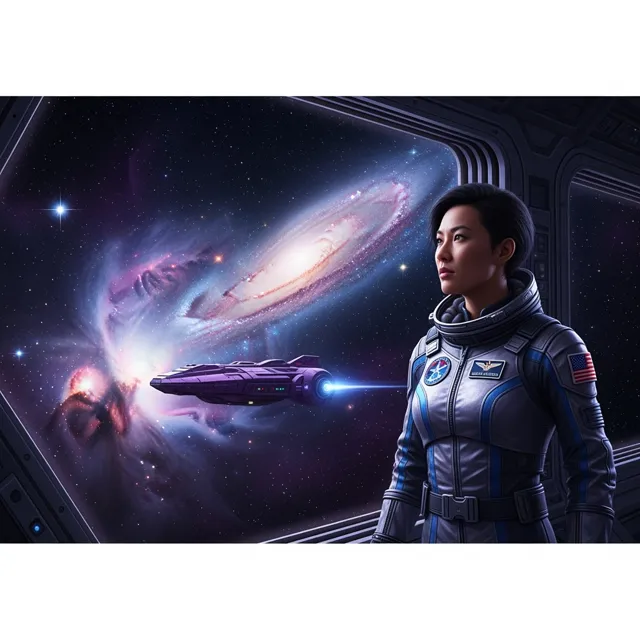
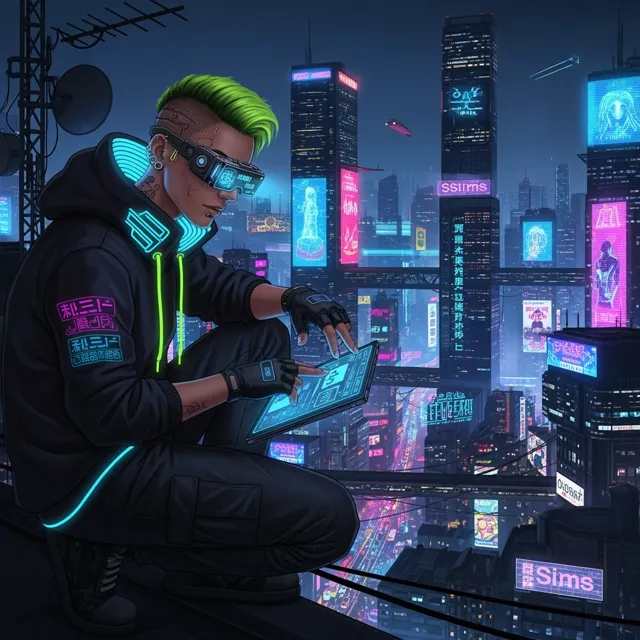

A Creating Video from Text can prove the idea fast. But a real video example still needs clean motion, readable framing, HD export, and no watermark before it becomes an ad, product reveal, or social post.
How LlamaGen Helps
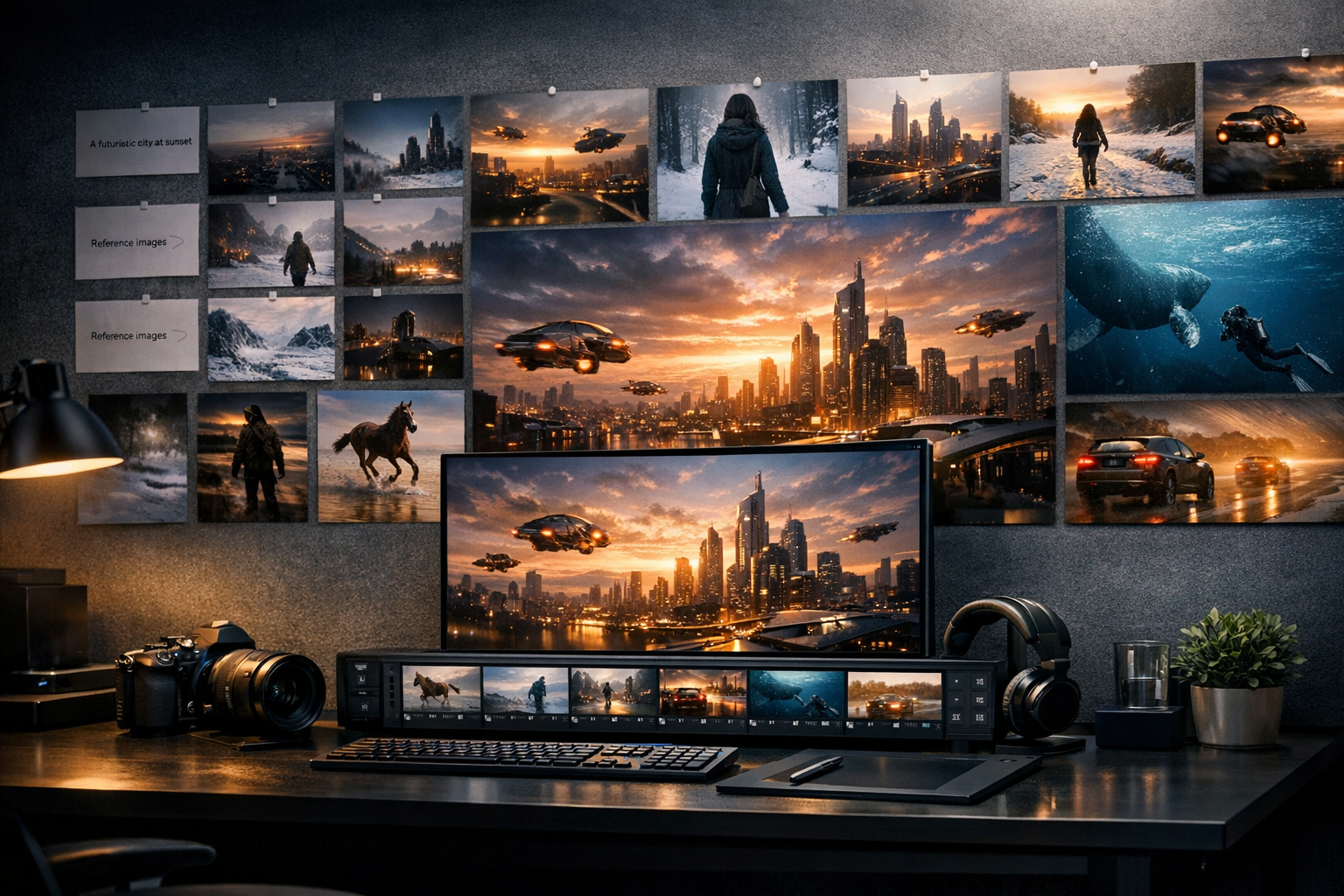
Write the video idea you want to create. Include the subject, setting, camera style, mood, and any key action.
Review the AI prompt and refine details such as pacing, aspect ratio, lighting, character movement, and shot direction.
Generate the video, preview the result, then iterate or export it for social posts, ads, explainers, or creative projects.
Who benefits from LlamaGen
01
Use natural language to define the video instead of starting with editing software or stock footage.
Video idea starters
Use natural language to define the video instead of starting with editing software or stock footage.
Add action, camera movement, setting, lighting, and pacing to make the video direction more precise.
Create educational clips, product visuals, story videos, explainers, and social content from text.
For text prompts that need visual depth
PRO gives text-to-video creators more credits, more panels per prompt, and faster generation for refining scene, action, and style.
Paid plan benefits
FAQ
Yes. Start your free trial with free credits and earn more free credits through daily check-ins. No credit card is required. Sign in to manage your credits. Generation costs and model availability vary; paid plans offer more credits and additional export options.
You write a prompt describing the video, and AI interprets the scene, action, and style to help generate a video concept or clip.
You can start with a sentence, product description, blog idea, lesson outline, script, or visual brief.
Be specific about the subject, setting, movement, mood, visual style, and camera direction.
Move from a single generated image or video into comics, manga, storyboards, and connected visual stories.
AI video generator series
Try nearby AI video workflows for ads, reels, trailers, image animation, text to video, and model-specific generation.
Create stunning marketing videos in minutes with our AI Marketing Video Generator. Turn your product descriptions, ad copy, or social media posts into engaging videos that convert. Perfect for marketers, businesses, and content creators.