

Comic panel animation
Animate comic panels with a deliberate motion plan
Plan camera moves, held frames and transitions for comic panel animation. Keep text readable and inspect character details before choosing more complex motion.
Model
This creator generates a still image. Continue in the linked tools for comics and video; research strategies are not selectable production modes.
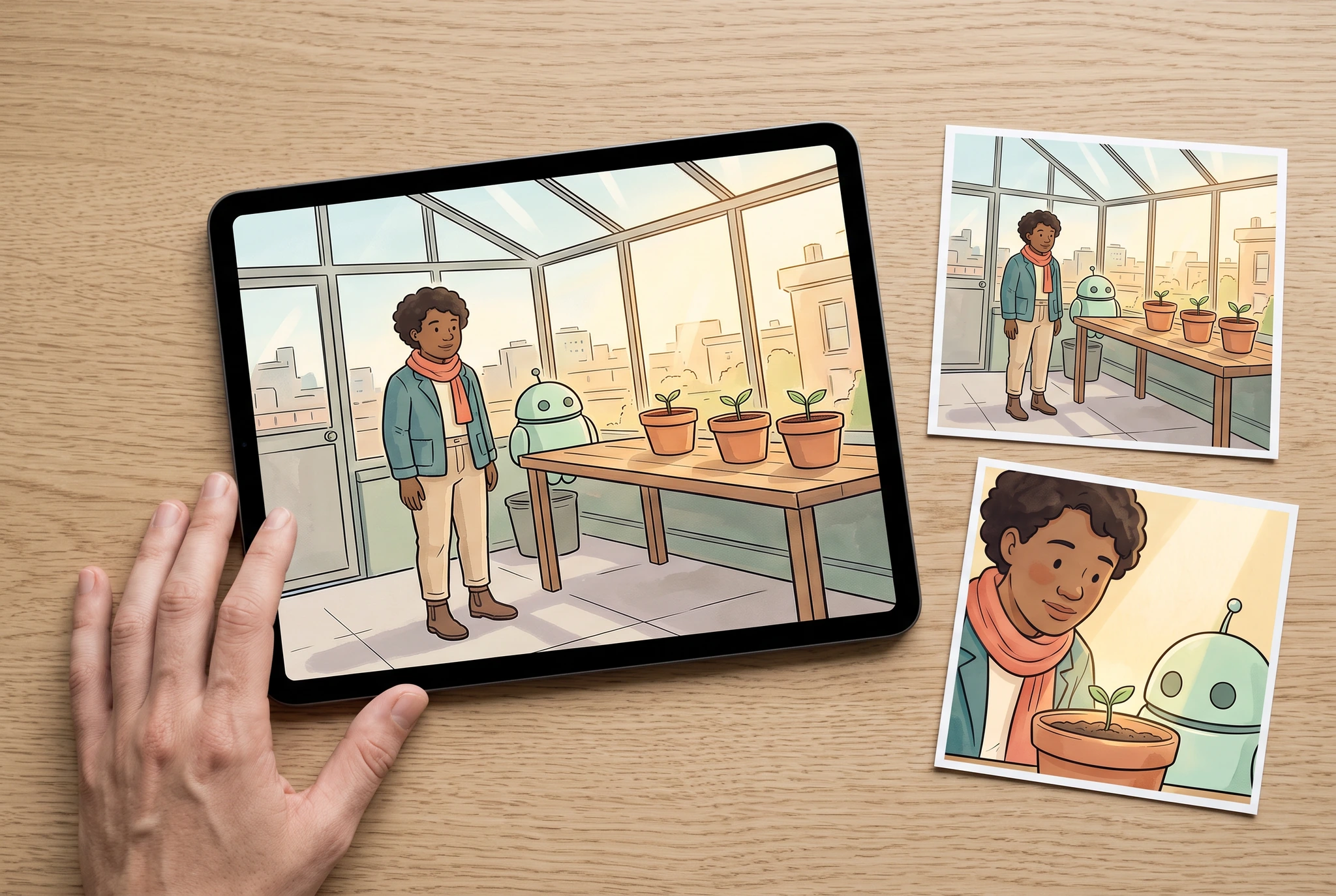
Image record
Google Vertex AI · gemini-3.1-flash-image · · 1280 × 859 px
Original generation prompt
Use case: photorealistic-natural / product-mockup. Natural editorial PHOTOGRAPH, not illustration or a collage. The supplied original six-panel greenhouse comic is only an artwork content reference. On a real pale-oak desk, one unbranded landscape tablet displays a single enlarged wide greenhouse panel: the original teal-jacket adult botanist with coral scarf and round mint robot beside terra-cotta seedlings. Beside it are TWO separate small matte printed cards showing a wider and a closer crop of the SAME panel and same characters, so the intended camera framing is visible without pretending it is an actual animation. One relaxed adult hand touches only the tablet's outer bottom bezel, with all five fingers anatomically coherent. All screen and print artwork must be recognizable from the reference, never redraw the characters in a different costume. Minimal device edge, no playback buttons, app interface, timecode, arrows, written labels, numbers, branding, motion blur or fake video result. Tablet and matching cards dominate at least 75 percent of picture, gentle angled overhead camera, natural side-window light and contact shadows. No invented source results or benchmarks. Landscape 3:2.
View full artworkPlan a specific result
A quiet push toward the planted pot
A botanist and a small mint robot pause beside a freshly planted pot. The panel already contains the whole action; the motion should draw attention to the planting detail without introducing a new gesture.
What to prepare
- One approved panel with comfortable margins around the botanist, robot and pot.
- A note identifying text or border areas that should remain visible.
- The intended display shape for the edited sequence.
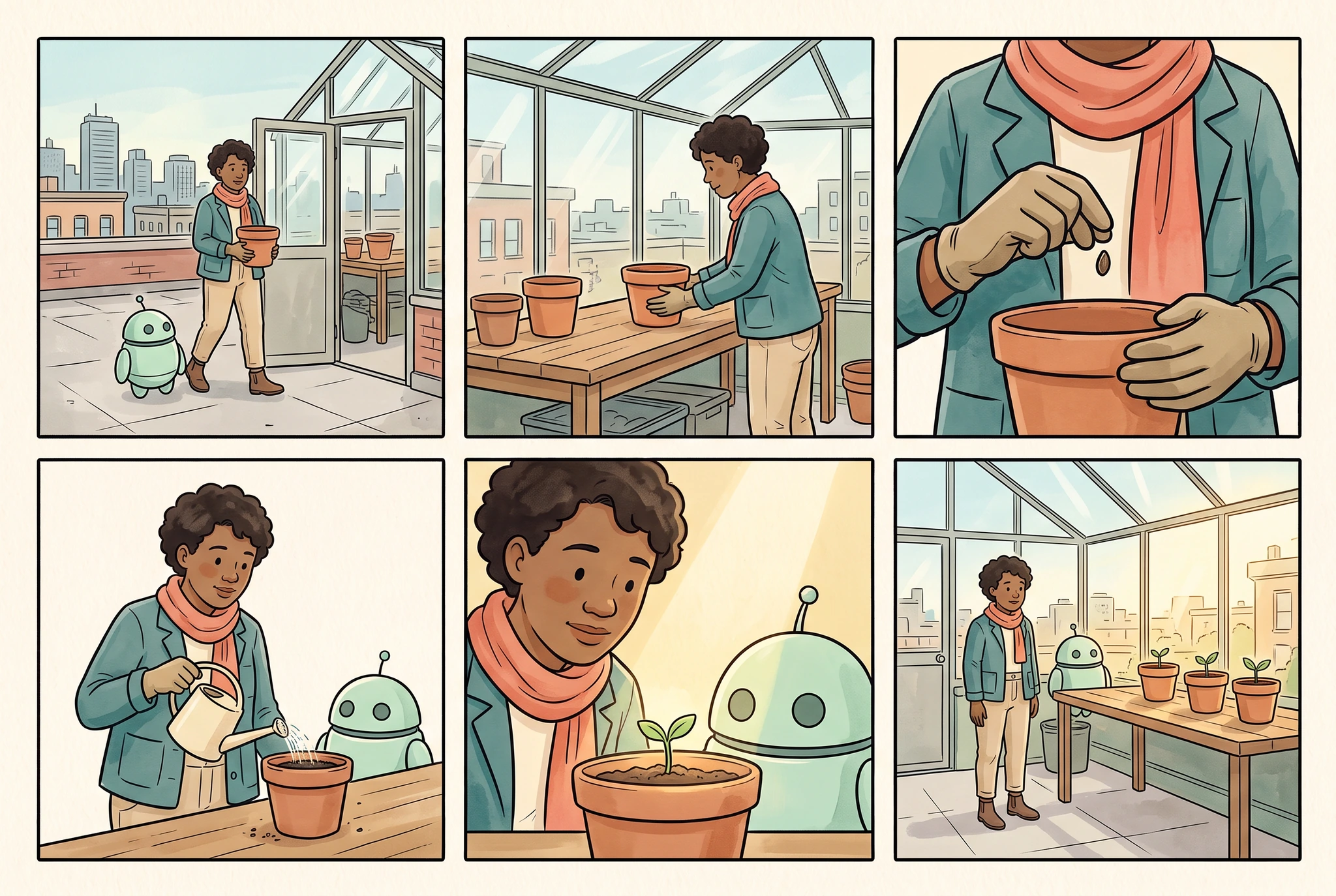
Image record
Google Vertex AI · gemini-3.1-flash-image · · 1280 × 859 px
Original generation prompt
Use case: illustration-story. Make ONE original finished comic page in a clean three-column by two-row grid, exactly SIX equally sized panels, narrow even ivory gutters and complete outer margins. The provided image is the character identity and wardrobe reference, not a page to copy. Preserve its adult botanist with warm brown skin, short dark curly hair, teal jacket, coral scarf, sand trousers, brown boots, and round mint helper robot with two dark eyes and exactly one short antenna. Quiet elegant ink-and-watercolor comic style, teal/coral/sage/ochre palette. Tell a very simple readable rooftop greenhouse planting story: panel1 wide view botanist and robot arrive at the greenhouse carrying a small terra-cotta pot; panel2 medium view the botanist places the pot on the wooden bench; panel3 close view gloved adult hands holding a seed above the pot; panel4 medium view botanist and robot water the pot with a small cream watering can; panel5 close view botanist and robot look at the tiny seedling; panel6 wide view both stand by the finished row of three potted seedlings in afternoon light. All people are adults; each scene has one botanist and one robot unless only hands are framed. The pot remains terra-cotta, the greenhouse stays structurally coherent, identity and outfit remain recognizable. No writing, numbers, logos, speech balloons, captions, lettering, illegible marks, third-party characters, UI, photorealistic environment or claims of tested consistency. Landscape 3:2.
View full artworkStart with the existing composition
Try a restrained camera move before requesting additional hand or body motion. Compare how much story information each version adds.
Protect the edges of the crop
Preview the final framing early. A camera move can reveal an empty edge or remove a detail that looked safe in the full panel.
Keep lettering independently readable
If a panel contains dialogue, allow enough reading time and inspect the text after reframing. Add or revise lettering in an appropriate editor when needed.
Camera movement and generated character action solve different creative tasks. Judge them by whether the resulting beat is clearer.
A practical starting point
Mark the attention point
Identify the face, gesture or object the reader should notice. Keep text and important panel edges outside the planned crop.
Choose a motion treatment
Compare a held frame, a camera move and a new animated action. Describe the intended change clearly before selecting a generation or editing tool.
Inspect the moving result
Review the full duration, including the start and end. Check identity, hands, edge fill and lettering at the actual playback size.
What to inspect
Image record
Google Vertex AI · gemini-3.1-flash-image · · 1280 × 859 px
Original generation prompt
Use case: photorealistic-natural / product-mockup. Natural editorial PHOTOGRAPH, not illustration or a collage. The supplied original six-panel greenhouse comic is only an artwork content reference. On a real pale-oak desk, one unbranded landscape tablet displays a single enlarged wide greenhouse panel: the original teal-jacket adult botanist with coral scarf and round mint robot beside terra-cotta seedlings. Beside it are TWO separate small matte printed cards showing a wider and a closer crop of the SAME panel and same characters, so the intended camera framing is visible without pretending it is an actual animation. One relaxed adult hand touches only the tablet's outer bottom bezel, with all five fingers anatomically coherent. All screen and print artwork must be recognizable from the reference, never redraw the characters in a different costume. Minimal device edge, no playback buttons, app interface, timecode, arrows, written labels, numbers, branding, motion blur or fake video result. Tablet and matching cards dominate at least 75 percent of picture, gentle angled overhead camera, natural side-window light and contact shadows. No invented source results or benchmarks. Landscape 3:2.
View full artworkTry a camera move
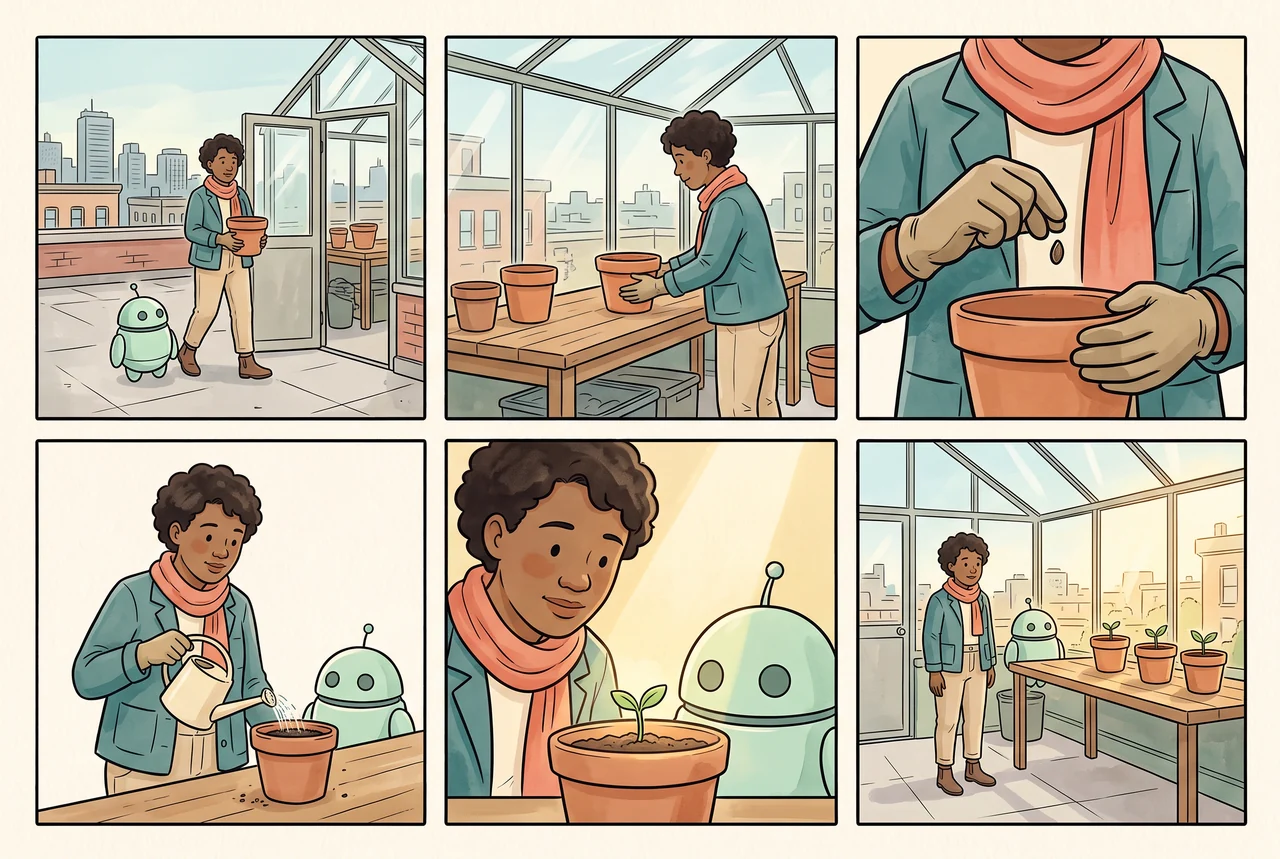
Preview a simple camera move on one still image. Continue to the comic-to-video workflow for the available video tools and export options.
Research direction
Research behind the workflow
Find the frame where a problem appears
We are exploring review strategies that inspect meaningful points in a clip without treating a clean first frame as proof of the whole result.
Preserve the part that already works
Targeted repair research asks whether a failed local detail can be corrected while protecting an accepted face, background and composition. Motion and occlusion make that evaluation harder.
Separate identity from motion quality
A stable character may still move unnaturally, and a smooth clip may change the character. Track these outcomes separately when comparing approaches.
Research direction
Character Consistency Benchmark
How reliably does a character remain recognizable across changes in camera, pose, clothing and scene?
How we would evaluate it: Evaluate identity, wardrobe, character count, story alignment and total cost per accepted panel separately.
Research direction
Visual Review Cascade
Which checks can catch an identity or story error early, and which need a closer look?
How we would evaluate it: Track missed serious errors and incorrectly rejected panels alongside review cost and latency.
Research direction
Targeted Character Repair
Can one incorrect character detail be repaired while preserving the accepted scene?
How we would evaluate it: Inspect the edited area, the surrounding pixels and the story after each proposed repair.
Know the boundaries
- The browser camera preview is a presentation aid; video generation and downloadable exports depend on the linked tools.
- A camera move does not add a new physical action to the artwork.
- Occlusion, hands, fine lettering and newly revealed image edges need close review.
Primary research informs these questions; it does not establish results for CyaniModel.
Frequently asked questions
What is the difference between a camera move and character animation?
A camera move reframes an existing image. Character animation introduces changes to the depicted action or pose, which can create new visual details that need review.
What motion is a good first attempt?
Begin with a held frame or a small move toward the important detail. Compare it with the unmodified panel before spending time on a more complex treatment.
Can I keep speech bubbles visible?
Plan the crop and reading time around them, then inspect the actual playback. Fine text can become unreadable after resizing, movement or a generated change.
Will a reference keep every frame identical?
No reference can guarantee that. Check the full clip and compare recurring identity and prop details, especially where the character turns or becomes partly hidden.
Continue your story
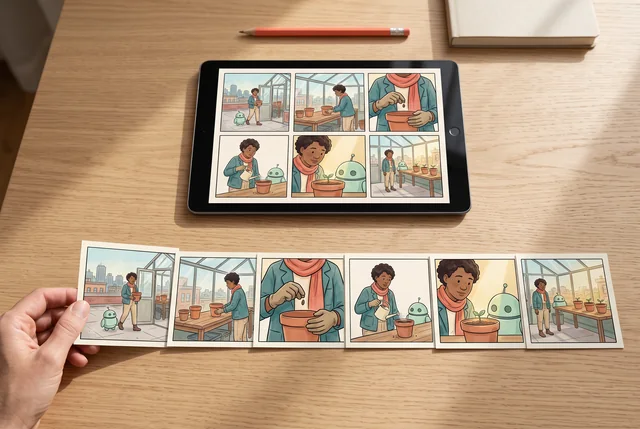
Comic to video AI, planned shot by shot
Plan an AI comic video from reviewed panels. Map each story beat to a shot, preserve character references and inspect the transitions before finishing the sequence.
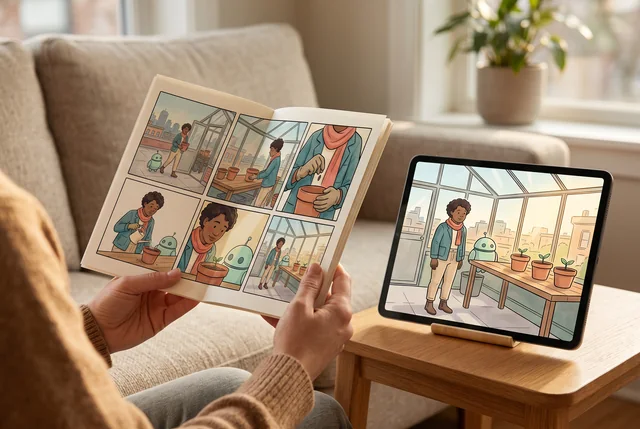
Choose an animation treatment for your comic
Compare an animatic, camera movement and generated character motion when adapting a comic to animation. Plan review and finishing around the result you need.
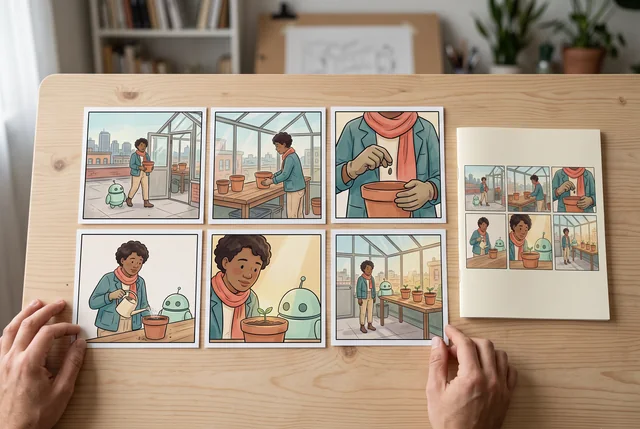
Build a comic storyboard before planning the video
Turn a short story into an ordered comic storyboard. Define shot purpose, character state and transitions, then use the reviewed sequence to plan video.
Choose the smallest motion that makes a panel easier to follow.
Continue in LlamaGen to check the available tools, model choices, account requirements and credits before generating.