Language: English (Australia)
AI sprite generator & sprite sheet maker.
One character in. A playable sprite pack out.
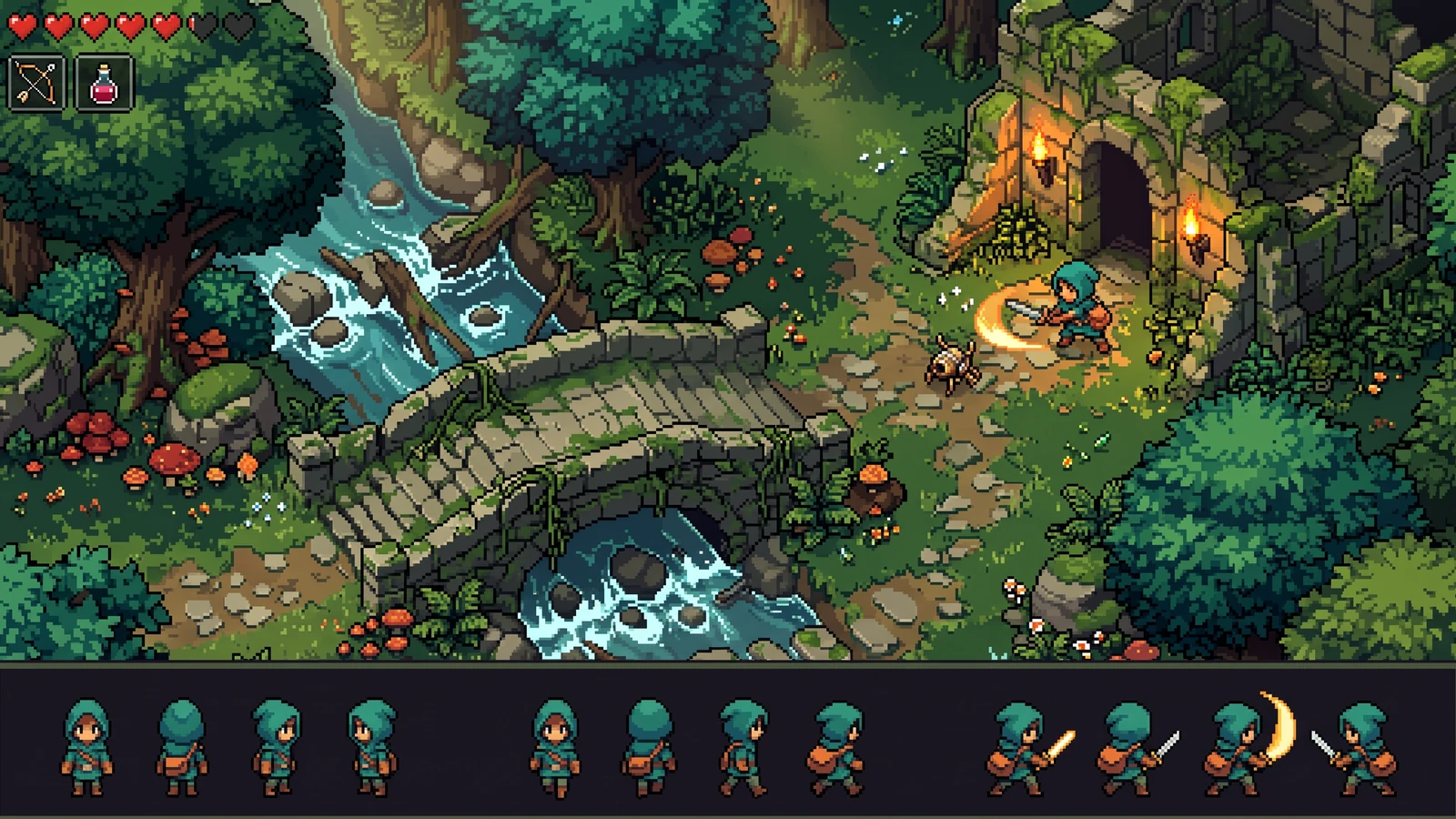
Build a 4-direction character with Idle, Walk, and Attack. Review every clip, test the feel, and export portable source plus generated Godot or Unity import files.
- Directions
- 4
- Clips
- 12
- Frames
- 64
- Engine packs
- Godot + Unity
What does PixelBox Character Studio export?
A 4-direction pixel character pack with Idle, Walk, and Attack: 12 clips, 64 frames, browser play-test, plus generated Godot 4 or Unity import files. A first-pass build uses 300 credits with or without a reference. A 150-credit concept preview followed by the build uses 450 of the 600 signup credits.
If you only need to cut a sheet you already have, use the sprite sheet cutter. Godot-only teams can start from Godot pixel art tools. Unity-only teams can start from Unity pixel art tools. Compare the full set on best pixel game tools 2026.
See the assets as a game.
Explore gameplay, handheld use, and coordinated designs. These AI-generated concepts illustrate visual possibilities; review your own assets and engine imports before shipping.
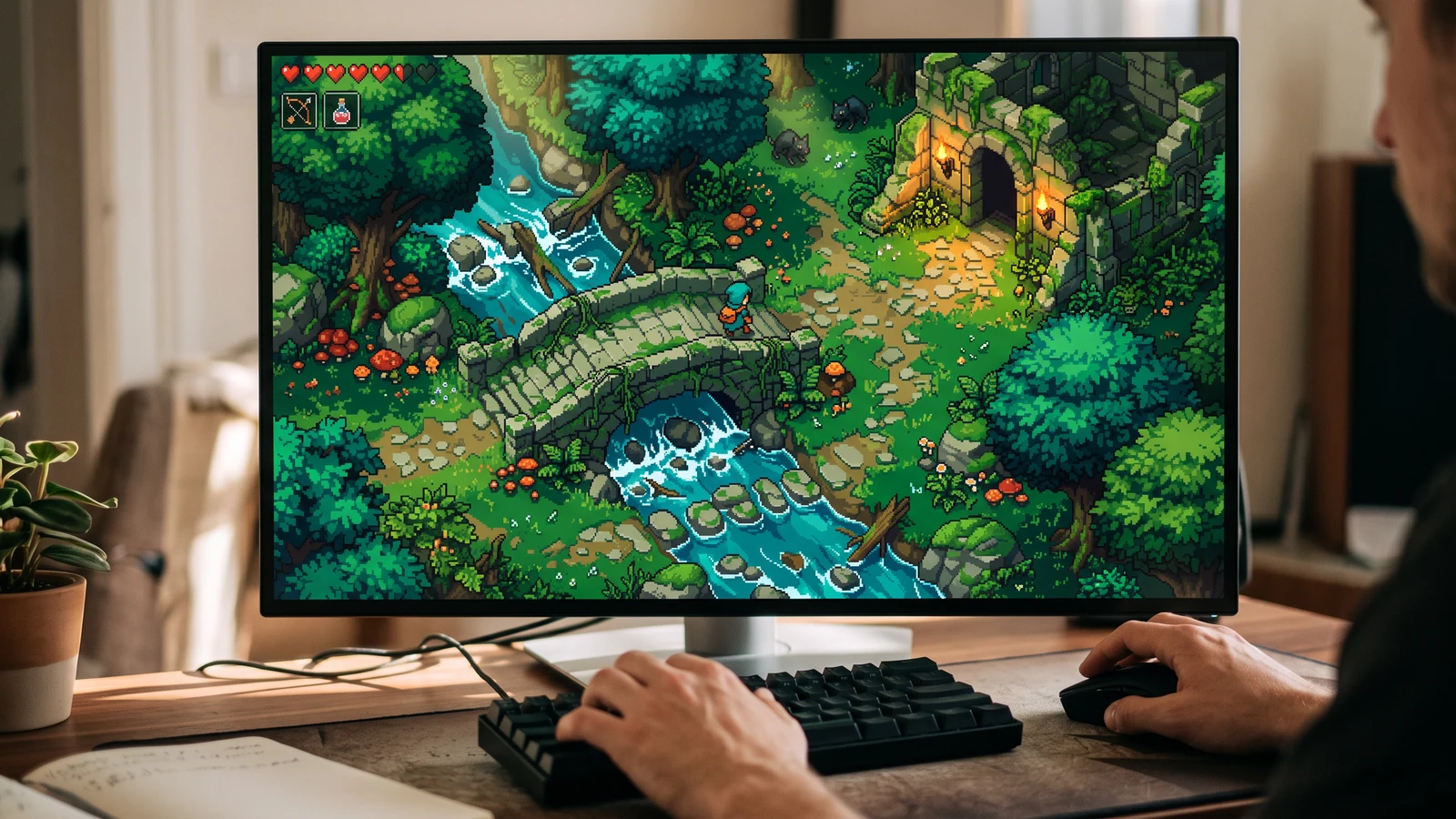
Try the scene at your desk
See the character, world, and interface together at desktop play size.
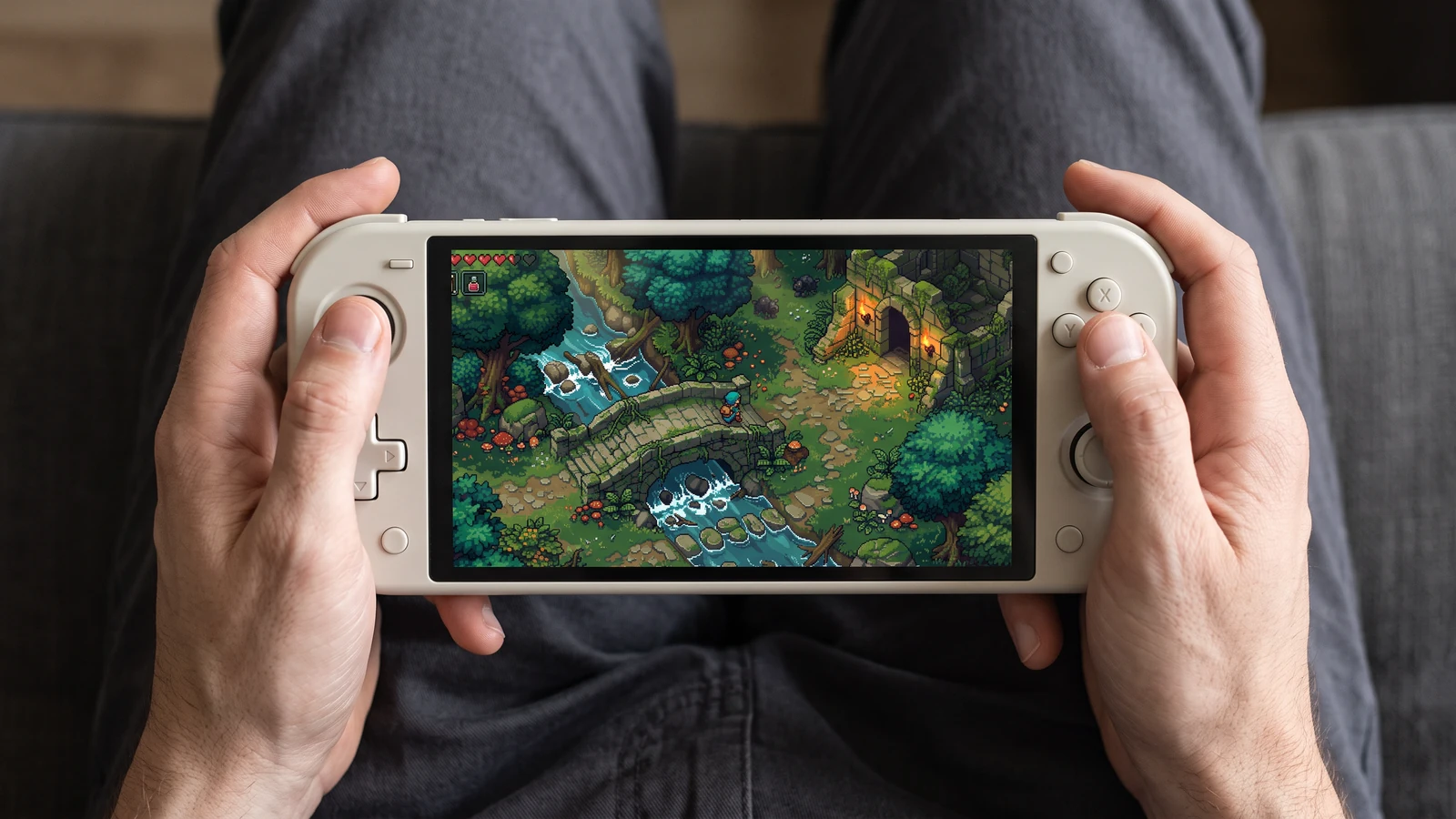
A closer look at handheld play
Check how the same game scene reads on a handheld screen, from the character to the smallest interface icons.
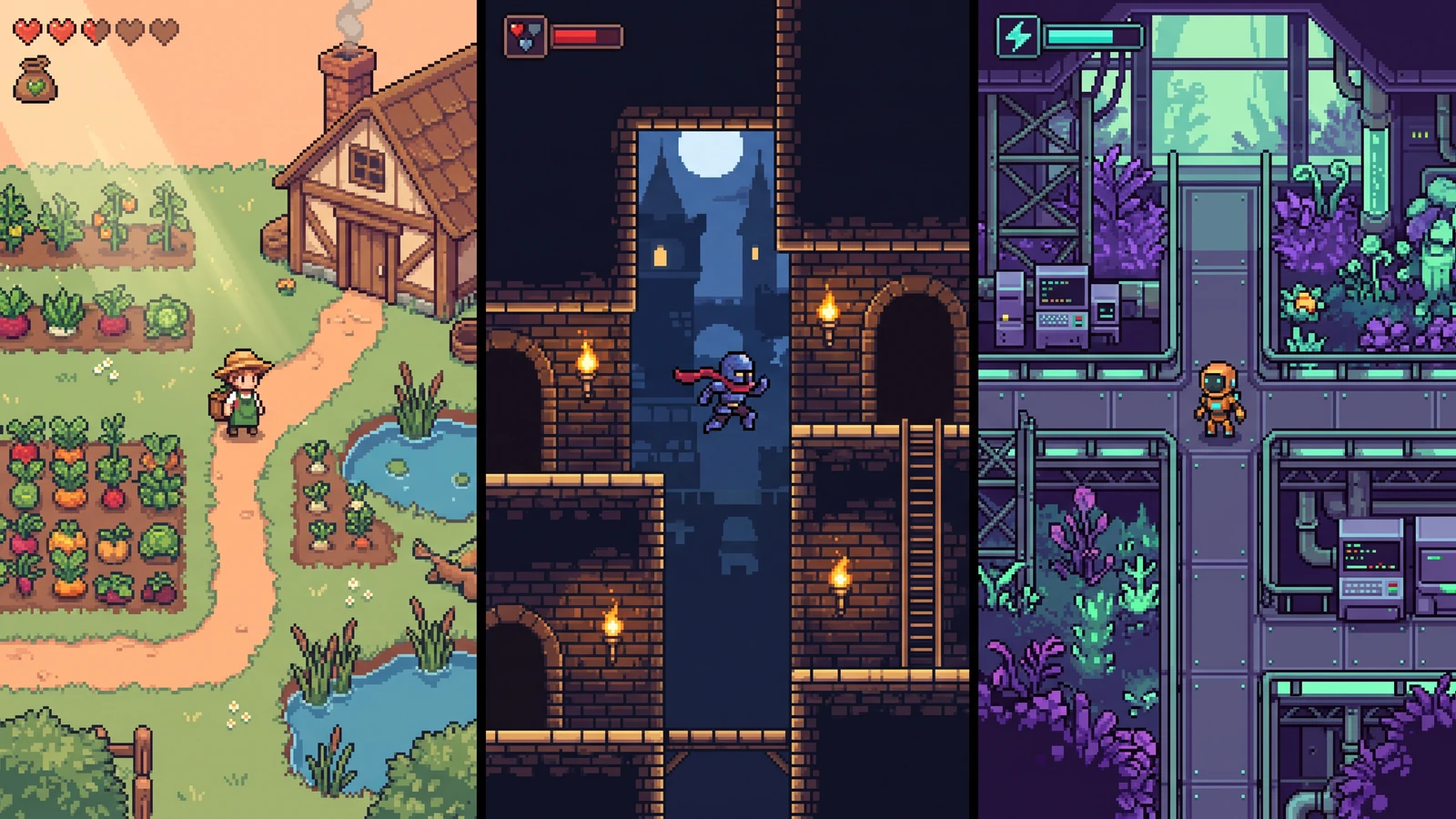
Three characters, three game worlds
Compare different character designs inside the game worlds they are designed for.
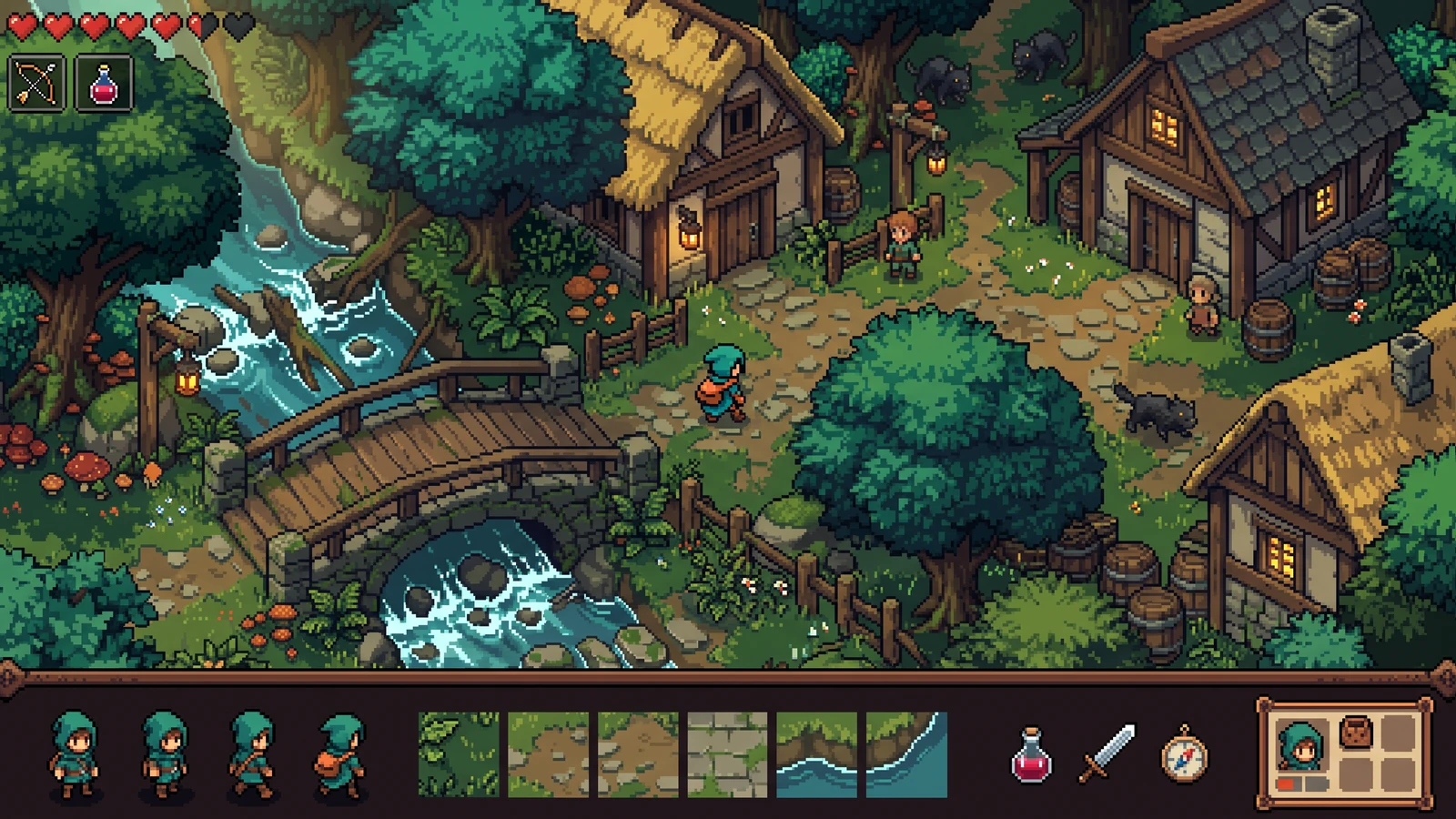
One art direction across the whole game
Review the playable scene beside its characters, terrain, items, and interface as one coordinated design.
Clear terms before you generate.
What does PixelBox Character Studio create?
It creates a 4-direction pixel character pack with Idle, Walk, and Attack animations: 12 clips and 64 frames in total.
Can I test the character before exporting?
Yes. The browser preview lets you move with WASD or arrow keys and trigger the Attack animation with Space.
Which engine exports are included?
Generated Godot 4 and Unity import files are included after browser review. Test them in your engine version before shipping. A portable PNG and JSON source package is available at any point, including as a draft.
Can I return to a project later?
Yes. PixelBox stores multiple project snapshots locally in this browser and supports duplicate, rename, import, and .pixelbox-project.json backup export. Cloud sync is not included yet.
Review one structured character pack
Use a concrete input, inspect the output, and check the current limits before choosing your next step.
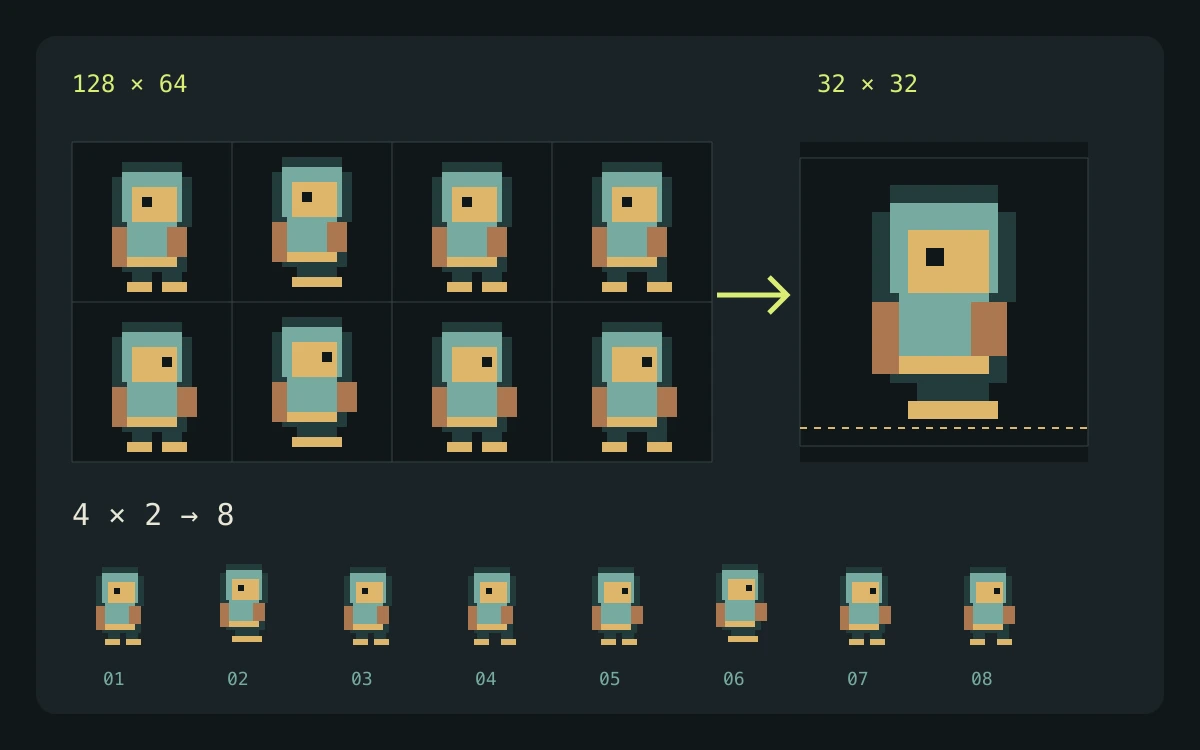
Example input
Define one character and keep the same scale, equipment, and palette across south, west, east, and north views.
What to check
- Review the direction master before continuing to the animation pack. Check that equipment and body proportions match across all four views.
- Review Idle with 4 frames at 6 FPS, Walk with 6 frames at 10 FPS, and Attack with 6 frames at 12 FPS. Attack should play once; Idle and Walk loop.
- Use the built-in preview, then export portable PNG and JSON or the generated engine package. Inspect the imported animation in your own project.
Expected output
The structured workflow organizes four directions and three actions for review and export, including PNG and metadata files.
Current limits
Generated artwork still needs review for frame consistency and usable motion. An exported engine package does not establish that your game's controller, collisions, pivots, or scene bindings are correct.
Official workflow references
Check the engine or editor documentation when preparing your own import. These sources describe file and playback behavior, not an endorsement of PixelBox.
Publisher and support
Content updated:
Published and maintained by LlamaGen. This page describes current PixelBox controls and export formats. Contact the team about incorrect information or an export problem.