

AI Image Style Transfer
An AI tool to restyle your photos
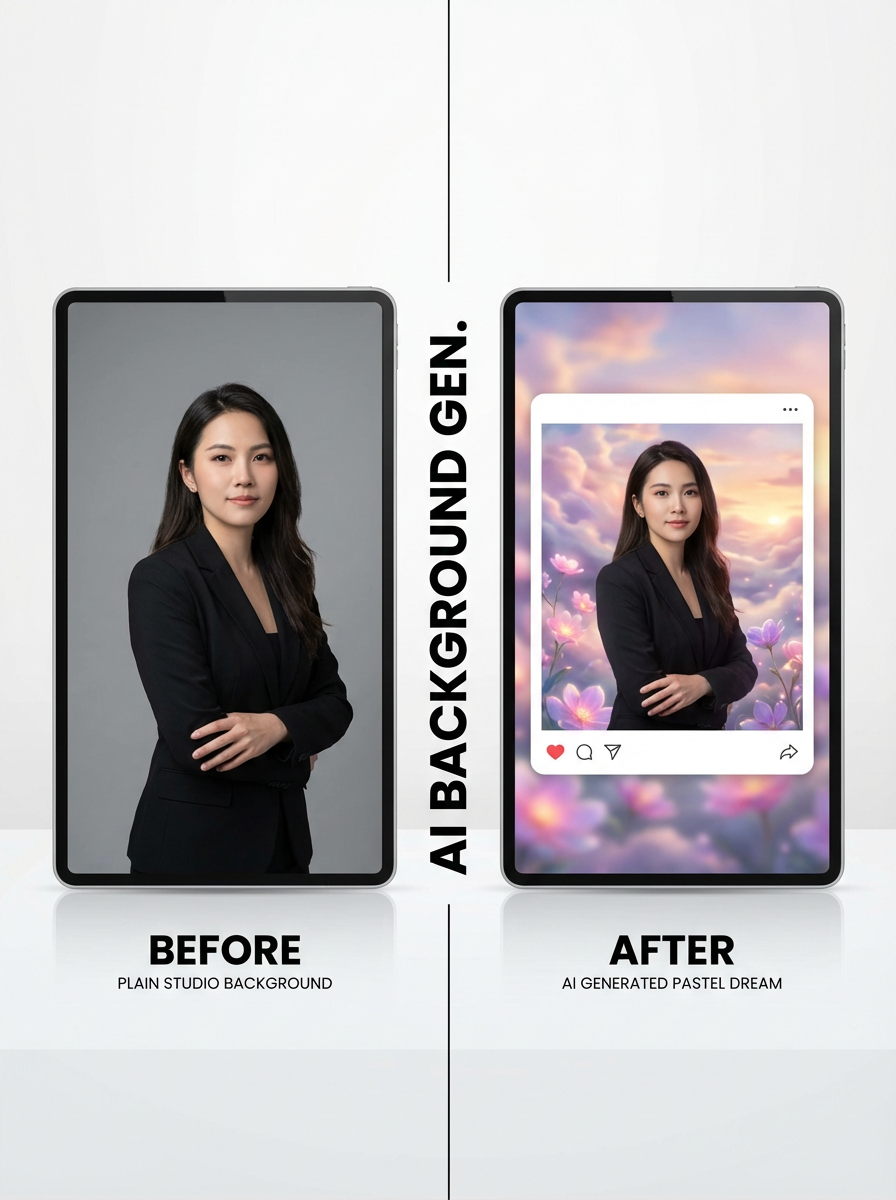
Stylisation: Transform uploaded images into the image style you want.
Studio workflow
Upload, choose a style, then stylise in bulk
Use a multi-step workflow to upload images, select a style preset or style references, set aspect ratio, and generate stylised results.
Image Upload
Upload images to transform with AI style transfer.
Drag and drop images here
or click to select files
Up to 20 images supported. Current plan limit: 1 (0/1)

Stylise images with presets or references
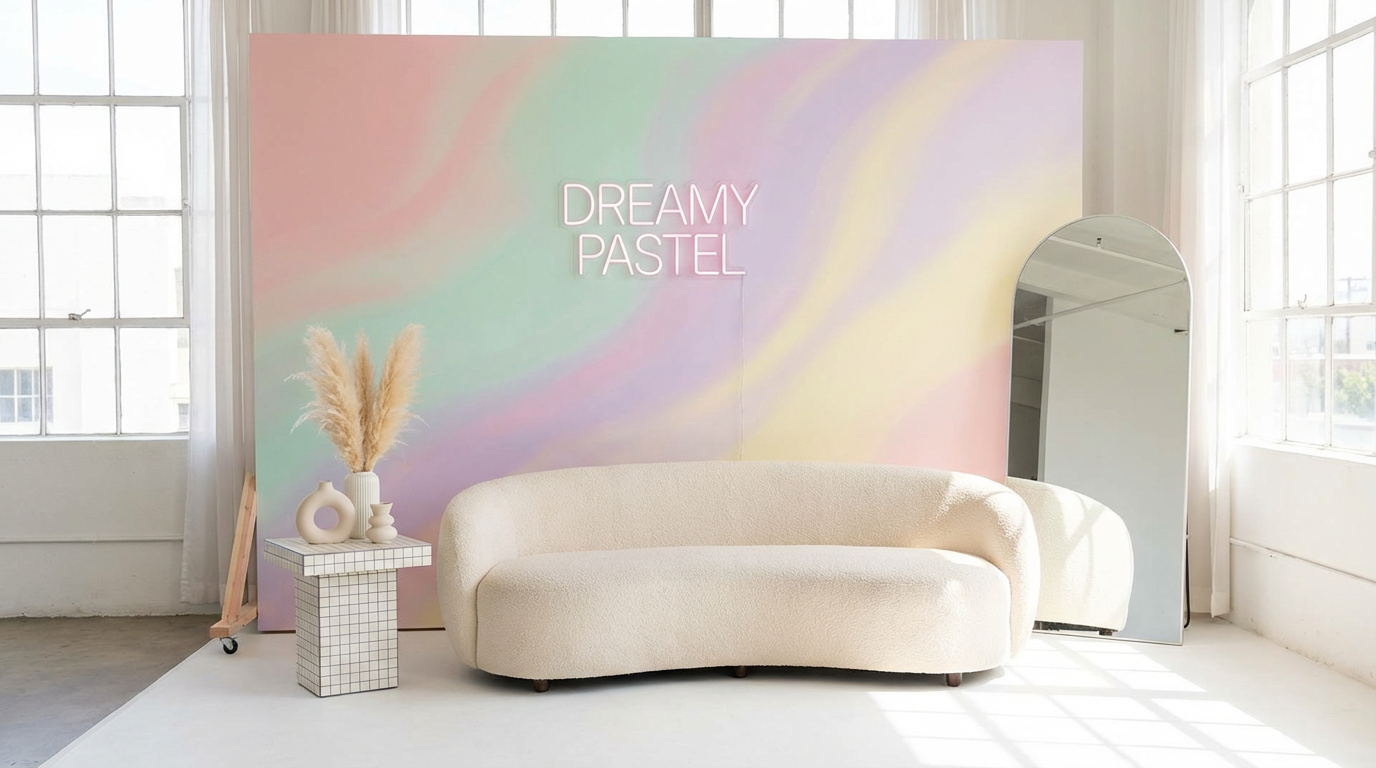
Choose from existing style presets with ImageStyleSelector, or upload 1–2 reference images for style guidance.
Try stylisation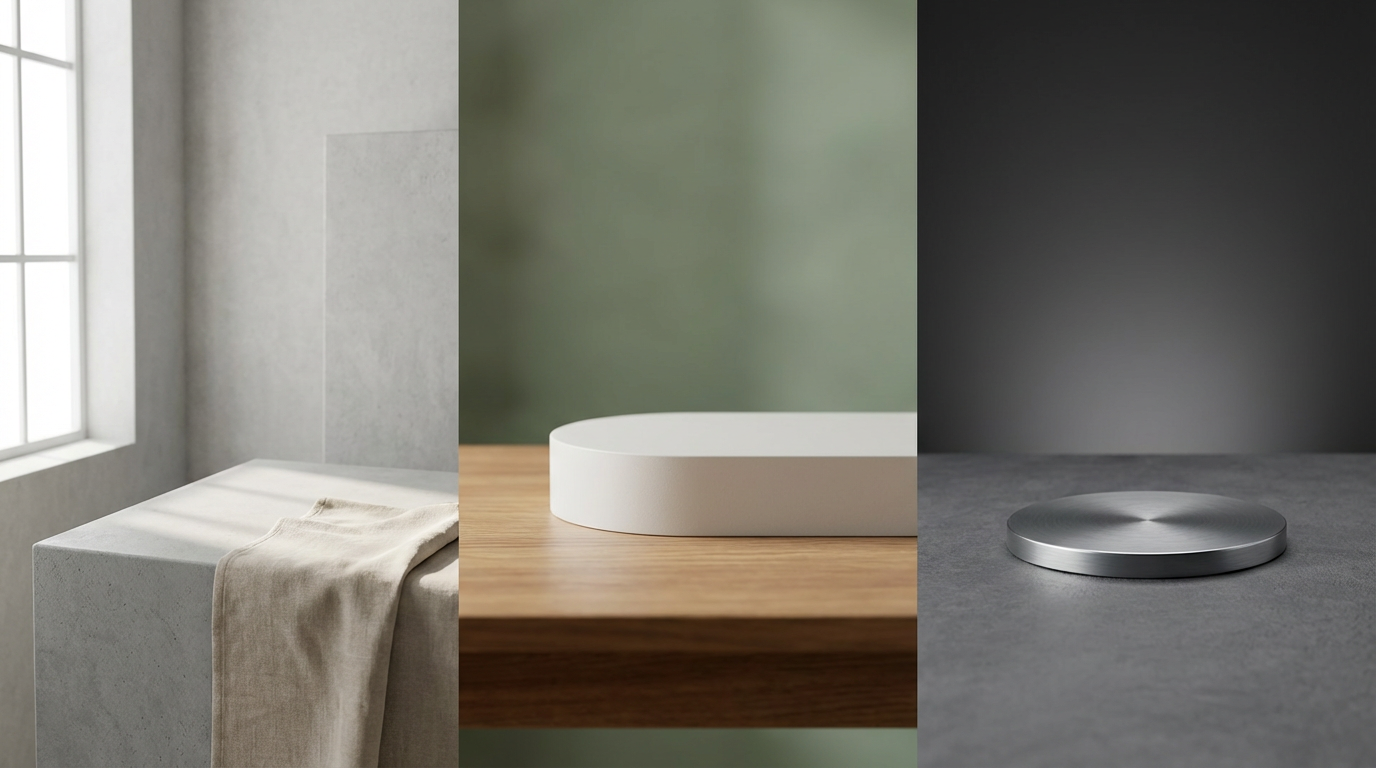
Batch workflow with plan-based upload limits
Upload multiple source images and transform them in a single run. Free users can upload 1 image, paid users can upload up to 10 images.
Open studioHow to use AI Image Style Transfer in 3 steps
A simple stylisation workflow in the studio.
Upload source images
Add the images you want to stylise in batch.
Choose style and aspect ratio
Select a preset style, add optional reference images, and choose the output aspect ratio.
Generate and download
Run stylisation and download high-quality outputs.
Frequently asked questions
What is AI image style transfer?
AI image style transfer restyles a source image into a new visual look while preserving the main content.
Can I use preset styles and reference styles together?
Yes. You can choose a preset style and also upload up to 2 reference style images.
Does it support aspect ratio?
Yes. You can choose the output aspect ratio before generation.
How many source images can I upload?
Free users can upload 1 image, and paid users can upload up to 10 images in the current tool workflow.
Ready to stylise your images?
Open the studio and transform your uploads with AI style transfer.