1
Upload / Describe
Upload your image and describe the exact transformation you want.


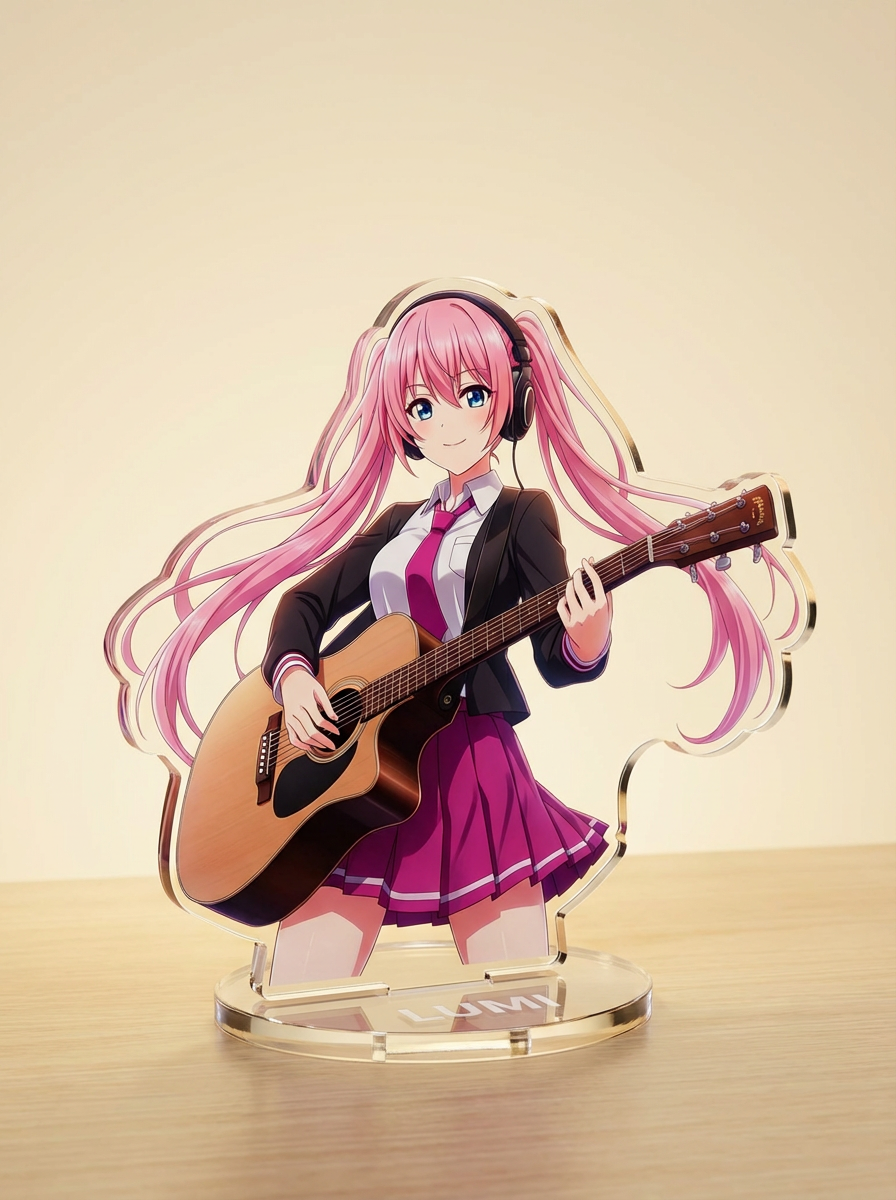
Turn characters into paper-cutout style images with layered craft shapes, tactile depth and clean silhouette control.
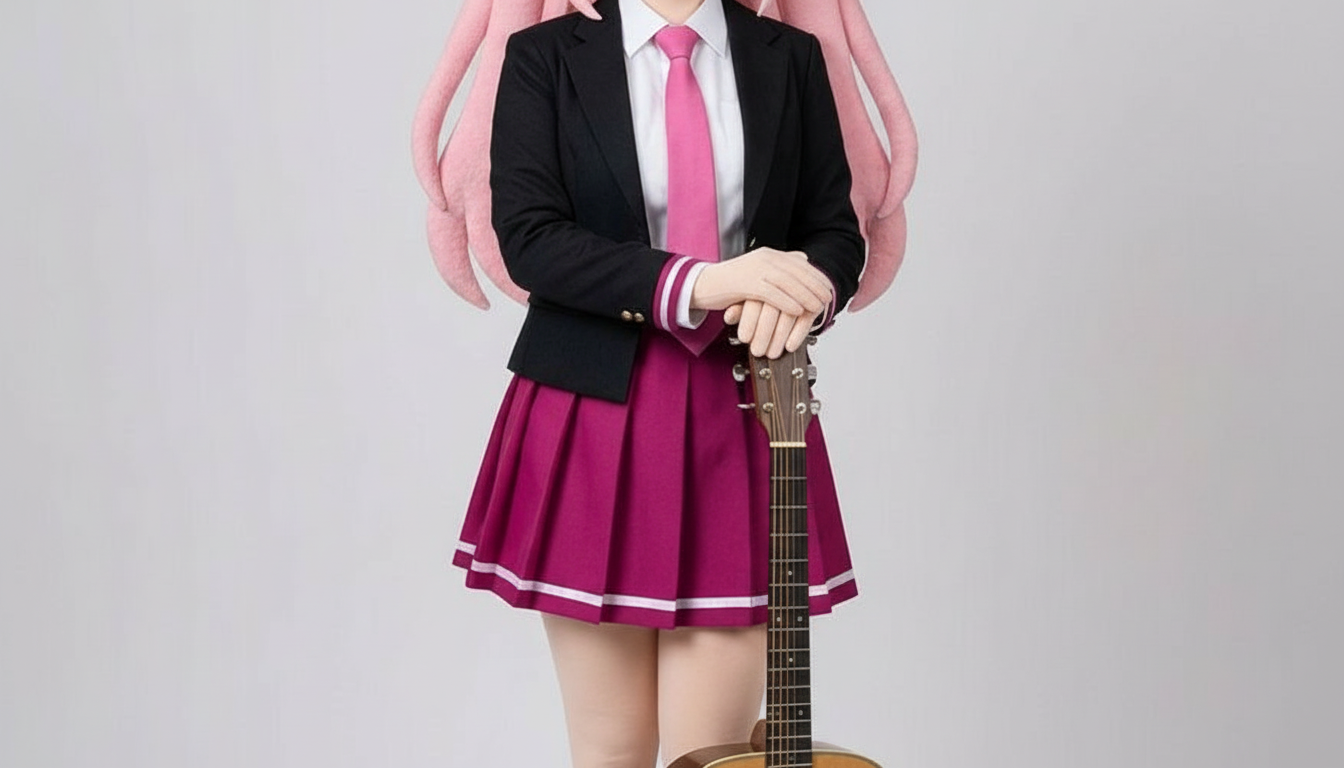
Describe the paper texture, layered depth and silhouette you want, then generate a craft-style character result.
Upload your image and describe the exact transformation you want.
Choose the right image model and aspect ratio for speed, fidelity and output framing.
Generate your AI paper cutout result, review variations, and move into the game workspace to keep creating.
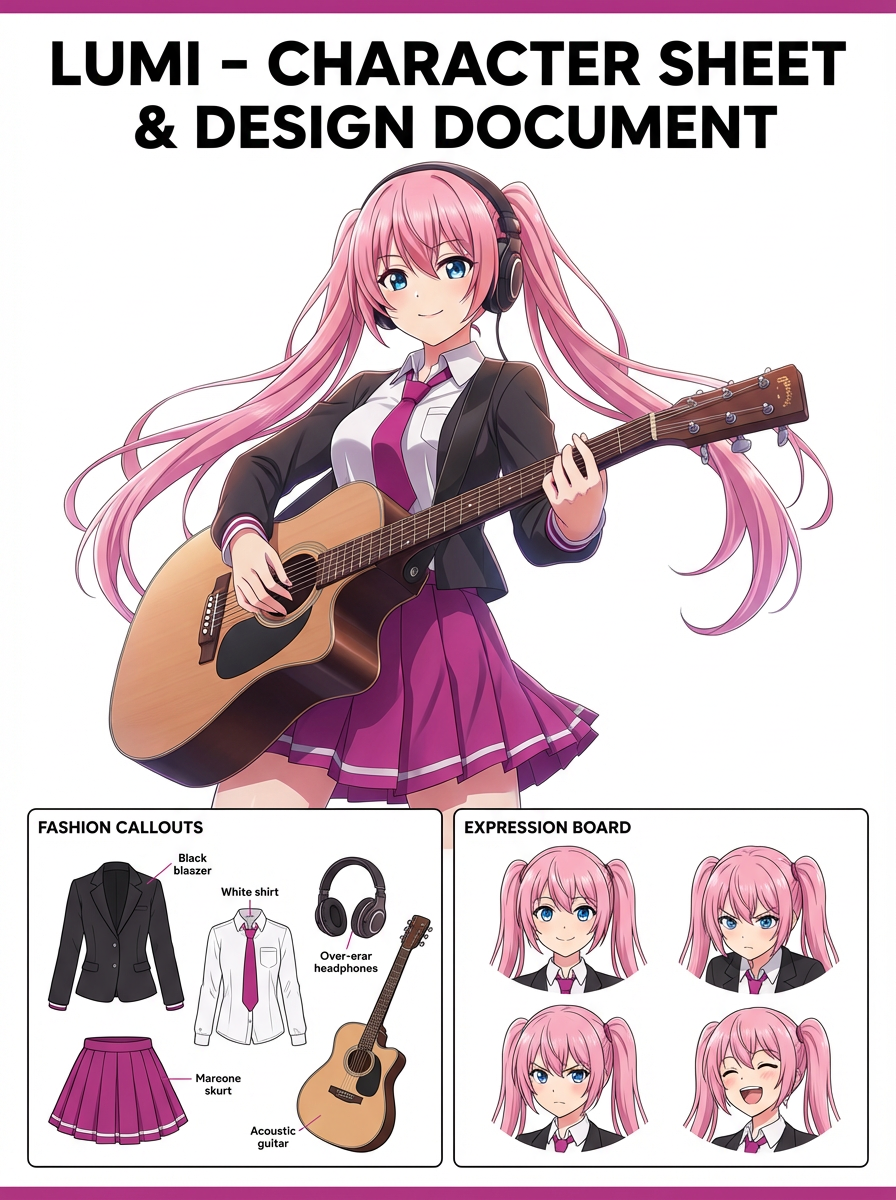
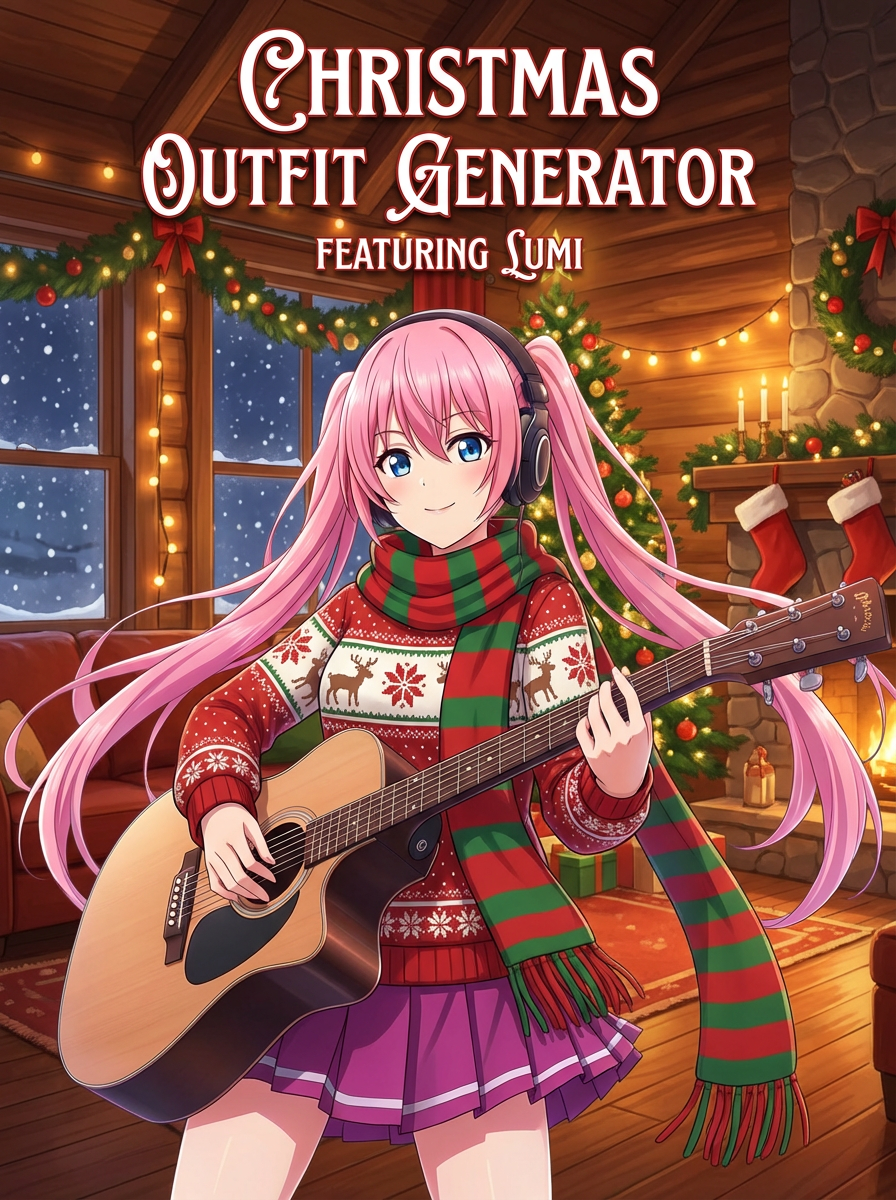
See how creators use AI Paper Cutout Generator with Lumi-powered visuals.
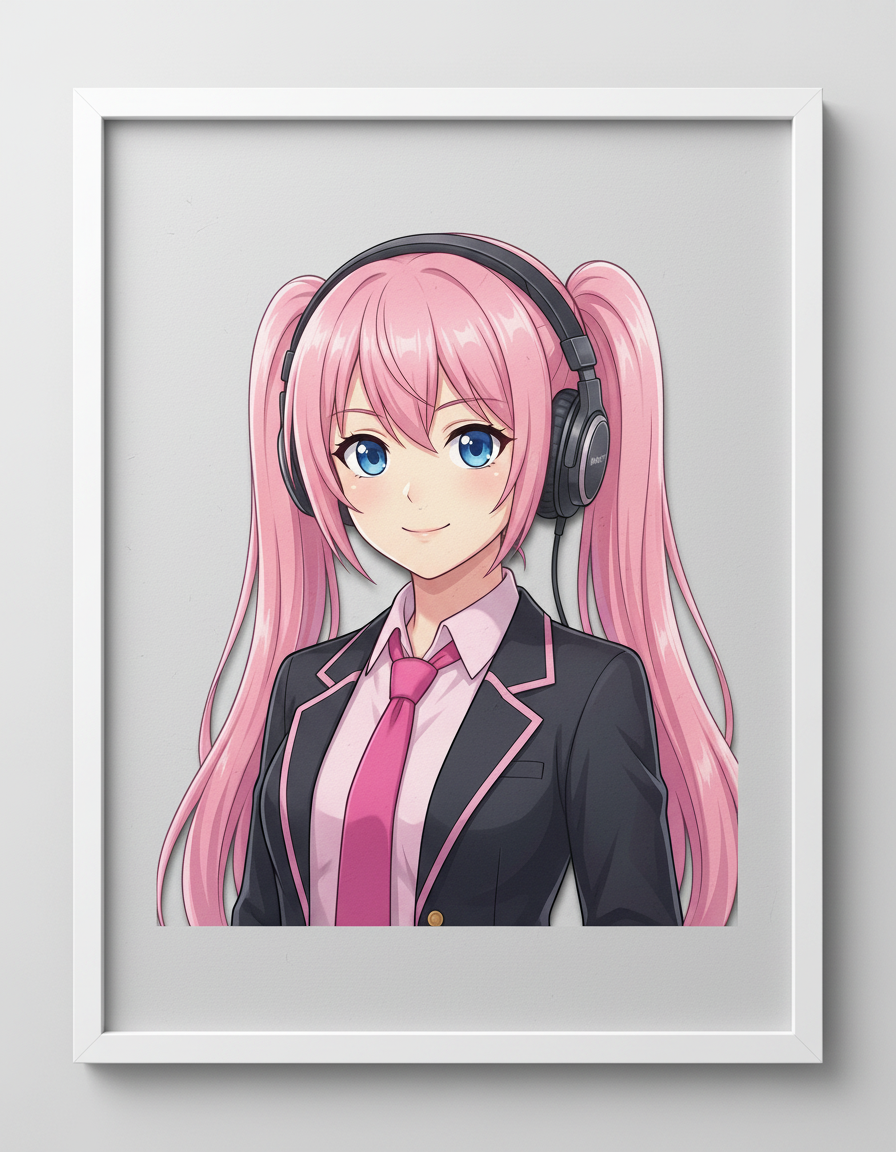
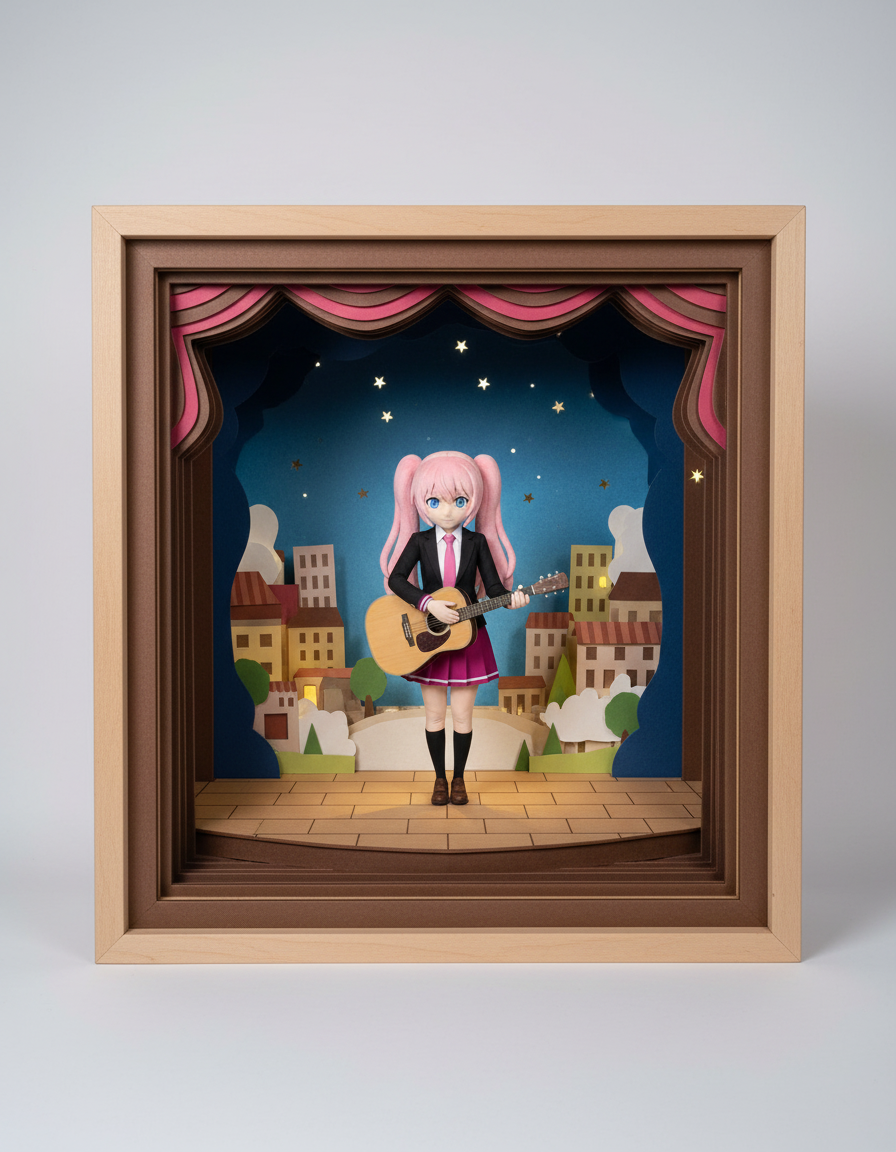
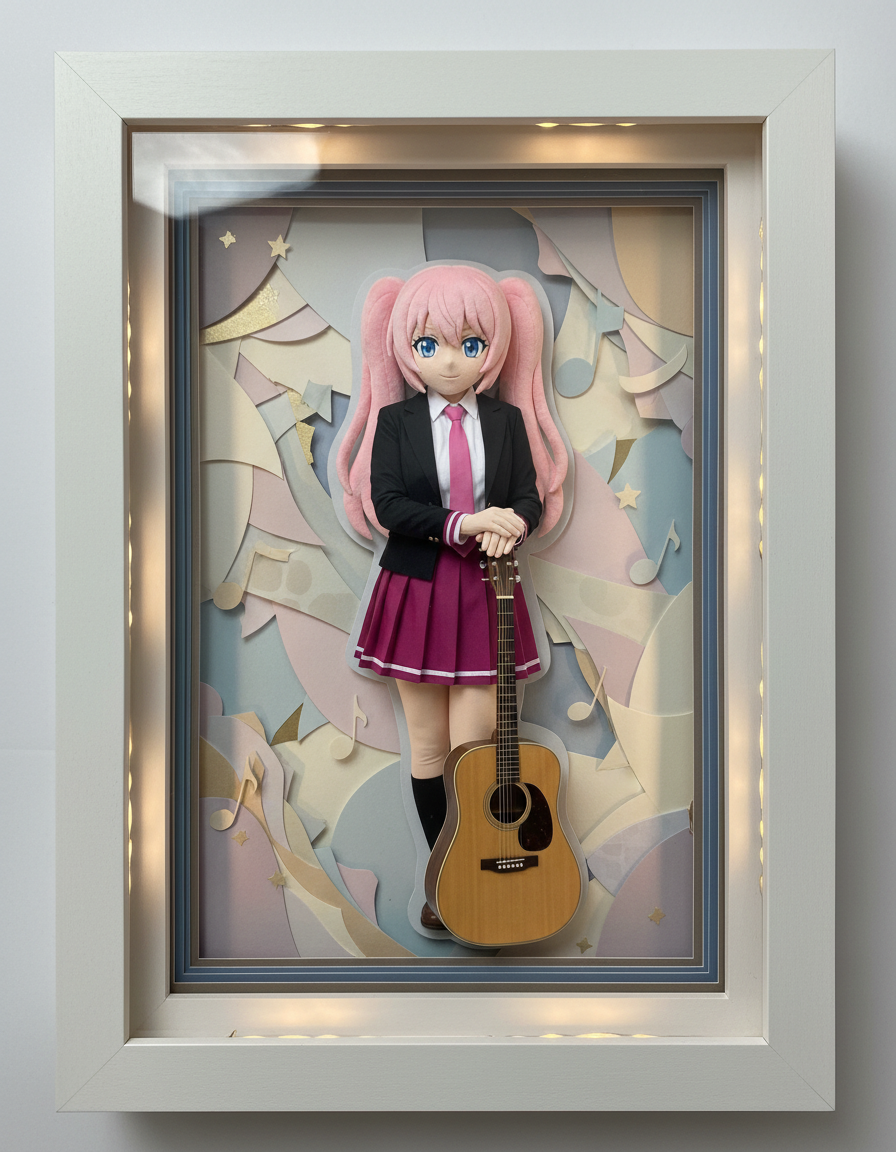
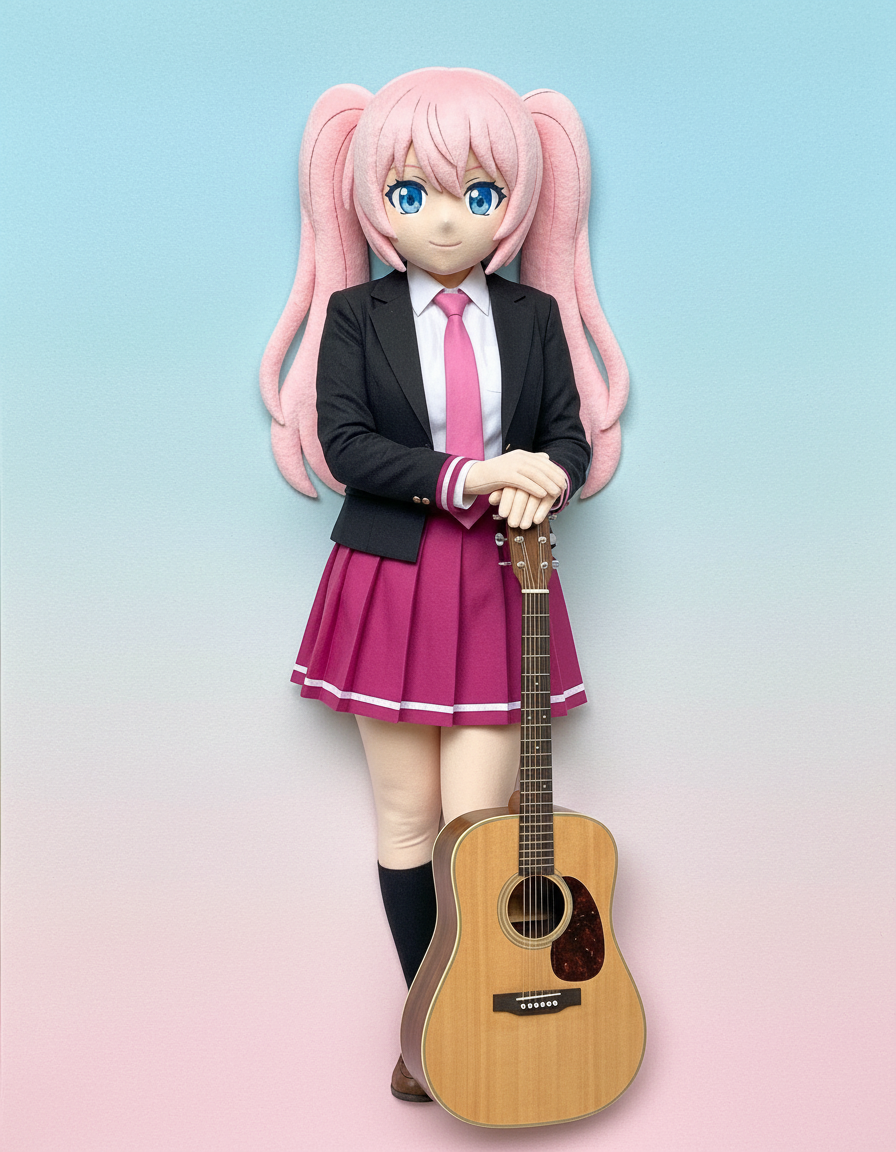
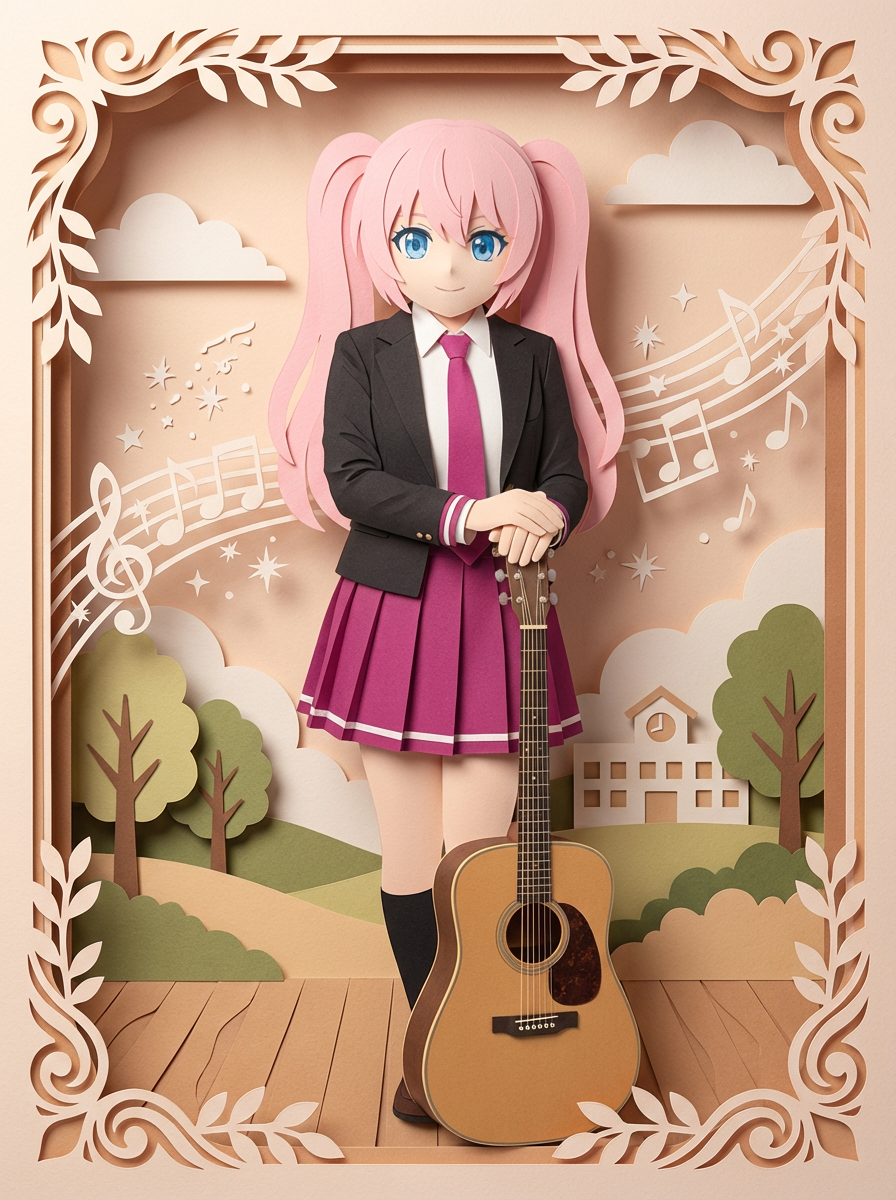
Guide the result towards layered paper depth, handmade texture and clean character silhouettes.
The default prompt is tuned for cut-paper depth and a handmade look rather than broad painterly transformations.
Guide the result towards a flat silhouette, stacked paper layers or a richer gallery-style composition.
Lumi-led examples make the expected paper texture, layering and subject clarity easy to understand.
Yes. Clearer subject separation usually produces stronger paper-cutout results.
Explore more AI-powered generator pages that open into the same Lumi-first creation flow.