
AI Influencer Generated
12K
342
2.6K
Image Animation Generator. Try for free with free credits. Check in daily to earn more. No credit card required. Model access and credit costs vary.
Try for free with free credits. Check in daily to earn more. No credit card required.
Bring the anime image in your imagination to life. Describe a character, a world or a moment, then make it your own with AI.
Your prompt opens in the image studio. Sign in, choose an available model and canvas, and review the credit cost before generating.
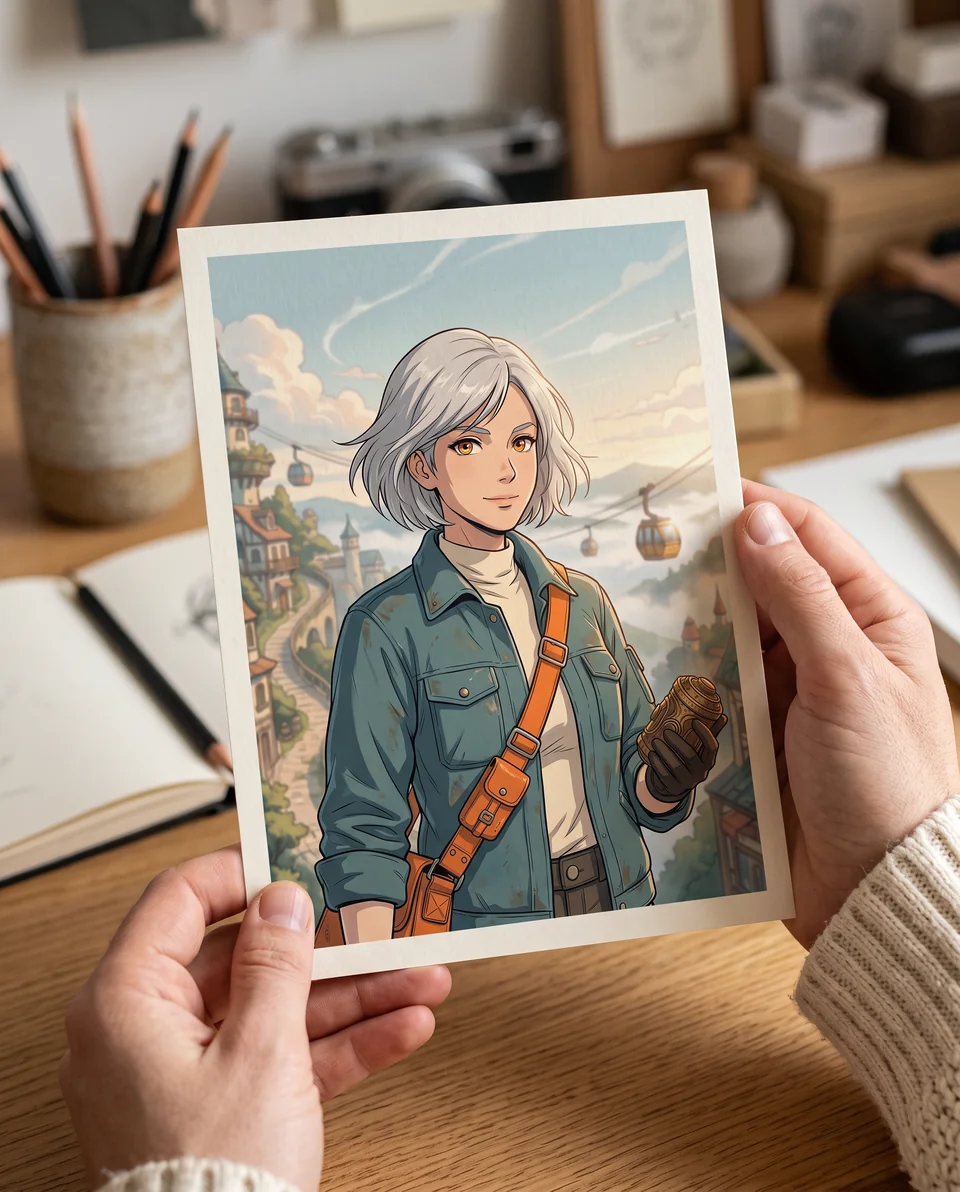
Try an anime style
Describe the motion, subject, camera, and mood. Add a reference when you want tighter visual control.
Your prompt opens in the video editor. Review model availability and credit cost before generating.
Free AI Comic Generator
Write a story, choose a layout and art style, and create comic pages with consistent characters. Edit dialogue or regenerate a single panel in Comic Studio.
Start free with credits. Sign in to generate and edit your comic.


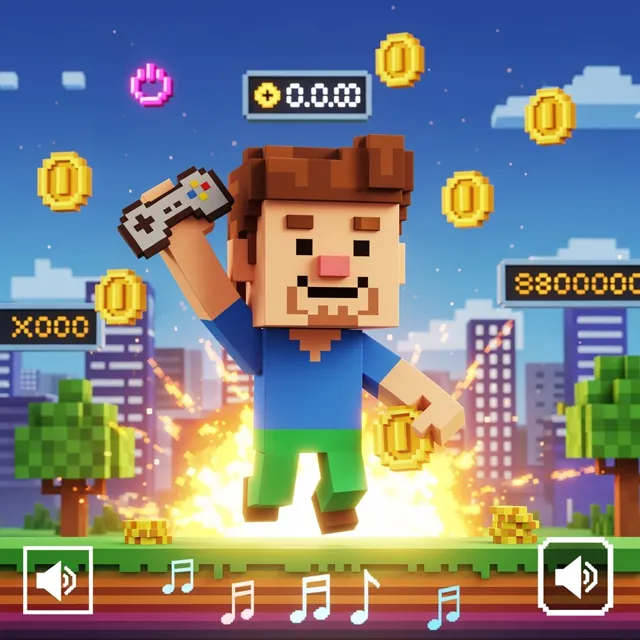


A Image Animation Generator can prove the idea fast. But a real video example still needs clean motion, readable framing, HD export, and no watermark before it becomes an ad, product reveal, or social post.
Decision guide
Creators, marketers, educators, and storytellers who want to test camera movement or subject motion from a still image before committing to a larger video edit.
Long-form editing, exact lip sync, frame-accurate animation, guaranteed identity preservation, factual footage, or final client delivery without review.
A clear still image plus a motion prompt describing the subject action, camera move, speed, mood, and intended use.
A motion draft from a still image, with format and resolution depending on the selected model and editor settings.
Review face and hand artifacts, subject drift, background warping, motion realism, rights, and export settings before publishing.
Useful facts before you generate
An image animation generator adds camera movement or subject motion to a still image.
A useful motion prompt specifies what should move, what should stay fixed, camera direction, speed, mood, and final use.
Clear subjects and uncluttered backgrounds usually make motion intent easier to control.
Image animation is useful for previewing movement before investing in a longer video workflow.
Generated clips should be reviewed for subject drift, visual artifacts, rights, and export settings before publishing.
How LlamaGen Helps
Open the video editor and add a still image you have permission to use.
Check the available model and credit cost, then describe the subject motion or camera movement you want to try.
Generate a motion draft and follow its status in the editor. Review the result for artifacts and subject drift, then check the available download settings.
Who benefits from LlamaGen
01
Use a still image and a motion prompt to explore subject movement or camera motion. The result depends on the selected model, input image, and generation settings.
Video idea starters
Use a still image and a motion prompt to explore subject movement or camera motion. The result depends on the selected model, input image, and generation settings.
Start with a clear image and a focused motion prompt. Review the draft and adjust the input or settings when the movement differs from your intent.
Check the generated motion, subject details, and image edges before publishing. Resolution, format, and download options depend on the selected model and editor settings.
For still images with more story to tell
PRO gives image animation workflows more credits, faster generation, and consistency tools when one photo turns into a full content set.
Paid plan benefits
FAQ
Yes. Start your free trial with free credits and earn more free credits through daily check-ins. No credit card is required. Sign in to manage your credits. Generation costs and model availability vary; paid plans offer more credits and additional export options.
It's a powerful AI tool that adds motion to your static images. It uses advanced technology to turn your pictures into engaging animated visuals, making them more dynamic and eye-catching.
You can try portraits, landscapes, digital art, or illustrations that you have permission to use. Describe the camera or subject movement you want, then review the result for drift and artifacts; the selected model and input affect the outcome.
Completion time depends on the selected model, generation settings, and service availability. Track the request in the editor and review the completed result before choosing a download option.
Move from a single generated image or video into comics, manga, storyboards, and connected visual stories.
AI video generator series
Try nearby AI video workflows for ads, reels, trailers, image animation, text to video, and model-specific generation.
Create stunning marketing videos in minutes with our AI Marketing Video Generator. Turn your product descriptions, ad copy, or social media posts into engaging videos that convert. Perfect for marketers, businesses, and content creators.