Unified Generation & Editing
Both text-to-image creation and image modifications (e.g. removing or replacing objects) are handled in one model—no need for separate tools.
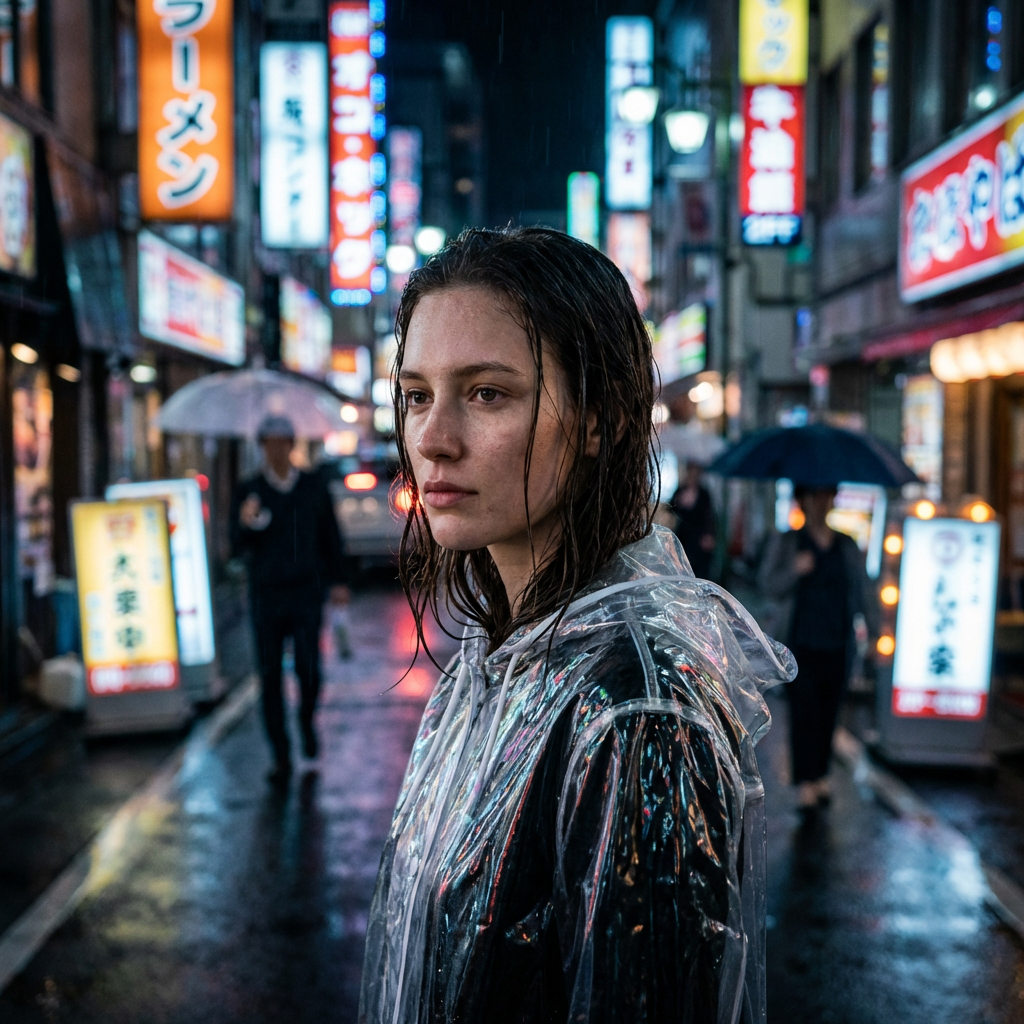
 Seedream 5.0 LiteTagabuo ng Larawan na AI
Seedream 5.0 Lite is ByteDance's next-generation image creation model that combines text-to-image generation and image editing into a single architecture. It offers fast, high-resolution image generation, rich prompt understanding, and support for multi-reference and batch workflows.
Try for free with free credits. Check in daily to earn more. No credit card required.
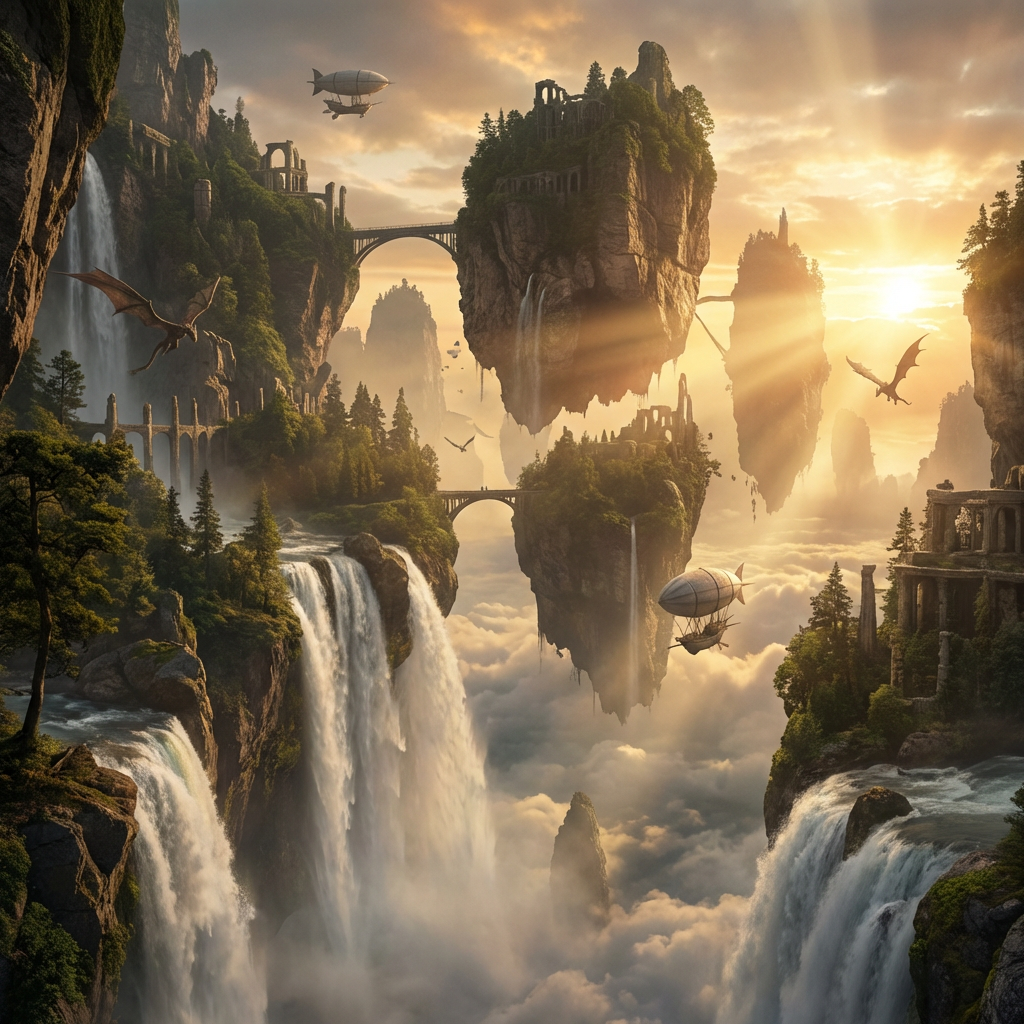
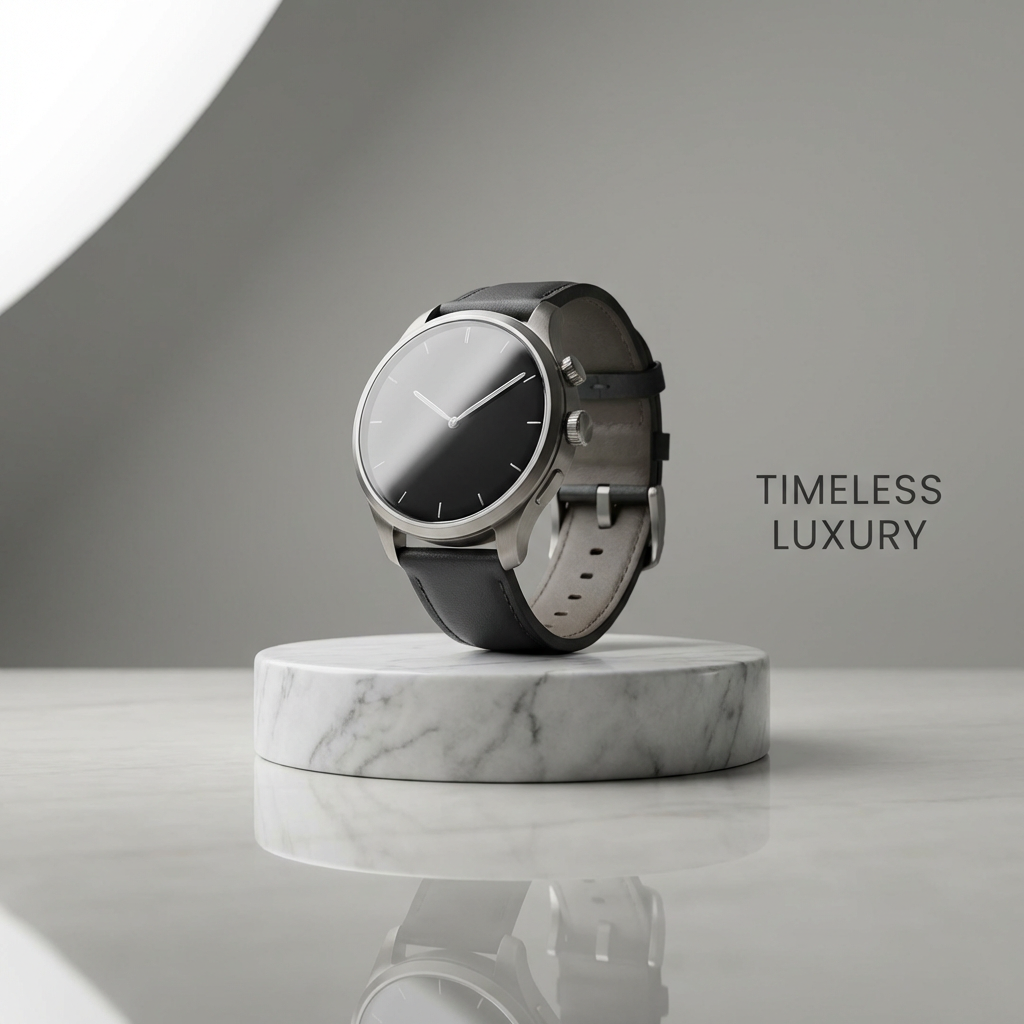

Move from a single generated image or video into comics, manga, storyboards, and connected visual stories.
Mga Tampok
Both text-to-image creation and image modifications (e.g. removing or replacing objects) are handled in one model—no need for separate tools.
Produces outputs up to 4K with significantly faster inference than prior versions, delivering professional-quality results efficiently.
Accepts multiple reference images and returns multiple outputs in one request, perfect for complex creative workflows and style consistency.
Tuklasin ang mga Halimbawa
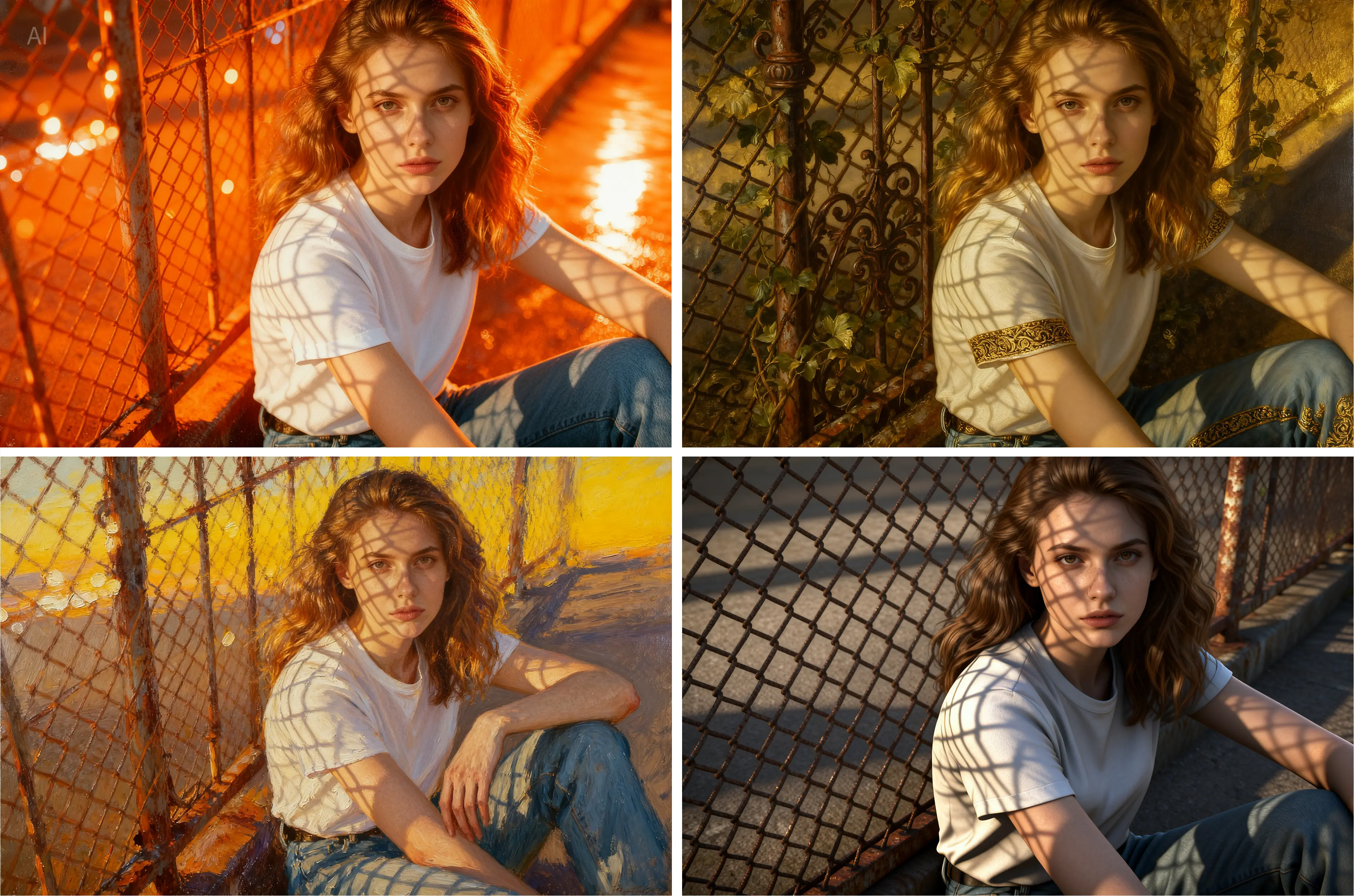
Malikhain na Pag-edit
Advanced inpainting with natural language commands. Simply describe what you want to remove, replace, or modify using everyday language.
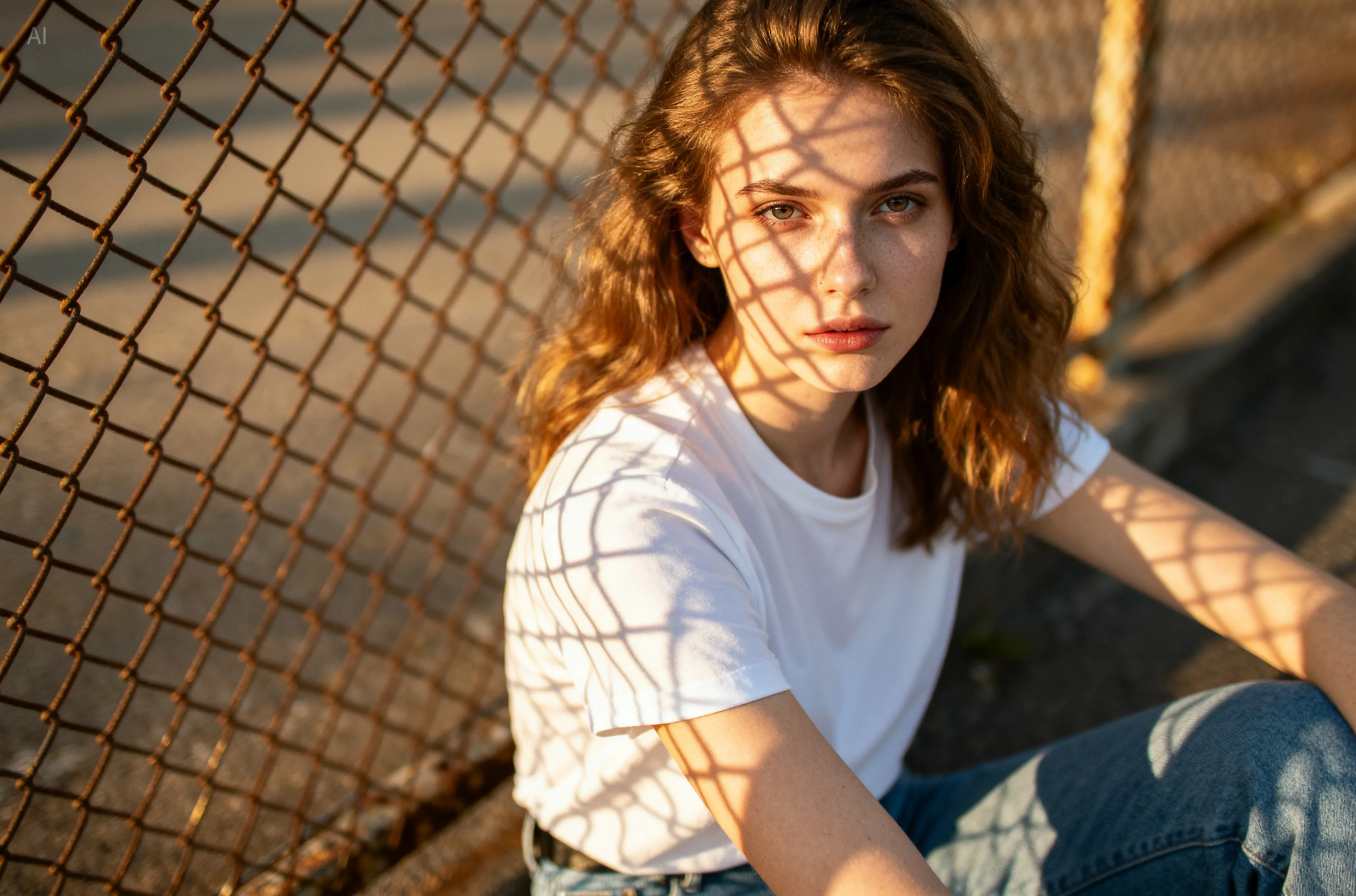
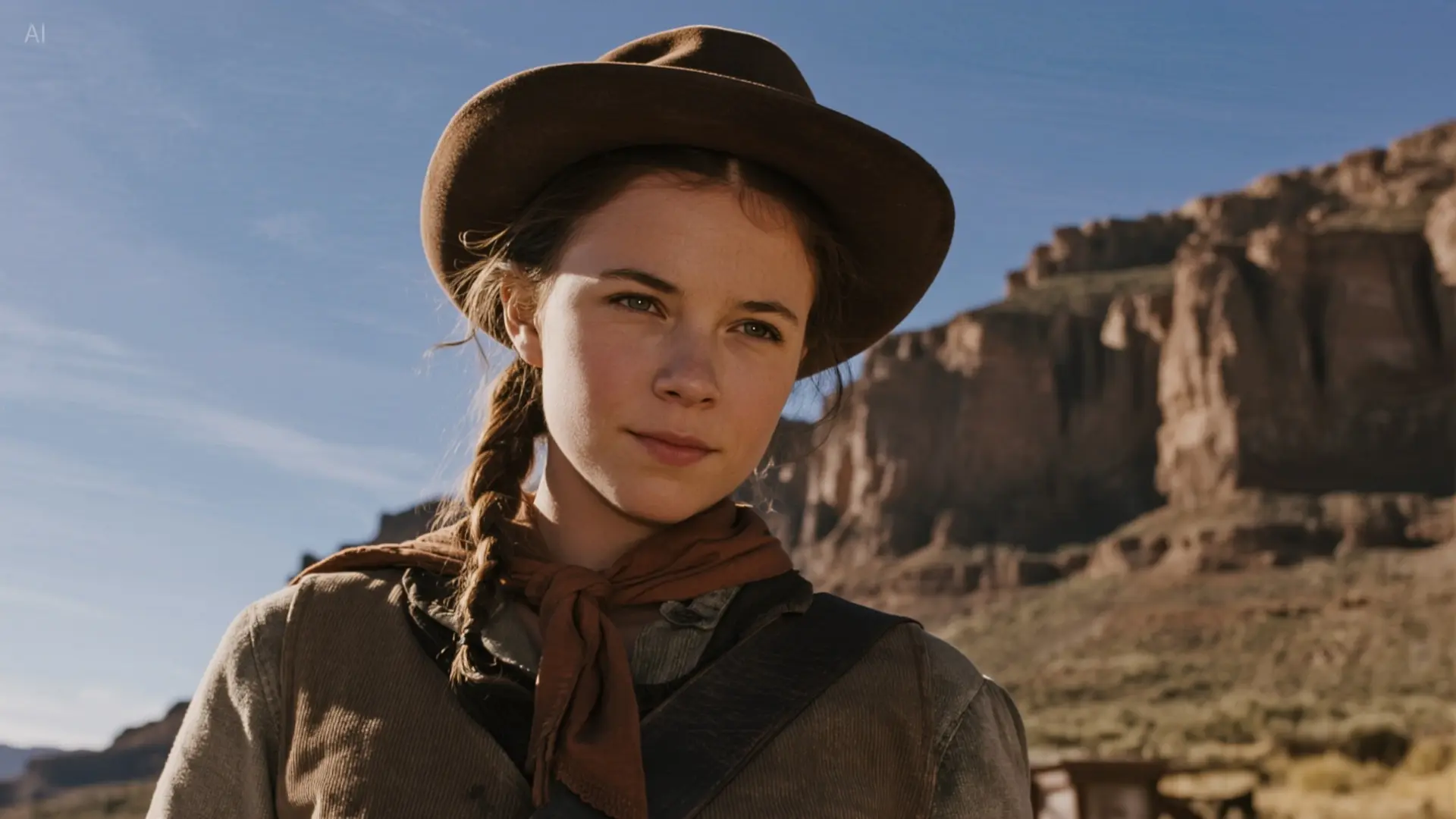
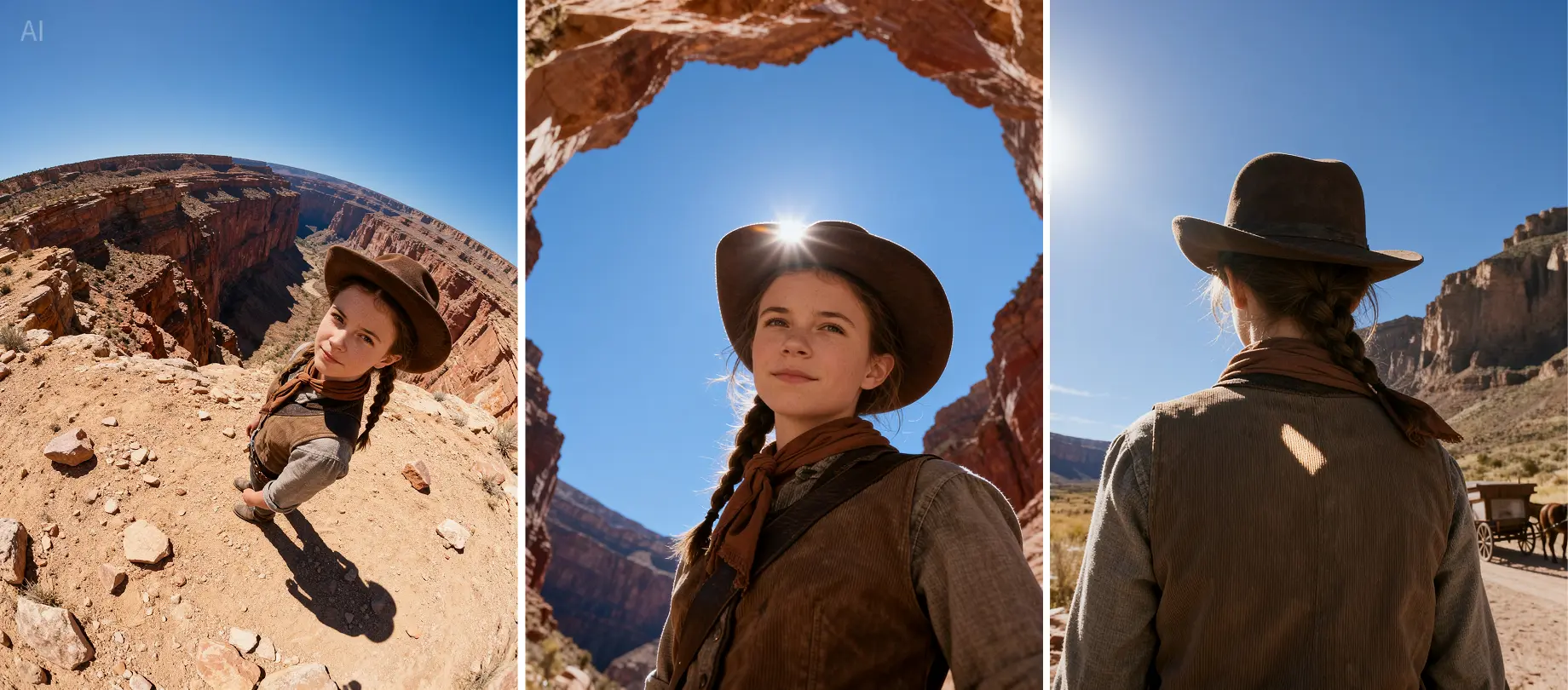
Extend images while maintaining style consistency and visual coherence. Perfect for expanding compositions and creating panoramic views.
Paano Ito Gumagana
Enter your text prompt or upload reference images. Seedream 5.0 Lite supports both text-to-image generation and multi-reference workflows.
Choose your desired resolution (up to 4K) and specify any editing requirements using natural language prompts.
Generate high-quality images with unified generation and editing capabilities, supporting batch processing and style transfer.
FAQ
Seedream 5.0 Lite combines text-to-image generation and image editing in a single unified architecture, offering fast 4K output, batch processing, and multi-reference support with natural language editing capabilities.
Seedream 5.0 Lite can produce high-resolution images up to 4K (4096px) with significantly faster inference speed compared to previous versions.
Yes, Seedream 5.0 Lite supports natural-language prompt editing. You can make precise edits using simple language, like 'Remove the boy in this picture' or 'Replace this dog with a Schnauzer.'
Video Tutorial
In this episode, I introduce Seedream 5.0 Lite, a new image editing and generation model that is making waves in the AI community. I compare its capabilities with the well-known model Nano Banana in various image generation scenarios, from realistic photos and complex prompts to creative edits. We explore the strengths and weaknesses of both models.
Manood sa YouTubeThis video provides a comprehensive overview and demonstration of Seedream 5.0 Lite, a new multi-purpose AI image model from Bytedance. The model, accessible through the Enhancor.ai platform, unifies text-to-image generation, image editing, and multi-image composition using natural language prompts. The presenter showcases its key capabilities, which include generating 2K and 4K images, editing with multi-image inputs, and maintaining frame continuity.
Manood sa YouTubeThis video presents a head-to-head comparison between two advanced AI image generation models: Seedream 5.0 Lite from ByteDance and Nano Banana (Gemini Flash) from Google DeepMind. The comparison is creatively framed as a championship boxing match, with Seedream as the "challenger" and Nano Banana as the "defending champion." The creator tests both models on a wide range of tasks to see which performs better.
Manood sa YouTubeThis video is a first impressions review of the new AI image generation model, Seedream 5.0 Lite, which the creator tests to see if it's better than "Nano Banana" (likely referring to Google's Gemini/Imagen models). Using the Fal AI platform, he runs the model through a series of benchmarks, including interior rendering, text generation, food, animals, nature, and people. A key feature highlighted is Seedream's ability to generate images directly in high resolutions, up to 4K, which contributes significantly to the quality. The speaker is extremely impressed with the results across all categories, describing them as "insane" and "crazy."
Manood sa YouTubeThis video introduces and reviews Seedream 5.0 Lite, a new state-of-the-art image generator and editor from ByteDance, which the narrator claims is even better than Google's recently released Nanobanana. Through various side-by-side comparisons with Nanobanana, GPT, and Imagen 4, the video showcases Seedream 5.0 Lite's impressive capabilities. It excels at complex tasks like swapping character outfits, changing image styles (e.g., to anime), and accurately rendering text in different languages.
Manood sa YouTubeThis video provides a comparison between two AI image generation models: the brand-new Seedream 5.0 Lite and the "classic" Nano Banana. The speaker claims that Seedream 5.0 Lite, released just two weeks prior to the video, is already outperforming Nano Banana, showcasing the rapid pace of AI development. A series of prepared prompts will be used to test both models on text/font accuracy and style/layout variations.
Manood sa YouTubeThis video introduces Seedream 5.0 Lite, a new image generation model from ByteDance that is now available in ComfyUI. The model claims to be superior to Google's Nano Banana for image generation. To use it in ComfyUI, one must update to the latest version and use the "Seedream" API node, which requires a ComfyUI account with a paid balance.
Manood sa YouTubeThis video demonstrates a workflow built in n8n that utilizes SeeDream 4.5 for creating and editing images via Telegram. The user shows how to generate an image by sending a text prompt, such as "make an image of pikachu cooking a steak, realistic, reflections," to a Telegram bot. The workflow can also edit existing images; for example, the user uploads the previously generated image and instructs the bot to "make him purple."
Manood sa YouTubeThis video is a tutorial for a feature called Seedream 5.0 Lite within the "dzine" software. It demonstrates how to edit an image using a combination of reference photos and text-based prompts. The tutorial begins with an image of a woman already on the design canvas. To use the feature, the user clicks the image, opens the "Chat Editor," and selects the "Seedream 5.0 Lite" model from the available options.
Manood sa YouTubeThis video provides a tutorial and comparison between two AI image generators: ByteDance's Seedream 5.0 Lite and Google's Nano Banana. The speaker explains that Seedream 5.0 Lite is a new model that excels at creating realistic, professional, and human-centered images with high detail. In contrast, Nano Banana is better suited for more stylized, artistic, and playful or cartoonish results.
Manood sa YouTubeKomunidad
Kaugnay na Mga Tools
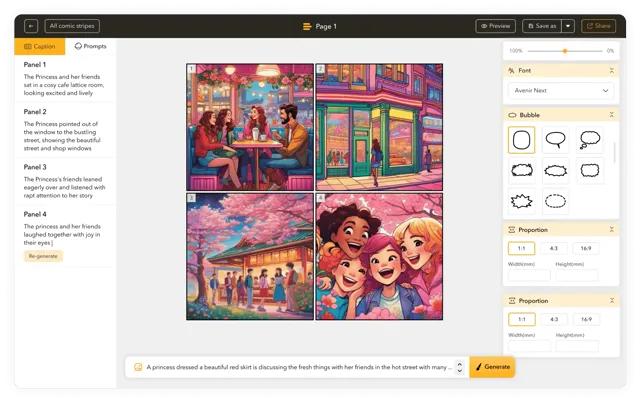
Palayain ang iyong comic creator sa AI Comic Strips Maker: Gumawa ng komiks nang 10x mas mabilis!
Gumawa ng kamangha-manghang komiks nang hindi kailangan ng kakayahan sa pagguhit gamit ang makabagong AI Comic Generator.
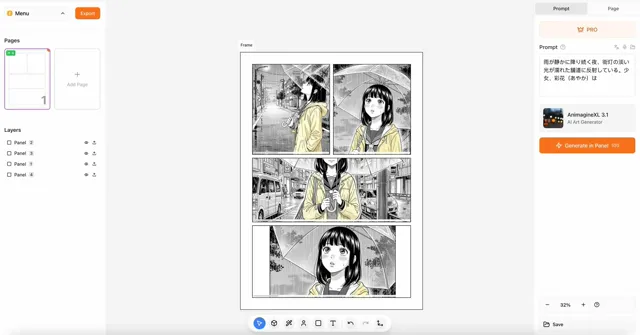
Gumawa ng Kamangha-manghang Manga gamit ang AI
Buksan ang kakayahan ng AI para makagawa ng mga kaakit-akit na video na hindi malilimutan.
Sound in Motion
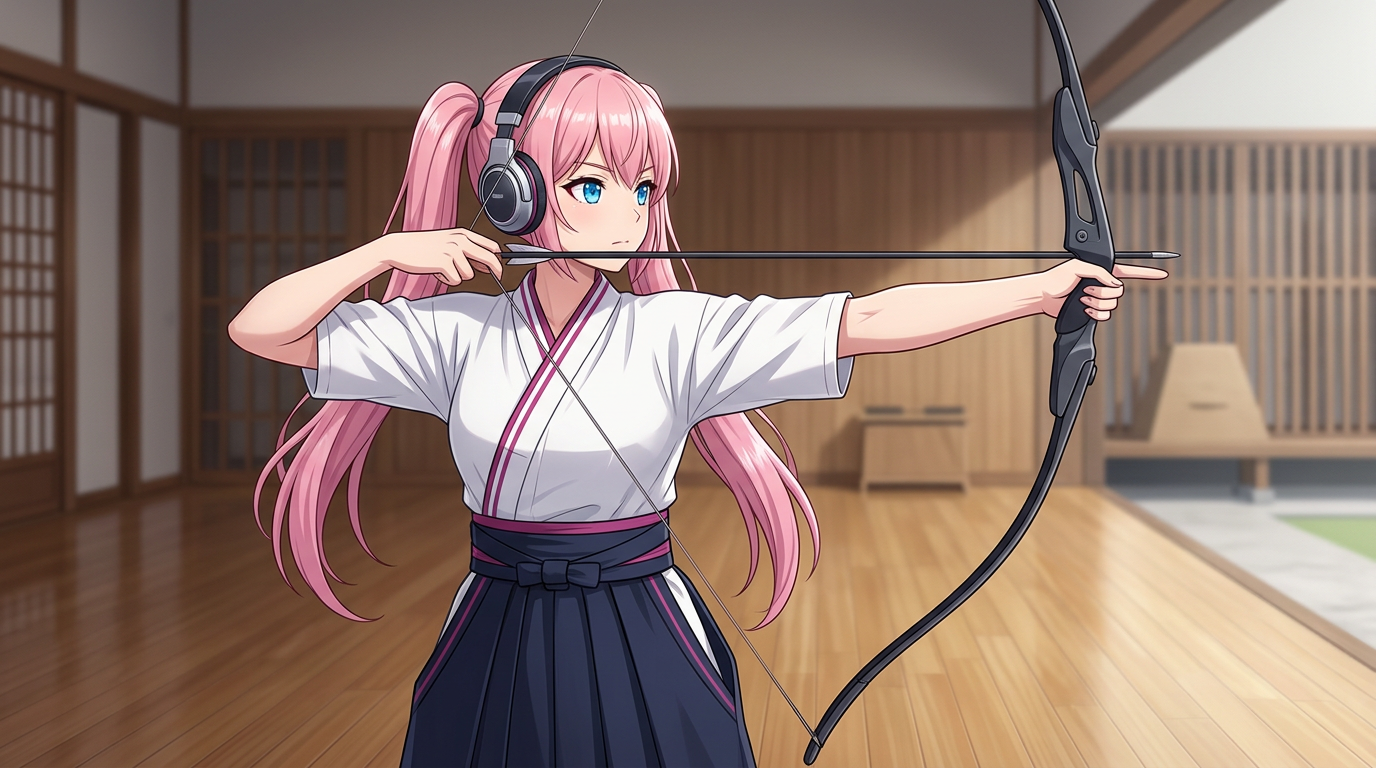
Create professional AI motion graphics, AI animations, and AI motion design instantly.
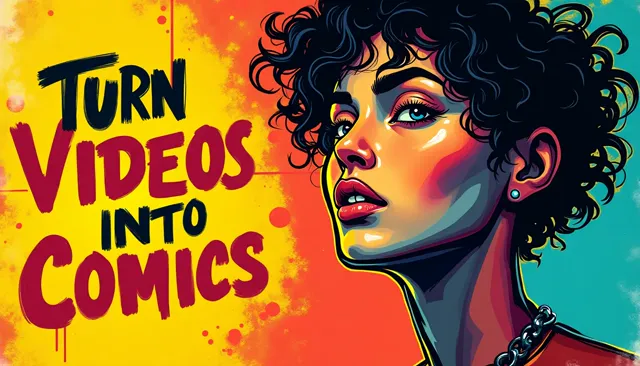
Gawing comic strips ang iyong YouTube videos gamit ang aming AI Comic Generator, siguraduhin ang tamang pagkakapareho ng karakter
Mga boses na akma sa lahat ng iyong ideya, ginagawang accessible ang nilalaman sa lahat
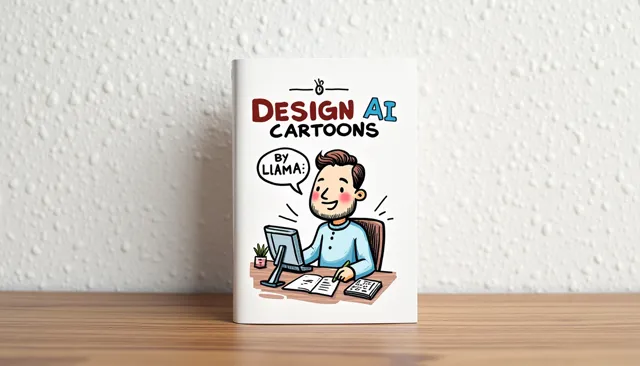
Gamitin ang kapangyarihan ng AI upang gawing kaakit-akit na cartoons ang iyong visuals ng walang kahirap-hirap.
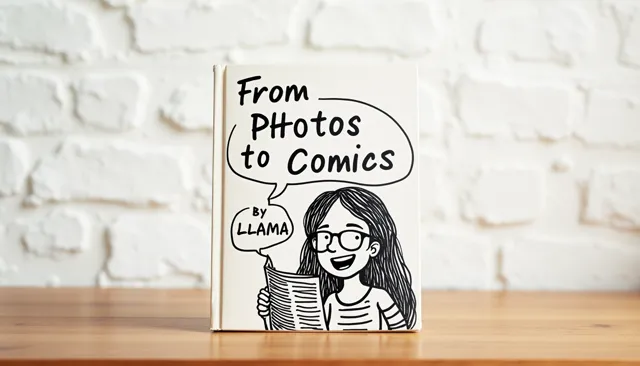
Gawing comic strips ang iyong mga larawan gamit ang aming AI Comic Generator.
Ang aming AI Webtoon Generator ay nagbibigay-daan sa iyo gumawa ng libu-libong webtoon strips sa loob ng ilang minuto
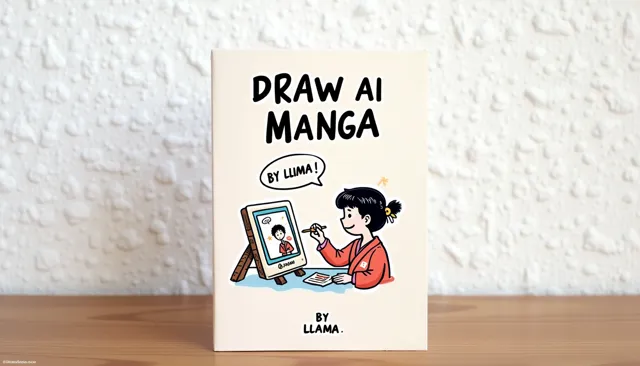
Ang aming AI Manga Generator ay nagbibigay-daan sa iyo gumawa ng libu-libong Manga sa loob ng ilang minuto.
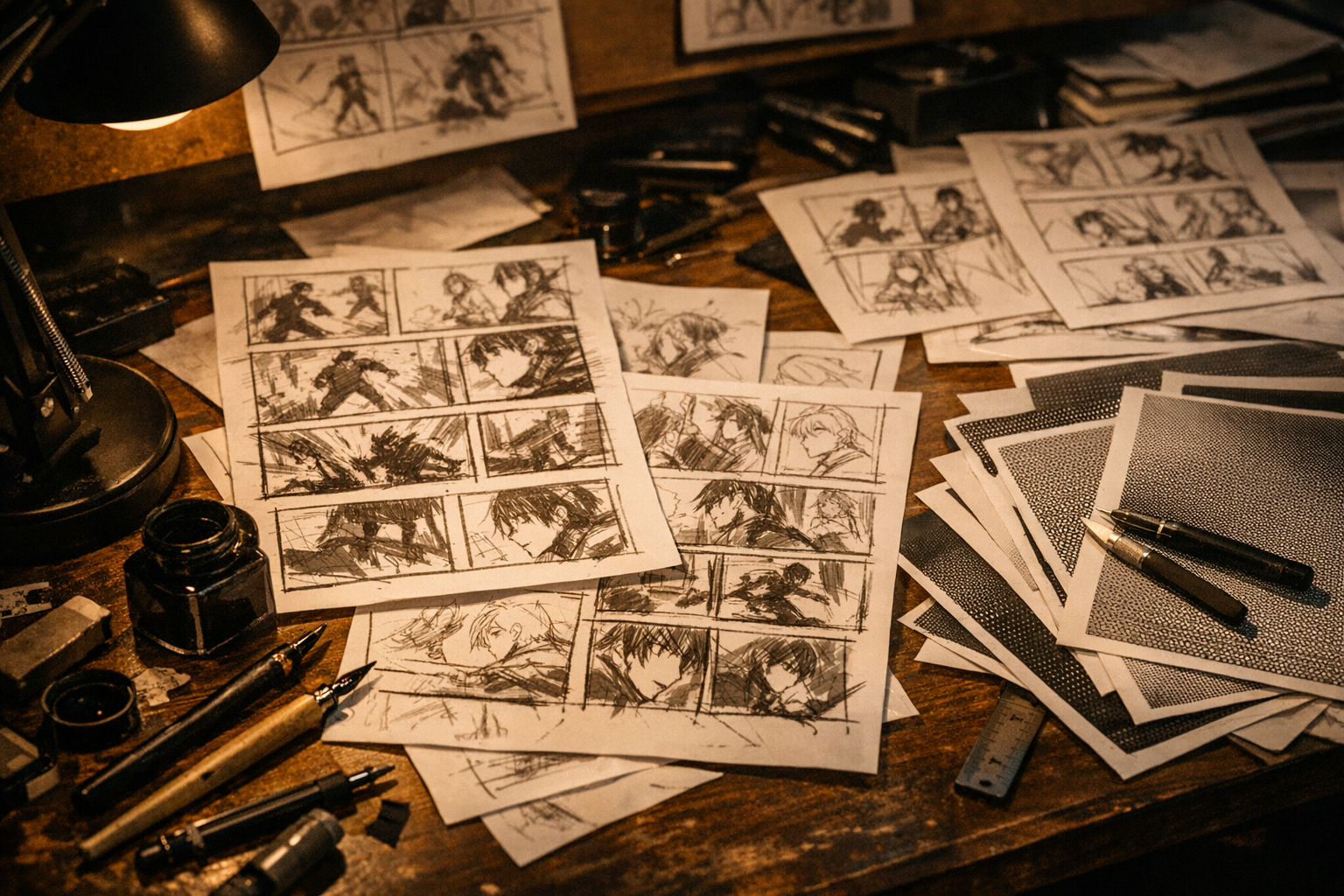
Turn a simple prompt into manga panels with consistent characters and clean ink style.
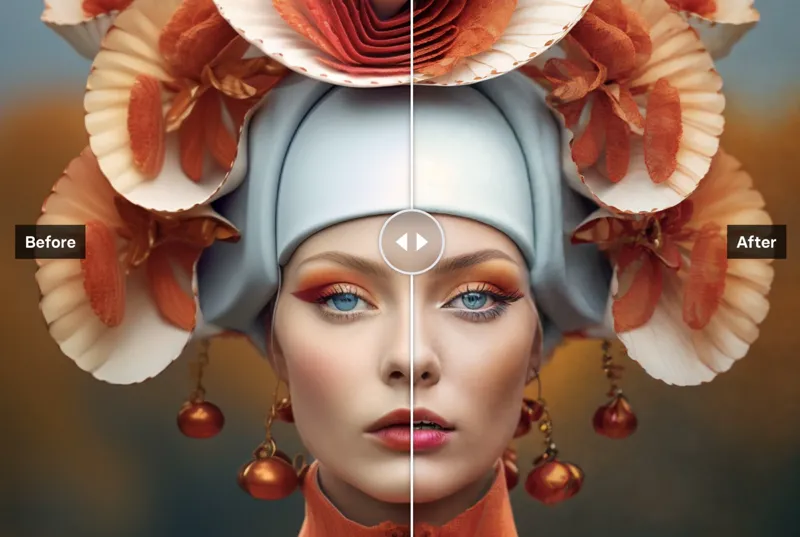
Upscale manga panels, anime art, webtoon frames, and comic images while preserving clean lines.
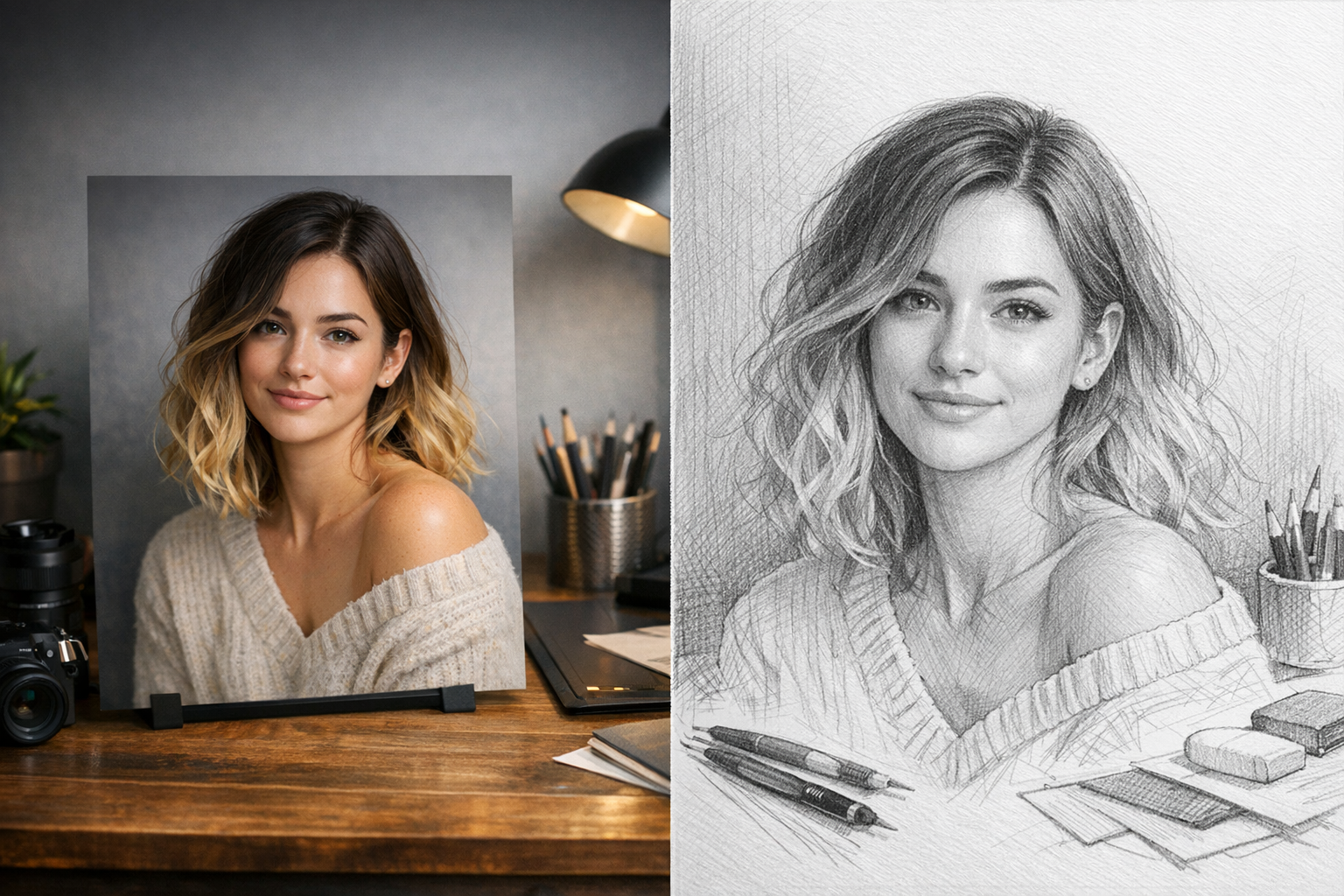
Upload a photo and generate a clean pencil sketch in seconds — download and share instantly.
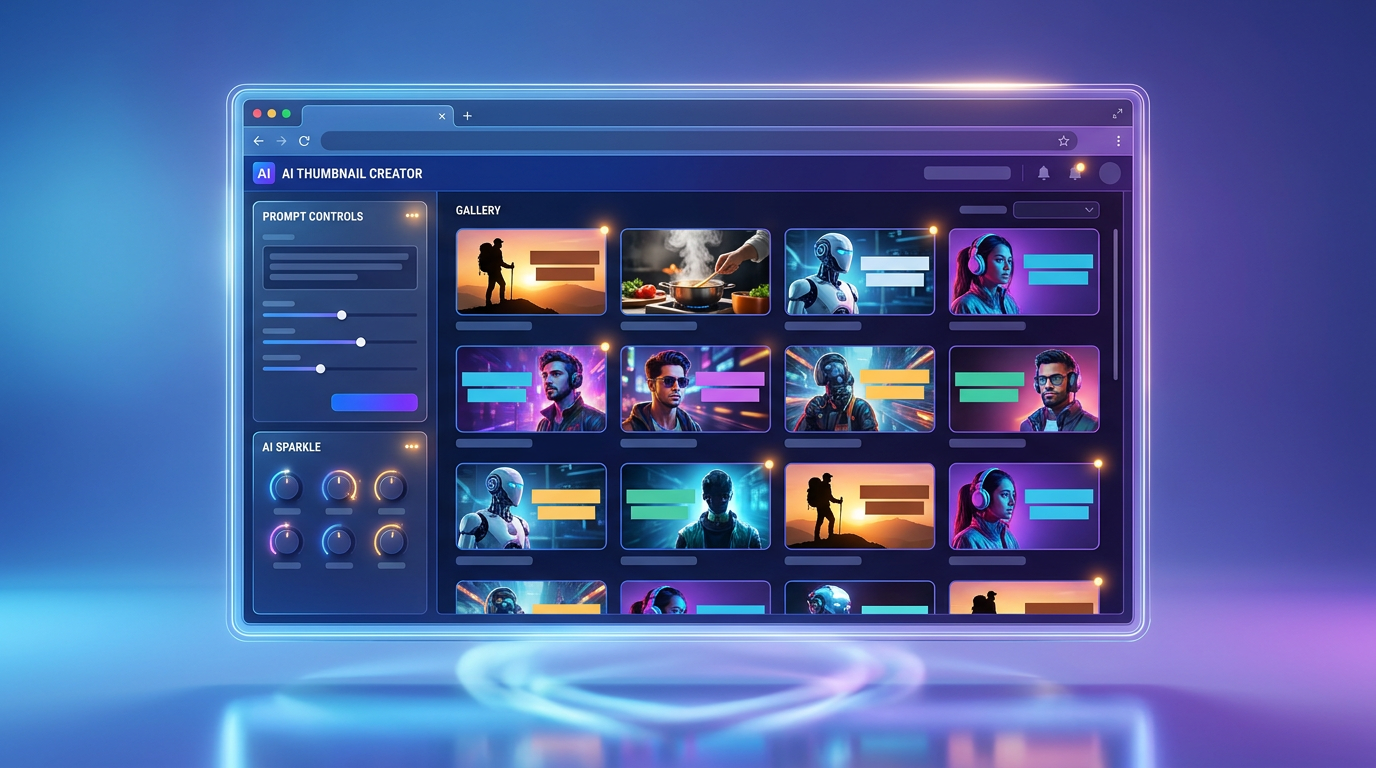
Generate attractive thumbnails for videos, posts, courses, launches, and creator content.
Trusted Creative Infrastructure
Start with a prompt, add a reference when you need control, and generate production-ready visuals in one focused workspace.
Creations Generated Daily
Average Creator Rating
Export Ready Quality