

Start with Images or Text
Use a photo to guide the look, or describe someone entirely new.
AI Cartoon Generator
Upload a portrait, pet photo, or character reference—or describe an idea—to create illustrated avatars, stickers, and characters for your next story.
Make character art from a prompt, or upload a photo in the converter below.
Describe a portrait, pet, or character—or start with an existing photo.
Related creative tools
Choose a specialized tool when you want to convert a photo, develop a character, build a comic, or try motion.
Artwork
AI Cartoon Generator
Turn photos or text ideas into illustrated portraits, avatars, characters, stickers, and comic-ready artwork.
Photo
Photo to Cartoon Converter
Convert an existing photo to an illustrated look.
Character
AI Character Generator
Develop original characters for comics and stories.
Made for storytellers
Create a character reference, then continue exploring scenes and comics with LlamaGen's other tools.
Use a photo to guide the look, or describe someone entirely new.
Try different moods, outfits, settings, and illustration directions.
Bring the artwork into a larger character or visual storytelling workflow.
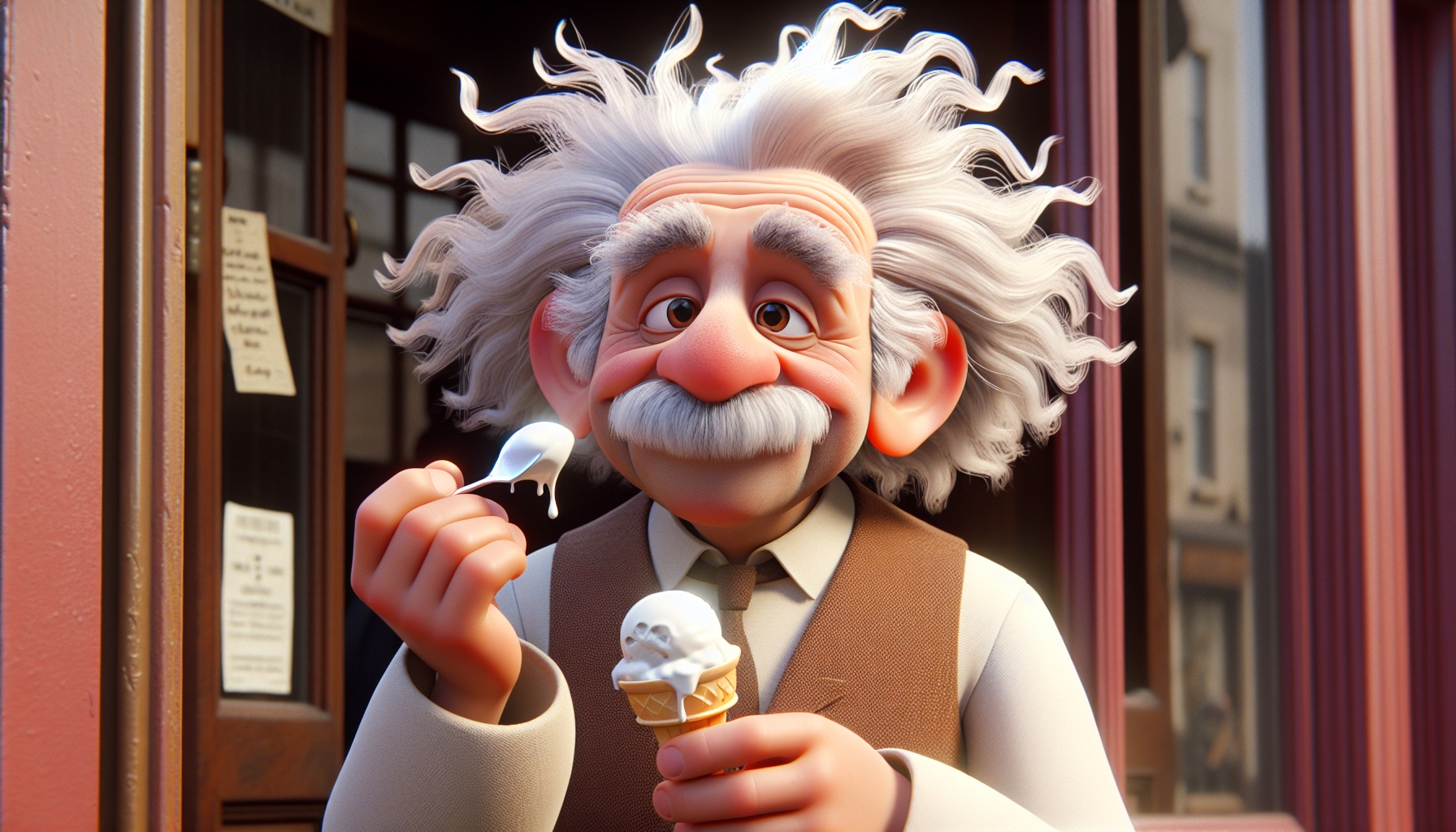
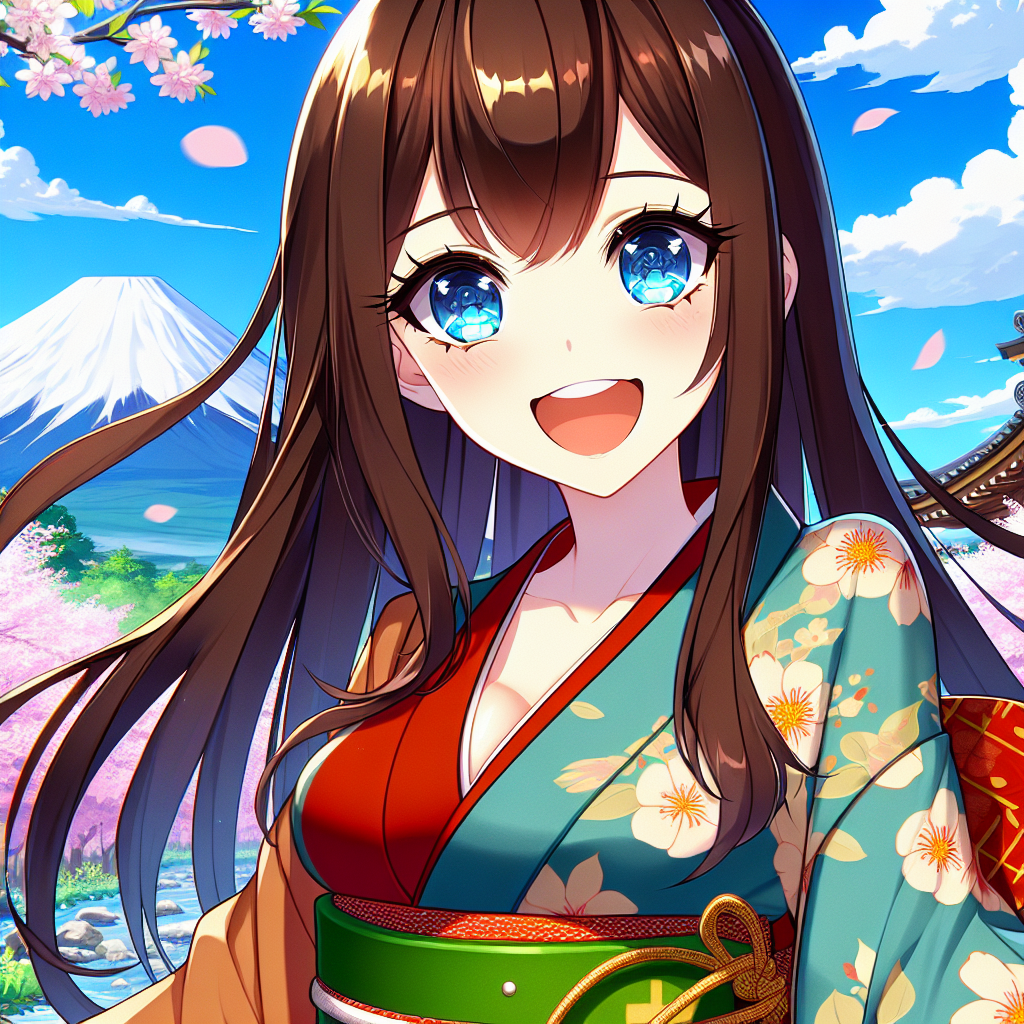
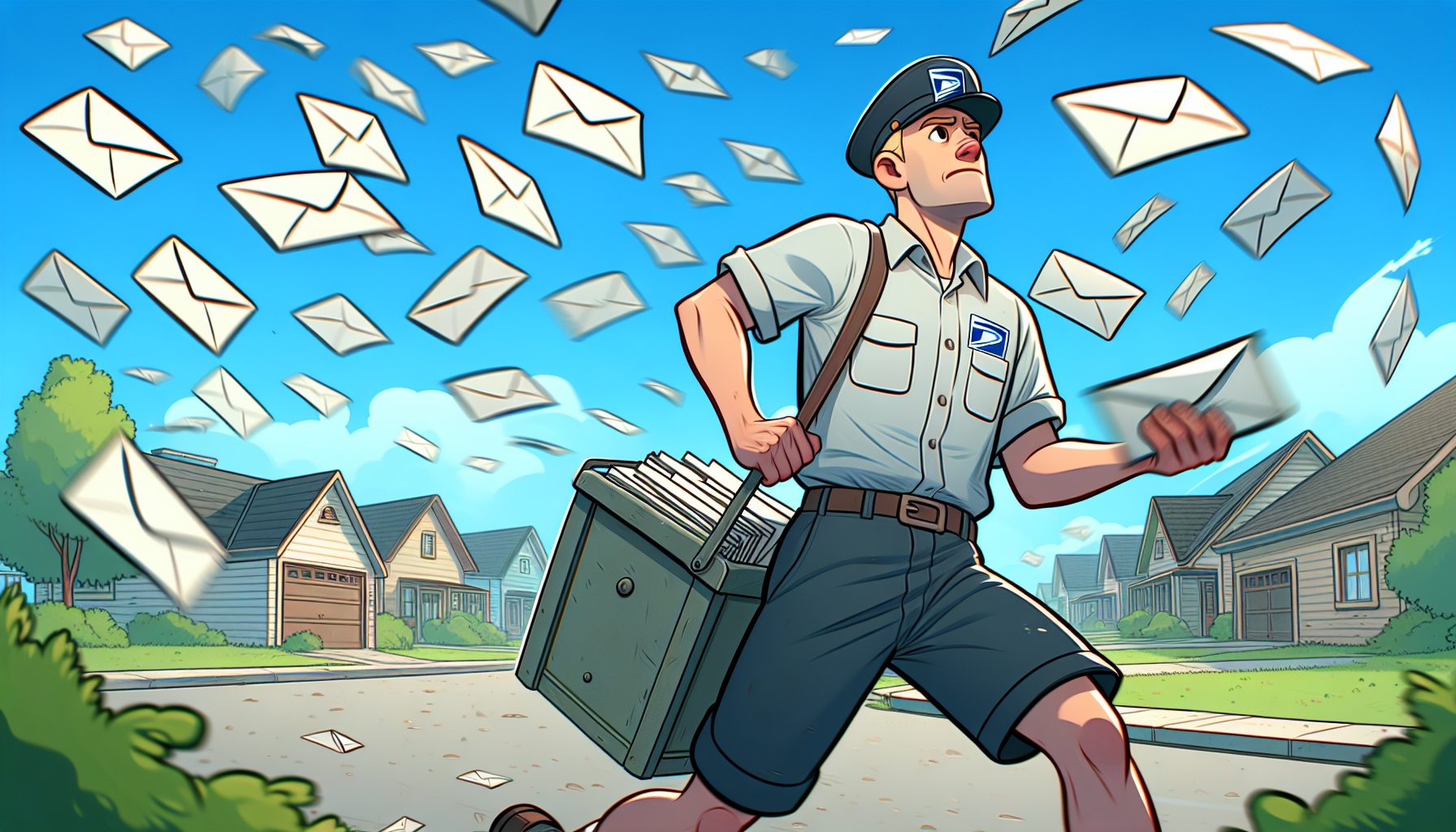
Explore portrait, sticker, mascot, and comic-inspired examples before starting your own.

How it works
Start with an image or idea, guide the look, then use the result in a creative project.

Use a portrait, pet photo, reference image, or a short description of a character.

Describe the lines, colors, mood, and expression you want to see.

Review the result, adjust the prompt, and continue creating with the image.
Illustration styles
Compare illustration styles for portraits, picture books, characters, stickers, and comics. Gallery images are visual references; the suggested prompts are ideas to try, not verified inputs for the pictured results.
01
Best for profile pictures, creator bios, and personal branding.
Prompt idea
friendly cartoon portrait, clean outline, warm colors, profile avatar, simple background

02
Best for kids' stories, education pages, and playful explainers.
Prompt idea
soft children's book cartoon, rounded shapes, bright scene, expressive character
03
Best for startup mascots, product explainers, and ad creative concepts.
Prompt idea
brand mascot cartoon, clean vector-like look, friendly pose, bold readable colors

04
Best for comics, storyboards, social strips, and visual storytelling.
Prompt idea
cartoon comic panel, expressive face, simple background, readable action, vibrant colors
05
Best for reaction stickers, chat assets, and community visuals.
Prompt idea
cute cartoon sticker, transparent-style composition, big expression, bold outline

06
Best for product mascots, thumbnails, and high-impact social images.
Prompt idea
3D cartoon character, soft lighting, toy-like materials, colorful studio background
Ways to create
Start from a photo or description, then create something useful for your next project.
Turn a selfie or portrait into a profile image with expressive illustration styles.
Reimagine a pet or family photo as a playful illustration for a personal project.
Describe an outfit, expression, and personality to explore character ideas for stories.
Develop characters and scene references to use when planning comic panels or picture books.
Helpful details for image and character creation.
Open the photo conversion tool, upload a clear image, choose or describe a style, and generate a result. A well-lit image with a visible subject usually helps.
Yes. Describe appearance, clothing, expression, and setting to guide an original character illustration.
Try clean 2D art, soft picture-book illustrations, bold comic lines, expressive stickers, or a 3D-inspired look.
You can use your generated image as a visual reference and continue developing scenes with LlamaGen's comic and character tools.
Choose a clear photo of the person, pet, or object. If you use a prompt instead, include the subject, key visual details, and desired mood.
Start with a photo or an idea, then explore a style that fits your project.
Start from a Photo