We independently review every app we recommend.
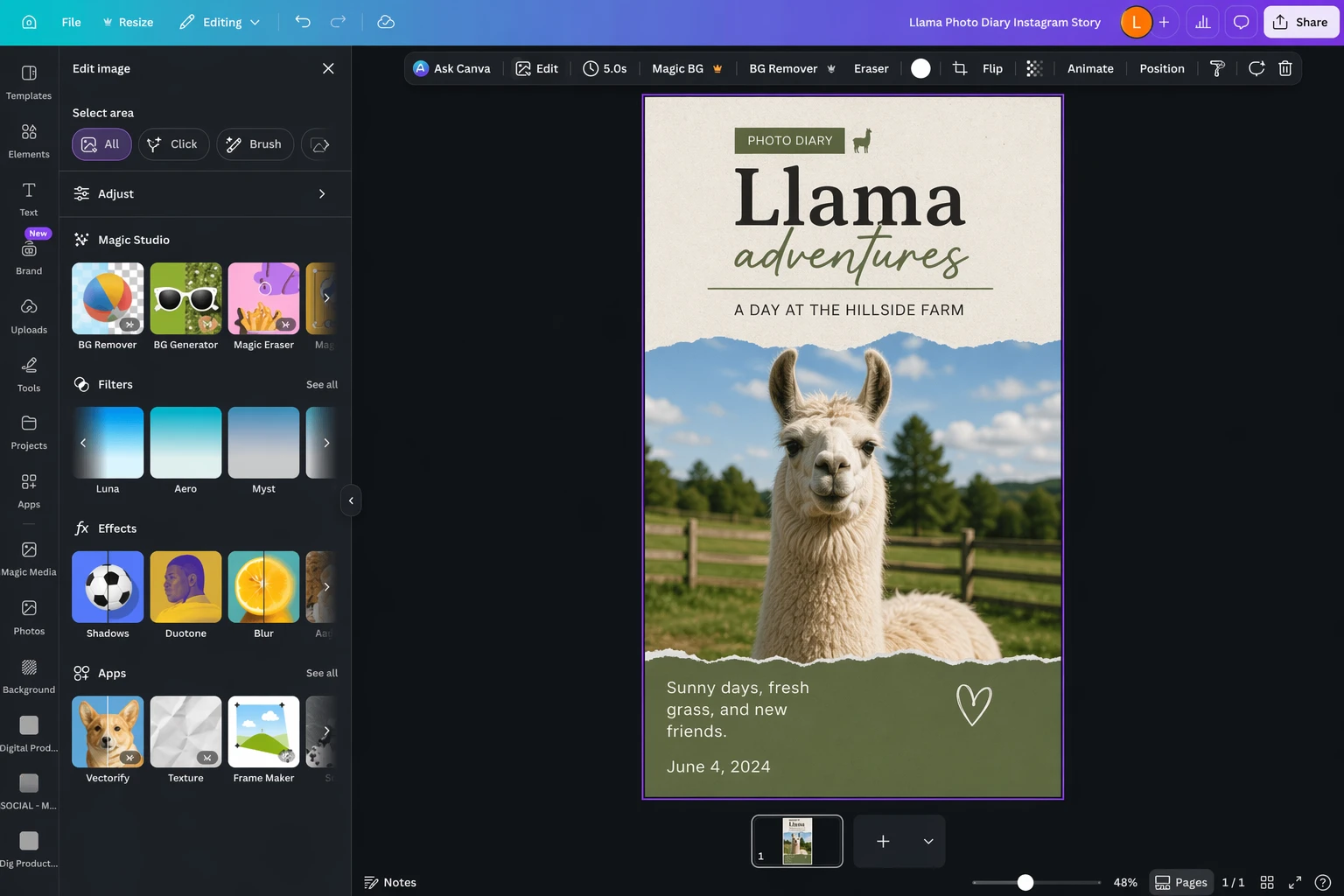
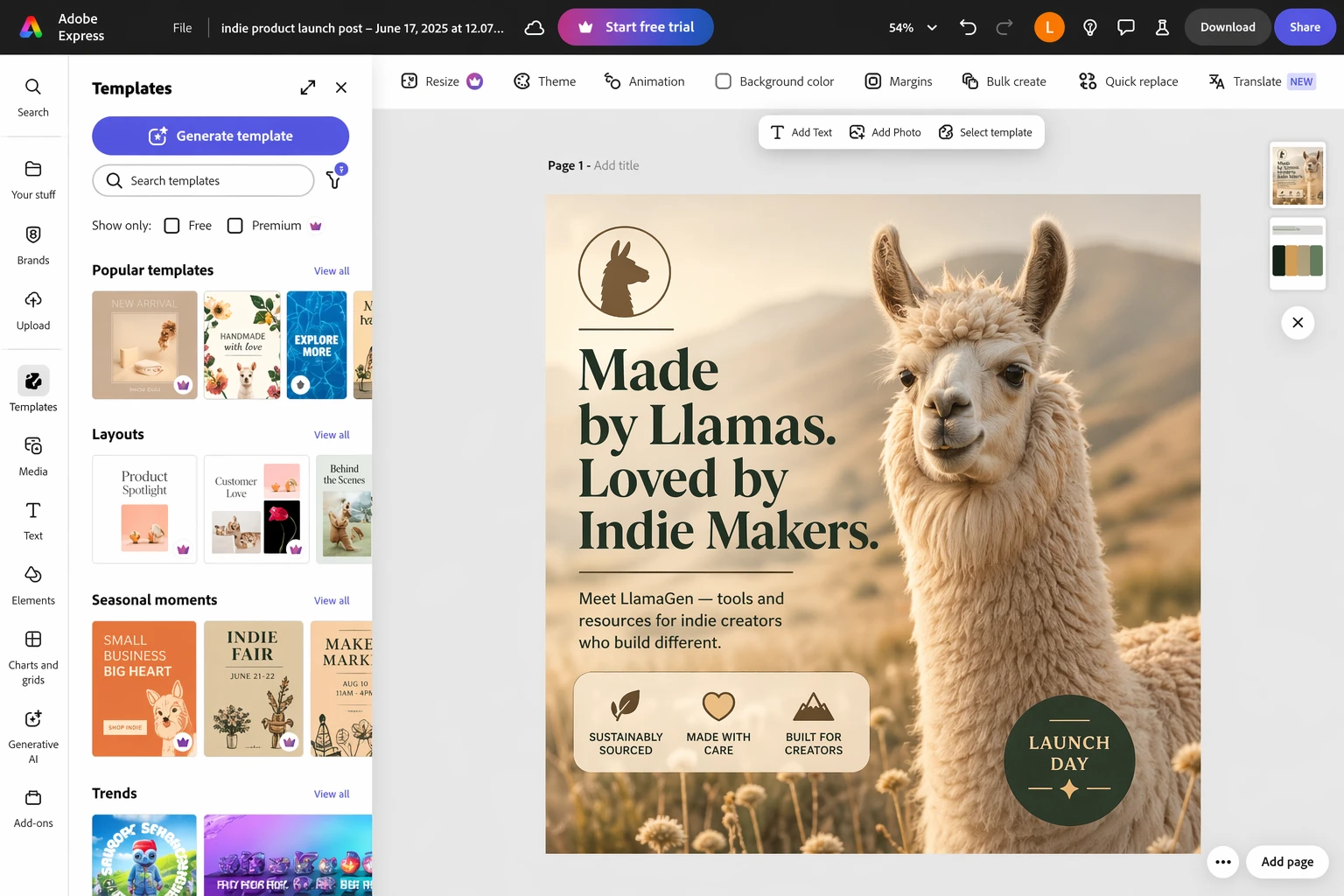
Canva AI is useful because it lowers the barrier to a lot of design tasks that used to feel slow, manual, or awkward. You can prompt your way into an image, remove a background, erase distractions, mock up a product, and reshape a basic layout without leaving one familiar workspace.
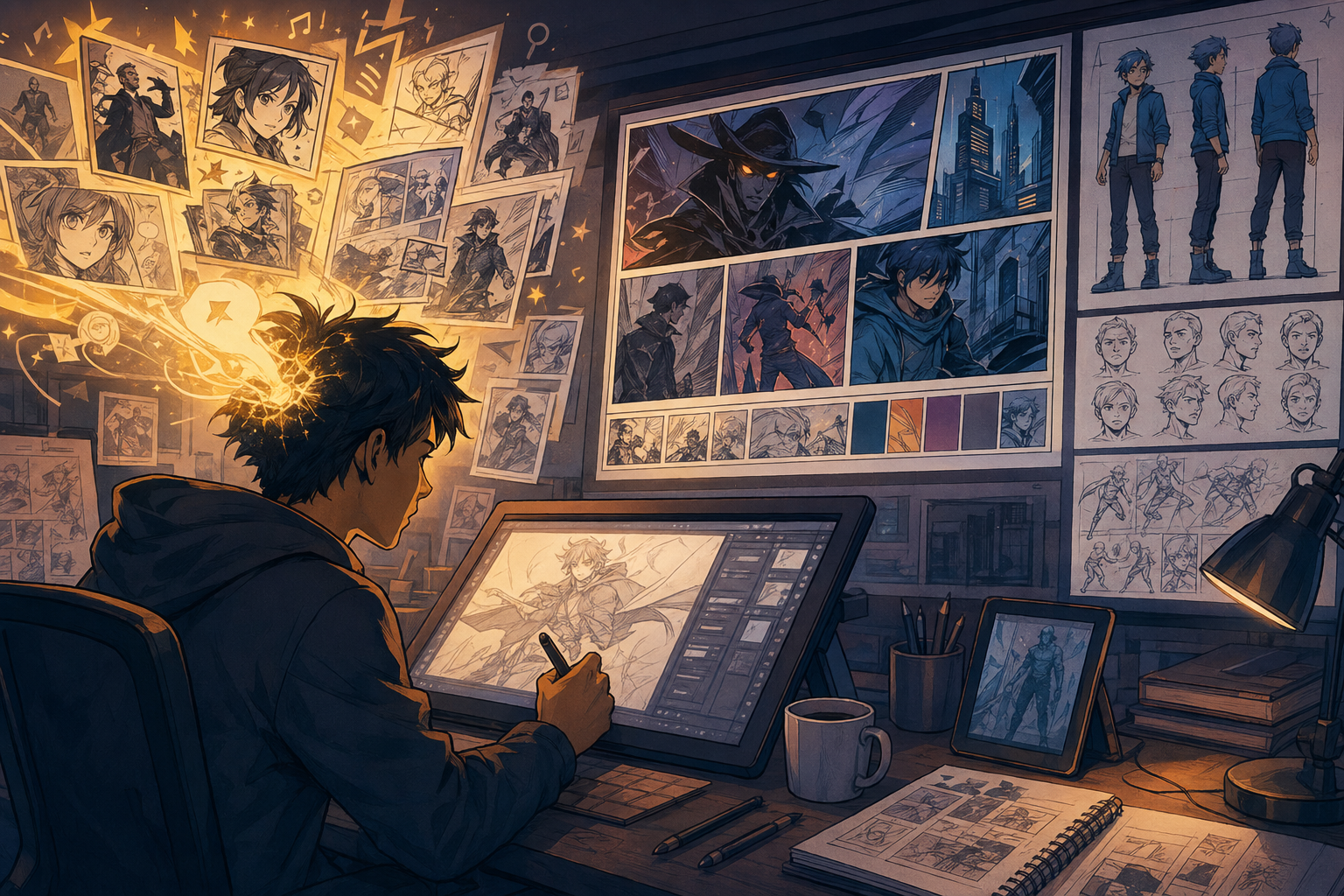
That convenience is real. But it also points to a bigger question for LlamaGen readers: when does "make this design faster" stop being enough? If the output needs to become a comic scene, a recurring character system, a storyboard, or a sequence of connected visuals, LlamaGen is often the better layer after Canva AI.
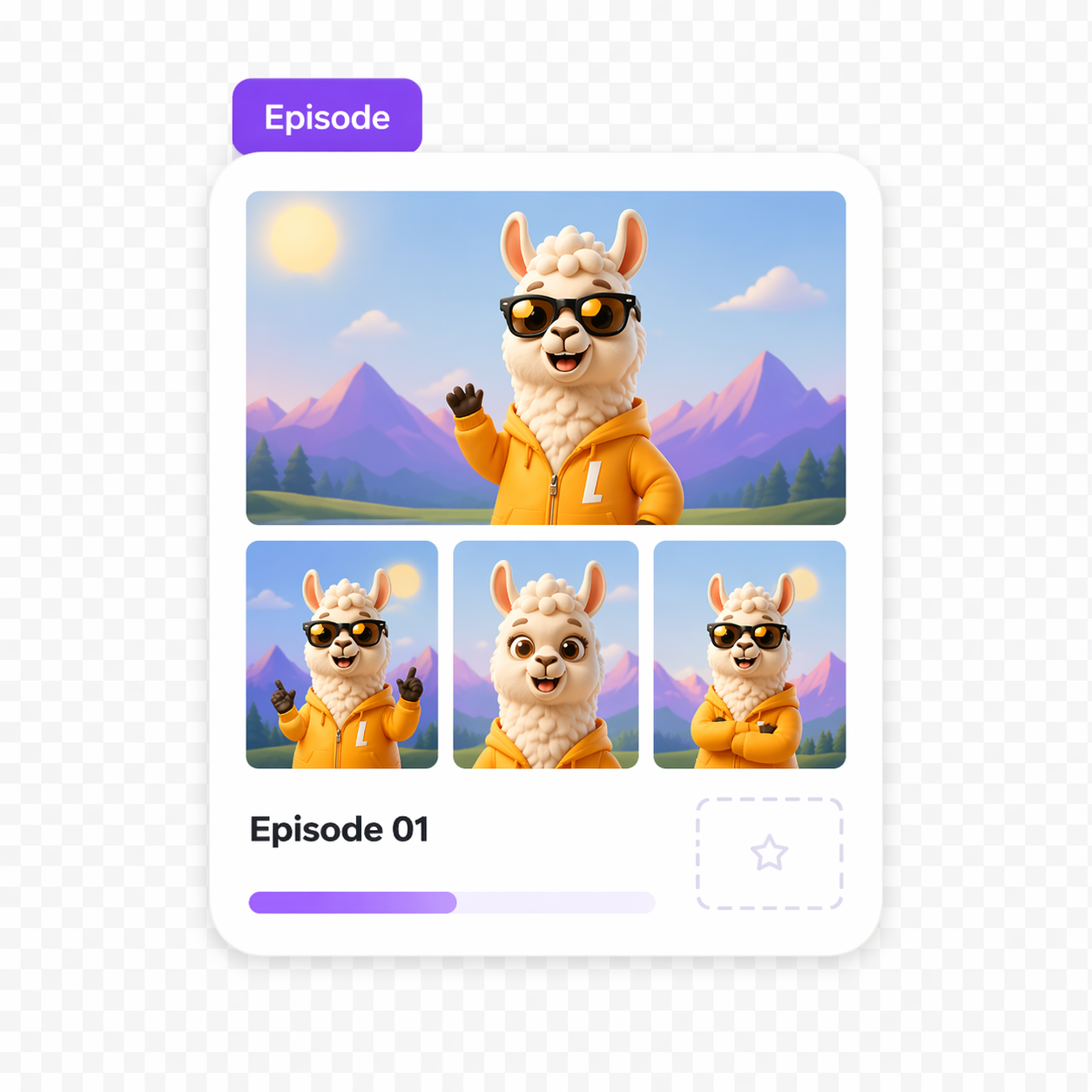
Canva AI is strongest when you want one design, one edit, or one fast variation. LlamaGen becomes more useful when you want those assets to stay consistent across multiple scenes, episodes, panels, or story beats.
Start creating in LlamaGen
- Create a new comic
- Create a new animation
- Start a manga project
- Generate AI images
- Build AI characters
- Plan a storyboard
What Canva AI is good at
Canva AI is really a bundle of AI features inside Canva rather than one single magic tool. In practice, people usually use it for a few recurring jobs:
- generating a first draft image or graphic
- removing backgrounds or unwanted objects
- reframing and expanding images
- producing quick social layouts and presentations
- mocking up product or brand assets inside a familiar design editor
That makes Canva AI especially appealing for generalist creators, marketers, small teams, and anyone who needs a polished deliverable quickly.
Where LlamaGen fits differently
LlamaGen is not trying to be another broad design assistant inside a slide-and-template editor. It is more useful when the asset needs to keep working after the first edit.
Use LlamaGen when the real job is:
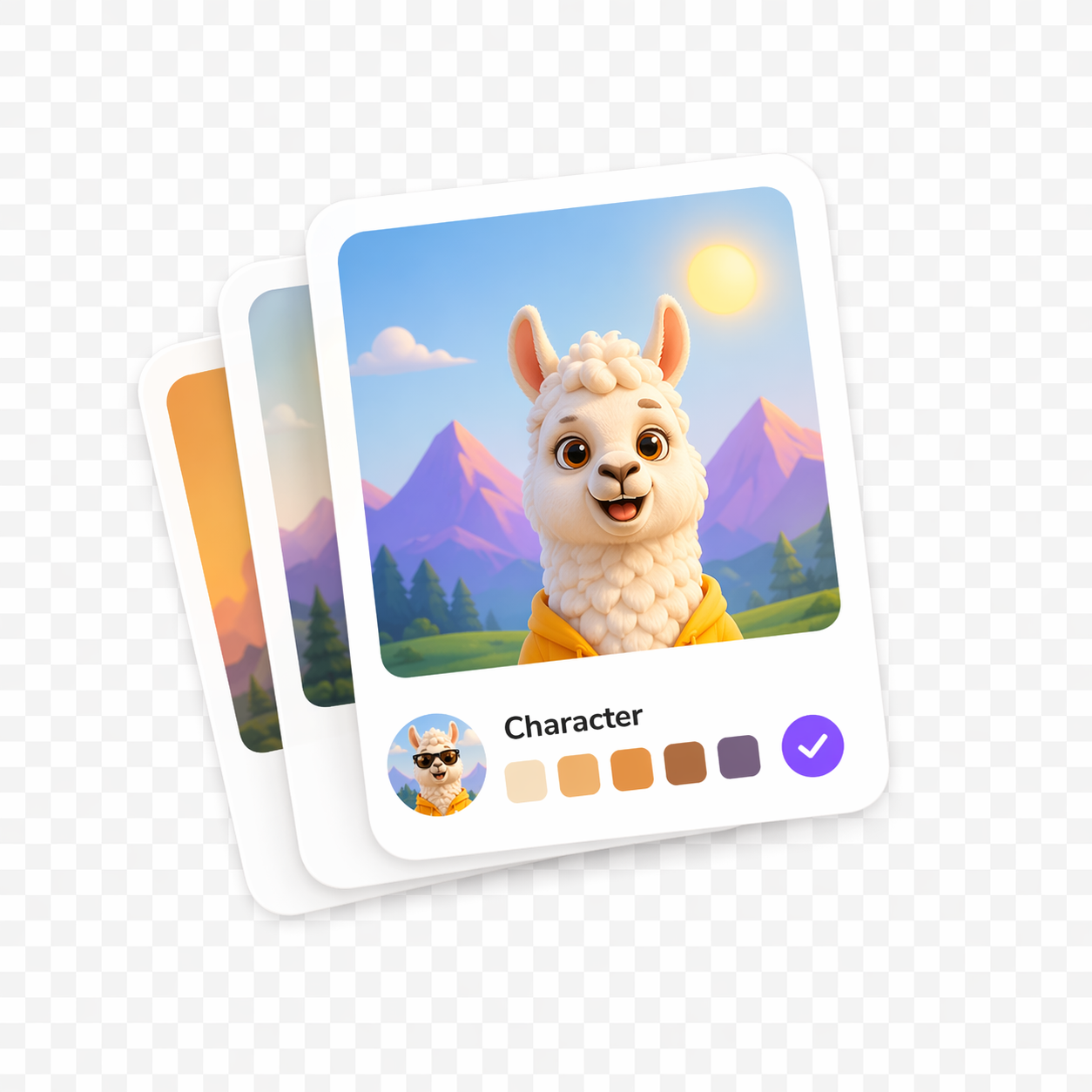
- keeping a cast of characters consistent across multiple outputs
- turning one visual idea into a comic strip or manga page
- planning storyboards before animation or episodic content
- building a sequence of campaign visuals that feel like one world
- creating reusable story-first assets instead of isolated exports
That is the biggest difference between these products. Canva AI helps you finish a design faster. LlamaGen helps you extend a visual idea further.
Canva AI vs LlamaGen
| Workflow need | Canva AI | LlamaGen |
|---|---|---|
| Fast social graphics and simple promos | Strong | Possible, but not the main reason to use it |
| One-click cleanup and background removal | Strong | Not the primary focus |
| Prompted design variations inside a template editor | Strong | More focused on story and scene generation |
| Character consistency across many outputs | Limited | Strong |
| Comic, manga, and storyboard workflows | Limited | Core strength |
| Turning one image into a repeatable narrative system | Manual | Strong |
How to think about Canva AI's feature set
The source article is useful because it breaks Canva AI into practical jobs instead of treating it like a vague all-in-one assistant. That is still the right way to evaluate it.
Image generation
Canva's image tools are good enough for many everyday design needs, especially when the visual does not need to survive close scrutiny. If you need a quick concept image, a decorative graphic, or a social-friendly illustration, Canva AI can be convenient.
But if the image needs stronger continuity, more deliberate visual storytelling, or a character that will appear again and again, LlamaGen is a more natural fit.
Editing tools
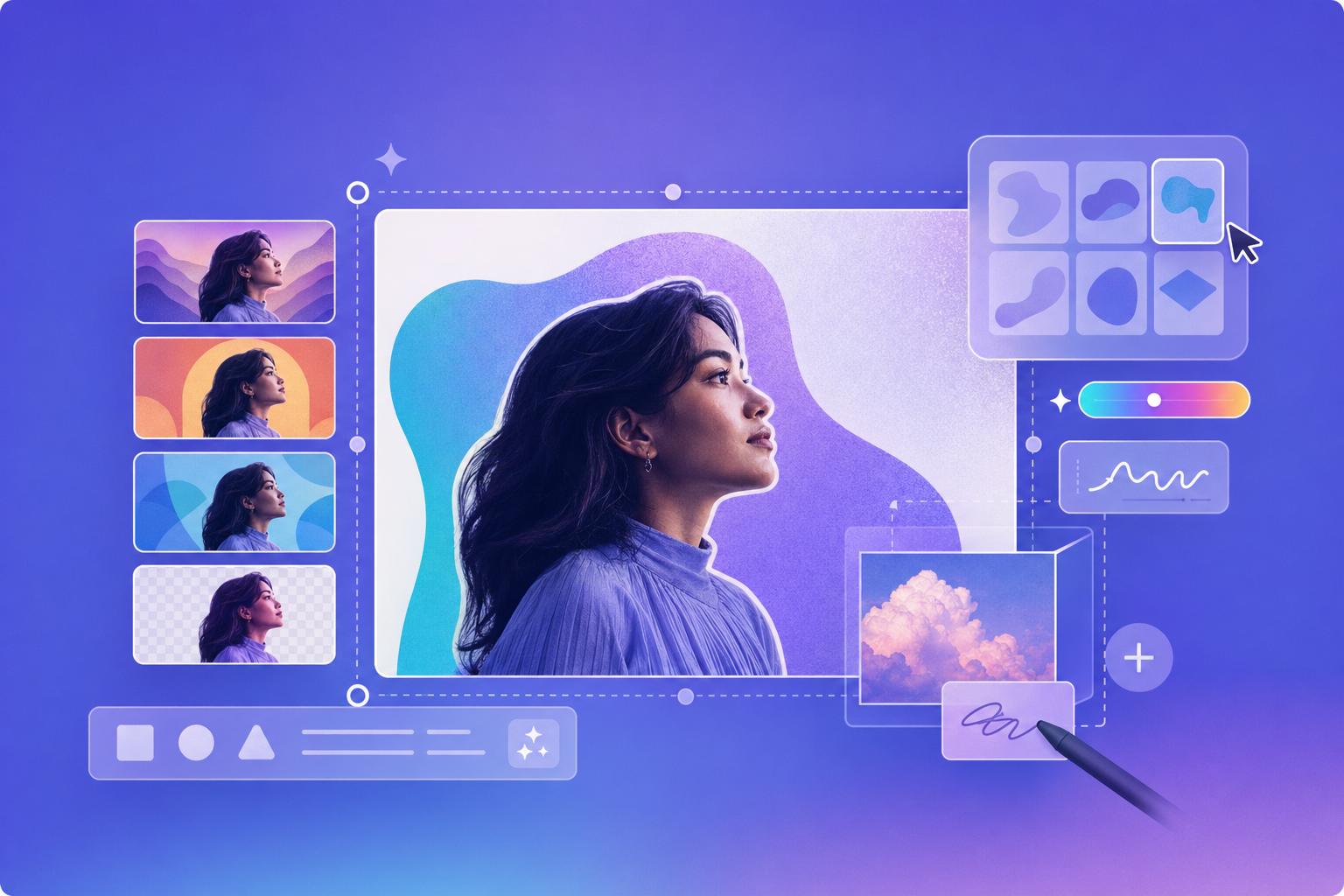
This is one of Canva AI's strongest areas. Background removal, object cleanup, and quick layout-oriented edits save real time. For plenty of business and creator use cases, that is enough value on its own.
This is also a good handoff point. A team might clean or prep an image in Canva, then move to LlamaGen when the next task is to turn that image into scenes, storyboards, or connected visual episodes.
Presentations, docs, and content packaging
Canva AI stays appealing because it lives inside a product people already use for decks, docs, flyers, and social kits. That ecosystem advantage matters. It means the AI feature is not floating by itself; it is attached to real output formats.
LlamaGen does not replace that packaging layer. It complements it by generating the more narrative, character-led, and continuity-heavy visual assets those packages can use.
Honest tradeoffs
- If you mostly need quick marketing graphics, Canva AI is still more direct.
- If your team already works inside Canva every day, its AI tools are easier to adopt than a separate production workflow.
- If the job is object removal, background cleanup, or fast visual formatting, Canva AI is often the simpler answer.
LlamaGen wins when the image is not the end of the job.
A practical hybrid workflow
For many teams, the realistic answer is not Canva AI or LlamaGen. It is Canva AI first, then LlamaGen when the project grows.
For example:
- use Canva AI to draft a social concept
- clean or resize the asset
- move into LlamaGen for character continuity
- expand the idea into a comic strip, manga sequence, or storyboard
- bring the finished assets back into Canva for packaging, captions, slides, or campaign assembly
That is a far better production story than pretending one design assistant should do everything.
Should you use Canva AI?
Yes, if you want a fast, approachable AI layer inside a design tool you probably already know.
Also yes, if your work is mostly posters, decks, promo graphics, lightweight image edits, and template-based content.
But if your real goal is to create visual stories, recurring characters, storyboard logic, or comic-style sequences, Canva AI is only part of the answer. LlamaGen is the better place to continue once the design needs to become a world instead of a one-off.
This article was rewritten for LlamaGen readers on April 29, 2026. The editorial framing has been adapted for story-first workflows and local archive use.