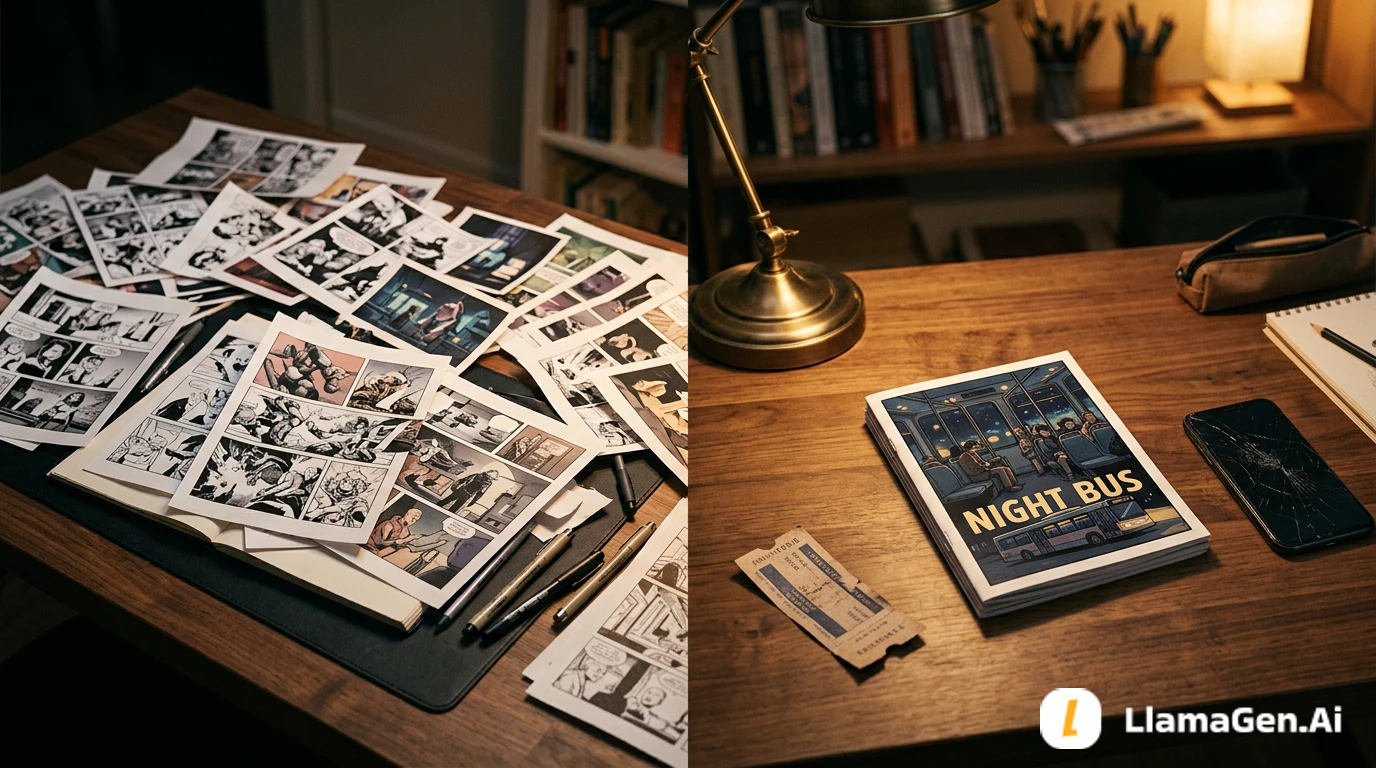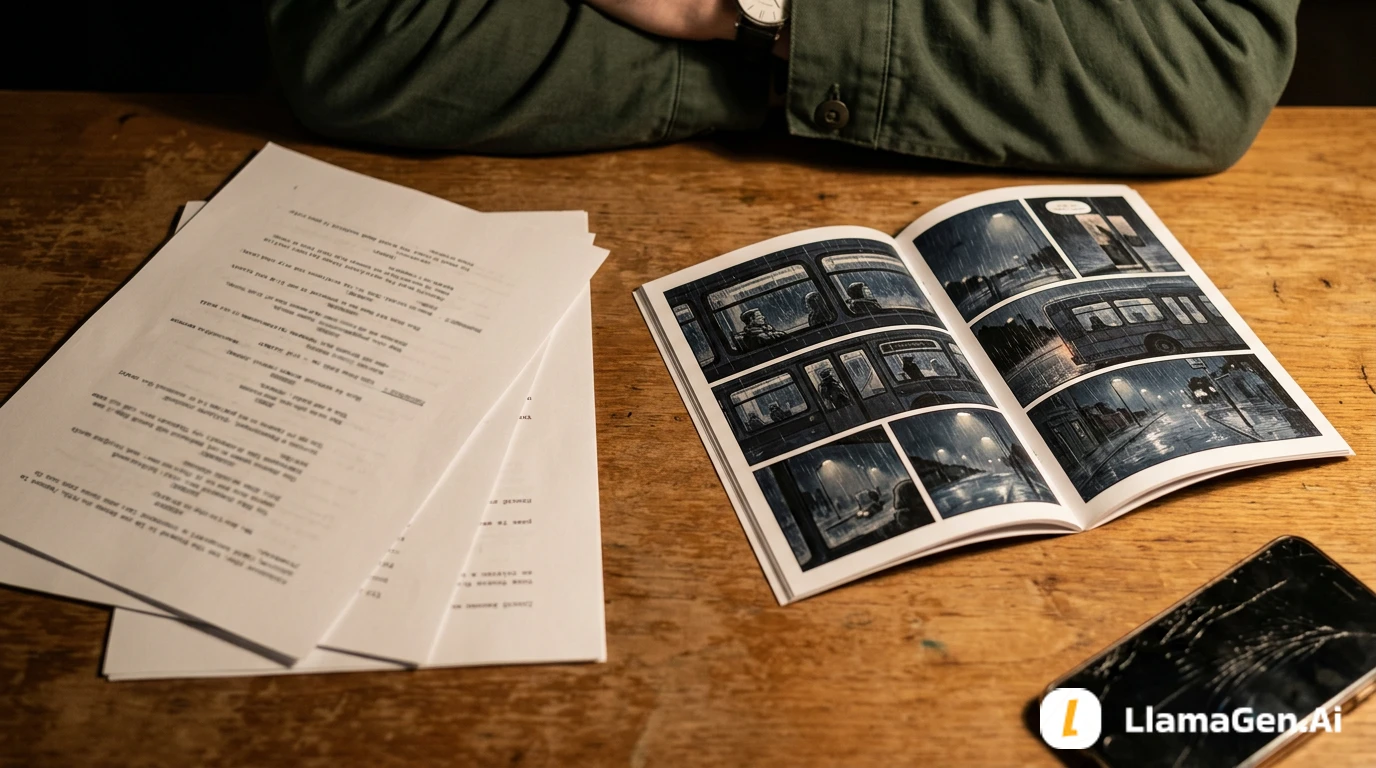

It’s every parent’s dream to nurture their child’s creativity, but for many, the technical barriers to sharing that imagination with the world can feel insurmountable. If you’re a mother, father, or teacher who has ever watched a child’s hand-drawn stories pile up—wondering how you could transform those sketches into vibrant, professional comics they can truly be proud of—this journey is for you. Today, I want to share how one UK mother solved the “paper-to-comic” challenge for her son in just 48 hours using LlamaGen.AI. Not only did she master digital comic creation without prior design experience, but her feedback helped shape new features for the entire global community—like easy bubble editing and seamless print exports. If you’re searching for practical, replicable steps to turn children’s illustrations into high-quality manga or comics, and want to empower your young artist to edit panels on iPad or PC, you’re in the right place.
Let’s start with a real story that may sound exactly like your own. Emma, a mother based in England, had watched her son, Oliver, fill notebook after notebook with imaginative characters and comic strips. But every time they tried to digitize these drawings, Emma faced a wall—complex software, inconsistent results, and the daunting prospect of redrawing everything herself. After months of frustration, she stumbled onto LlamaGen.AI, the leading AI comic and manga generator designed for non-artists and professionals alike.
Within two days, Emma and Oliver were able to:
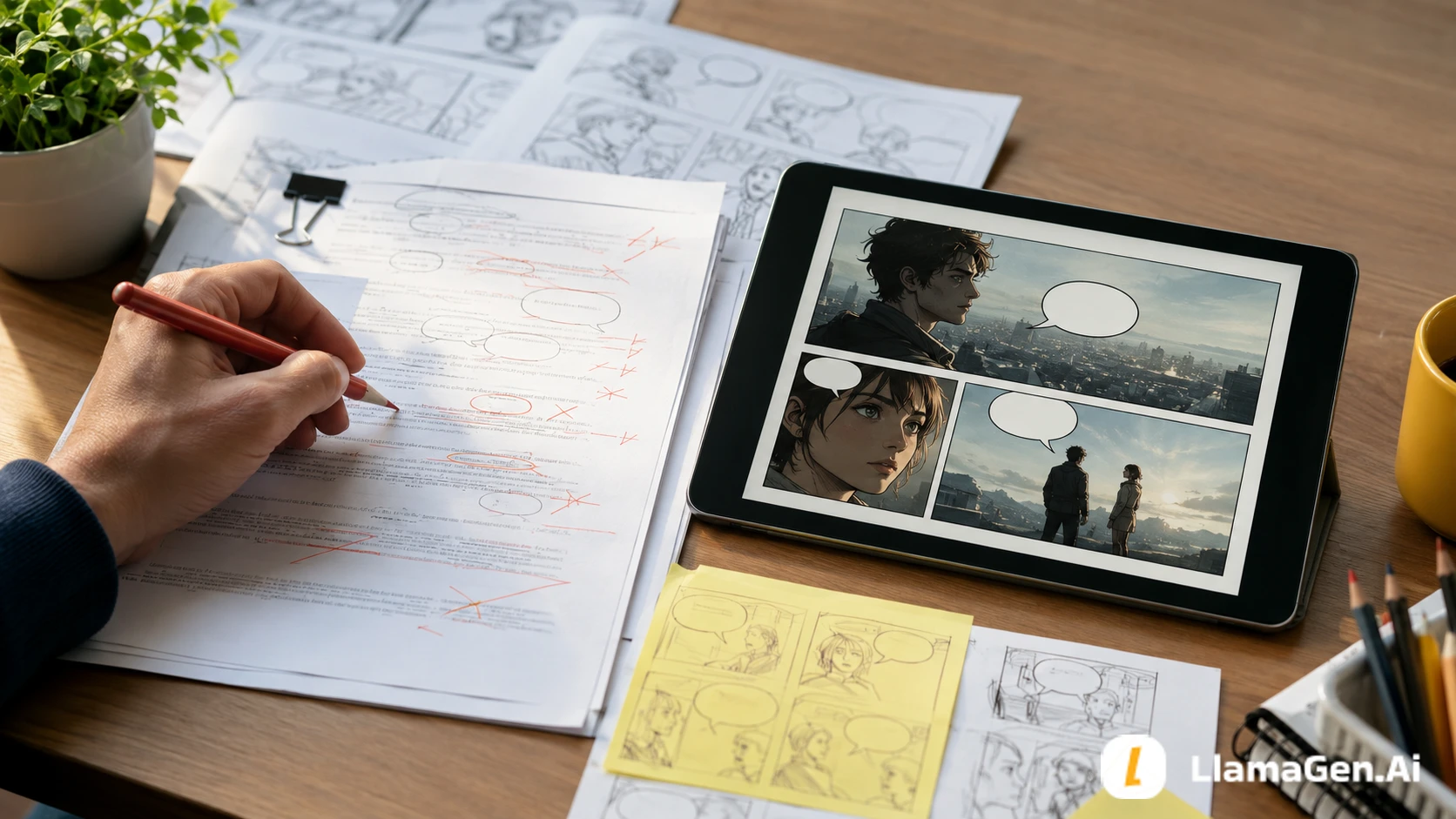
Emma’s heartfelt feedback didn’t stop there. She asked for even simpler comic bubble editing and easy print options—a request that inspired the LlamaGen.AI team to accelerate development of “COMIC Playground,” a new feature launching after New Year’s to help kids edit panels and bubbles on iPad or desktop with just a few taps.
If you’re reading this, you probably recognize these struggles:
Emma summed it up perfectly: “I wanted Oliver to feel proud of his stories, but the technology kept getting in the way. LlamaGen.AI finally made it possible—and fun.”
Ready for actionable solutions you can implement today? Here’s how Emma did it, and how you can replicate her success in just three simple steps.
Pro Tip: The multi-panel generator lets you create up to 64 storyboards per session, so you can transform an entire notebook in one afternoon.
Metric: Emma achieved 6-character consistency across all her son’s strips, matching professional standards in less than 48 hours.
Result: Oliver was able to write his own jokes and stories, with Mom helping only for spelling!
Outcome: Emma printed Oliver’s first comic for a school project and received glowing feedback from teachers and classmates.
Emma’s story isn’t unique. Over 100,000 creators worldwide use LlamaGen.AI to:
Here’s what other users say:
“It can really turn your imagination into reality. It opens up a new era of comics!” – @juaner0211589
“LlamaGen.Ai is a world-class product that is revolutionizing the anime world.” – @RealFeatBit
“Not only breaks limits but shatters them, offering endless possibilities for my projects.” – @jake-m
You might be wondering:
Is it really that easy?
Yes. LlamaGen.AI was built for non-artists and children, with one-click tools and video tutorials for every feature. Try Create Your First Comic for a step-by-step walkthrough.
What if I want to customize everything?
Advanced users can dive into panel redraws, negative prompts, artistic modes, and direct script imports. But you’re never forced to use complex features—start simple, scale up as you learn.
How do I print comics for school or gifts?
Use the “Export as PDF” or “4K HD Image” options. New features launching in COMIC Playground will make layout and print prep even simpler—especially for iPad and desktop users.
Can my child edit bubbles and panels alone?
Absolutely. The upcoming COMIC Playground tool (launching post-New Year) will allow kids worldwide to edit panels/bubbles with simple drag-and-drop, making independent creation a reality.
To get the most out of LlamaGen.AI, follow these advanced tips:
Emma’s request for simple bubble editing and printing didn’t go unnoticed. LlamaGen.AI’s CTO Jasper and designer Velika listened—and committed to launching COMIC Playground just after New Year’s. Here’s what you’ll be able to do:
Thank you, Emma and Oliver, for inspiring these improvements. Your user story has helped the entire LlamaGen.AI community progress.
Ready to start your own journey? Here’s a practical, replicable framework for transforming hand-drawn art into published comics with LlamaGen.AI:
For more advanced workflows and tutorials, explore:
Emma’s story shows how a single user’s challenge can spur innovation for thousands—making comic creation more accessible, joyful, and impactful for families everywhere. Whether you want to help your child publish their first comic, teach visual storytelling in the classroom, or simply preserve creative memories, LlamaGen.AI offers a proven, easy-to-use toolkit. In just 48 hours, you can transform hand-drawn art into professional comics, maintain character consistency, and print or share your child’s work—all without advanced design skills.
The upcoming COMIC Playground feature, inspired by real parental feedback, will make bubble and panel editing smoother than ever—right on iPad or desktop. Your journey starts with one scan, one login, and one story. Let LlamaGen.AI help you master comic creation, celebrate your child’s imagination, and join a global movement of creativity.
Ready to begin? Sign up free, explore our video tutorials, and connect with a community transforming storytelling—one panel at a time.
For more guides, tips, and best practices on comic creation, visit LlamaGen.AI Resources and join our community for real-time support and inspiration.
Popular creator tools
Go from comics and storyboards to stylized photos with LlamaGen.
Pregled najnovijih izdanja značajki LlamaGen, poboljšanja proizvoda, ažuriranja dizajna i važnih ispravaka grešaka.
Visualize every scene before production starts.
© 2026 LlamaGen.Ai Sva prava pridržana
Vodeći budućnost generiranja stripova pomoću AI-a