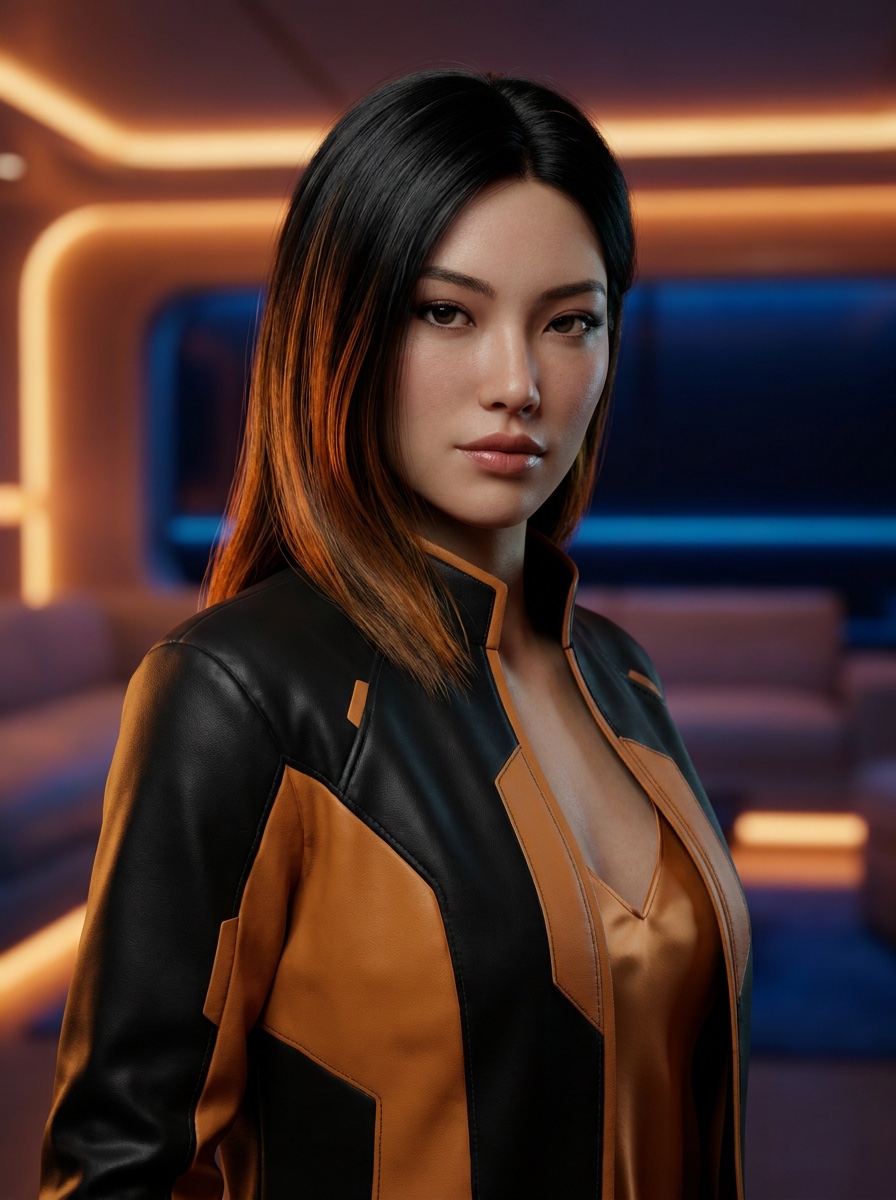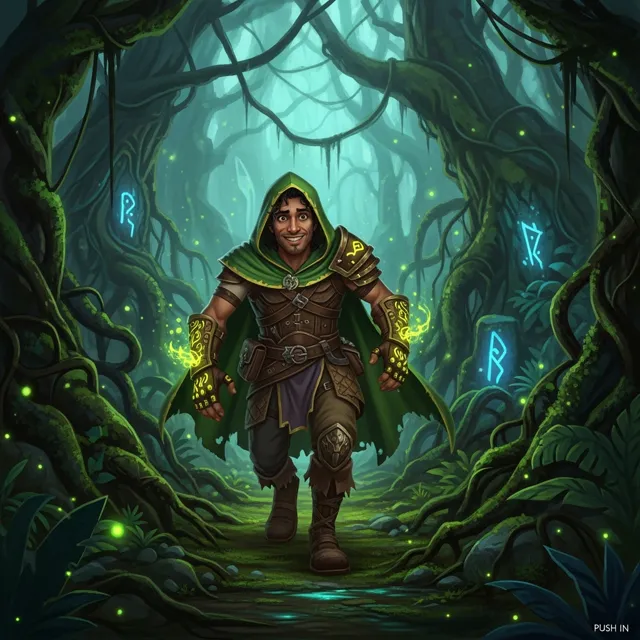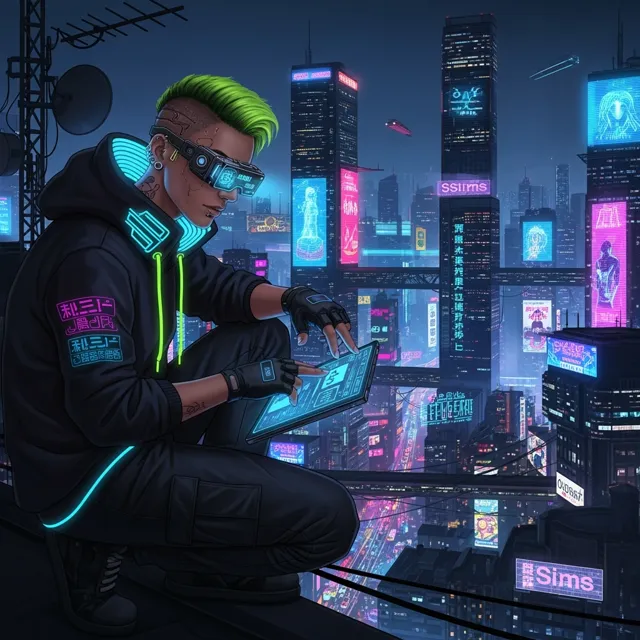
AI Influencer Generated
talking head video · 5s · HD
Turn a portrait or character image into a talking-head video with natural motion, expressive delivery, and a clean export path for explainers, avatars, and social clips.
Describe the motion, subject, camera, and mood. Add a reference when you want tighter visual control.
Creator video examples
Use these clips as a quality bar for short story beats, social hooks, product moments, and client-ready previews.
Use this as a bar for deciding whether the portrait motion feels natural enough to export.
Use this as a bar for deciding whether the portrait motion feels natural enough to export.
Use this as a bar for deciding whether the portrait motion feels natural enough to export.
Use this as a bar for deciding whether the portrait motion feels natural enough to export.
A AI Talking Head Video Generator can prove the idea fast. But a real video example still needs clean motion, readable framing, HD export, and no watermark before it becomes an ad, product reveal, or social post.
How LlamaGen Helps
Start with a clear portrait and a short delivery goal, review the motion, then export only the take that feels natural.
Describe the talking head video moment you want: subject, action, camera motion, mood, and final use case.
Preview the motion direction and refine the prompt until the opening frame, pacing, and subject remain clear.
Export the version that is ready for a social post, pitch, product page, or client handoff.
Who benefits from LlamaGen
01
AI Talking Head Video Generator lets you test the motion and story beat before committing to a finished download.
AI Talking Head Video Generator prompt starters
AI Talking Head Video Generator lets you test the motion and story beat before committing to a finished download.
Shape hooks, transitions, product reveals, avatar moments, and character scenes for real publishing contexts.
Move from prompt to preview to HD export without making the page feel like a generic demo gallery.
For clips that are ready to leave preview
Keep exploring in preview mode. Upgrade when you need HD, watermark-free output, more attempts, and faster iteration for production work.
Paid plan benefits
FAQ
Yes. AI Talking Head Video Generator works best when the starting prompt or reference is specific about the subject, action, camera movement, and intended use.
Use a sharp front-facing image, keep the script short, and describe the emotion, pacing, and delivery style in plain language.
Export when the face, mouth movement, and overall delivery look natural enough for an explainer, avatar update, or social post.
Move from a single generated image or video into comics, manga, storyboards, and connected visual stories.
AI video generator series
Try nearby AI video workflows for ads, reels, trailers, image animation, text to video, and model-specific generation.
 01
01Create game trailers, cutscenes, gameplay teasers, character reveals, and quest videos from a simple prompt. Turn game ideas into cinematic video scenes with characters, settings, mood, motion, and story beats.
 02
02Twórz oszałamiające wideo marketingowe w kilka minut dzięki naszemu Generatorowi Wideo Marketingowych AI. Zamień opisy produktów, teksty reklamowe lub posty w mediach społecznościowych w angażujące filmy, które konwertują. Idealny dla marketerów, firm i twórców treści.
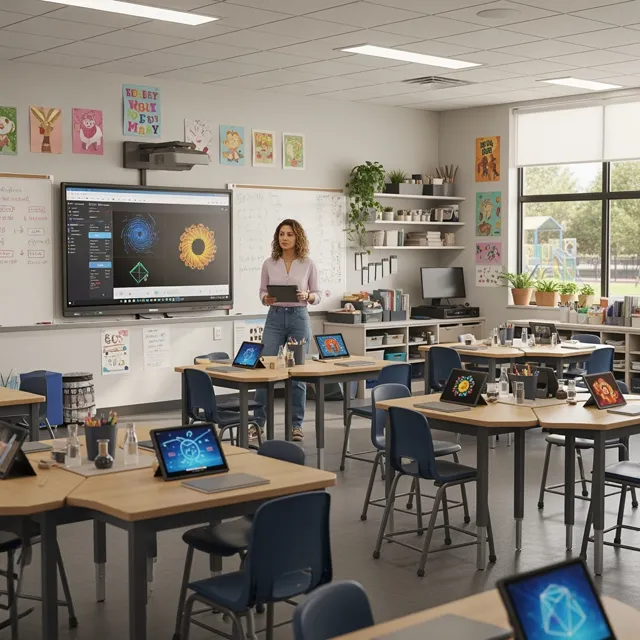 03
03Daj nauczycielom i uczniom możliwość tworzenia filmów edukacyjnych wspieranych przez AI. Przekształcaj plany lekcji, opowieści i pojęcia w angażujące filmy edukacyjne w kilka minut. Idealne do klasy i nie tylko.
 04
04Twórz angażujące filmy na YouTube w kilka minut za pomocą naszego Generatora Wideo AI na YouTube. Zamień swoje pomysły, scenariusze lub wpisy na blogu w profesjonalnie wyglądające filmy, które rozwijają Twój kanał. Idealny dla YouTuberów, twórców treści i firm.
 05
05Twórz Reels na TikToku i Instagramie z pomocą AI za darmo. Zamień tekst, pomysły lub zdjęcia produktów w krótkie filmy z napisami, lektorem, muzyką i gotowym pionowym formatem do publikacji.
 06
06Create short AI ads from product details, offers, or raw ideas. Turn prompts and product shots into video ad drafts with hooks, captions, and social-ready pacing.
 07
07Uwolnij swoją kreatywność dzięki darmowemu generatorowi wideo Ani-Sora. Zamień swoje tekstowe podpowiedzi w oszałamiające animowane filmy dzięki zaawansowanej technologii AI.
 08
08Generuj wysokiej jakości, darmowe, bezpłatne b-rolly do swoich filmów w kilka sekund. Opisz rodzaj nagrania, którego potrzebujesz, a nasza AI stworzy dla Ciebie spersonalizowane klipy b-roll – bez opłat.
 09
09Korzystaj z Gemini AI Video Generator w LlamaGen za darmo online, aby tworzyć filmy w stylu Gemini i Veo z promptów tekstowych lub obrazów, podglądać ruch, a potem eksportować gotowe klipy HD bez znaku wodnego.
 10
10Ożyw swoje statyczne obrazy za pomocą naszego darmowego Generatora Animacji Obrazów. Zamień dowolne zdjęcie w dynamiczne, ruchome dzieło sztuki dzięki zaawansowanej technologii AI.
 11
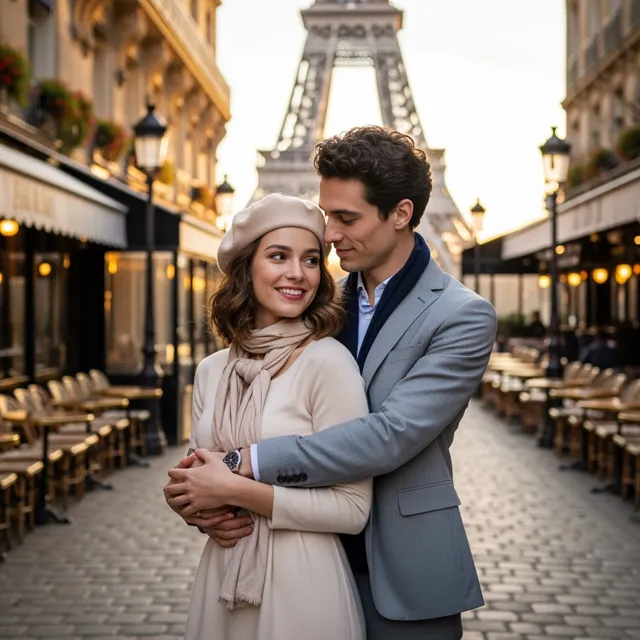
11Use LlamaGen's Sora Video Generator to create OpenAI Sora 2 videos from text prompts or a reference image, preview cinematic motion, and export finished clips for ads, stories, and social posts.
 12
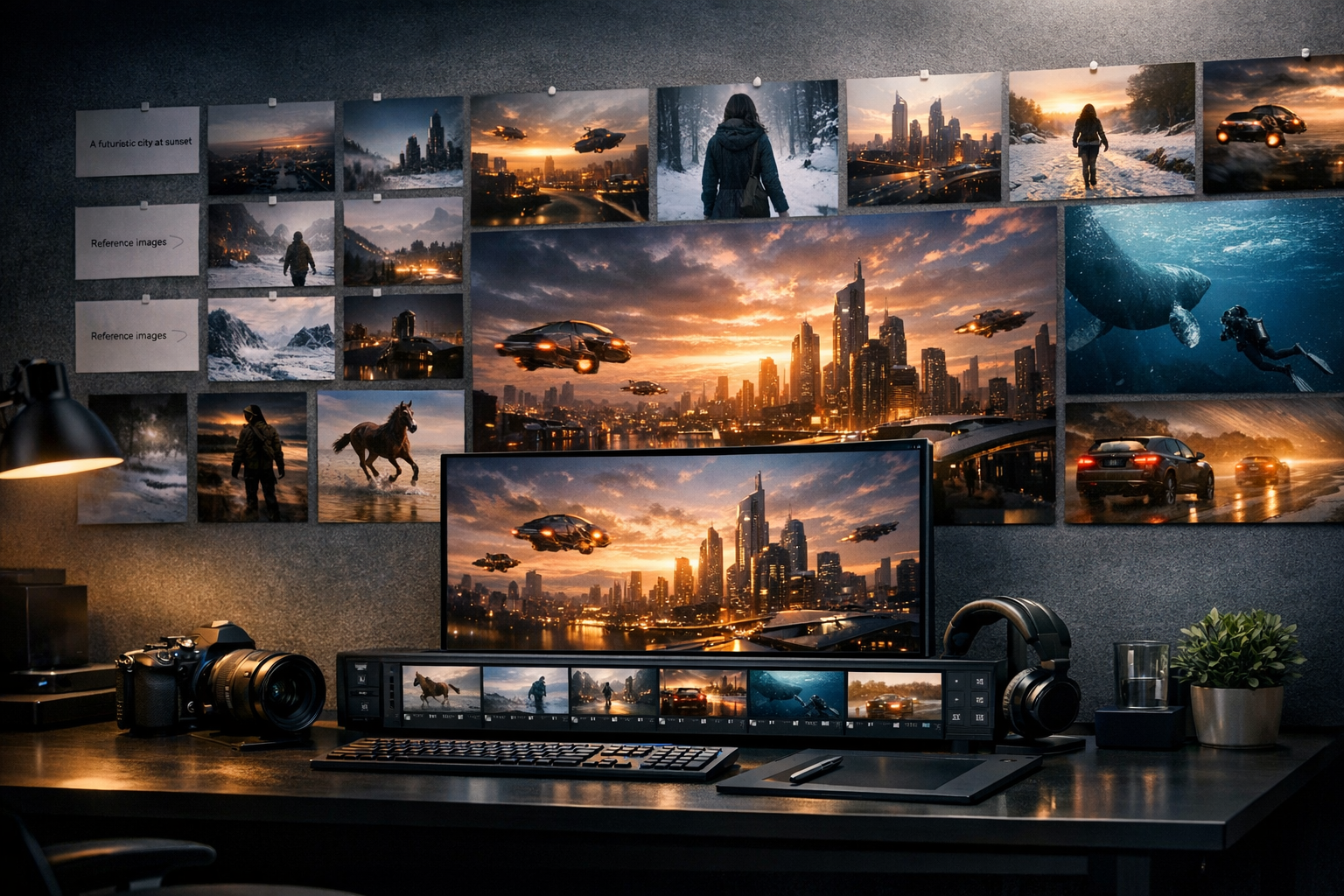
12Twórz filmy AI w stylu Sora na podstawie opisów tekstowych. Opisz scenę, ruch kamery, akcję postaci lub pomysł na historię, a następnie przekształć go w kinowe wideo do social mediów, reklam i kreatywnych projektów.