AI 網紅生成
影片轉影片 · 5秒 · HD
Bring the anime image in your imagination to life. Describe a character, a world or a moment, then make it your own with AI.
Your prompt opens in the image studio. Sign in, choose an available model and canvas, and review the credit cost before generating.
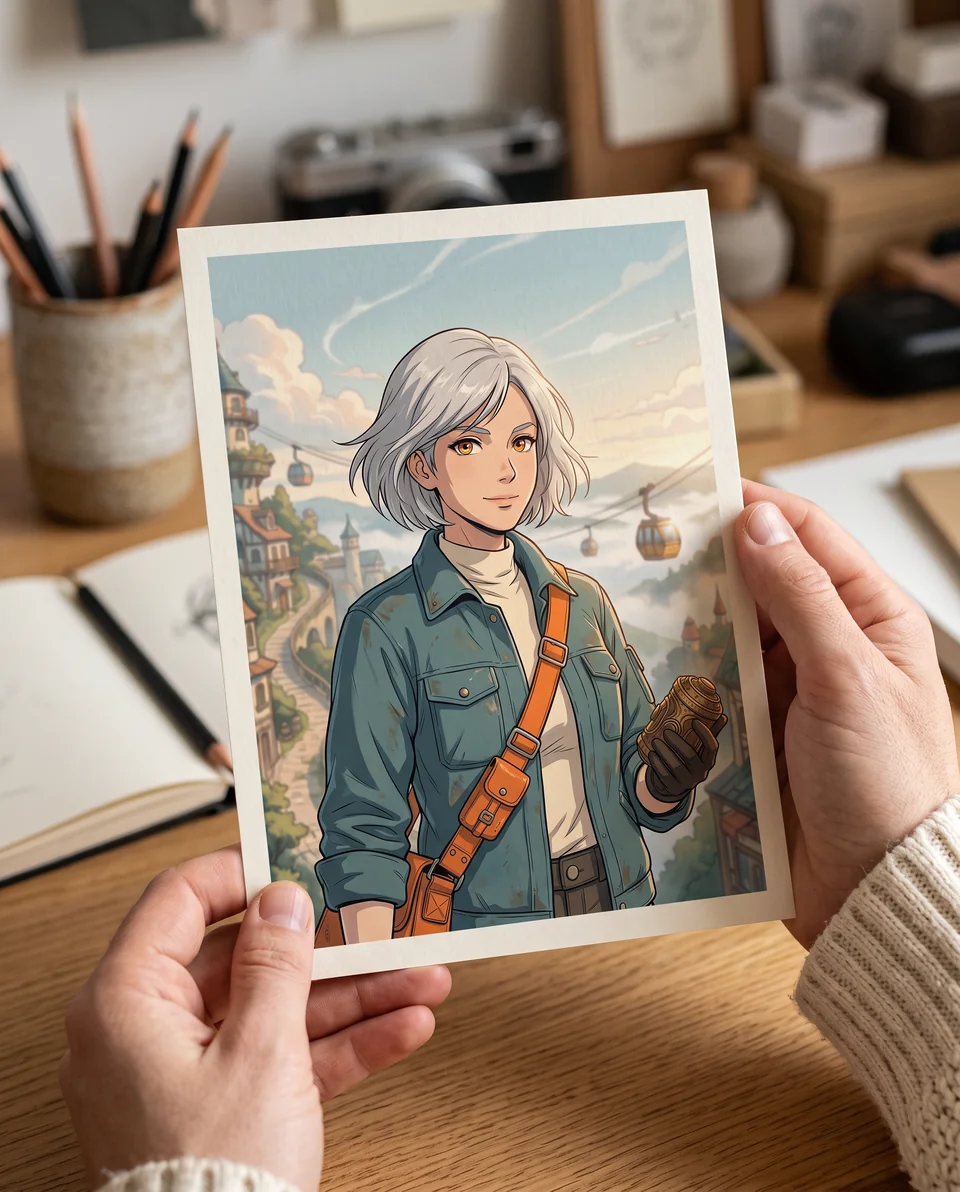
Try an anime style
請描述動作、主體、鏡頭和氛圍。如需更精準視覺控制,可加入參考。
Your prompt opens in the video editor. Review model availability and credit cost before generating.
免費AI漫畫生成器
Write a story, choose a layout and art style, and create comic pages with consistent characters. Edit dialogue or regenerate a single panel in Comic Studio.
Start free with credits. Sign in to generate and edit your comic.
創作者短片示例
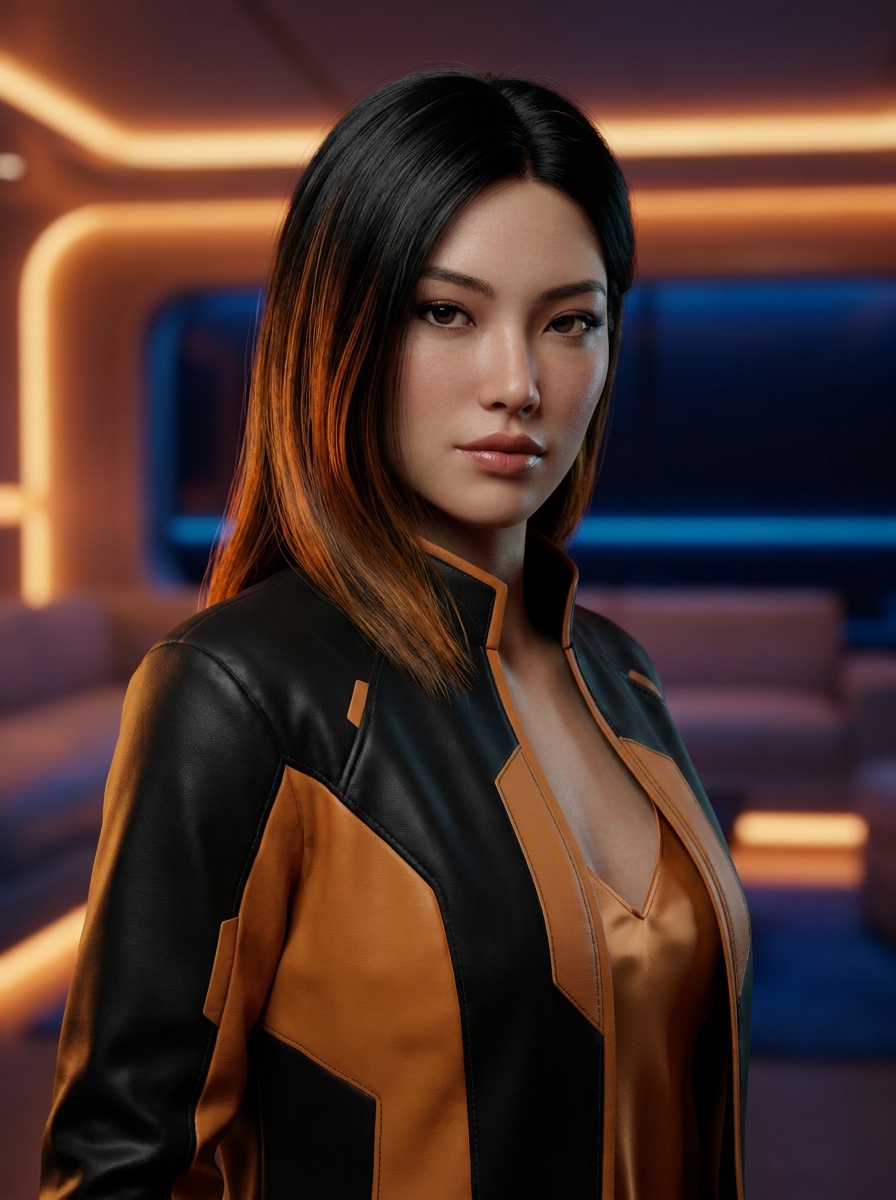
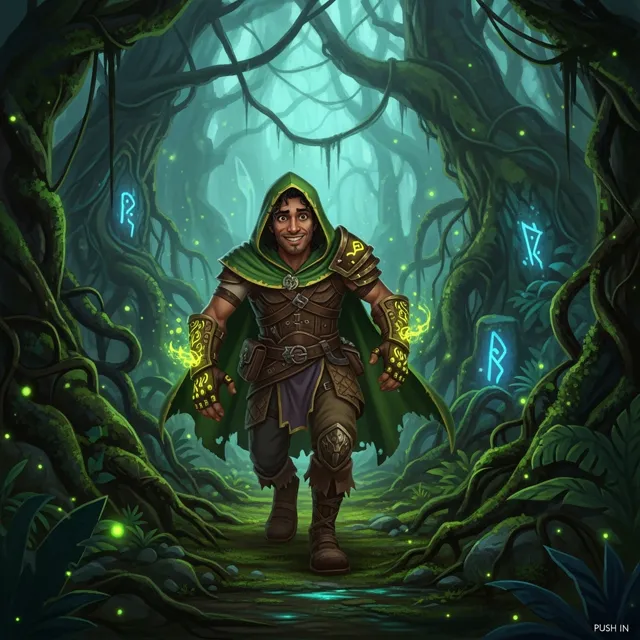
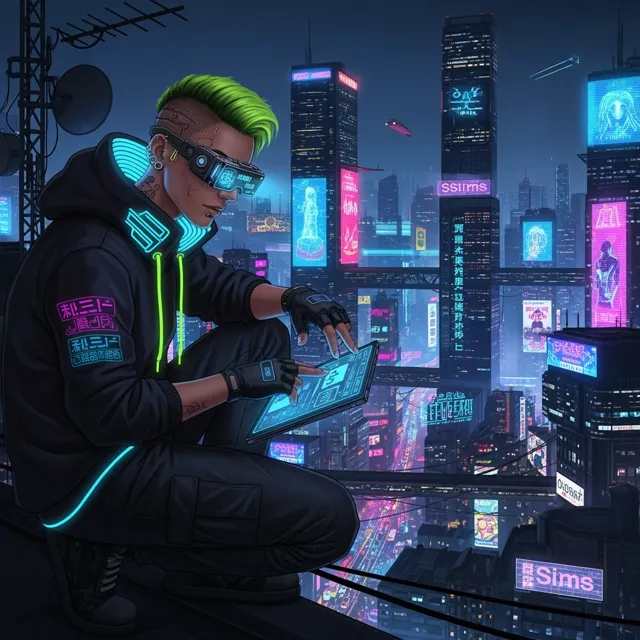
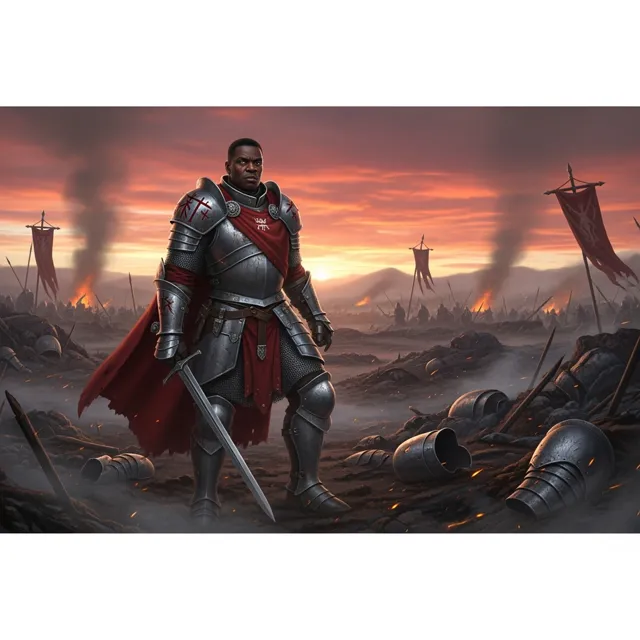
這些片段可作短故事節奏、社交吸睛、產品展示及客戶預覽的質素參考。
用此衡量重塑後的片段在視覺更改後仍然清晰易讀。
用此衡量重塑後的片段在視覺更改後仍然清晰易讀。
用此衡量重塑後的片段在視覺更改後仍然清晰易讀。
用此衡量重塑後的片段在視覺更改後仍然清晰易讀。
A 影片換影片生成器 can prove the idea fast. But a real video example still needs clean motion, readable framing, HD export, and no watermark before it becomes an ad, product reveal, or social post.
How LlamaGen Helps
從原影片及一個明確風格方向開始,檢查動作,再匯出保留行為易讀的版本。
描述你想要的影片轉影片情景:主角、動作、鏡頭運動、氛圍及最終用途。
預覽動作方向並調整提示,確保開場畫面、節奏及主體清晰。
導出適合社交帖文、宣傳、產品頁或客戶交付的版本。
Who benefits from LlamaGen
01
影片轉影片生成器讓您先測試動作及故事節奏,再決定是否要下載完成品。
影片換影片生成器提示起始
影片轉影片生成器讓您先測試動作及故事節奏,再決定是否要下載完成品。
塑造吸睛、過場、產品亮相、虛擬角色及故事場景,適合真實發布場合。
由提示到預覽再到高清導出,不會令頁面如一般示範集般庸俗。
為隨時離開預覽的片段
繼續於預覽模式發掘。需要高清、無水印、更多嘗試及更快製作時可升級。
常見問題
可以。影片轉影片生成器最適合以明確主題、動作、鏡頭運動及用途的提示或參考開展。
選擇主題明確及動作穩定的素材,再描述目標風格,避免同時改變太多場景元素。
新視覺效果明顯,但原有動作、主角及節奏仍易於理解時即可匯出。
由單張生成圖像或影片,延伸至漫畫、漫畫劇、分鏡及連貫視覺故事。
AI video generator series
試用附近的 AI 影片工具,如廣告、短片、預告、圖像動畫、文字轉影片及指定模型生成。
 01
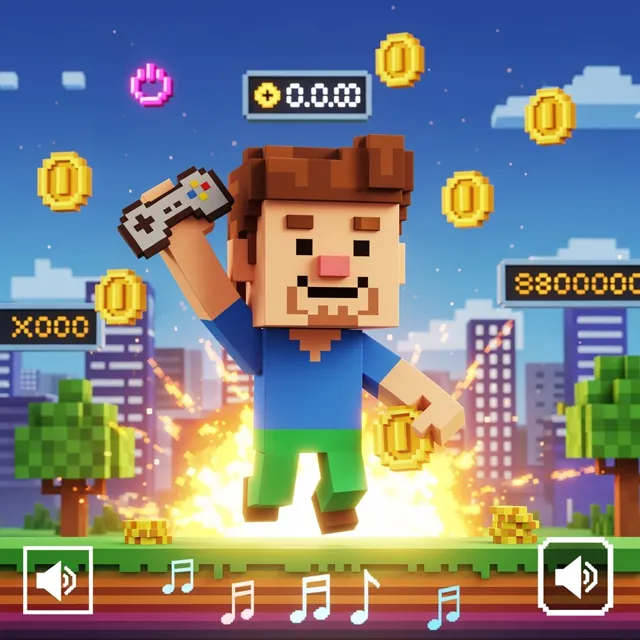
輸入簡單指令,即可創作遊戲預告、過場動畫、遊玩短片、角色揭示和任務影片。將遊戲構思化為具角色、場景、氛圍、運鏡及故事脈絡的電影級影片。
 02
利用我們的 AI 市場推廣視頻生成器,幾分鐘內製作令人大開眼界的推廣視頻。輕鬆將產品描述、廣告文案或社交媒體帖文轉換成吸引的高轉化率視頻。適合市場推廣人員、企業及內容創作者。
 03
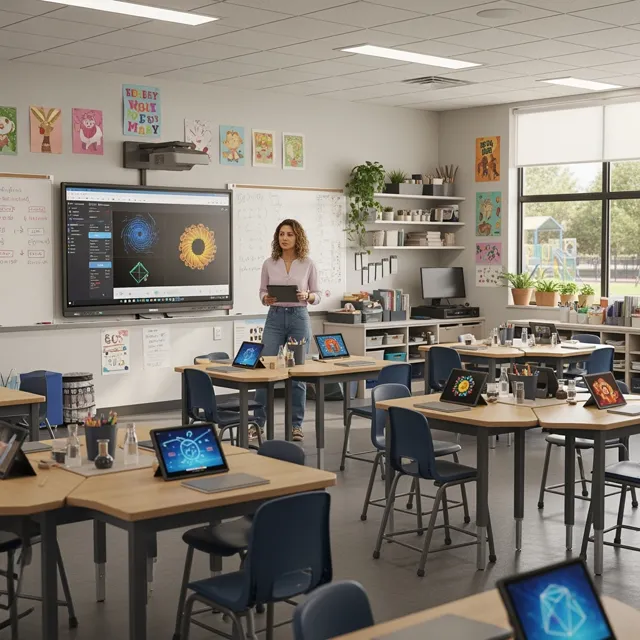
為教育工作者及學生帶來 AI 動力視頻創作。將教學計劃、故事及概念幾分鐘內變成引人入勝的教育視頻。適合課堂及課外用途。
 04
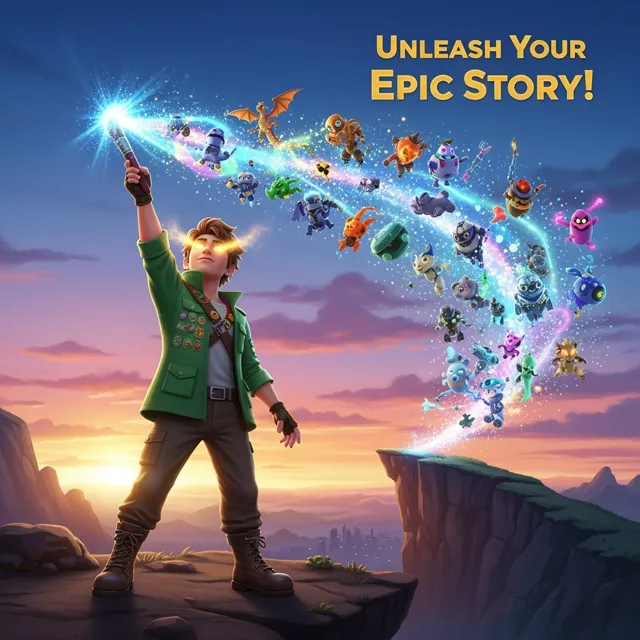
只需數分鐘即可使用AI YouTube影片生成器製作吸引YouTube影片。將你的想法、腳本或博客文章轉為專業影片,助你推動頻道增長。適合YouTuber、內容創作人及企業。
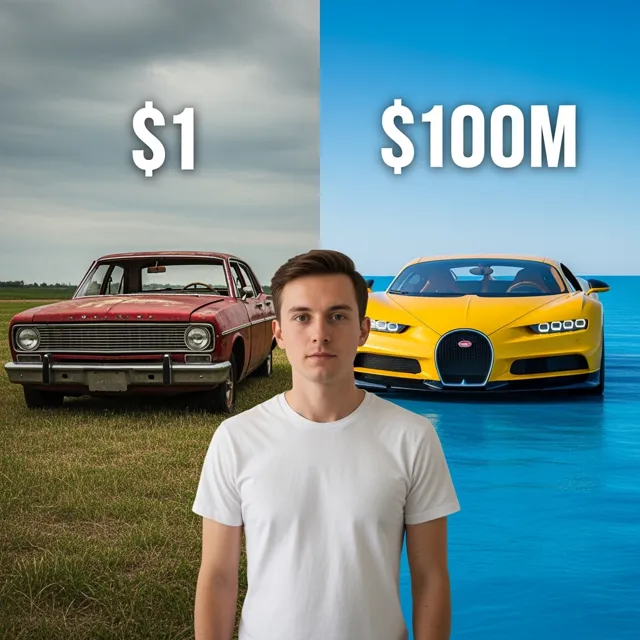 05
Create reel drafts for TikTok, Instagram Reels, and YouTube Shorts. Start with an idea, review model and credit options, then check the generated video and finish captions, audio, and formatting before posting.
 06
根據產品資訊、優惠或創意,把提示及產品照片轉化為短片廣告草稿,加入標語、字幕及適合社交節奏。
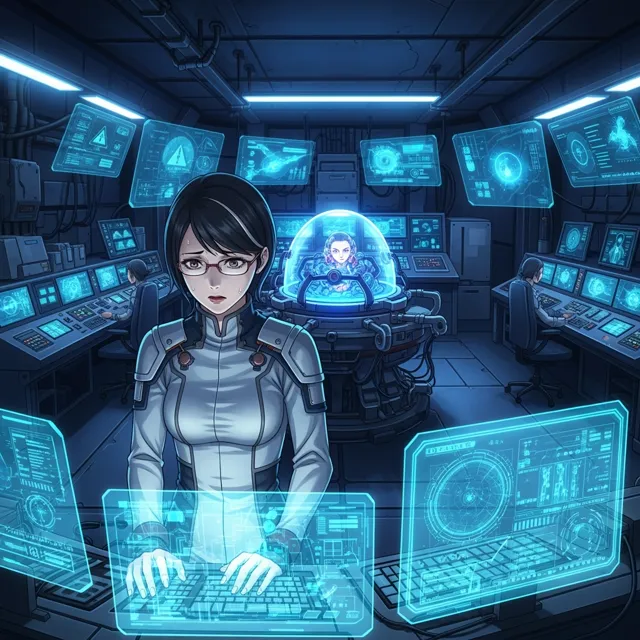 07
用我們的免費 Ani-Sora 影片生成器發揮你的創意。只需輸入指令,結合先進 AI 技術,即可將你的文字轉換成華麗動畫影片。
 08
Create draft B-roll from a shot description, then review it for your edit. Available models, output settings, and generation credit costs vary.
 09
利用 Gemini AI 影片生成器,將文字或圖片轉換成影片。預覽片段、微調場景,並可無浮水印匯出高清影片。
 10
Turn a still image into an AI motion draft. Describe the movement you want, check model access and credit costs, and review the result and available output settings in the editor.
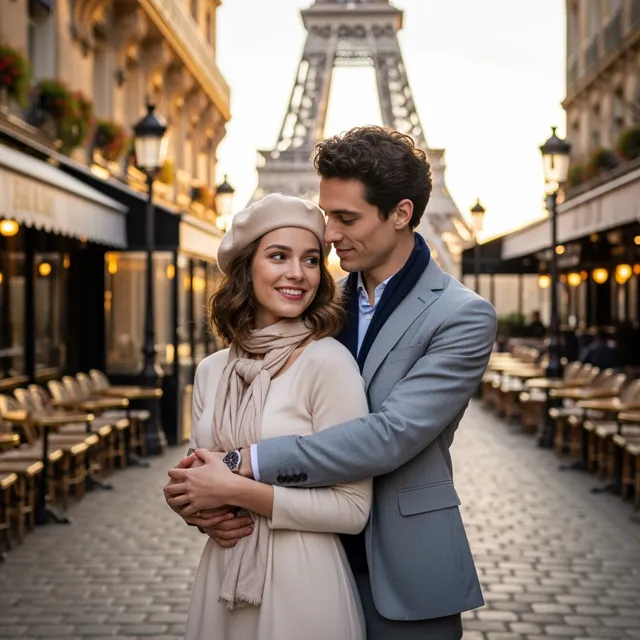 11
使用 LlamaGen 的 Sora 影片生成器,根據文字提示或參考圖片,製作 OpenAI Sora 2 影片,預覽戲劇化動作,匯出廣告、故事及社交貼文片段。
 12
以提示語製作 Sora 風格 AI 影片。描述場景、鏡頭移動、角色動作或故事意念,輕鬆變成社交、廣告及創作項目的戲劇化影片內容。