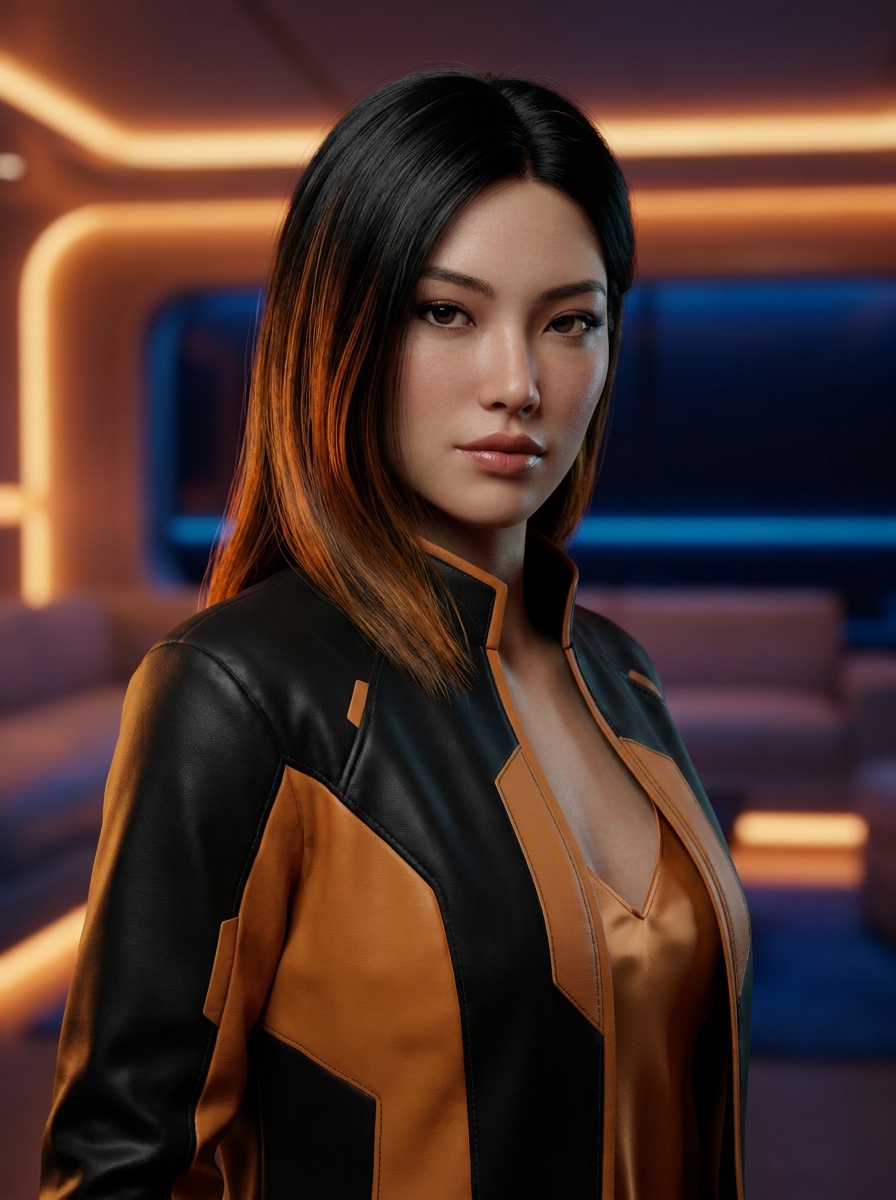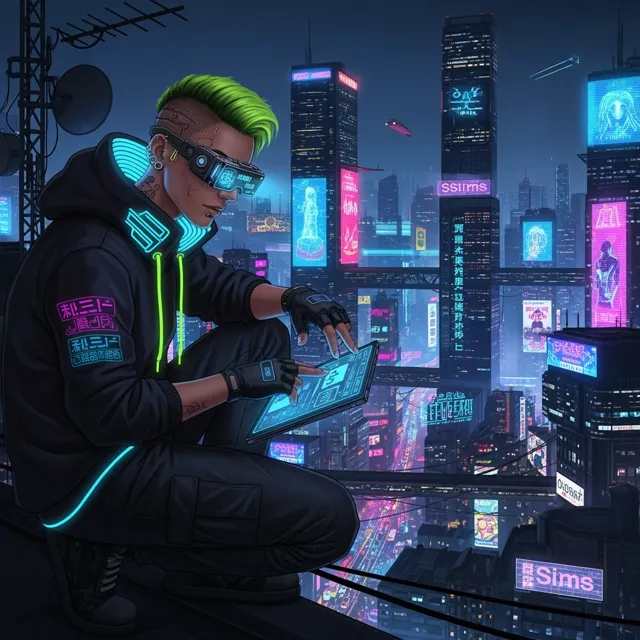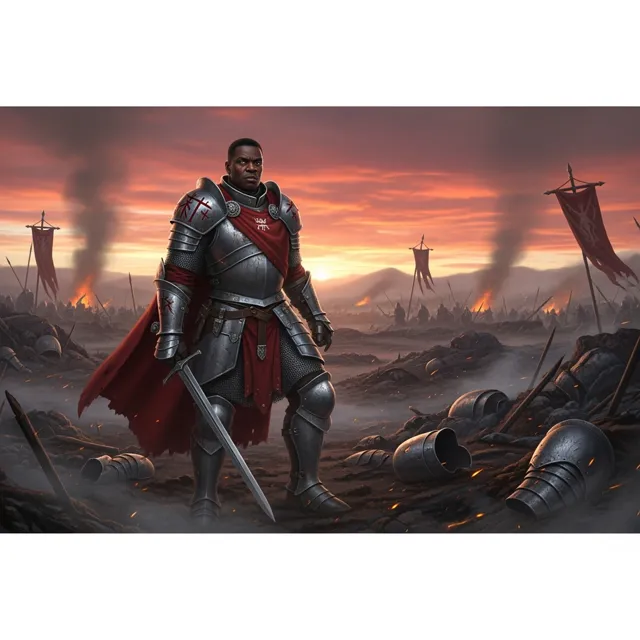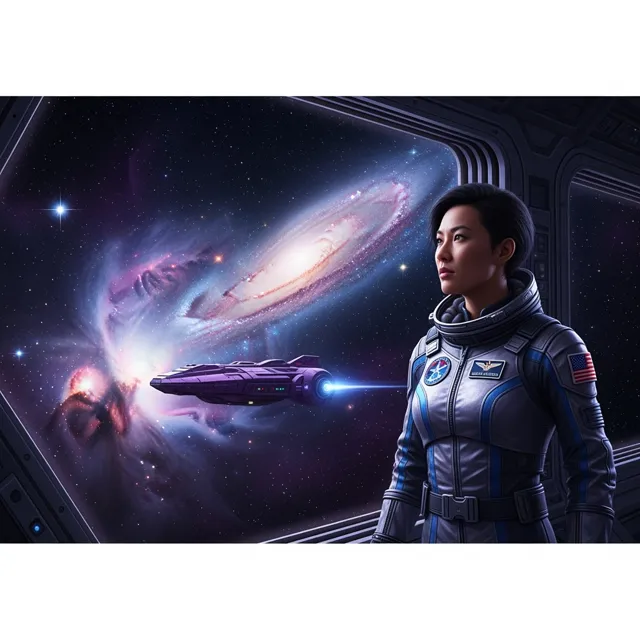
صانع محتوى افتراضي منشأ بالذكاء الاصطناعي
AI video effects · 5s · HD
Apply bold AI video effects to clips and images so hooks, transitions, and social moments feel more polished before final export.
Bring the anime image in your imagination to life. Describe a character, a world or a moment, then make it your own with AI.
Your prompt opens in the image studio. Sign in, choose an available model and canvas, and review the credit cost before generating.
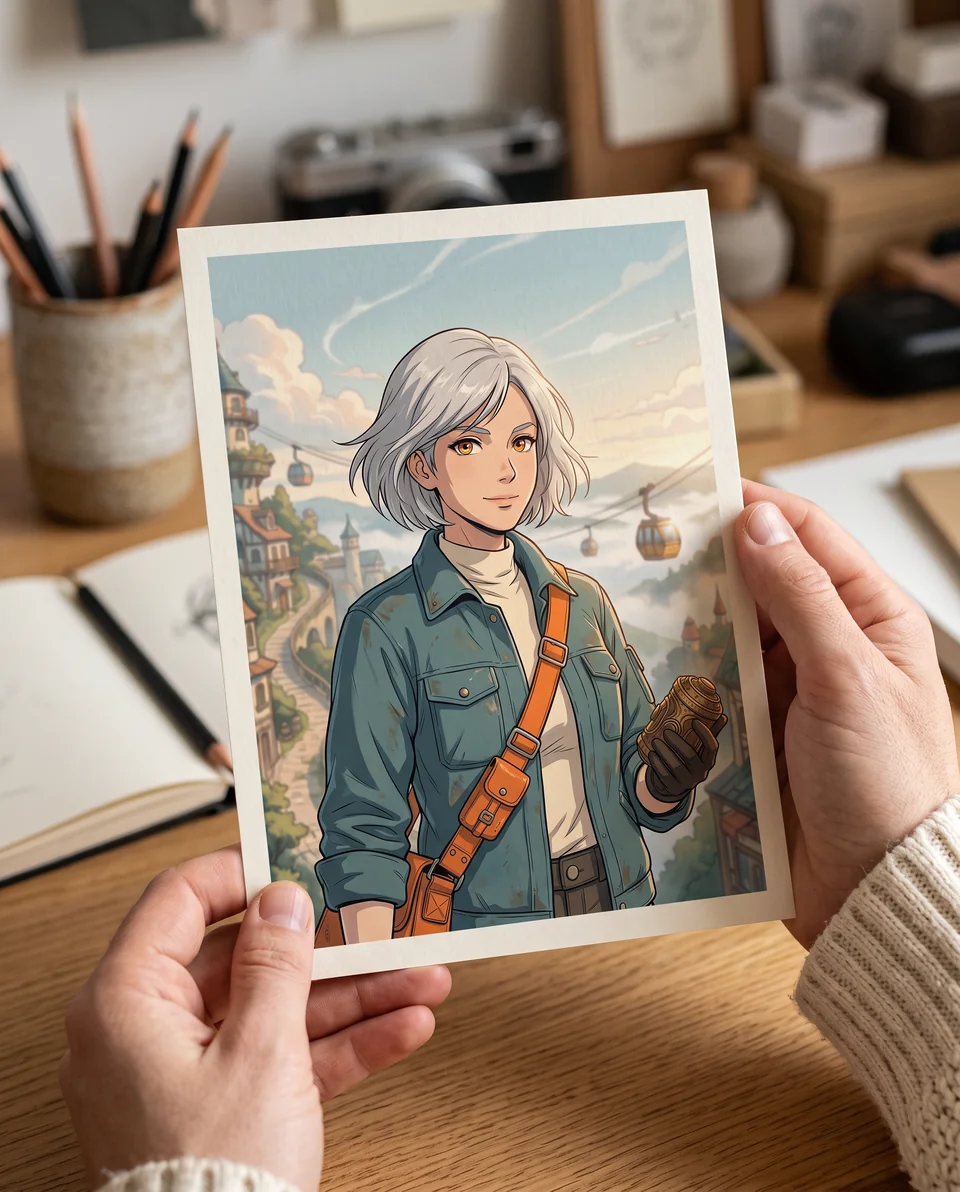
Try an anime style
صف الحركة والموضوع والكاميرا والمزاج. أضف مرجعًا للحصول على تحكم بصري أدق.
Your prompt opens in the video editor. Review model availability and credit cost before generating.
مولد الكوميكس الذكاء الاصطناعي المجاني
Write a story, choose a layout and art style, and create comic pages with consistent characters. Edit dialogue or regenerate a single panel in Comic Studio.
Start free with credits. Sign in to generate and edit your comic.
Creator video examples
Use these clips as a quality bar for short story beats, social hooks, product moments, and client-ready previews.
Use this to judge whether the effect improves the clip without hiding the important action.
Use this to judge whether the effect improves the clip without hiding the important action.
Use this to judge whether the effect improves the clip without hiding the important action.
Use this to judge whether the effect improves the clip without hiding the important action.
A AI Video Effects Generator can prove the idea fast. But a real video example still needs clean motion, readable framing, HD export, and no watermark before it becomes an ad, product reveal, or social post.
How LlamaGen Helps
Start with one clear effect idea, review the subject visibility, and export the version that strengthens the hook.
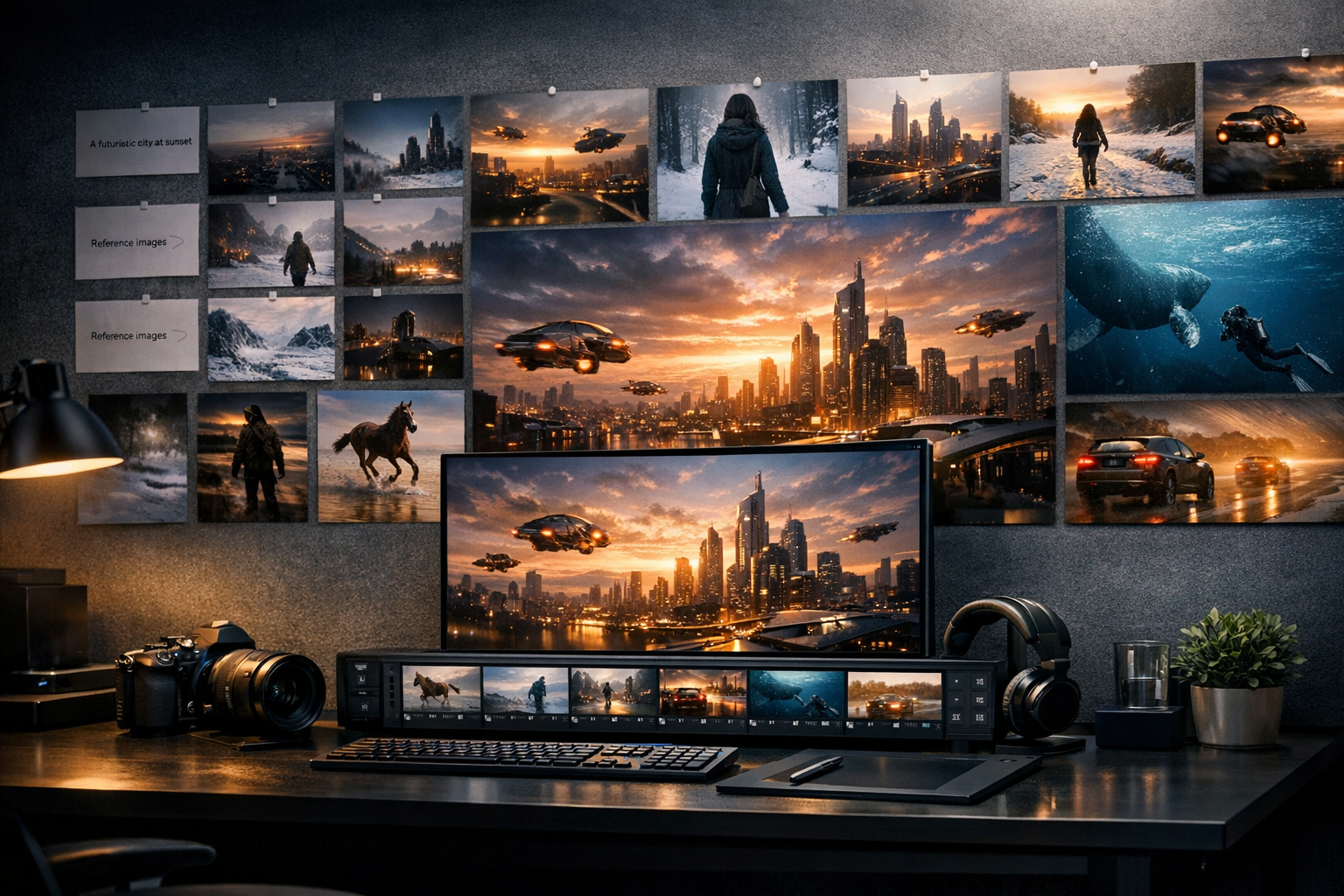
Describe the AI video effects moment you want: subject, action, camera motion, mood, and final use case.
Preview the motion direction and refine the prompt until the opening frame, pacing, and subject remain clear.
Export the version that is ready for a social post, pitch, product page, or client handoff.
Who benefits from LlamaGen
01
AI Video Effects Generator lets you test the motion and story beat before committing to a finished download.
AI Video Effects Generator prompt starters
AI Video Effects Generator lets you test the motion and story beat before committing to a finished download.
Shape hooks, transitions, product reveals, avatar moments, and character scenes for real publishing contexts.
Move from prompt to preview to HD export without making the page feel like a generic demo gallery.
For clips that are ready to leave preview
Keep exploring in preview mode. Upgrade when you need HD, watermark-free output, more attempts, and faster iteration for production work.
مزايا الخطة المدفوعة
الأسئلة الشائعة
Yes. AI Video Effects Generator works best when the starting prompt or reference is specific about the subject, action, camera movement, and intended use.
Describe one effect at a time, keep the subject visible, and avoid stacking too many transformations in a single preview.
Export when the effect supports the hook instead of covering the face, product, action, or message.
انتقل من صورة أو فيديو واحد منشأ إلى قصص مصورة ومانجا ولوحات سردية وحكايات بصرية مترابطة.
AI video generator series
جرّب سير عمل الفيديو الذكي القريبة للإعلانات، الريلز، المقدمات، تحريك الصور، تحويل النص إلى فيديو، وتوليد خاص بالنماذج.
Create stunning marketing videos in minutes with our AI Marketing Video Generator. Turn your product descriptions, ad copy, or social media posts into engaging videos that convert. Perfect for marketers, businesses, and content creators.