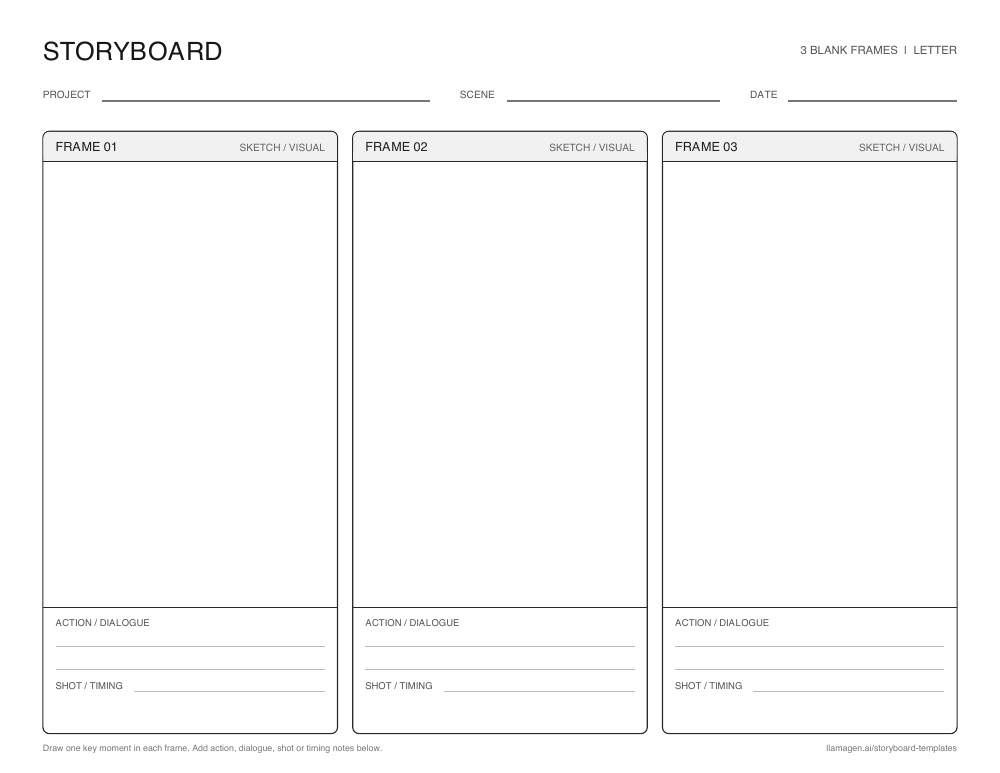
Blank 3-panel storyboard template
A beginning, middle, and end layout for reading responses, short scenes, and first drafts.


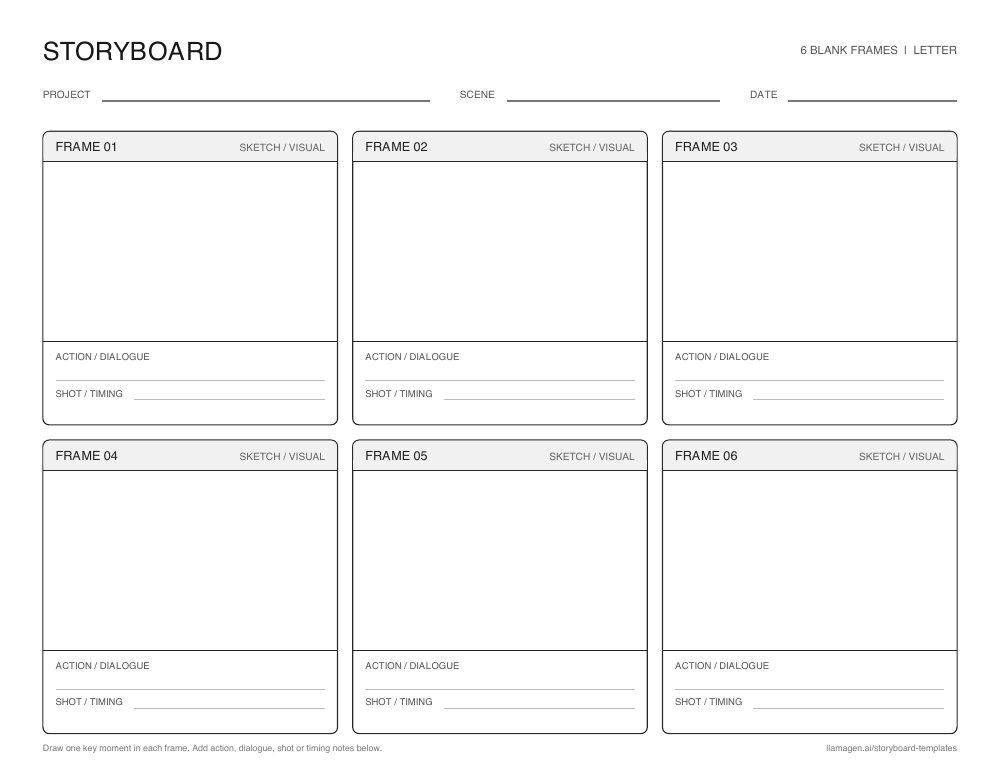
A storyboard template is a ready-made set of frames for planning what happens in a story, video, lesson, or animation. Draw or place one important moment in each frame, then add a brief note so the sequence is easy to follow.
The blank worksheets below give you room to sketch by hand. Digital templates offer a visual starting point when you want to build the sequence online. Both help you see the order of events before you commit to finished artwork or video.
New to storyboarding? Learn what a storyboard is, or start creating one.
A frame grid turns a broad idea into smaller visual decisions. It helps you catch missing steps, unclear transitions, and uneven pacing early.
A three-frame sequence works for a short beginning, middle, and end. Six frames give you more room for actions and camera changes. The visual style can stay rough until the story is clear.
A shared visual plan makes feedback more concrete. Students, collaborators, or production teams can discuss the same frames before drafting, filming, or finishing art.
Younger students can illustrate the beginning, middle, and end of a story. Older students can first map the story arc with a plot diagram, then storyboard its key scenes. The same frame grid can explain a science process or compare moments in a historical event. Notes beneath each frame leave space for evidence, dialogue, or reflection.
Free printable layouts
Download a three-frame or six-frame worksheet with space for a sketch, action or dialogue, and shot or timing notes. Choose US Letter or A4 paper and print in landscape orientation.
A beginning, middle, and end layout for reading responses, short scenes, and first drafts.
Six frames for a longer classroom sequence or a shot-by-shot video plan.
Prefer a digital board? Create a storyboard online.
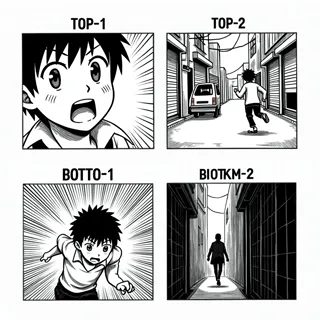
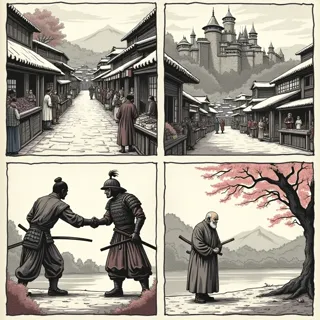
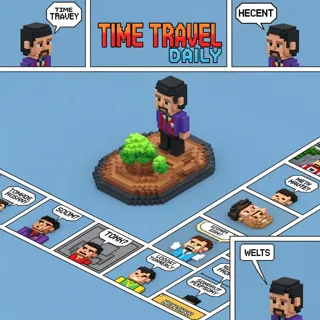
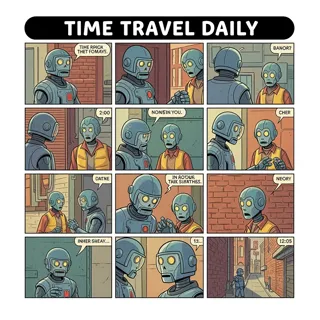
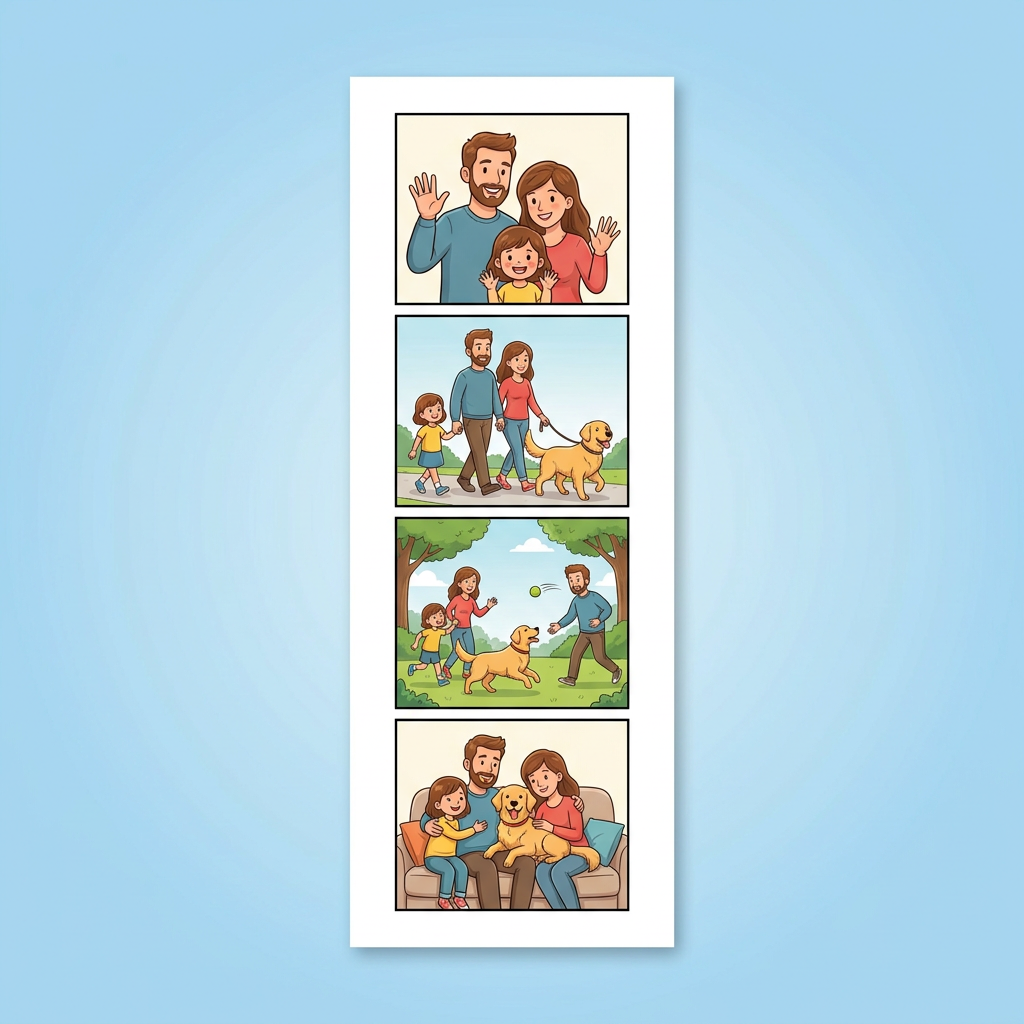
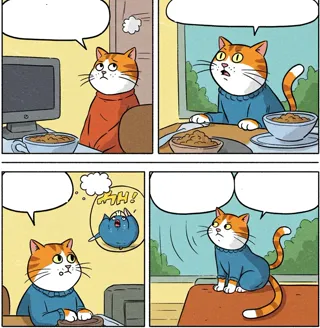
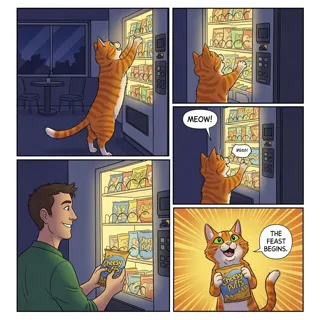
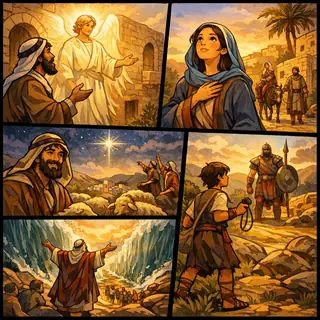
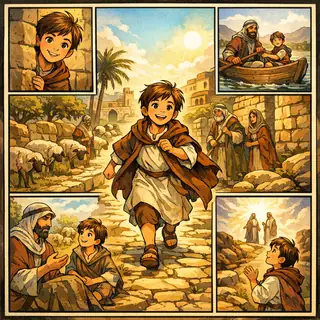
Compare comic and animation boards with pencil, lo-fi, and manga-inspired visual styles. Each card opens its matching template page.
Showing 32 of 32 templates
 Premium
Animation
 Free
FreeSketches
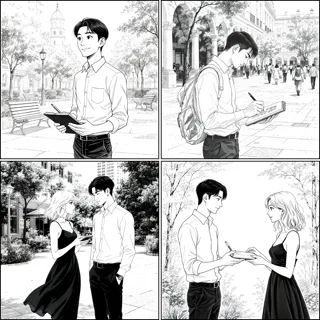 Premium
Film and video
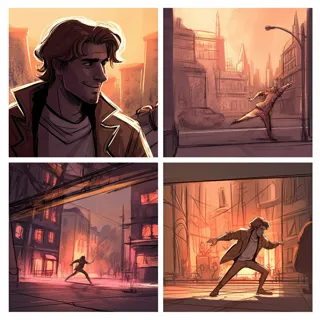 Premium
Animation
 Premium
Manga
 Premium
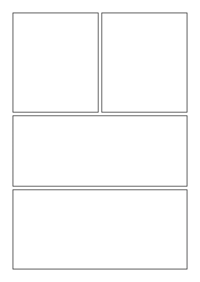
Blank layouts
 Premium
Comics
 Premium
Comics
 Premium
Animation
 Premium
Animation
 Free
FreePersonal stories
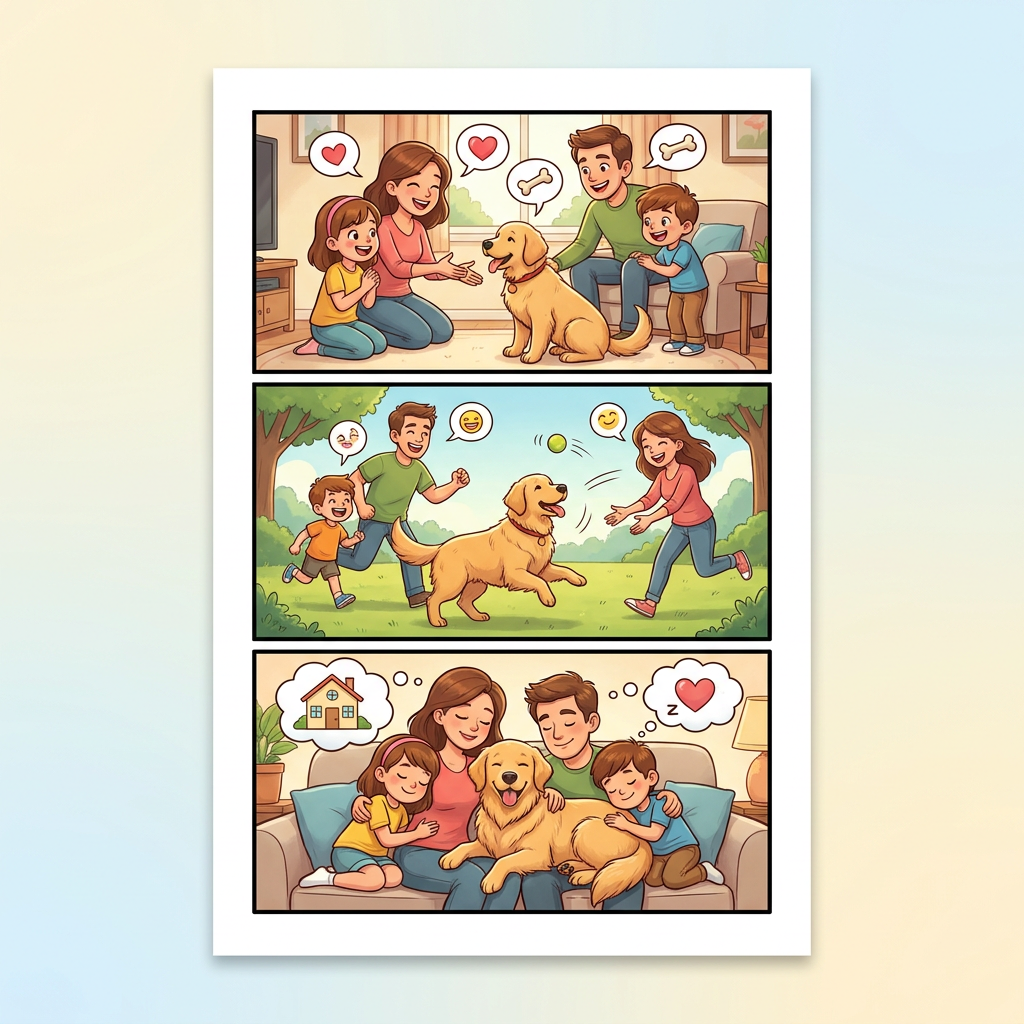 Premium
Personal stories
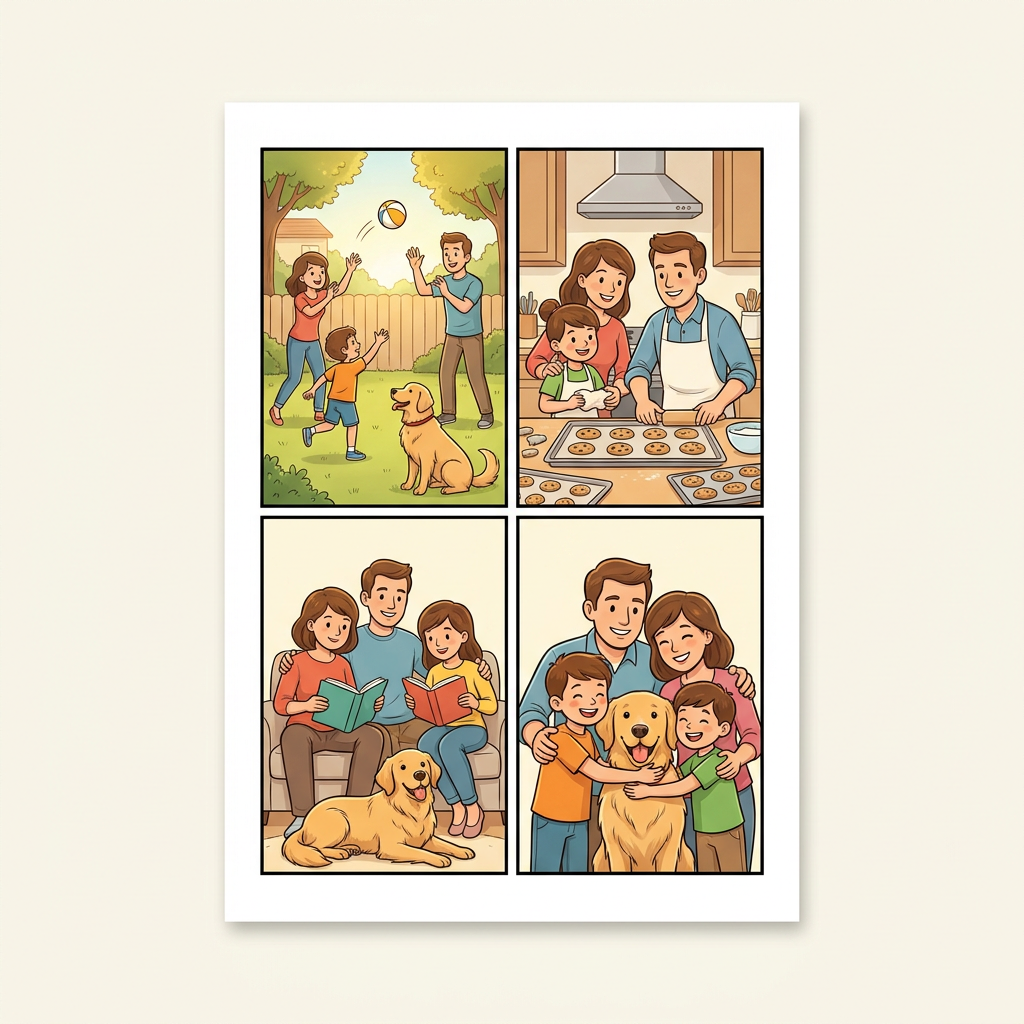 Premium
Personal stories
 Premium
Film and video
 Free
FreeComics
 Premium
Comics
 Premium
Comics
 Premium
Business
 Premium
Business
 Free
FreeStory examples
 Free
FreeStory examples
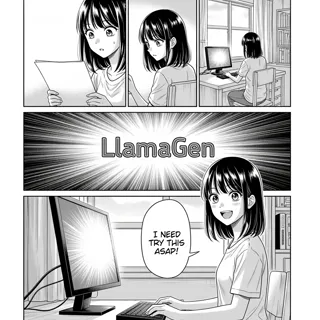 Premium
Manga
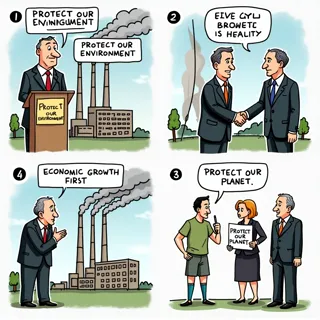 Premium
Business
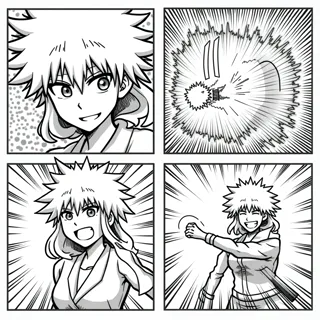 Premium
Manga
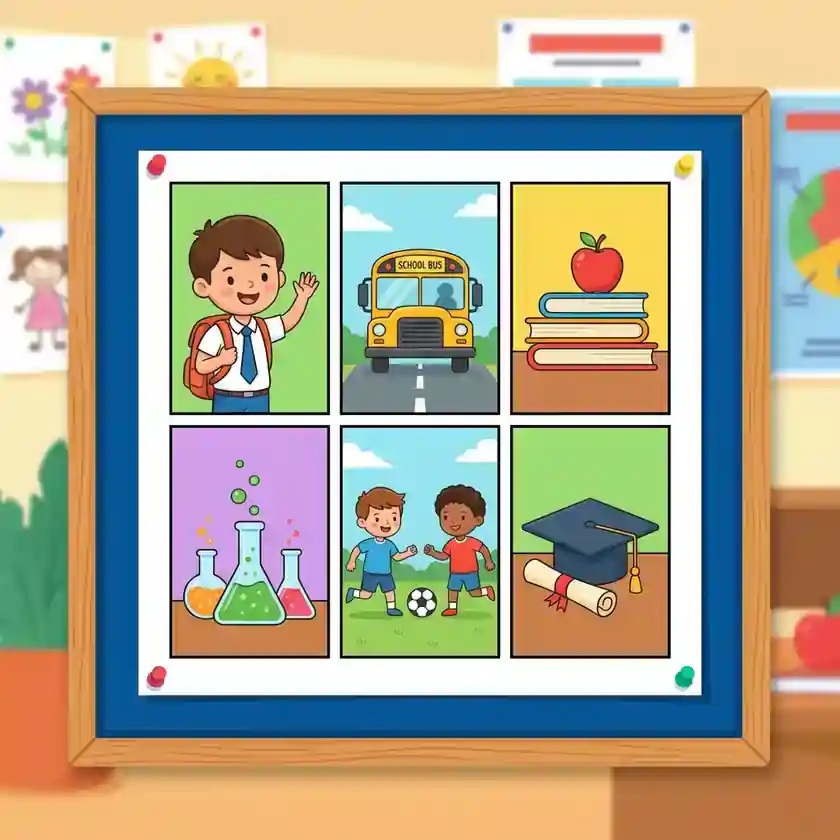 Free
FreeEducation
 Free
FreeEducation
 Free
FreeEducation
 Premium
Animation
 Premium
Film and video
 Premium
Animation
 Premium
Animation
 Premium
Film and video
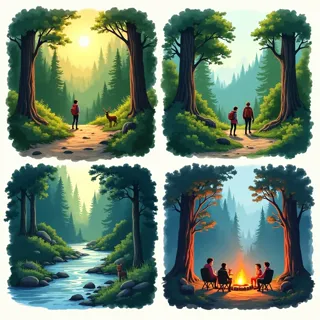
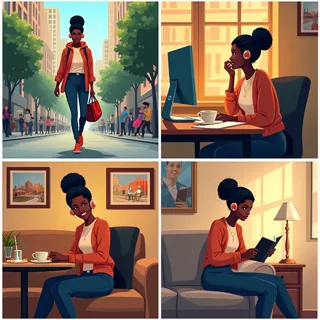
Compare each preview, then open the template that fits the sequence you want to explore.
Storyboard basics
A storyboard is a visual graphic organizer made from a sequence of drawings or images. Each frame captures one moment. Together, the frames reveal the order, pacing, and visual flow before you make the final work.
A storyboard template gives that sequence a ready-made structure. Use the blank frames above for hand-drawn planning, or browse the visual style templates to start digitally.
Useful notes can include action, dialogue, camera angle, sound, or timing. Keep them short enough that someone else can follow the idea at a glance.
See a complete three-frame example in our guide to storyboards.
The same frame grid can guide a lesson, a shoot, or a visual story. Change the notes beneath each panel to match your project.
Ask students to show three key events in a story, six steps in a process, or a visual explanation of a history or science topic.
Plan the order of shots, camera framing, action, and timing before recording or editing a scene.
Test the rhythm of a visual sequence before committing to finished panels or animated frames.
Map a short message from opening hook to final call to action so each frame has a clear purpose.
Start with the main moments. Simple sketches and clear notes are enough to test whether the sequence makes sense.
Print three panels for a short idea or six panels for a longer sequence. Digital creators can choose a visual template in the gallery.
Sketch one meaningful moment per panel. Add action, dialogue, shot, or timing notes under the frame.
Read the frames in order, revise gaps or pacing, then take your plan into the online storyboard creator.
A storyboard template is a set of ordered frames for planning a story, lesson, video, comic, or animation. A blank template gives you space to sketch each moment and add useful notes.
Use three panels for a short beginning-middle-end sequence. Choose six panels when you need to show more changes, actions, or camera shots. You can print another page if your project grows.
Yes. The blank three-panel and six-panel worksheets on this page are free PDF downloads in US Letter and A4 sizes.
Yes. Students can draw by hand and write under each frame. Teachers can use the same pages for reading, writing, science, history, and media projects.