

Контрол на камерата - Редактор на ъгъла на снимката с AI
Качете медия, задръжте и плъзнете, за да промените ъгъла на камерата, и генерирайте от 12 най-добри ъгъла. Трансформирайте изображенията си с AI контрол на ъгъла на изображението чрез естествен разговор плюс управление на хоризонтален ъгъл, вертикален ъгъл и zoom разстояние.
Редактирайте чрез чат, разширявайте сцени, премахвайте обекти, сменяйте фонове и генерирайте нови ъгли на камерата от една снимка с работните потоци на Qwen Image Edit и AIOmnigen.
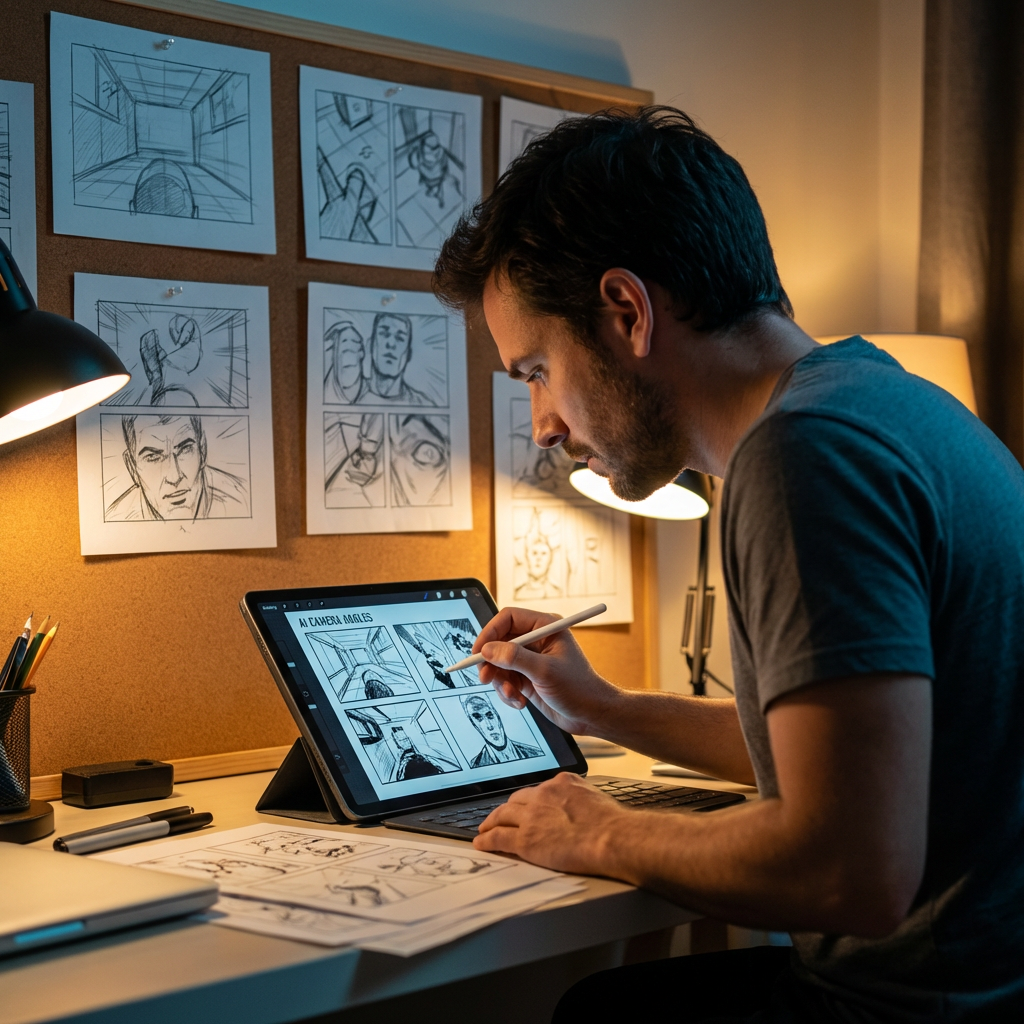
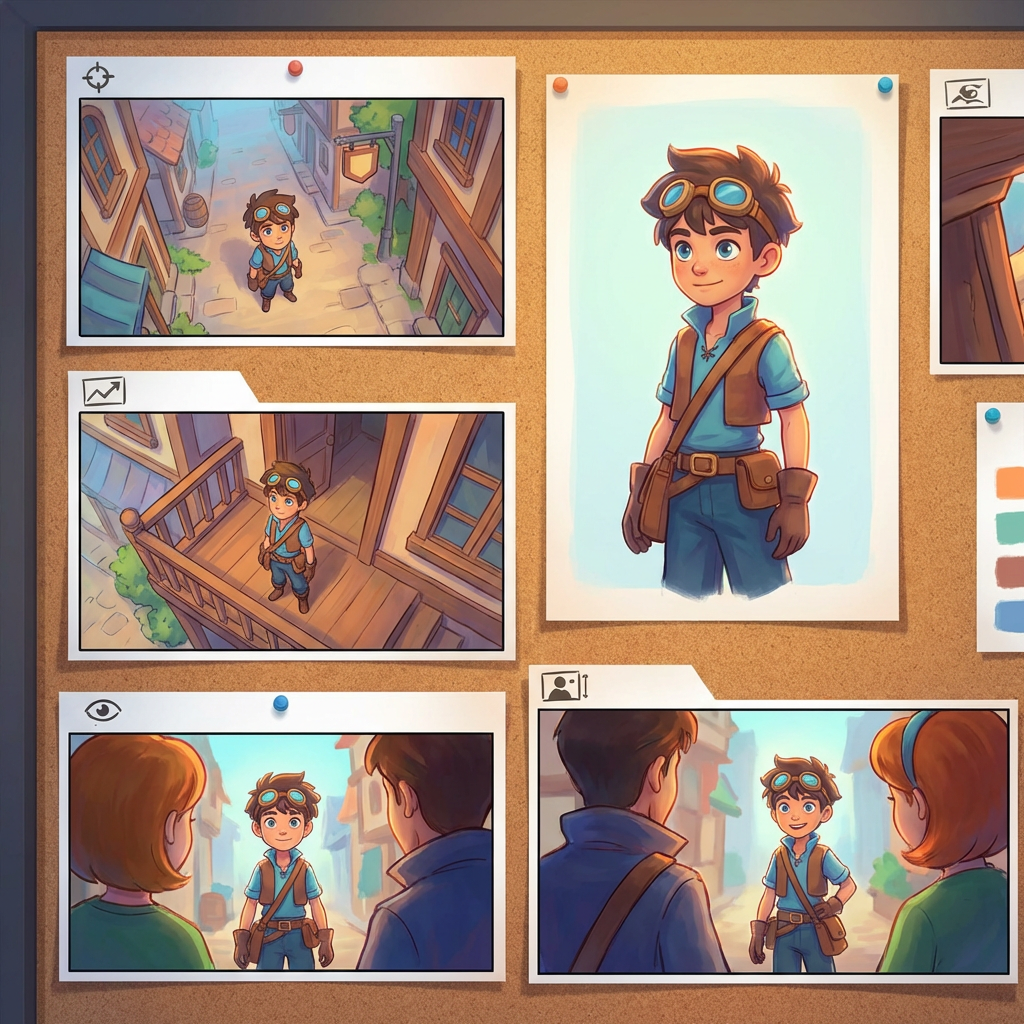
Интерактивна лаборатория за ъгли
Качете едно изображение, променете ъгъла и редактирайте чрез чат
Този вграден инструмент ви позволява да трансформирате изображения чрез естествен разговор. Качете една снимка, след което разширете, премахнете обекти, сменете фонове или генерирайте нови ъгли на камерата с интерактивни контроли на камерата и модели за редакция, включително Qwen Image Edit.
Multi-Angles
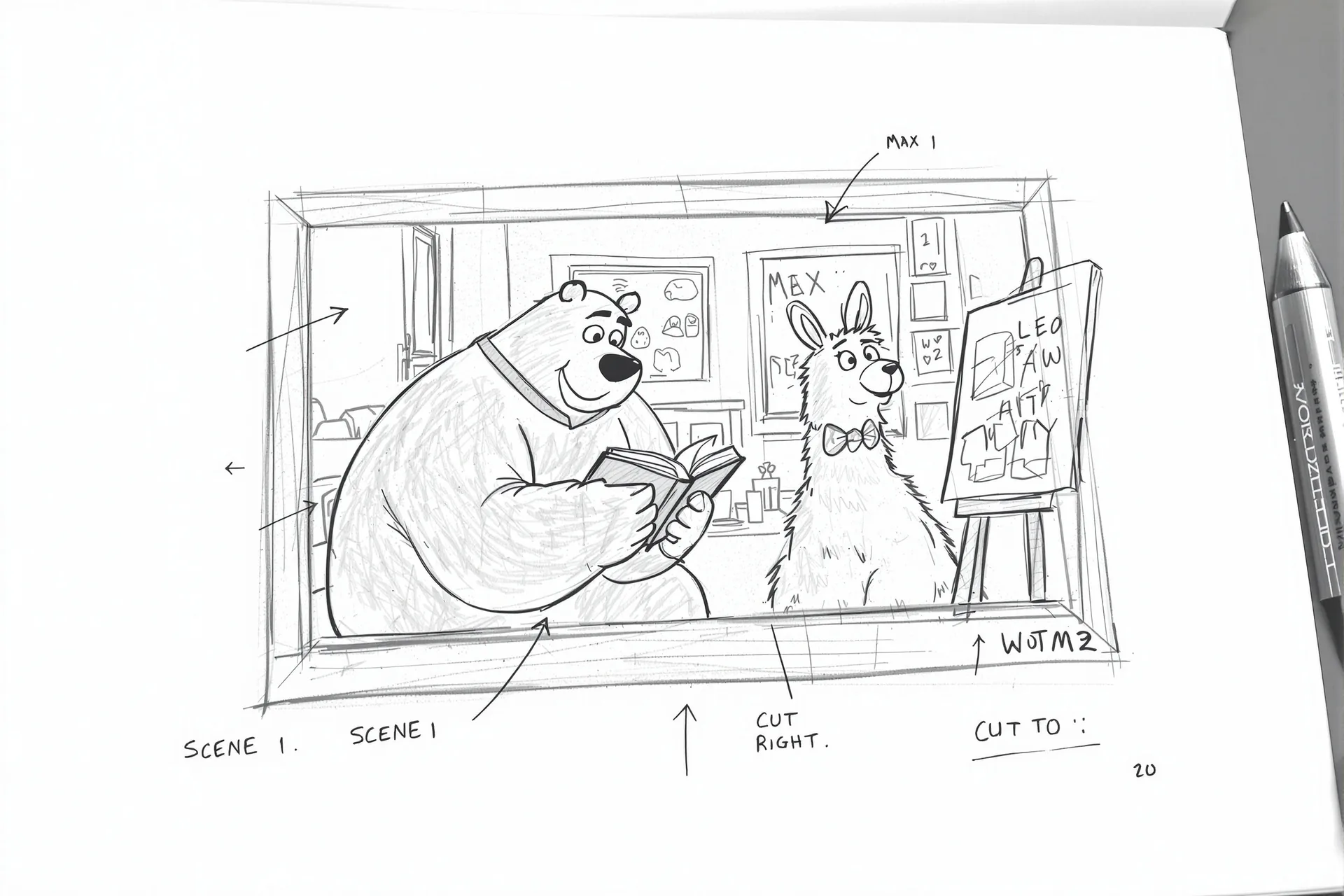
Source Reference
Upload a reference image
Use the Replace and Remove buttons above anytime.
Generated Result
Examples
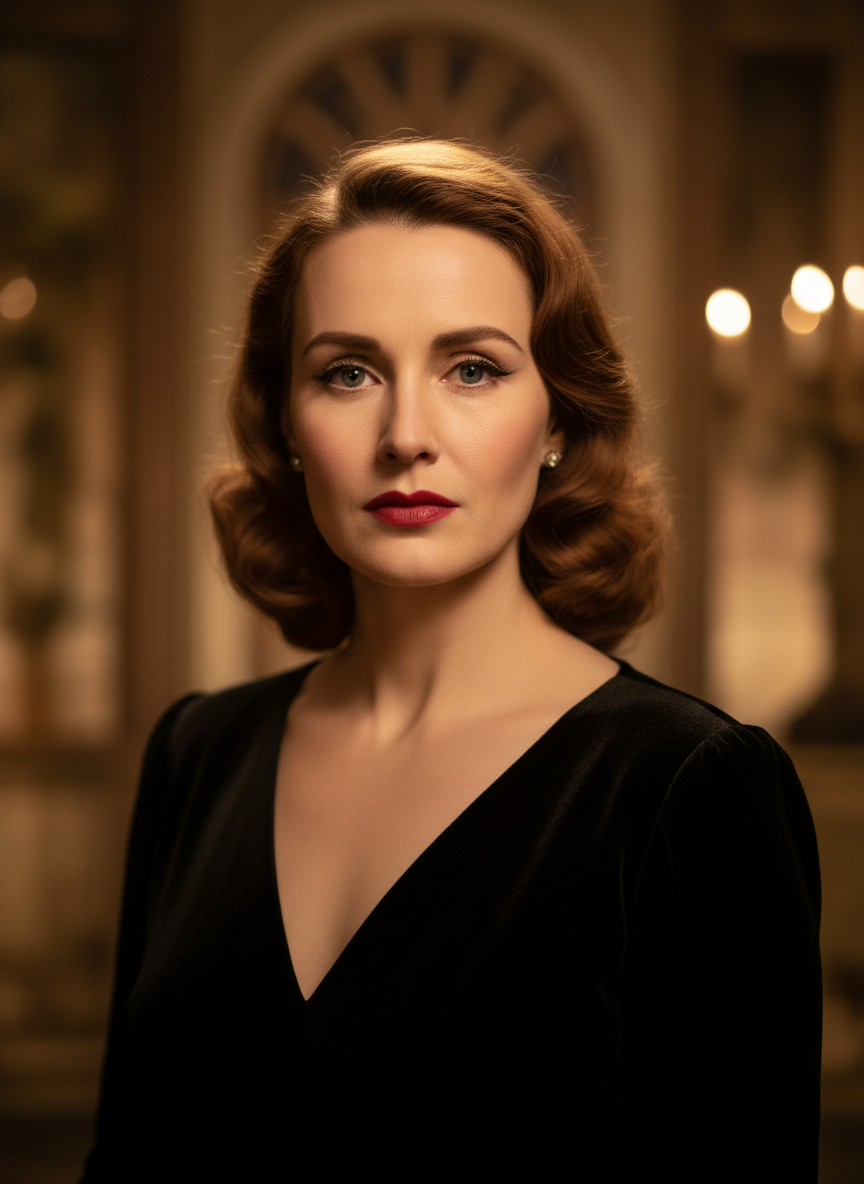
Source
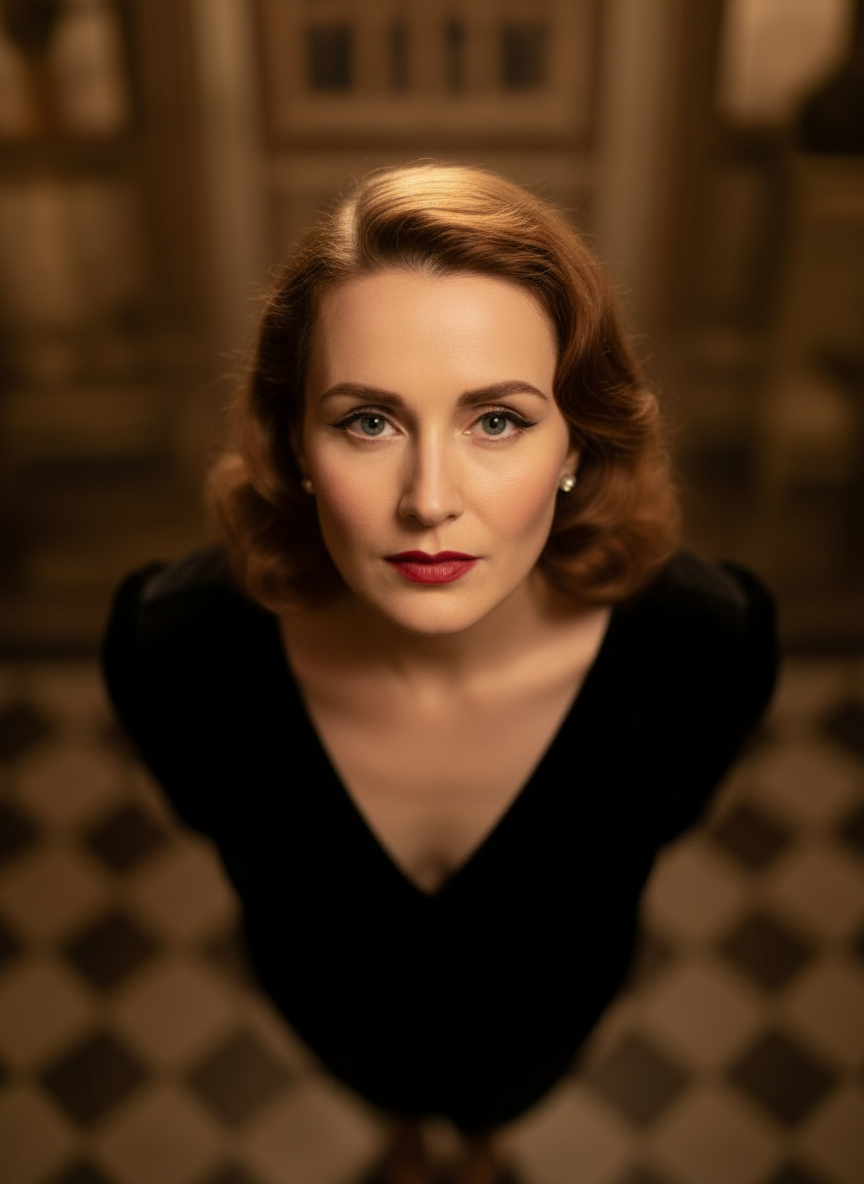
Overhead Angle
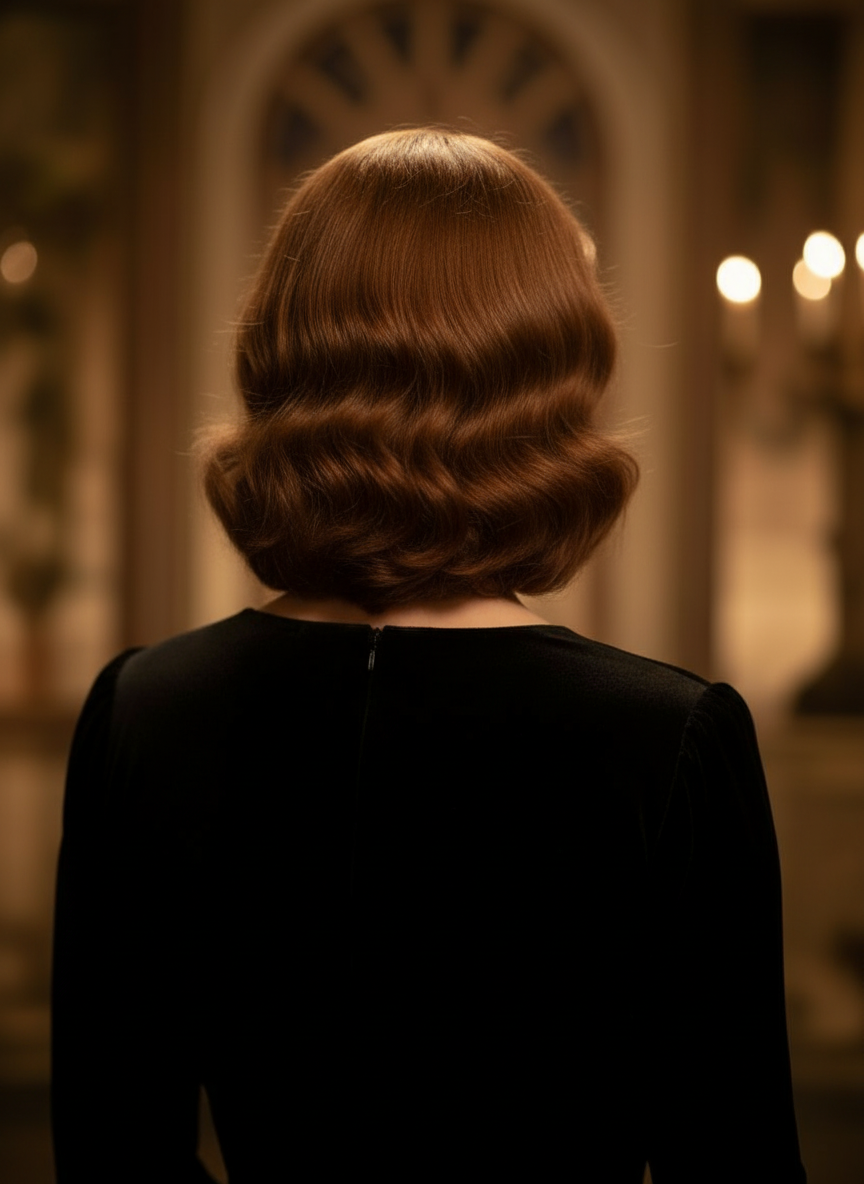
Back Angle
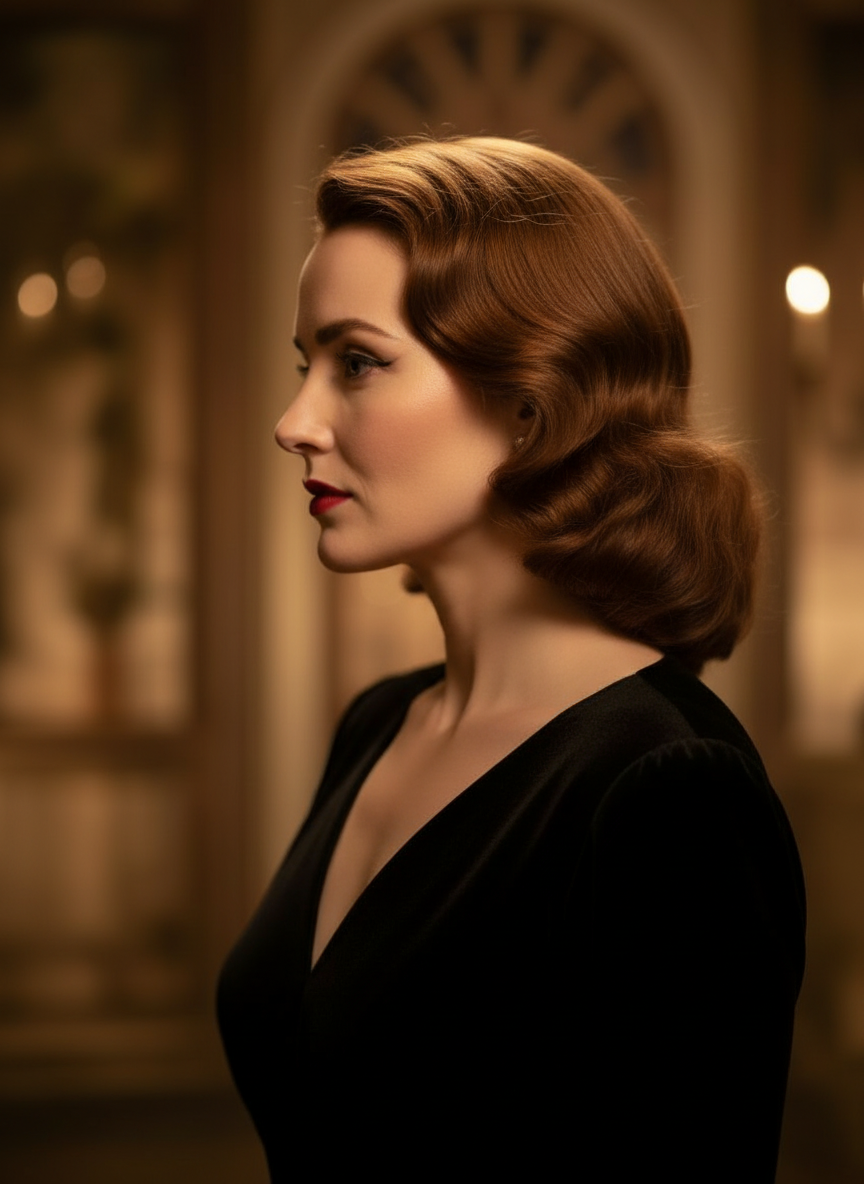
Three-Quarter Side
Трансформирайте изображенията си чрез естествен разговор
Просто качете изображение и чатете, за да правите редакции. Разширявайте кадъра, премахвайте обекти, сменяйте фонове и генерирайте алтернативни ъгли на камерата, без да изграждате изображението от нулата.
Отворете Camera Angle ControlНастройвайте хоризонтален ъгъл, вертикален ъгъл и zoom разстояние
Задръжте и плъзнете, за да промените ъгъла на камерата, или използвайте интуитивни плъзгачи, за да регулирате хоризонтален ъгъл, вертикален ъгъл и zoom разстояние. Генерирайте чисти вариации от една снимка с по-бърз workflow за контрол на камерата върху изображение.
Генерирайте нов ъгълКак да използвате Camera Angle Control в 3 стъпки
Лесен workflow за редакция на снимки, прекадриране и AI контрол на камерата.
Качете изображение на обект
Започнете с една снимка или референтно изображение, което искате да остане последователно, докато редактирате и прекадрирате.
Задайте плана на камерата
Изберете един от 12-те най-добри ъгъла, след което задръжте и плъзнете или използвайте контроли, за да регулирате хоризонтален ъгъл, вертикален ъгъл, наклон и zoom разстояние.
Чатете, рендерирайте и прегледайте
Опишете редакциите на естествен език, генерирайте новата гледка и прегледайте резултата за дизайн, съдържание или предаване към продукция.
Реален изход от инструмента
Едно входно изображение, един генериран резултат с нов ъгъл на камерата
Сравнете изходното изображение с резултат, създаден чрез работния поток Camera Angle Control. Обектът остава разпознаваем, докато гледната точка се променя в по-широко изследване на ъгъла.
Вход
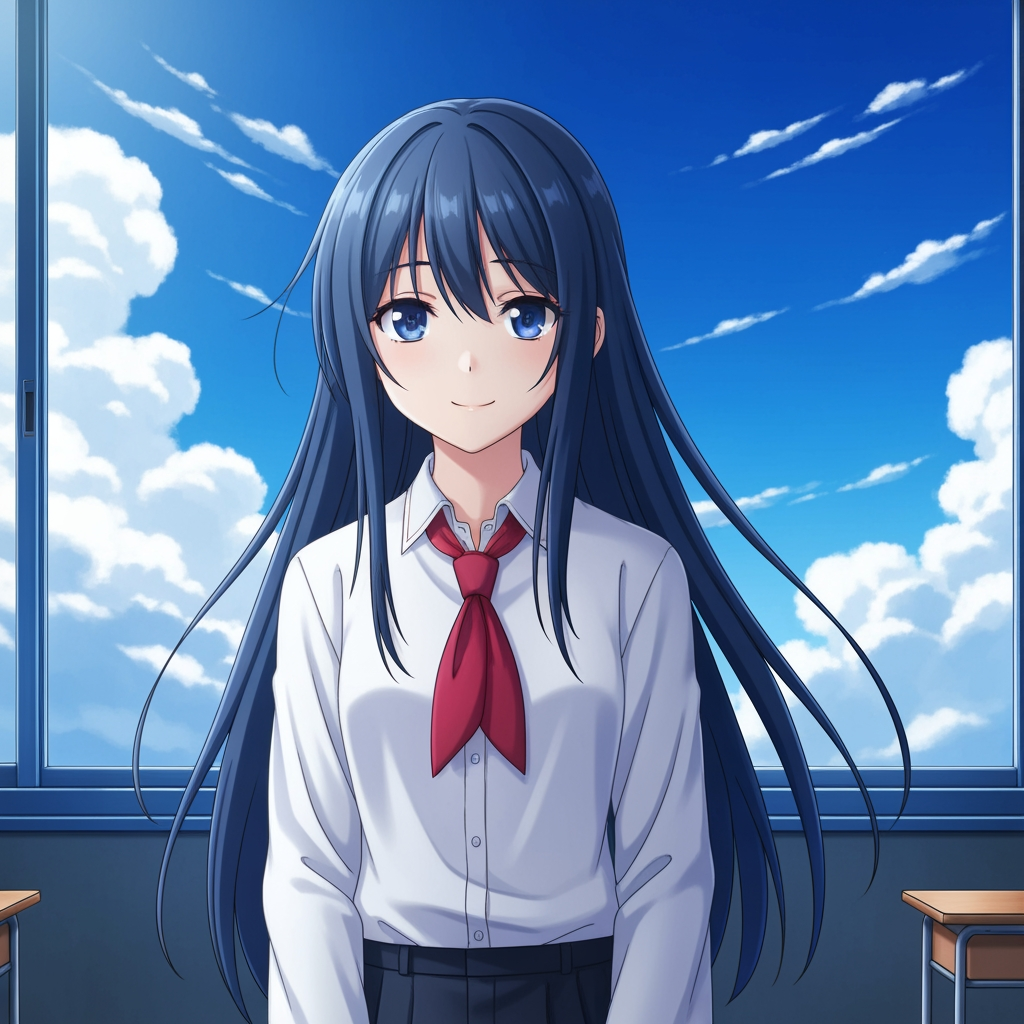
Оригинално изображение на обекта
Базовата рисунка остава непроменена. Това е изходното изображение, използвано за контрол на паса за ъгъла на камерата.
- Роля
- Качена референция
- Обект
- Един аниме персонаж
Генериран изход

Прекадриран резултат с нов ъгъл на камерата
Генерираният изход превръща същата референция в по-широко изследване на ъгъла за планиране на кадър и визуален преглед.
- Роля
- Генериран вариант
- Използване
- Преглед на ъгъл и кадриране
Изображенията по-долу са реална двойка вход и изход от работния поток на инструмента, а не стоков макет. Резултатите от AI варират според изходното изображение, избрания модел, ъгъла и контролите за кадриране.
Какво е Camera Angle Control?
Camera Angle Control е редактор на ъгъла на снимката с AI за хора, които искат да трансформират изображения чрез естествен разговор. Качете едно изображение, чатете, за да го редактирате, след което настройте ъгъла, наклона, кадрирането и zoom-а, за да генерирате нови гледни точки, като запазите идентичността на обекта последователна.
Prompt to Comic
Генериране от 12 най-добри ъгъла
Разгледайте нисък ъгъл, висок ъгъл, равнище на очите, Dutch angle, over-the-shoulder и други многократно използваеми камерини пресети, преди да вземете решение.
Генериране от 12 най-добри ъгъла
Разгледайте нисък ъгъл, висок ъгъл, равнище на очите, Dutch angle, over-the-shoulder и други многократно използваеми камерини пресети, преди да вземете решение.
Запазете един обект последователен
Използвайте референтно изображение, така че инструментът да държи обекта, логиката на осветлението и визуалната идентичност по-близо до оригиналната снимка.
Редактиране и прекадриране в един workflow
Използвайте редакции на изображения чрез чат и контрол на камерата заедно, за да разширявате сцени, да премахвате обекти, да сменяте фонове и да прекадрирате същото изображение.

Защо екипите използват това за изследване на ъгъла на камерата
Създадено за проучване на кадри, планиране на покритие и бърз визуален преглед.
Генериране, водено от референция
Започнете от качено базово изображение, вместо всеки път да описвате изцяло нов обект.
Ъглови пресети, които съответстват на продукционния език
Бързо тествайте равнище на очите, нисък ъгъл, висок ъгъл, Dutch angle, bird's-eye и over-the-shoulder покритие.
Полезно за previz и бордове
Сравнявайте идеи за кадри, преди сторибордът, комикс layout-ът или анимационният преглед да бъдат заключени.
Готово за комикси и карикатури
Превключвайте между визуална насока за комикс и карикатура, без да изграждате наново контролната среда.
Бързи експерименти с кадриране
Преминете от близък план към общ план и от неутрален наклон към драматична постановка за секунди.
Създадено за цикли на преглед
Генерирайте едно изследване на ъгъл, обсъдете го и веднага итерайте върху следващата конфигурация.
Често задавани въпроси
Какво прави Camera Angle Control?
Той трансформира вашите изображения чрез естествен разговор и интерактивни контроли на камерата, като ви помага да генерирате нови ъгли на камерата, да разширявате сцени, да премахвате обекти и да сменяте фонове от едно качено изображение.
Мога ли да генерирам нови ъгли на камерата от една снимка?
Да. Качете медия веднъж, след което генерирайте от 12-те най-добри ъгъла, докато настройвате хоризонтален ъгъл, вертикален ъгъл и zoom разстояние.
Трябва ли да кача референтно изображение?
Да. Workflow-ът е създаден около image-to-image генерация, за да може моделът да запази обекта по-близо до вашия оригинален борд, персонаж или сцена.
Какви типове ъгли на камерата мога да тествам?
Можете да тествате равнище на очите, нисък ъгъл, висок ъгъл, over-the-shoulder, Dutch angle, bird's-eye и други насочвани пресети за ъгъл, след което да ги прецизирате с контроли за плъзгане и плъзгачи.
Полезно ли е това за storyboard и previz review?
Да. Полезно е за режисьори, сториборд художници, комикс екипи и previz артисти, които се нуждаят от по-бързо изследване на кадри и сравнение на ъгли.
Кои модели захранват редакциите и контрола на камерата?
Workflow-ът е проектиран за съвременни модели за редакция на изображения, включително Qwen Image Edit и image camera control в стил AIOmnigen, в зависимост от активния генеративен път.
Нуждаете се от многократно използваеми бордове след изследване на ъглите?
Отворете Free Storyboard Template, за да разделите сториборд листовете, да изтеглите чисти кадри и да поддържате прегледния пакет организиран.
Към Free Storyboard TemplateГотови ли сте да контролирате следващия ъгъл на изображението си?
Качете едно изображение, задръжте и плъзнете, за да промените ъгъла на камерата, и генерирайте нова гледка за минути.