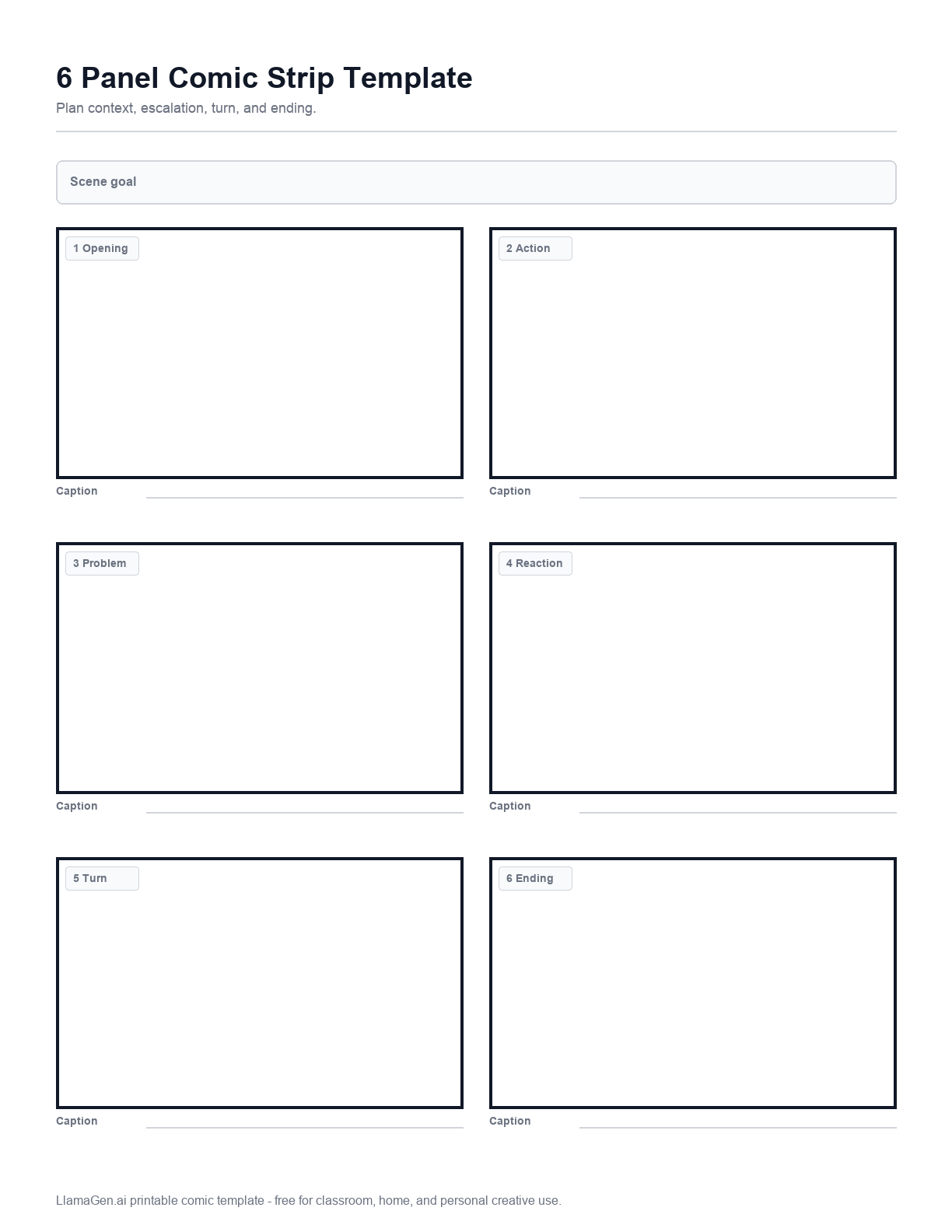
US Letter six-panel grid
A 2 x 3 layout sized for normal classroom printers and student binders.


A flexible six-panel worksheet for action scenes, lesson sequences, short manga pages, and storyboards that need a little more breathing room.
This free 6 panel comic template provides A4 and US Letter PDFs, a 2 x 3 panel preview, paper-size notes, pacing guidance, classroom ideas, and links to related printable comic templates.
The six-panel grid keeps consistent gutters and enough caption space for school, sketchbook, and planning use.
Paper and layout
A 2 x 3 layout sized for normal classroom printers and student binders.
A taller version for international paper that keeps room for captions under each row.
Use the panels as rough thumbnails before moving into a polished comic page.
Use six equal panels for balanced pacing and easy classroom assessment.
Map one location across six shots: wide, medium, close-up, action, reaction, result.
Explain a process, recipe, lab step, or safety rule with one clear action per panel.
Instructions
Choose US Letter for North American classrooms and home printers, or A4 for international worksheets and studio binders.
Add one sentence at the top of the page before drawing. The goal keeps every panel pointed at the same joke, reveal, lesson, or action beat.
Block character positions, speech balloons, and camera distance before spending time on clean line art.
Leave a clear area for dialogue in each panel. If the words cover the action, simplify the text or split the beat.
Ink the template by hand, or use the written beats as a prompt inside the AI Comic Generator.
Pacing
Use the template as a planning tool first. Clean drawing comes after the beats read clearly.
Introduce location, characters, and the first choice before the action accelerates.
Add a new obstacle, visual change, or emotional reaction that moves the scene.
Make this the surprise, discovery, mistake, or moment before the ending.
End on a readable result instead of adding another setup beat.
Storyboard plan
Show place, character, and mood.
Start the movement or conflict.
Add a problem or reveal.
Show emotion, dialogue, or decision.
Create the biggest change in the strip.
Show the final result clearly.
Classroom and home
Turn six key events into visual beats with date captions.
Use each panel for hypothesis, setup, test, observation, result, and takeaway.
Write one sentence of dialogue per panel to practice conversation flow.
Use your filled template as a storyboard: describe the panels, choose a style, and let LlamaGen turn the plan into AI comic panels you can keep editing.
Related templates
Move between layouts without starting over. A short strip, a fuller six-panel page, a half-page activity, and a script worksheet cover most beginner comic workflows.
FAQ
It is best for short stories that need more rhythm than a four-panel strip, including action sequences, classroom summaries, process comics, and storyboard drafts.
Yes. The page provides separate A4 and US Letter PDF downloads so the panels print cleanly on common paper sizes.
Yes. Describe the six beats in order and use LlamaGen's AI Comic Generator to create a finished comic from your plan.
Need another printable layout? Browse the full template library.