Picture-to-painting workflow


Focused image workflow
Turn My Picture Into a Painting
Upload a picture and transform it into a painterly artwork with LlamaGen's image model workflow.
Make a Painting with AI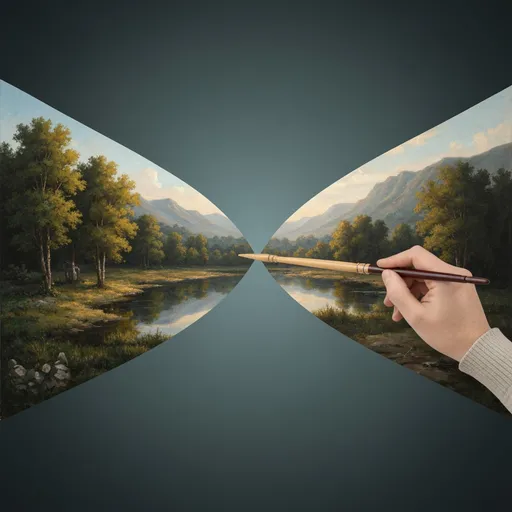
Turn my picture into a painting
Upload a picture and use LlamaGen's image model workflow to transform it into a painterly artwork.
216 / 2000
Use 1K for quick drafts. Upgrade for 2K/4K finals and no-watermark exports.
Art style
Explore examples, workflow details, and practical guidance
Prompt-guided art styles
Image model editing
Powered by LlamaGen image models
Workflow
Build, generate, then review
Step 1
Upload the picture you want to turn into a painting.
Step 2
Use the preset prompt or add a painting style such as oil, watercolor, acrylic, pastel, or impressionist.
Step 3
Generate the painted result and refine the prompt until the artwork has the right texture and mood.
Art direction
What to refine after the first draft
Image-to-image painting generation
Use your uploaded picture as a reference while the AI transforms it into a painterly image.
Painting style prompt preset
The default prompt preserves the subject and composition while asking for brushwork, color, lighting, and an art-gallery finish.
Reuses /im image model capability
The page embeds the same image model generator workflow used by LlamaGen's /im model pages.
Example directions
Compare complete visual directions
FAQ
Practical questions
What is Turn My Picture Into a Painting?
It is a LlamaGen tool page for transforming uploaded pictures into paintings with a preset prompt and editable results.
What painting styles can I ask for?
You can ask for oil painting, watercolor, acrylic, gouache, pastel, impressionist, fantasy illustration, or another painting style.
Will the result keep my original subject?
The preset prompt asks the model to preserve the main subject and composition while reinterpreting the image with painterly texture and color.
Take the strongest direction into production
Generate several directions, choose the one with the clearest visual promise, then proof the details before publishing or printing.