LlamaGen Logo

Create videos with AI

Make one scene worth watching.

Start with a subject, one action, and a camera direction. Create a short video draft, inspect the motion, and build the next version from what you can actually see.

Explore scene briefs

The form uses the existing LlamaGen video workflow. Sign-in and credits are required to generate. Archived examples below use their recorded models, not necessarily the current form selection.

Premium skincare product launch reelA 5-second vertical product reel with a macro opening, slow product reveal, warm commercial lighting, and native audio.

Archived example, not a new generation from this form. The model and settings are recorded below.

Evidence, with context

Watch the result. Read how it was made.

Two existing generation records, with original prompts, model names, and settings. One is a LlamaGen product-shot test; the other is a public provider example. Neither is a new test of this page or a guarantee of the same result.

The clip above

Premium skincare product launch reel

A real text-to-video request generated by the LlamaGen Replicate organization account and preserved on the LlamaGen CDN without editing the output.

Watch the full clip

Original generation prompt

A vertical social media reel of a small creative studio launching a premium skincare bottle. Start with a macro product close-up, then orbit around the bottle as warm window light catches the glass. End on a clean hero frame with natural reflections, polished commercial cinematography, realistic motion, no text, no logos.
Model
ByteDance Seedance 2.5
Duration
5 seconds
Resolution
720 × 1280 (720p)
Aspect ratio
9:16
Provenance and generation details

A real text-to-video request generated by the LlamaGen Replicate organization account and preserved on the LlamaGen CDN without editing the output.

Recorded generation time: 127.1 seconds (133.6 seconds total prediction time)
Prediction ID: s2q11nvwz9rmt0czz6kv0ap2g8
Replicate official model ↗

Golden retriever motion study

Original generation prompt

a golden retriever puppy running across a green meadow toward the camera, slow motion, warm afternoon light
Model
ByteDance Seedance 2.5
Duration
5 seconds
Resolution
1280 × 720 (720p)
Aspect ratio
16:9
Provenance and generation details

A public Seedance 2.5 prediction published by the Replicate organization with its original prompt, seed, provider timings, and prediction ID.

Recorded generation time: 220.3 seconds (224.1 seconds total prediction time)
Prediction ID: 5zy1qx4ysnrmw0czvht82q4sc4
Seed: 42

Replicate official model ↗

The workflow

A useful first video starts smaller.

01

Describe a single shot

Name the subject, setting, and one visible action. Keep a multi-scene story for a later edit.

02

Set the framing and motion

Choose portrait or landscape, then describe the camera movement and light. Check the available model settings before generating.

03

Review one change at a time

Watch the beginning, middle, and last frame. Revise the brief or settings, then compare versions in the workspace.

Write a shot, not a slogan

Four details that make a brief usable.

A more specific prompt gives you something concrete to judge. It does not guarantee camera accuracy or a flawless result.

  1. Subject

    A clear subject and a stable appearance: an unbranded glass bottle on a stone surface.

  2. Action

    One visible event: light moves across the glass while the bottle remains still.

  3. Camera

    One movement or a fixed viewpoint: a slow orbit, a gentle push-in, or a locked close-up.

  4. Constraints

    Say what to avoid: no lettering, no new objects, and no abrupt cut. Review whether the output follows them.

A practical first project

Pick a small project with a clear finish.

  1. A product reveal

    Make the object readable first. Check its shape and reflections; add exact logos and text in an editor.

  2. A story moment

    Create one establishing shot or reaction. Review identity and motion before using it in a longer sequence.

  3. A social companion clip

    Choose the target aspect ratio early. Leave space for captions you will add after generation.

Before export

The preview is the beginning of the review.

  1. Motion and continuity

    Look for shape changes, flicker, unwanted objects, and inconsistent identity across the whole clip.

  2. Framing and text

    Check crops and safe areas. Generated lettering is not a substitute for accurate titles or product labels.

  3. Sound, rights, and delivery

    Review any generated audio, confirm rights to reference media, and check export options in your current plan.

Keep exploring

Visual references for your next brief.

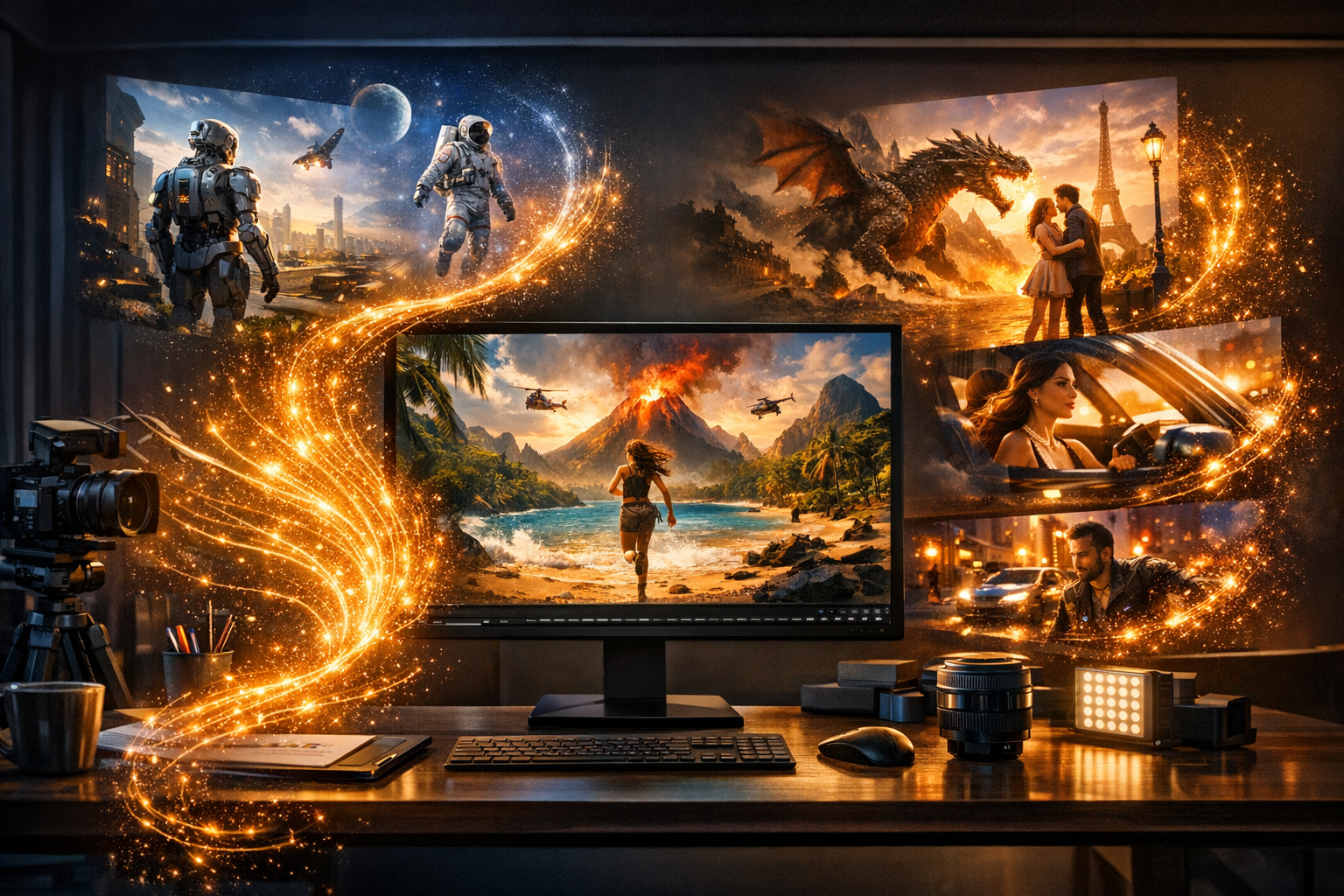
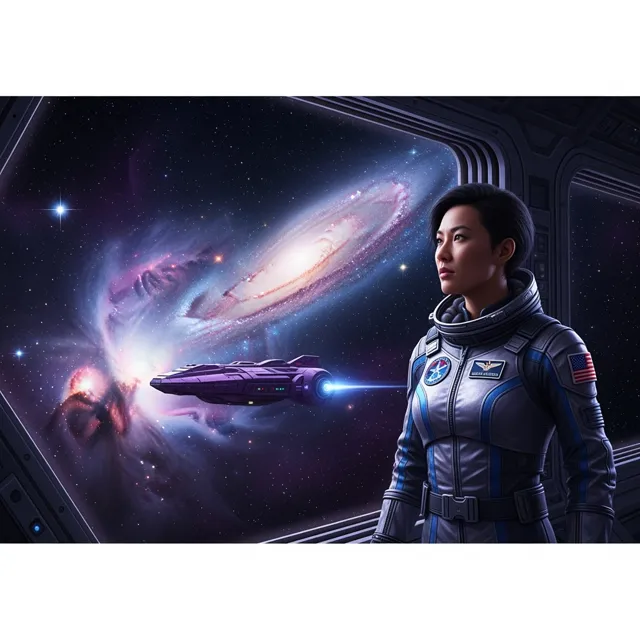
These are the original still-image references from this page. They are inspiration images, not playable video results.

Open the still-image reference library

Questions, answered

Know what to expect before you start.

Do I need a complete script?

a subject, an action, a setting, and a camera direction. A multi-scene story will usually need several clips and an editing pass.

Are the examples actual videos?

Yes. The page links two archived generation records and preserves their original prompts and settings. One was generated for LlamaGen; the other is a public provider example. They are not fresh tests of this form.

Will my result match the example?

No result is guaranteed. Models, settings, reference material, and randomness all affect the output. Use the examples to understand what to inspect, not as a promise.

Can I add a reference image?

The existing creator supports reference attachments. Use media you have permission to upload and check the selected model's supported inputs.

Can I make portrait and landscape videos?

The creator includes framing controls. Choose the intended aspect ratio before generating and review the final crop on the target device.

Does generation require credits?

Yes. Sign-in and available account credits are required. Model availability and paid options are shown in the existing generation and upgrade flow.

Can I edit or export afterward?

Continue in the video workspace to review the draft and use the available editing and export options. Exact options depend on the workflow and your plan.

Plans and credits

Choose a plan after you know the workflow.

Generation uses account credits. Model access, limits, and export options depend on the selected settings and plan. Check the current plan details instead of assuming an archived example is included in every tier.

A different starting point

Continue with the right workflow.

More related workflows

Start with one clear scene.

Write a brief you can evaluate, create a draft, and let the result guide the next revision.

Back to your video brief