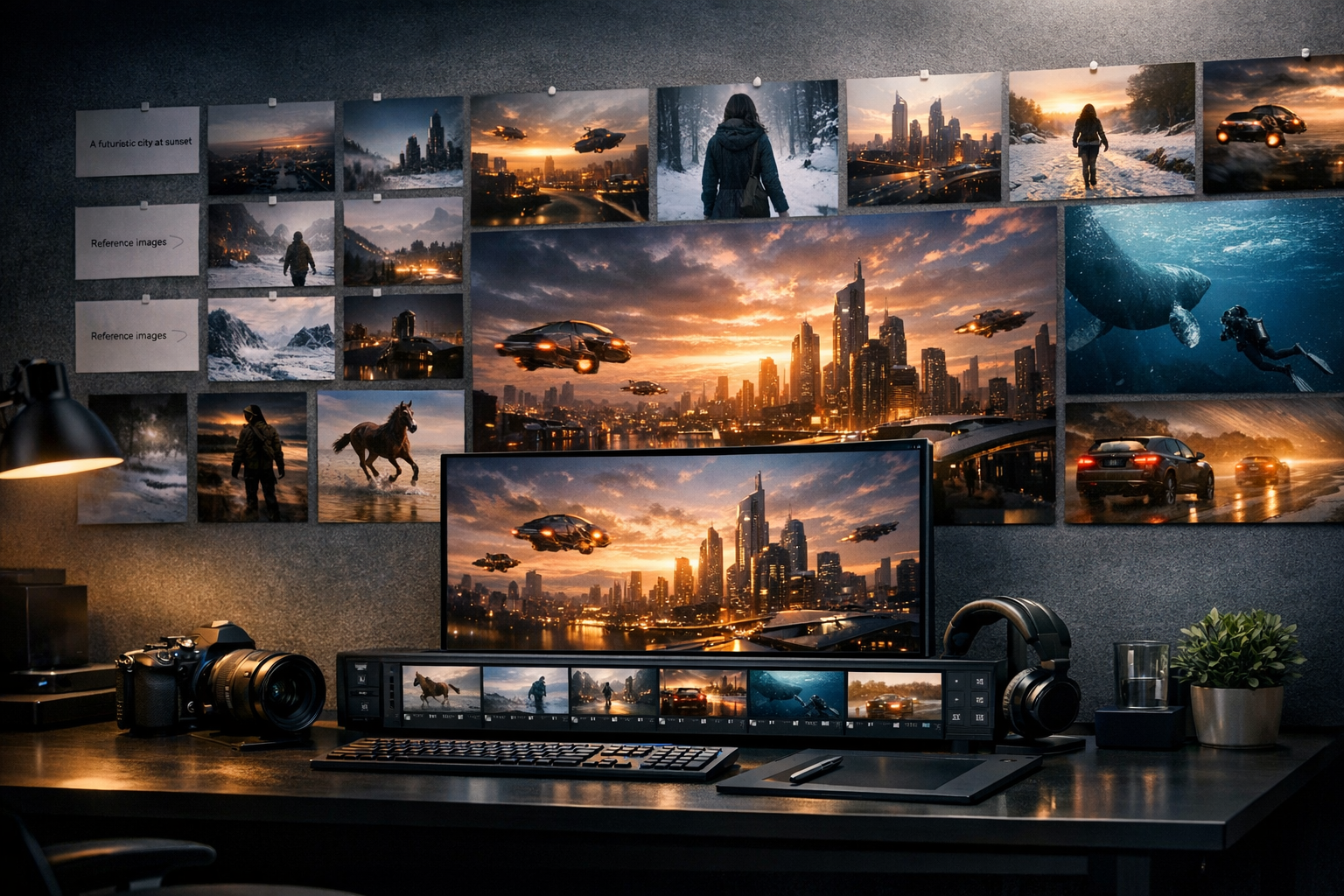
AI Influencer Generated
Replicate official model · 5 seconds · 720 × 1280 (720p)
Start with a subject, one action, and a camera direction. Create a short video draft, inspect the motion, and build the next version from what you can actually see.
Describe the motion, subject, camera, and mood. Add a reference when you want tighter visual control.
Verified generation proof
Every case pairs a playable output with the prompt and generation settings recorded by the provider.
A 5-second vertical product reel with a macro opening, slow product reveal, warm commercial lighting, and native audio.
Prompt
A vertical social media reel of a small creative studio launching a premium skincare bottle. Start with a macro product close-up, then orbit around the bottle as warm window light catches the glass. End on a clean hero frame with natural reflections, polished commercial cinematography, realistic motion, no text, no logos.
A 5-second landscape motion study of a puppy running toward the camera in warm afternoon light.
Prompt
a golden retriever puppy running across a green meadow toward the camera, slow motion, warm afternoon light
A Create Amazing Videos with AI can prove the idea fast. But a real video example still needs clean motion, readable framing, HD export, and no watermark before it becomes an ad, product reveal, or social post.
How LlamaGen Helps
Plan a single shot, create a draft, and review the result.
Name the subject, setting, and one visible action. Keep a multi-scene story for a later edit.
Choose portrait or landscape, then describe the camera movement and light. Check the available model settings before generating.
Watch the beginning, middle, and last frame. Revise the brief or settings, then compare versions in the workspace.
Who benefits from LlamaGen
01
Make the object readable first. Check its shape and reflections; add exact logos and text in an editor.
Video idea starters
Make the object readable first. Check its shape and reflections; add exact logos and text in an editor.
Create one establishing shot or reaction. Review identity and motion before using it in a longer sequence.
Choose the target aspect ratio early. Leave space for captions you will add after generation.
For prompts that turn into real projects
PRO gives you more credits and faster generation when a simple prompt needs multiple moods, scenes, and story directions.
Paid plan benefits
FAQ
Start with a subject, one action, and a camera direction. Create a short video draft, inspect the motion, and build the next version from what you can actually see.
a subject, an action, a setting, and a camera direction. A multi-scene story will usually need several clips and an editing pass.
Yes. The page links two archived generation records and preserves their original prompts and settings. One was generated for LlamaGen; the other is a public provider example. They are not fresh tests of this form.
No result is guaranteed. Models, settings, reference material, and randomness all affect the output. Use the examples to understand what to inspect, not as a promise.
The existing creator supports reference attachments. Use media you have permission to upload and check the selected model's supported inputs.
The creator includes framing controls. Choose the intended aspect ratio before generating and review the final crop on the target device.
Yes. Sign-in and available account credits are required. Model availability and paid options are shown in the existing generation and upgrade flow.
Move from a single generated image or video into comics, manga, storyboards, and connected visual stories.
AI video generator series
Try nearby AI video workflows for ads, reels, trailers, image animation, text to video, and model-specific generation.
Create stunning marketing videos in minutes with our AI Marketing Video Generator. Turn your product descriptions, ad copy, or social media posts into engaging videos that convert. Perfect for marketers, businesses, and content creators.