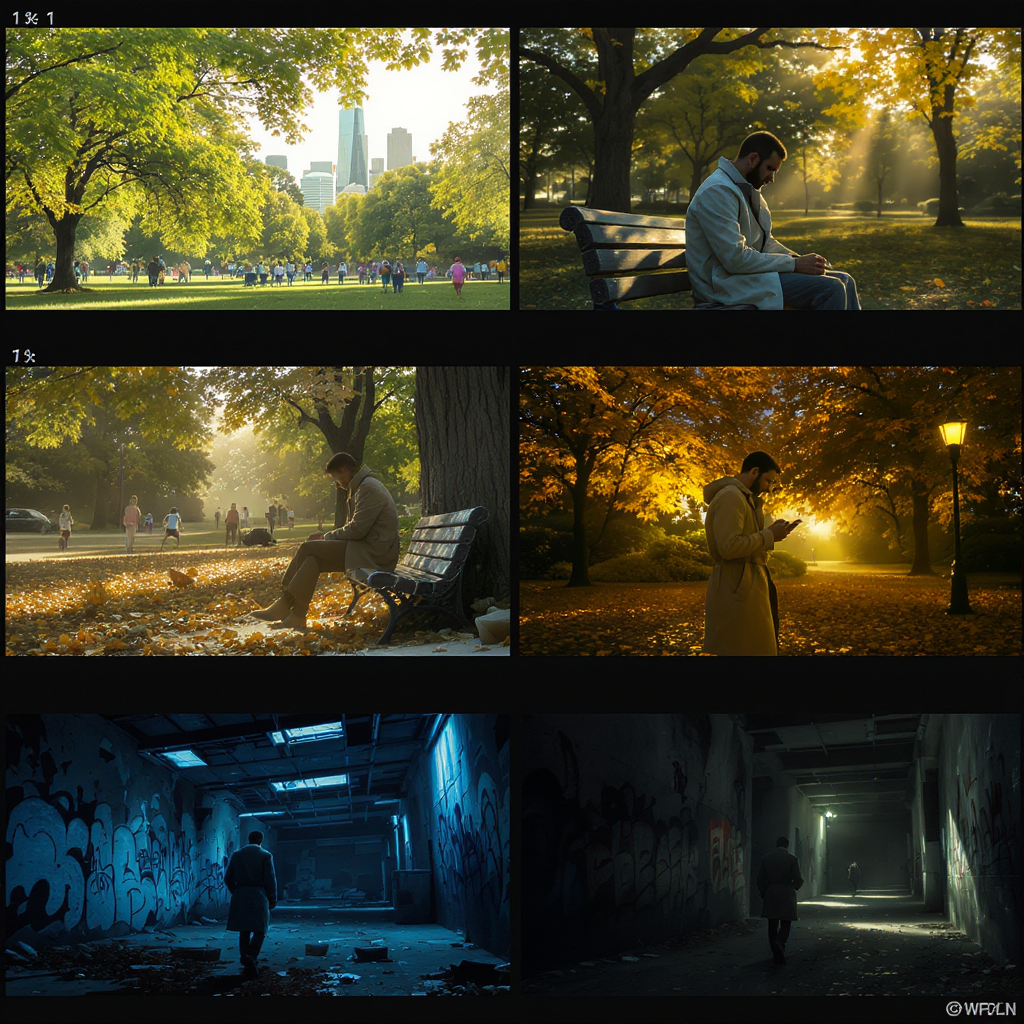
The Secret to Consistent Characters in Your AI Storyboards
Introduction
Are you finding it difficult to keep your characters looking consistent across every scene of your AI-generated storyboards? If so, you’re definitely not alone. Ensuring that characters maintain recognizable faces, outfits, and their unique essence from frame to frame is a common hurdle for storytellers using AI visual tools. Inconsistent characters can disrupt the flow of your narrative and pull viewers out of the experience. Fortunately, there are proven strategies and expert techniques that can help you achieve seamless character continuity. In this comprehensive guide, we’ll dive deep into actionable tips, best practices, and practical tools to master consistent character design in your AI storyboards.
Why Character Consistency Matters
Character consistency is the backbone of immersive storytelling. When a character’s facial features, attire, or even their posture changes unexpectedly between frames, it can confuse your audience and break the illusion of a cohesive narrative world. Consistent visual representation is not just an aesthetic concern—it’s essential for:
- Building Recognizable Characters: When audiences can easily recognize characters, they form stronger emotional connections and remember them long after the story ends.
- Enhancing Narrative Flow: Visual continuity ensures that viewers focus on the story rather than being distracted by inexplicable changes in appearance.
- Boosting Audience Engagement: Consistent characters keep viewers invested, making your story more impactful and memorable.
For example, if you’re creating a children’s picture book or a graphic novel, character consistency is key to helping young readers follow along and stay engaged. The same applies in marketing storyboards, animated shorts, and even educational materials where clarity and continuity are crucial.
Common Challenges with AI Storyboards
AI-powered image generators such as llamagen.ai have revolutionized visual storytelling by making it easy to produce stunning artwork in minutes. However, these tools also present unique challenges when it comes to maintaining character consistency across multiple frames, including:
- Inconsistent Facial Features: AI models may subtly change a character’s eye shape, nose, or smile from one frame to the next.
- Varying Clothing Details: Outfits might morph in color, pattern, or structure, even with similar prompts.
- Shifting Poses and Expressions: Character body language and facial expressions can unintentionally alter, affecting the scene’s mood and clarity.
- Unpredictable Background Interference: Sometimes, background elements can merge with character details, compounding confusion.
Consider a scenario where you’re creating a storyboard for an animated product demo. If your main character’s appearance shifts even slightly between scenes, it undermines professional polish and can make the story harder to follow.

Pro Tips for Consistent Characters
Overcoming these AI limitations is possible with a strategic approach. Here are expert strategies and best practices to maintain character consistency across your AI storyboards:
1. Use Reference Images
Providing clear, high-quality reference images for your characters is crucial. These references serve as visual anchors, ensuring that the AI understands the exact facial features, hairstyles, and outfits you want to replicate. When using llamagen.ai, upload your reference images directly when available, or include detailed visual descriptions in your prompt. For recurring characters, maintain a dedicated folder of reference images for quick access during your project.
Example Use Case: If you’re working on a comic strip, create a character sheet showcasing your protagonist from multiple angles and in various outfits. Supply these images to the AI as you generate each storyboard panel.

2. Control Prompts Carefully
Prompts in AI art generation are your main tool to guide the output. The more specific and descriptive your prompt, the more likely you are to achieve consistency. Mention explicit details such as:
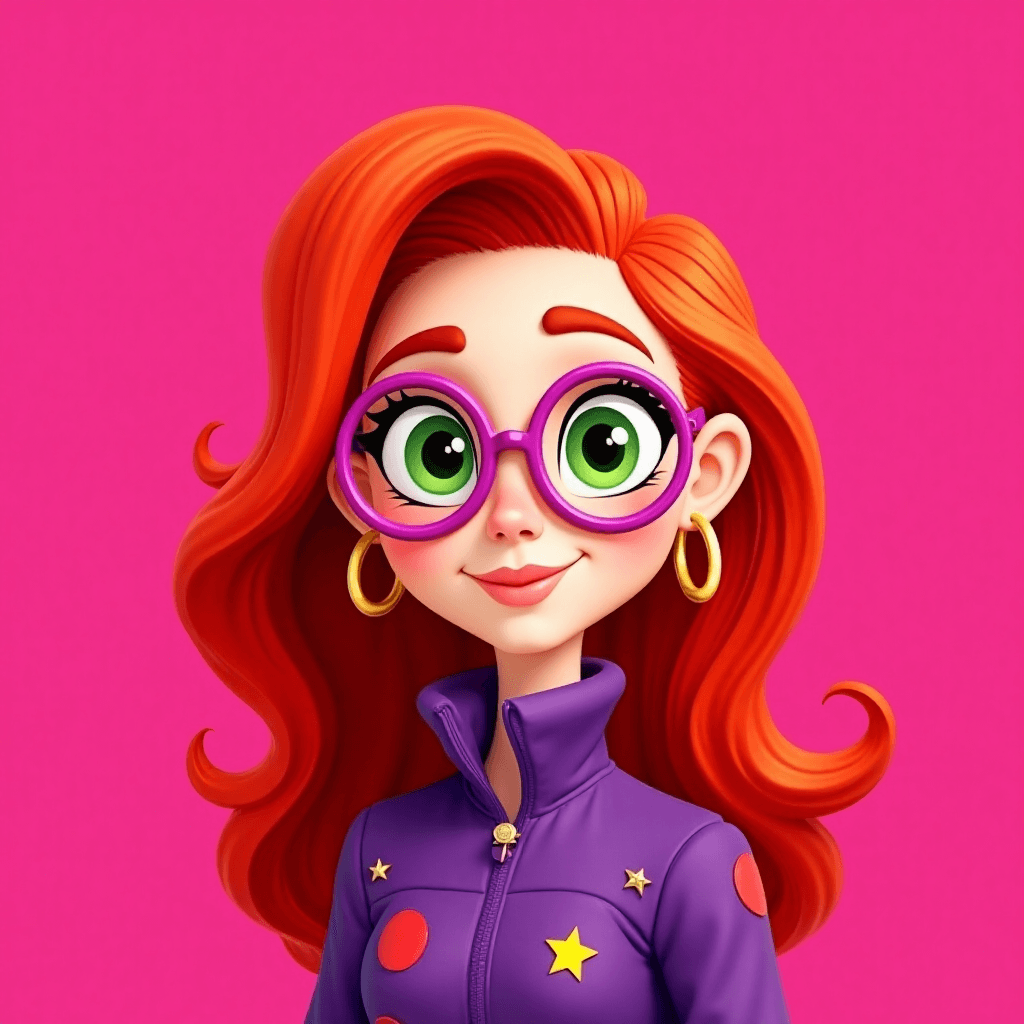
- Hair color, length, and style (e.g., “shoulder-length curly red hair”)
- Eye color and facial details (e.g., “freckles on nose,” “sharp jawline”)
- Clothing style, colors, and accessories (e.g., “green varsity jacket with a yellow stripe”)
- Emotional expressions (e.g., “gentle smile,” “determined look”)
Don’t be afraid to repeat important details in each prompt for every frame. Consistency in your instructions leads to consistency in your results.
Pro Tip: Save your most successful prompts for future use, building a library of go-to descriptions for each character.
3. Leverage Seed Values
Many advanced AI tools, including llamagen.ai, offer the option to set a seed value—a unique identifier that helps generate similar or identical outputs across multiple generations. By using the same seed value in consecutive frames and combining it with your specific prompts, you can dramatically increase the visual similarity of your characters.
Example: If you generate the first frame with seed “12345678,” reuse that seed for subsequent frames where the character’s appearance needs to remain unchanged.

4. Post-Editing and Touch-Ups
Despite the best prompts and settings, minor inconsistencies can still slip through. That’s where manual post-editing comes in. Use photo editing software to adjust facial features, tweak outfit details, or fix color mismatches. Even small edits—like correcting a character’s eye color or smoothing out a hairstyle—can make a big difference in maintaining the illusion of continuity.
Best Practice: Batch your edits at the end of your process to spot and correct inconsistencies across all frames at once, saving you time and effort.
5. Organize Assets and Documentation
Keep a detailed log or style guide for each character. Document key visual traits, color codes, and reference images. This not only streamlines your workflow but also ensures anyone collaborating with you can easily maintain consistency.
Pro Tip: Use cloud storage or asset management tools to organize your character sheets and storyboard files for quick retrieval and collaboration.
6. Utilize AI Upscaling and Refinement Tools
Sometimes, generated images can lose detail or clarity through multiple iterations. Use AI upscaling and refinement tools—many of which are integrated into llamagen.ai—to enhance resolution and restore subtle features, ensuring your characters remain crisp and consistent.
Conclusion
Achieving professional-level character consistency in your AI storyboards is within reach if you combine thoughtful preparation with the right tools and techniques. By leveraging reference images, crafting precise prompts, utilizing seed values, performing post-edits, and organizing your assets, you’ll not only streamline your process but also elevate the quality of your visual storytelling. Whether you’re creating comics, marketing materials, or educational content, these strategies will help your stories shine with clarity and cohesion.
Ready to bring your characters to life with seamless consistency? Experiment with these tips and discover just how engaging and immersive your AI-generated storyboards can become.
AI storyboards
character consistency
AI art tips
storyboard techniques
vizuālā stāstīšana

Spark dreams for the young
Where millions of stories come alive
A rundown of the latest LlamaGen.Ai feature releases, product enhancements, design updates, and important bug fixes.