

4 Camera-Angle Prompts
Automatically generate 4 different camera angles, shot types, and sequence ideas from a single image
Shot Sequence Prompt AI
Upload one image and generate a prompt-ready multi-shot video plan: 4 camera angles, cinematic shot descriptions, storyboard notes, and a clear sequence for AI video production.
Shot 1
Close-up
Shot 2
Средний
Shot 3
Wide
Shot 4
Действие
Plan the shot sequence, camera-angle prompts, and storyboard notes before you generate the final clip
Automatically generate 4 different camera angles, shot types, and sequence ideas from a single image
Тонко настройте каждое описание кадра для идеального соответствия вашему творческому видению
Generate multi-shot video prompts and storyboard notes in seconds, not hours
От профессионалов до новичков, наш инструмент адаптируется к вашим творческим потребностям
Создавайте детализированные раскадровки и списки кадров для вашего следующего кинопроекта
Generate multi-shot video prompts for social media and YouTube concepts
Преобразуйте письменные истории в визуальные повествования с множеством перспектив
Создавайте убедительные визуальные кампании с множеством вариантов кадров
Как Это Работает
Загрузите любое изображение - фотографии, произведения искусства или концептуальные изображения. Наш ИИ поддерживает все основные форматы.
Our advanced AI analyzes your image and generates 4 unique camera-angle prompts and cinematic shot descriptions.
Тонко настройте описания и экспортируйте вашу многокадровую раскадровку для производства видео.
AI MULTI-SHOT STORYBOARD EXAMPLES
From single images to cinematic sequences, see how one source can become multiple shot prompts and video concepts.
Choose your output
Use the same source image to prepare camera angles, a connected shot sequence, or storyboard notes for the next production step.
Plan a prompt-ready video sequence from one source image instead of generating one disconnected clip.
Create close-up, medium, wide, product, action, and cinematic angle prompts for the same subject.
Turn a single image into a clear four-shot structure with framing, pacing, and production notes.
Use the generated shot descriptions as storyboard notes for AI video, ads, social clips, and pitches.
СТАРЫЙ РАБОЧИЙ ПРОЦЕСС ПРОИЗВОДСТВА ВИДЕО
The traditional path from concept to multi-shot video is expensive and time-consuming. Even before generation or filming, creators need shot planning, camera angles, sequence logic, and multiple revisions.
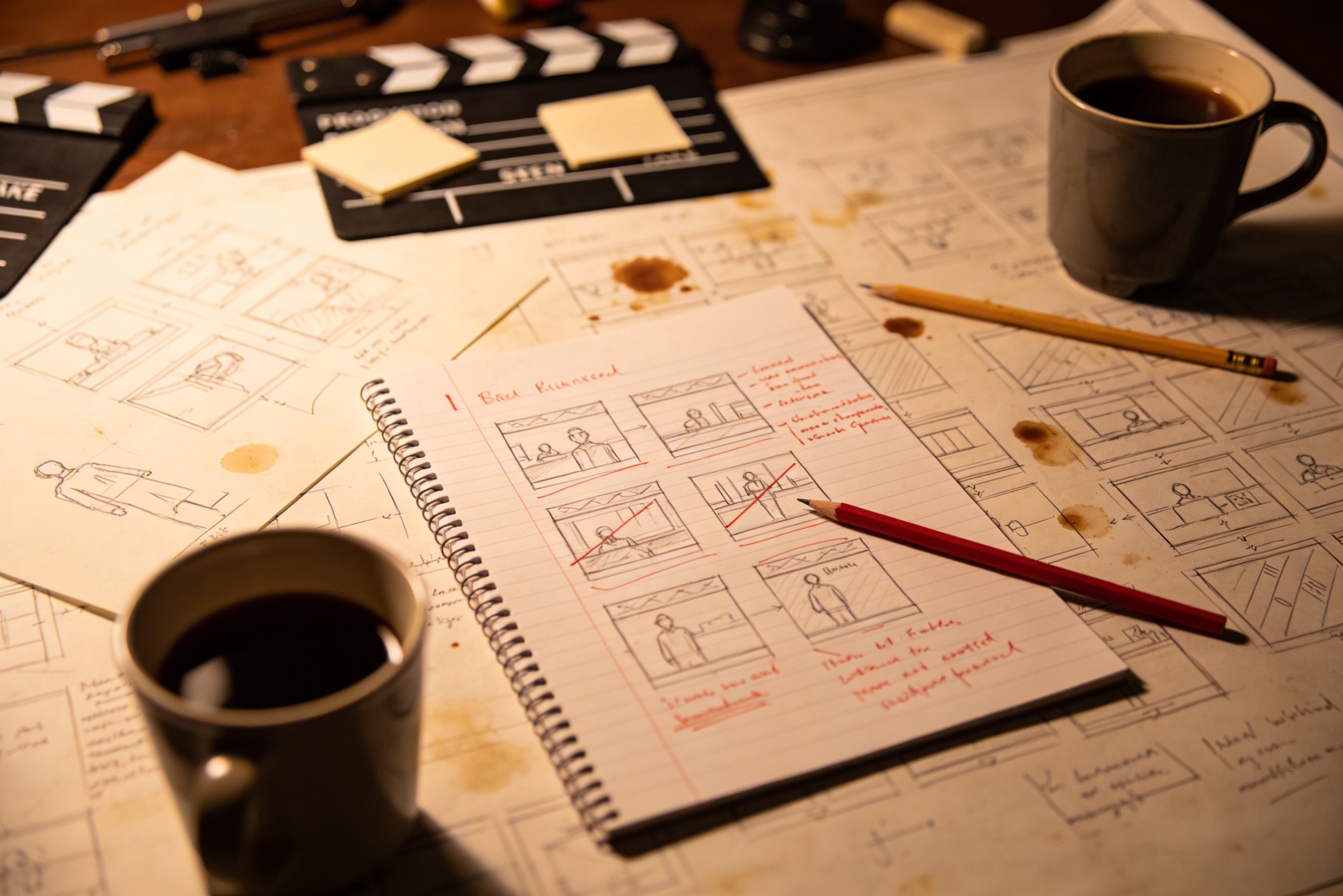
Перевод вашего творческого видения в подробные описания кадров требует тщательного планирования и множества исправлений, чтобы все получилось правильно.
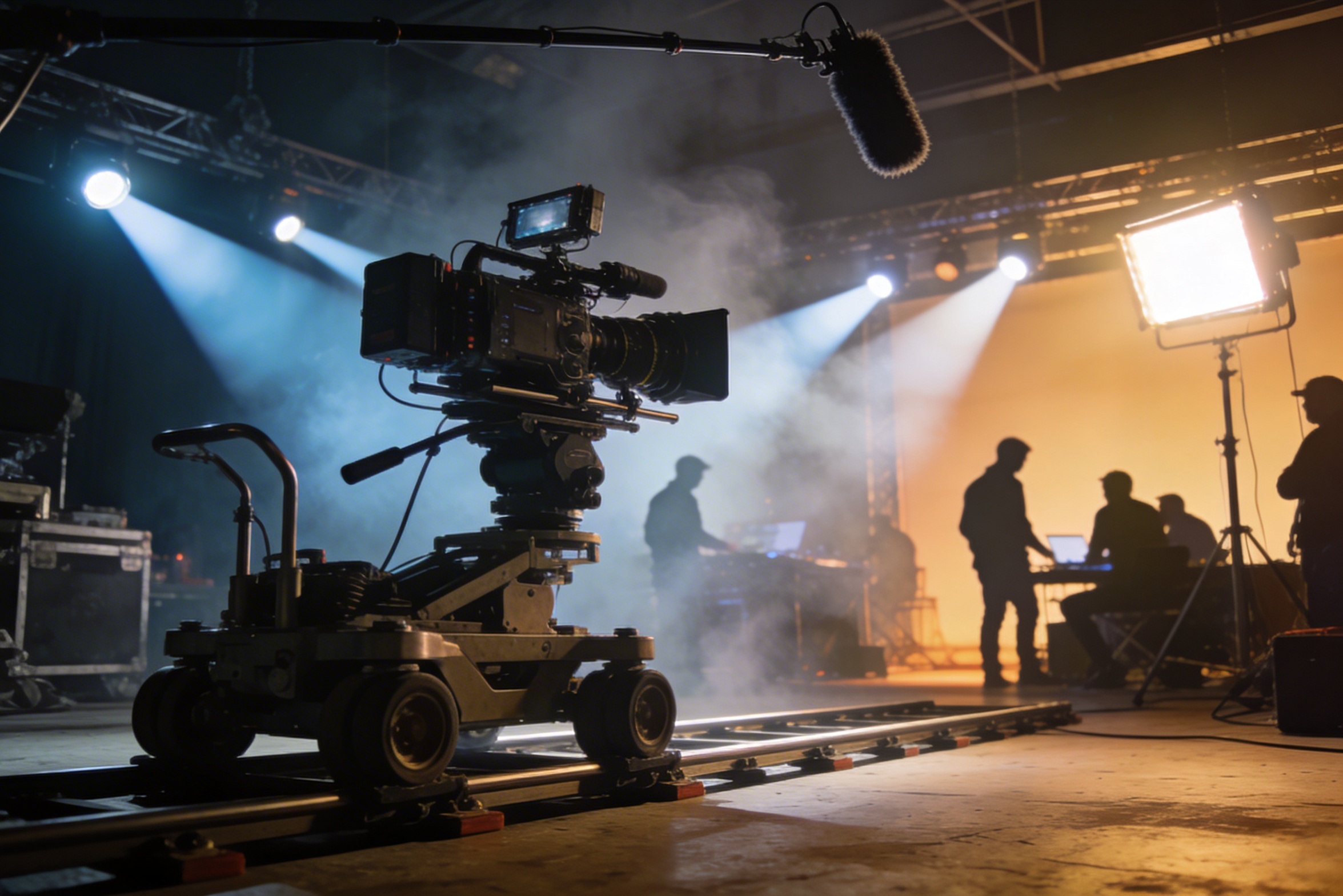
Профессиональная съемка требует дорогого оборудования, настройки освещения, местоположений и часто полного коллектива – расходы, которые быстро выходят из-под контроля.
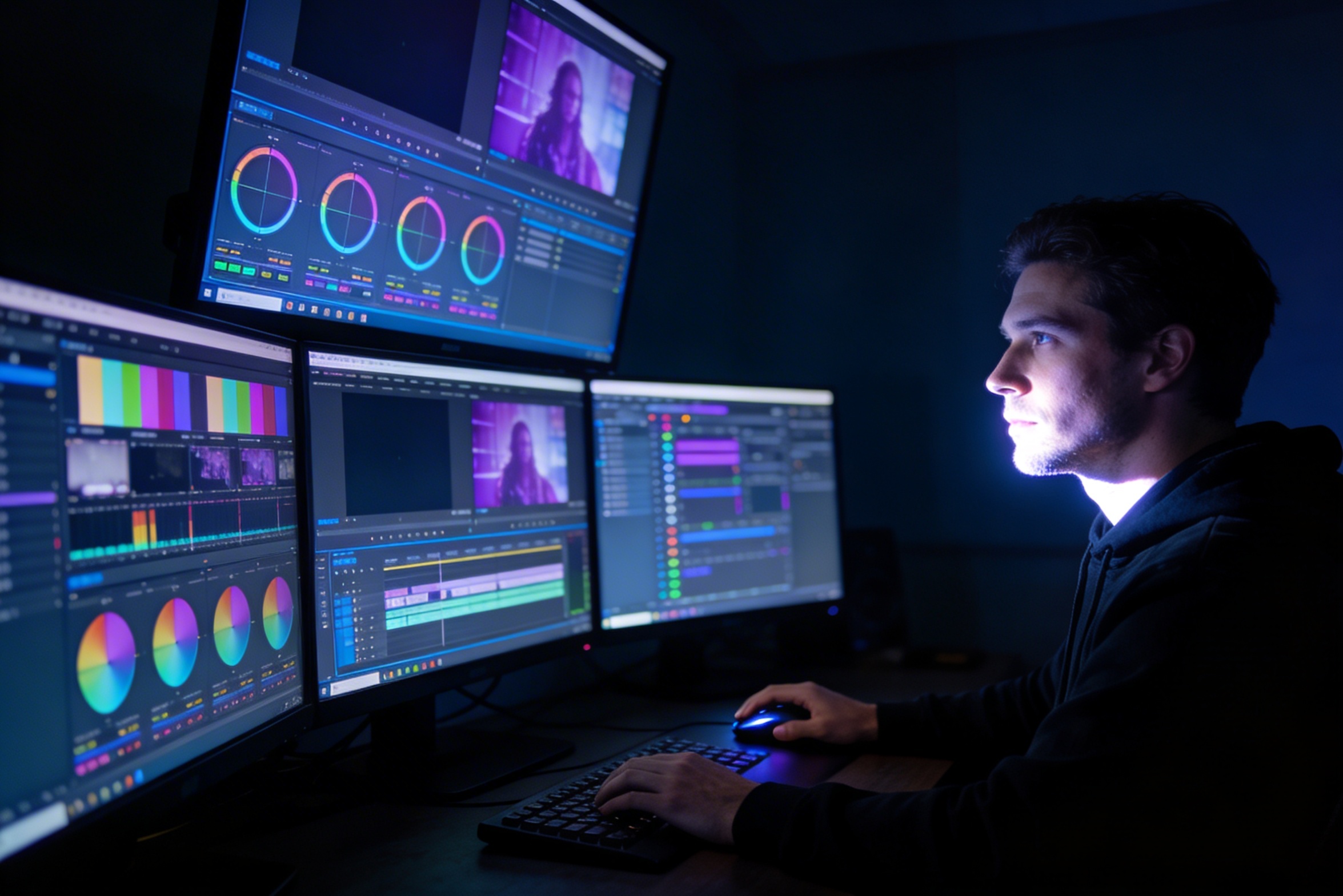
Редактирование, цветокоррекция, визуальные эффекты и создание множества вариаций кадров требуют специализированных навыков работы с программным обеспечением и недель работы.
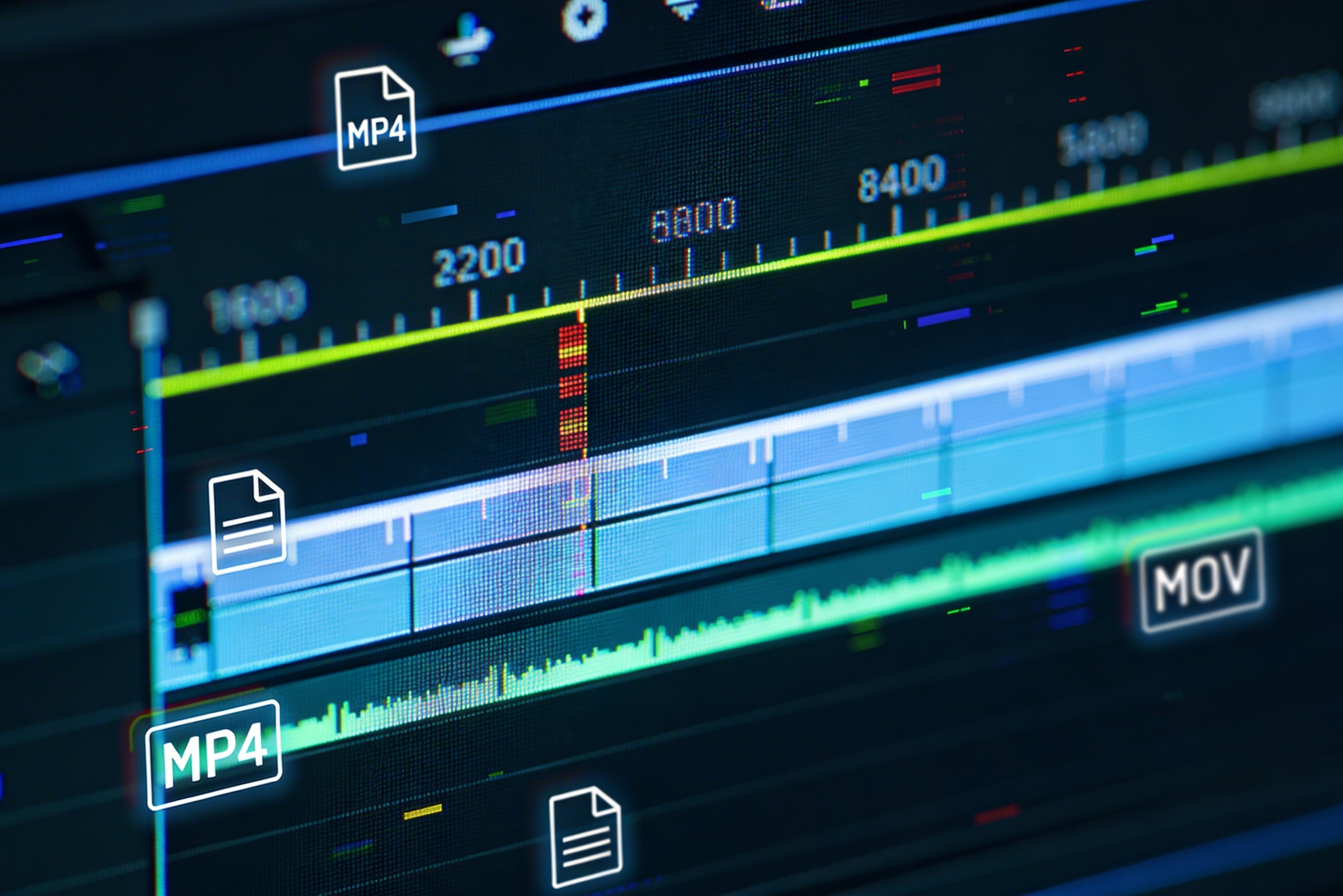
Создание версий для разных платформ – YouTube, TikTok, Instagram – означает повторное редактирование и рендеринг для различных соотношений сторон и длительностей.

Professional multi-shot planning can cost hours of creative direction before a final video is generated, filmed, edited, or approved.
It's not just about creating variations. Our AI reads composition, cinematography, and storytelling needs to create shot prompts that strengthen your visual narrative.
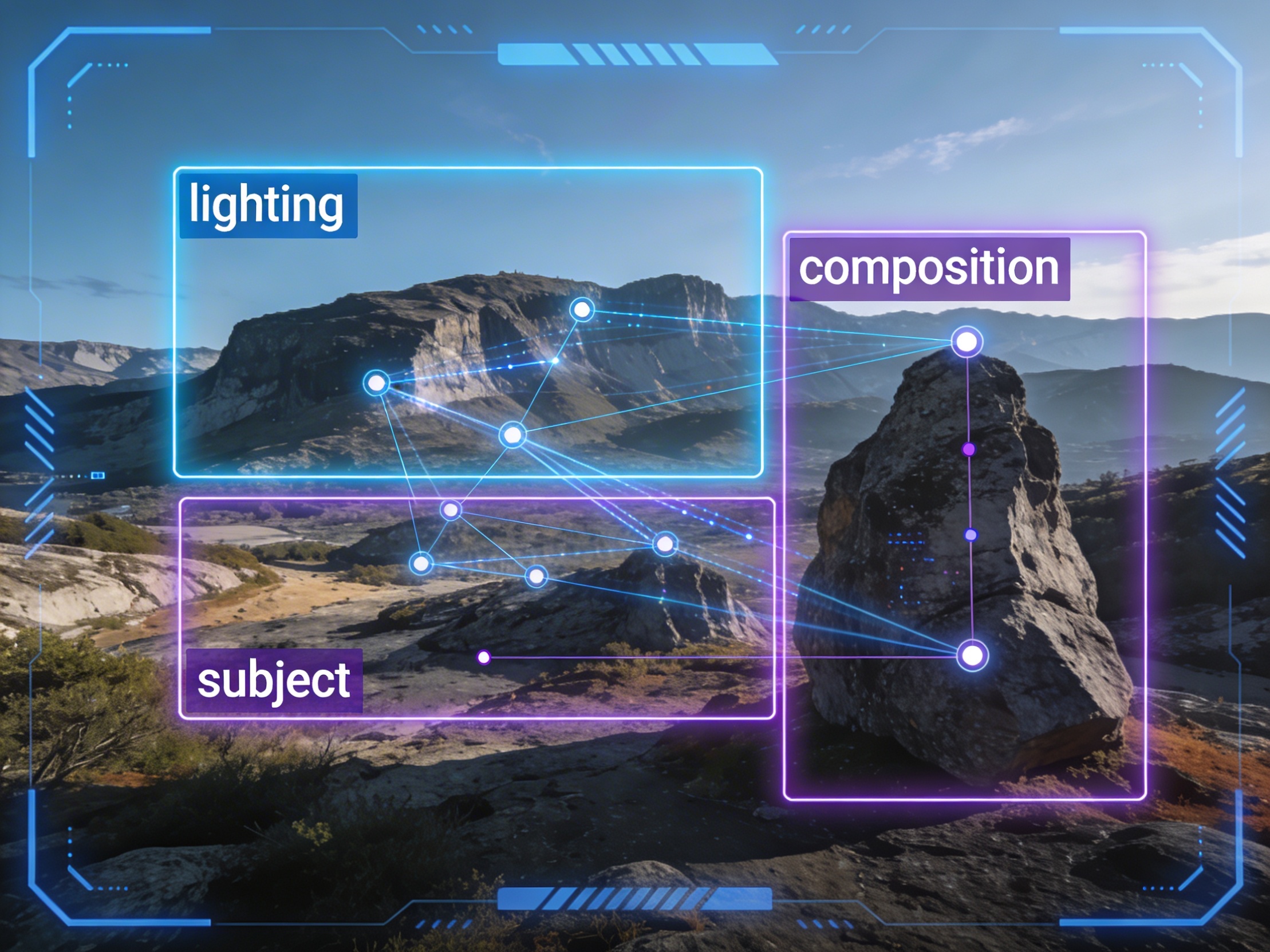
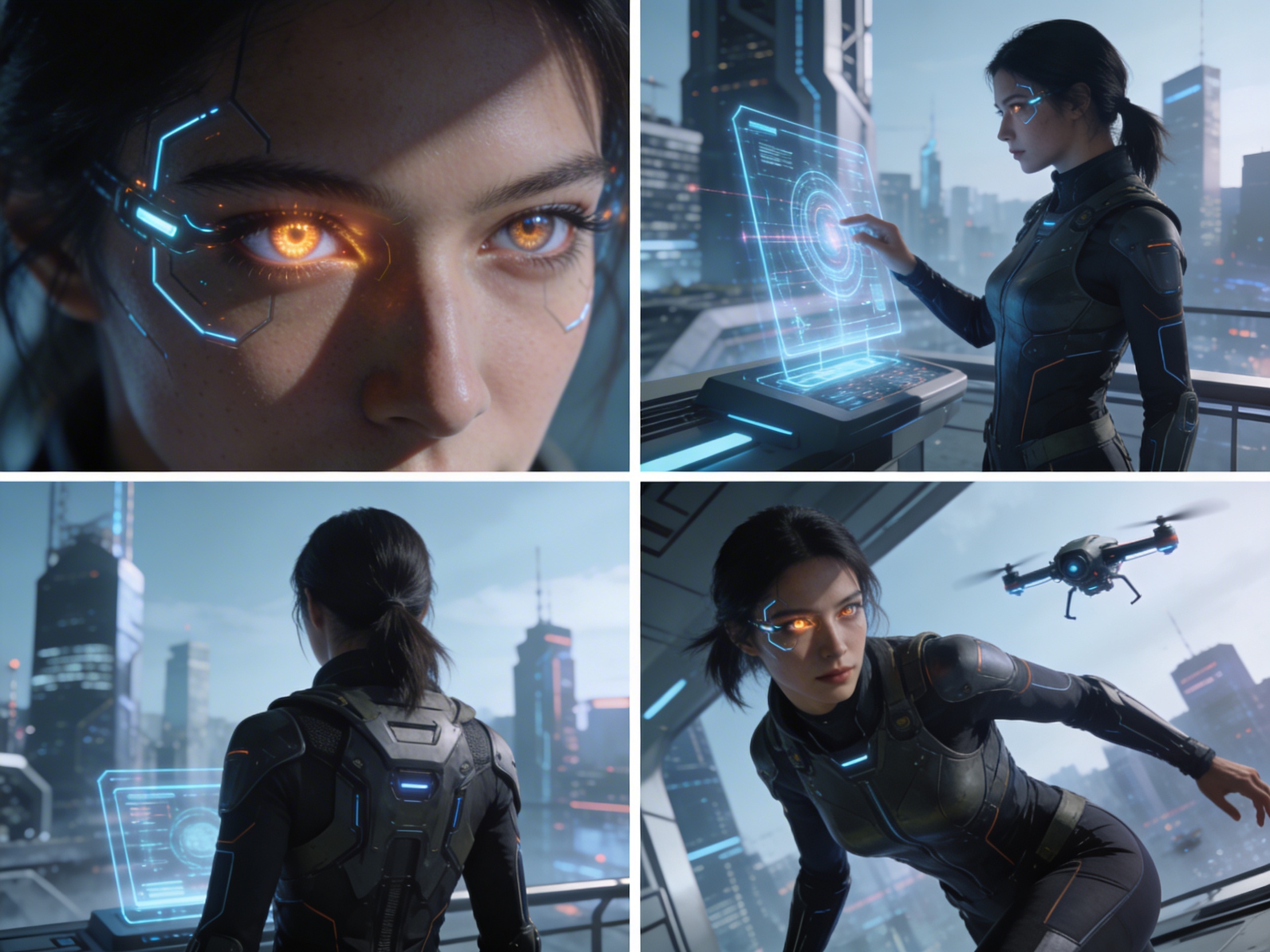
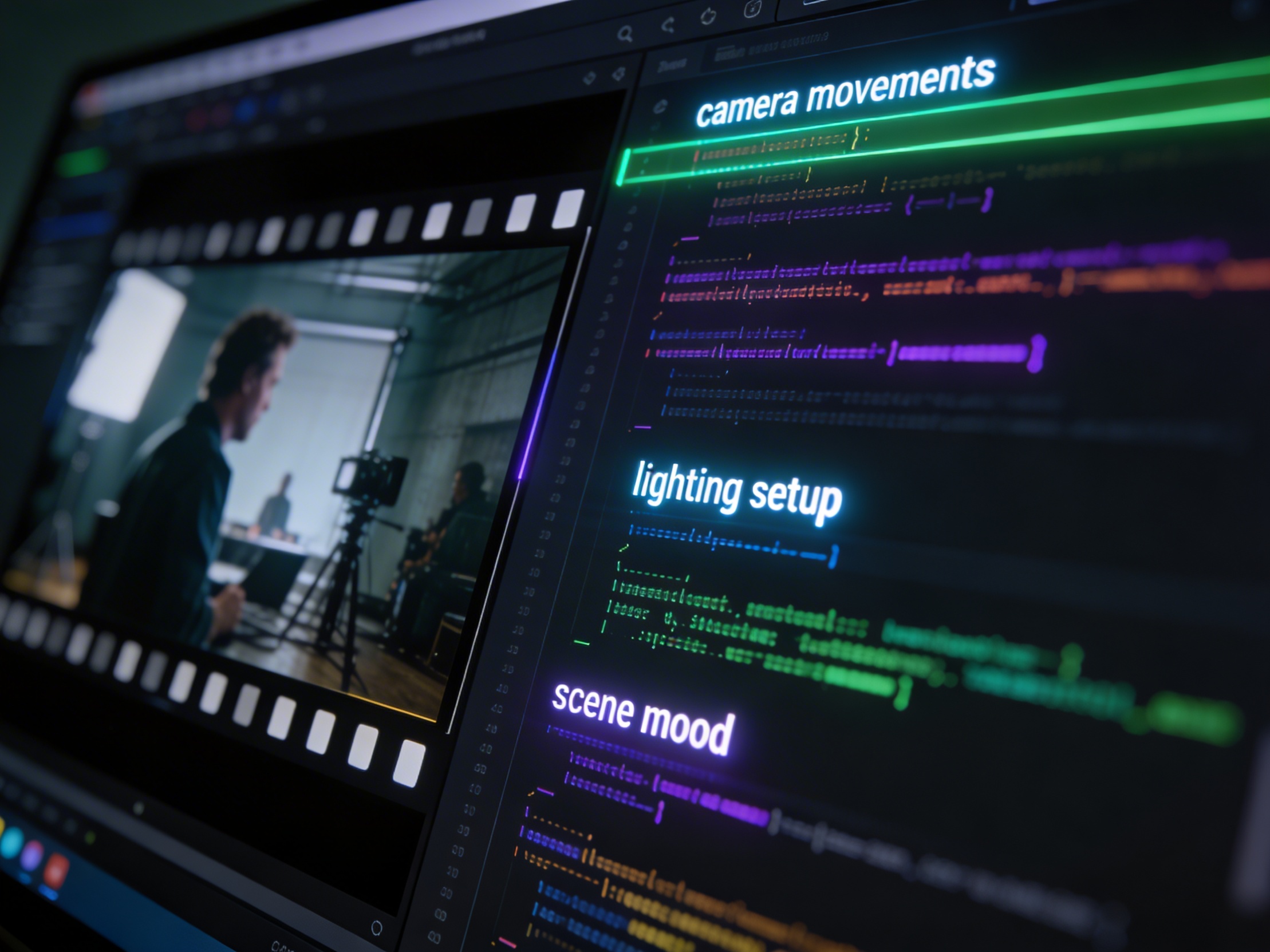
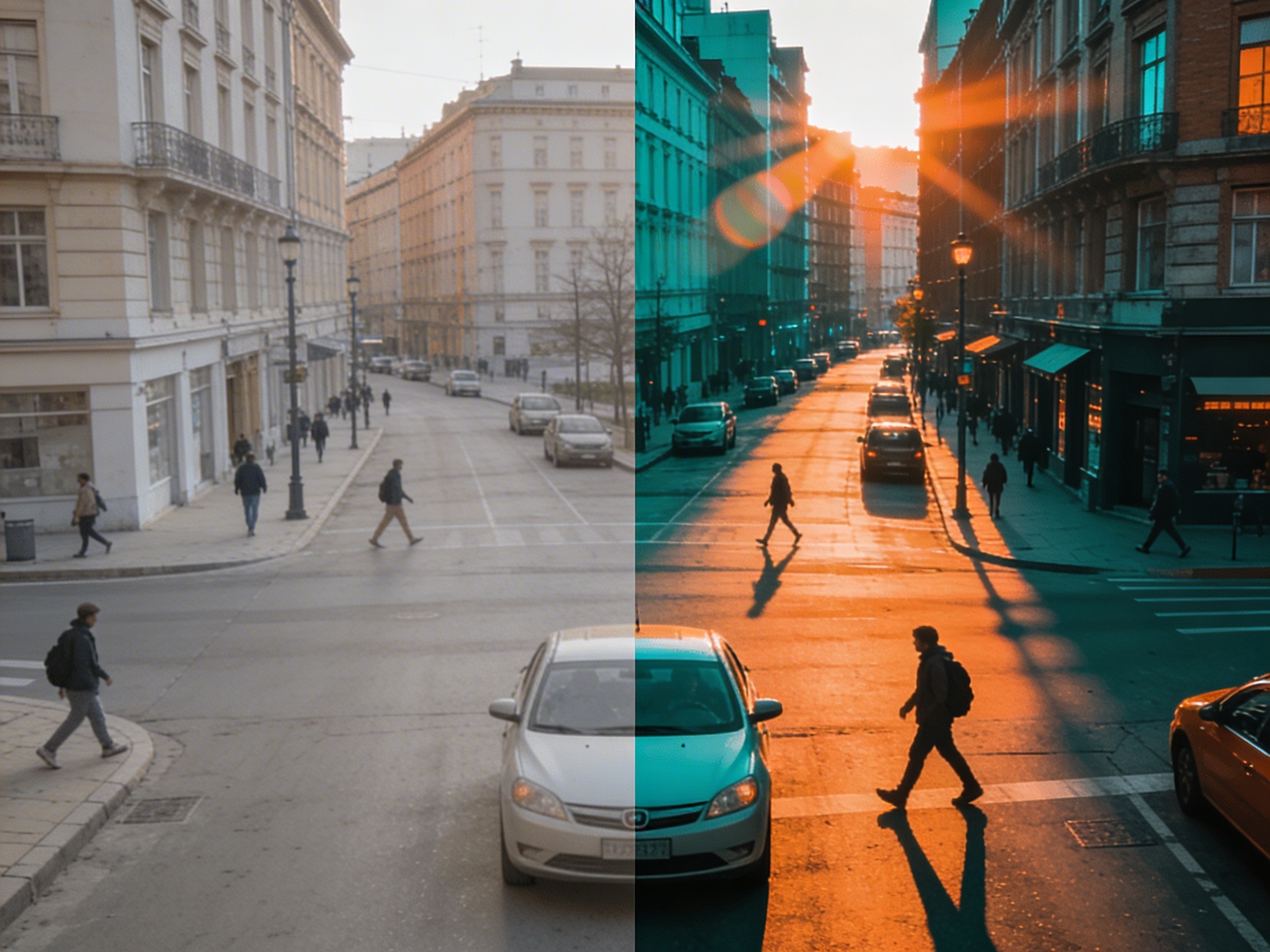
Join creators using LlamaGen to plan shot sequences, camera angles, and AI video prompts before production.
Related writing workflow
Use the AI Screenplay Editor when a script, fiction draft, storyboard brief, video idea, or canvas note needs proper scene headings, action, dialogue, parentheticals, cover pages, outlines, beats, and collaboration-ready revisions.
INT. COMMUNITY CENTER - NIGHT
Folded chairs. A storm outside. MAYA stands at the microphone with a page of notes she no longer needs.
MAYA
If the city will not read the record, we will read it out loud.