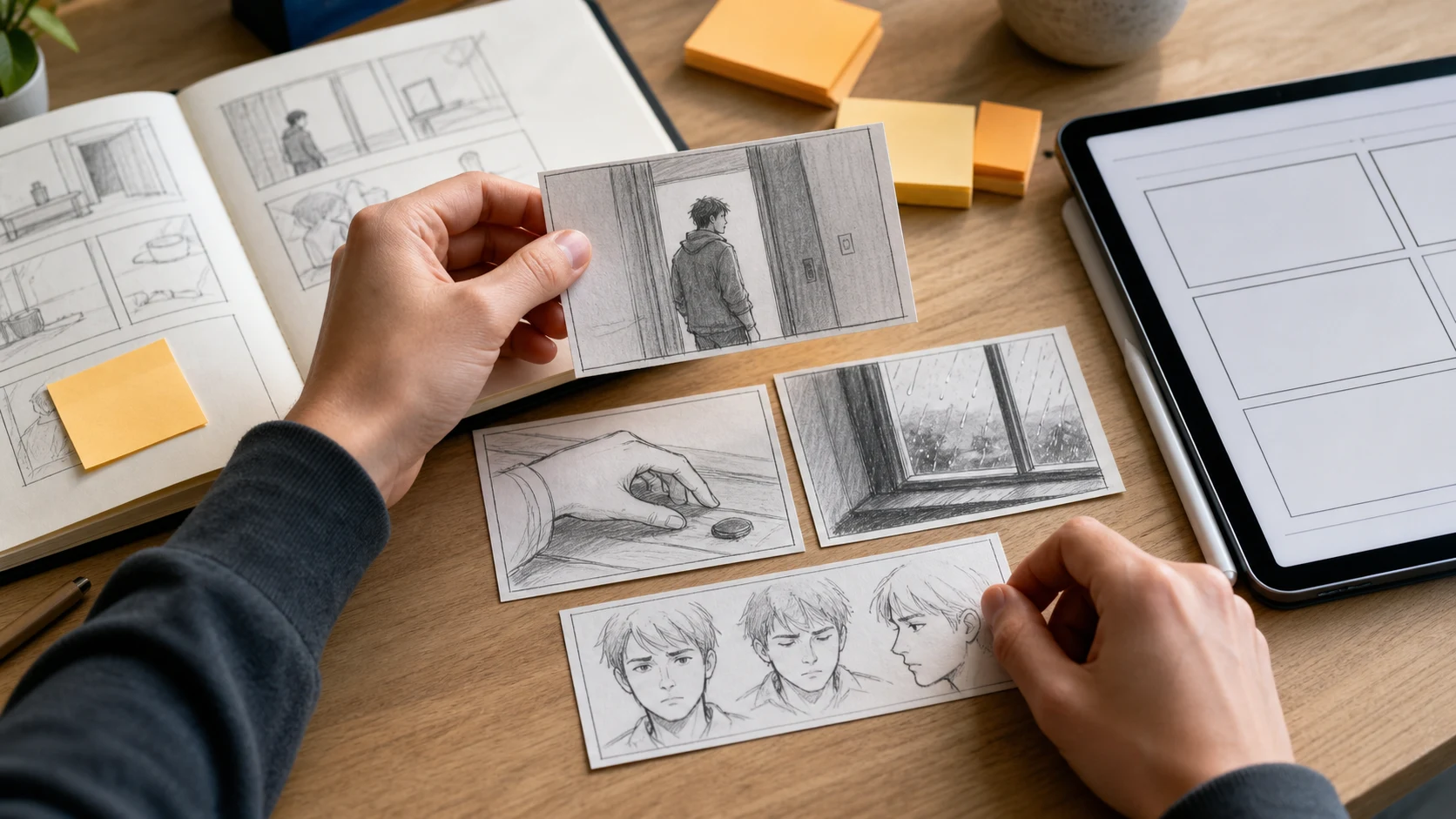
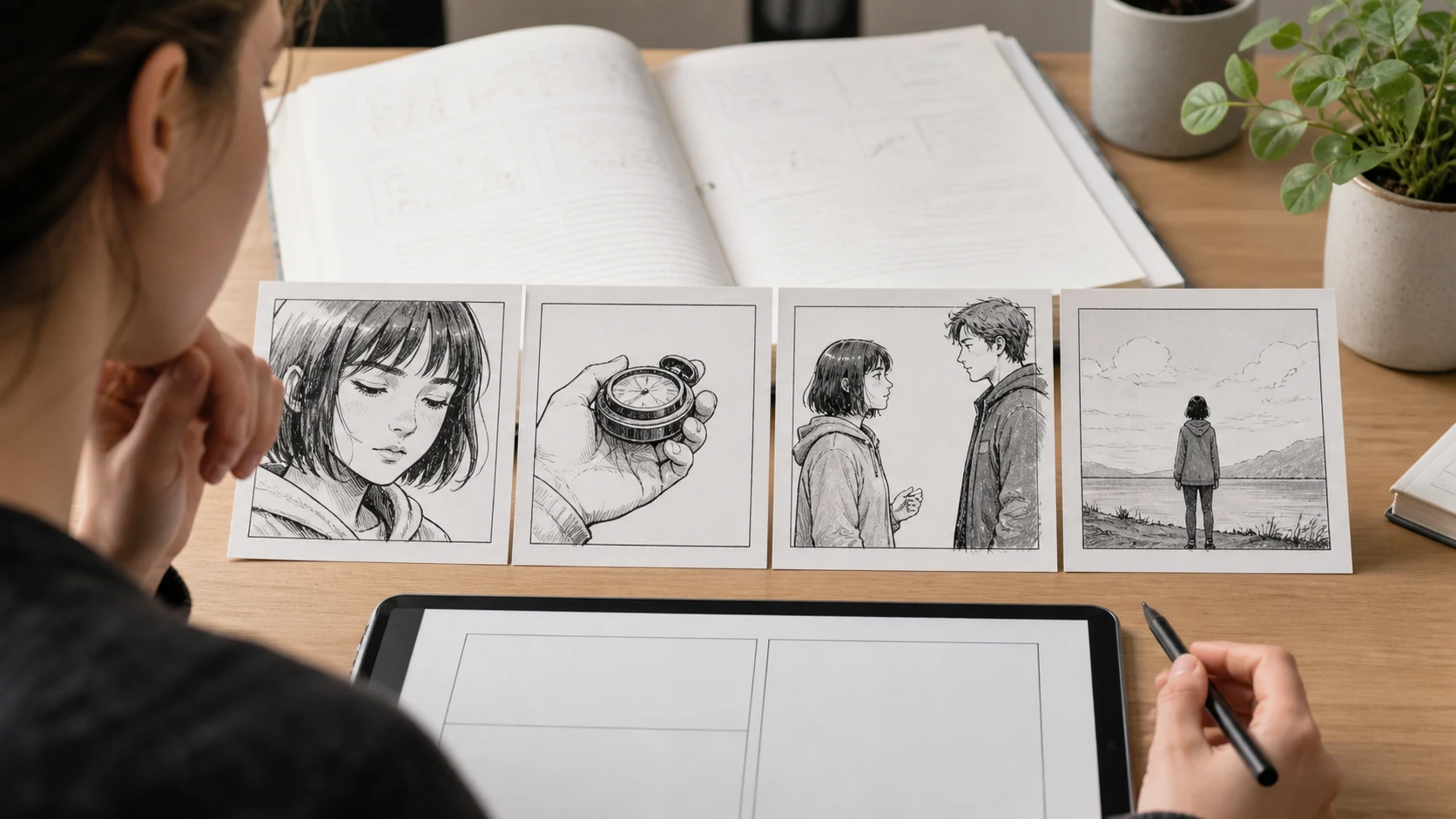
Internal monologue should not be copied into comic captions by default.
First, ask what the thought does:
thought -> story job -> visible evidence -> panel choice
Then choose whether the thought becomes an expression, a body action, a prop, a setting detail, a caption, a speech bubble, or silence.
For a faster first pass, upload your prose scene or chapter to LlamaGen.AI Upload and ask for a visual panel brief before generating the final page.
Why Internal Monologue Breaks Comic Pages
Novelists can spend a full paragraph inside a character's head. Comics and manga can do that too, but the page pays for every word with space, pacing, and reader attention.
The common mistake is treating every thought as caption text:
Prose habit
Comic problem
Better move
Explaining emotion
The panel repeats what the face already shows
Let expression carry the first layer
Long reflective paragraphs
The page becomes crowded
Keep one sharp caption, then show behavior
Abstract guilt or fear
The image has nothing concrete to draw
Attach the thought to an object or action
Дневник на промените
Разпалете мечтите на младите Където милиони истории оживяват
Преглед на най-новите функции на LlamaGen, подобрения на продукта, обновления в дизайна и важни корекции на грешки.
✦
✧
✦
✧
Нова среда за Разказване на истории
Създавайте неограничени истории, комикси, анимации, игри и още — за секунди, които докосват съвременната публика
Internal Monologue to Visual Panels - LlamaGen.AI Blog
Repeated hesitation
Multiple panels feel static
Show one strong pause, then force a choice
Memory summary
Backstory stops the current scene
Use one flash image, prop, or location echo
The goal is not to remove interiority. The goal is to make interiority visible.
Test Setup
This tutorial uses an original prose scene and turns it into a comic panel plan.
Test item
Setup
Date tested
August 25, 2026
Source
One fictional prose scene with heavy internal monologue
Target output
Comic page, manga page, webtoon section, visual novel scene
Thought map, panel brief, caption plan, revision checklist
Active editing time
About 22 minutes
Total elapsed time
About 46 minutes including one failed pass
Editorial note
This is a workflow test for writers, not a pricing benchmark.
The test question was:
Can a writer preserve a character's private thoughts while making the comic page readable?
Source Scene
Here is the prose scene:
Nadia stood outside the rehearsal room with her hand on the doorknob.

She told herself she was only late because the subway stalled, not because she had spent ten minutes staring at the message from her brother.

He had written: "Dad asked if you are still coming Sunday."

Nadia had typed five replies and deleted all of them.

Inside the room, the piano started without her. The first note was wrong. It was the same wrong note she used to play when she was twelve, before her father stopped coming to recitals.

She wanted to laugh at the coincidence, but her throat closed.

The doorknob clicked under her hand before she turned it.
This scene has almost no physical action. That is why it is a useful test. The emotion is mostly in delay, memory, family pressure, and one impossible sound.
Step 1: Find the Story Job of the Thought
Do not begin with panels. Begin with the job of each thought.
Internal material
Story job
Visual evidence
Nadia blames the subway
Denial
She checks the time, but keeps looking at the phone
She deleted five replies
Avoidance
Draft bubbles on the phone can stay unreadable, or use repeated thumb movement
Father's Sunday question
Pressure
Her grip tightens around the phone
The wrong piano note
Memory trigger
Her face changes before she opens the door
Throat closes
Body reaction
Hand pauses on doorknob, breath held
Doorknob clicks first
Hook
The door becomes active before she chooses
This converts prose into production decisions. The panel does not need to explain everything. It needs to show enough evidence for the reader to infer the thought.
Step 2: Choose the Right Container
A thought can enter a comic page through several containers.
Container
Best for
Example from the scene
Expression
Immediate emotion
Nadia hears the wrong note and freezes
Body action
Resistance or desire
Her hand stays on the knob but does not turn
Prop
Concrete pressure
Phone message, rehearsal bag, old music sheet
Setting
Mood and subtext
Empty hallway outside a warm rehearsal room
Caption
Precise voice
"I can still miss Sunday if I never answer."
Dialogue
External conflict
Someone inside calls her name
Silence
Weight
One panel with only the door and her hand
Captions are not the enemy. Bad captions are the problem.
Use captions when the exact sentence matters. Use panels when the reader can understand the thought by seeing its consequence.
Step 3: Make a Caption Budget
Before generating panels, set a strict caption budget.
Page type
Caption budget
Why
6-panel comic page
1-3 short captions
Enough for voice without crowding
Manga mood page
0-2 captions
Let silence and close-ups carry the scene
Webtoon section
1 short caption every 3-5 scroll beats
Keeps vertical rhythm clean
Visual novel scene
More internal text allowed
The format expects prose and choice logic
For this scene, the best caption plan is:
Panel 1: no caption.
Panel 2: "I was only late because of the train."
Panel 3: no caption.
Panel 4: "Five replies. None sent."
Panel 5: no caption.
Panel 6: no caption.
Panel 7: "The first note was wrong."
Panel 8: no caption.
That keeps Nadia's voice while leaving room for images.
Step 4: Turn the Scene into Visual Panels
Now write the panel plan.
Panel
Camera
Image
Thought represented
1
Wide
Empty hallway, rehearsal room door, Nadia arriving late
Avoidance
2
Insert
Phone in her hand, message visible only as unreadable blocks
Family pressure
3
Close
Her thumb hovering above reply field
Deleted replies
4
Medium
Her hand touches doorknob but stops
She does not want to enter
5
Interior cutaway
Piano keys, one finger striking a note
Memory trigger
6
Close
Nadia's face hears it before the reader knows why
Recognition
7
Flash image
Younger Nadia at a recital bench, empty chair in audience
Past wound
8
Insert
Doorknob clicks under her hand
Hook
The internal monologue is still present. It has simply moved from explanation into visible pressure.
Step 5: Upload the Scene for a Panel Brief
Use LlamaGen.AI Upload when you have a real chapter, scene, outline, or script file.
Use this instruction:
I am adapting this prose scene into comic panels.

Please return:
1. The internal monologue inventory.
2. The story job of each thought.
3. Which thoughts should become visible actions.
4. Which thoughts should remain captions.
5. Which thoughts should become props, setting, expression, or silence.
6. A 6-8 panel plan.
7. A caption budget.
8. Character continuity notes.
9. A revision checklist for text-heavy panels.

Do not copy the prose sentence by sentence. Preserve the character's private emotional logic and make it readable visually.
Then upload the manuscript or chapter to LlamaGen.AI Upload. Treat the result as a planning document first, not as the final page.
Step 6: Repair Text-Heavy Panels
If a page feels slow, find the repeated information.
Problem
Likely cause
Repair
Every panel has a caption
The prose voice was copied directly
Keep only the sharpest inner line
The character looks passive
All conflict stayed in narration
Give the body a visible decision
The reader misses the emotion
The visual evidence is too subtle
Add a prop, close-up, or reaction beat
The page feels melodramatic
Captions over-explain the feeling
Replace explanation with silence
The hook is weak
The final thought is abstract
End on an object, action, or reveal
For Nadia's scene, the weak version used four captions in the first two panels. The stronger version made the phone, doorknob, and wrong note do more work.
A Practical Conversion Table
Use this when revising a prose scene.
If the prose says...
Try showing...
"She regretted it."
A hand stopping before touching the object tied to the mistake
"He felt watched."
A reflective surface, an open doorway, or a figure-shaped shadow
"They did not trust each other."
Two characters framed apart, with an object between them
"She remembered childhood."
One specific recurring prop, costume detail, or location echo
"He was ashamed."
A face turned away from light, not a caption saying shame
"She decided to leave."
Shoes turning, bag lifted, last look at the room
"He could not say it."
Speech bubble withheld, mouth closed, hands doing the talking
Good comic adaptation is often less about inventing more plot and more about choosing the one visible detail that carries the thought.
Pick expression, action, prop, setting, caption, dialogue, or silence
Panel strategy
4. Brief
Create a 6-8 panel page plan
Generation-ready prompt brief
5. Generate
Produce a first comic or storyboard pass
Visual draft
6. Repair
Remove repeated captions and strengthen visual evidence
Cleaner page
This workflow is especially useful for novelists, memoir writers, screenwriters, and visual novel creators who already have strong prose but need a readable visual sequence.
Checklist Before You Generate
Before final panel generation, confirm:
Question
Pass condition
Does every panel change the reader's information?
Yes
Is the main emotion visible without reading every caption?
Yes
Are captions short enough to leave breathing room?
Yes
Is at least one internal thought carried by a prop or action?
Yes
Does the final panel end on a visual hook?
Yes
Are character, setting, and prop details consistent?
Yes
If the answer is no, revise the panel brief before generating final art.
FAQ
Should comics use internal monologue?
Yes. Comics can use internal monologue, but it works best when captions are selective and the image carries part of the thought.
How much narration is too much?
If the caption says exactly what the character's face, pose, or setting already says, remove or shorten it.
Can I turn a whole chapter's thoughts into panels?
Yes, but do it in passes. Upload the chapter to LlamaGen.AI Upload, ask for an internal thought inventory, then adapt the most important thoughts into visible beats.
What if the scene is mostly thinking and very little action?
Use objects, pauses, posture, distance, light, and interruptions. A scene does not need action spectacle to become visual.
What is the best first output?
Start with a panel brief or storyboard. Generate polished panels after the thought-to-visual map is clear.
Final Takeaway
Internal monologue is not a problem to delete. It is a signal to translate.
When you turn thought into evidence, the reader gets both sides of the scene: what the character hides inside and what the page lets us see.
Upload your scene to LlamaGen.AI Upload, ask for a thought-to-panel brief, and build the comic from visible emotional logic instead of copied prose.
Related hot tags
Writers
Visual Storytelling
AI Comic
Storyboarding
Popular creator tools
Turn inspiration into your next story
Create comics, storyboards and stylized photos with LlamaGen.