

4 Camera-Angle Prompts
Automatically generate 4 different camera angles, shot types, and sequence ideas from a single image
Shot Sequence Prompt AI
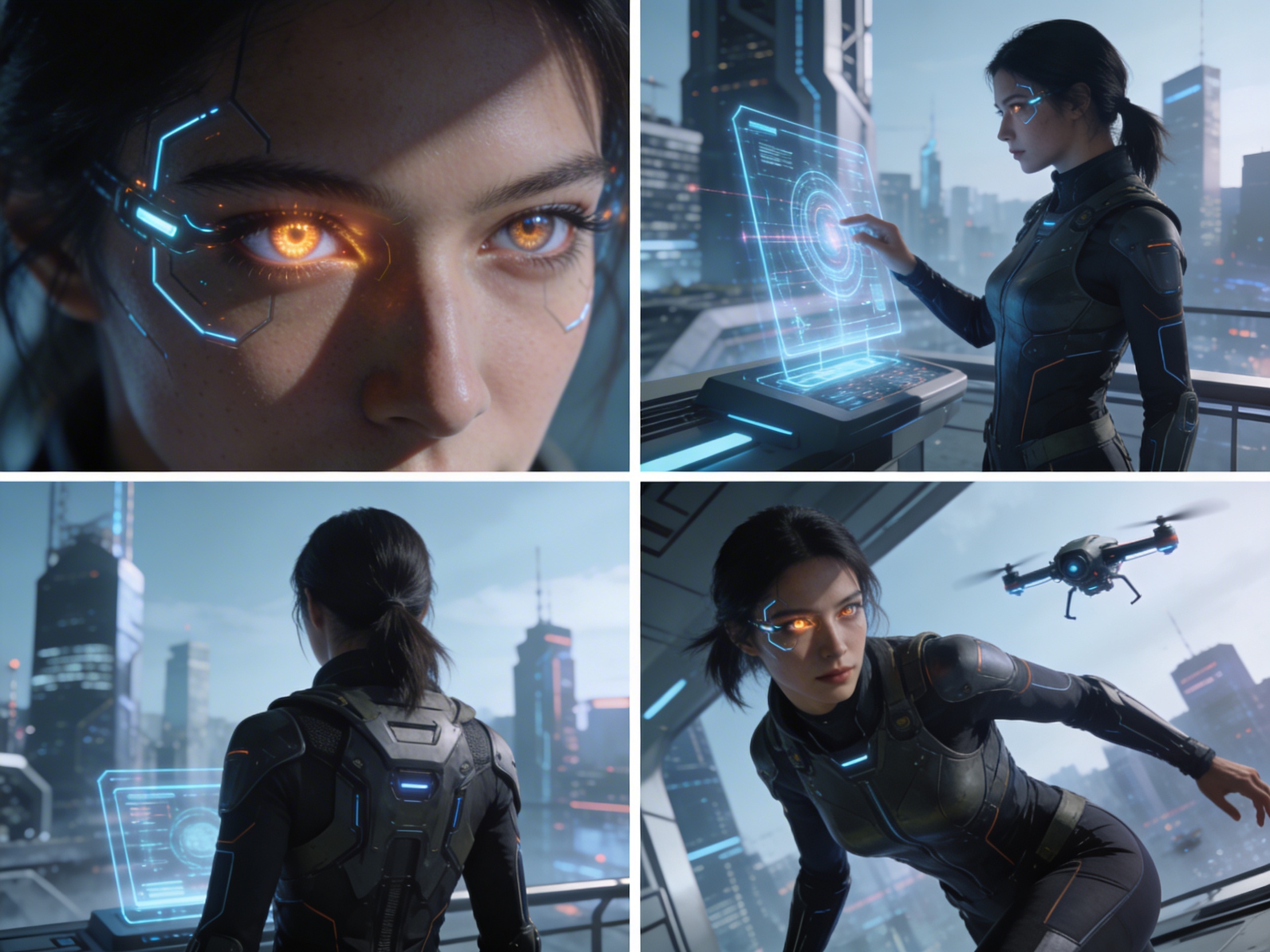
Upload one image and generate a prompt-ready multi-shot video plan: 4 camera angles, cinematic shot descriptions, storyboard notes, and a clear sequence for AI video production.
Shot 1
Close-up
Shot 2
Medium
Shot 3
Wide
Shot 4
Handling
Plan the shot sequence, camera-angle prompts, and storyboard notes before you generate the final clip
Automatically generate 4 different camera angles, shot types, and sequence ideas from a single image
Finjuster hver skudbeskrivelse for at matche din kreative vision perfekt
Generate multi-shot video prompts and storyboard notes in seconds, not hours
Fra professionelle til begyndere, vores værktøj tilpasser sig dine kreative behov
Skab detaljerede storyboards og skudlister til dit næste filmprojekt
Generate multi-shot video prompts for social media and YouTube concepts
Transformér skrevne historier til visuelle fortællinger med flere perspektiver
Skab fængslende visuelle kampagner med flere skudvariationer
Hvordan Det Virker
Upload et hvilket som helst billede - fotos, kunstværker eller konceptbilleder. Vores AI understøtter alle større formater.
Our advanced AI analyzes your image and generates 4 unique camera-angle prompts and cinematic shot descriptions.
Finjuster beskrivelser og eksporter dit multi-shot storyboard til videoproduktion.
AI MULTI-SHOT STORYBOARD EXAMPLES
From single images to cinematic sequences, see how one source can become multiple shot prompts and video concepts.
Choose your output
Use the same source image to prepare camera angles, a connected shot sequence, or storyboard notes for the next production step.
Plan a prompt-ready video sequence from one source image instead of generating one disconnected clip.
Create close-up, medium, wide, product, action, and cinematic angle prompts for the same subject.
Turn a single image into a clear four-shot structure with framing, pacing, and production notes.
Use the generated shot descriptions as storyboard notes for AI video, ads, social clips, and pitches.
DEN GAMLE VIDEOPRODUKTIONSARBEJDSGANG
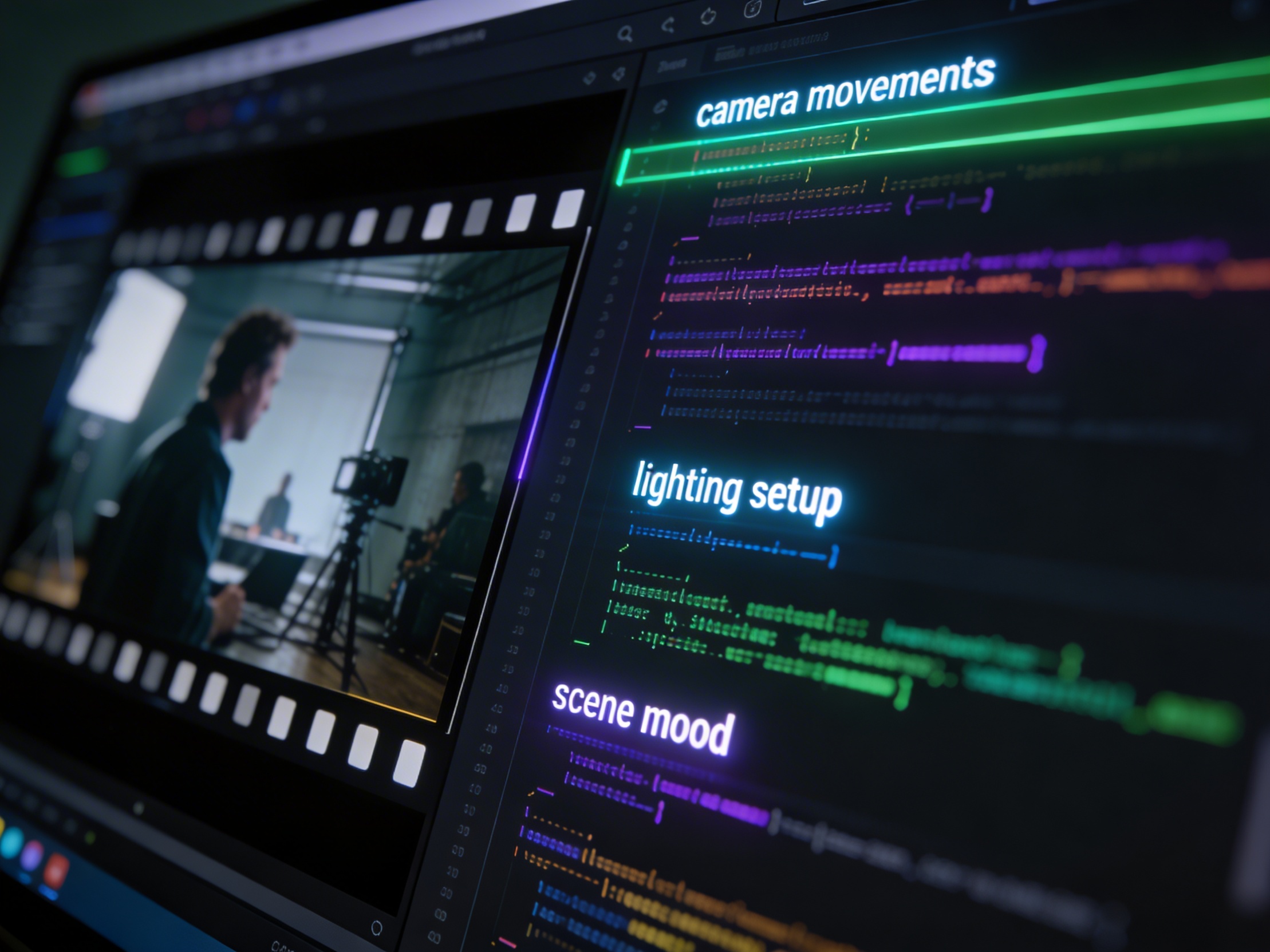
The traditional path from concept to multi-shot video is expensive and time-consuming. Even before generation or filming, creators need shot planning, camera angles, sequence logic, and multiple revisions.
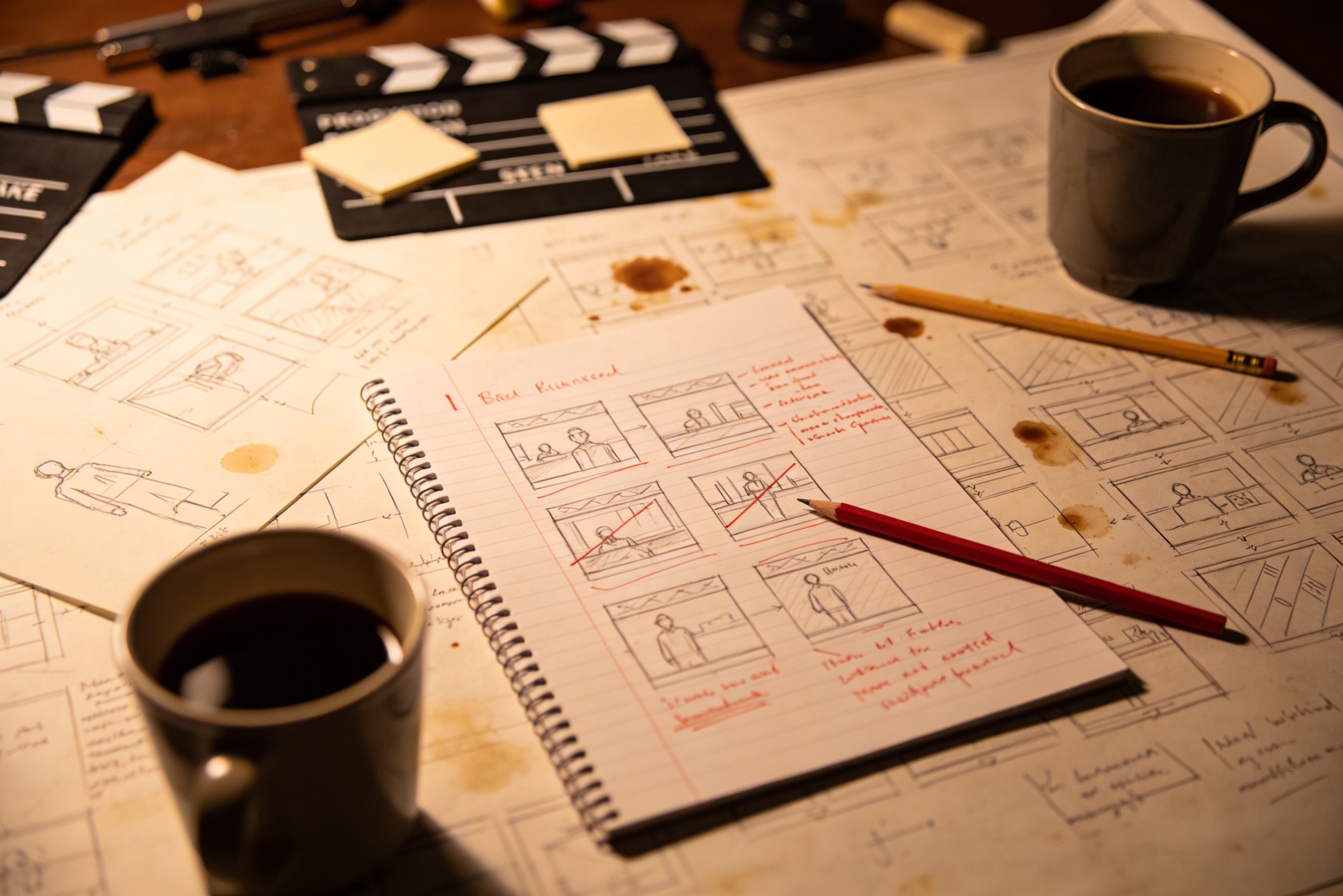
At oversætte din kreative vision til detaljerede optagelsesbeskrivelser kræver omfattende planlægning og flere revisioner for at få det rigtigt.
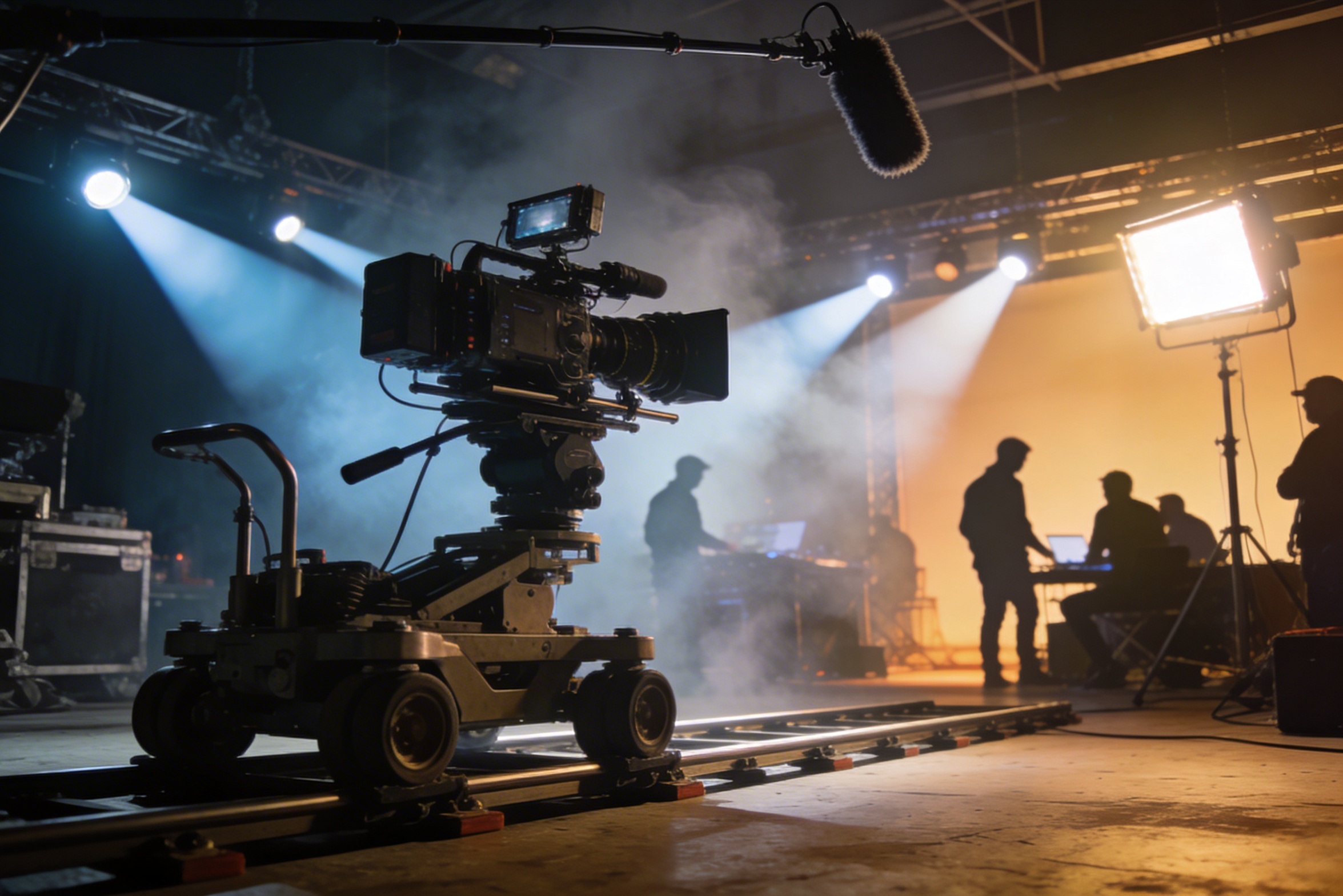
Professionel optagelse kræver dyrt udstyr, lysopsætninger, lokationer og ofte et fuldt hold – omkostninger, der hurtigt løber løbsk.
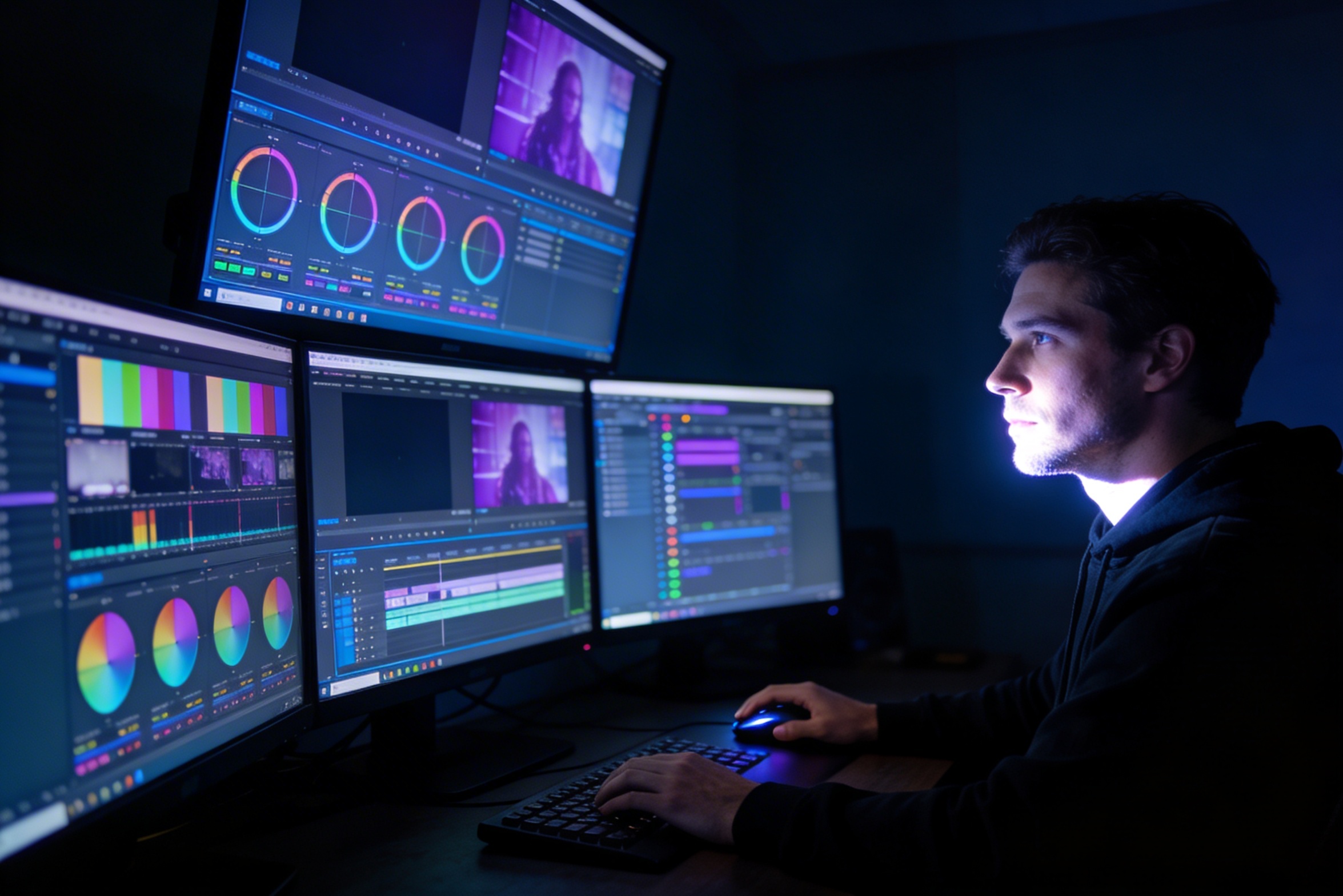
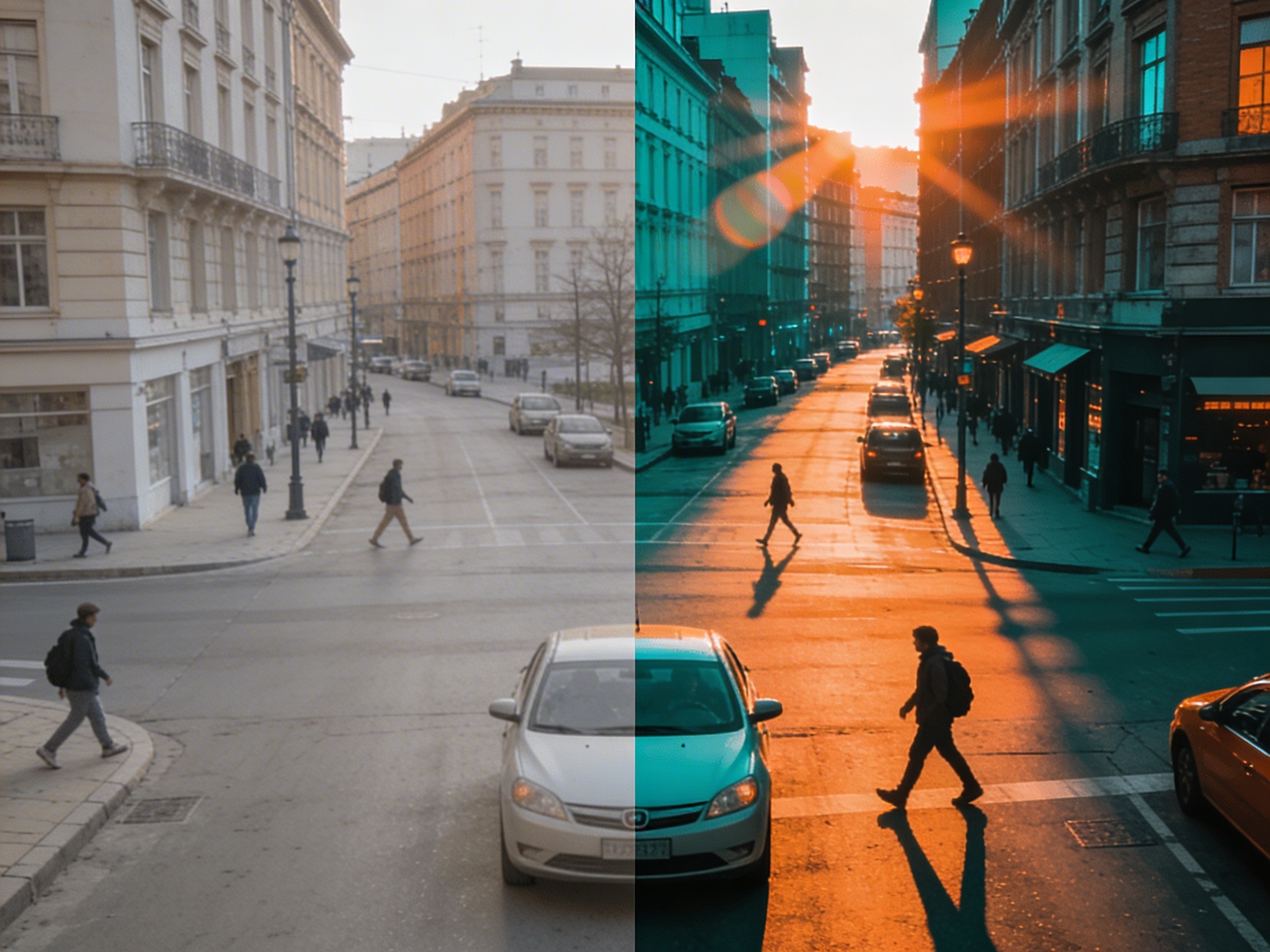
Redigering, farvejustering, visuelle effekter og skabelse af flere optagelsesvariationer kræver specialiserede softwarefærdigheder og ugers arbejde.
Oprettelse af versioner til forskellige platforme – YouTube, TikTok, Instagram – betyder redigering og rendering for forskellige billedformater og længder.

Professional multi-shot planning can cost hours of creative direction before a final video is generated, filmed, edited, or approved.
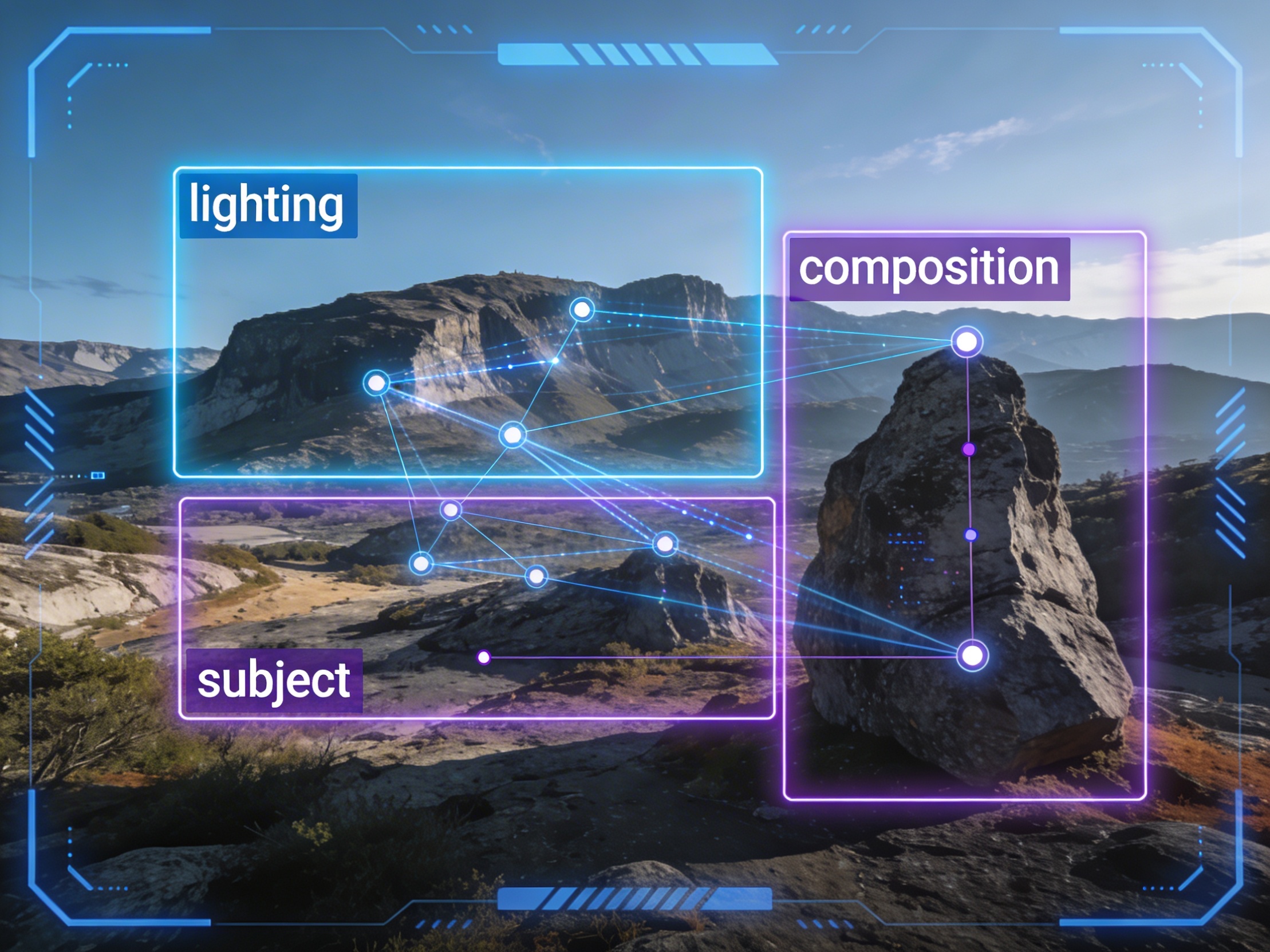
It's not just about creating variations. Our AI reads composition, cinematography, and storytelling needs to create shot prompts that strengthen your visual narrative.
Join creators using LlamaGen to plan shot sequences, camera angles, and AI video prompts before production.
Related writing workflow
Use the AI Screenplay Editor when a script, fiction draft, storyboard brief, video idea, or canvas note needs proper scene headings, action, dialogue, parentheticals, cover pages, outlines, beats, and collaboration-ready revisions.
INT. COMMUNITY CENTER - NIGHT
Folded chairs. A storm outside. MAYA stands at the microphone with a page of notes she no longer needs.
MAYA
If the city will not read the record, we will read it out loud.