

4 Camera-Angle Prompts
Automatically generate 4 different camera angles, shot types, and sequence ideas from a single image
Shot Sequence Prompt AI
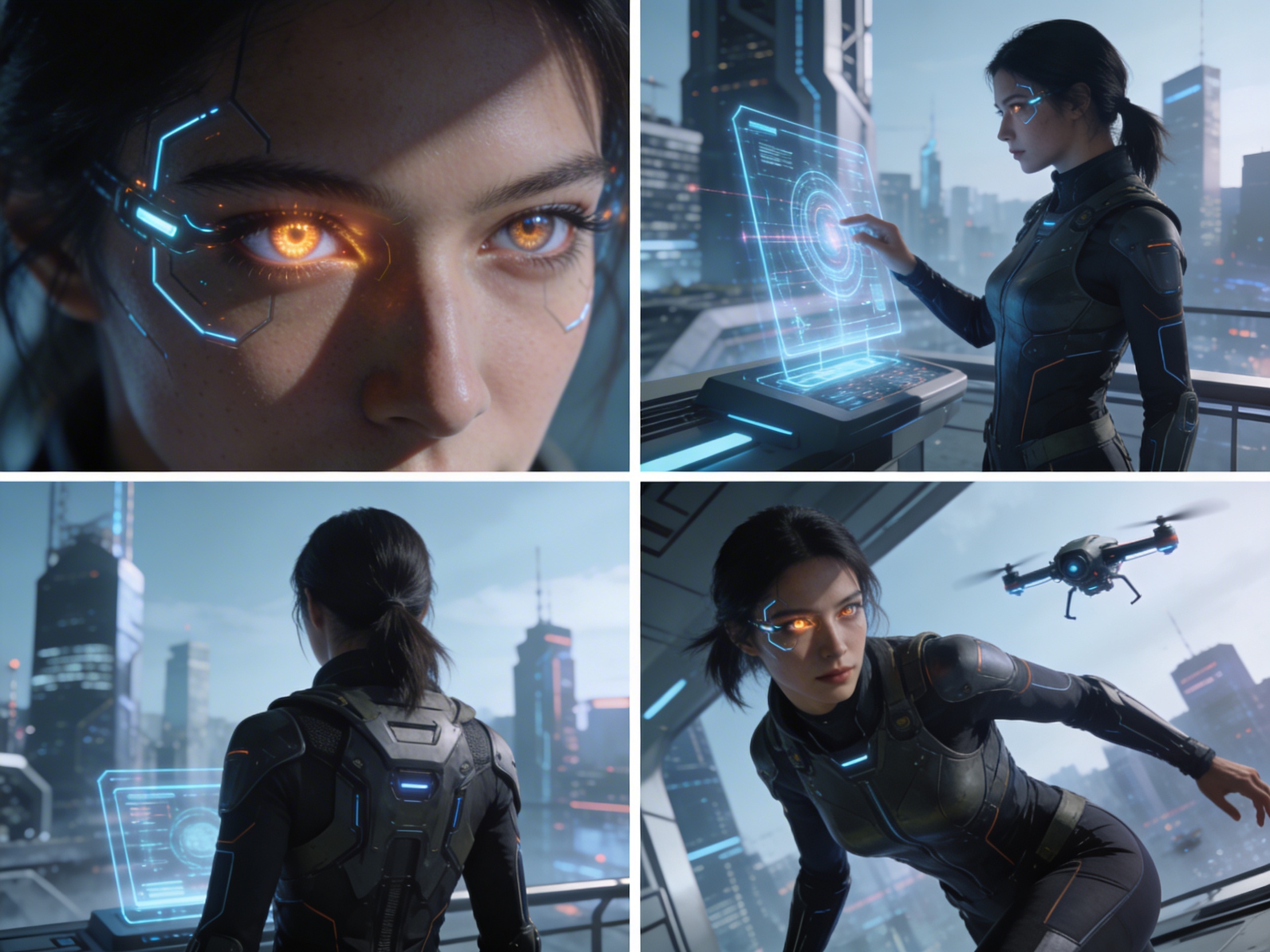
Upload one image and generate a prompt-ready multi-shot video plan: 4 camera angles, cinematic shot descriptions, storyboard notes, and a clear sequence for AI video production.
Shot 1
Close-up
Shot 2
Medium
Shot 3
Wide
Shot 4
Aktion
Plan the shot sequence, camera-angle prompts, and storyboard notes before you generate the final clip
Automatically generate 4 different camera angles, shot types, and sequence ideas from a single image
Feinabstimmung jeder Einstellungsbeschreibung, um Ihre kreative Vision perfekt umzusetzen
Generate multi-shot video prompts and storyboard notes in seconds, not hours
Von Profis bis Anfänger, unser Tool passt sich Ihren kreativen Bedürfnissen an
Erstellen Sie detaillierte Storyboards und Shot-Listen für Ihr nächstes Filmprojekt
Generate multi-shot video prompts for social media and YouTube concepts
Verwandeln Sie geschriebene Geschichten in visuelle Erzählungen mit mehreren Perspektiven
Erstellen Sie überzeugende visuelle Kampagnen mit mehreren Aufnahmevariationen
Wie es funktioniert
Laden Sie beliebige Bilder hoch – Fotos, Kunstwerke oder Konzeptbilder. Unsere KI unterstützt alle gängigen Formate.
Our advanced AI analyzes your image and generates 4 unique camera-angle prompts and cinematic shot descriptions.
Feinabstimmung der Beschreibungen und Export Ihres Multi-Shot-Storyboards für die Videoproduktion.
AI MULTI-SHOT STORYBOARD EXAMPLES
From single images to cinematic sequences, see how one source can become multiple shot prompts and video concepts.
Choose your output
Use the same source image to prepare camera angles, a connected shot sequence, or storyboard notes for the next production step.
Plan a prompt-ready video sequence from one source image instead of generating one disconnected clip.
Create close-up, medium, wide, product, action, and cinematic angle prompts for the same subject.
Turn a single image into a clear four-shot structure with framing, pacing, and production notes.
Use the generated shot descriptions as storyboard notes for AI video, ads, social clips, and pitches.
DER ALTE VIDEO-PRODUKTIONS-WORKFLOW
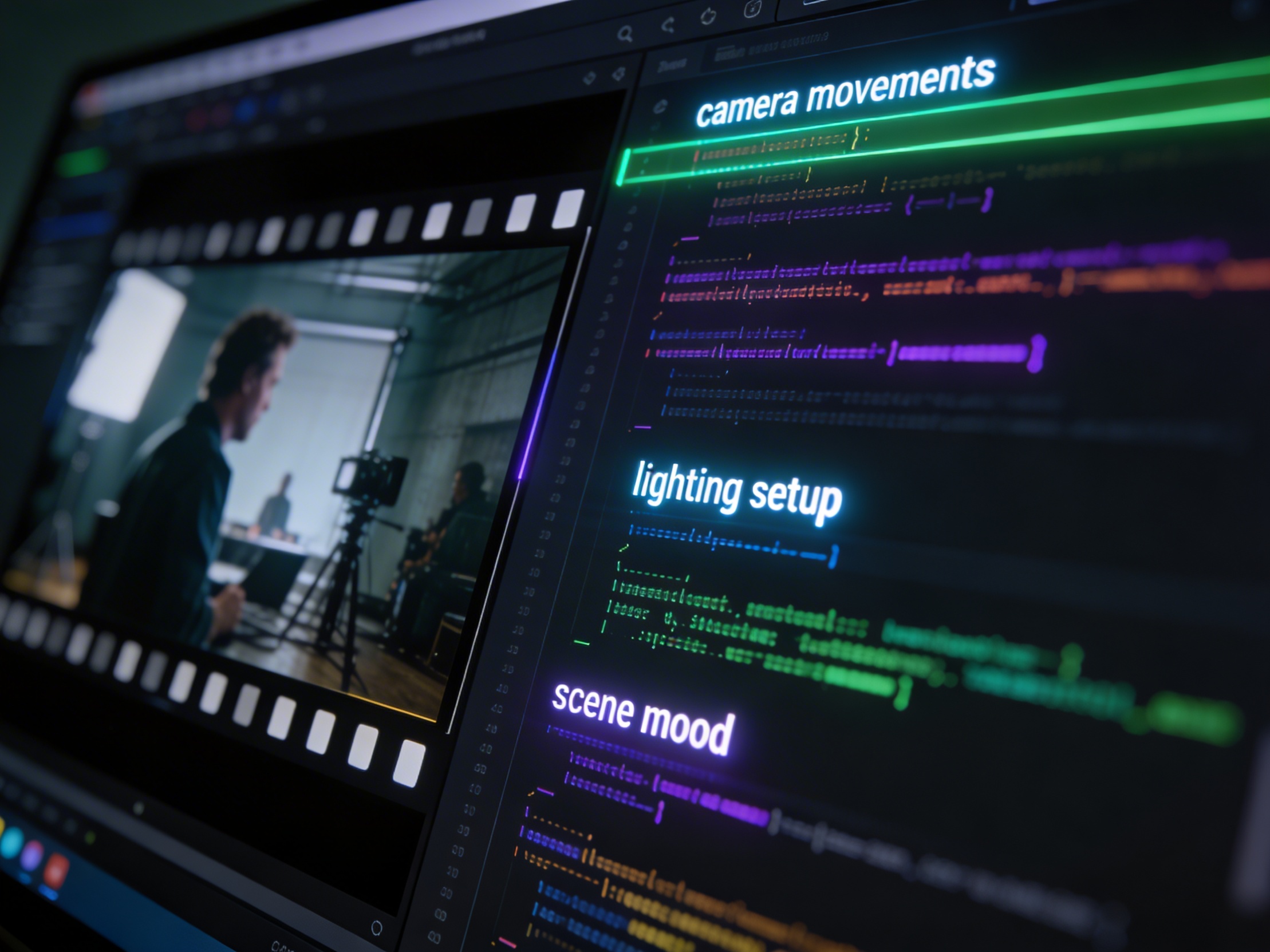
The traditional path from concept to multi-shot video is expensive and time-consuming. Even before generation or filming, creators need shot planning, camera angles, sequence logic, and multiple revisions.
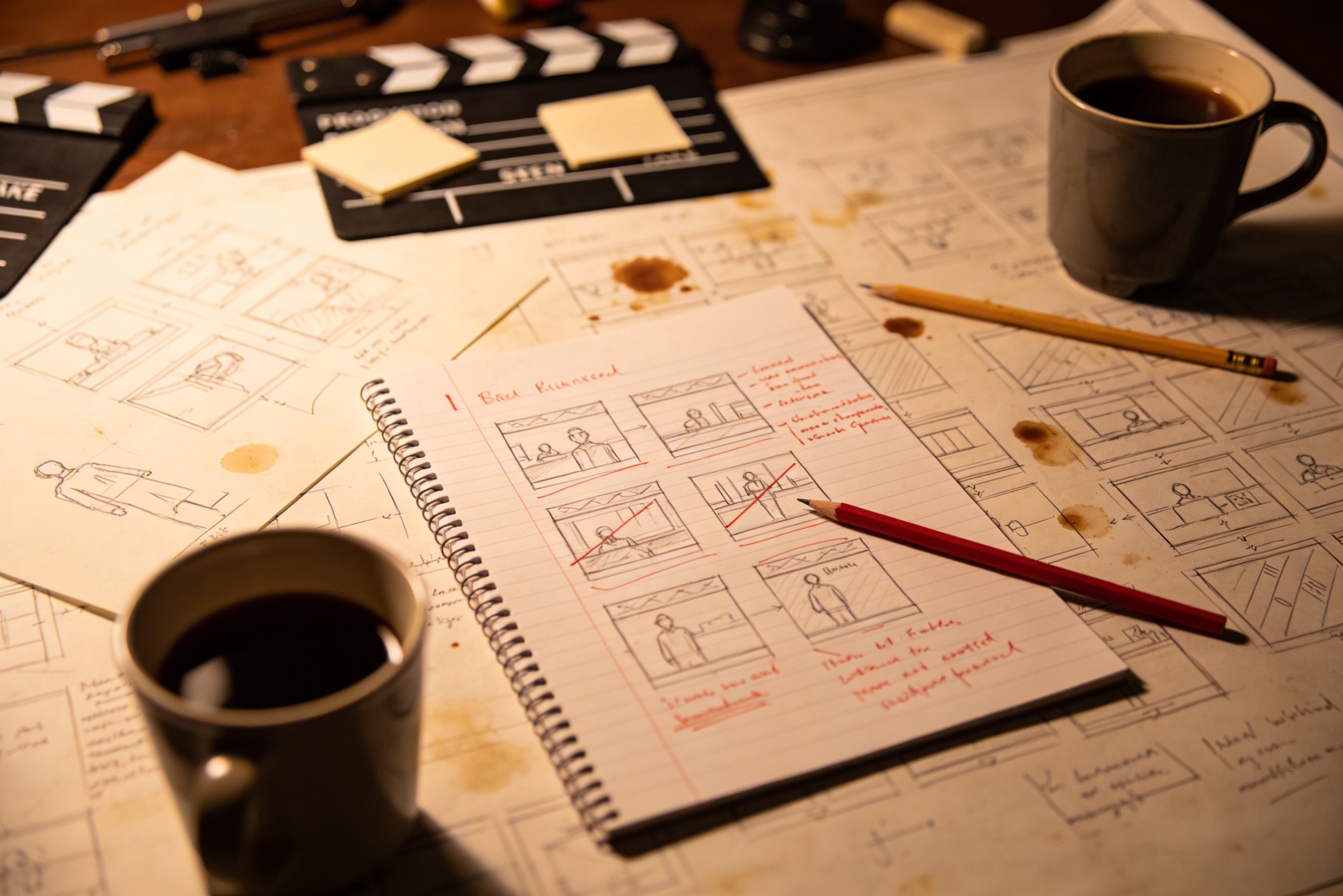
Die Übersetzung Ihrer kreativen Vision in detaillierte Aufnahmenbeschreibungen erfordert umfangreiche Planung und mehrere Überarbeitungen, um das gewünschte Ergebnis zu erzielen.
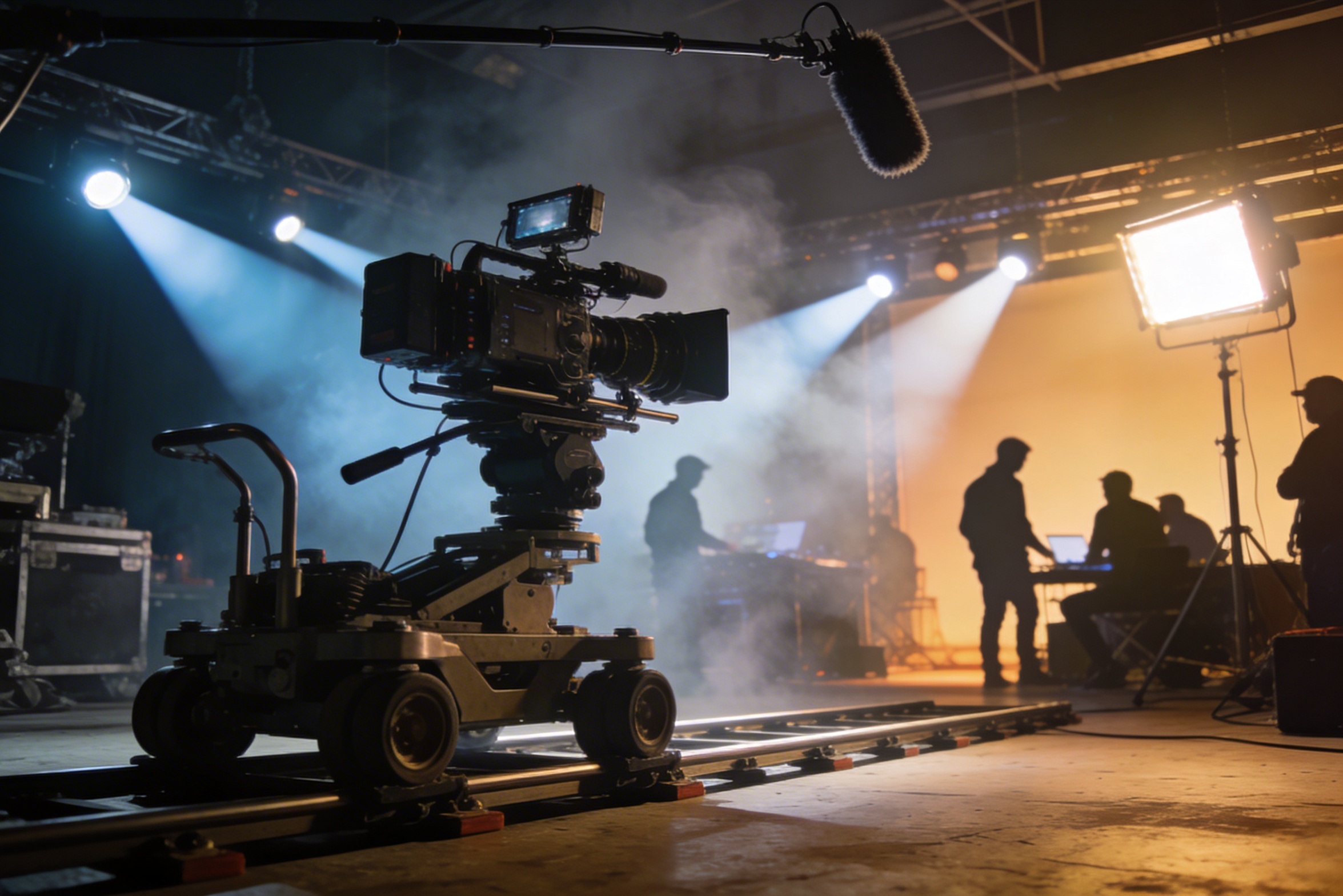
Professionelles Filmen erfordert teure Ausrüstung, Beleuchtungsaufbauten, Standorte und oft eine vollständige Crew – Kosten, die schnell außer Kontrolle geraten.
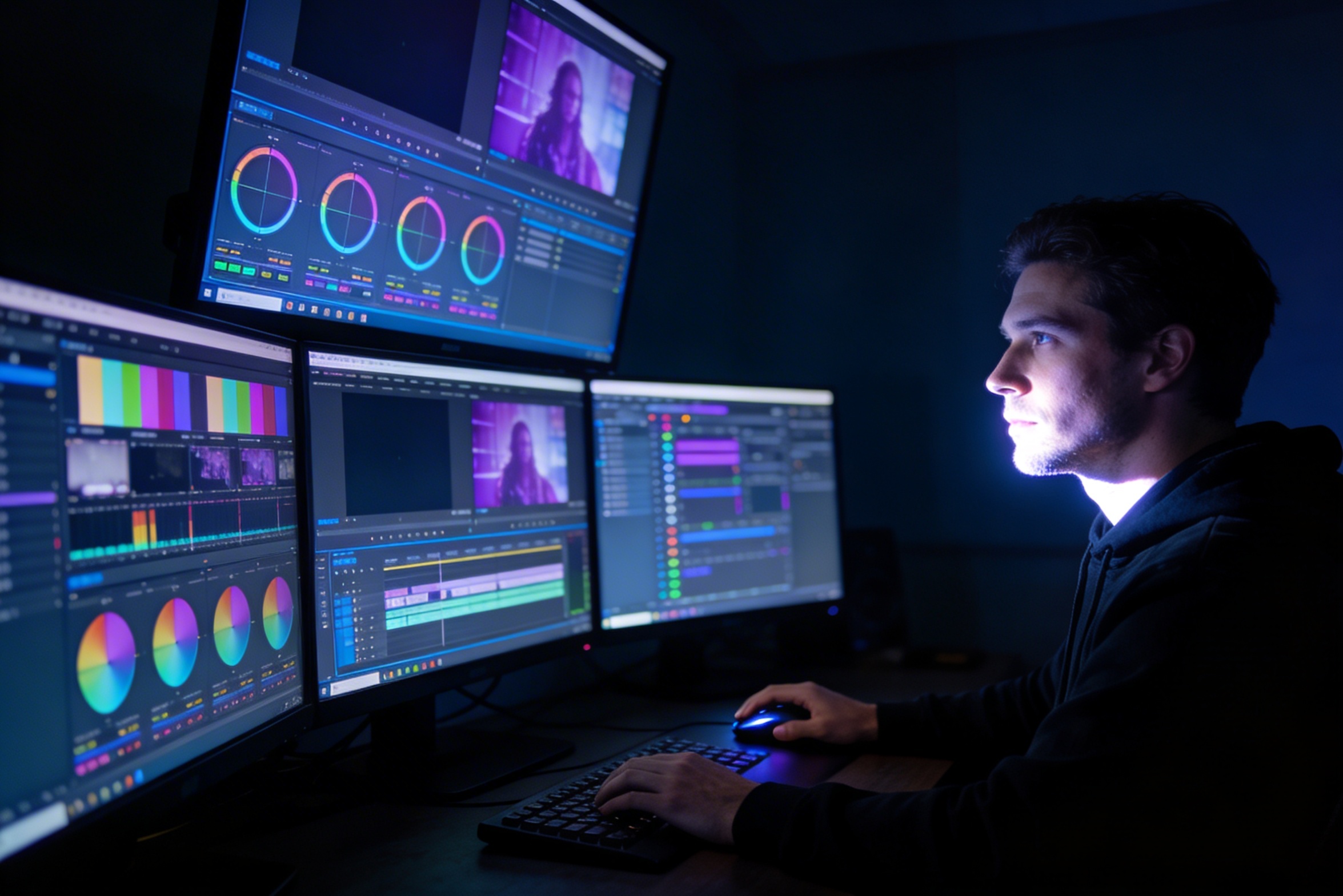
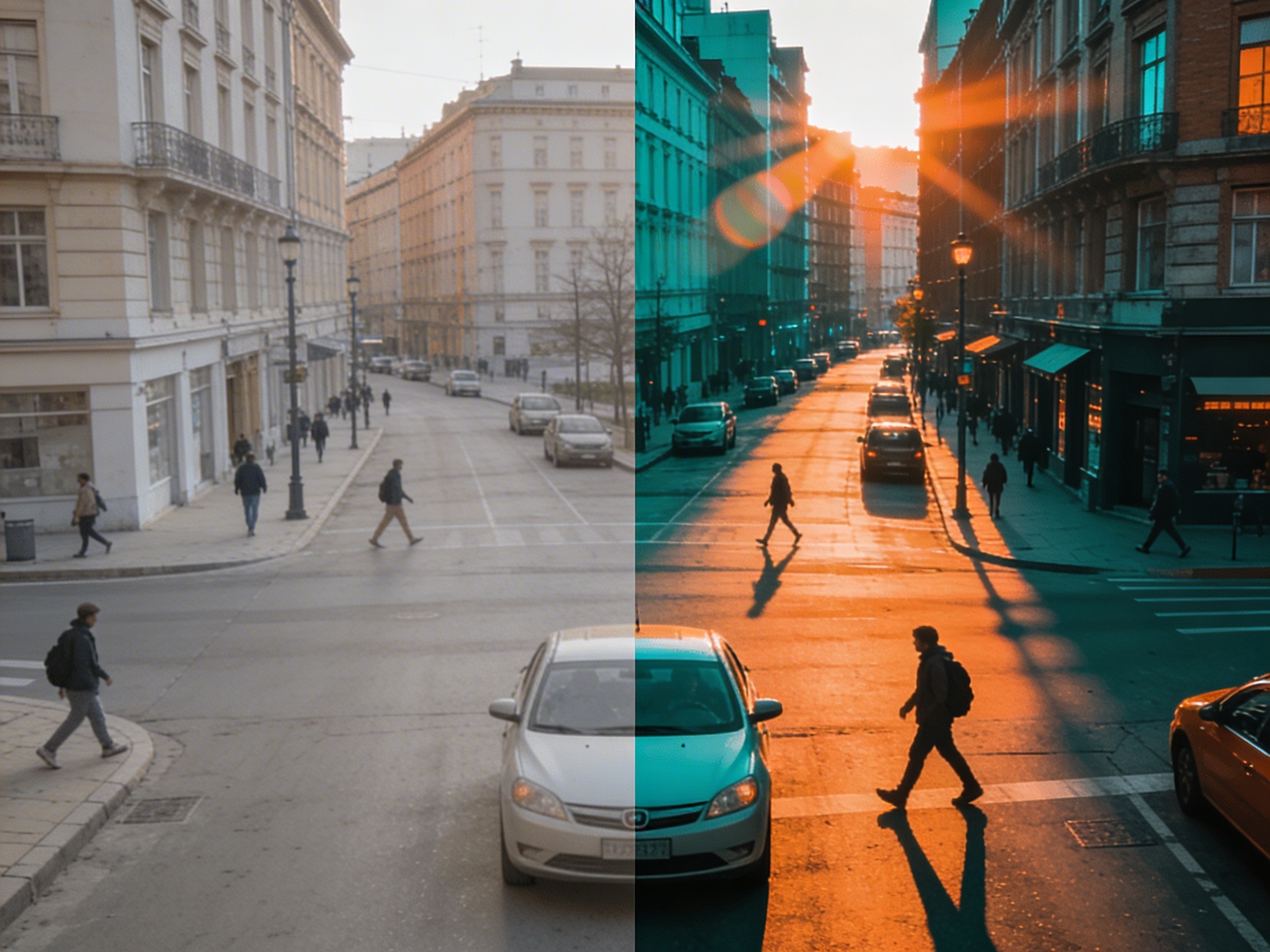
Das Bearbeiten, die Farbkorrektur, visuelle Effekte und das Erstellen mehrerer Aufnahmevarianten erfordern spezialisierte Softwarekenntnisse und wochenlange Arbeit.
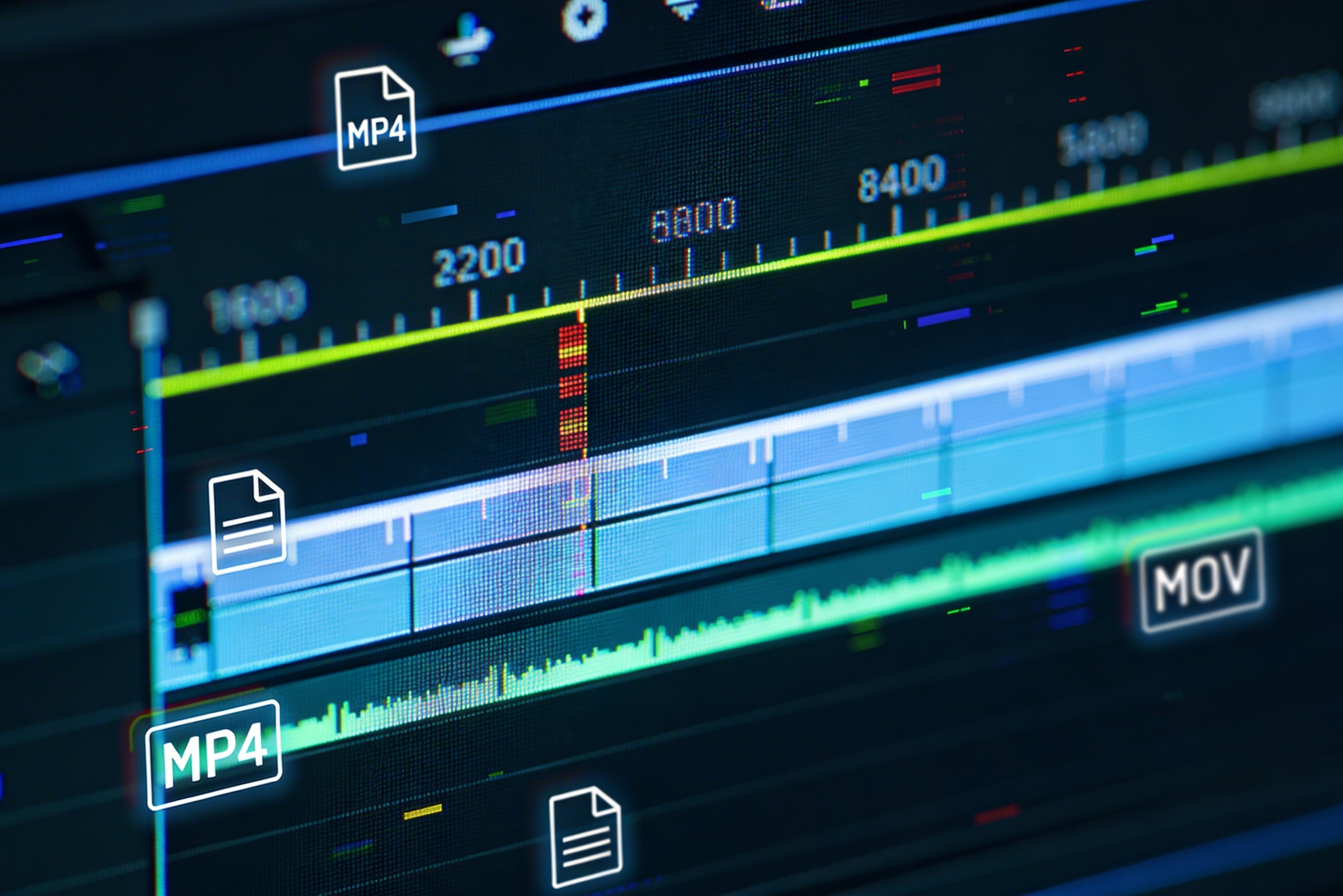
Das Erstellen von Versionen für verschiedene Plattformen – YouTube, TikTok, Instagram – erfordert eine erneute Bearbeitung und ein erneutes Rendern für unterschiedliche Seitenverhältnisse und Längen.

Professional multi-shot planning can cost hours of creative direction before a final video is generated, filmed, edited, or approved.
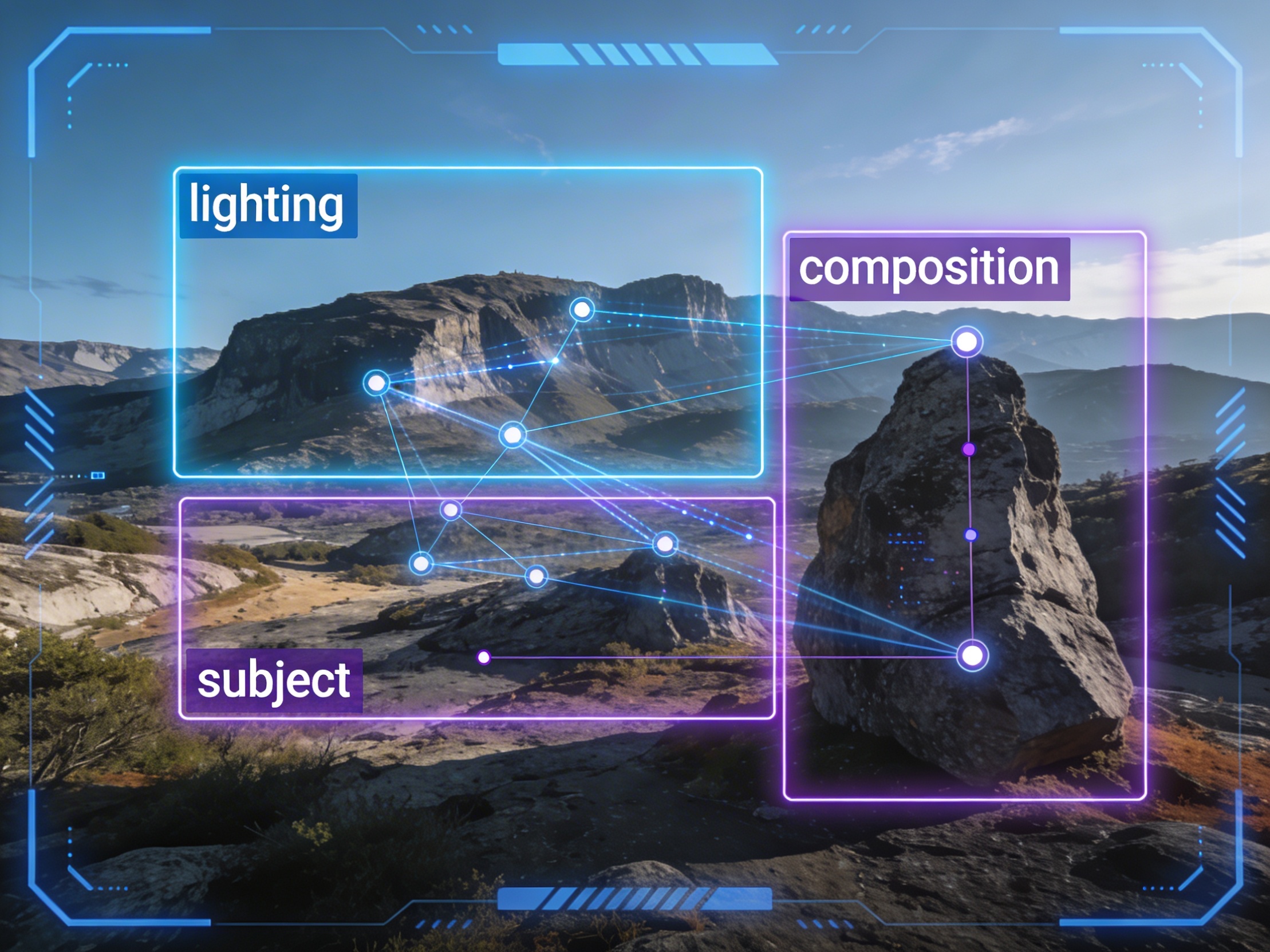
It's not just about creating variations. Our AI reads composition, cinematography, and storytelling needs to create shot prompts that strengthen your visual narrative.
Join creators using LlamaGen to plan shot sequences, camera angles, and AI video prompts before production.
Related writing workflow
Use the AI Screenplay Editor when a script, fiction draft, storyboard brief, video idea, or canvas note needs proper scene headings, action, dialogue, parentheticals, cover pages, outlines, beats, and collaboration-ready revisions.
INT. COMMUNITY CENTER - NIGHT
Folded chairs. A storm outside. MAYA stands at the microphone with a page of notes she no longer needs.
MAYA
If the city will not read the record, we will read it out loud.