

Storyboard basics
Storyboard definition
A storyboard is a visual plan made of frames arranged in order. Each frame shows one moment or step; together they show how a story, video, lesson, or experience moves from start to finish. Short notes can explain action, dialogue, camera choices, or timing that a sketch alone cannot show.
Frames
A picture of one meaningful action, shot, or idea.
Sequence
The order that lets a viewer follow what changes.
Notes
Captions, dialogue, timing, or direction below a frame.
See the sequence
A simple storyboard example
This original three-frame board plans a tiny story about Maya and a classroom garden. The drawings mark the important change; the notes tell a collaborator what to show.
- 1
The problem
Maya spots an empty planter outside her classroom.
Wide shot · morning · show the empty soil
- 2
The action
She plants seeds and waters the soil.
Close shot · focus on the hands and watering can
- 3
The change
A week later, new shoots appear.
Wide shot · same planter, now green
One method, many projects
What are storyboards used for?
Storyboards help people test the order of ideas and communicate a plan before investing in finished work. What you write beneath the frames changes with the project.
Film and video
Plan shot order, framing, movement, and transitions before a camera rolls. A quick board can reveal a missing angle before a shoot.
Example: sketch the opening, close-up, and reveal for a 15-second video.
Classroom learning
Ask students to retell key events, show cause and effect, or explain a process with pictures and short captions.
Example: storyboard the beginning, middle, and end of a chapter.
Comics and animation
Try a sequence at small scale to test pacing, character positions, and the direction of action before making finished art.
Example: check whether a reaction needs its own panel.
Products and presentations
Show how someone moves through an experience, from the first need to the final outcome, so a team can discuss the same steps.
Example: map a three-step customer journey or lesson presentation.
Planning a story specifically? A plot diagram maps its conflict and turning point; a storyboard then turns selected moments into visible frames.
Make your first board
How to make a storyboard
Start with the message, then make just enough frames to communicate it. You can sketch on paper or build the same sequence digitally.
- 01
Choose one purpose
Decide what the viewer should understand: a story, a lesson, a video, or a process. Write that goal in one sentence.
- 02
Select the key moments
Pick the actions that change something. Three frames work for a short beginning, middle, and end; use more when the sequence needs them.
- 03
Sketch each frame
Draw rough shapes or place images to show who is present, where they are, and what happens. Clarity matters more than polished art.
- 04
Add useful notes
Write a short caption under each frame. For video, note the shot, movement, sound, or timing; for class, label the event or evidence.
- 05
Read it in order and revise
Move through the frames as someone new would. Add a missing step, remove repetition, or change a frame before creating the final work.
Storyboard vs. script vs. comic strip
These formats work together, but each answers a different question. A script describes what happens in words. A storyboard tests how selected moments appear in order. A comic strip is usually the finished visual story made for readers.
| Format | Main job | Typical contents |
|---|---|---|
| Script | Describe the story or scene | Action, dialogue, directions |
| Storyboard | Plan what viewers will see | Ordered frames and production notes |
| Comic strip | Tell the finished visual story | Finished panels, dialogue, captions |
Ready to try it?
Start with a blank storyboard template
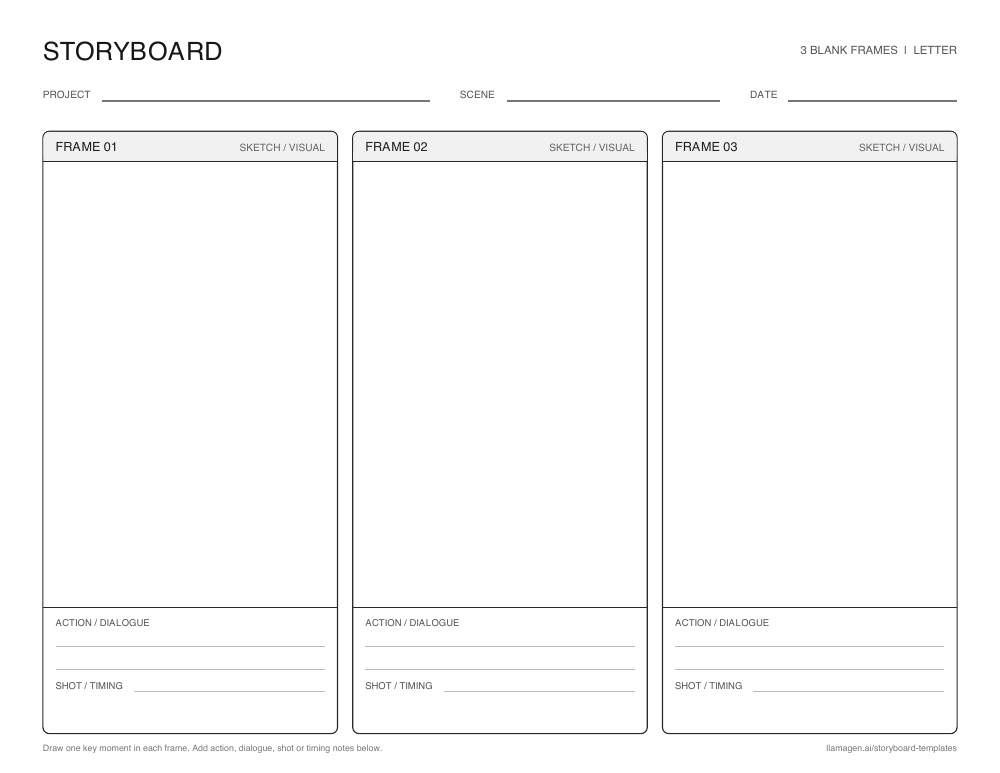
Three frames are enough to begin
Use one box for each key moment, then write action, dialogue, or shot notes below. The template page also includes a six-panel layout and A4 downloads.
Frequently asked questions
What is a storyboard in simple terms?
A storyboard is a series of pictures arranged in order to plan what happens. Each picture represents one important moment, often with a short caption or production note.
What should a storyboard include?
Include numbered frames, the main action in each frame, and just enough notes to explain the sequence. Depending on the project, notes can cover dialogue, camera angle, sound, time, or a learning objective.
Do I need to be good at drawing to make a storyboard?
No. Simple stick figures, arrows, labels, photos, or generated images can all communicate an idea. A storyboard is a planning tool, so the order and meaning of the frames matter most.
How many panels should a storyboard have?
There is no fixed number. Start with three panels for a short sequence or six when you need to show more actions, changes in time, or camera shots. Add or remove panels as you revise.
How is a storyboard different from a comic strip?
A storyboard usually plans work that will be made later, such as a film, animation, lesson, or comic. A comic strip is normally the finished story. Storyboards often include behind-the-scenes notes that a comic reader would not see.
Turn your idea into a visual plan
Pick your moments, arrange the frames, and revise your story before the final work begins.