

Assets
All creative files in one place
Review images, videos, audio and generated outputs from a single searchable library.
Cloud file system for AI creators
Upload references, collect generated files and manage images, videos, music, characters, props and scenes from one cloud asset library built for AI production workflows.
See Asset WorkflowStarter direction
Organize this project as a reusable asset library: hero character references, background scenes, prop close-ups, soundtrack drafts, animation tests and final comic panels.
Use Assets as the persistent memory for your creative workflow: save the source, find it later and turn it into the next output.

Cloud library
AI workspace assets
Upload
Bring images, videos, music and references into the same creative asset library.
Organize
Use search, folders, labels, sorting, filters and grid or list views to find work fast.
Reuse
Turn selected assets into comics, animations, character references or edited image outputs.
Asset workspace
LlamaGen Assets is not a passive folder dump. It is a working library for references, generated outputs and production-ready files that need to stay connected to creative workflows.

Assets
Review images, videos, audio and generated outputs from a single searchable library.

Comic source
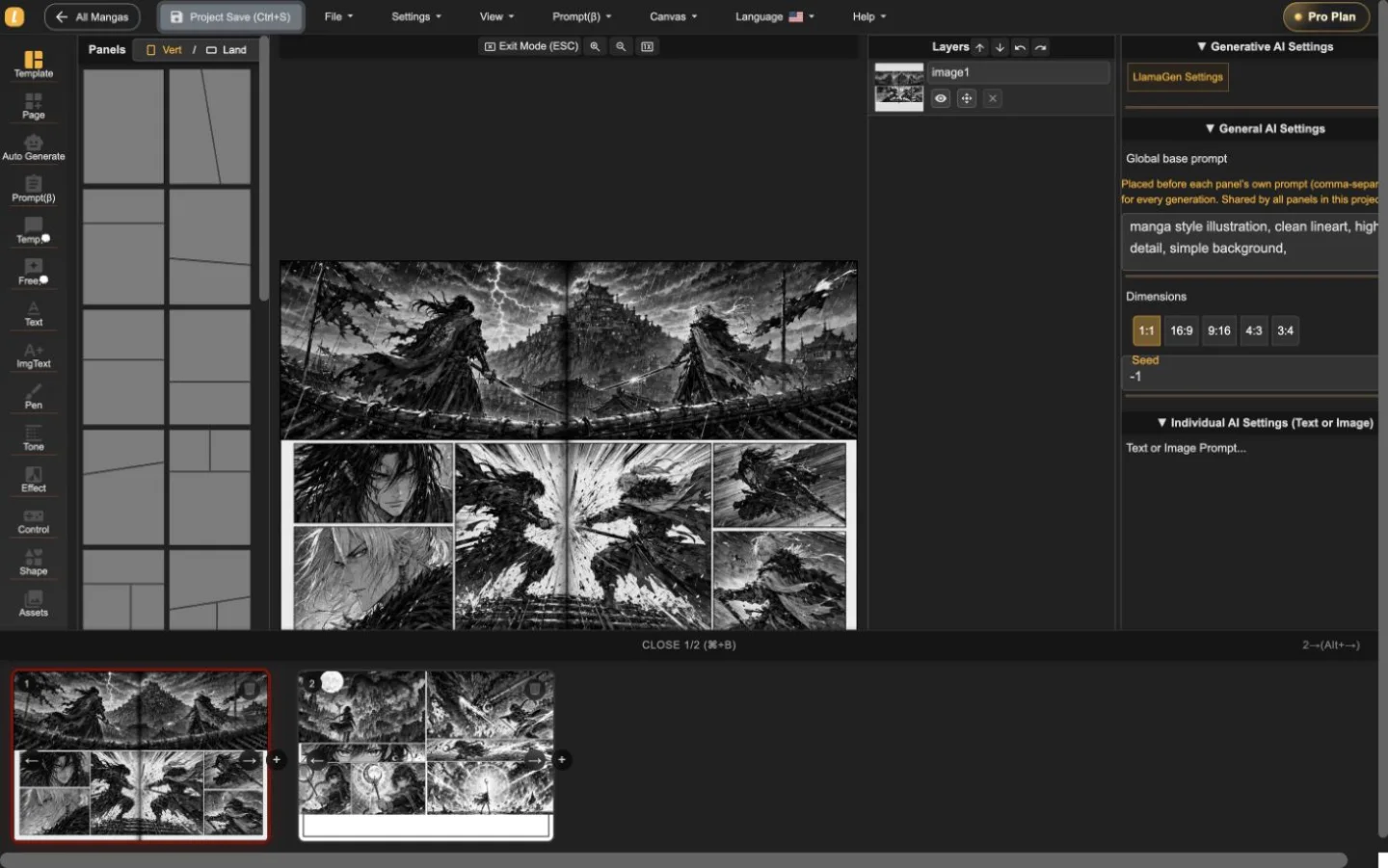
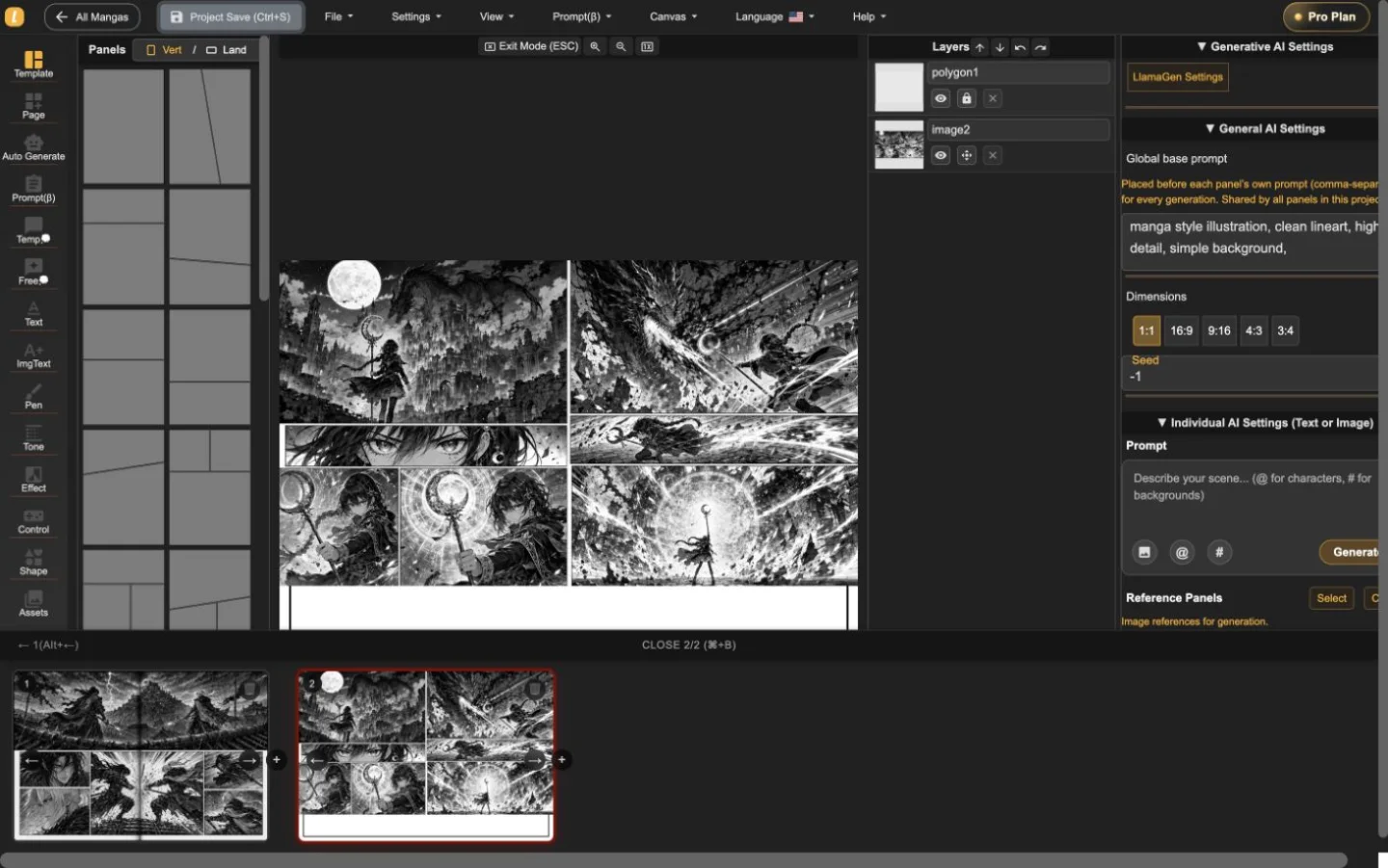
Save image references and continue from them into comic, storyboard and panel workflows.

References
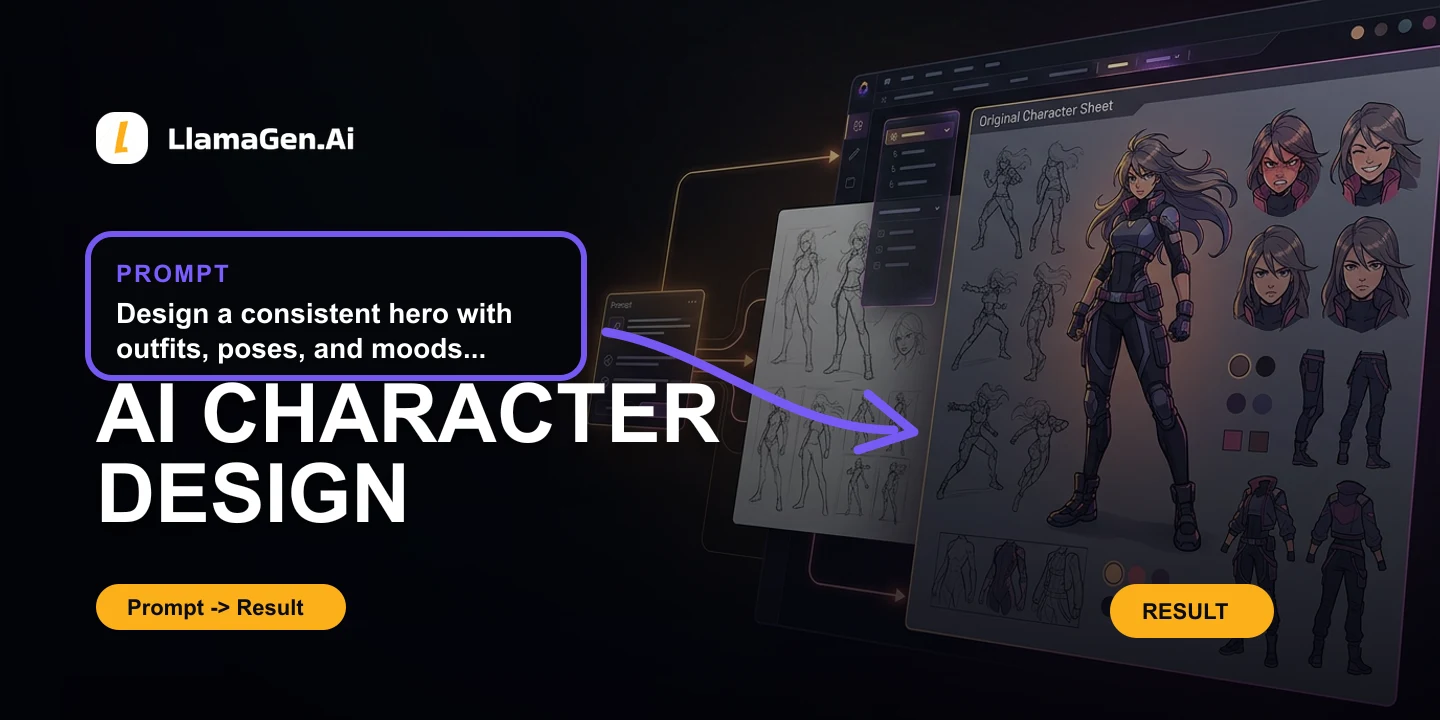
Keep reusable character designs, props and scene references close to the tools that need them.

Animation
Select image assets and continue into animation or image-to-video style workflows.
What Assets manages
The Assets workspace gives creators a persistent cloud file system for project references and generated outputs, with practical controls for browsing, selection and production handoff.
01
Add local files to your LlamaGen workspace and keep source references available for future generations.
02
Find files quickly with search, date filters, sorting by date, name, size or type, and adjustable grid density.
03
Group assets by project, character, prop, scene, campaign or client with folders and labels.
04
Move between all assets, labels, folders, anime art, characters, props, scenes and music without leaving the workspace.
05
Select multiple assets, download them, move them to folders, add labels or delete cleanup batches.
06
Send chosen assets into comic creation, animation, image editing or character reference workflows when the next step is ready.
Asset workflow
Use the cloud file system as the durable layer between idea generation, visual production, review and the next creative pass.
01
Bring in local reference files or let generated images, videos, music and visual drafts accumulate in the workspace.
02
Create folders and labels for characters, scenes, props, episodes, campaigns, clients or review batches.
03
Use search, sorting, filters, grid density and list view to move through a growing library without losing track.
04
Download final files, copy links, rename assets, edit images or convert selected files into comics and animations.
Search intents covered here
Creators need more than storage. They need an asset manager that understands references, generated outputs and the next production step.
01
Keep generated images, uploaded references, videos, music files, props and scene concepts in one cloud workspace.
02
Organize files by story, cast, location, client, campaign or review stage so the library remains useful as projects grow.
03
Search and filter through uploads and generated files without scrolling through old chats, downloads folders or one-off tool histories.
04
Turn a saved file into the source for another comic panel, character reference, animation test or image edit.
Workspace recipes
Use these patterns when you want uploaded and generated assets to remain useful after the first generation.
Create folders for each main character. Save front view, side view, expression sheet, outfit variations, action poses and final approved panels. Label approved references so they are easy to reuse.
Create one folder per episode or campaign. Store script references, scene backgrounds, props, generated panels, animation tests and final exports together with date-based review labels.
Label assets by review status: draft, shortlisted, approved and exported. Use batch selection to download approved files or move them into the final delivery folder.
Production quality
A cloud file system should help creators preserve context, avoid duplicated work and keep production decisions traceable.
01
Rename approved references, final outputs and client-facing files so teammates can find the right version later.
02
Use labels and folders to keep experiments, shortlisted assets and final delivery files from blending together.
03
Track which uploads are references, which files are generated outputs and which assets are ready for commercial review.
When to organize
Treat the asset library as the working memory of a creative project, not a cleanup task at the end.
| Project moment | Asset action | Why it matters |
|---|---|---|
| Before generation | Upload references and create project folders | The right source images stay close to the tool that will use them. |
| During review | Label drafts, shortlisted options and approved outputs | Creative decisions remain visible when many variants exist. |
| After export | Download finals and preserve reusable source assets | Future comics, animations and edits can start from proven material. |
Once files are organized, send them into the LlamaGen workflows that need visual references and reusable media.
01
Turn saved references, story assets and generated images into comic pages.
02
Create reusable character references before building scenes or panels.
03
Clean up image assets before adding them to campaigns, comics or product scenes.
04
Reuse selected image assets as sources for animation and video workflows.
FAQ
Questions about organizing uploads, generated files and reusable creative assets in LlamaGen.
Ready when you are
Start with the approved creative direction, then refine characters, pages, and production assets in the LlamaGen studio.