

1
Start with the source
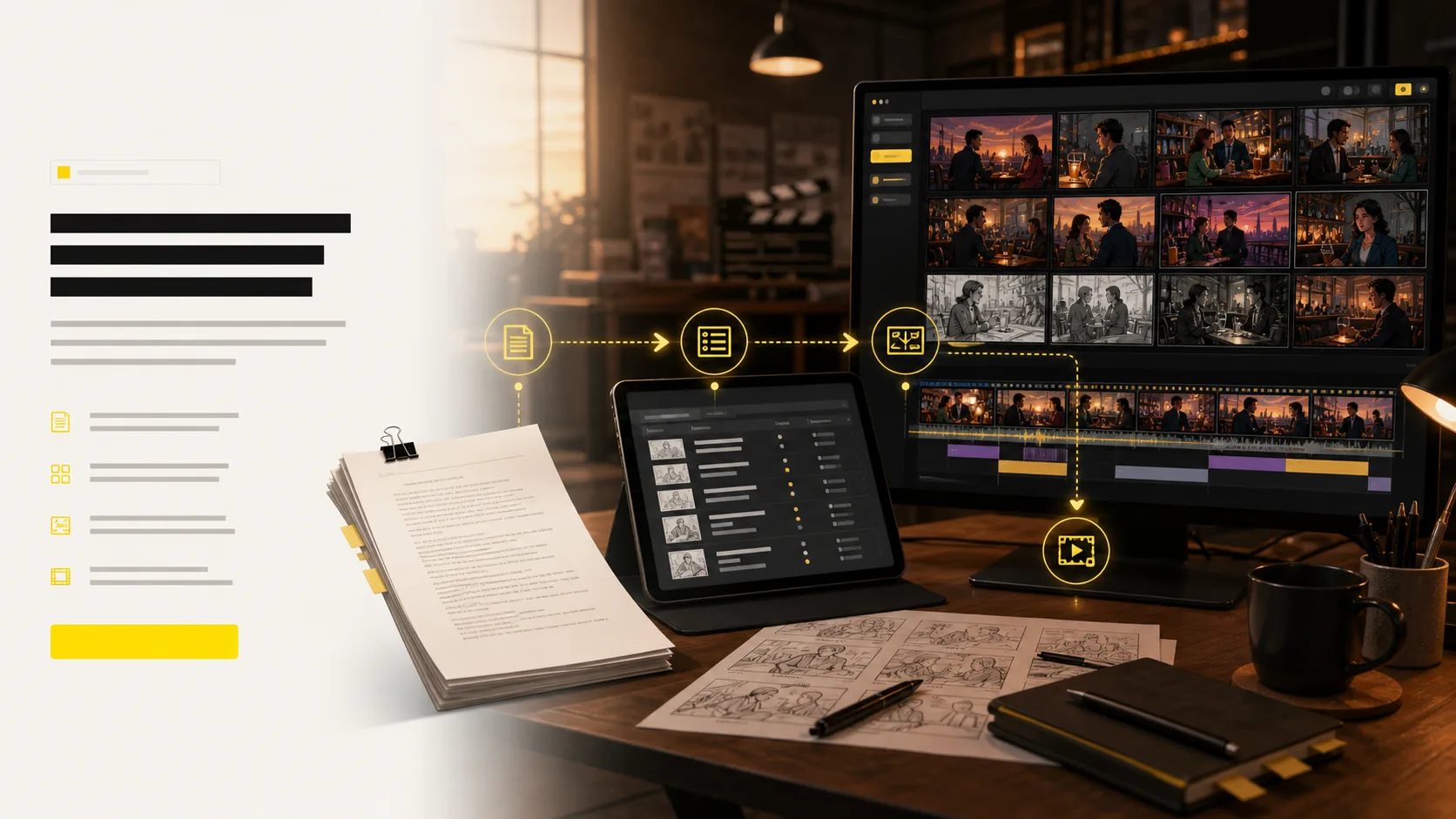
Paste in a script, upload a CSV table, or describe the beat you want to visualize.
AI generated - storyboard to video
Thank you for your trust and support.
500K+
Users Worldwide
20M+
Images Generated
800K+
Concepts Created
200K+
Scripts Processed
Free online storyboard software
LlamaGen is a free storyboard creator that turns scripts, campaign ideas, lessons, and shot tables into review-ready visual scenes, sketches, frames, and shot lists.
Use LlamaGen when you need to generate storyboards from a script or text prompt, organise a CSV shot table, and review framing, pacing, and scene order before production.
Text alone makes it hard to align on camera angle, action, and scene order.
Teams lose time explaining shots in meetings instead of reviewing a shared board.
Mood, character placement, and pacing drift when the first visual plan is too vague.
Before
A rough script, scattered reference images, and a production team interpreting the same scene differently.
After
A structured storyboard with scenes, shots, camera intent, and visual frames ready for review.
Create a first storyboard draft before hiring artists or opening editing software.
Give writers, directors, clients, and artists the same sequence to review.
Case study
A creator can upload a campaign script or CSV table and generate a storyboard with scene beats, shot direction, and reviewable frames before deciding which shots should move into final production.
Result
Less ambiguity before production: the team reviews pacing, framing, missing shots, and visual scenes from one online storyboard.
LlamaGen storyboard workflow, script, CSV, shot list, and frame planning
Where LlamaGen fits
This is a head-term SERP with category leaders. LlamaGen is the script-to-board option when you also want the next step into comic or video. We do not claim agency sign-off or an 11-year pre-production brand.
| Need | LlamaGen | Boords | Storyboarder.ai | Canva |
|---|---|---|---|---|
| Best when | You have a script or file and need shots fast | A client must comment and approve versions | You want a dedicated storyboard shop | You need a template today |
| Script or file in | Yes | Yes | Yes | Mostly manual |
| Shot list, frames, animatic | In one project | Strong | Strong | Limited |
| Client sign-off | Share a link | Built for agencies | Share and export | Share a design |
| Next step after the board | Comic or video in the same product | Stay in pre-production | Pitch deck and video | Other Canva docs |
Use the other tools if sign-off or templates are the job. Use LlamaGen if the job is getting a script on its feet as a board.
Related writing workflow
Use the AI Screenplay Editor when a script, fiction draft, storyboard brief, video idea, or canvas note needs proper scene headings, action, dialogue, parentheticals, cover pages, outlines, beats, and collaboration-ready revisions.
INT. COMMUNITY CENTER - NIGHT
Folded chairs. A storm outside. MAYA stands at the microphone with a page of notes she no longer needs.
MAYA
If the city will not read the record, we will read it out loud.
Start with a script, text prompt, scene note, or CSV table. LlamaGen turns it into a structured shot list, consistent storyboard frames, camera direction, motion tests, and export-ready assets your team can review online.
Paste in a script, upload a CSV table, or describe the beat you want to visualize.
Generate storyboards from a script or text prompt with shot lists and frames that preserve sequence, pacing, and intent.
Keep characters, locations, props, and style consistent across the board.
Adjust angles in 3D and turn approved frames into animatic motion.
Share shot lists, boards, animatics, and pitch-ready files with the team.
Use LlamaGen as a free AI storyboard generator: upload a script, CSV table, concept, screenplay, or text prompt and get the planning layers a storyboard creator should provide: visual scenes, sketches, frames, timing context, and an animatic path for review.
One board proves the idea. A wall of AI storyboard shot lists shows production momentum: multiple projects, scene numbers, generated frames, revision actions, and visual context aligned for fast creative review.
four-shot opening
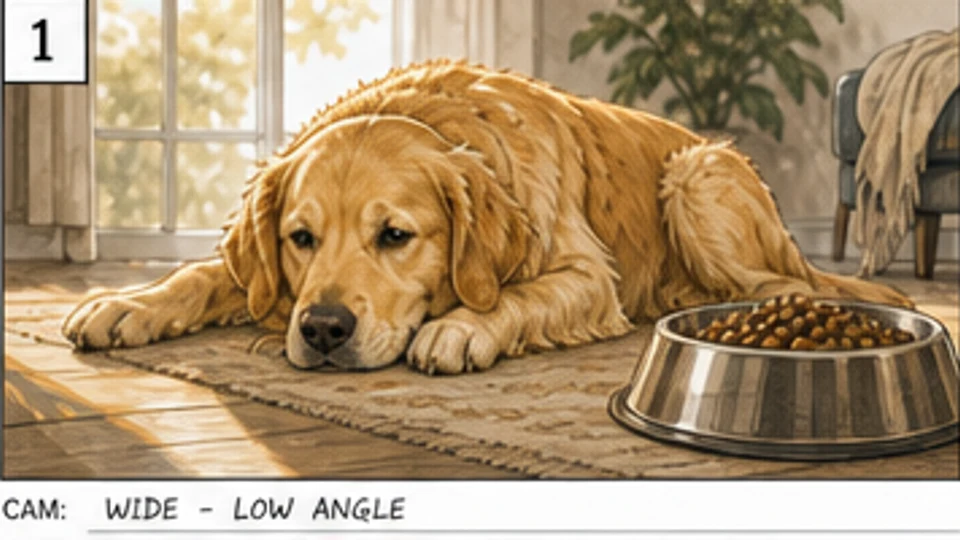 Pet food
Scene 1 · Shot 1
A tired dog beside an untouched bowl establishes the problem before the product appears.
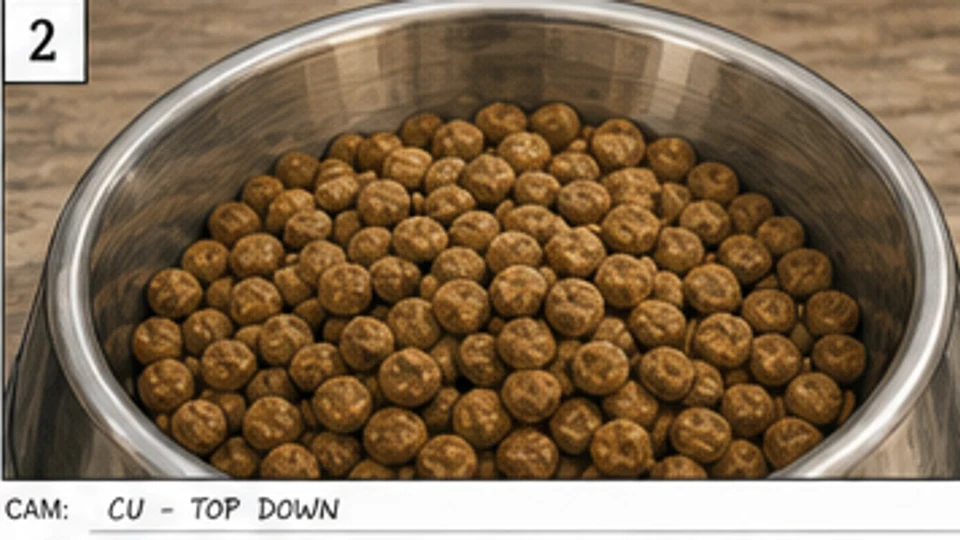 Pet food
Scene 1 · Shot 2
A top-down close-up makes the old meal feel plain and unappealing.
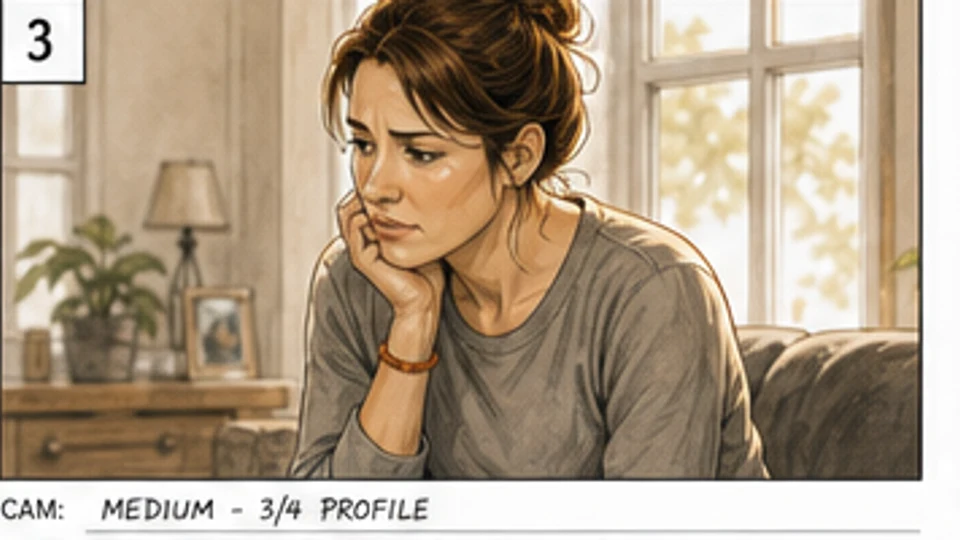 Pet food
Scene 1 · Shot 3
The owner's concern gives the product problem an emotional point of view.
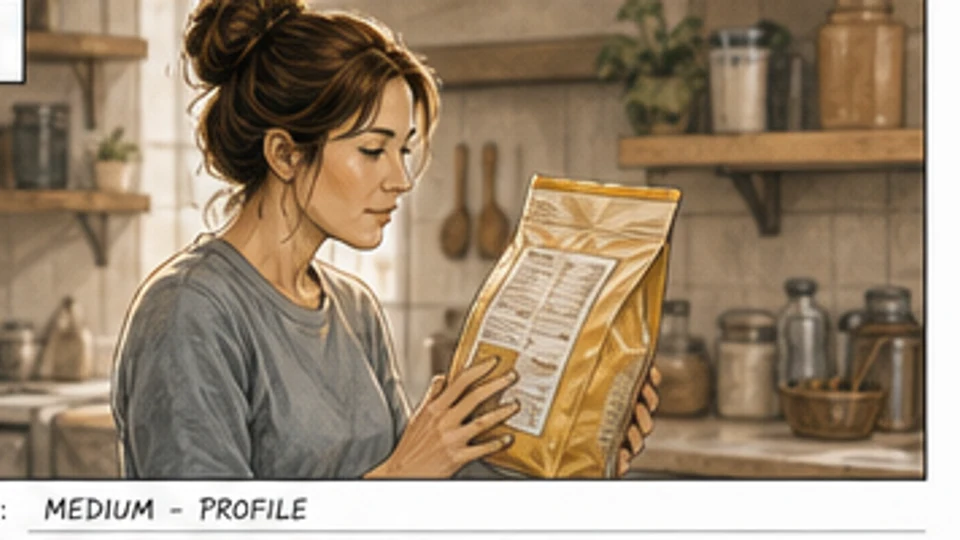 Pet food
Scene 1 · Shot 4
The owner checks the ingredients, setting up the decision to switch products.
product enters the story
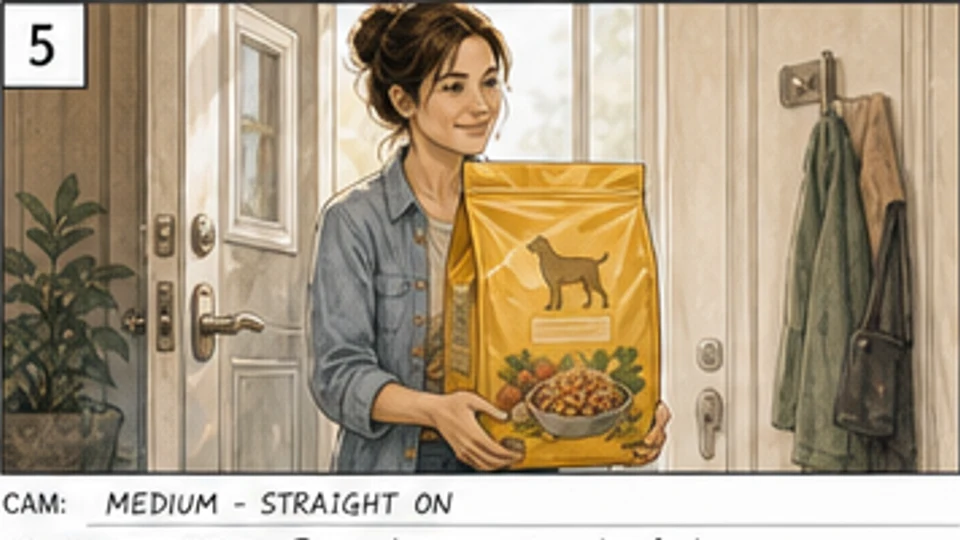 Pet food
Scene 2 · Shot 1
The owner enters with the new product, shifting the board from concern to choice.
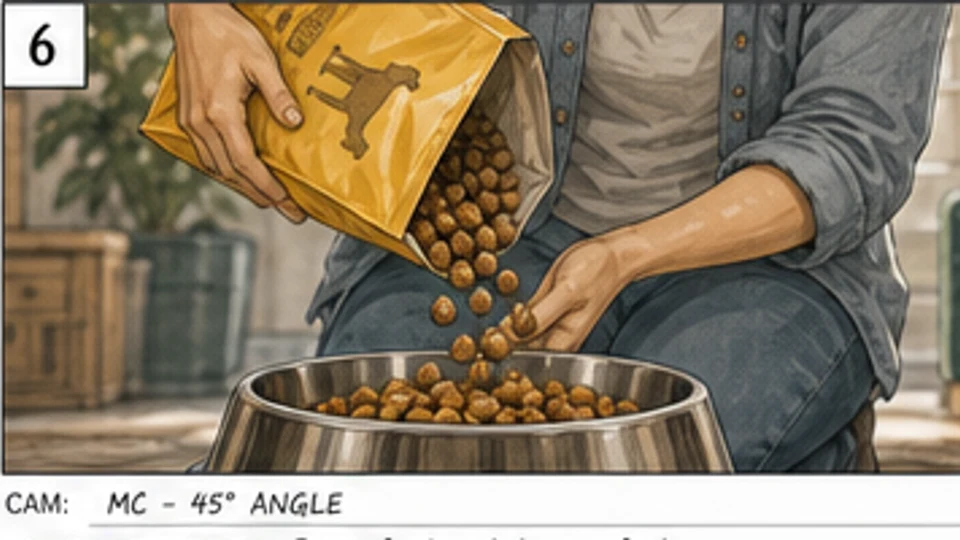 Pet food
Scene 2 · Shot 2
A pour shot highlights freshness, texture, and the product’s sensory appeal.
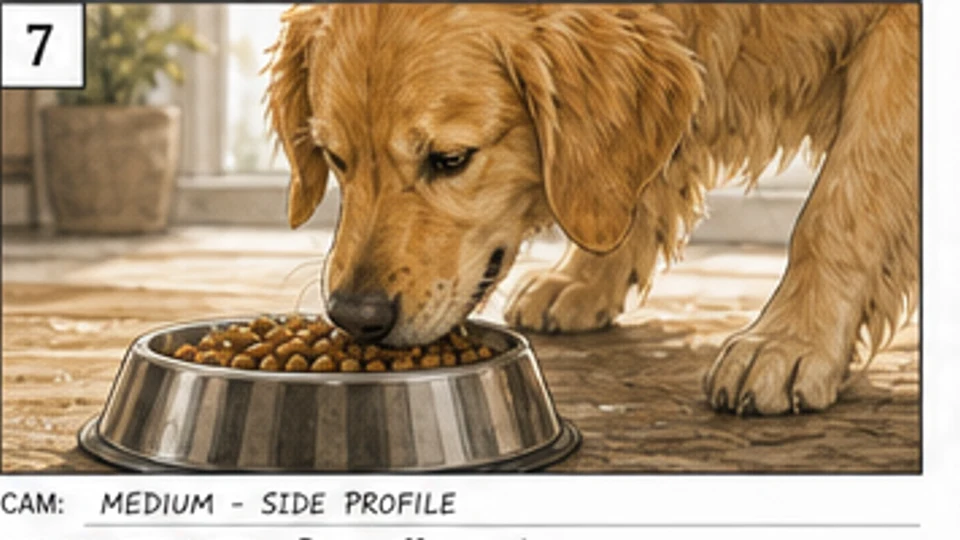 Pet food
Scene 2 · Shot 3
The dog leans in and sniffs, creating a clear beat of anticipation.
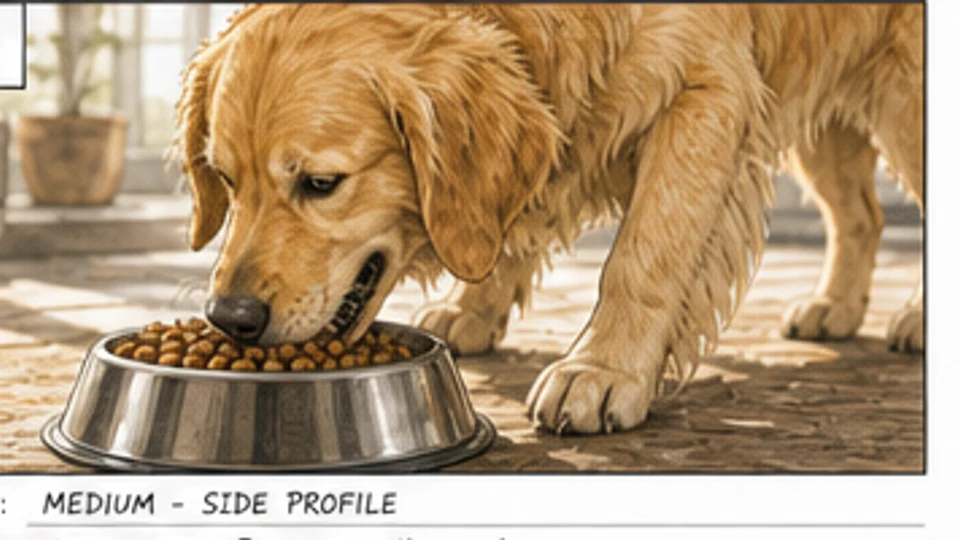 Pet food
Scene 2 · Shot 4
The dog responds right away to the meal, making the solution visible.
behaviour change
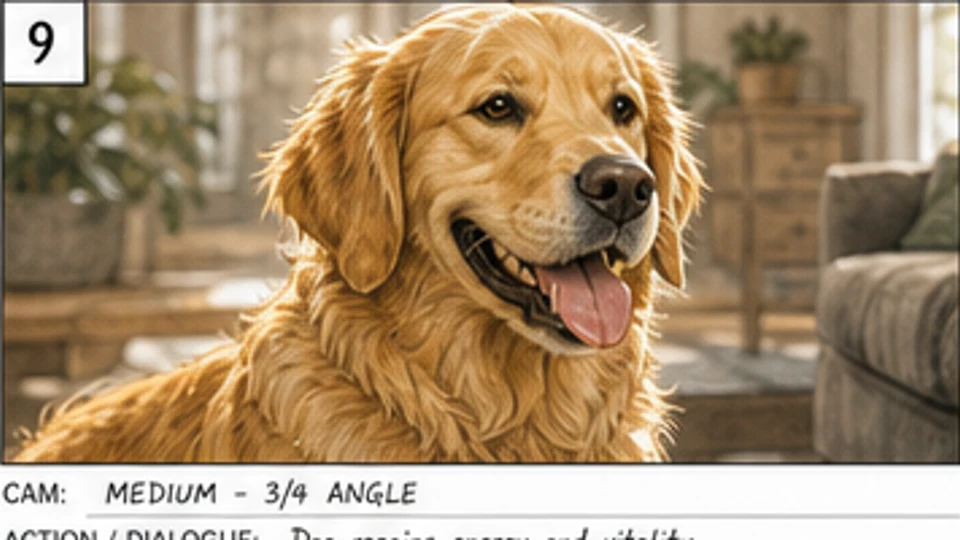 Pet food
Scene 3 · Shot 1
A warmer close-up shows the dog regaining energy and vitality.
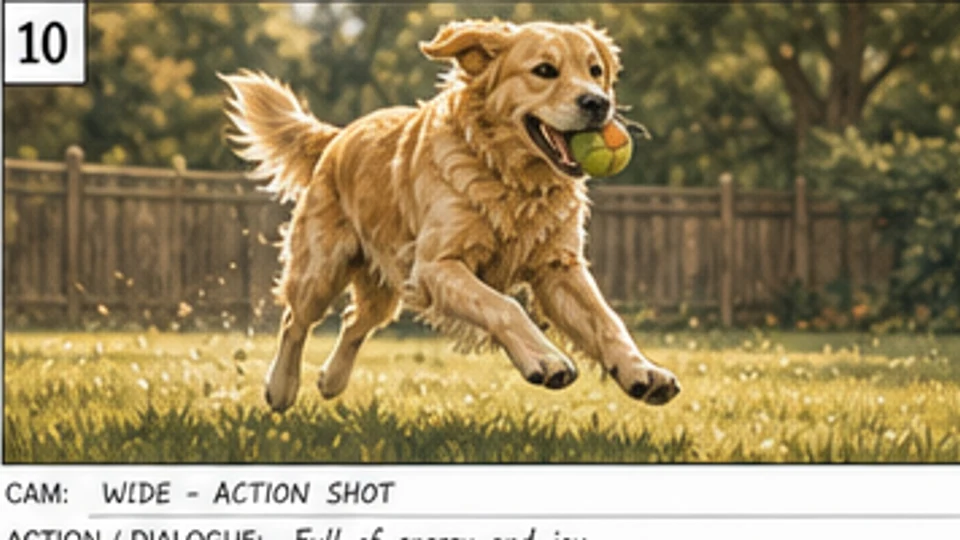 Pet food
Scene 3 · Shot 2
The energy payoff turns the product promise into a clear behaviour change.
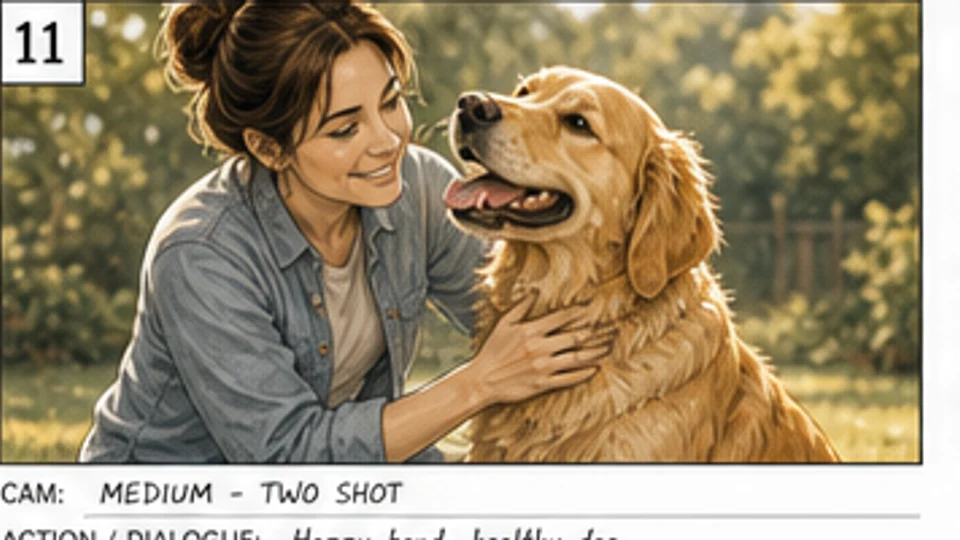 Pet food
Scene 3 · Shot 3
Owner, dog, and product share one reviewable frame for the client approval pass.
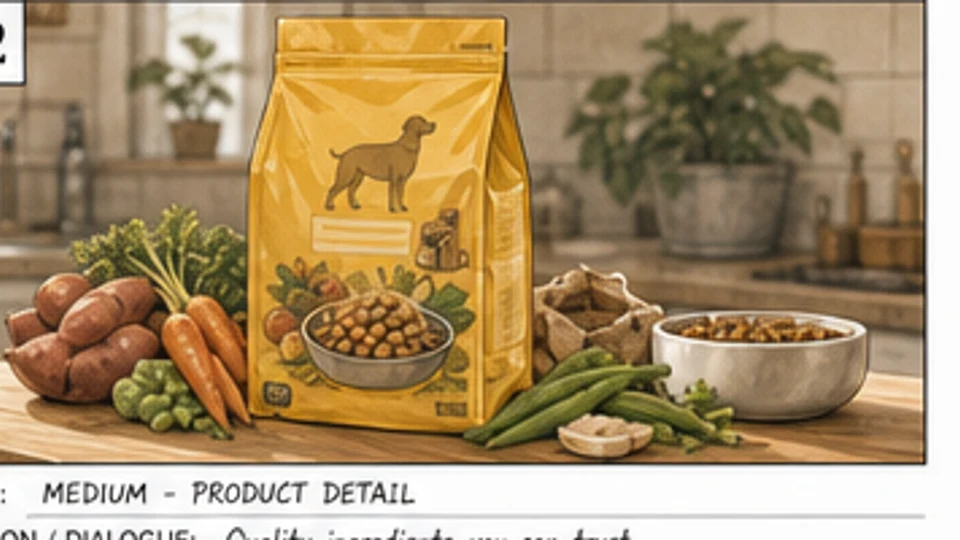 Pet food
Scene 3 · Shot 4
The product detail shot gives the campaign a trust-building ingredient frame.
pack shot sequence
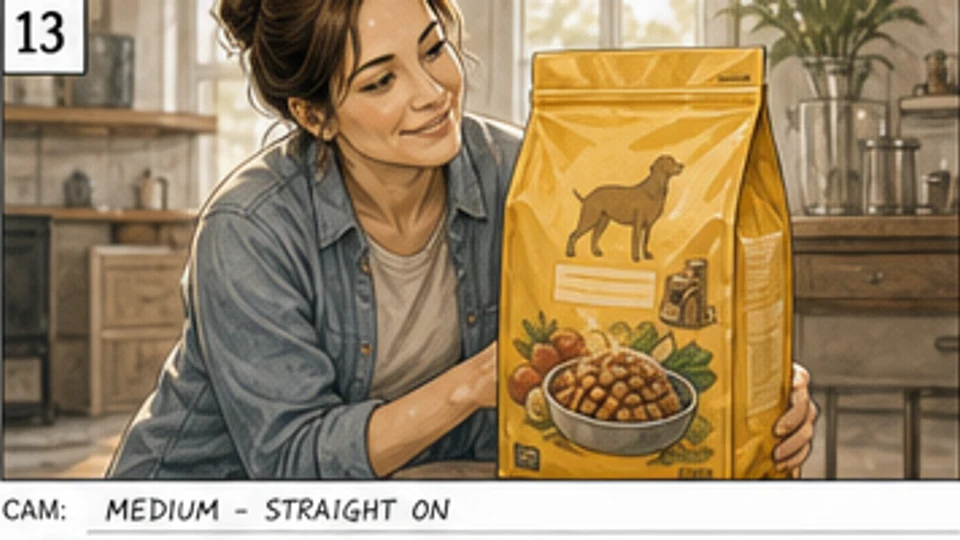 Pet food
Scene 4 · Shot 1
The owner presents the product, connecting the emotional payoff back to the pack.
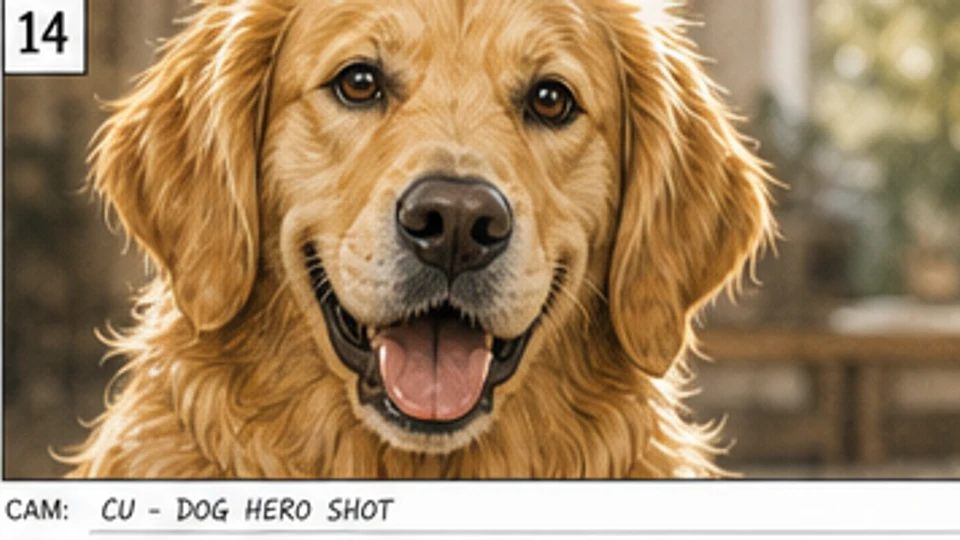 Pet food
Scene 4 · Shot 2
A crisp hero close-up of the dog makes the benefit feel immediate and memorable.
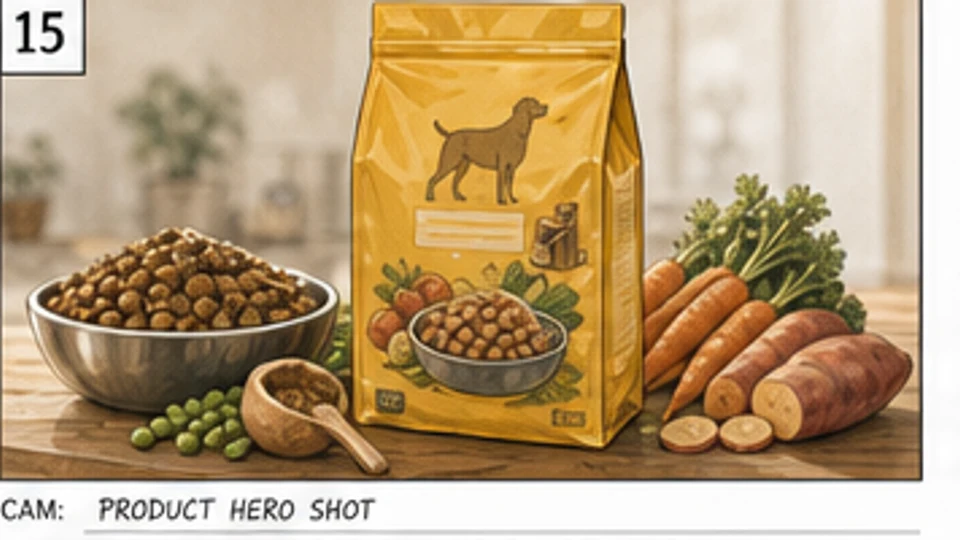 Pet food
Scene 4 · Shot 3
The pack, bowl, and ingredient spread create a clean, retail-ready product frame.
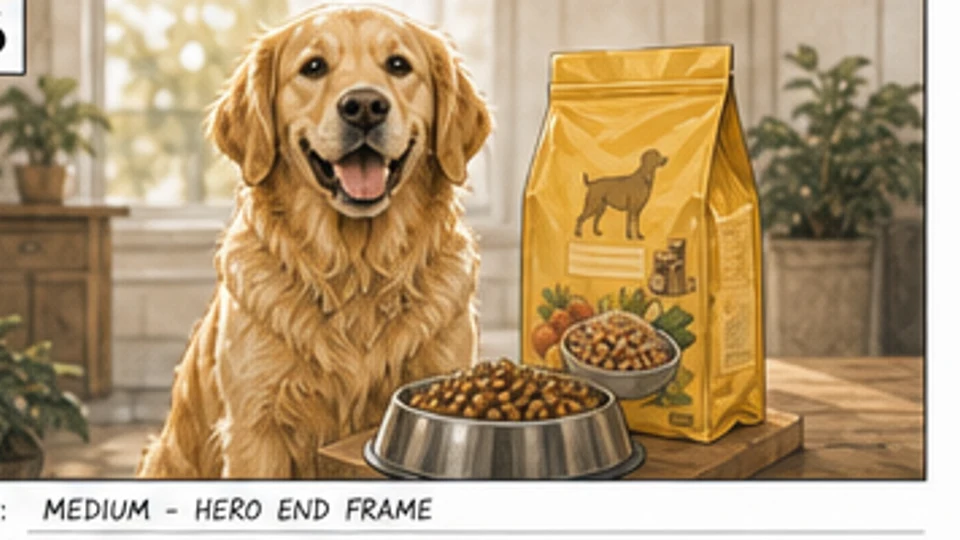 Pet food
Scene 4 · Shot 4
The final end frame locks the dog, product, and brand promise into one shot.
Choose an approved OUTFIT asset, preview it on the character, and decide whether the change belongs in one scene, every following scene, or the entire project. The story gets a clear wardrobe timeline without identity drift.
Create character outfits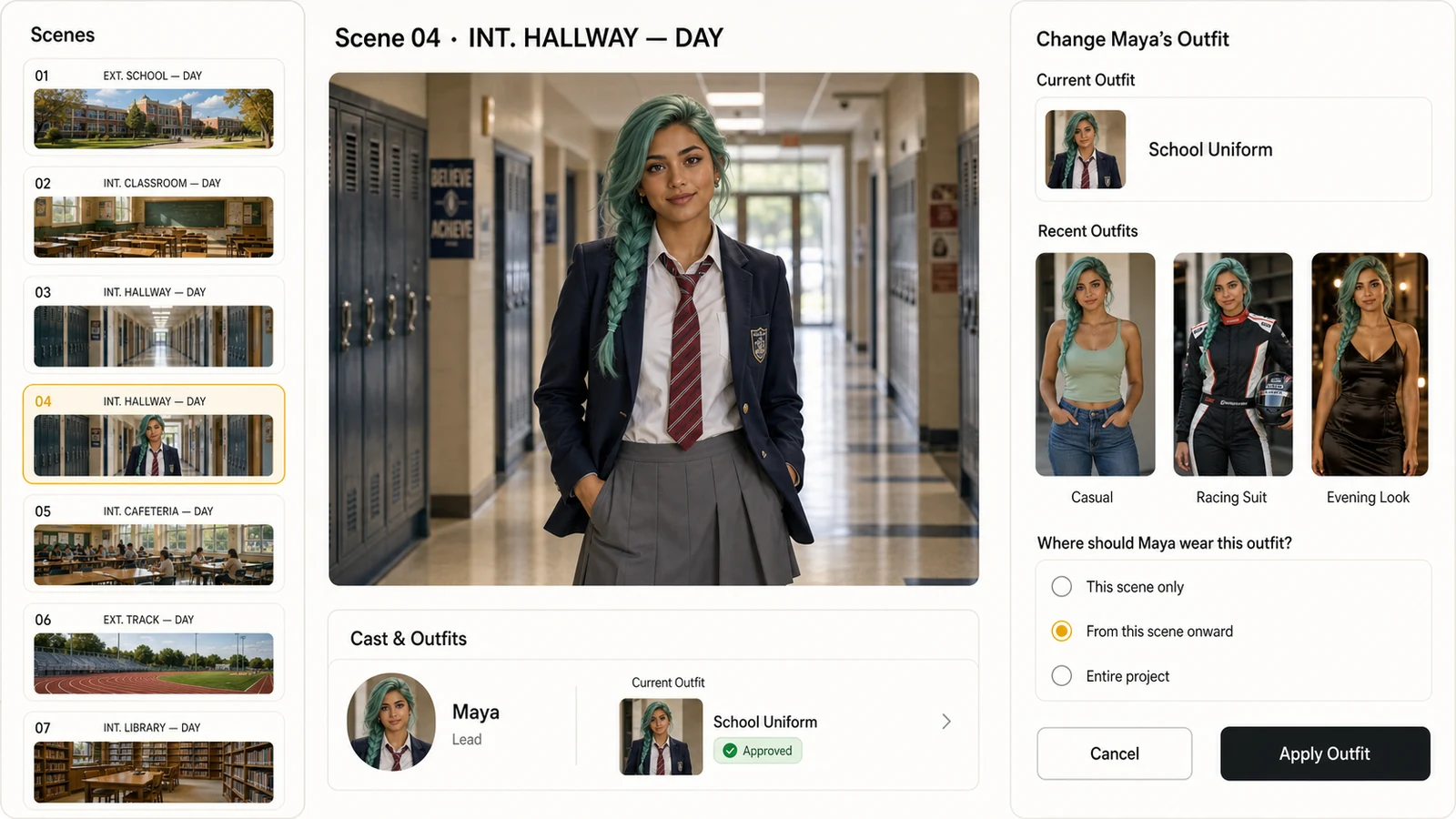
Select from approved character outfits instead of recreating the wardrobe inside every shot.
Apply a look to one scene, all following scenes, or the whole project with an explicit range.
Keep the same face, hair, body proportions, and visual identity while the clothes change.
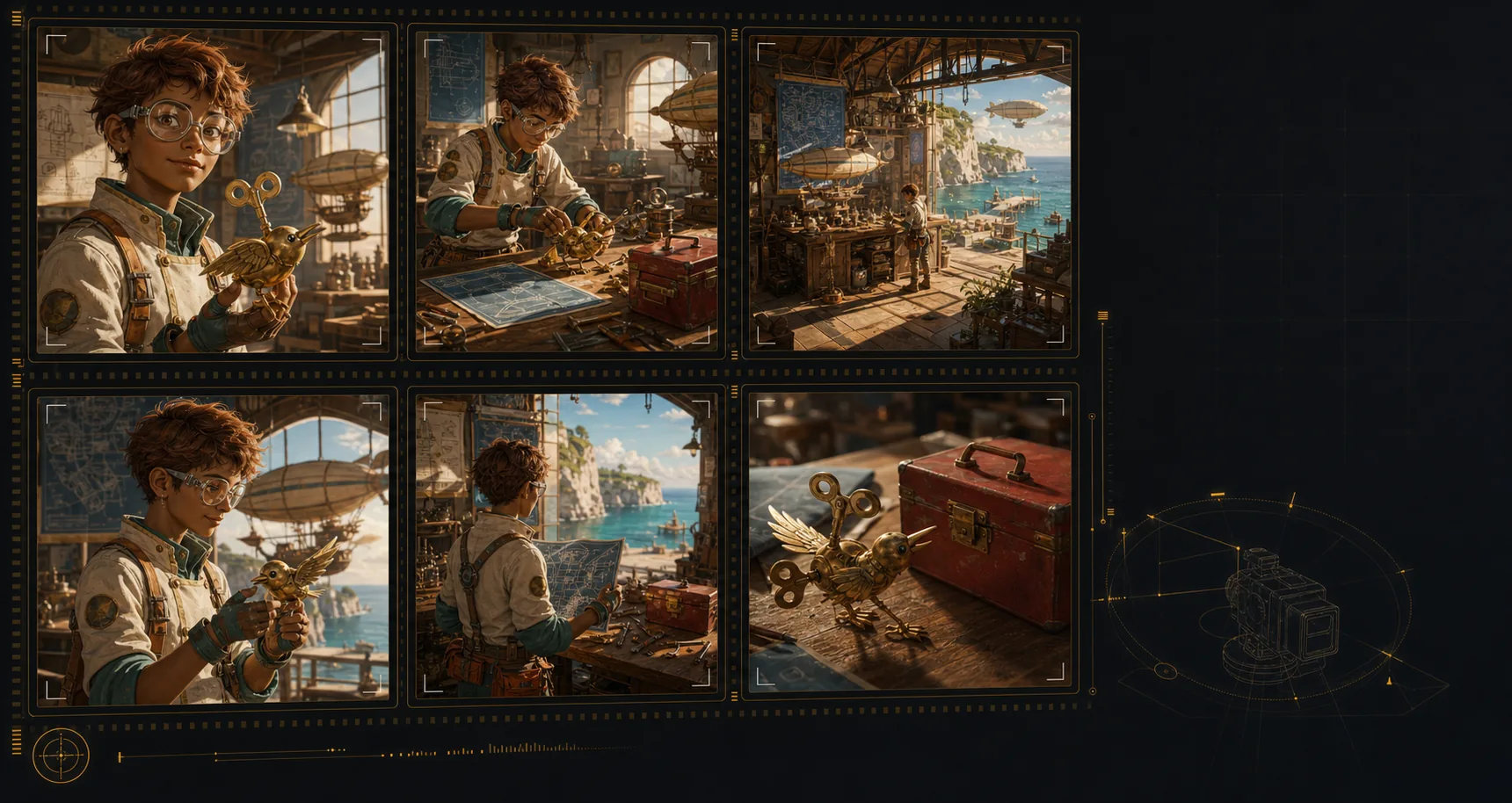
Create an AI storyboard where the same characters, environments, wardrobe, and hero objects stay recognizable across the sequence. That continuity makes each shot feel planned, connected, and ready for review.
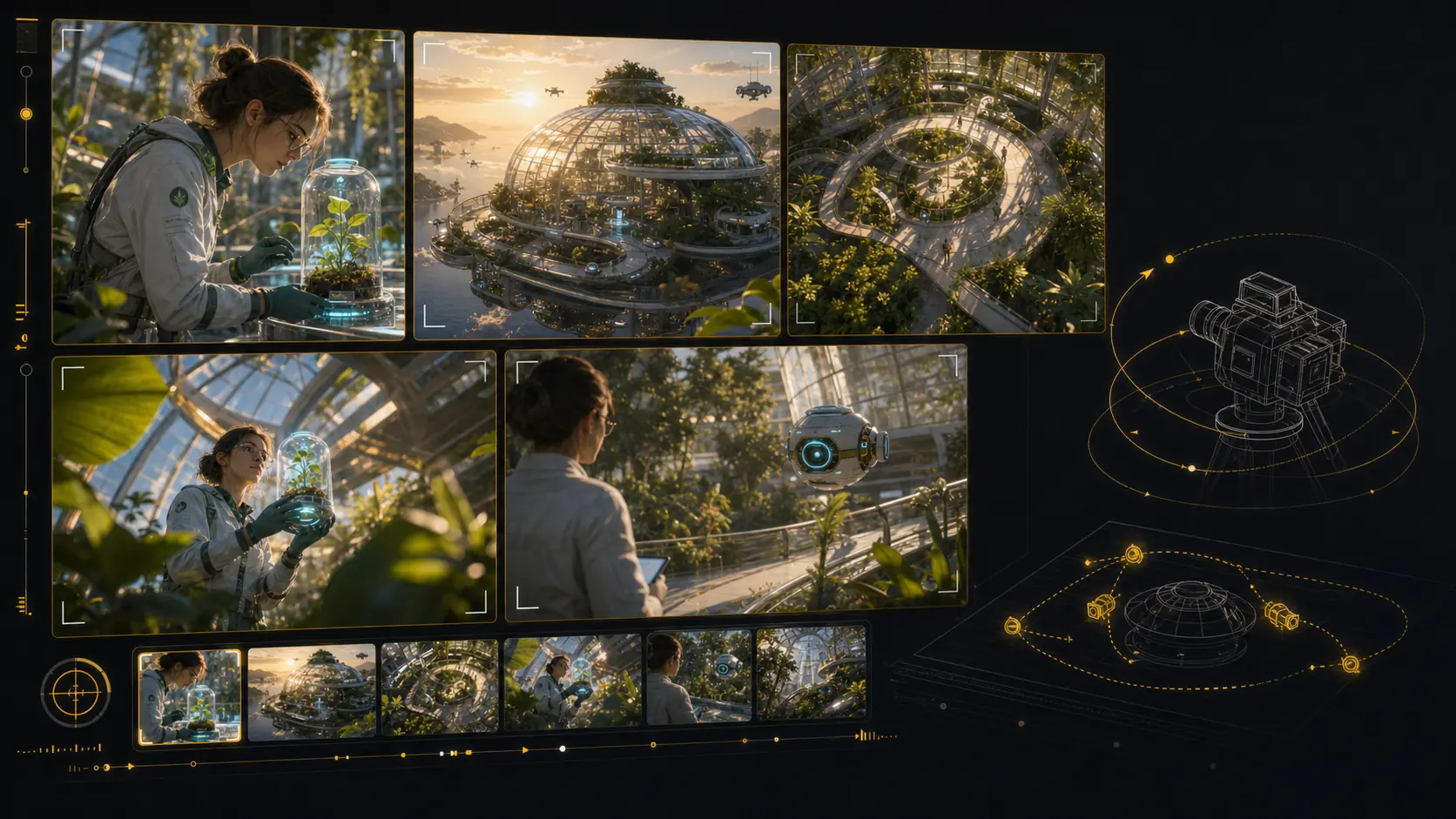
Test camera angles for an AI storyboard without rebuilding the scene from scratch. Reframe the setup, compare shot sizes, and give your director, DP, editor, or client a clearer visual decision.
Use LlamaGen as an AI storyboard video generator: choose a frame, describe the camera move and duration, then create a motion test that stays anchored to the approved shot. Static boards become pitch-ready animatics and multi-shot reviews without leaving the storyboard workflow.
Start from an approved storyboard frame so the clip keeps the same composition.
Add a push-in, tracking move, orbit, hold, or timing beat before generation.
Compare generated clips with shot notes, scene order, and edit intent in one place.
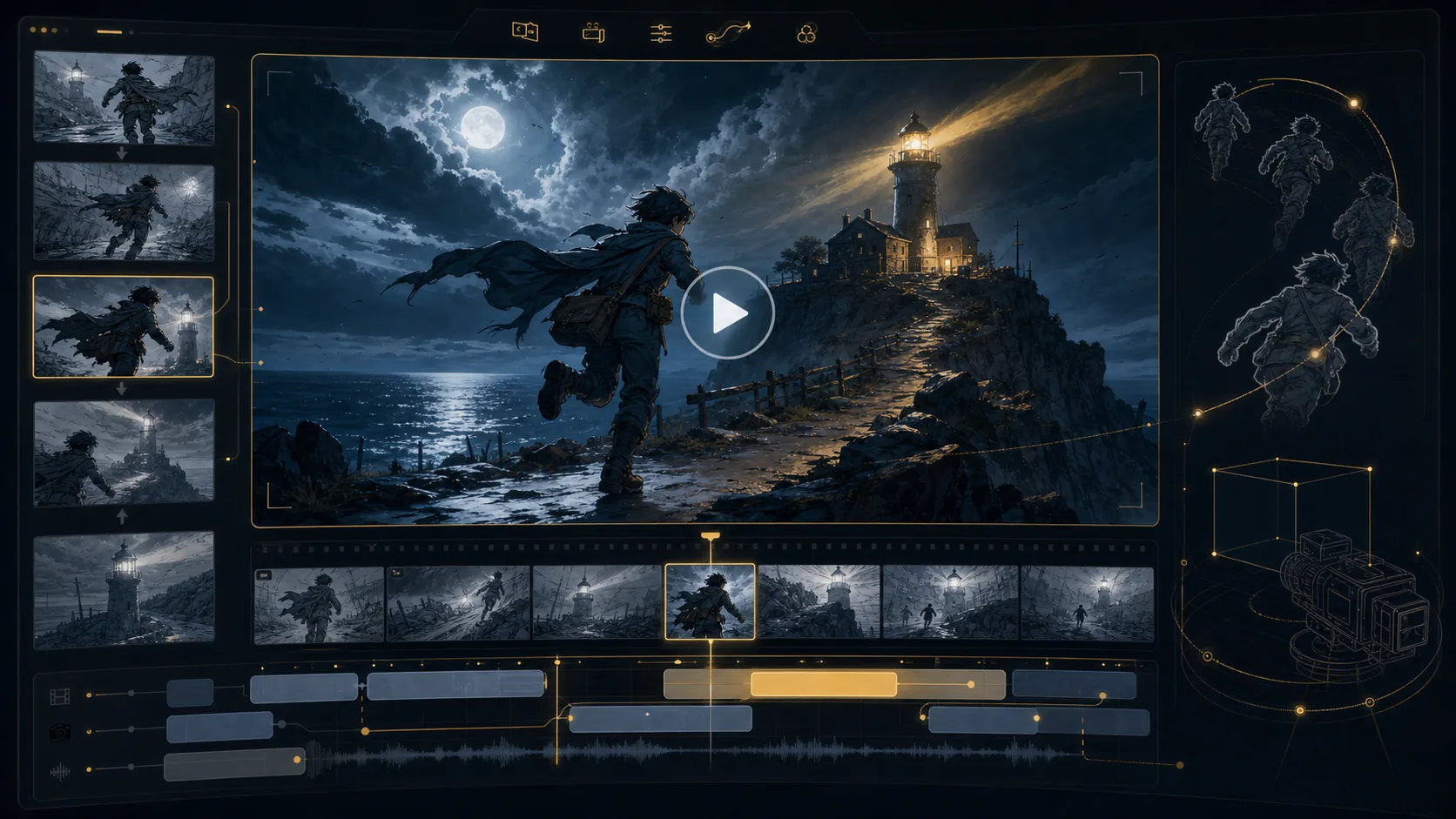


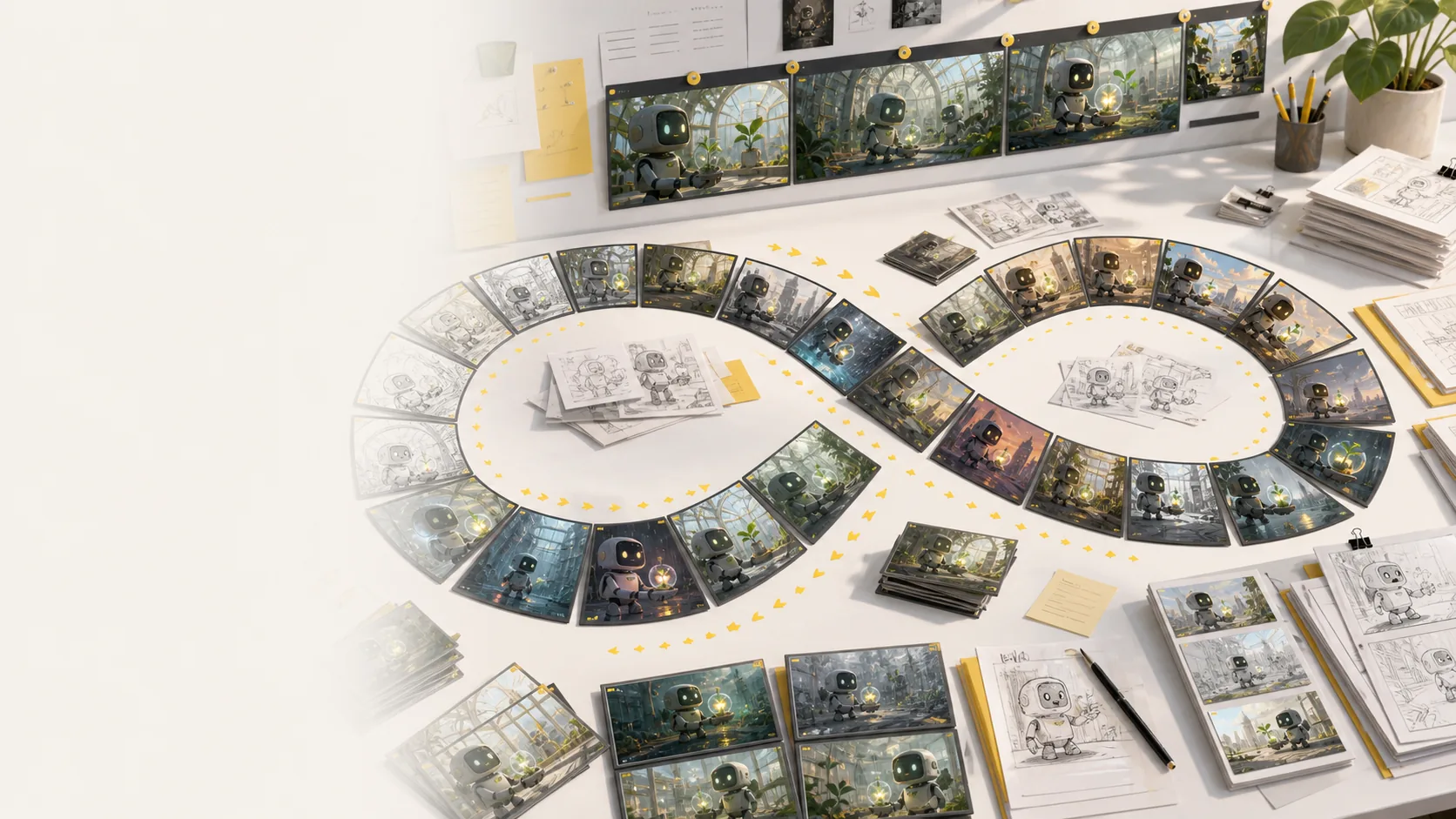
Refine AI storyboard images through real creative rounds: alternate angles, cleaner compositions, different moods, and stronger visual continuity without treating every frame like a scarce credit.
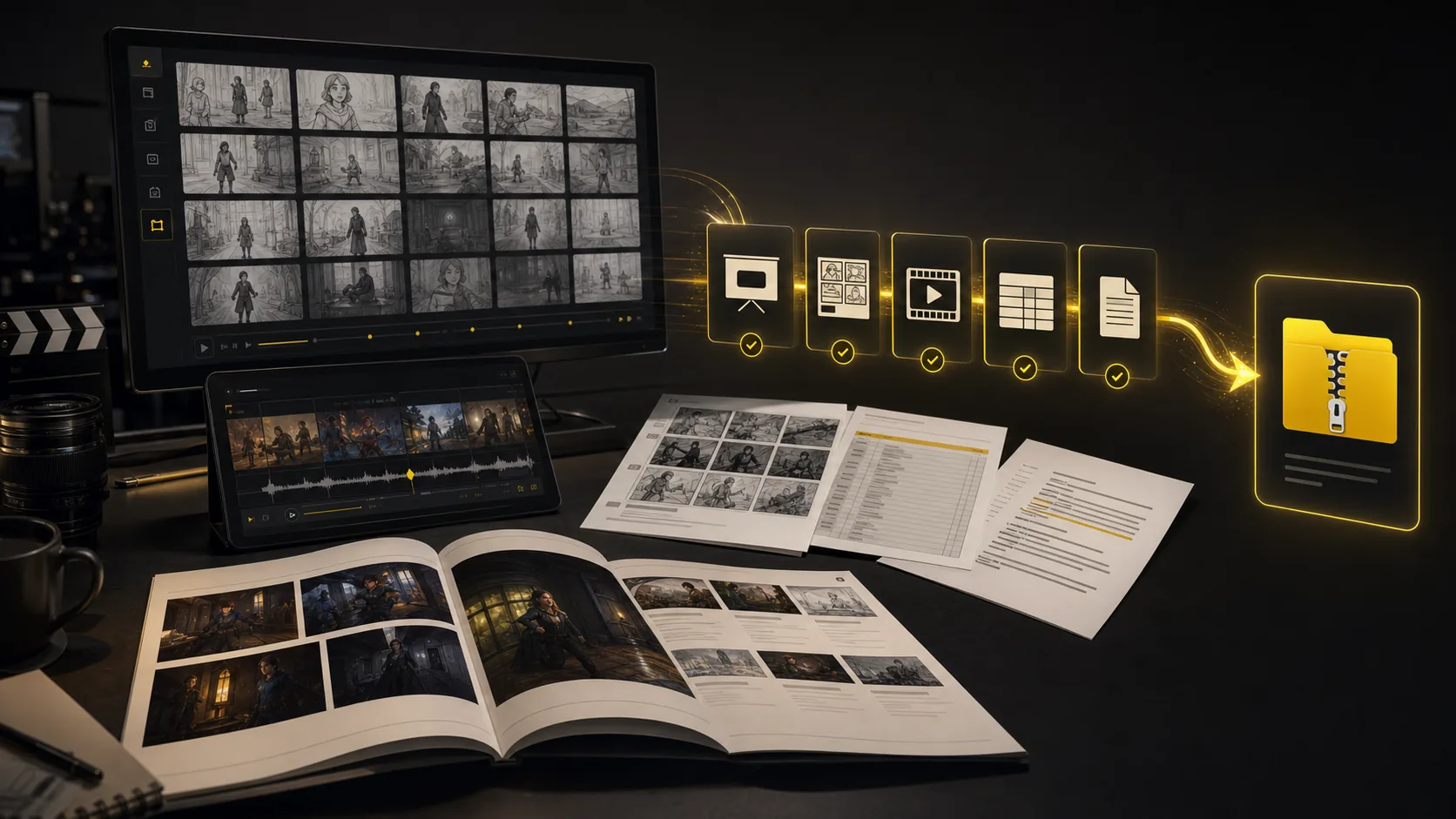
Turn a finished storyboard project into files a production team can use right away: PDF boards, shot list spreadsheets, script notes, MP4 animatics, review decks, and organised handoff bundles.
The core sections show how to generate a storyboard from a script, text prompt, or CSV table. This bento grid highlights the supporting AI storyboard tools around it: inputs, styles, continuity, video, variations, camera planning, and production handoff.
Generate AI animatics from approved storyboard frames with camera motion and timing notes.
Storyboard-to-animatic clips
Turn rough boards, loose thumbnails, and scene notes into cleaner visual panels.
Sketch cleanup
Compare visual directions for tone, genre, lighting, and brand style before the board is locked in.
Style direction
Regenerate shots, moods, angles, and layouts without managing per-image credits.
Unlimited variations
Keep characters, props, wardrobe, and locations recognizable across generated shots.
Continuity lock
Plan tracking, push-in, orbit, and reveal moves before turning frames into video.
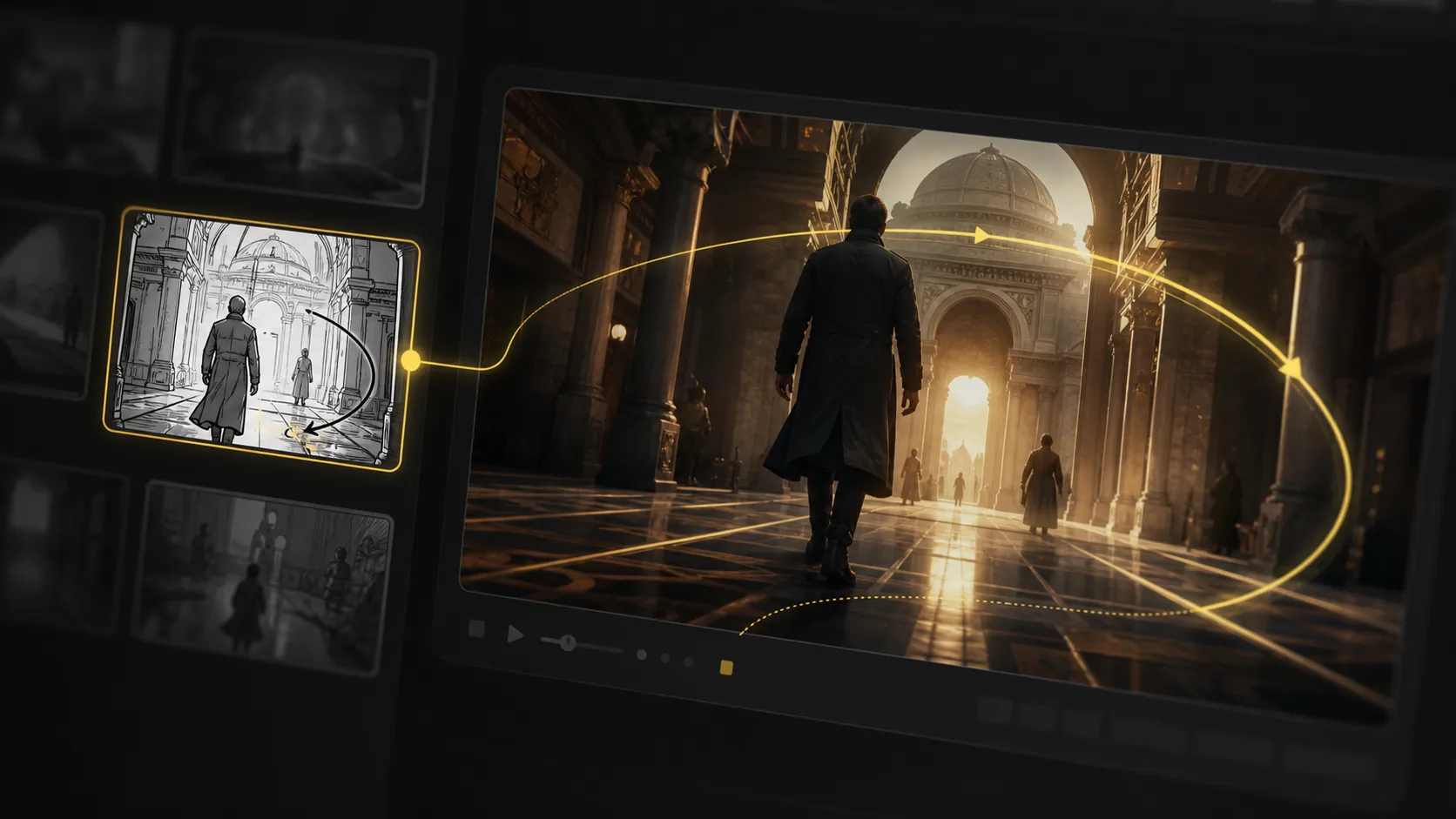
Camera move planning
Start from a screenplay, treatment, CSV shot table, PDF, scene note, or loose prompt and build the board from there.
Script, prompt, CSV, and PDF input
Export storyboard PDFs, shot list tables, animatic files, and review packages from one project.
Production handoff
Explore AI storyboard examples that show how scripts, prompts, and visual ideas can become reviewable scenes for ads, lessons, animation, concept films, and pitch planning.
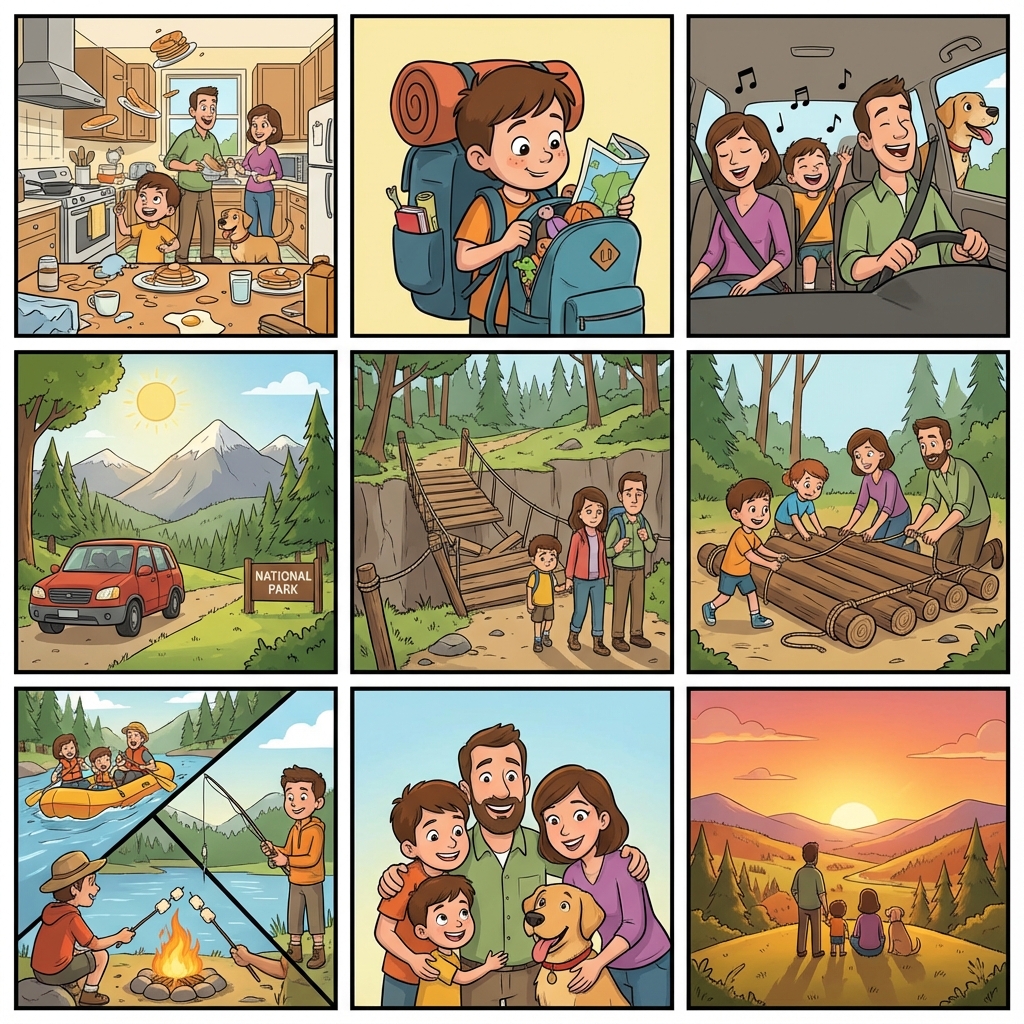
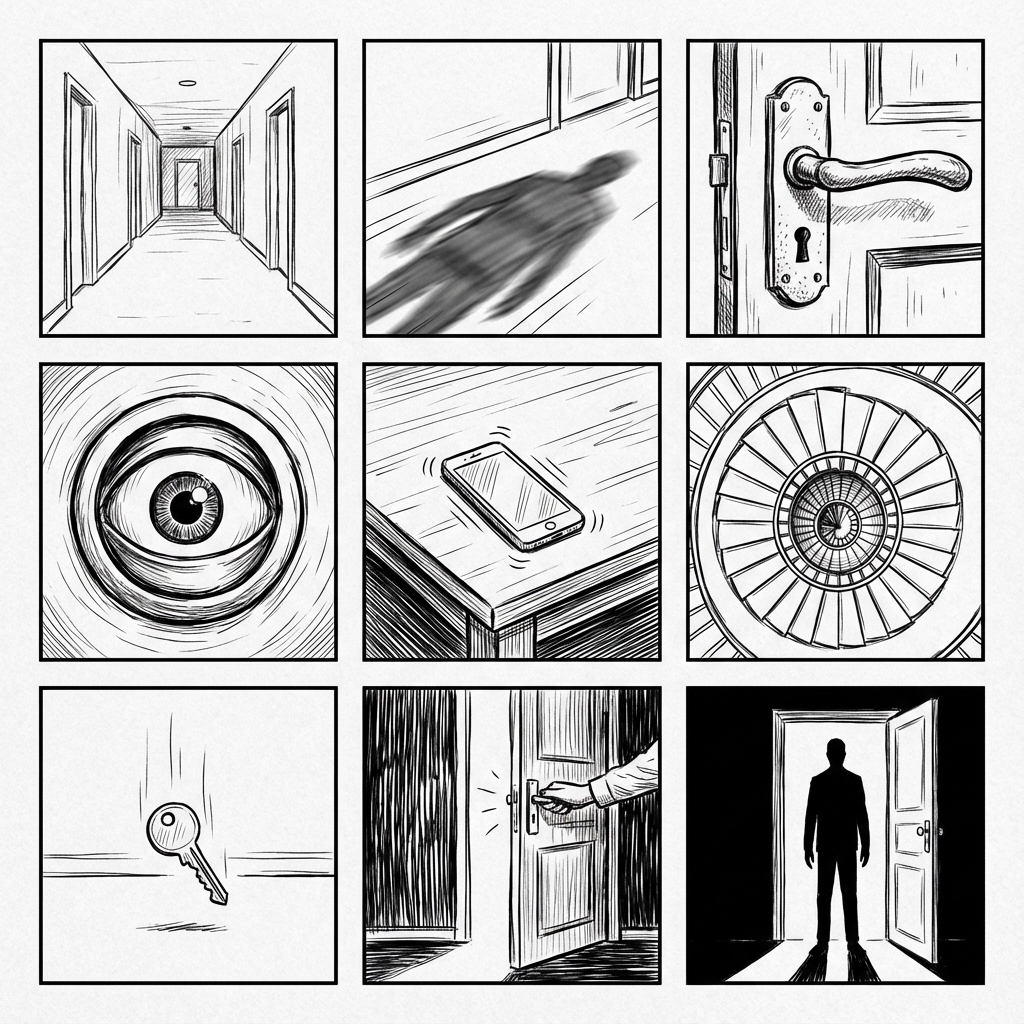
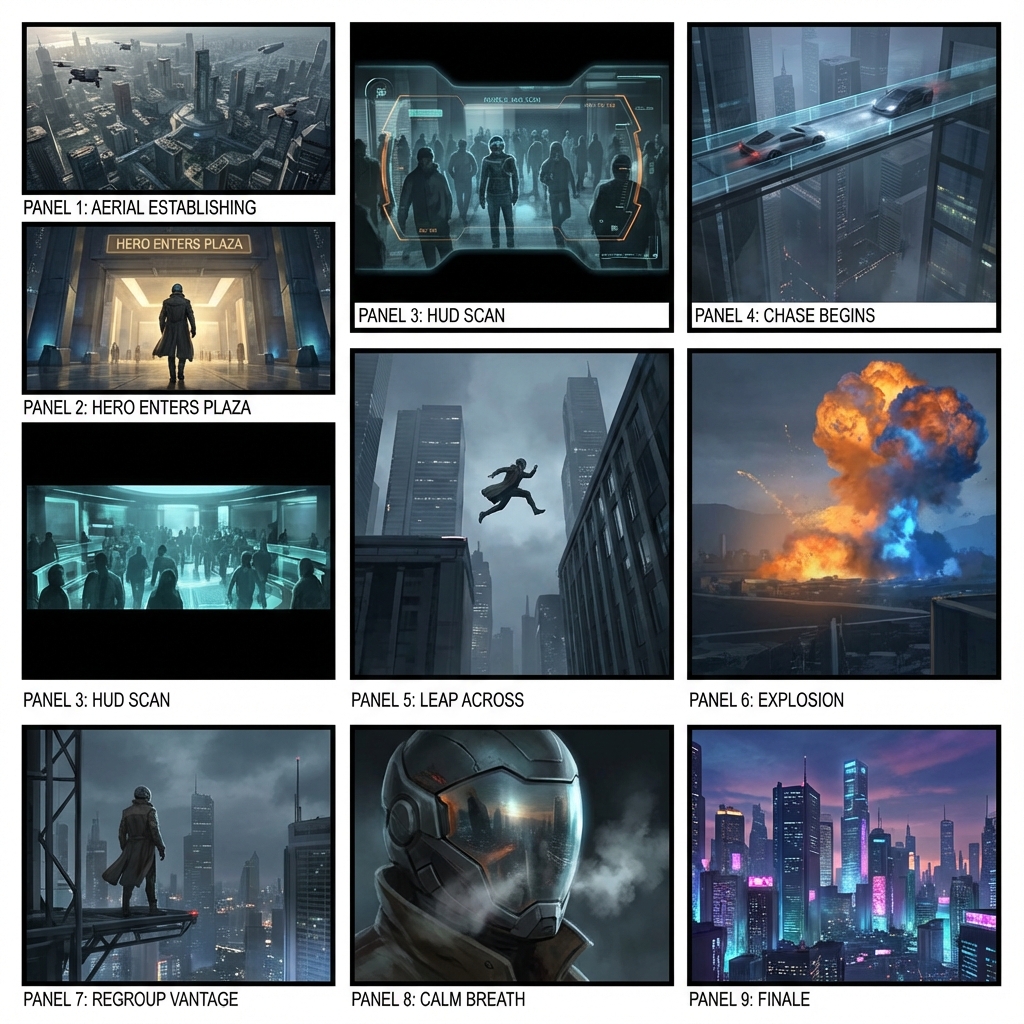
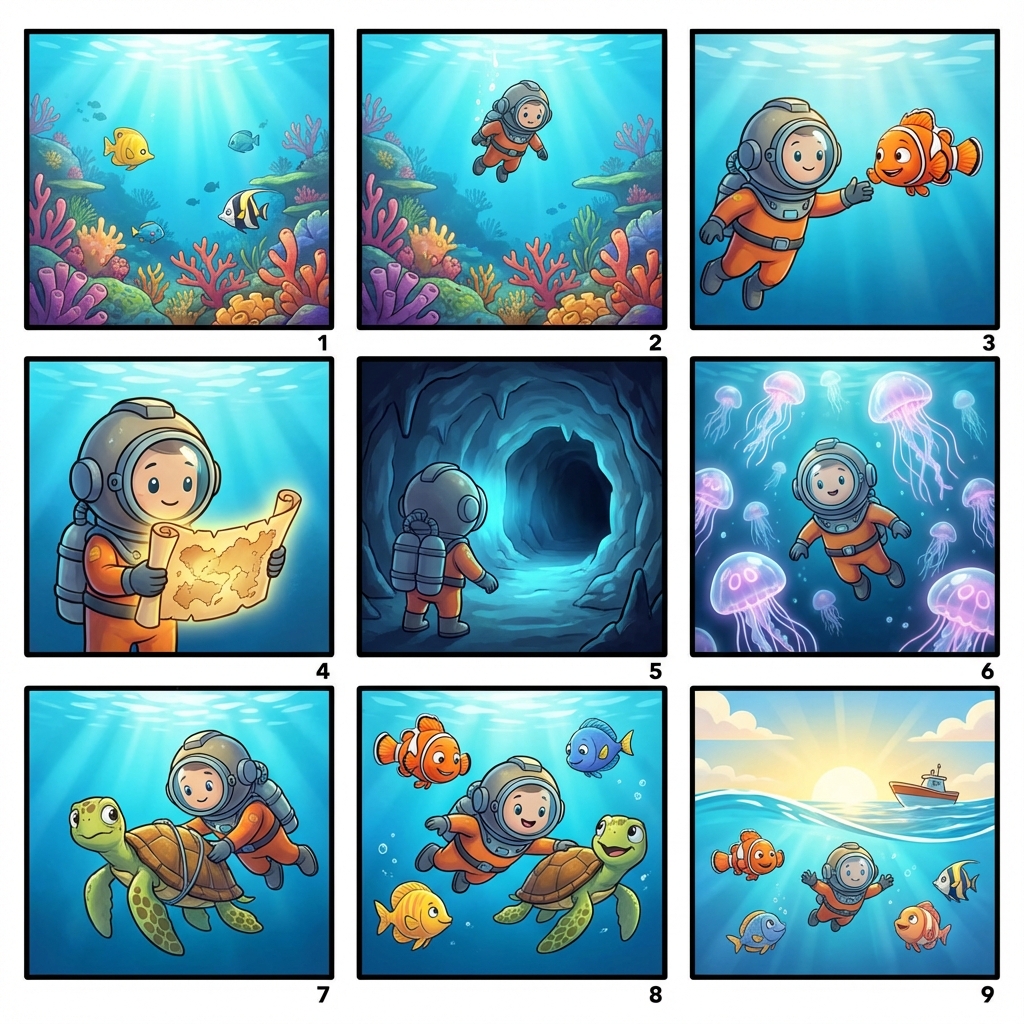
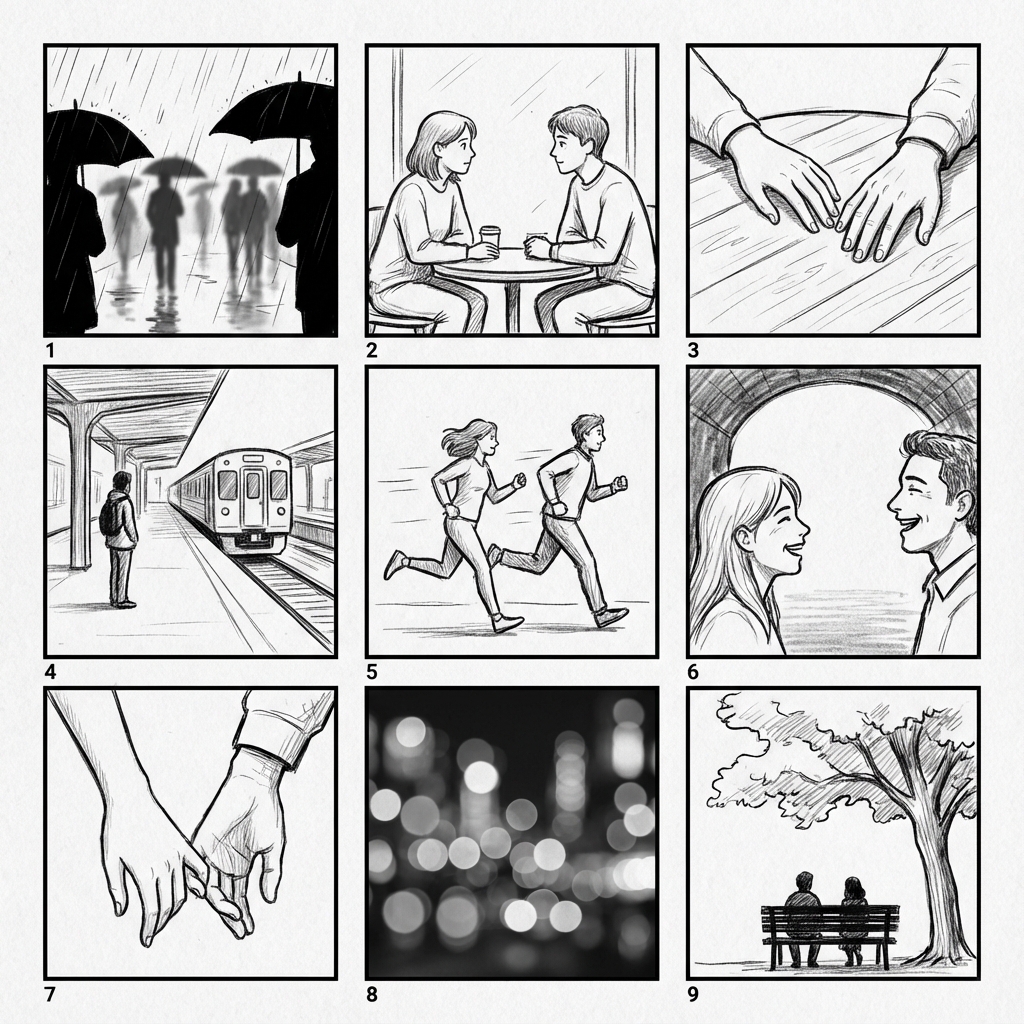
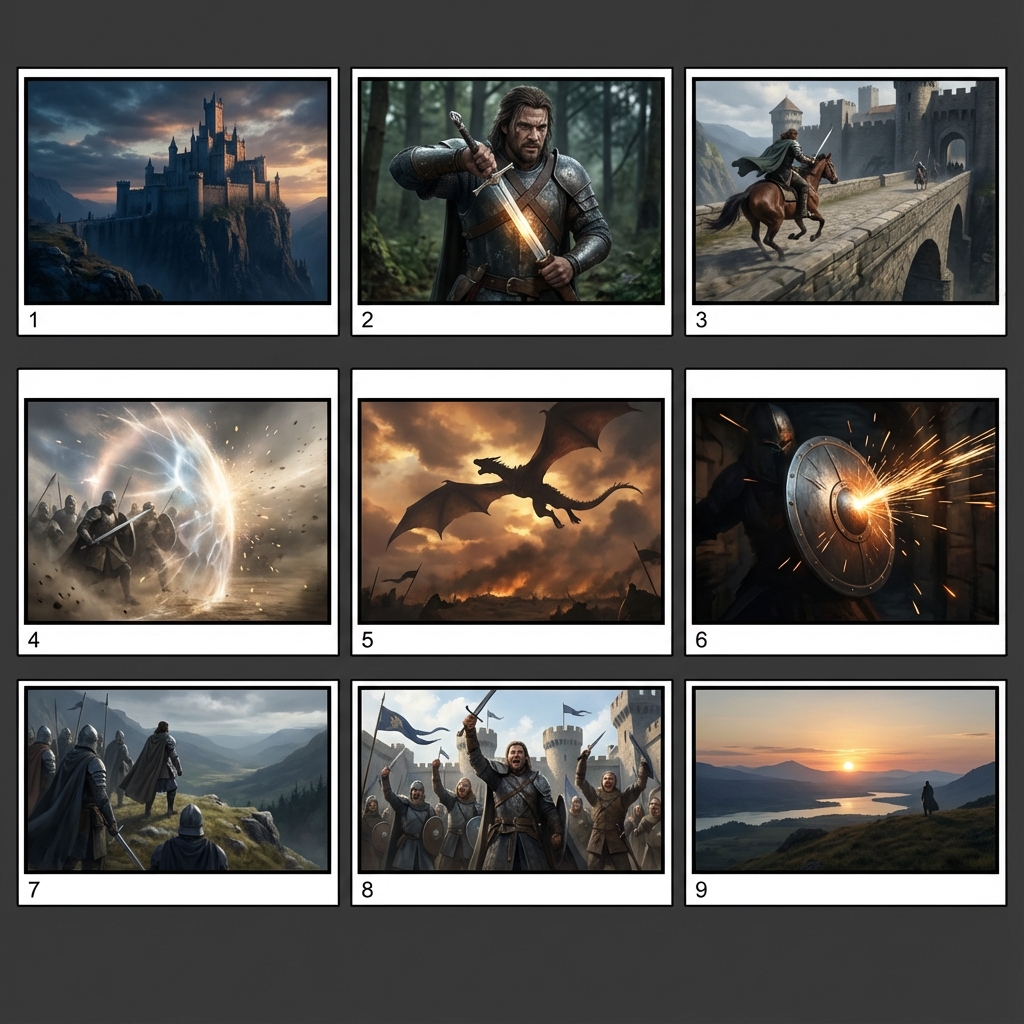
High-fidelity AI images can add lighting, texture, and background detail that distracts stakeholders. A free AI storyboard generator keeps lo-fi grids focused on composition, shot order, camera intent, and story flow.
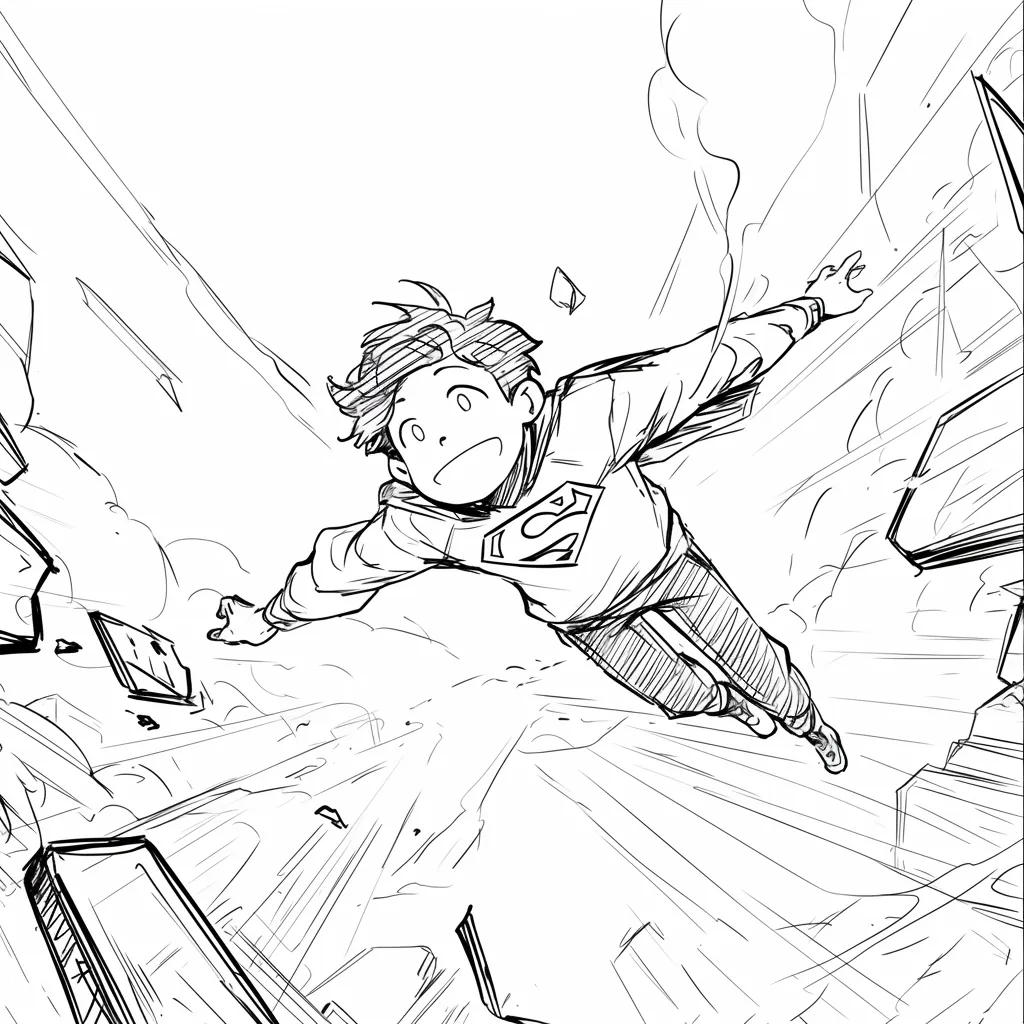
AI storyboard generator example showing a superhero child flying through a city corridor, with speed lines and a tilted camera angle that make the action beat easy to review.
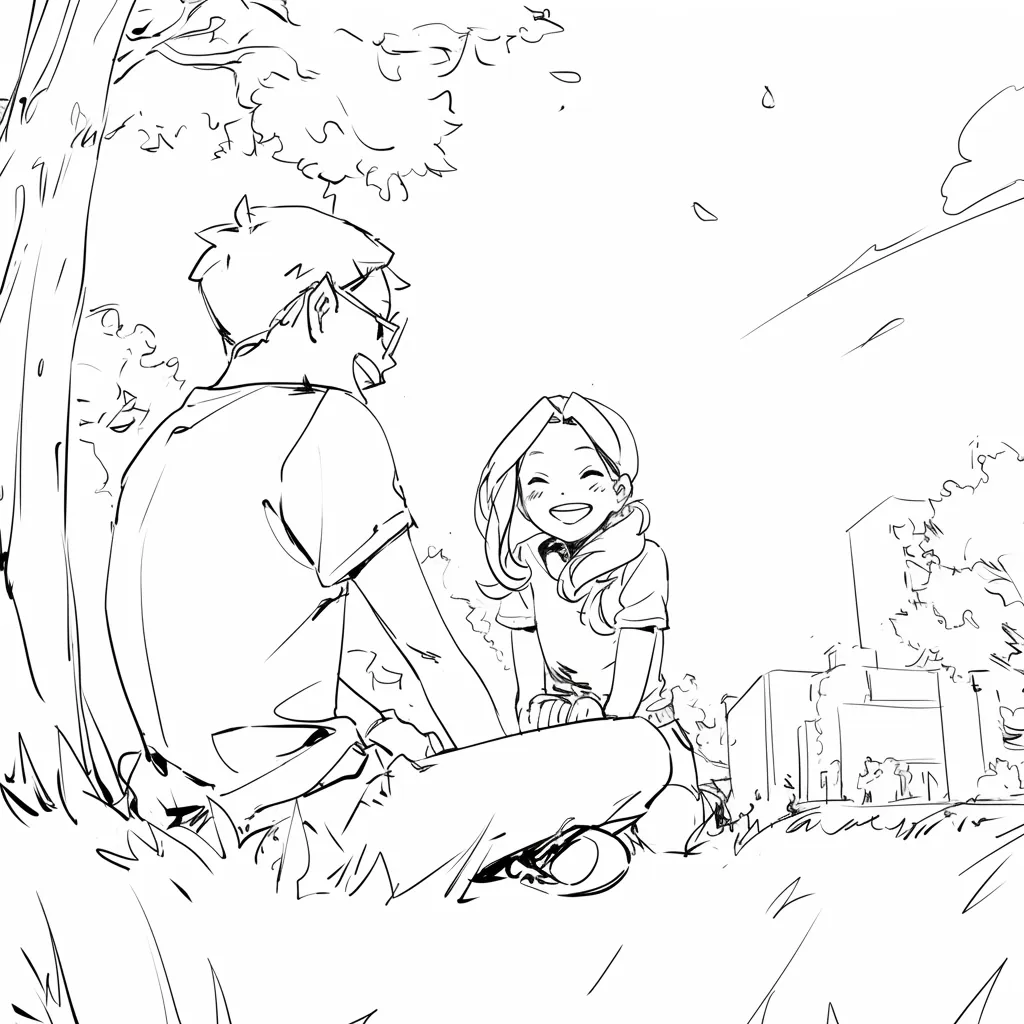
Free Storyboard Creator sample of two children meeting under a tree, using a calm over-the-shoulder composition to plan dialogue, blocking, and emotional pacing.
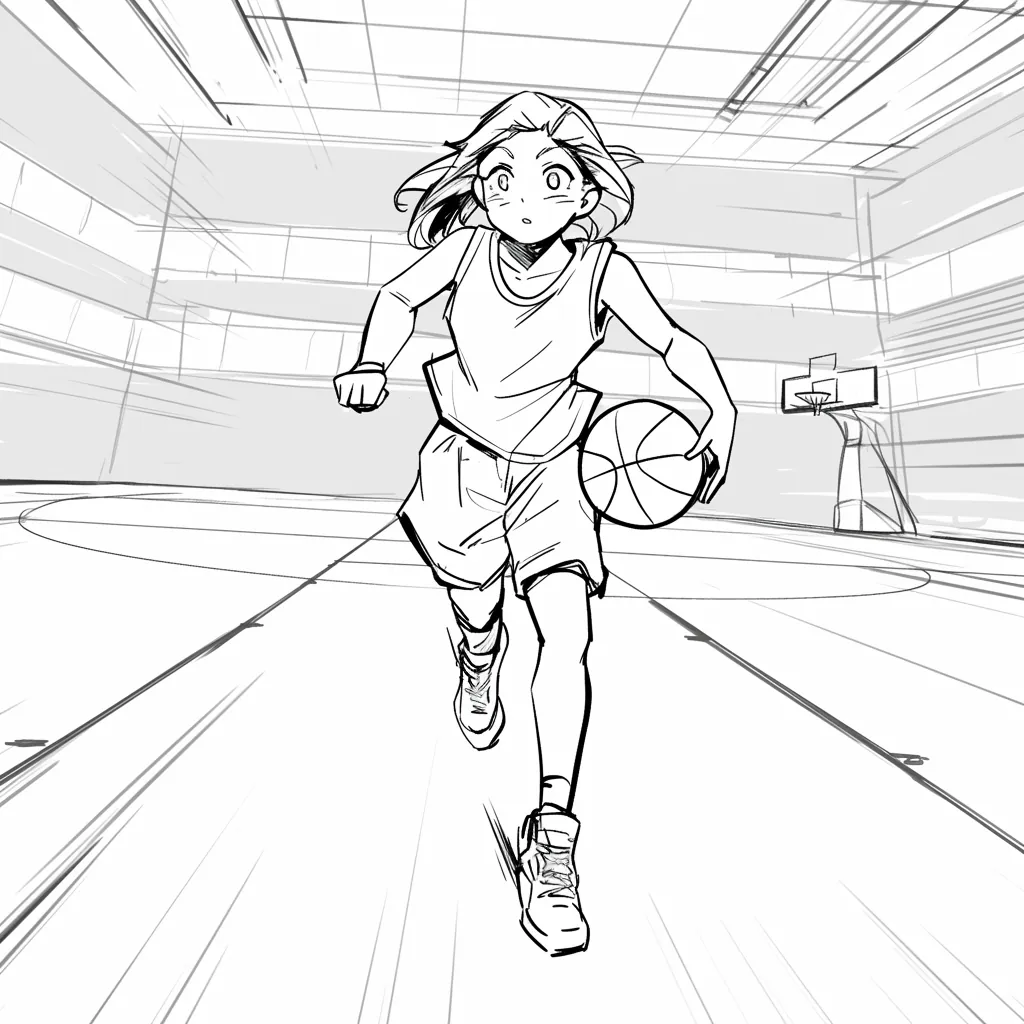
Create storyboard from script example where a basketball player drives toward the camera in a gym, turning a sports scene into a clear dynamic shot.
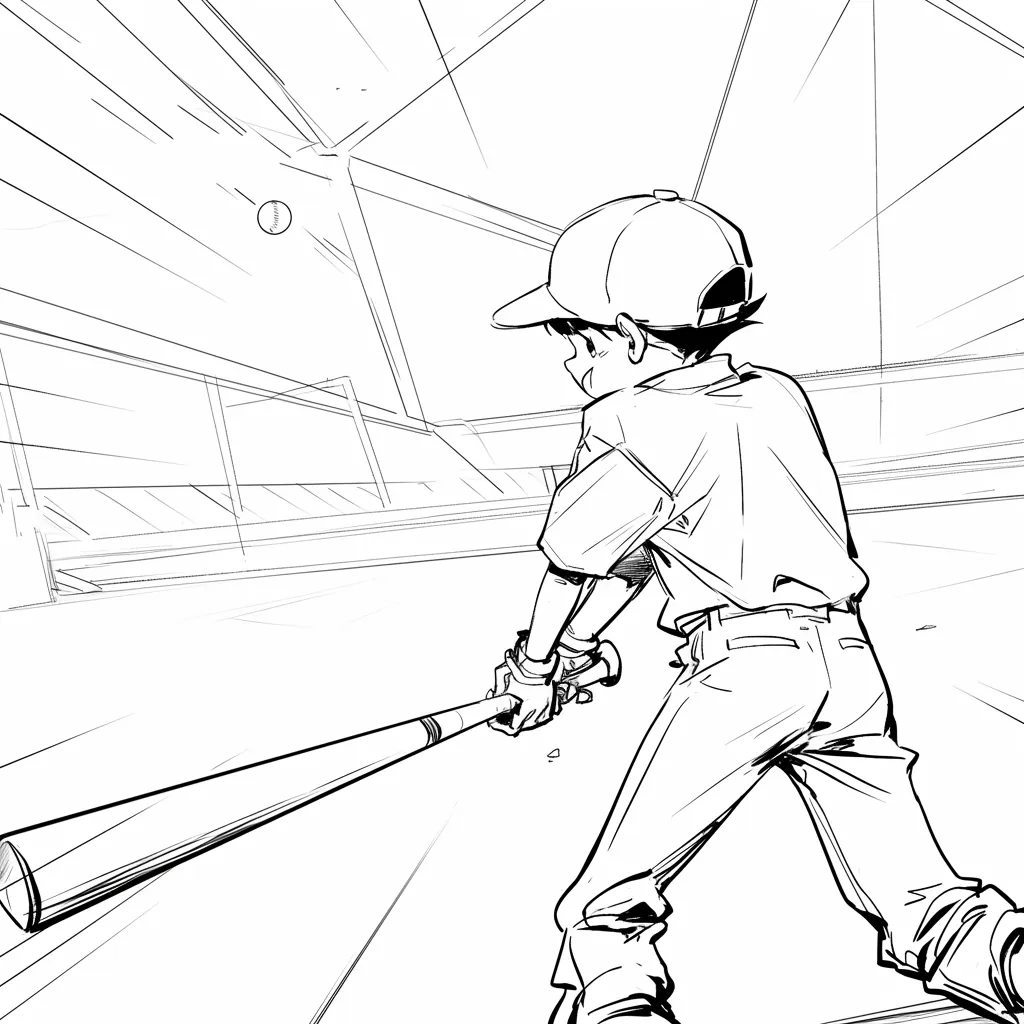
Free online storyboard software frame with a baseball batter seen from behind, locking in the stadium perspective and anticipation before the pitch.
Rainy street storyboard panel of a child running with an umbrella, useful when you need to generate a storyboard for mood, weather, and motion direction.
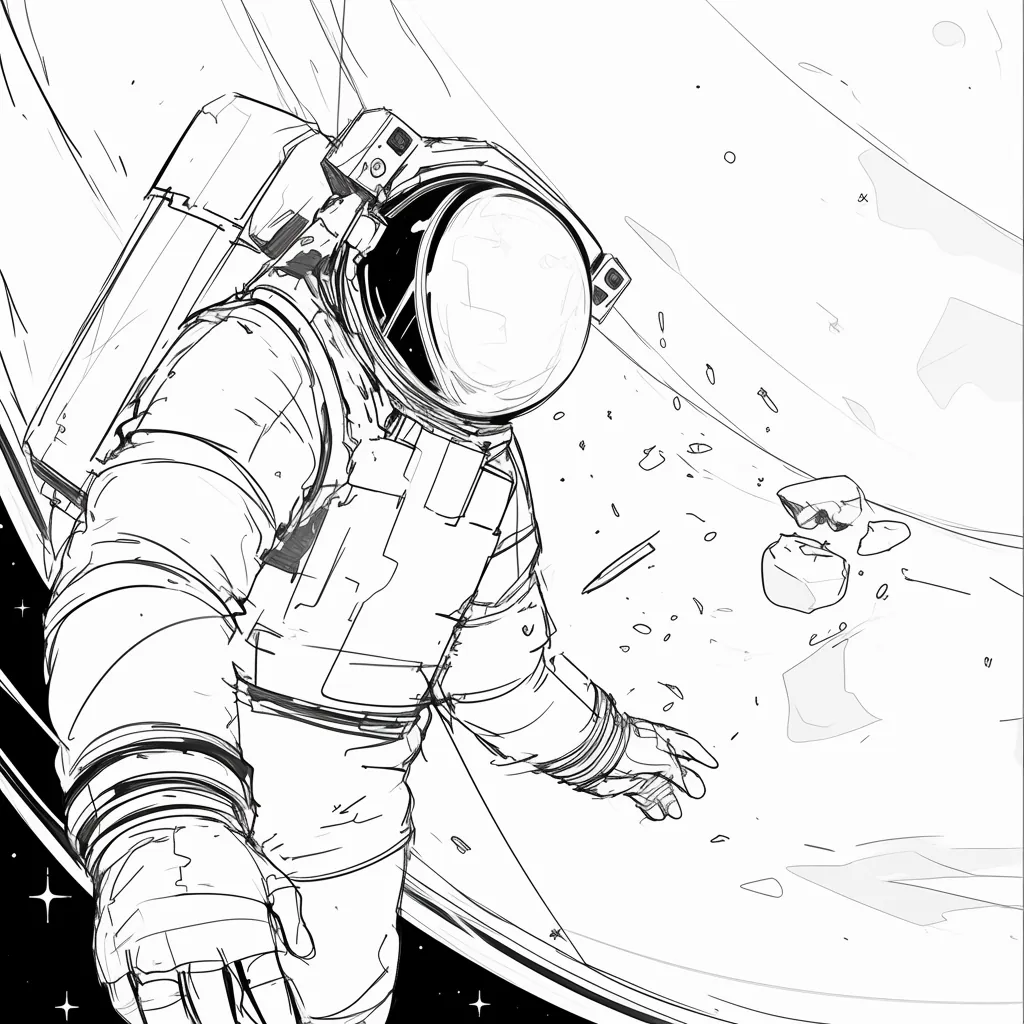
Sci-fi storyboard frame of an astronaut floating beside a spacecraft and planet, showing how to generate storyboards from a script or text prompt with a strong sense of scale.
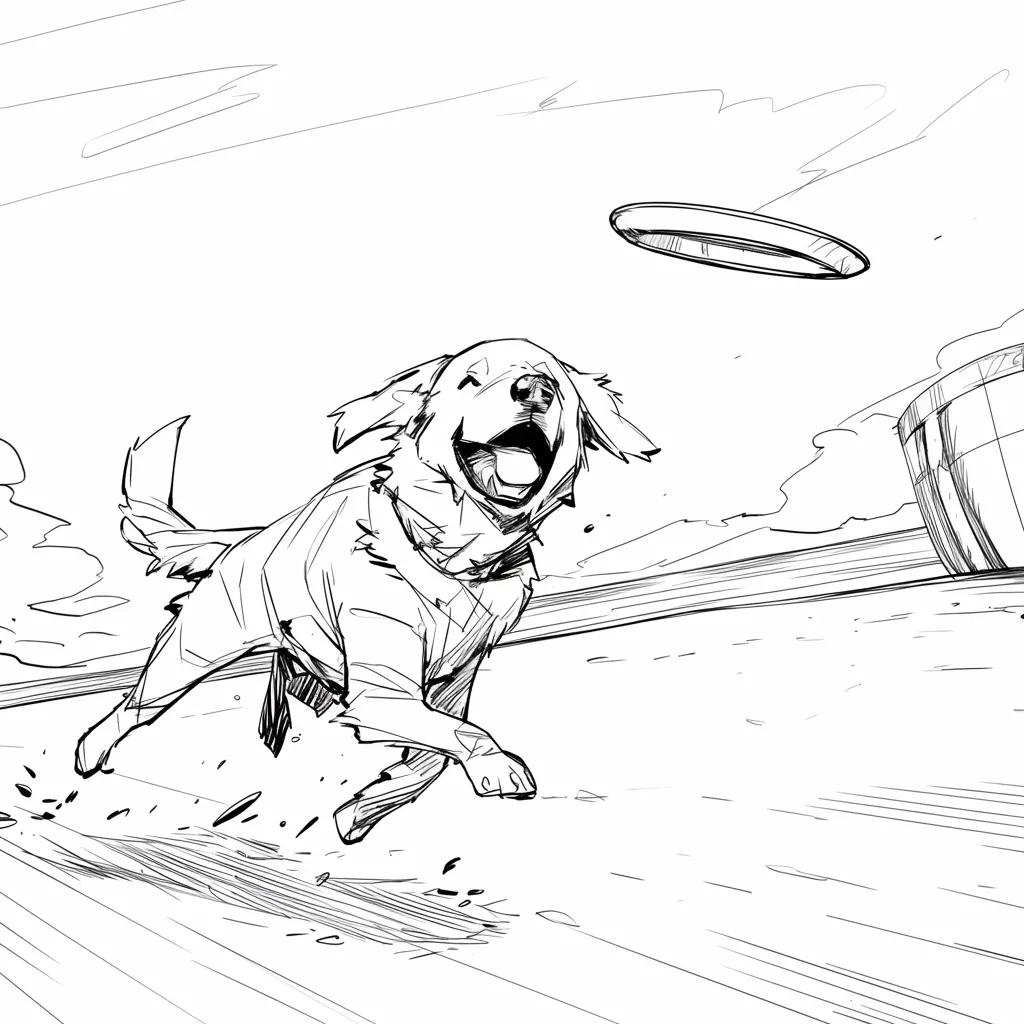
Dog action shot with a flying disc overhead, a simple Free AI Storyboard Generator example for planning timing, movement arcs, and playful commercial energy.
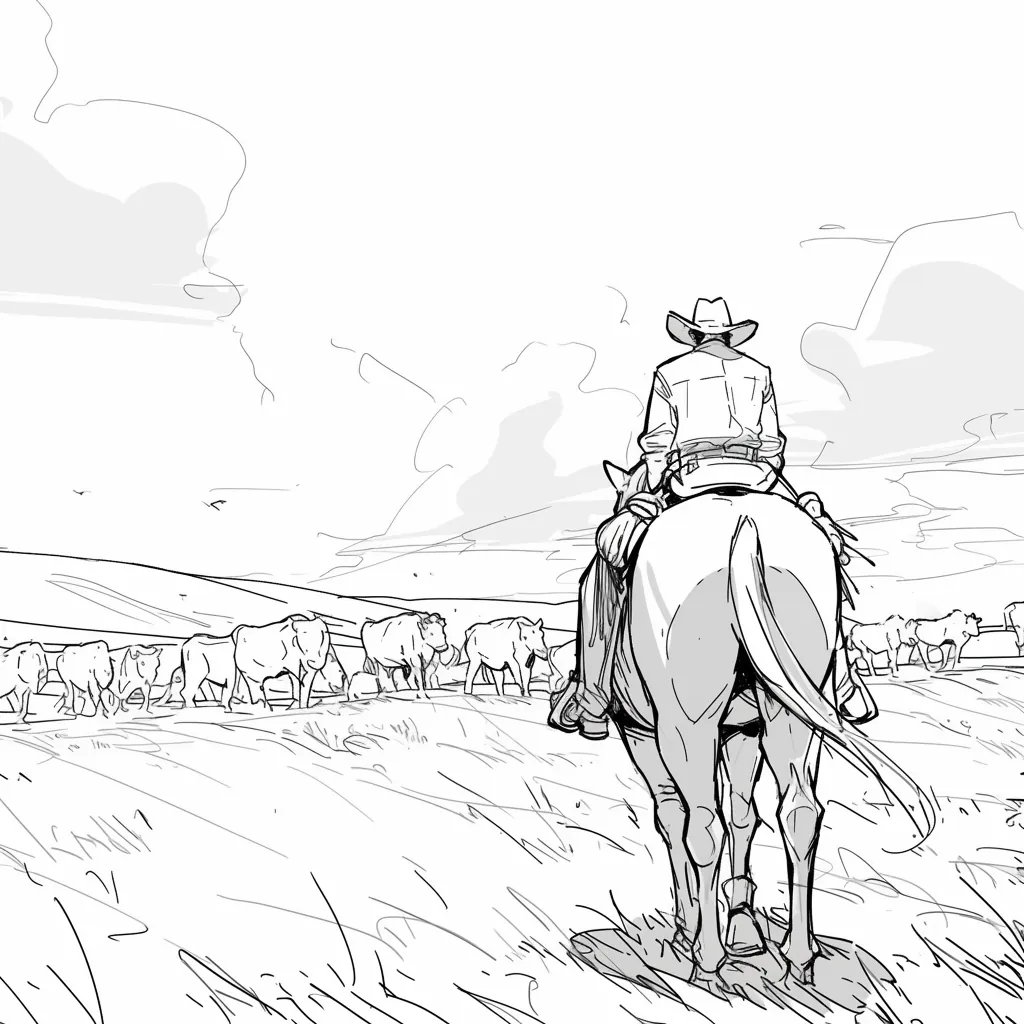
Western wide shot of a cowboy on horseback facing a cattle herd, giving the shot list strong location context before moving into closer storyboard frames.
@Maya_Lee

@Sky_Walker

@Cre_Luna

@juaner0211589
@rubem-didini

@refactorordie

@benoitst-laurent

@RealFeatBit

@jake-m

@michael-b

@bill
@sarah-l

@digital-marketer-suresh

@den

@velika
Couldn’t find the storyboard answer you need? Message us
Join 500,000+ filmmakers, agencies, and creators using LlamaGen as a free AI storyboard generator to turn scripts, text prompts, and CSV tables into visual scenes online.