

Free AI Logo Generator
Kick off your new venture with a logo that fits your brand. Use LlamaGen to shape a design that reflects your style, colour palette, layout, and model choice.
Create a logo with AI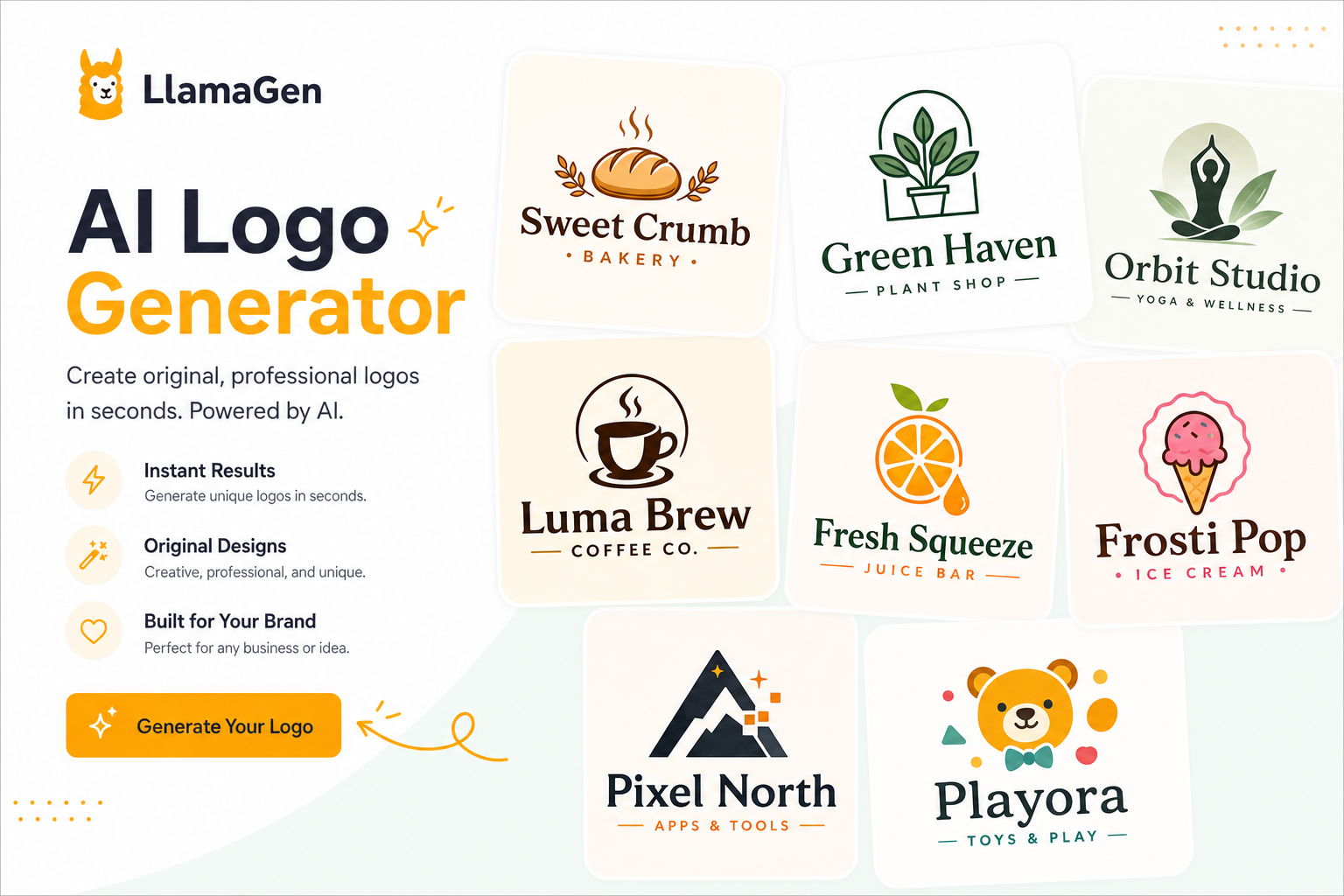
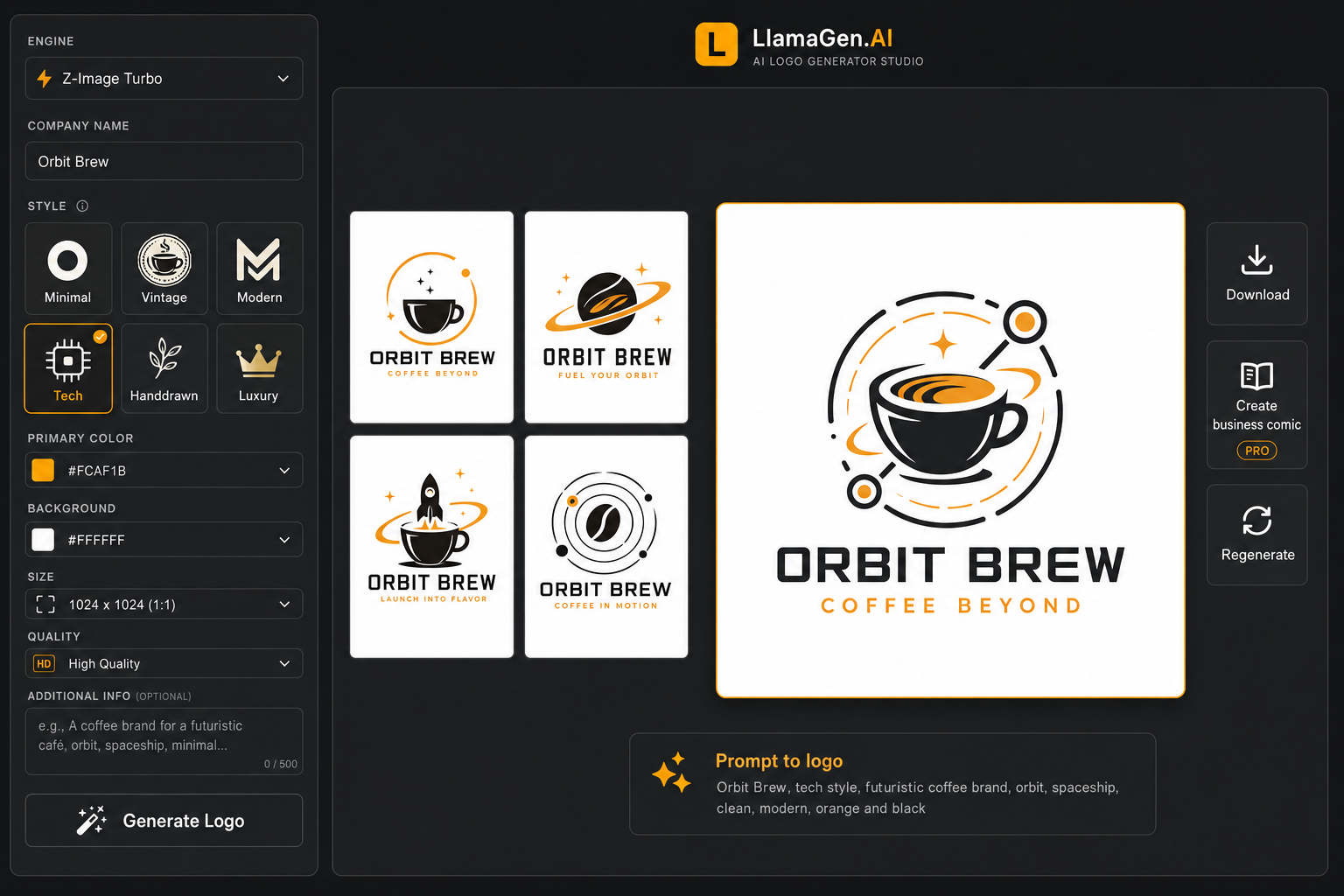
Introducing LlamaGen's AI Logo Generator
Lay the groundwork for your brand identity with a guided AI logo workflow. Enter a brief, choose a model, style, colours, size, and quality, then generate a polished logo concept for your next brand touchpoint.
Create a logo with AI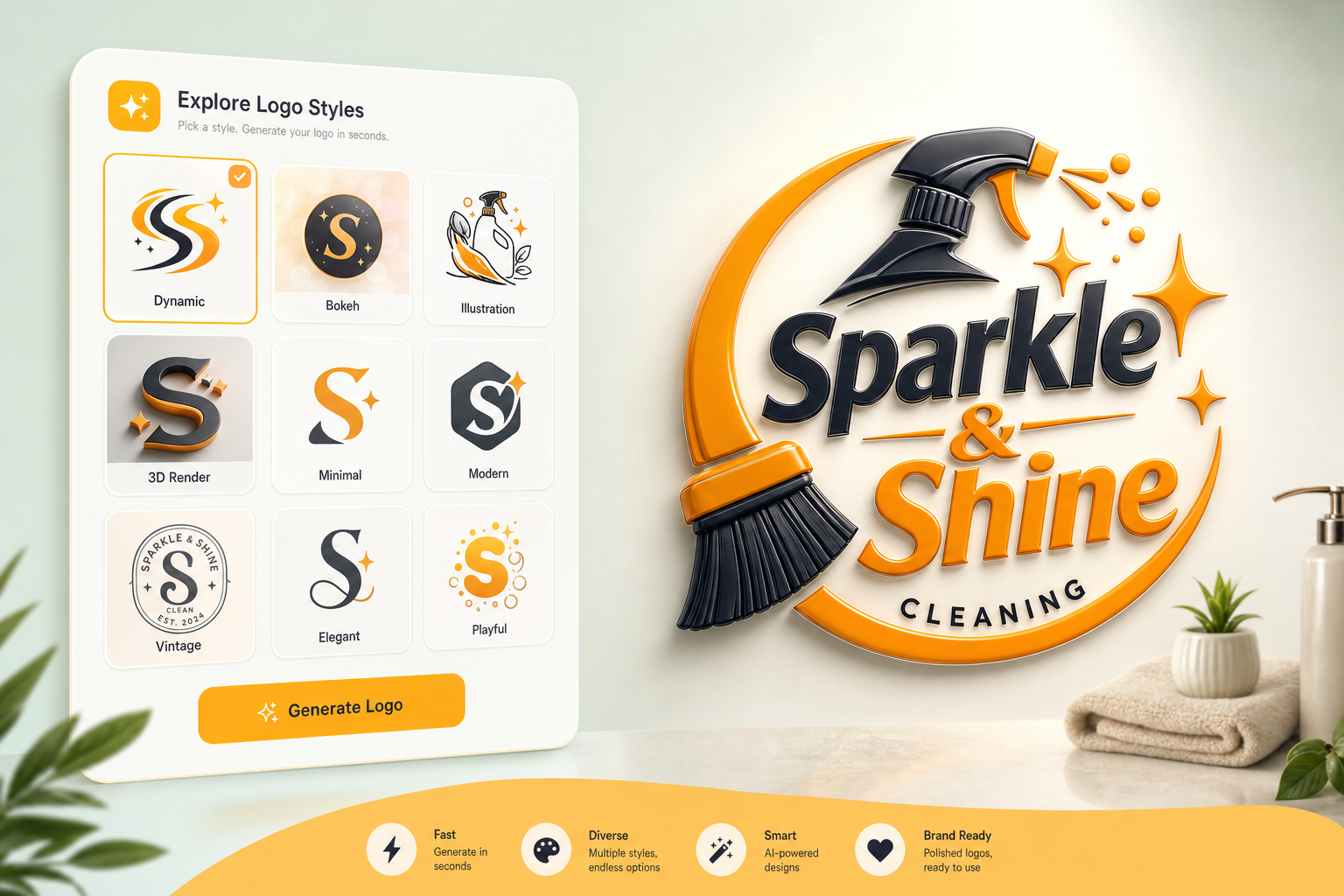
Make a strong first impression, fast
From simple text to standout logos
Turn a short brand idea into a visual direction with guidance for name, category, symbol, colour, and layout.
Experiment with a wide variety of styles
Explore minimal, tech, corporate, creative, abstract, mascot, monogram, vintage, and 3D logo directions.
Use references for consistent branding
Keep generation focused with structured prompts today, with reference-logo workflows ready for your next iteration.
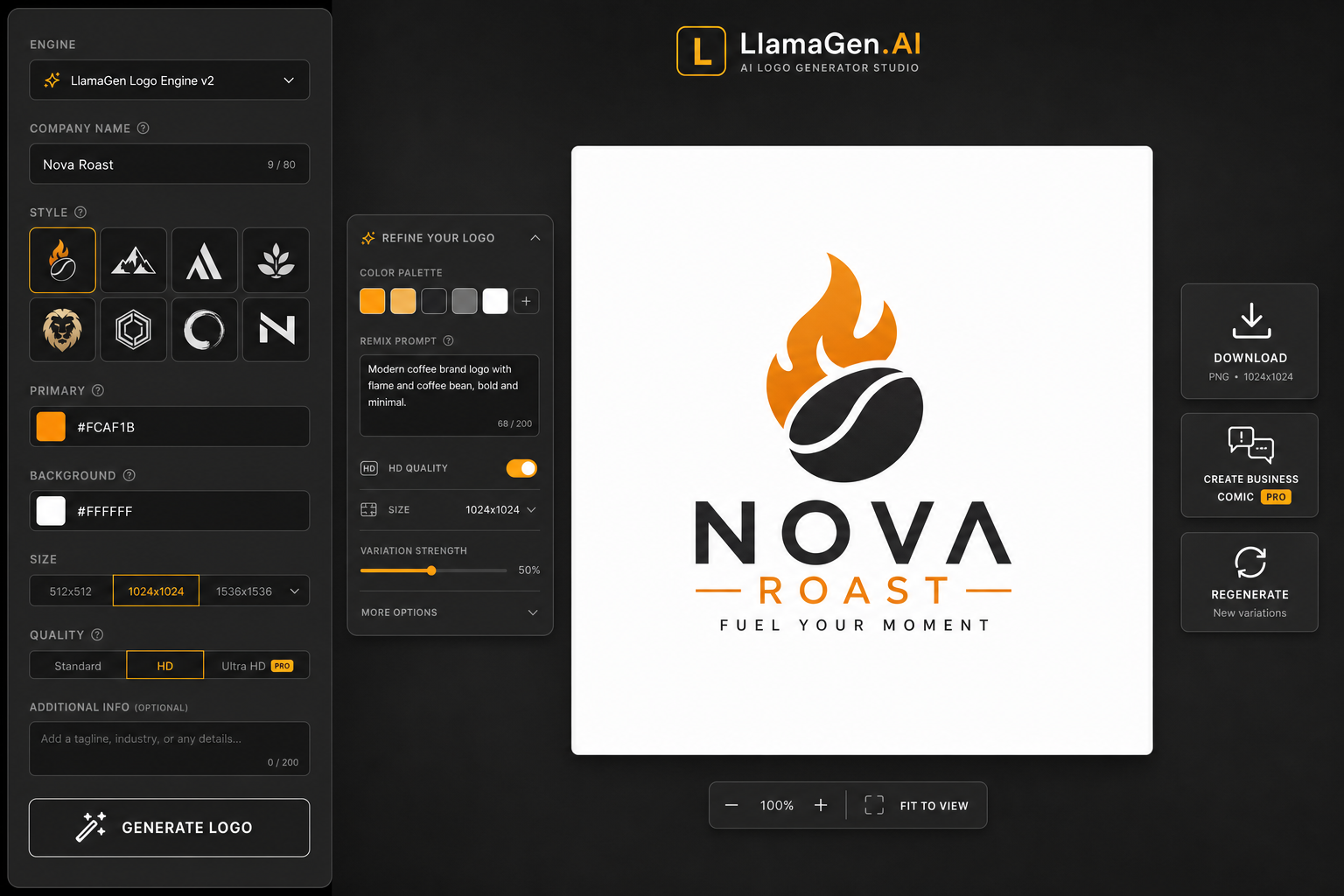
Refine your logo in one place
Polish your creative output with ease
Fine-tune the brand brief, colours, style, layout, model, and quality settings without leaving the studio.
Download your logo for any use
Export the current PNG with a clean filename so it’s ready for decks, websites, avatars, and mockups.
Regenerate from history
Open previous logo concepts, restore their metadata, and remix the direction instead of starting from scratch.
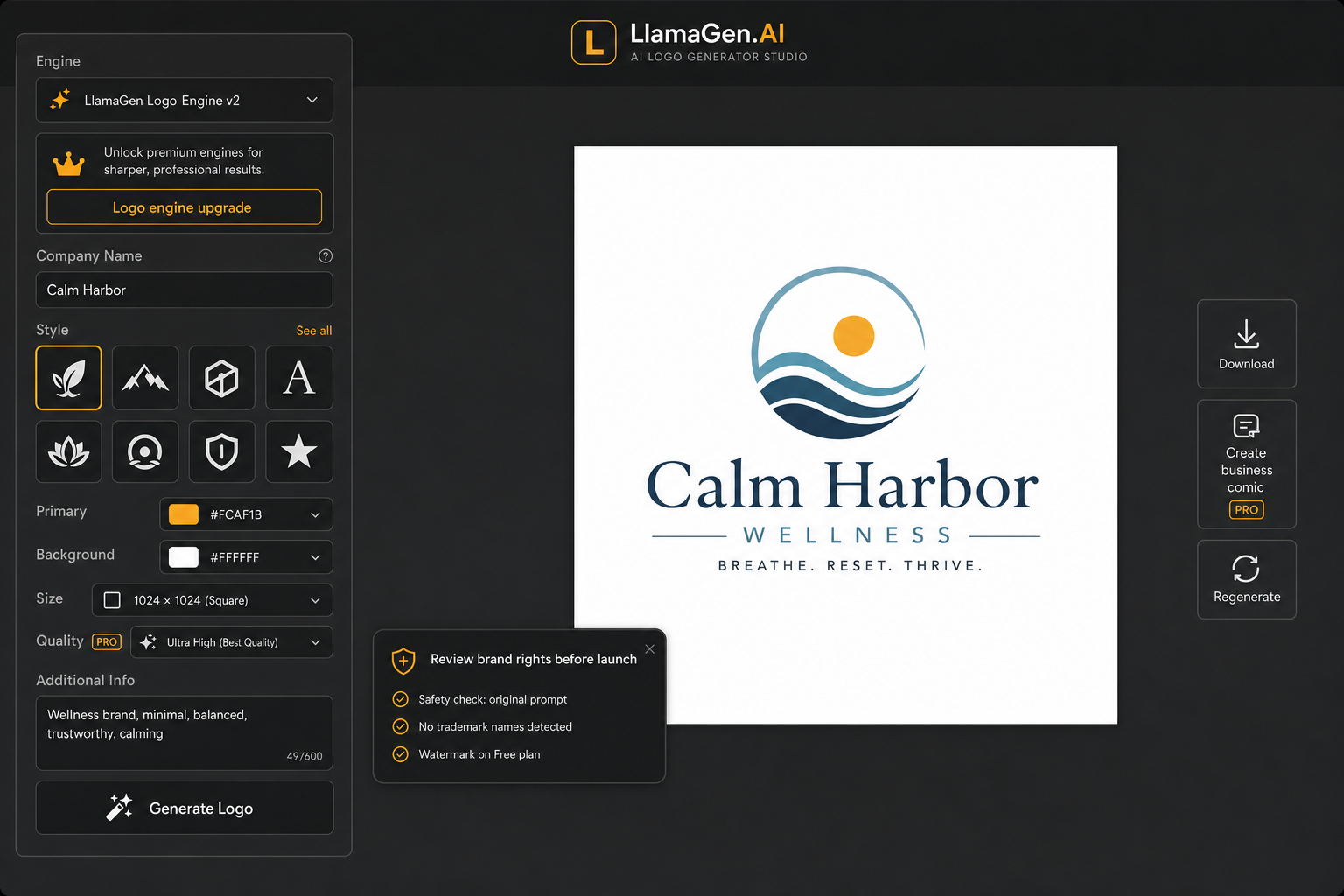
Build your brand identity safely
Generate logo directions responsibly with prompts that favour original marks, clear compositions, and brand-safe concepts. Before using a logo commercially, review it for potential trademark conflicts and legal clearance.
Prompted for original marks
The studio steers prompts toward distinct logo concepts and away from copying known brands or trademarked marks.
Plan-aware output controls
Free users see clear generation limits and watermark messaging, while paid users can use stronger defaults.
AI-generated logos for all kinds of creatives

For entrepreneurs
Find an affordable first visual direction for a new business, shop, product, or pitch.

For content creators
Shape a recognizable identity for a channel, newsletter, community, or digital product.
For designers
Generate quick territories, compare styles, and refine the strongest concept into a brand system.
All the logo creation features you need
LlamaGen keeps prompt, model, style, colour, size, quality, history, and download controls in one focused workflow.
Generate logos from text
Describe the business, tone, and visual idea, then generate a logo concept from the brief.
Rich colour controls
Choose primary and background colors with palettes built for fast visual exploration.
Logo-specific styles
Select minimal, corporate, creative, tech, mascot, vintage, monogram, and more.
Size dropdown
Create square logos at 256, 512, 1024, or 1440 pixels depending on your plan.
Quality settings
Switch between Standard and HD output when a concept needs more polish.
Generation history
Save metadata and restore past prompts, model, size, quality, style, and colors.
Download PNG
Download the latest generated logo with a readable file name.
Free plan clarity
Free users see daily limits and watermark guidance before spending time generating.
Create brand comics
Paid users can turn a generated logo into business comic visuals from the result action.
How to create a logo with AI
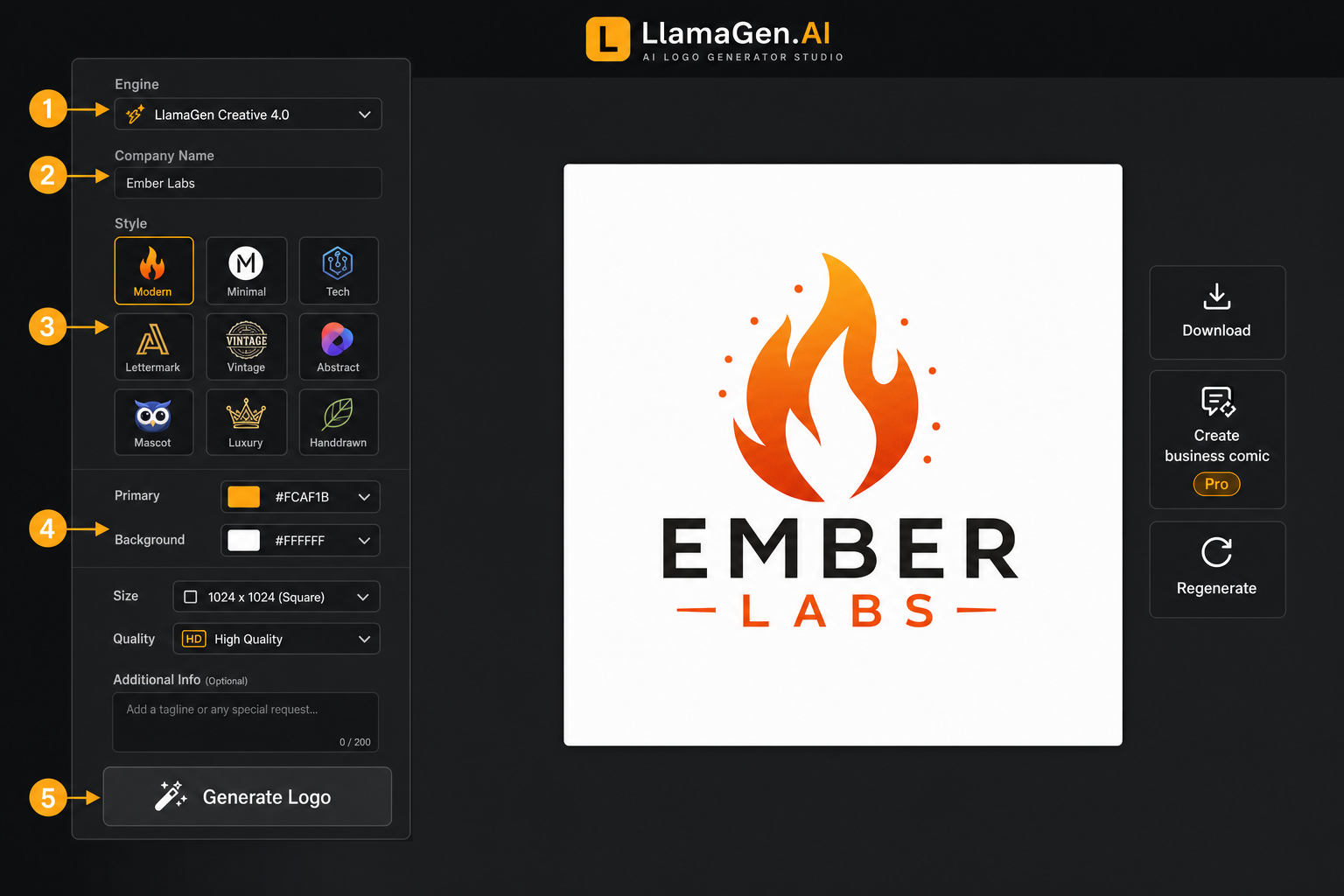
- 1
Open the logo studio
Start in LlamaGen's AI Logo Studio and enter the brand name you want to use.
- 2
Write the brand brief
Add the industry, audience, tagline, symbol preference, and any creative notes.
- 3
Choose style and layout
Pick a logo style, composition mode, primary colour, background colour, size, and quality level.
- 4
Generate logo concepts
Run the generator, review the output, and compare your recent concepts in the logo history dashboard.
- 5
Refine and export
Remix the strongest direction, download the PNG, or use the logo to create branded comic-style visuals.
Your questions, answered
What is the best AI logo generator?
A strong AI logo generator should understand the brand brief, visual style, colour system, layout, and export workflow. LlamaGen combines guided controls with image generation so teams can move from idea to logo direction quickly.
Is there an AI for creating a logo?
Yes. LlamaGen turns a company name, industry, audience, colours, symbol idea, and style preference into logo concepts you can review, download, and refine.
How do AI logo generators work?
AI logo generators translate a written brand brief into instructions for an image model. Stronger prompts include the subject, business category, typography direction, colour palette, composition, and what to avoid.
How much does it cost to use the AI logo generator?
LlamaGen is free to try. Logo generations use the LlamaGen credit system, and paid plans unlock higher limits, watermark-free outputs, and access to premium models.
How long will it take to get my AI-generated logo?
Most logo concepts generate in a short session. Timing depends on the selected model, image size, quality setting, and current model load.
Is the AI logo maker suitable for beginners?
Yes. The studio breaks logo creation into simple fields for brand name, style, layout, colour, and notes, so beginners do not need to write a perfect prompt from scratch.
What are the best prompts for creating AI logos?
Start with the brand name and business type, then add audience, mood, colours, symbol preference, typography style, and output guidance such as clean vector-like shapes and readable text.
Can I use AI logos for commercial projects?
You can use generated outputs according to LlamaGen terms and the model terms that apply to the generation. For important brand marks, check trademark availability and legal clearance before launch.
Who owns the copyright in AI-generated logos?
AI copyright rules vary by country and use case. LlamaGen does not claim ownership of your generated outputs, but you should review applicable laws and provider terms.
How can a logo be successful?
A successful logo is simple, memorable, readable at small sizes, distinct from competitors, and flexible across square icons, horizontal wordmarks, light backgrounds, and dark backgrounds.
More resources
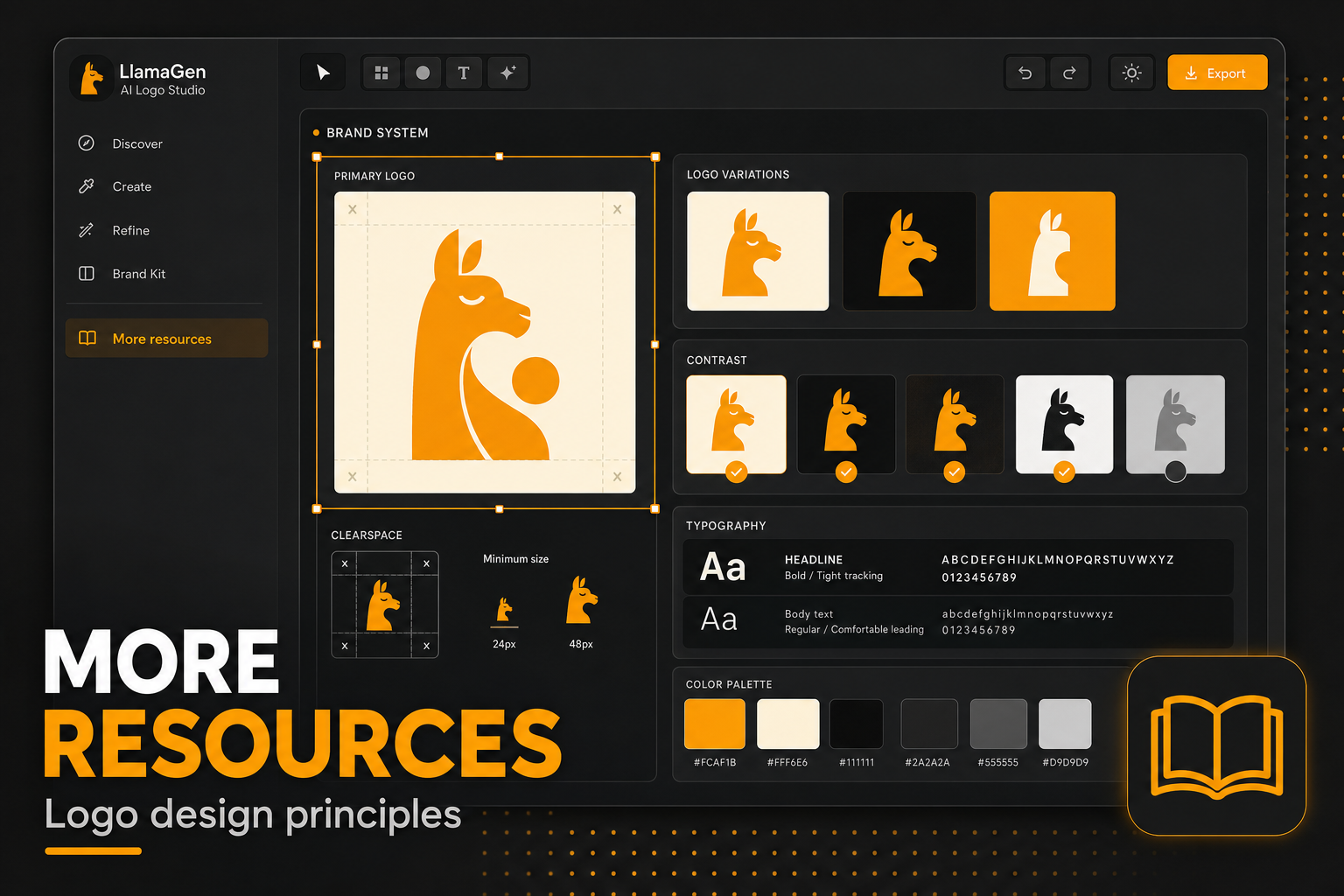
Logo design principles
A practical guide to making logo concepts simpler, more readable, and easier to remember.
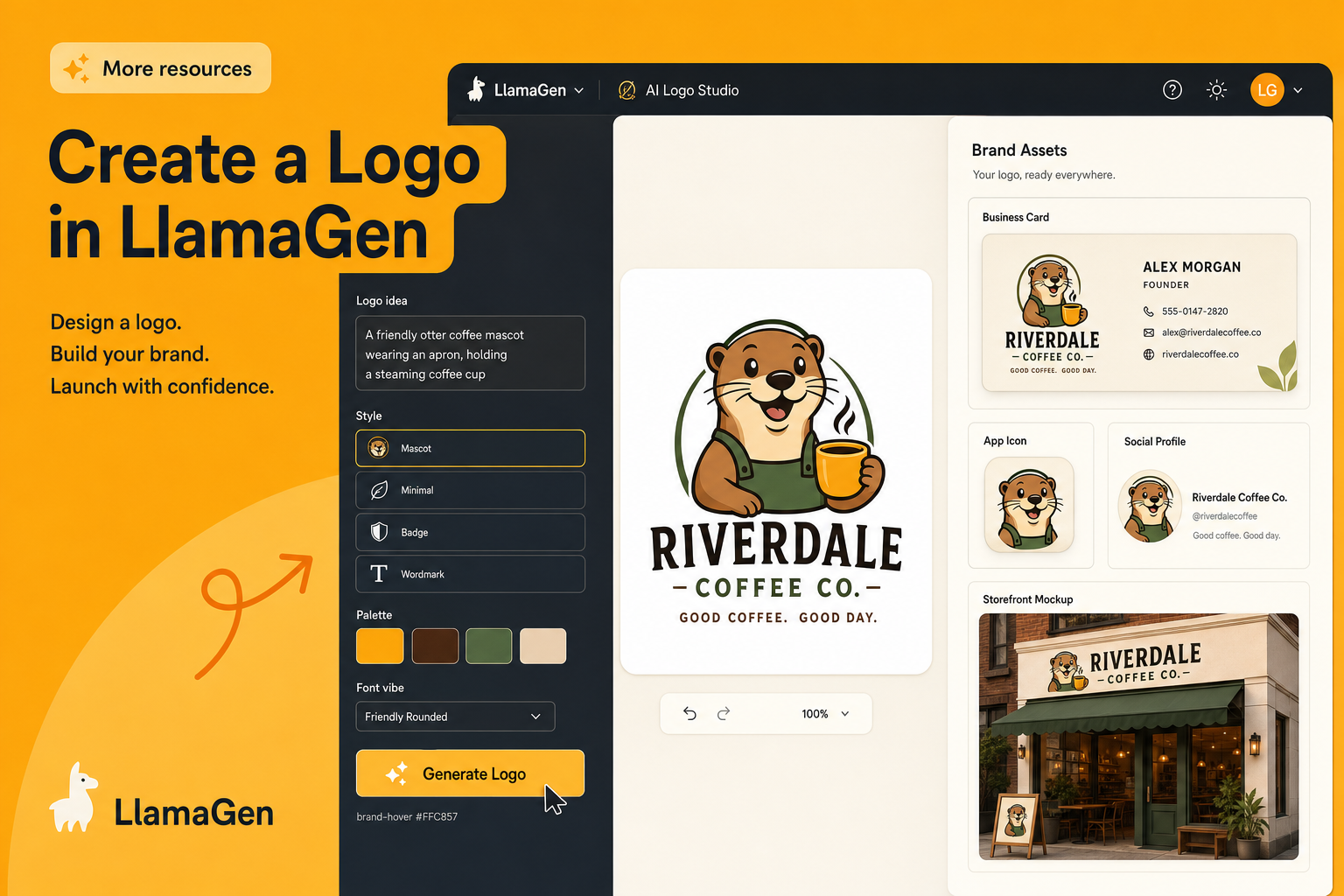
Create a logo in LlamaGen
Open the studio workflow and generate a logo from a structured brand brief.
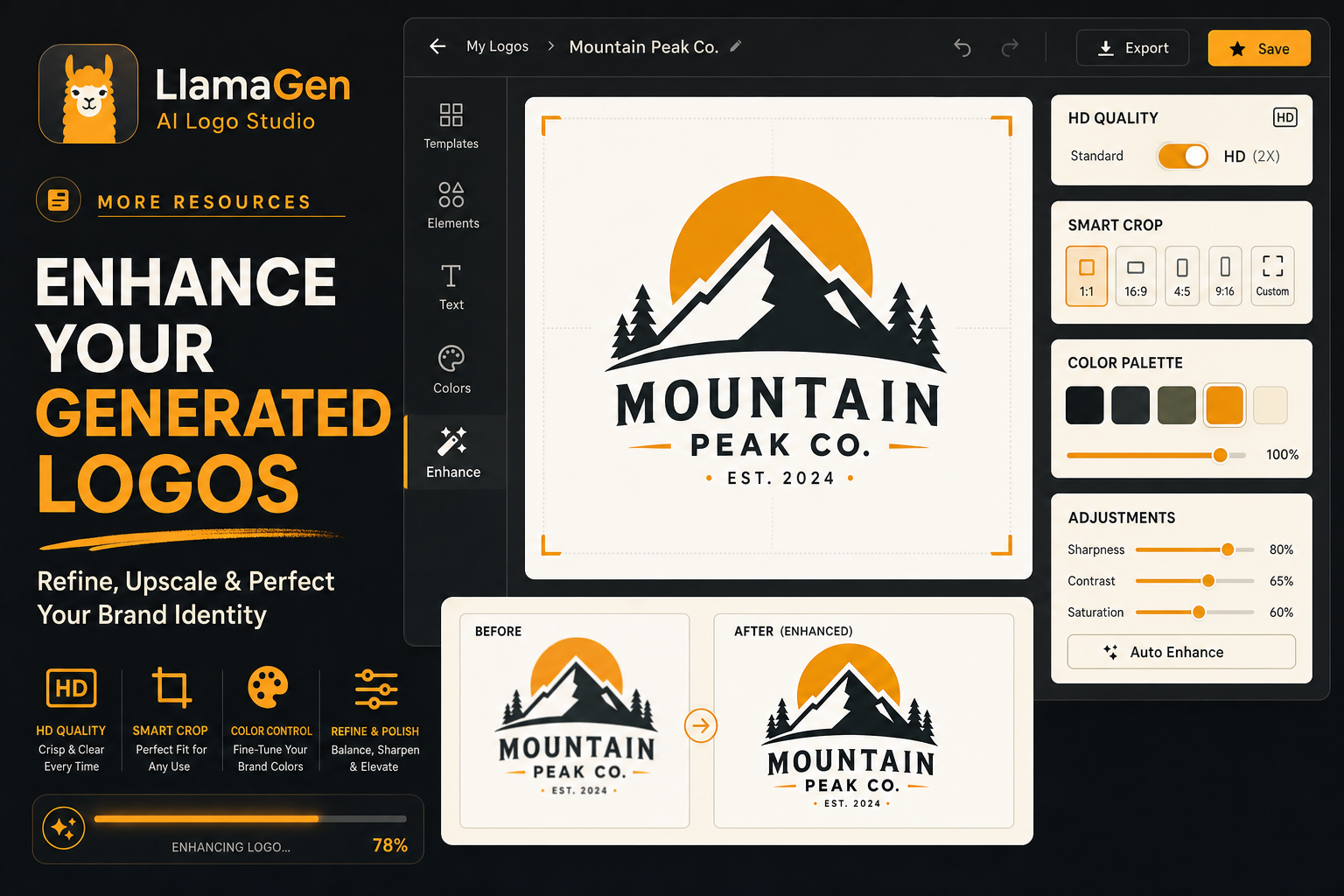
Enhance your generated images
Polish visual output with editing workflows after your first generation.
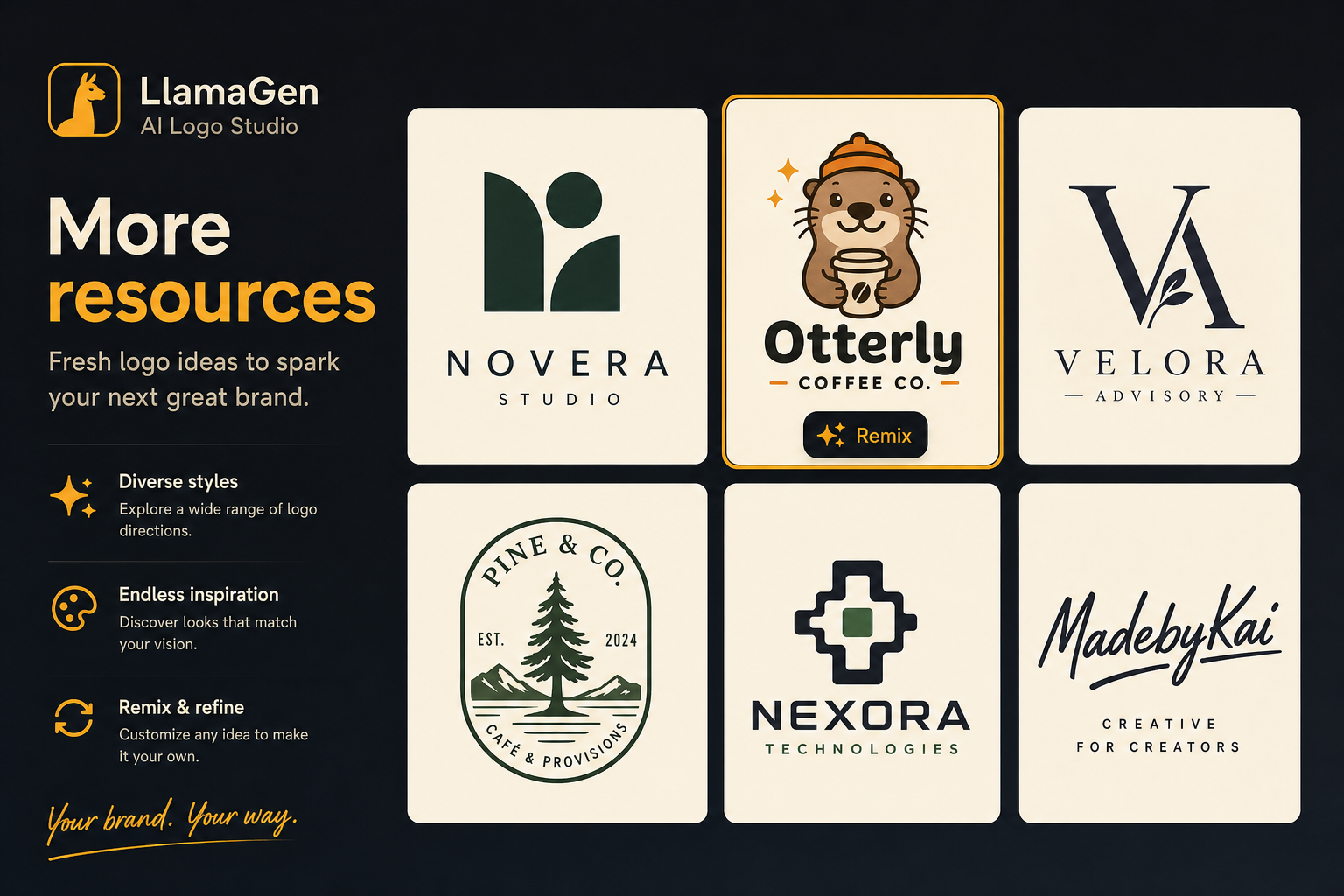
Logo ideas
Browse directions for symbols, colours, wordmarks, and brand systems.
Explore LlamaGen core features

Free Online AI Logo Generator
Start with a guided brand brief, generate logo concepts, and refine the strongest direction in LlamaGen's AI Logo Studio.
Create a logo with AI