1
Upload / Describe
Upload your image and describe the exact transformation you want.


Turn character art, pet photos, and original designs into acrylic standee mockups with a flexible Lumi-first workflow.
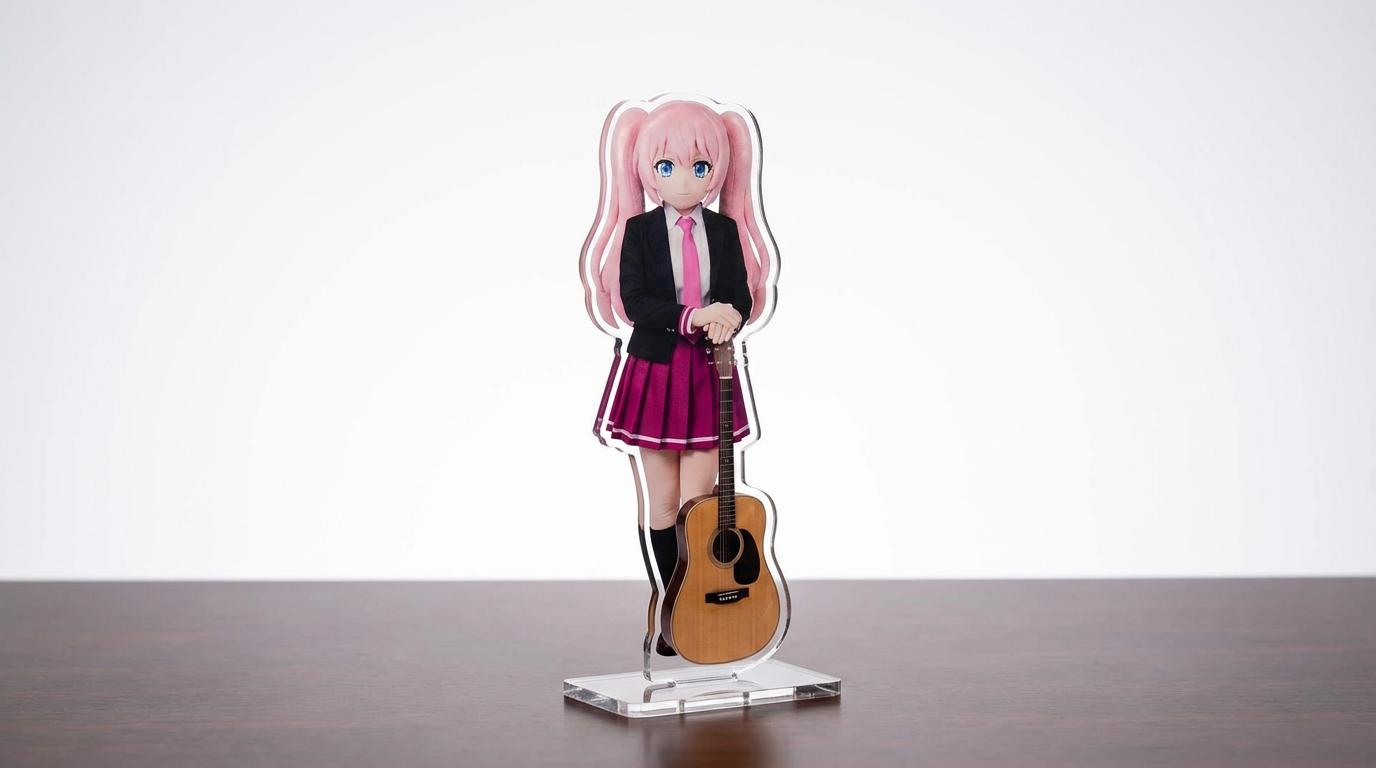
Upload finished artwork, describe the base and product styling, then create a polished standee mockup.
Upload your image and describe the exact transformation you want.
Choose the right image model and aspect ratio for speed, fidelity, and framing.
Generate your acrylic standee result, review variations, and move into the game workspace to keep creating.
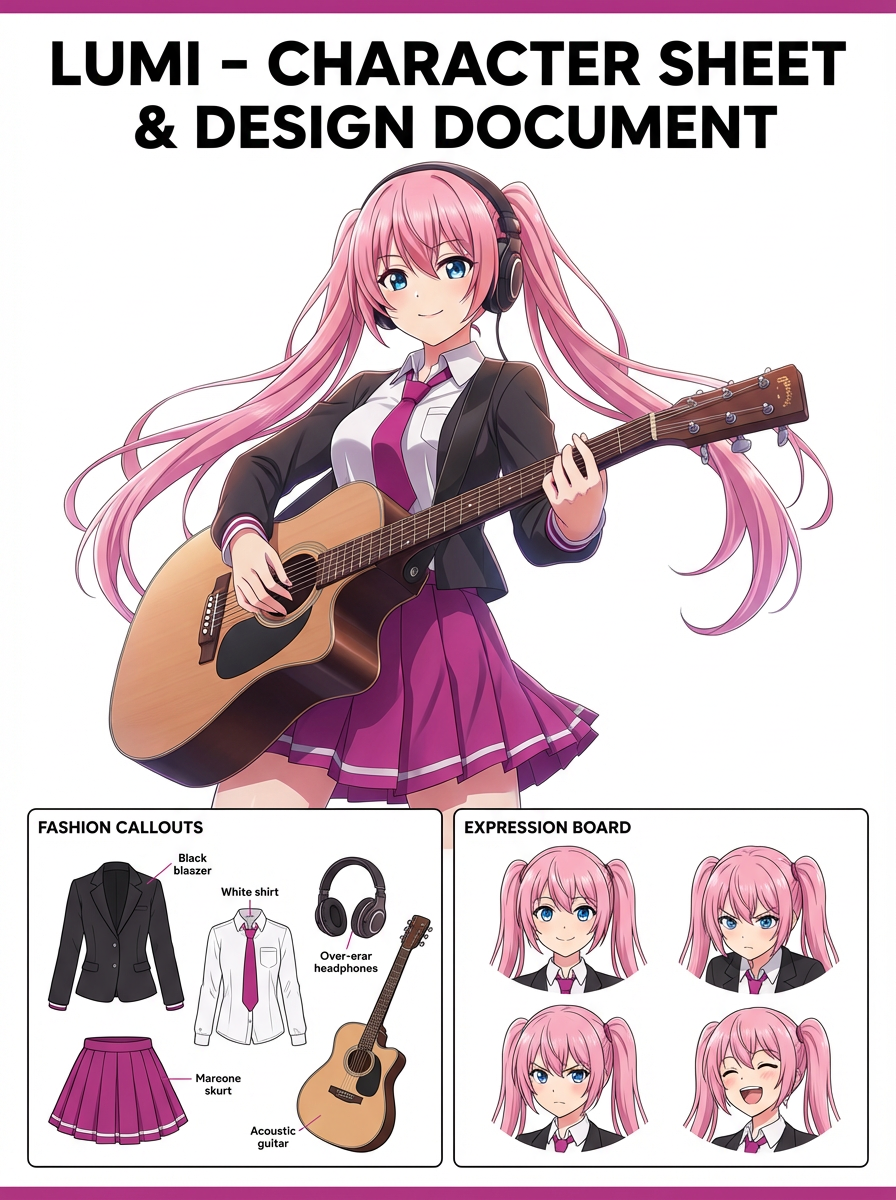
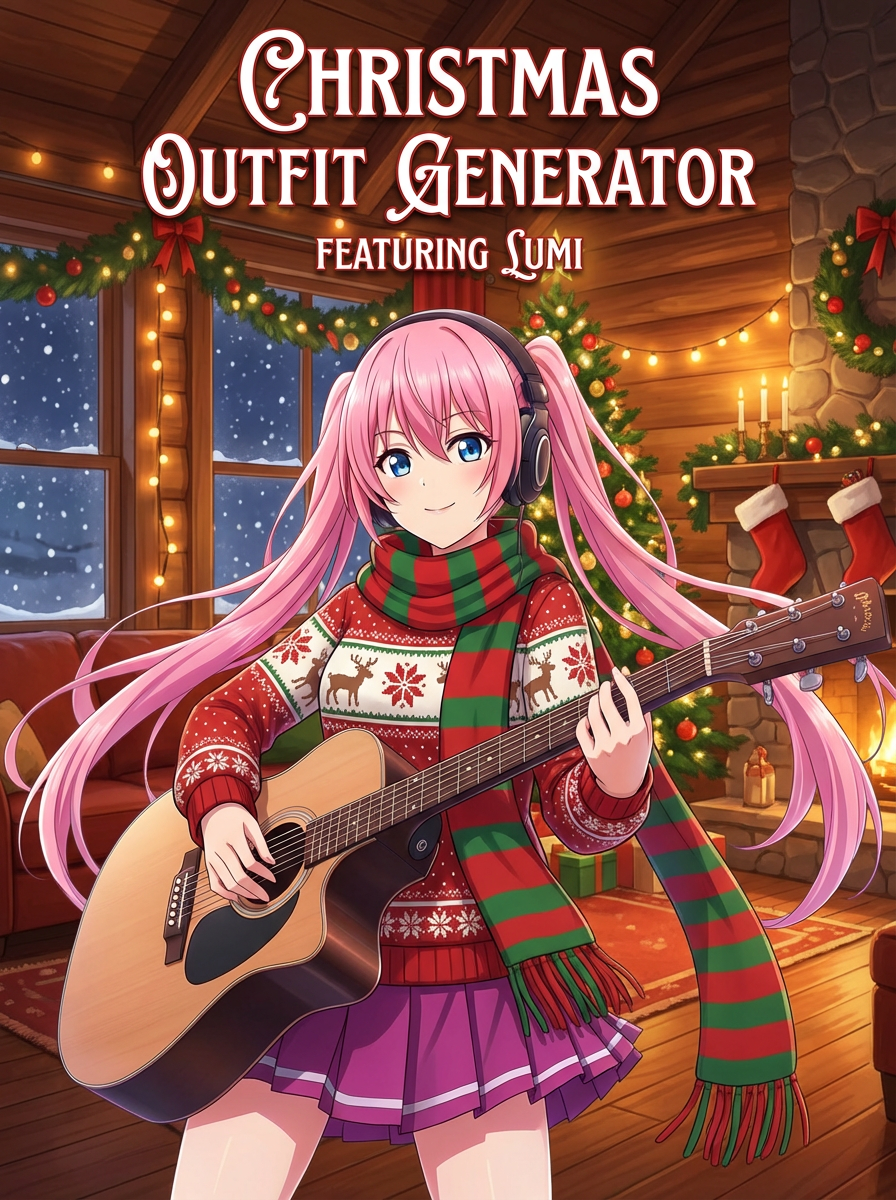
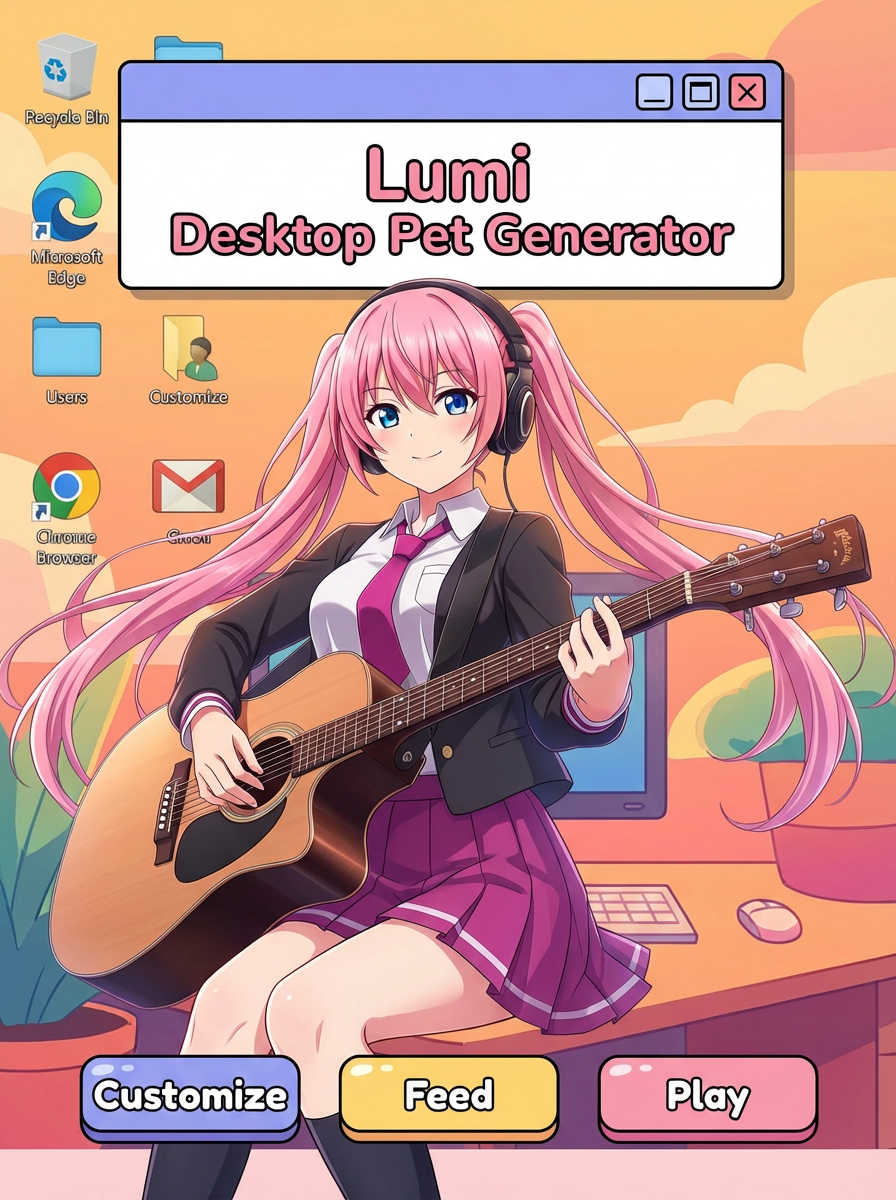
See how creators use AI Acrylic Standee Generator with Lumi-powered visuals.
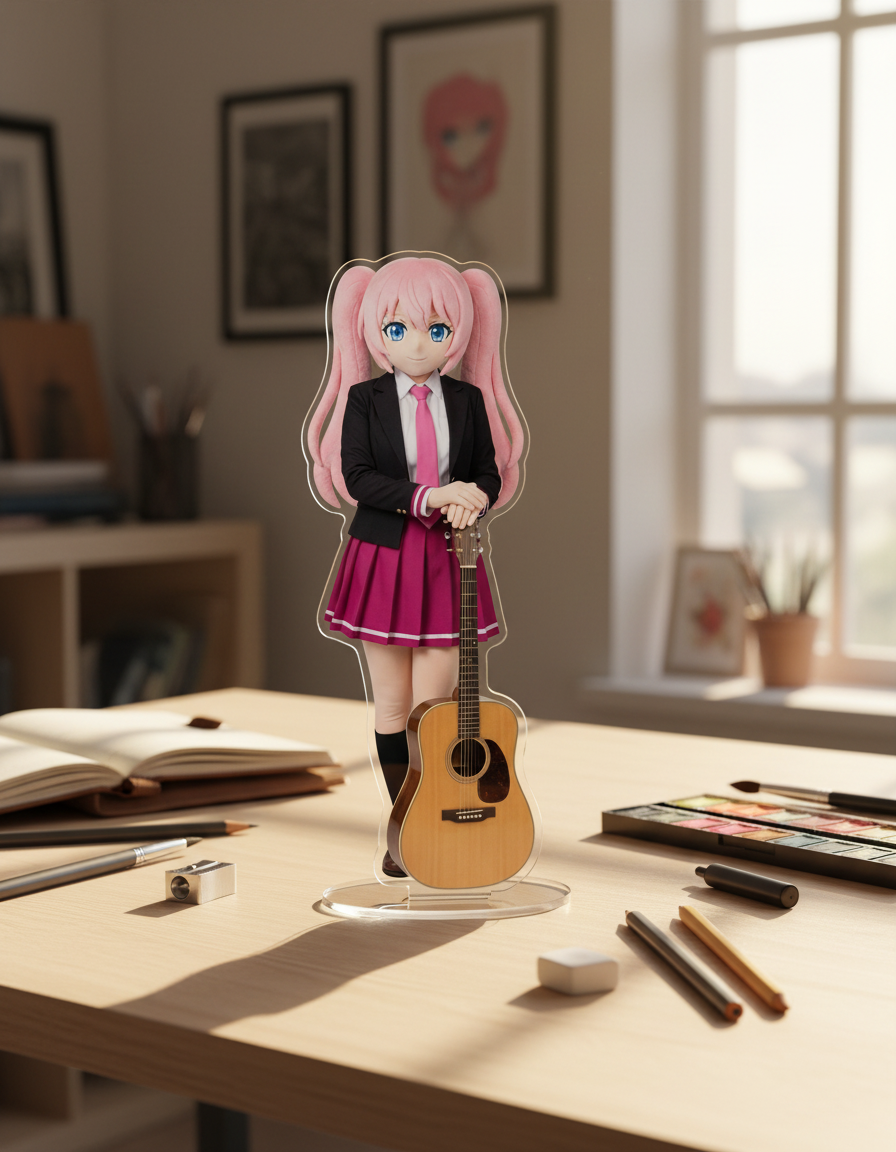
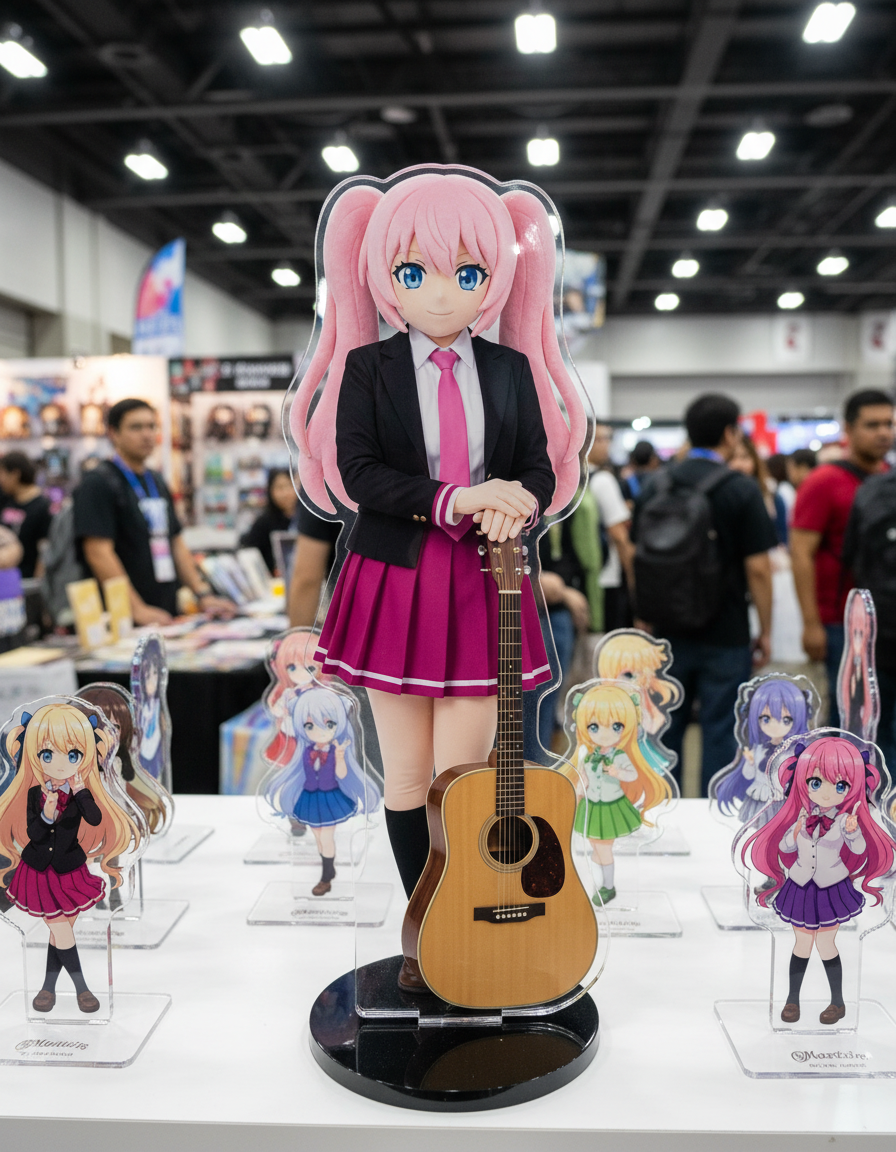
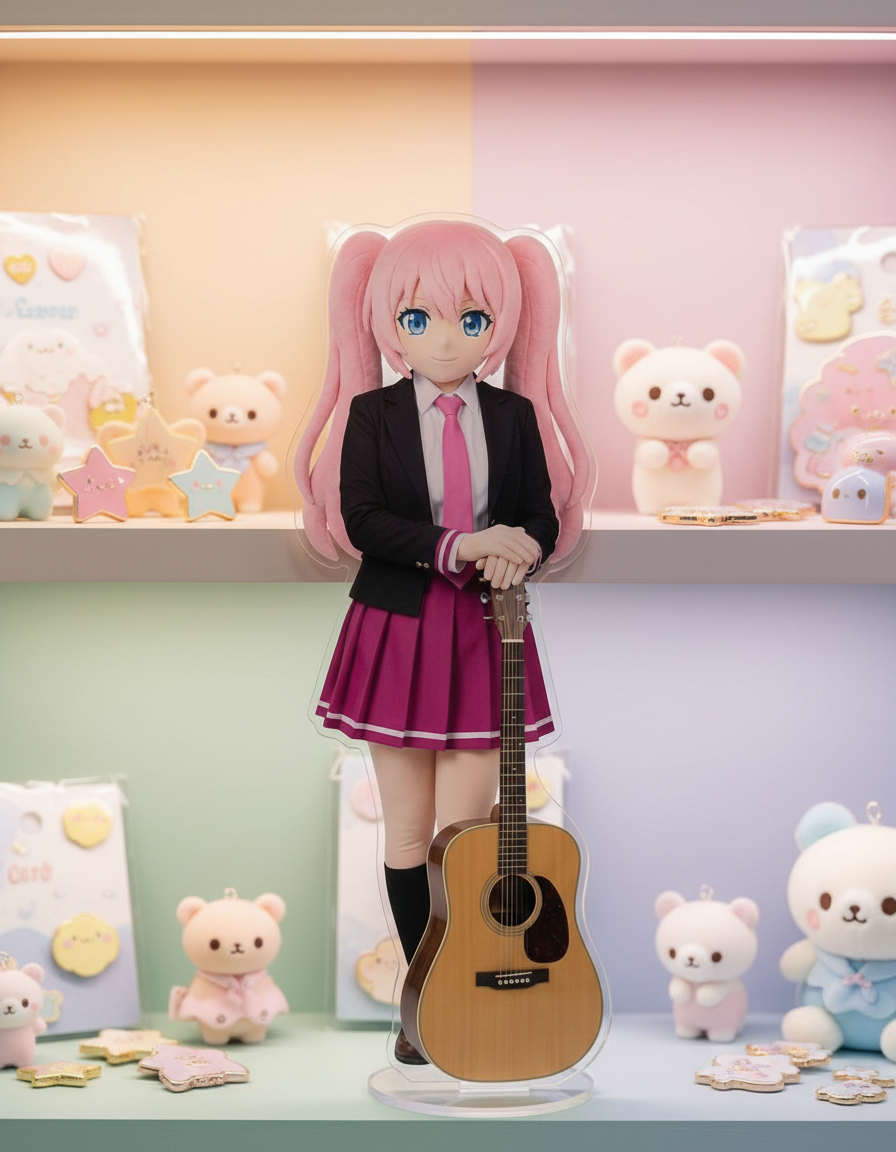
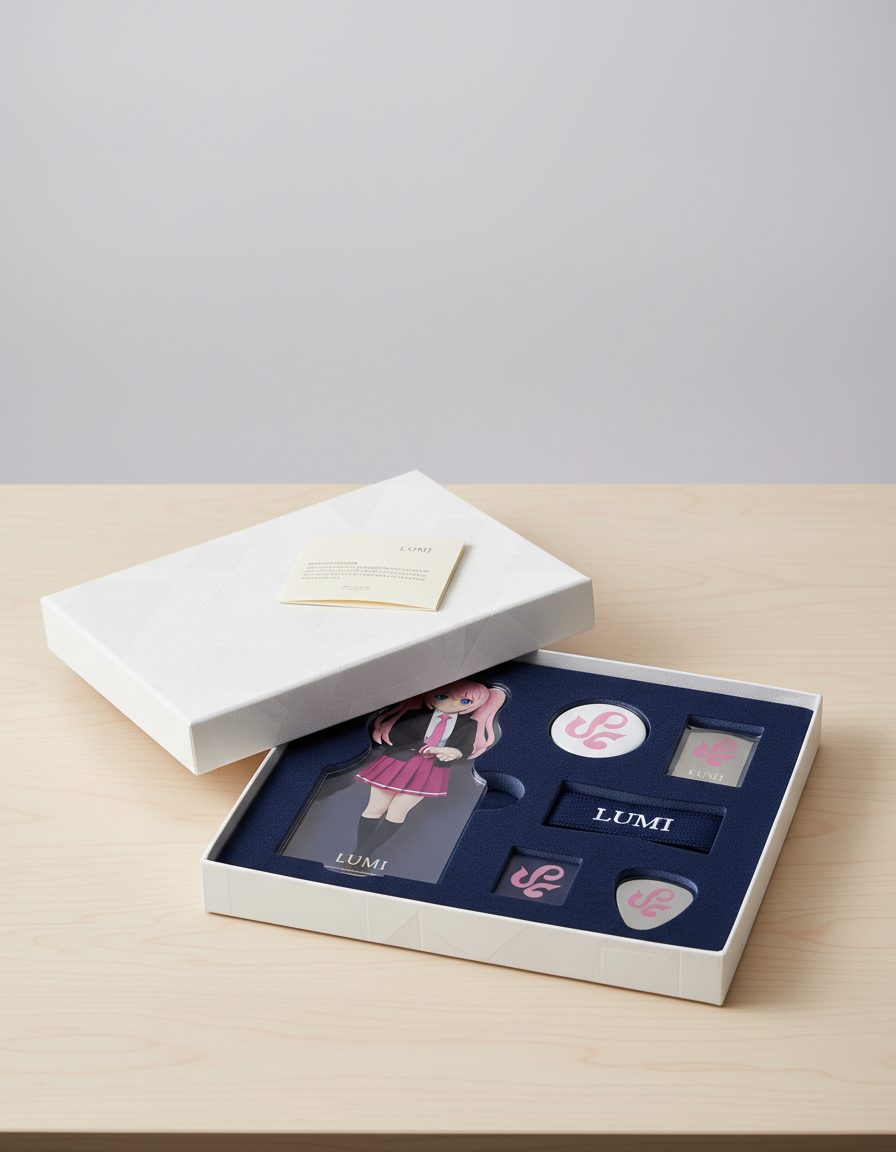
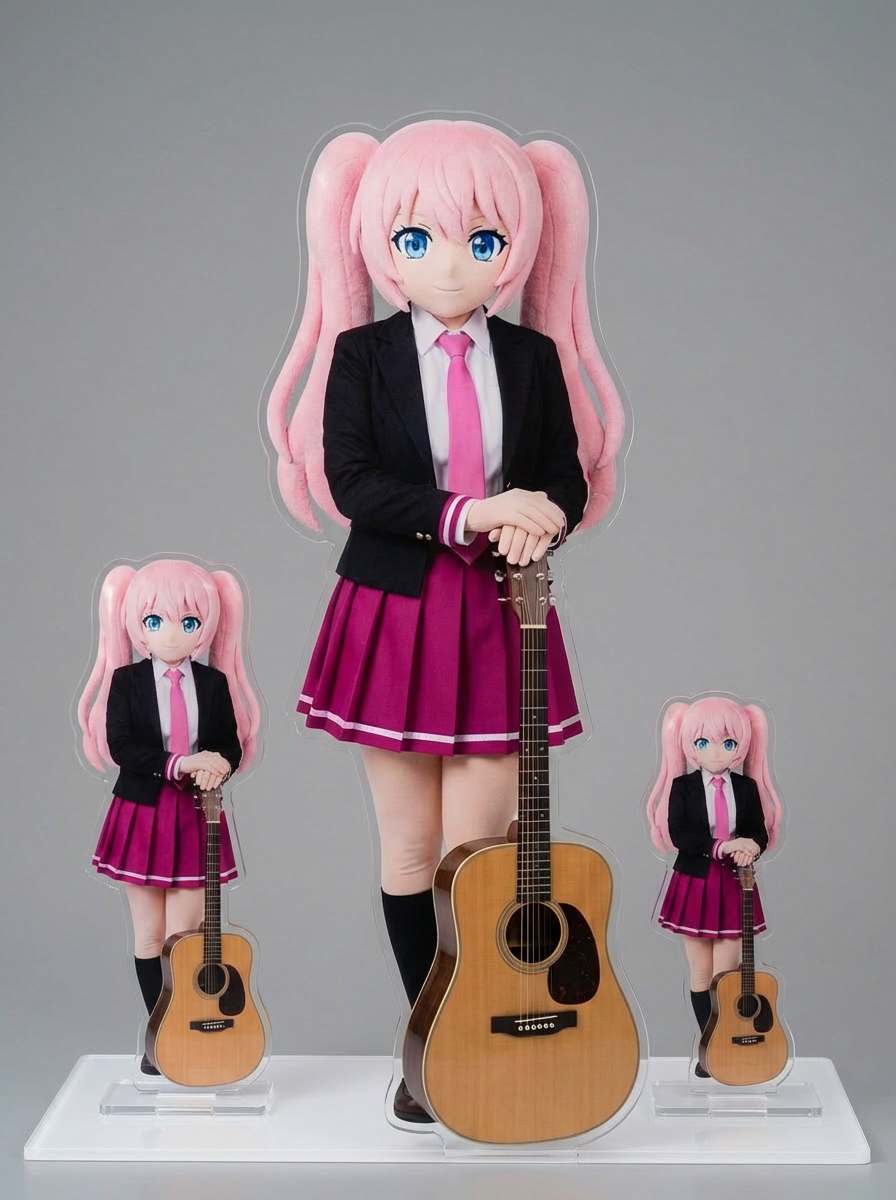
Create acrylic standee mockups for merch planning, fan displays, and product presentations.
The prompt stack focuses on acrylic silhouettes, base support, and product-style framing instead of generic style transfer.
Every call to action opens the acrylic standee generator so you can go from idea to image without extra setup.
Lumi-led examples show how artwork, a clear base, and product lighting work together.
It is optimized for visual mockups and concept presentations rather than production-ready dielines.
Explore more AI-powered generator pages that open in the same Lumi-first creation flow.