1
Upload / Describe
Upload 2 references and describe the exact result you want.


Upload two character references and generate clean interaction shots, paired compositions, and duo framing ready for any scene.
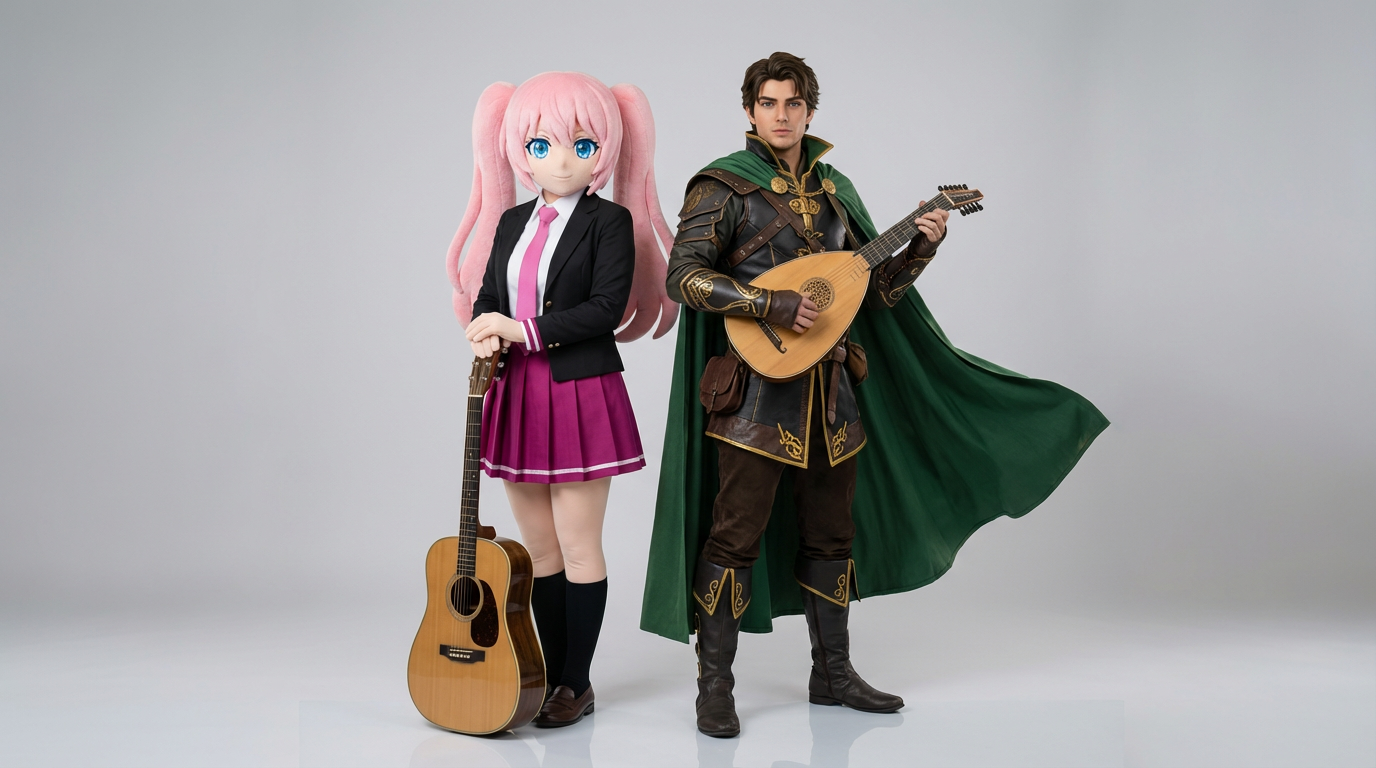
Upload two character references, describe how they interact, and generate one cohesive shared scene.
Upload 2 references and describe the exact result you want.
Choose the right image model and aspect ratio for speed, fidelity, and final framing.
Generate your AI duo character result, review variations, and move into the game workspace to keep creating.
See how creators use AI Duo Character Generator with Lumi-powered visuals.
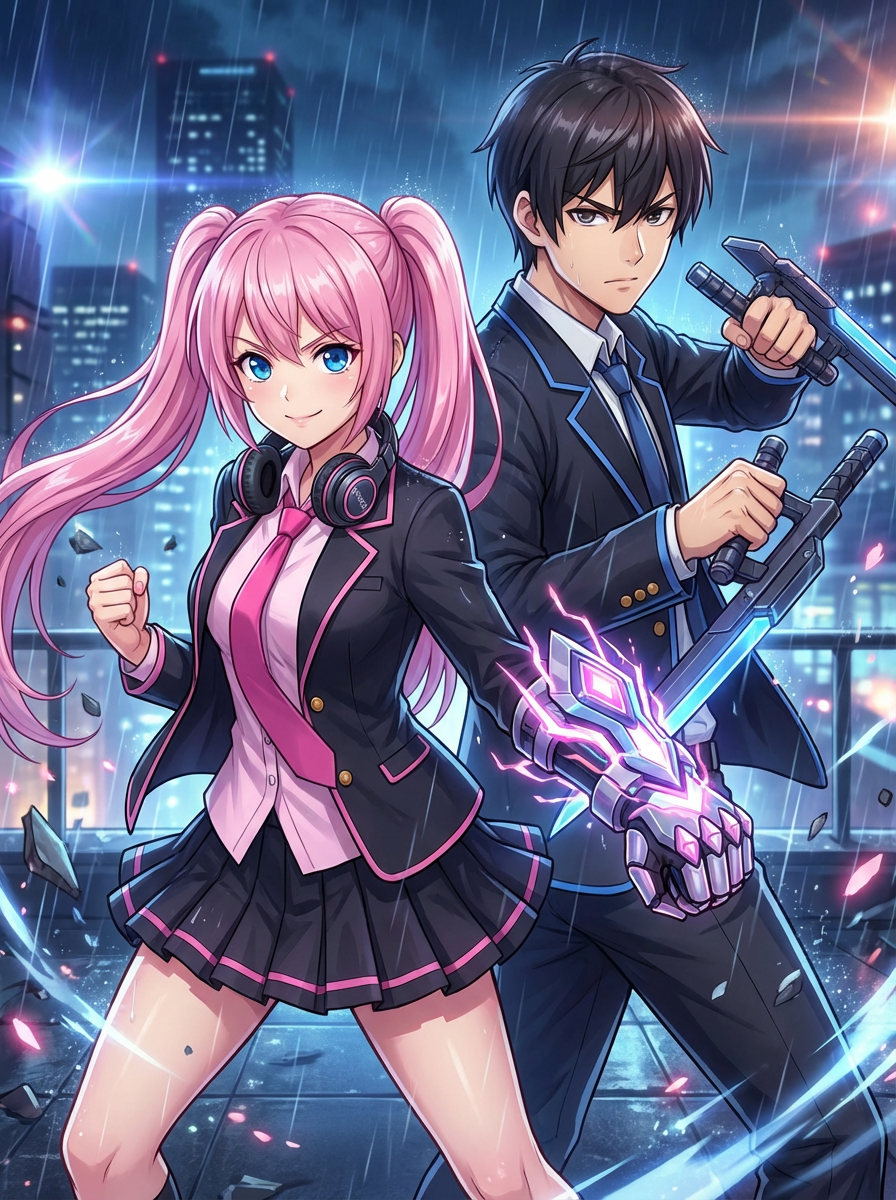
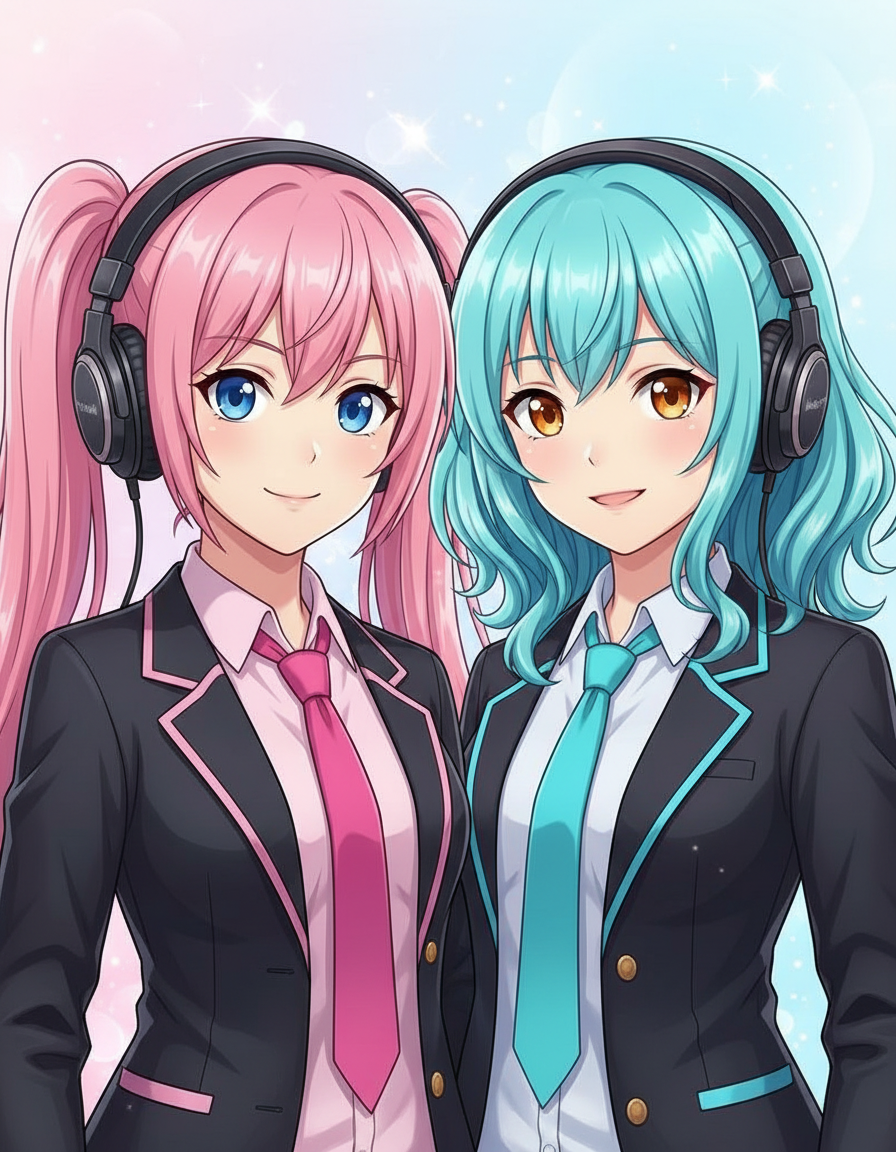
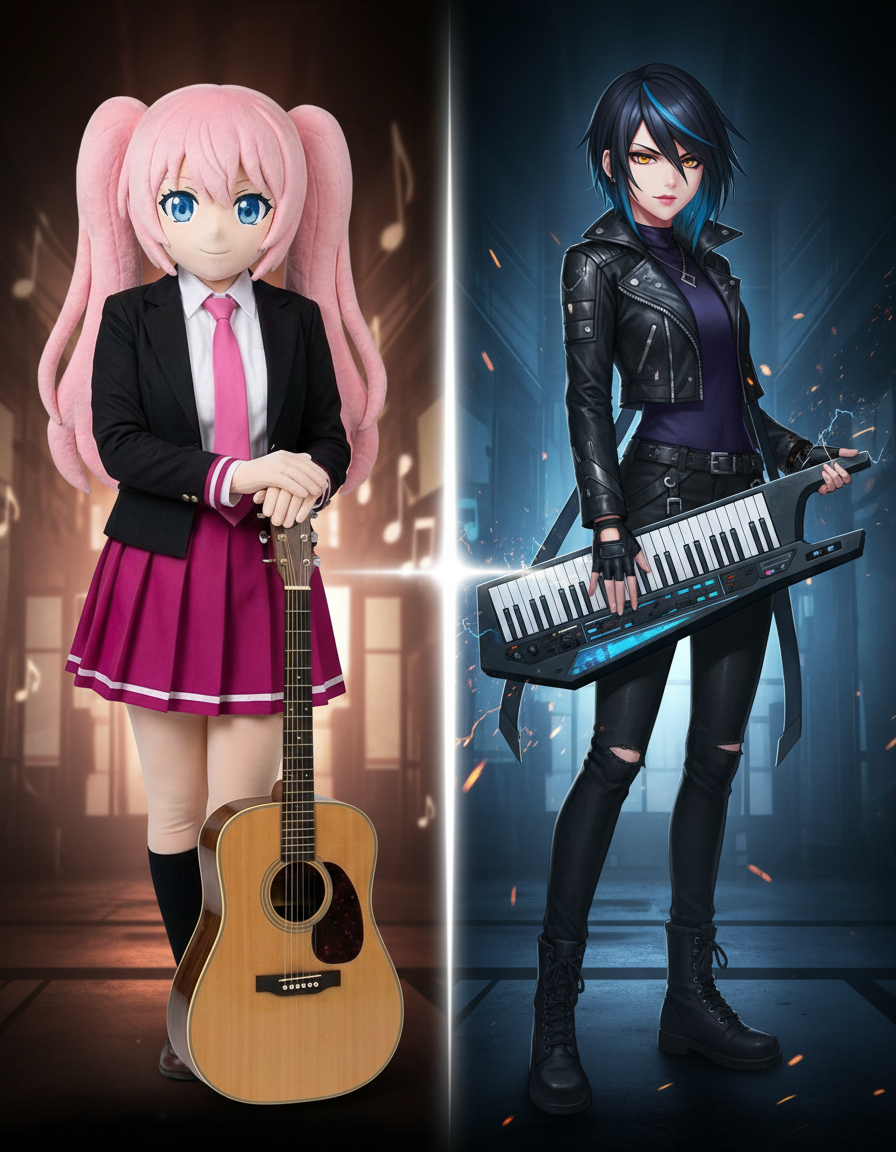
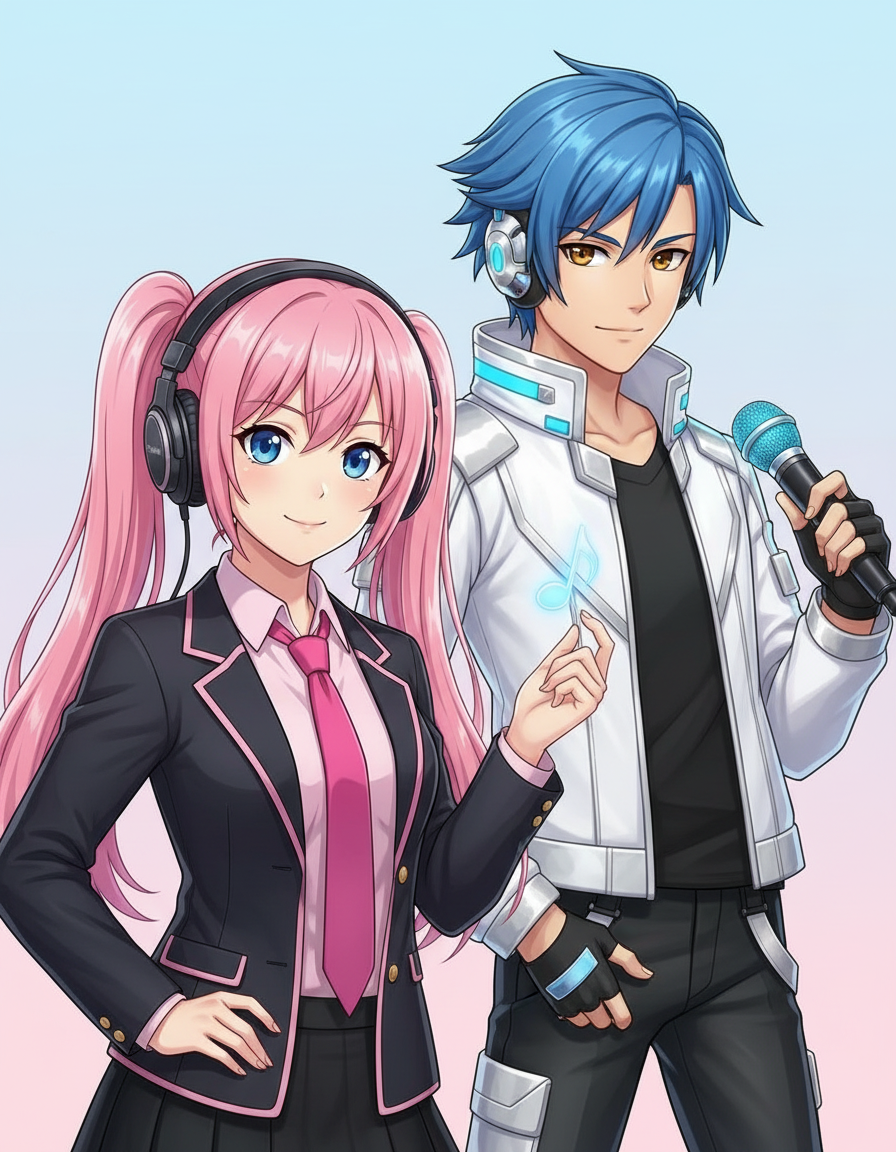
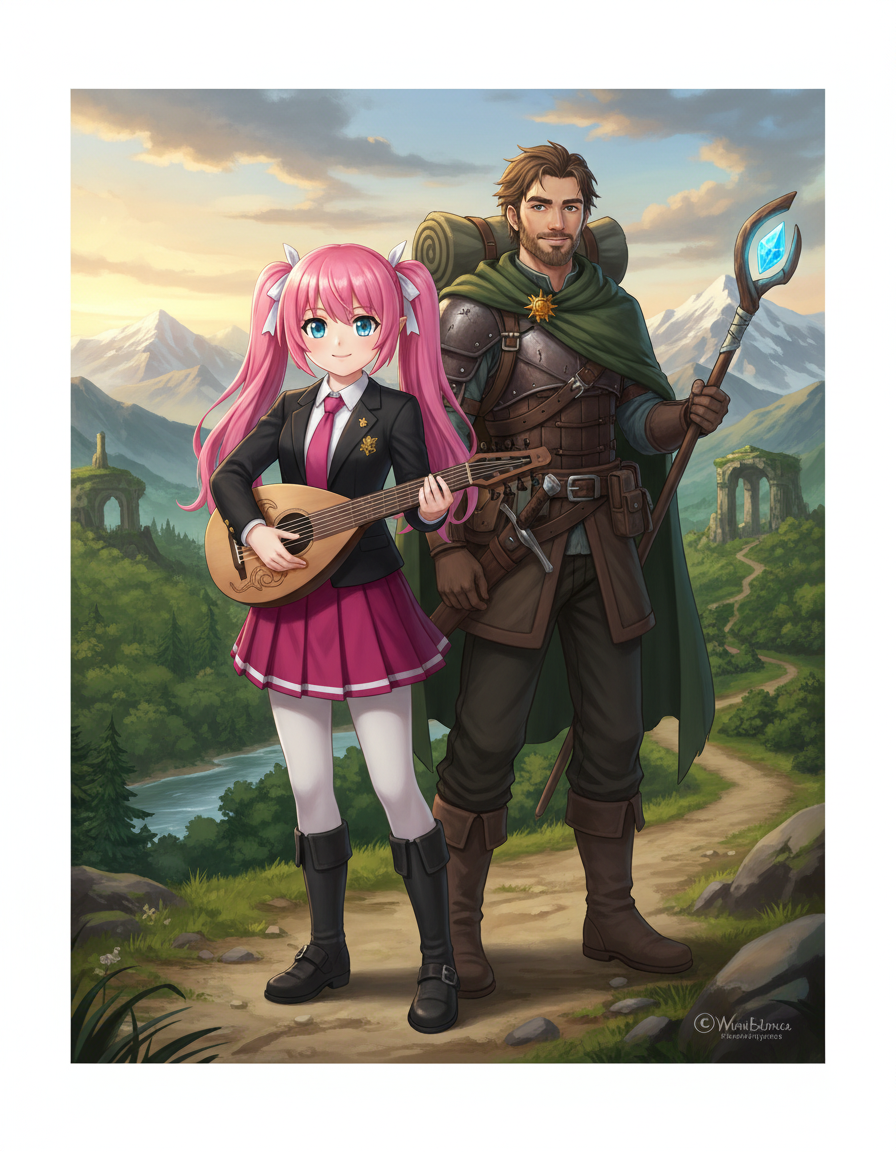
Place two characters together while keeping each identity, pose, and relationship clear.
Two clearly labelled uploads help keep both characters distinct throughout setup.
Build one cohesive scene without merging the two references into a single character.
Use presets focused on pose, interaction, and chemistry instead of broad style labels.
Yes. This workflow is designed for two reference images so the model can preserve both characters in the same scene.
Explore more AI-powered generator pages that open into the same Lumi-first creation flow.