

IA de dibujos a realista para referencias de personajes
Subí un dibujo, boceto, frame de anime o personaje estilizado y creá una imagen de referencia más realista sin perder claridad del diseño original.
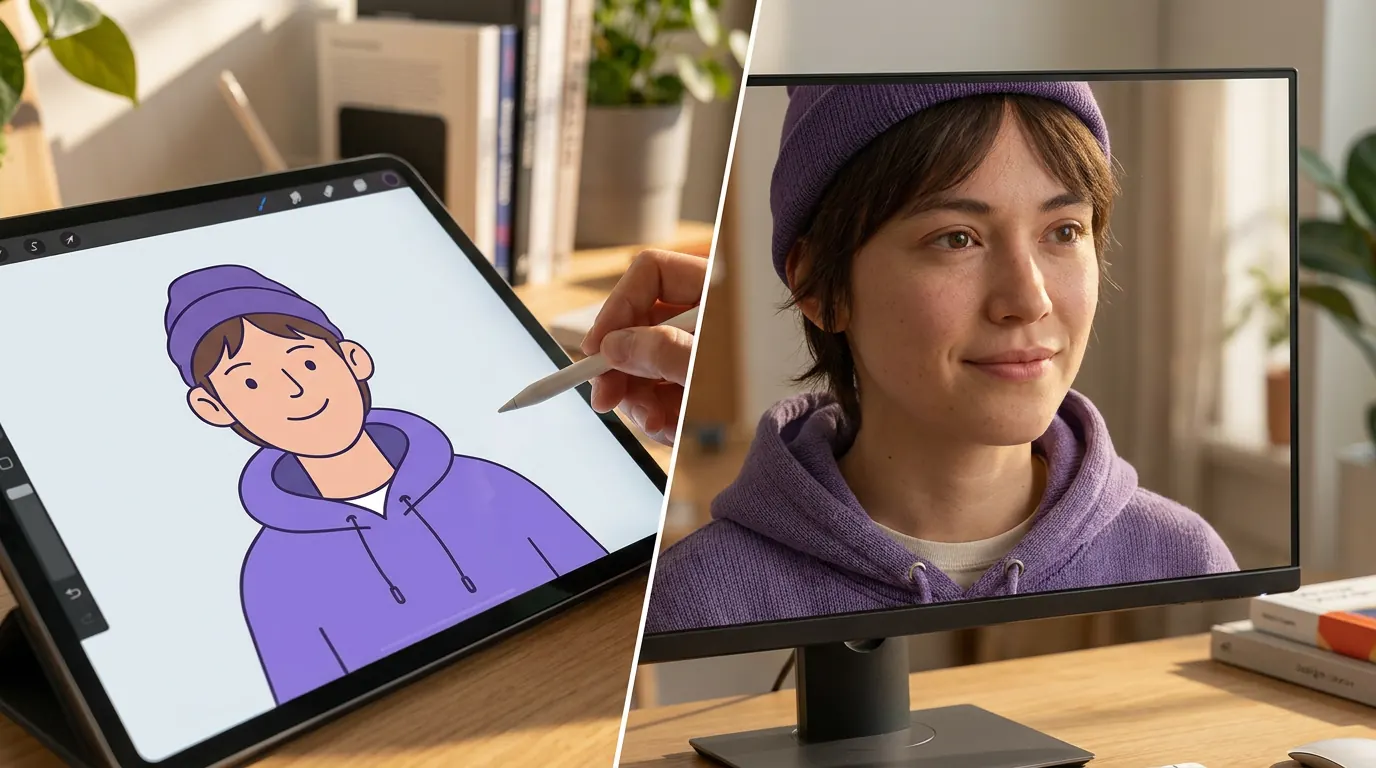
Realistic converter loads when you reach it.
Nuestras ventajas
Por qué usar esta página de IA de dibujos a realista
Este flujo de trabajo está pensado para necesidades más amplias de dibujo a realista: render más realista, mejor detalle de materiales y mejoras de imagen que siguen respetando el diseño original.
Probalo gratis ahoraRealismo más amplio, no solo salida de persona real
Usá esta página cuando buscás un estilo de render más realista en general, con textura, profundidad, iluminación y detalle facial, sin forzar cada resultado a verse como una persona real estrictamente.
Ideal para ilustraciones, bocetos y arte estilizado
Funciona muy bien con dibujos, frames de animación, bocetos conceptuales y arte de personajes estilizados cuando querés que la imagen se vea más aterrizada y detallada.
Flujo rápido sin ajustar prompts
Subí la imagen y dejá que el model haga la conversión. Está diseñado para previsualizaciones realistas rápidas, sin pasos extra de edición.
Mejorá arte de personajes estilizados con un render más realista
Si tu objetivo es que un dibujo o personaje estilizado se vea más realista en general, esta página es la opción indicada. Subí la ilustración y obtené un resultado con mayor profundidad facial, materiales más creíbles e iluminación más cercana a una foto, manteniendo el diseño original.
Pasar mi dibujo a estilo realista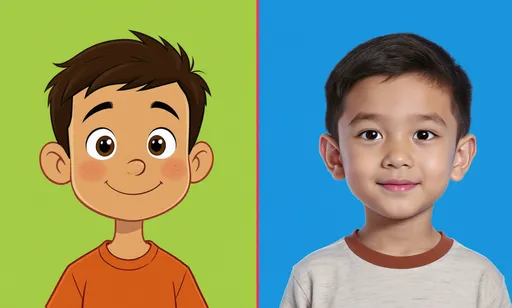
Usalo para concept art, referencias y desarrollo visual
Muchas veces los creadores necesitan una pasada de realismo sin abandonar el personaje. Este flujo de trabajo ayuda a ilustradores, guionistas y directores de arte a probar cómo se vería un diseño estilizado con iluminación más natural, textura de piel, materiales y proporciones más creíbles antes de pasar a producción final.
Generar foto realista con IA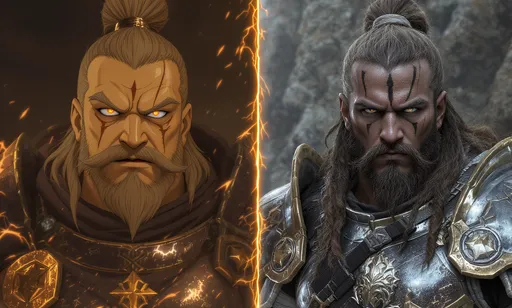
Elegilo cuando necesités un realismo más amplio
Elegí este flujo de trabajo para una mejora realista general en ilustraciones, bocetos o personajes estilizados. Si necesitás específicamente un retrato humano creíble, usá la herramienta de dibujo a vida real.
Pasar boceto a imagen realista
Solución para creadores de personajes
Convertí arte estilizado en una referencia realista sin perder el diseño original
Esta página está pensada para artistas conceptuales, planners de cosplay y creadores que ya tienen un dibujo o personaje ilustrado y necesitan una imagen de referencia más creíble. Resuelve una necesidad distinta a texto a imagen: la imagen de origen sigue marcando el rumbo, y la IA suma realismo, textura, iluminación y profundidad.
Creadores de personajes que convierten arte estilizado en referencias realistas
Usalo para personajes originales, bocetos, frames de animación, conceptos de mascotas, referencias de cosplay o estudios de portfolio cuando una versión realista ayuda a tomar la siguiente decisión creativa.
Los prompts de texto se alejan del diseño
Empezar desde texto puede ignorar la silueta, el vestuario, los colores o la personalidad que ya están presentes en el arte original.
Los upscalers no agregan realismo
Mejorar la nitidez de un dibujo rara vez genera piel, telas, iluminación o materiales que se vean creíbles.
Hacer una versión realista a mano lleva demasiado tiempo
Repintar un personaje como referencia realista requiere habilidad y puede frenar la exploración de conceptos en etapas tempranas.
Before
Un dibujo, boceto o personaje estilizado plano que cuesta evaluar como referencia del mundo real.
After
Una versión realista y más aterrizada, con mejor profundidad facial, textura de materiales e iluminación, sin perder la esencia del personaje.
- 1Subí la imagen estilizada de origen.
- 2Usá el preset de dibujo a realista para mantener la conversión enfocada.
- 3Generá una pasada de realismo y comparala con el diseño original.
- 4Descargá la mejor referencia o iterá para lograr otro nivel de realismo.
Mantené la forma, la ropa y la atmósfera del personaje ancladas a una imagen existente en lugar de empezar desde cero.
Dale a tus decisiones de cosplay, historia o concepto una referencia visual realista antes de invertir más tiempo de diseño.
Case study
Un planner de cosplay prueba un personaje antes de fabricarlo
Un creador puede subir un personaje estilizado, generar una pasada realista e inspeccionar cómo podrían trasladarse el pelo, los materiales y las proporciones faciales a un vestuario o a una referencia fotográfica.
Resultado útil
Una imagen de referencia más creíble para orientar styling, materiales y proporciones antes de empezar la producción manual.
flujo de trabajo de creadores de LlamaGen, referencia conceptual y de cosplay
Hub de conversión realista
Elegí la conversión realista que necesitás
Creá un retrato realista, una referencia de personaje más aterrizada, una pasada de realismo para una ilustración o compará flujos de dibujo a realista con dibujo a vida real.
Imagen de dibujo a realista con IA
Convertí una imagen de dibujo estilizada en un render más realista sin perder legibilidad en la composición ni en el diseño original.
Dibujo a foto realista
Creá una versión con apariencia fotográfica de un retrato, avatar, boceto o personaje animado para referencia visual y exploración de conceptos.
Anime o manga a realista
Usá este flujo de trabajo para un realismo más amplio. Usá la herramienta específica de anime a vida real cuando el origen sea claramente anime y la salida deba ser un retrato humano creíble.
Boceto a personaje realista
Convertí arte de personaje en borrador o line art limpio en referencias más aterrizadas, con profundidad, materiales e iluminación.
Mascota a referencia realista
Explorá cómo se vería una mascota o personaje de marca con textura, volumen y detalle físico más realistas.
Referencia para cosplay y producción
Generá pasadas de realismo que ayuden con la planificación de vestuario, elección de materiales, styling y desarrollo visual.
Flujos de trabajo relacionados
¿Necesitás un resultado de persona real en lugar de un render realista general?
Usá las herramientas relacionadas de abajo cuando necesités un resultado más específico que una mejora general de dibujo a realista.
Cómo funciona
Cómo convertir arte de dibujo en una imagen realista
Subí la imagen de origen, dejá que la IA genere una versión más realista y después compará e iterá hasta que la iluminación, los materiales y el detalle facial coincidan con tu objetivo.
Probar gratisSubí la imagen estilizada de origen
Empezá con un retrato animado, boceto, frame de animación o ilustración digital que quieras acercar a un estilo visual más realista.
Generá la pasada de realismo
El model interpreta la estructura facial, los materiales, los colores y la composición, y luego crea una versión más realista manteniendo al personaje reconocible.
Revisá e iterá
Compará el resultado con la imagen de origen y después descargalo o hacé otra pasada si querés un nivel distinto de realismo.
Transformaciones increíbles de dibujo a realista
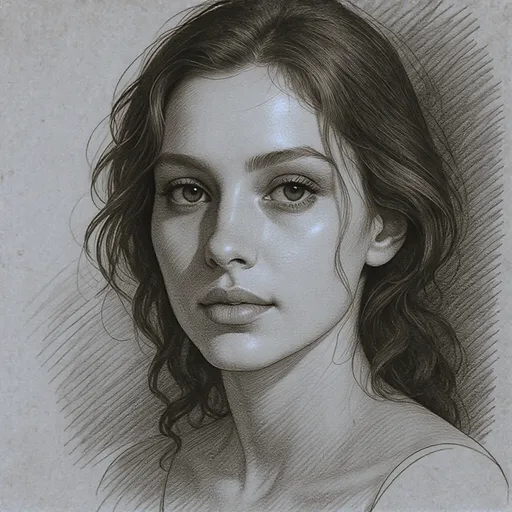
Mirá las transformaciones creadas por nuestra IA, desde ilustraciones y estilos de animación hasta retratos fotorrealistas.
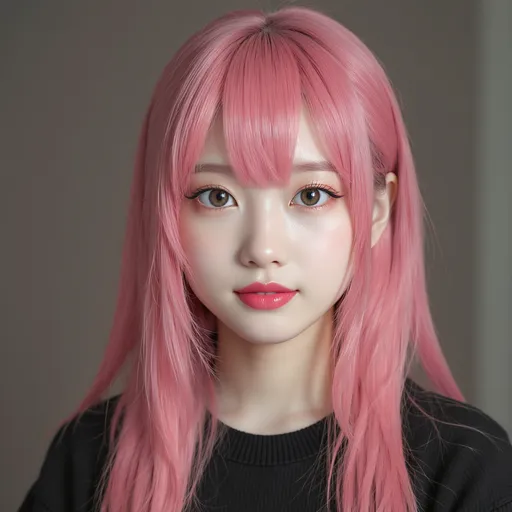
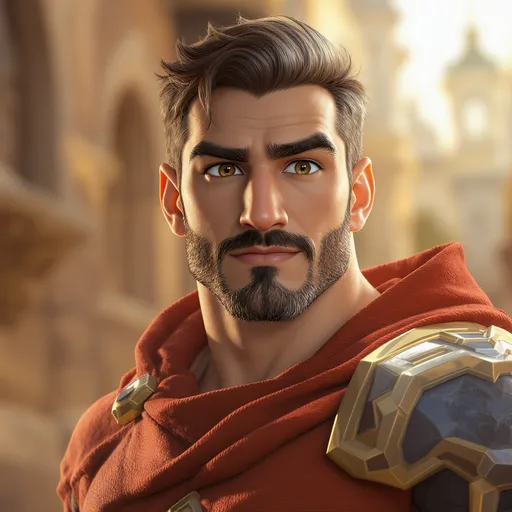
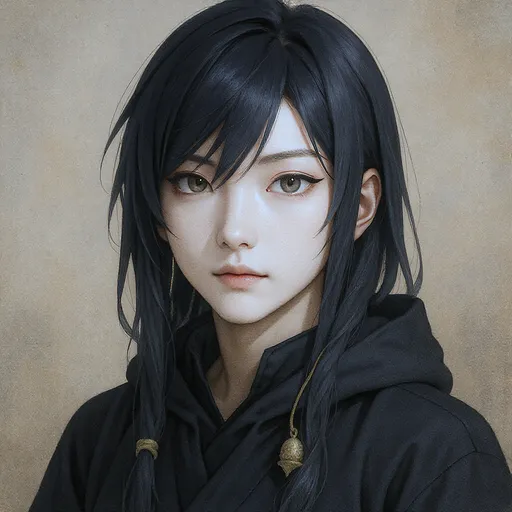
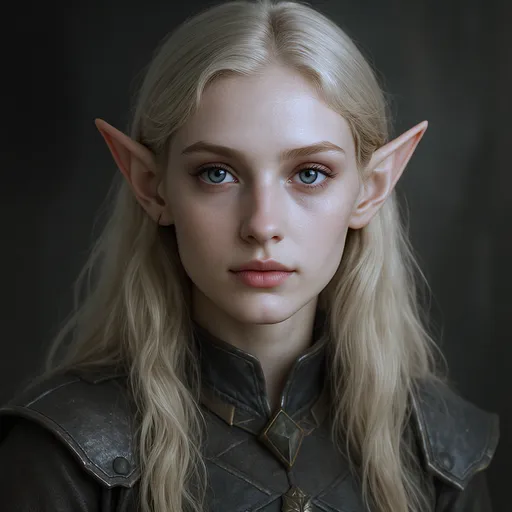
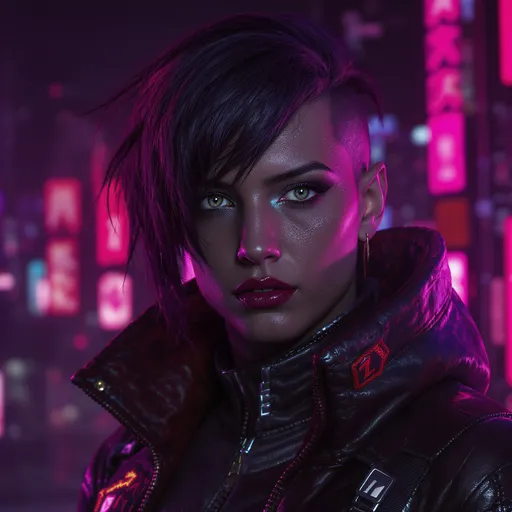
Elegí entre realismo amplio o conversión a persona real
Usá este flujo de trabajo cuando quieras una imagen más realista en general, en lugar de un retrato estricto de persona real.
| Función | LlamaGen.ai | Otras herramientas |
|---|---|---|
| Mejor uso | Render amplio de dibujo a realista | Suele mezclarse con términos no relacionados de persona real |
| Enfoque de salida | Textura, iluminación, profundidad y detalle aterrizado | Transferencia de estilo genérica |
| Mejores tipos de origen | Dibujos, bocetos, ilustraciones, personajes estilizados | Suelen estar ajustadas para un solo estilo específico |
| Flujo de trabajo | Subí y generá online | Más configuración manual |
| Cuándo cambiar de página | Usá cartoon-to-real-life para un retrato humano creíble | A menudo no dejan claro cuál es el siguiente flujo |
Herramientas realistas relacionadas
Herramientas relacionadas de transformación de imagen
Elegí el flujo de trabajo que mejor se adapte a tu imagen de origen y estilo objetivo: dibujo a realista, dibujo a vida real, anime a vida real o foto a dibujo.
Cartoon to Real Life AI
Usalo cuando el objetivo sea un retrato humano creíble a partir de un dibujo.
Anime to Real Life
Usalo para anime, manga y personajes originales con estilo anime.
Turn Picture into Cartoon
Convertí fotos reales en imágenes con estilo de dibujo.
AI Cartoon Generator
Creá imágenes de dibujos a partir de fotos, prompts e ideas de personajes.
AI Character Generator
Diseñá personajes reutilizables antes de convertirlos o refinar el estilo.
Image to Video
Animá imágenes terminadas, realistas o estilizadas, y convertílas en videos cortos.
Usado por creadores que exploran renders realistas de personajes
Una mejor opción para ilustradores, artistas conceptuales y creadores que buscan mejoras realistas para imágenes estilizadas.
LlamaGen.ai transformó por completo mi flujo de trabajo. Las conversiones realistas tienen un nivel de detalle increíble y conservan perfectamente la esencia de mis personajes. ¡Es la mejor herramienta que usé!
Sarah Chen
Artista digital
Como creador de referencias para cosplay, esta herramienta es invaluable. La IA entiende los rasgos faciales y los traduce a proporciones humanas realistas de forma excelente. Me ahorra horas de trabajo.
Marcus Rodriguez
Diseñador de cosplay
Probé muchos convertidores de dibujo a realista, pero LlamaGen.ai está a otro nivel. La velocidad y la calidad son difíciles de igualar, y además es totalmente gratis. ¡Lo recomiendo mucho!
Emily Watson
Fan y creadora de anime
La preservación del detalle es fenomenal. Mis personajes cobran vida sin perder su personalidad única. Esta herramienta me abrió nuevas posibilidades creativas para mi portfolio.
David Kim
Ilustrador
Basado en 5,000+ reseñas de usuarios satisfechos
Centro de ayuda
Preguntas frecuentes sobre la IA de dibujos a realista
Preguntas sobre conversión amplia de dibujo a realista, render realista y cuándo usar esta página en lugar de rutas enfocadas en vida real.
¿Listo para que tu arte de dibujo se vea más realista?
Creá en segundos versiones más aterrizadas y realistas de personajes estilizados, bocetos e ilustraciones.
Empezar gratis ahora