

4 Camera-Angle Prompts
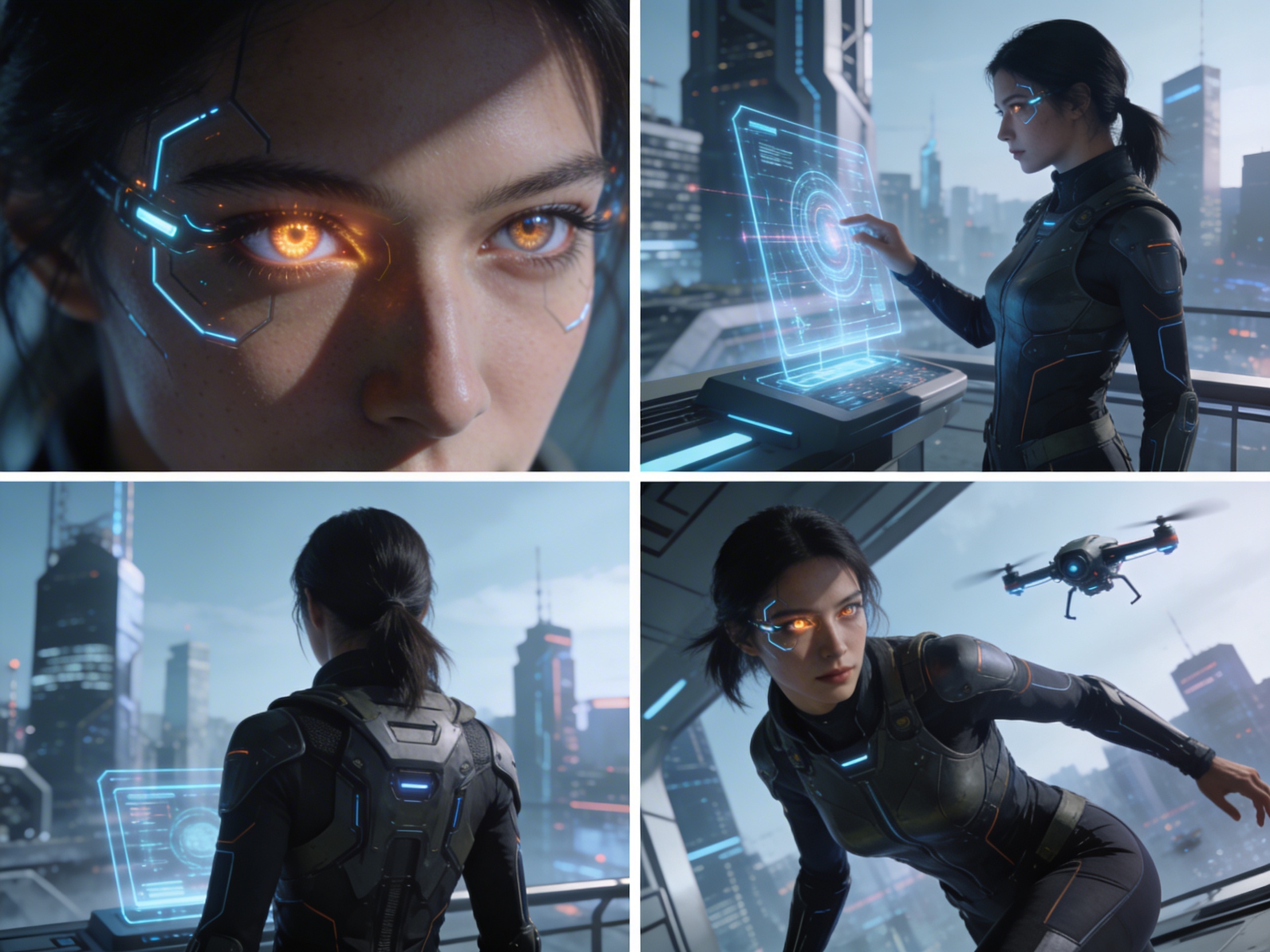
Automatically generate 4 different camera angles, shot types, and sequence ideas from a single image
Shot Sequence Prompt AI
Upload one image and generate a prompt-ready multi-shot video plan: 4 camera angles, cinematic shot descriptions, storyboard notes, and a clear sequence for AI video production.
Shot 1
Close-up
Shot 2
Keskmine
Shot 3
Wide
Shot 4
Tegevus
Plan the shot sequence, camera-angle prompts, and storyboard notes before you generate the final clip
Automatically generate 4 different camera angles, shot types, and sequence ideas from a single image
Täienda iga võtte kirjeldust, et see vastaks sinu loomeideele täiuslikult
Generate multi-shot video prompts and storyboard notes in seconds, not hours
Alates professionaalidest kuni alustajateni – meie tööriist kohandub sinu vajadustega
Loo järgmise filmi jaoks põhjalikud storyboard'id ja võttenimekirjad
Generate multi-shot video prompts for social media and YouTube concepts
Muuda kirjutatud lood mitmekülgseteks visuaalseteks narratiivideks
Loo mõjusad visuaalsed kampaaniad mitmete võttevariantidega
Kuidas See Toimib
Lae üles mistahes pilt – foto, illustratsioon või kontseptsioonipilt. Meie AI toetab kõiki peamisi vorminguid.
Our advanced AI analyzes your image and generates 4 unique camera-angle prompts and cinematic shot descriptions.
Täienda kirjeldusi ning ekspordi mitmevõttega storyboard videoproduktsiooniks.
AI MULTI-SHOT STORYBOARD EXAMPLES
From single images to cinematic sequences, see how one source can become multiple shot prompts and video concepts.
Choose your output
Use the same source image to prepare camera angles, a connected shot sequence, or storyboard notes for the next production step.
Plan a prompt-ready video sequence from one source image instead of generating one disconnected clip.
Create close-up, medium, wide, product, action, and cinematic angle prompts for the same subject.
Turn a single image into a clear four-shot structure with framing, pacing, and production notes.
Use the generated shot descriptions as storyboard notes for AI video, ads, social clips, and pitches.
VANA VIDEOTOOTMISE TÖÖVOOG
The traditional path from concept to multi-shot video is expensive and time-consuming. Even before generation or filming, creators need shot planning, camera angles, sequence logic, and multiple revisions.
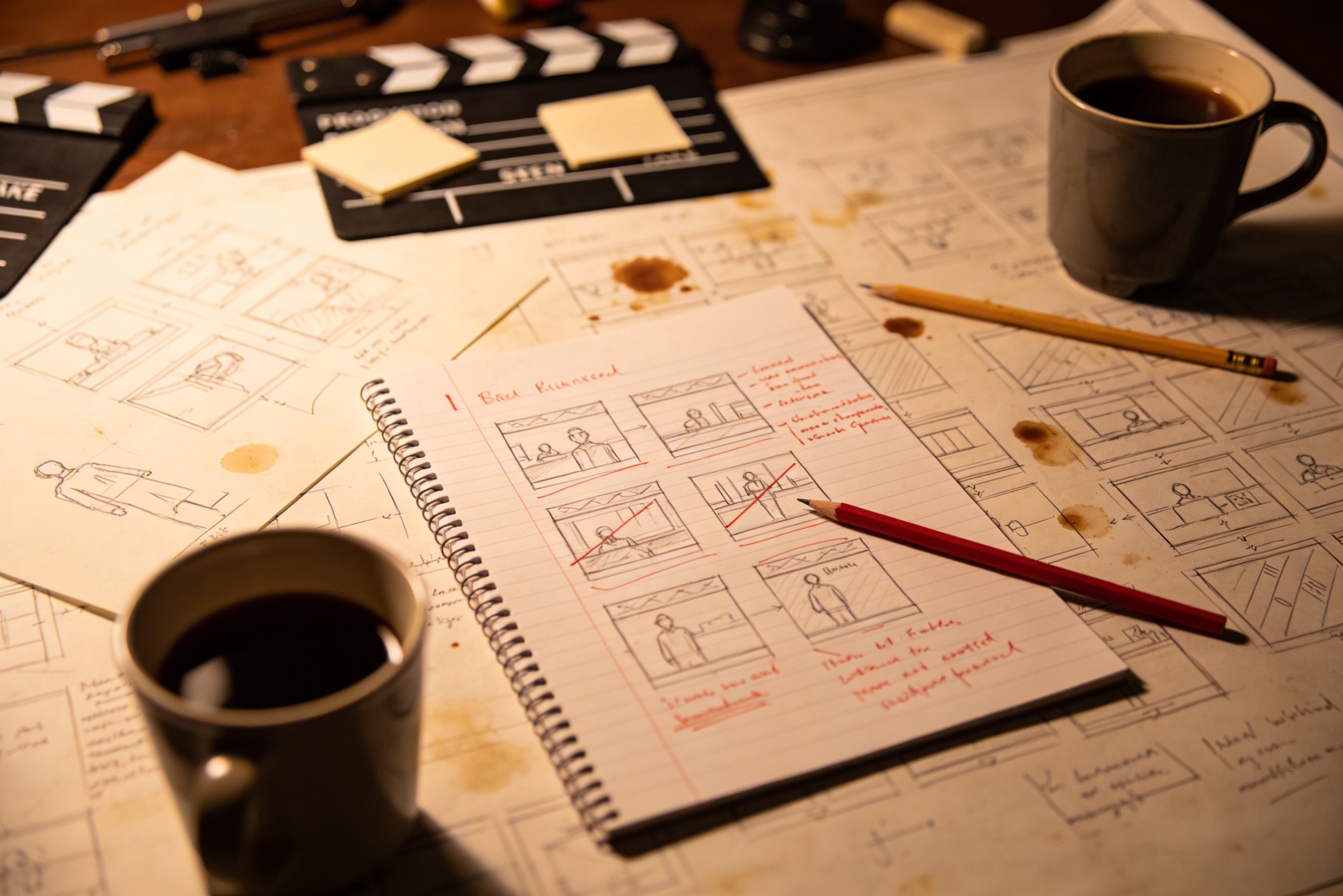
Loomingulise idee tõlkimine detailseteks kaadrikirjeldusteks nõuab põhjalikku planeerimist ja mitmeid parandusi.
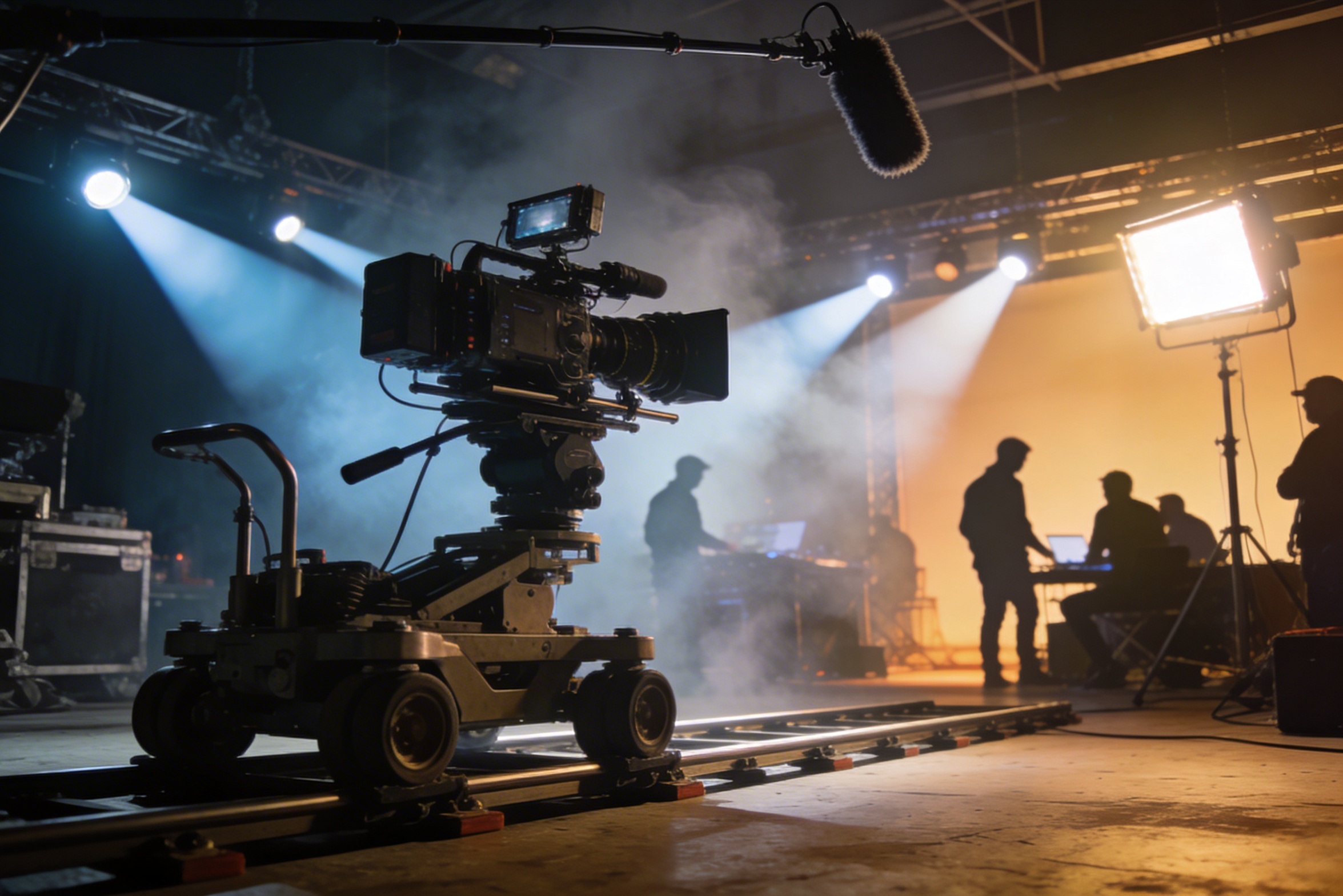
Professionaalne filmimine nõuab kallist tehnikat, valgustust, asukohti ja sageli ka täiskollektiivi – kulud võivad kiiresti kasvada.
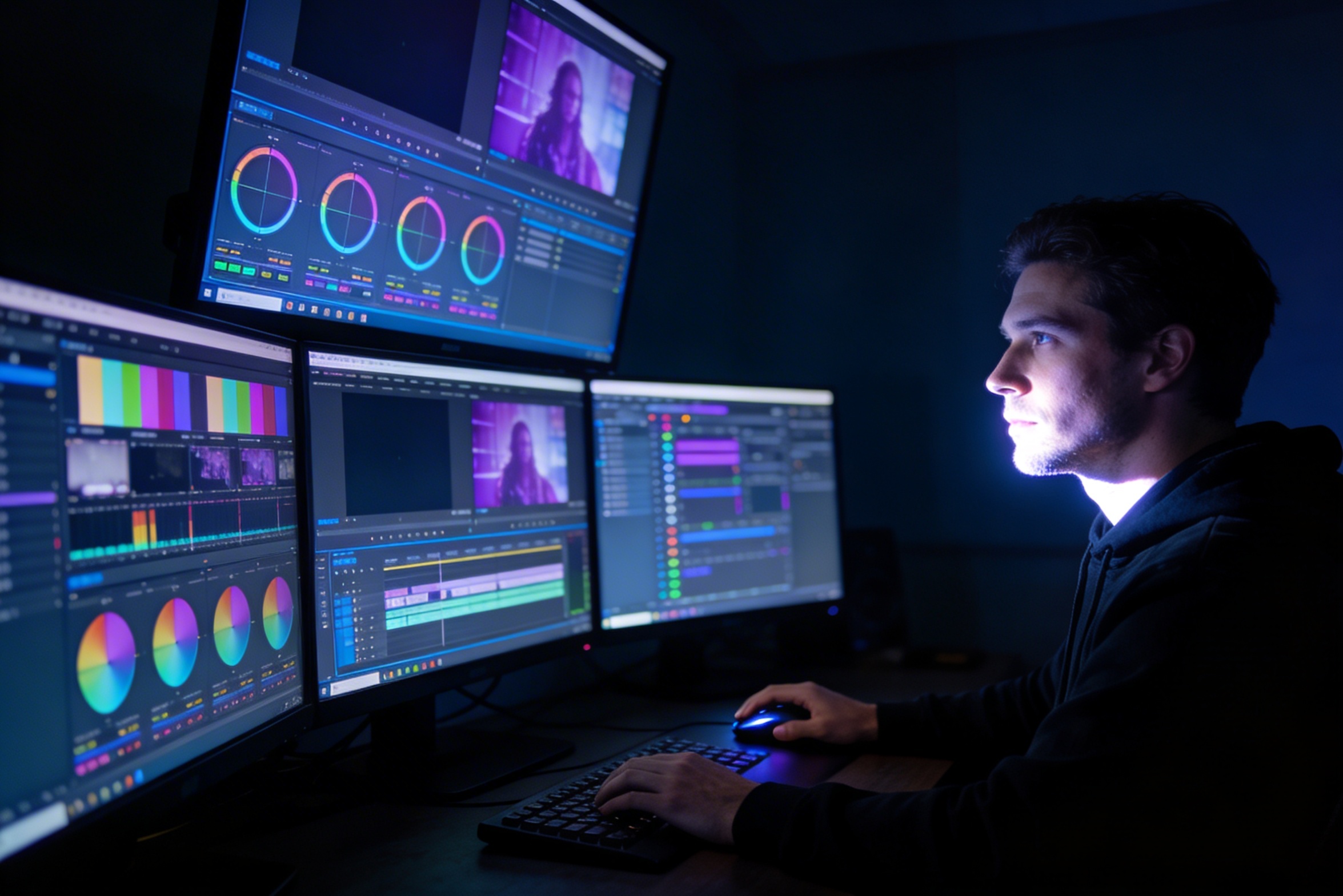
Monteerimine, värvikorrektsioon, visuaalefektid ja mitmete kaadrivariatsioonide loomine vajavad erioskusi ja nädalaid tööd.
Erinevate platvormide jaoks, nagu YouTube, TikTok ja Instagram, versioonide loomine tähendab uuesti monteerimist ja renderdamist erinevate kuvasuhete ja pikkuste jaoks.

Professional multi-shot planning can cost hours of creative direction before a final video is generated, filmed, edited, or approved.
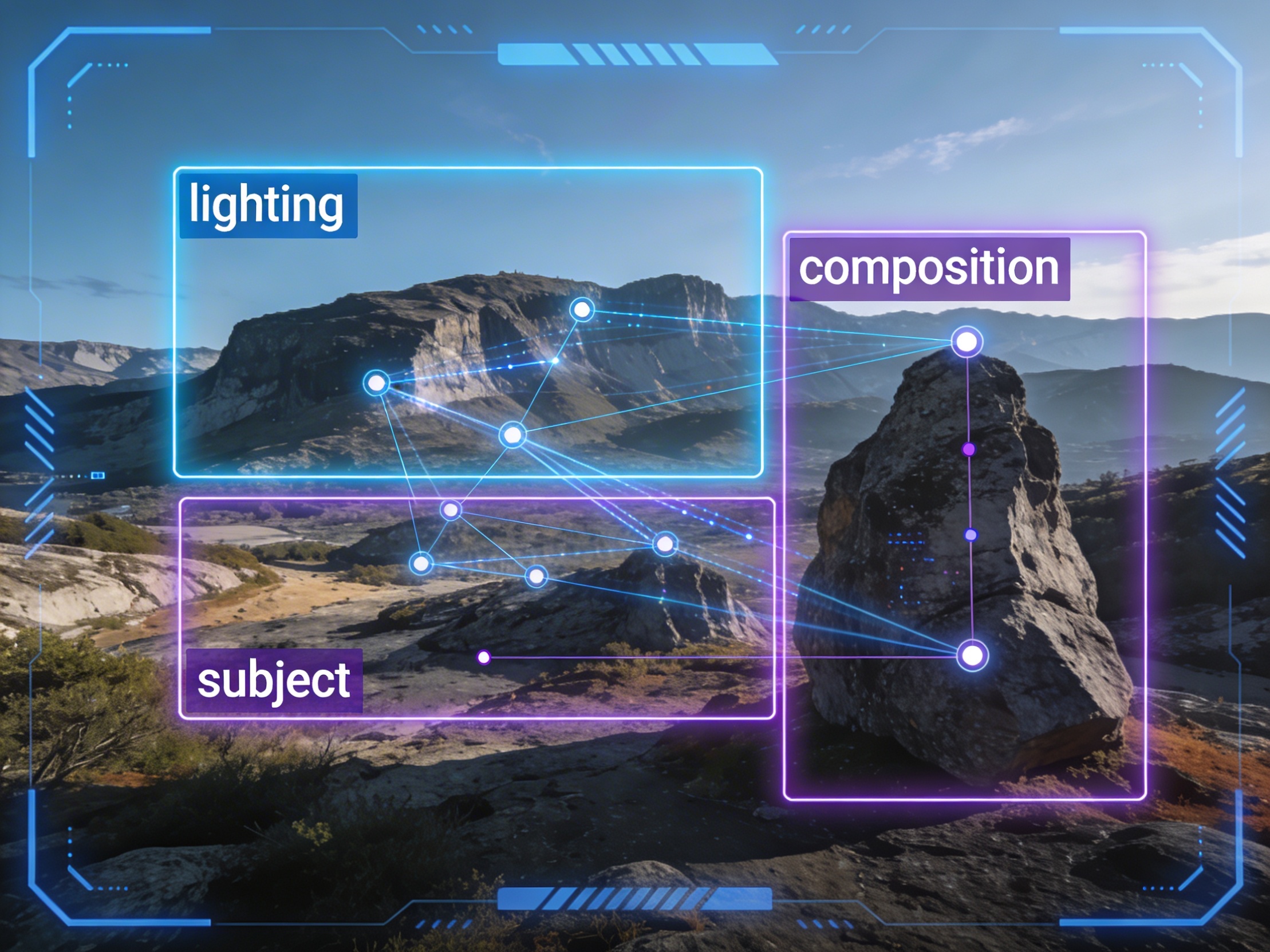
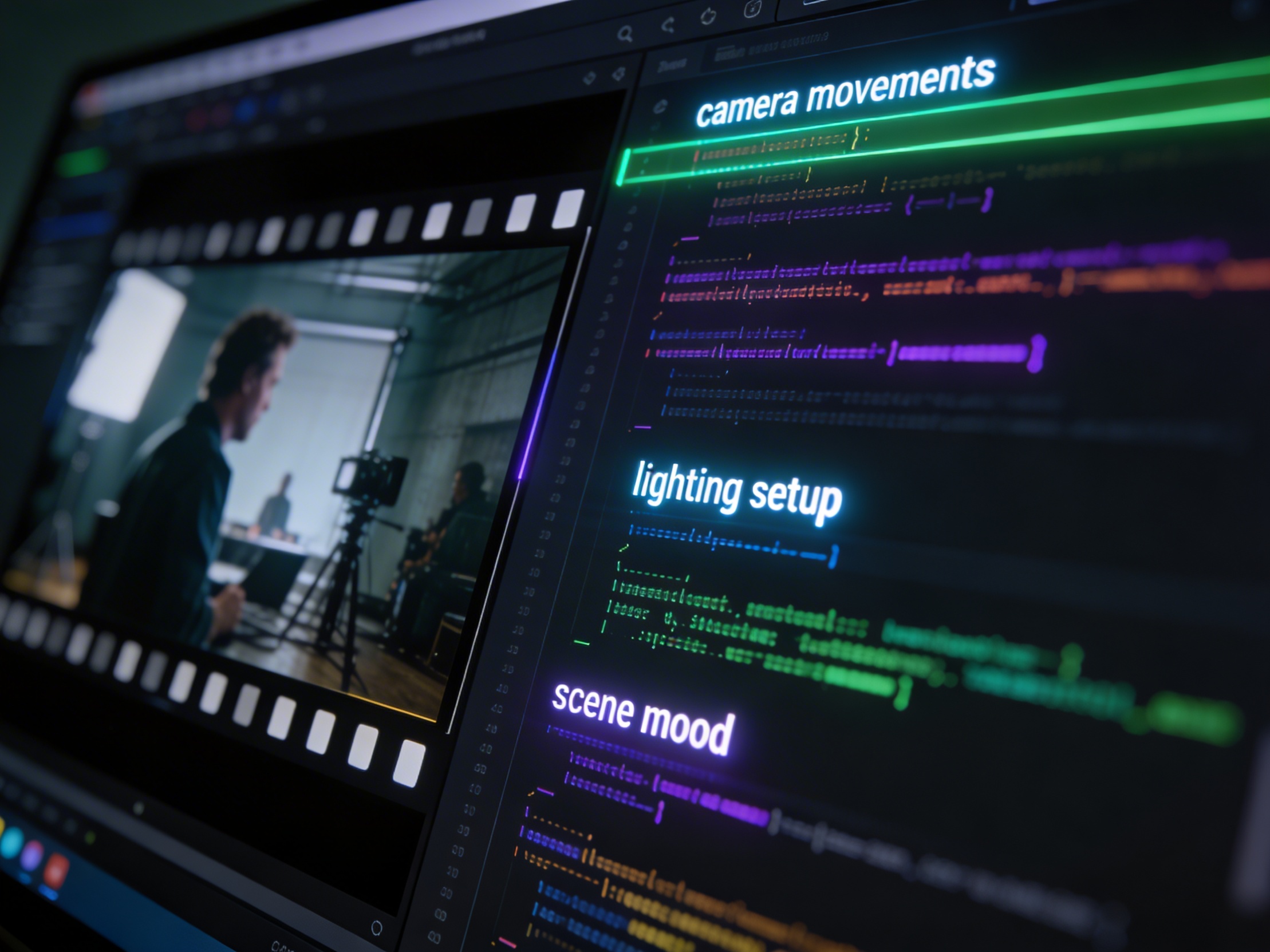
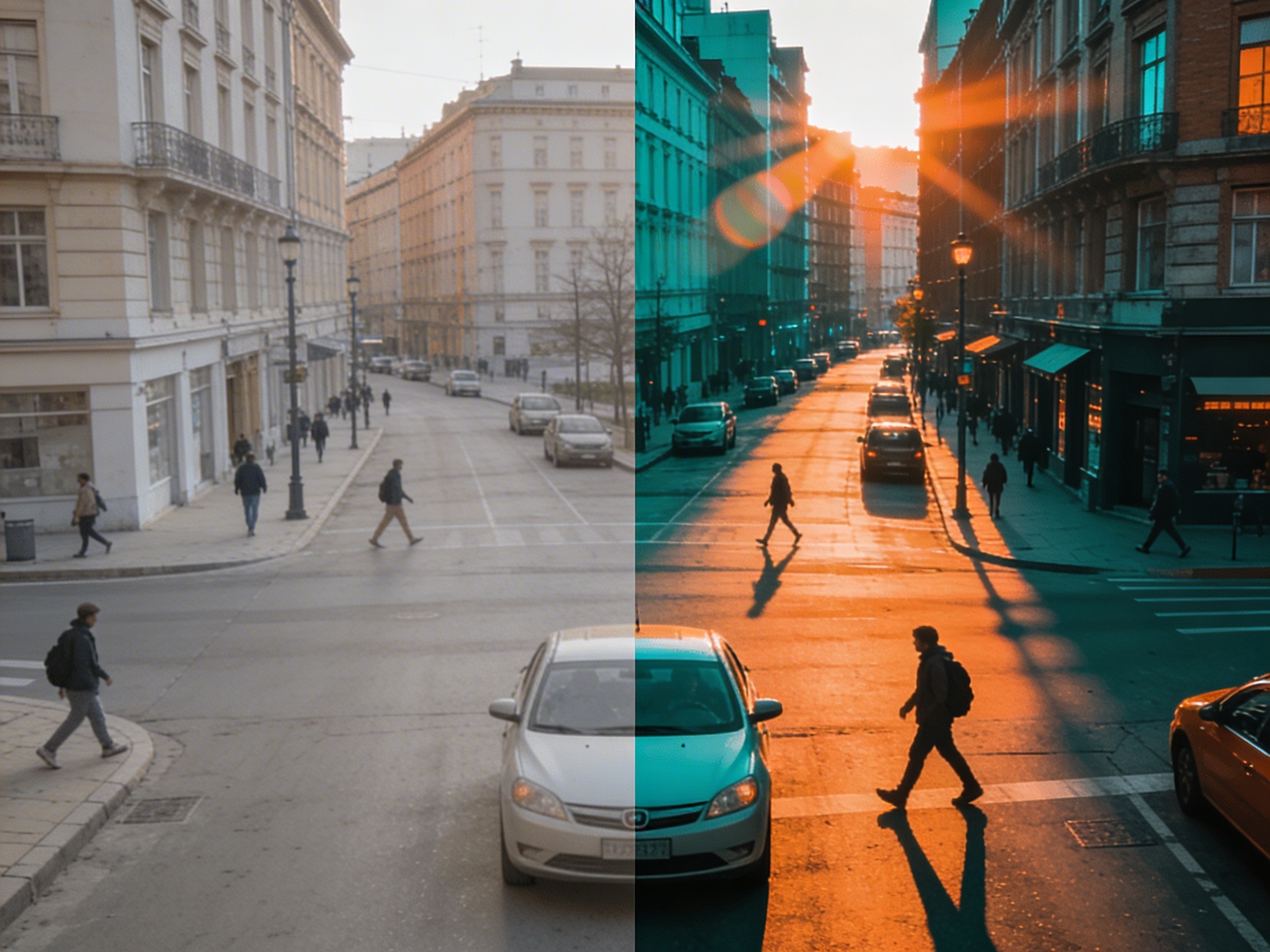
It's not just about creating variations. Our AI reads composition, cinematography, and storytelling needs to create shot prompts that strengthen your visual narrative.
Join creators using LlamaGen to plan shot sequences, camera angles, and AI video prompts before production.
Related writing workflow
Use the AI Screenplay Editor when a script, fiction draft, storyboard brief, video idea, or canvas note needs proper scene headings, action, dialogue, parentheticals, cover pages, outlines, beats, and collaboration-ready revisions.
INT. COMMUNITY CENTER - NIGHT
Folded chairs. A storm outside. MAYA stands at the microphone with a page of notes she no longer needs.
MAYA
If the city will not read the record, we will read it out loud.