Find a story worth following
Explore a character's goal, an unusual setting, or a difficult choice. Compare different openings before you commit to a direction.
Kasuta LlamaGen.ai-d AI loo generaatori ja loo kirjutajana. Muuda lihtne idee struktureeritud mustandiks koos süžee, tegelaste, dialoogi ja teekonnaga storyboardi või koomiksikaadriteni.
Try the first draft here. Free access has limits; saved projects and visual tools use your account and plan credits.
See how it worksPick a prompt to read an illustrative opening, then generate your own version. These samples are prepared examples, not live results or customer testimonials.
Example opening
The radio said Mara's name before she switched it on. On Platform Three, rain gathered around a red suitcase. She had checked the platform a minute ago. Empty. Now someone had left a case beneath the broken clock, with a luggage tag written in her handwriting.
Start with something specific: a radio operator alone at a station, a red suitcase, and a message that knows her name. Generate an opening, read what works, then change the stakes or point of view. The next decision stays yours.
Generate story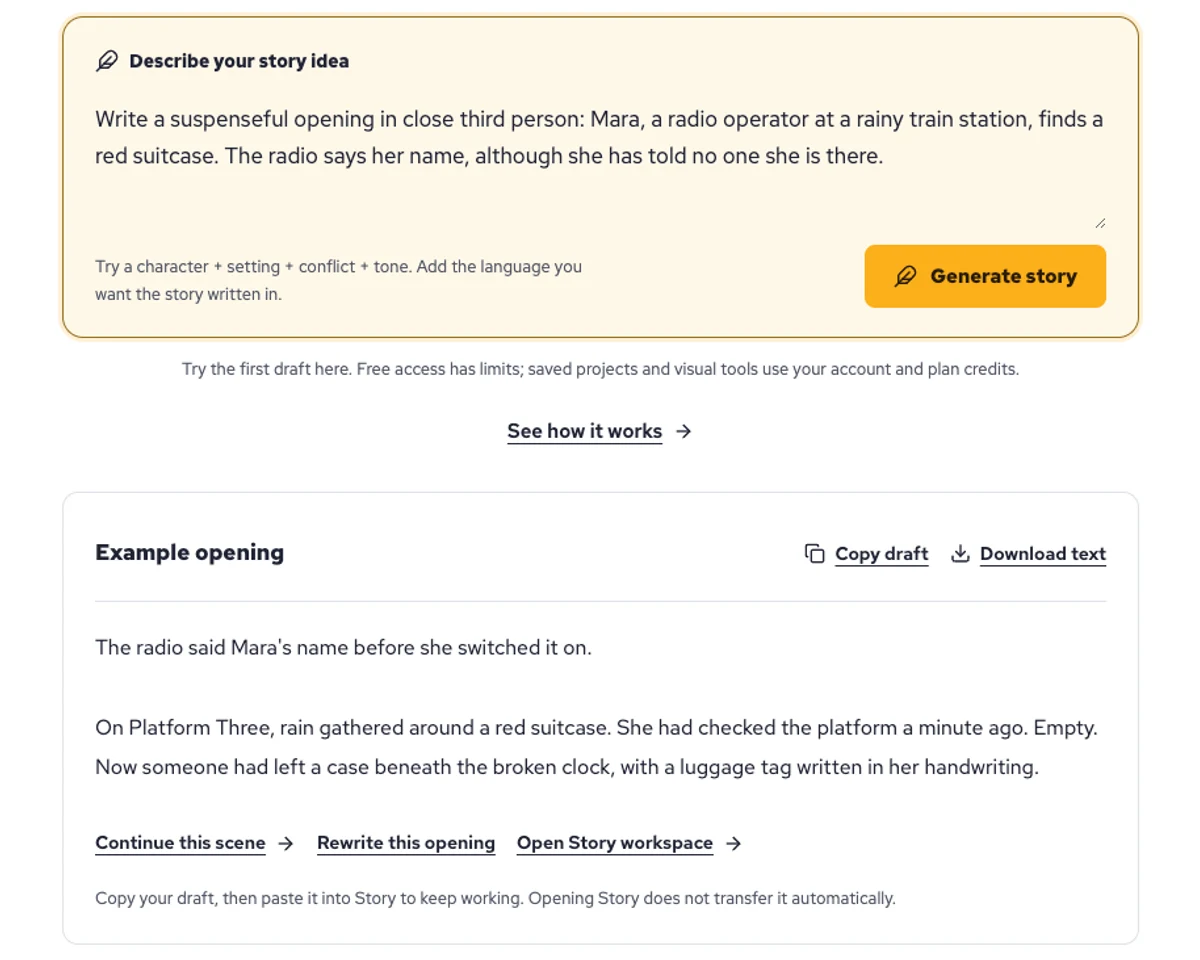
Explore a character's goal, an unusual setting, or a difficult choice. Compare different openings before you commit to a direction.
Paste an unfinished idea or use Continue after a draft. Read each new scene for names, motives, and details that need to stay consistent.
Use Rewrite to try a sharper opening. Copy a version you like before generating another, then edit the phrasing in your own voice.
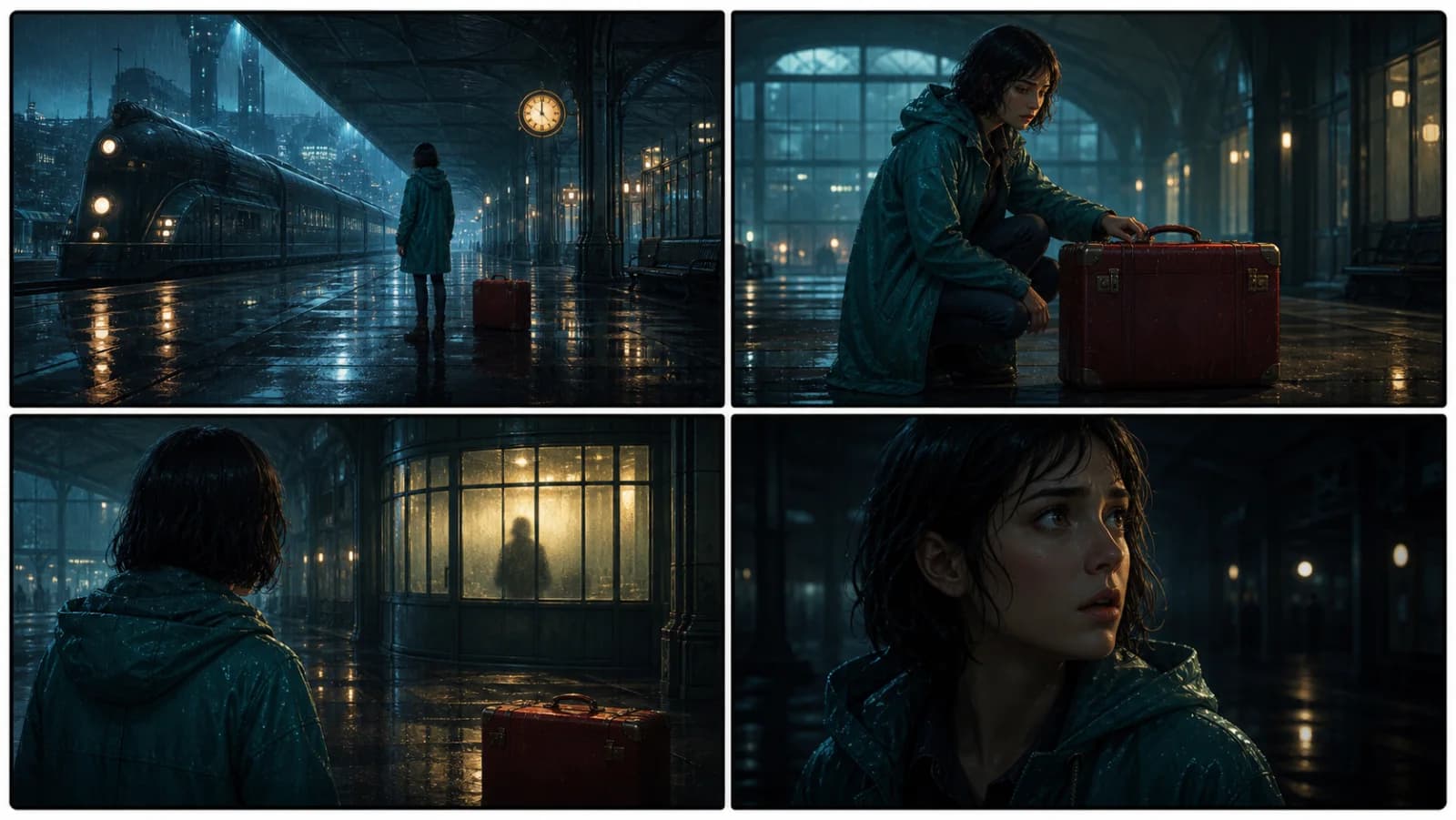
This illustrative sequence follows Mara, her teal raincoat, and a red suitcase through four station shots. Use it as a guide: keep a character, location, and key prop consistent when you adapt your own draft into a storyboard or comic.
Explore script to storyboardThe same rainy-station story, imagined as a reading copy, a handheld proof, different cover designs, and a coordinated author set.
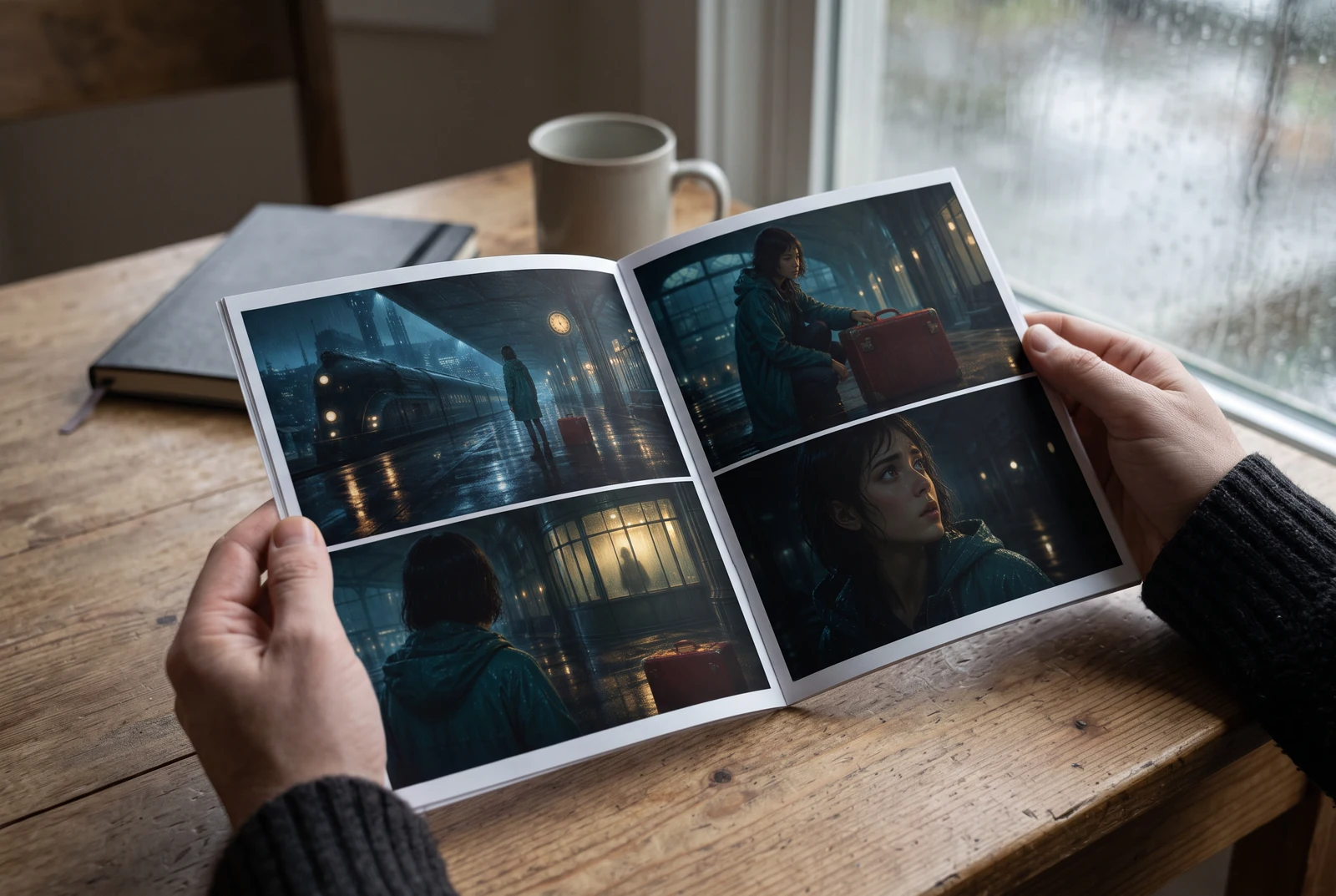
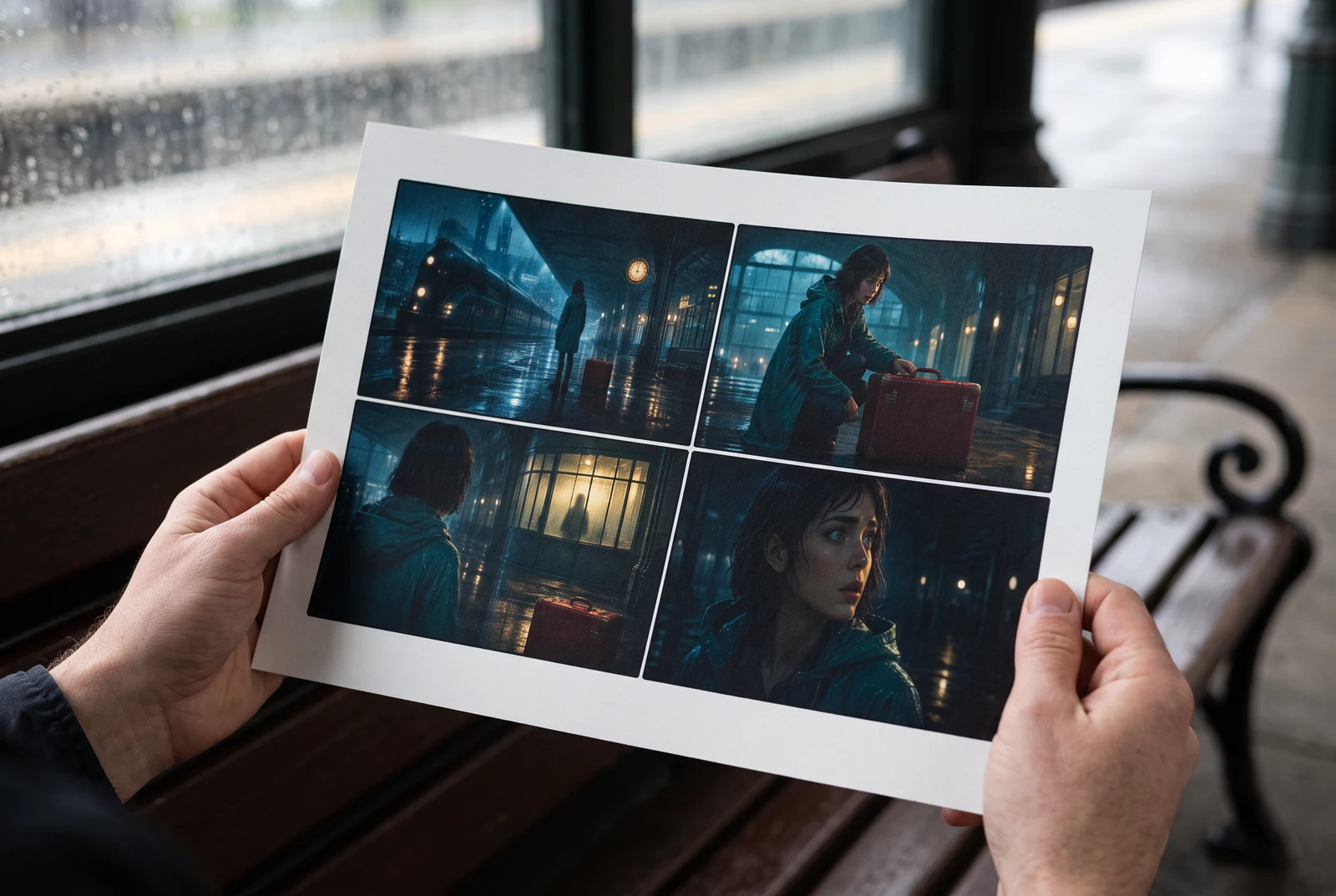
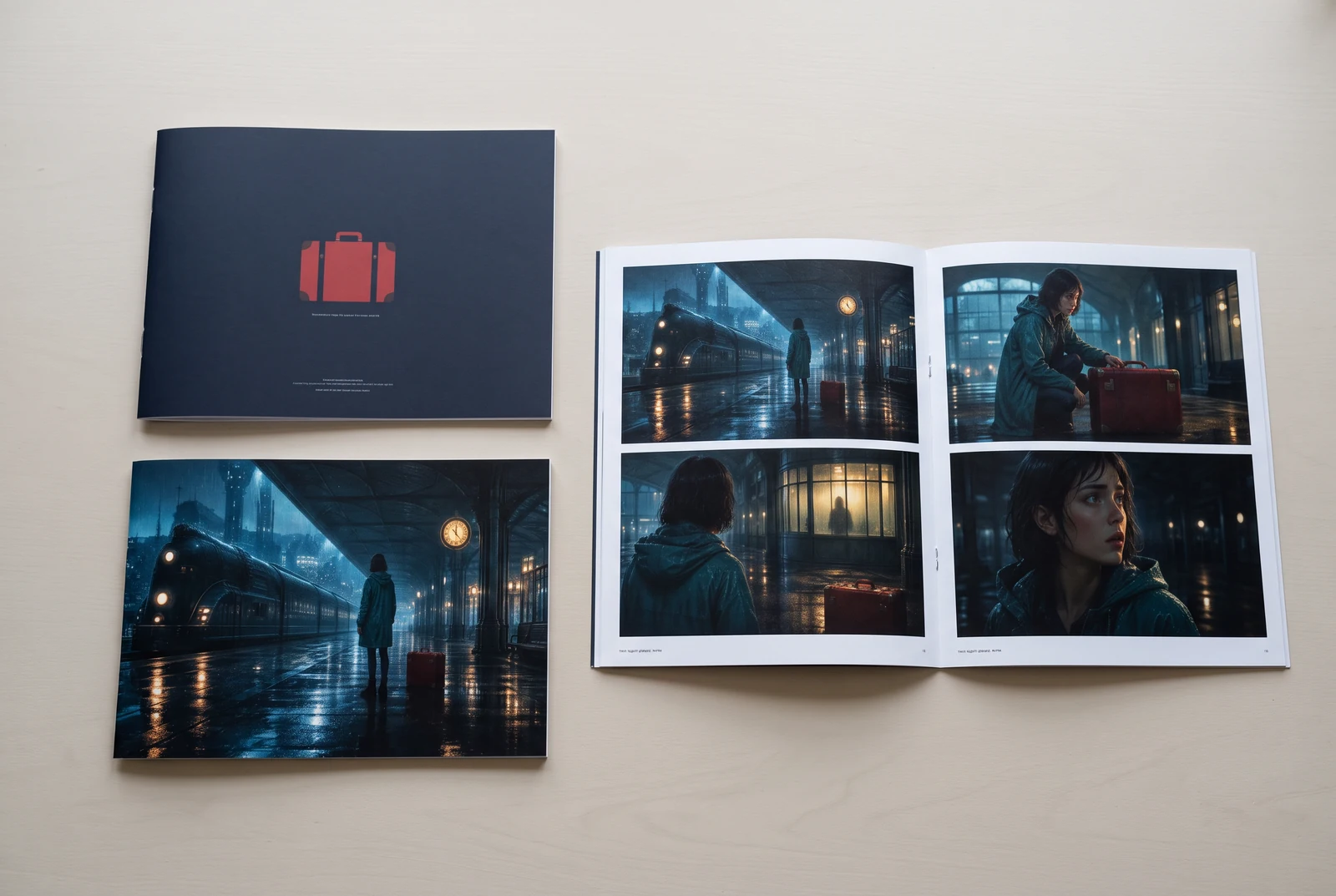
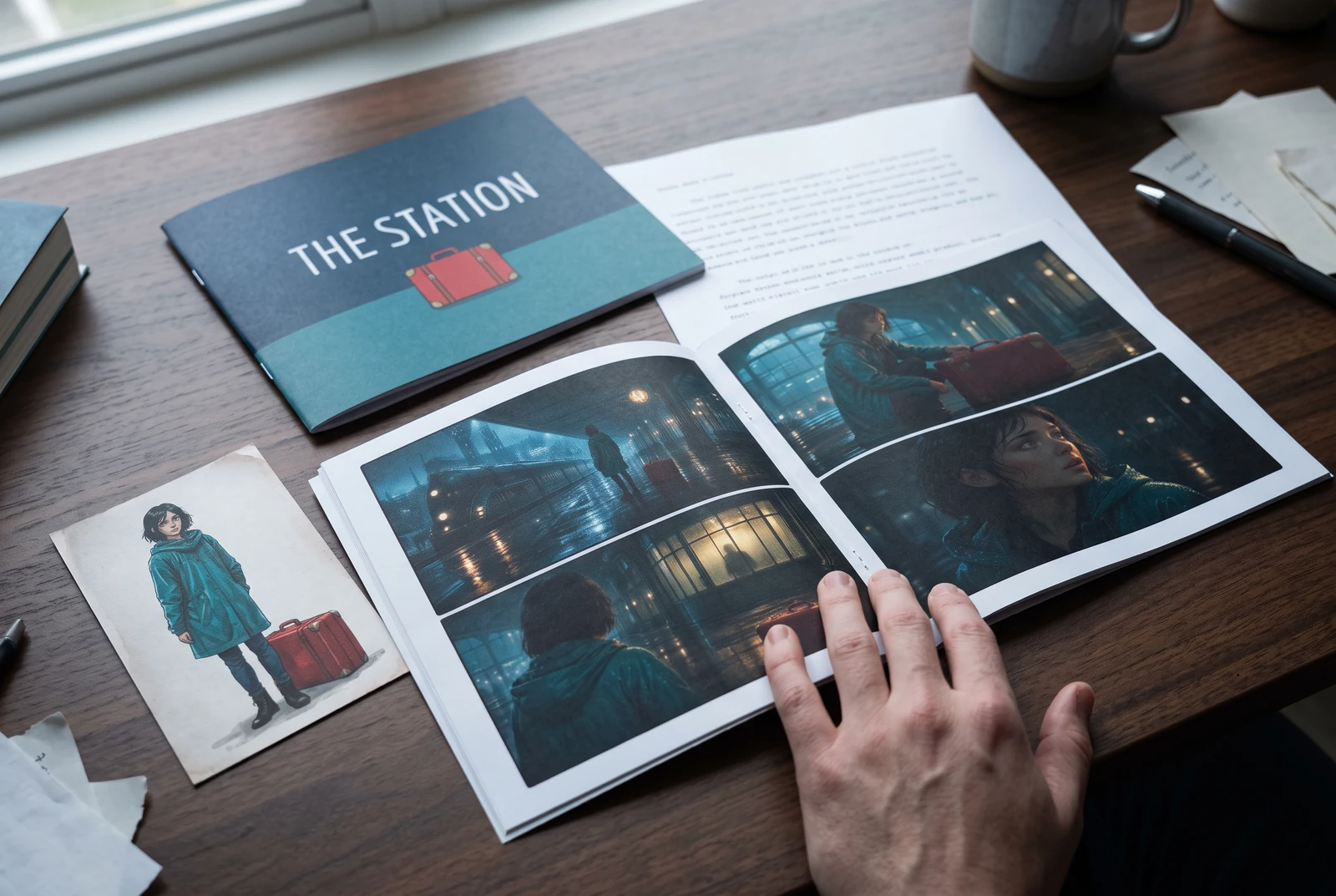
AI-generated display concepts using original LlamaGen story art. Paper examples illustrate personal printing and reading; they are not customer photographs or a print-delivery offer.
Test a premise, change the point of view, or work through the opening of a short story.
Draft scene beats and dialogue before planning comic panels or storyboard shots.
Create writing prompts and sample narratives. Review the output and follow your classroom or team's AI rules.
Describe a protagonist, setting, goal, and obstacle. Choose a tone and output language in your prompt.
Select Generate story. The result is a draft to review; one response is not a complete book.
Check the voice, facts, and continuity. Continue the next scene or rewrite the opening. Copy a version before replacing it.
Download the text or copy it into Story. Adapt approved beats into a storyboard or comic in a separate workflow.
AI can invent facts, repeat familiar phrasing, or lose track of a character. Review every draft before sharing it. Follow LlamaGen's terms and your school or workplace rules; check third-party material before publishing.
See on brauseripõhine tööriist, mis muudab sinu ideed AI abil struktureeritud lugudeks. Sisesta prompt ja saa mustand koos süžee, tegelaste, dialoogi, stseenide ja visuaalse suunaga ilukirjanduse, koomiksite, klassikirjutamise, videote või visuaalsete romaanide jaoks.
Hea prompt sisaldab sinu looideed, žanrit ja tooni. Näiteks: 'Üksildane nõid avab metsas kohviku' sooja igapäevaelu tundega. Mida selgem on sinu idee, seda parem tuleb lugu. Lisa konkreetseid detaile tegelaste, tegevuskoha, emotsionaalse tooni ja oluliste süžeepunktide kohta, mida soovid.
Saad lugu muuta või laiendada, või kasutada seda aluseks koomiksikaadrite või visuaalse romaani stseenide loomiseks koos illustratsioonide, paigutuste ja dialoogiga meie tööriistade abil. Paljud loojad kasutavad genereeritud lugusid skriptidena kaadrite kompositsiooni, tegelaste ilmete ja visuaalse voo arendamiseks.
See säästab aega, ärgitab loovust ja aitab igal tasemel kirjutajatel loomingulist takistust ületada. Olenemata sellest, kas lood ilukirjandust, koomiksit, visuaalset romaani, klassiruumiülesannet või videostsenaariumi, annab see sulle kiire lähtepunkti koos narratiivse struktuuriga, mille arendamine võtaks muidu tunde.
Võid kasutada enda loodud mustandeid seaduslikes isiklikes või ärilistes projektides vastavalt LlamaGen'i tingimustele. Genereerimine ei anna ainuõigusi ning AI tekst võib sarnaneda olemasoleva teosega. Enne raamatu või kampaania avaldamist vaata tulemus üle ja küsi vajadusel kohalikku juriidilist nõu.
Sellel lehel saad luua esimese mustandi ilma kirjutamistarkvara ostmata. Sisselogimine avab Story, salvestatud ajaloo, storyboardi, koomiksi- ja videovood, mis kasutavad sinu plaani kreditte.
Tööriist toetab paindlikke loo prompt'e romantika, fantaasia, õuduse, draama, komöödia, koolielu ja katsetuslike žanrite jaoks. See ei sunni sinu ideed ühte üldisesse malli, kuid hoiab genereerimise siiski platvormi ohutusreeglite piires.
Võid jätkata uute mustandite, alternatiivsete lõppude, süžeepöörete, tegelaskaartide ja stseeniversioonide genereerimist, kui uurid ideid. Pikemad projektid, salvestatud ajalugu ja visuaalne tootmine kasutavad sinu konto ja plaani kreditte.
Enamik lugusid valmib 5-10 sekundiga, sõltuvalt keerukusest ja pikkusest. Meie AI töötleb sinu prompt'i peaaegu hetkega, nii et saad kiiresti iteratsioonida ja minutitega mitut loo suunda uurida.
Toetame kõiki peamisi žanre, sealhulgas noorteromantika, linnafantaasia, superkangelase lood, ulme, õudus, mõistatus, igapäevaelu, action, üleloomulik, komöödia, draama, ajalooline ja palju muud. Kirjuta lihtsalt oma eelistatud žanr prompt'i.
Sellel lehel saad luua esimese mustandi ilma kontot loomata. Sisselogimine avab Story, ajaloo eri seansside vahel, storyboardi, koomiksi- ja videovood, mis kasutavad sinu plaani kreditte.
Praegu annavad ingliskeelsed prompt'id kõige usaldusväärsemaid mustandeid. Võid siiski kirjutada idee ka teises keeles; vaata tulemus hoolikalt üle ja jätka redigeerimist Storys.
LlamaGen builds tools for writing, comics, and storyboards. Explore the team and product, check plan details, or contact support before choosing a workflow.
Write a premise. Explore an opening. Decide what happens next.
Generate story