

Trajanje je važno
Kadar postaje scena tek kada su jasno određeni trajanje i ritam.
Pretvorite kadrove storyboarda u plan spreman za video, s trajanjem kadrova, pokretima kamere, napomenama o pokretu i kreativnim smjernicama za animaciju ili AI generiranje videa.
Plan storyboarda
Prompt to result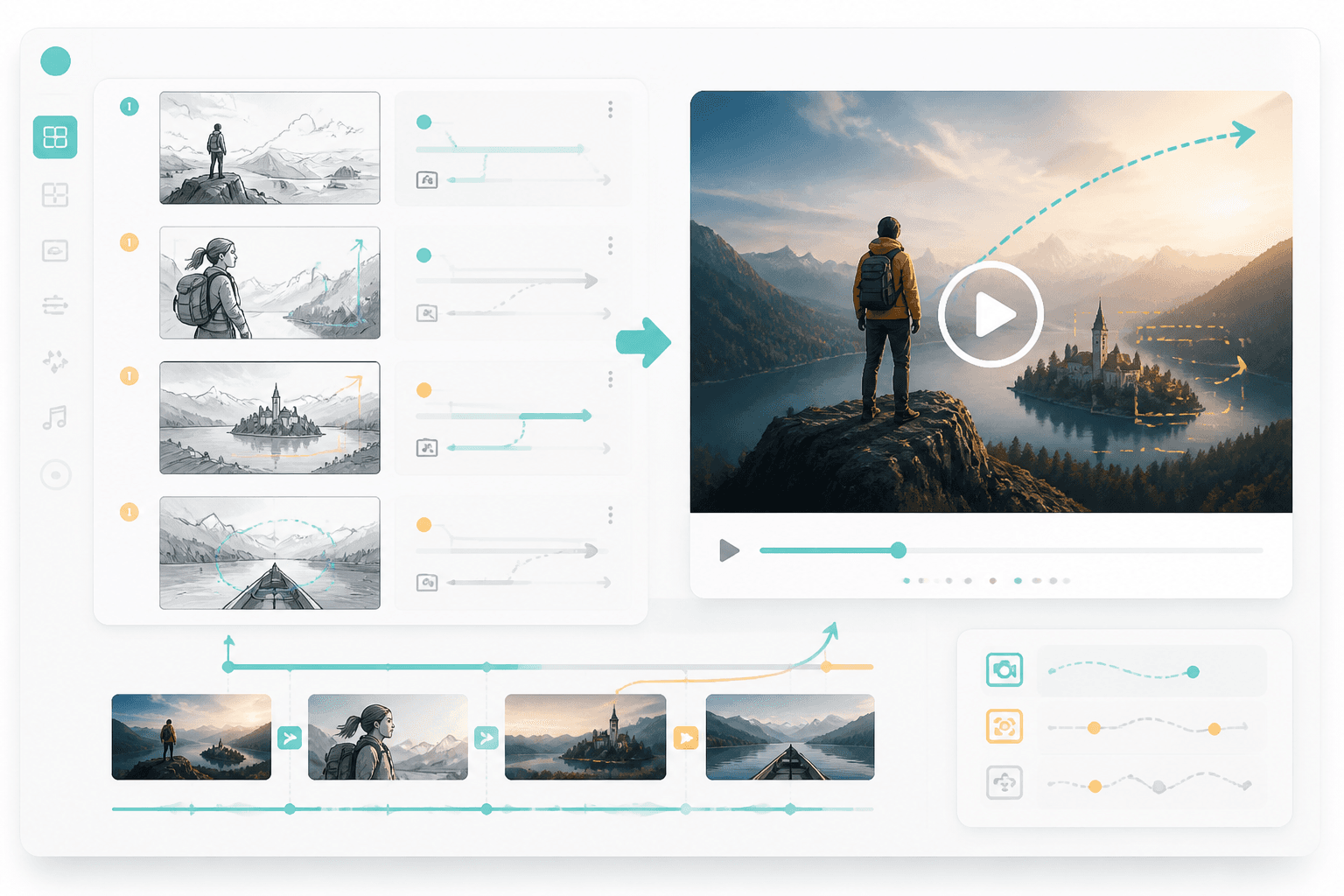
Plan pokreta
Kadri
u plan pokreta
Trajanje
po svakom kadru
Upotrijebite storyboard, popis kadrova ili vizualni slijed.
Definirajte trajanje, pokrete kamere, prijelaze i radnju likova.
Iskoristite plan za animaciju, AI video ili predaju montaži.
Ova stranica korisnicima daje jasan sljedeći korak nakon izrade storyboarda: dodajte trajanje kadrova, pokrete kamere i kreativne upute spremne za video.
Unesite redoslijed kadrova, bilješke o sceni i ciljeve svakog kadra.
Pregledajte trajanje, prijelaze i smjer pokreta.
Video alati rade bolje kada svaki kadar ima definirano trajanje, pokret kamere i smjer prijelaza.
Kadar postaje scena tek kada su jasno određeni trajanje i ritam.
Približavanje, panoramiranje, zumiranje i otkrivanje mijenjaju doživljaj priče.
Plan pokreta daje AI video alatima i alatima za montažu bolje upute.
Pokret
Dodajte pokrete kamere, prijelaze i trajanje kako bi svaki kadar storyboarda postao scena spremna za video.
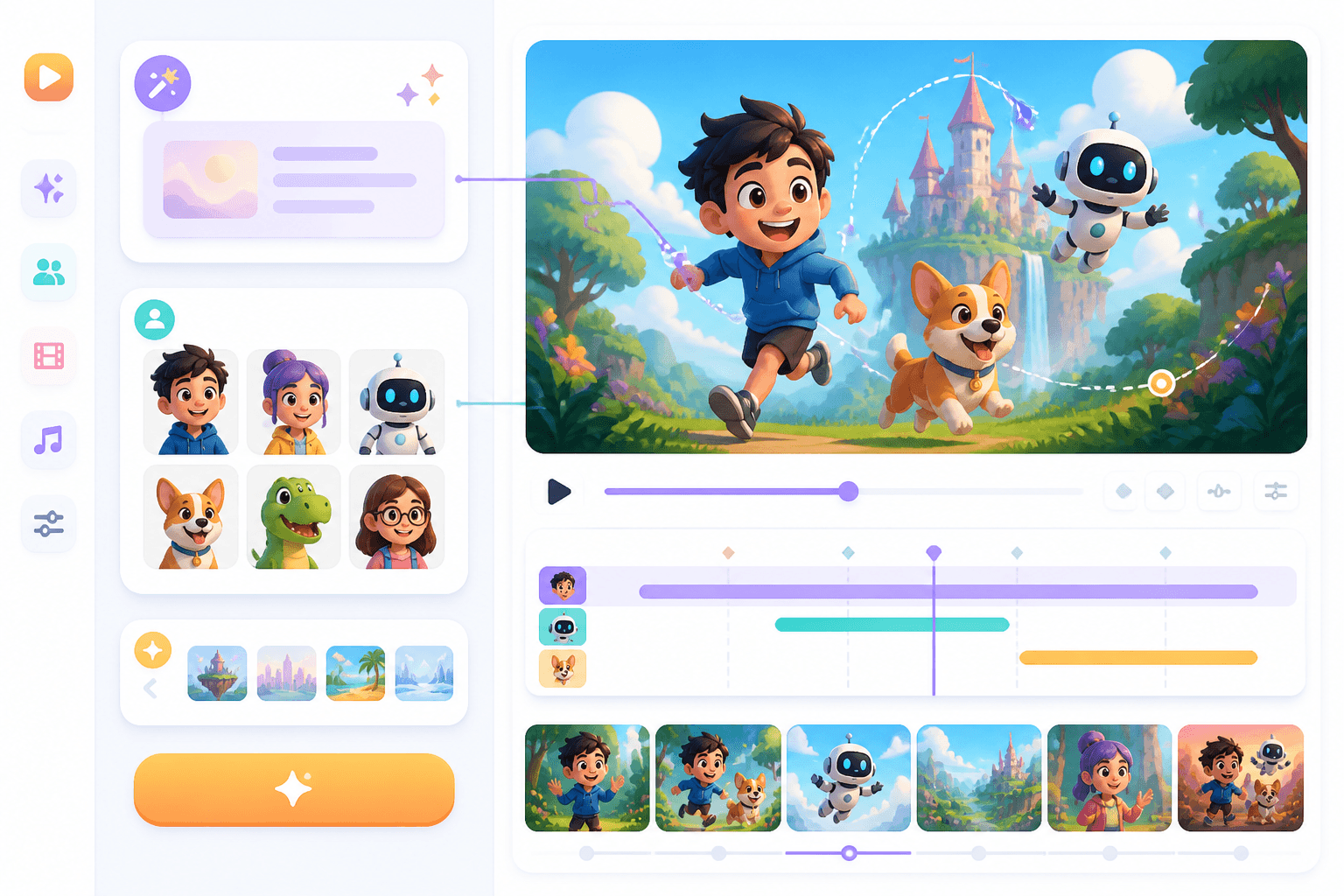
Crtić
Za animirane i cartoon workflowe, storyboard postaje temelj za pokret likova i trajanje scena.
Workflow guide
Stranica za pretvaranje storyboarda u video treba jasno pokazati kako kadrovi dobivaju trajanje, pokret, kameru i produkcijske smjernice.
Upotrijebite storyboard, popis kadrova ili vizualni slijed.
Definirajte trajanje, pokrete kamere, prijelaze i radnju likova.
Iskoristite plan za animaciju, AI video ili predaju montaži.
Navedite redoslijed kadrova, trajanje, kameru i stil pokreta.
Related writing workflow
Use the AI Screenplay Editor when a script, fiction draft, storyboard brief, video idea, or canvas note needs proper scene headings, action, dialogue, parentheticals, cover pages, outlines, beats, and collaboration-ready revisions.
INT. COMMUNITY CENTER - NIGHT
Folded chairs. A storm outside. MAYA stands at the microphone with a page of notes she no longer needs.
MAYA
If the city will not read the record, we will read it out loud.
Dodajte trajanje, pokret i smjer kamere kako bi vaš storyboard bio spreman za video produkciju.