

4 Camera-Angle Prompts
Automatically generate 4 different camera angles, shot types, and sequence ideas from a single image
Shot Sequence Prompt AI
Upload one image and generate a prompt-ready multi-shot video plan: 4 camera angles, cinematic shot descriptions, storyboard notes, and a clear sequence for AI video production.
Shot 1
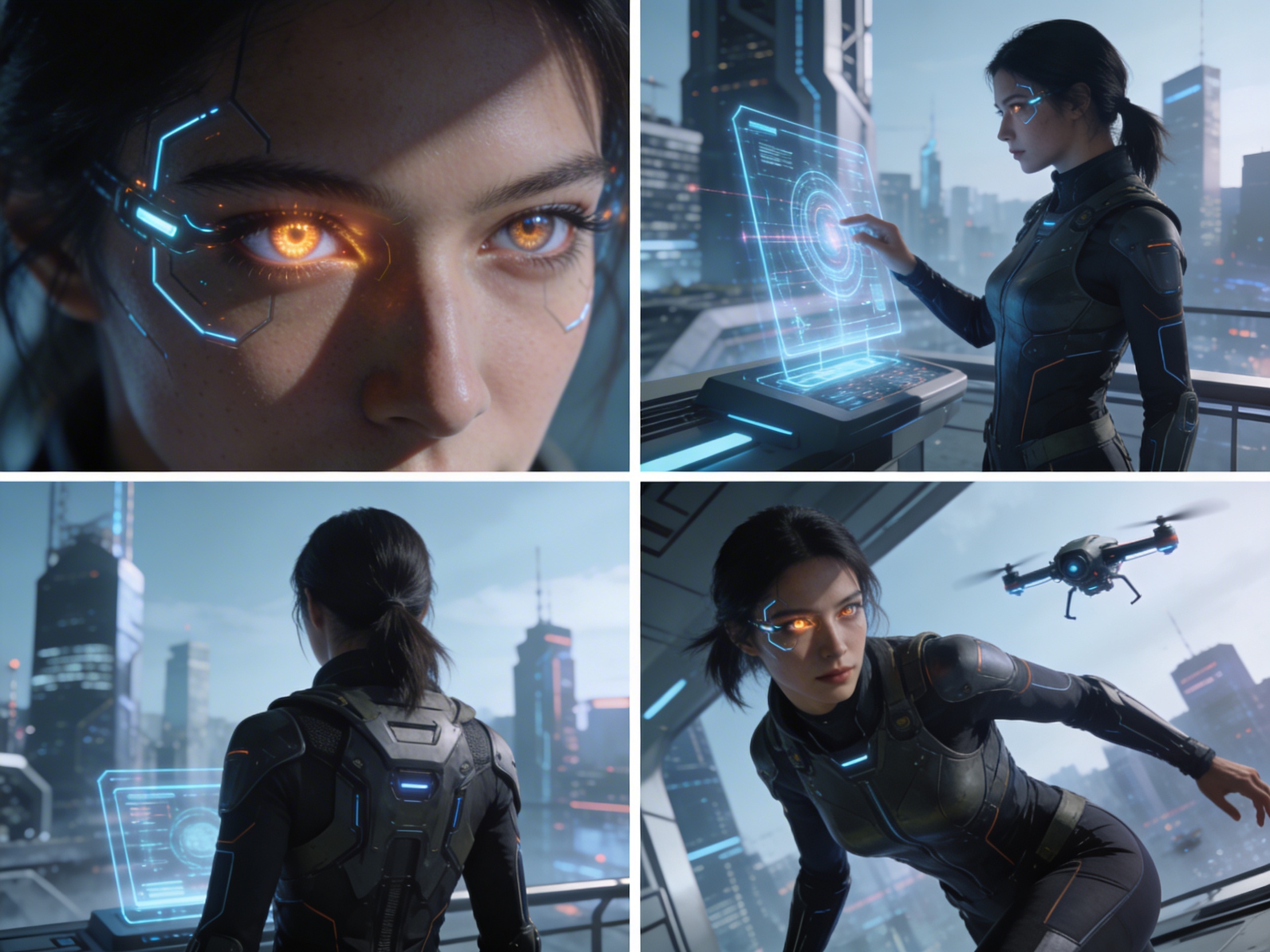
Close-up
Shot 2
Medium
Shot 3
Wide
Shot 4
Actie
Plan the shot sequence, camera-angle prompts, and storyboard notes before you generate the final clip
Automatically generate 4 different camera angles, shot types, and sequence ideas from a single image
Stel elke shotbeschrijving perfect af op jouw creatieve visie
Generate multi-shot video prompts and storyboard notes in seconds, not hours
Van professionals tot beginners, onze tool past zich aan jouw creatieve behoeften aan
Maak gedetailleerde storyboards en shotlijsten voor je volgende filmproject
Generate multi-shot video prompts for social media and YouTube concepts
Transformeer geschreven verhalen in visuele narratieven met meerdere perspectieven
Creëer overtuigende visuele campagnes met meerdere shotvariaties
Hoe Het Werkt
Upload een afbeelding - foto's, kunstwerken of conceptbeelden. Onze AI ondersteunt alle grote formaten.
Our advanced AI analyzes your image and generates 4 unique camera-angle prompts and cinematic shot descriptions.
Stel beschrijvingen bij en exporteer je multi-shot storyboard voor videoproductie.
AI MULTI-SHOT STORYBOARD EXAMPLES
From single images to cinematic sequences, see how one source can become multiple shot prompts and video concepts.
Choose your output
Use the same source image to prepare camera angles, a connected shot sequence, or storyboard notes for the next production step.
Plan a prompt-ready video sequence from one source image instead of generating one disconnected clip.
Create close-up, medium, wide, product, action, and cinematic angle prompts for the same subject.
Turn a single image into a clear four-shot structure with framing, pacing, and production notes.
Use the generated shot descriptions as storyboard notes for AI video, ads, social clips, and pitches.
DE OUDE VIDEOPRODUCTIEWERKSTROOM
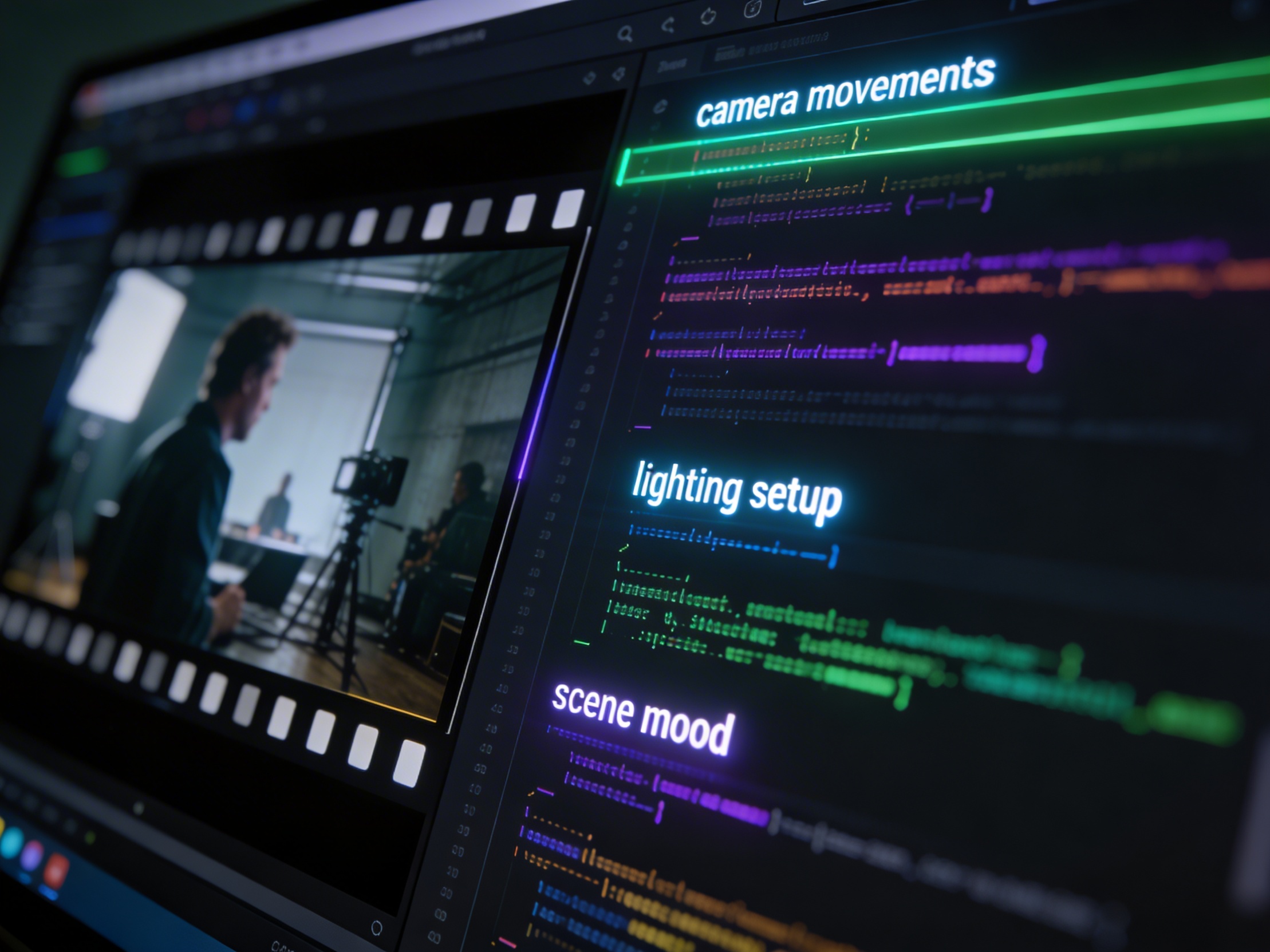
The traditional path from concept to multi-shot video is expensive and time-consuming. Even before generation or filming, creators need shot planning, camera angles, sequence logic, and multiple revisions.
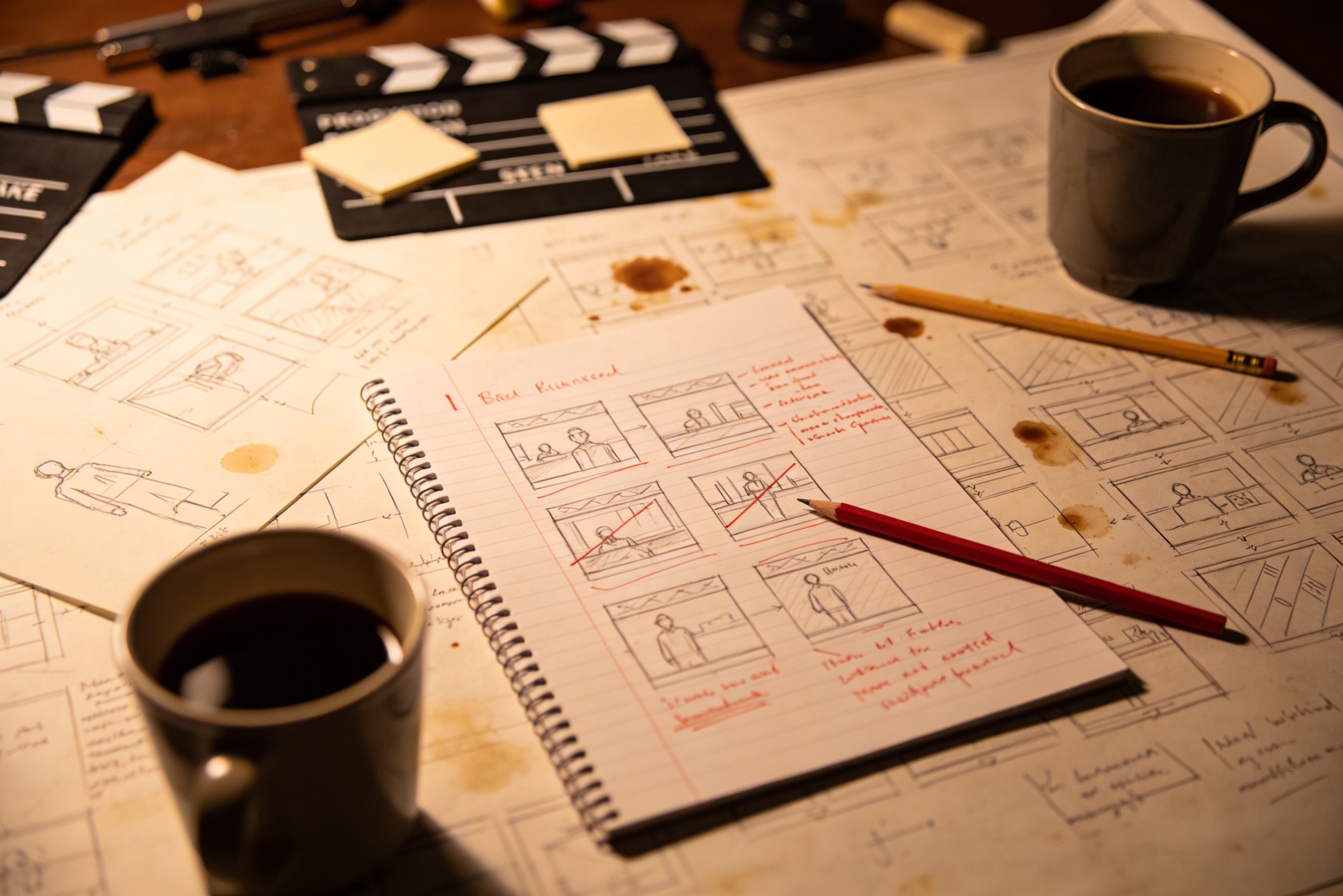
Het vertalen van uw creatieve visie naar gedetailleerde shotbeschrijvingen vereist uitgebreide planning en meerdere revisies om het goed te krijgen.
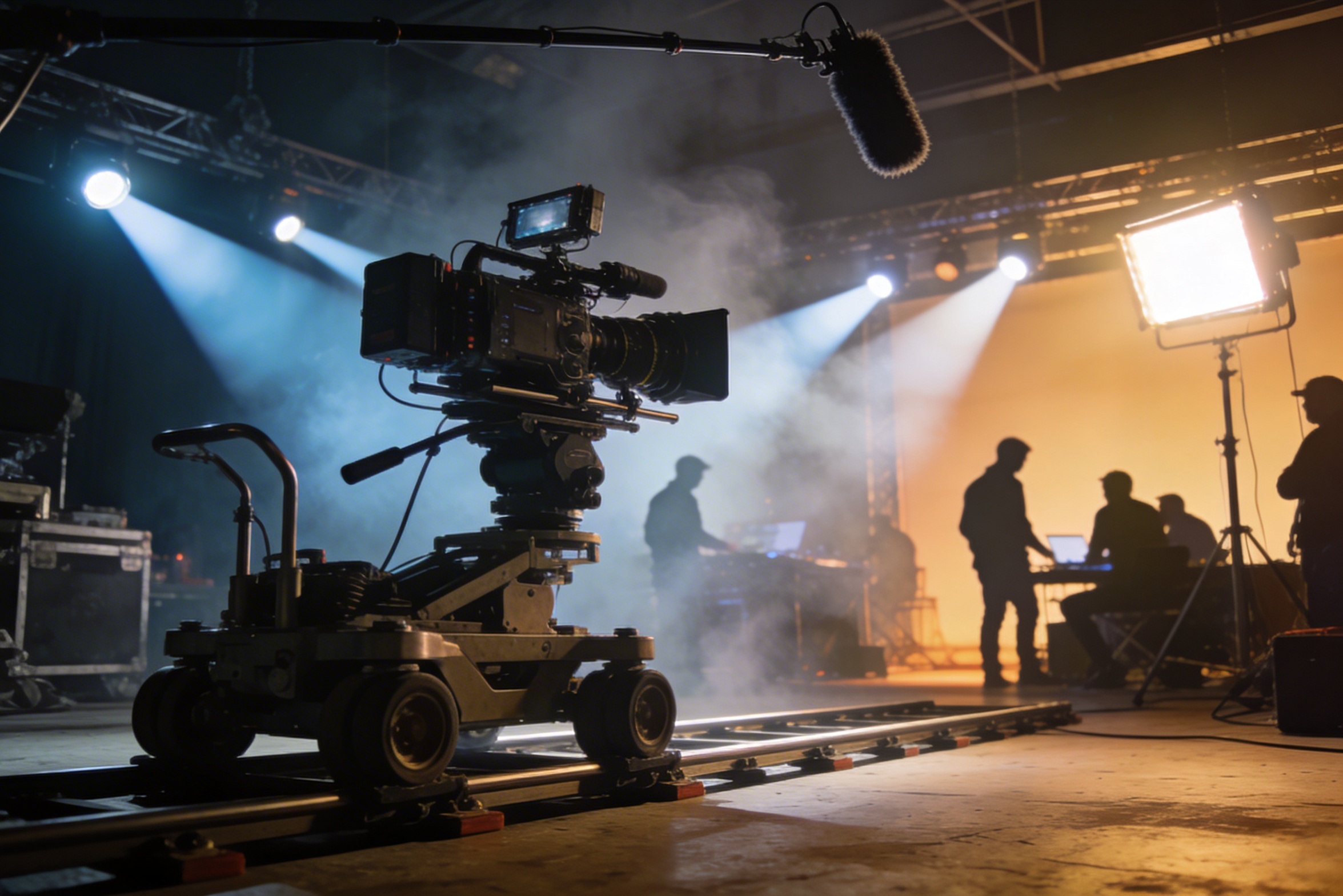
Professioneel filmen vereist dure apparatuur, verlichtingsopstellingen, locaties en vaak een volledige crew – kosten die snel uit de hand lopen.
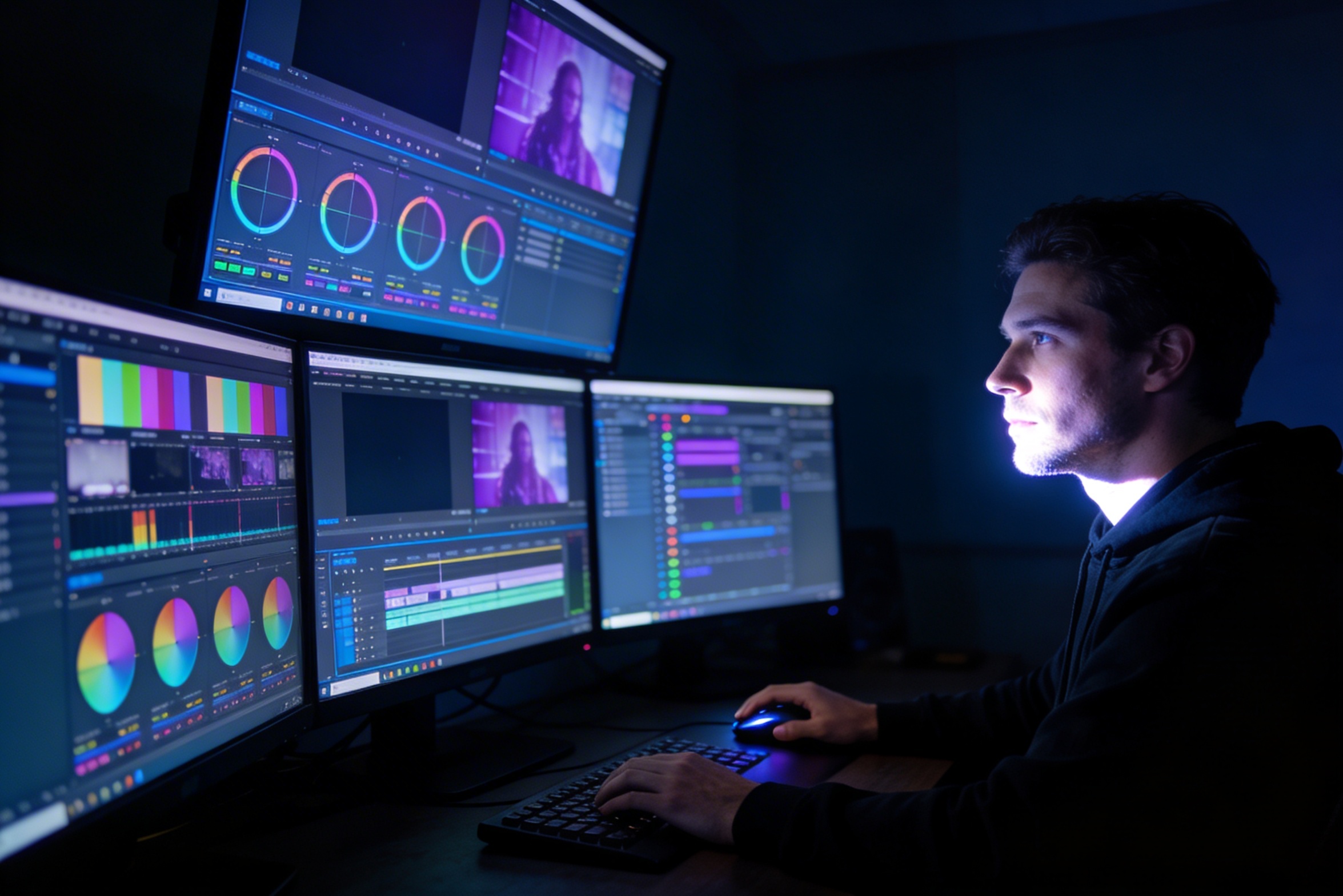
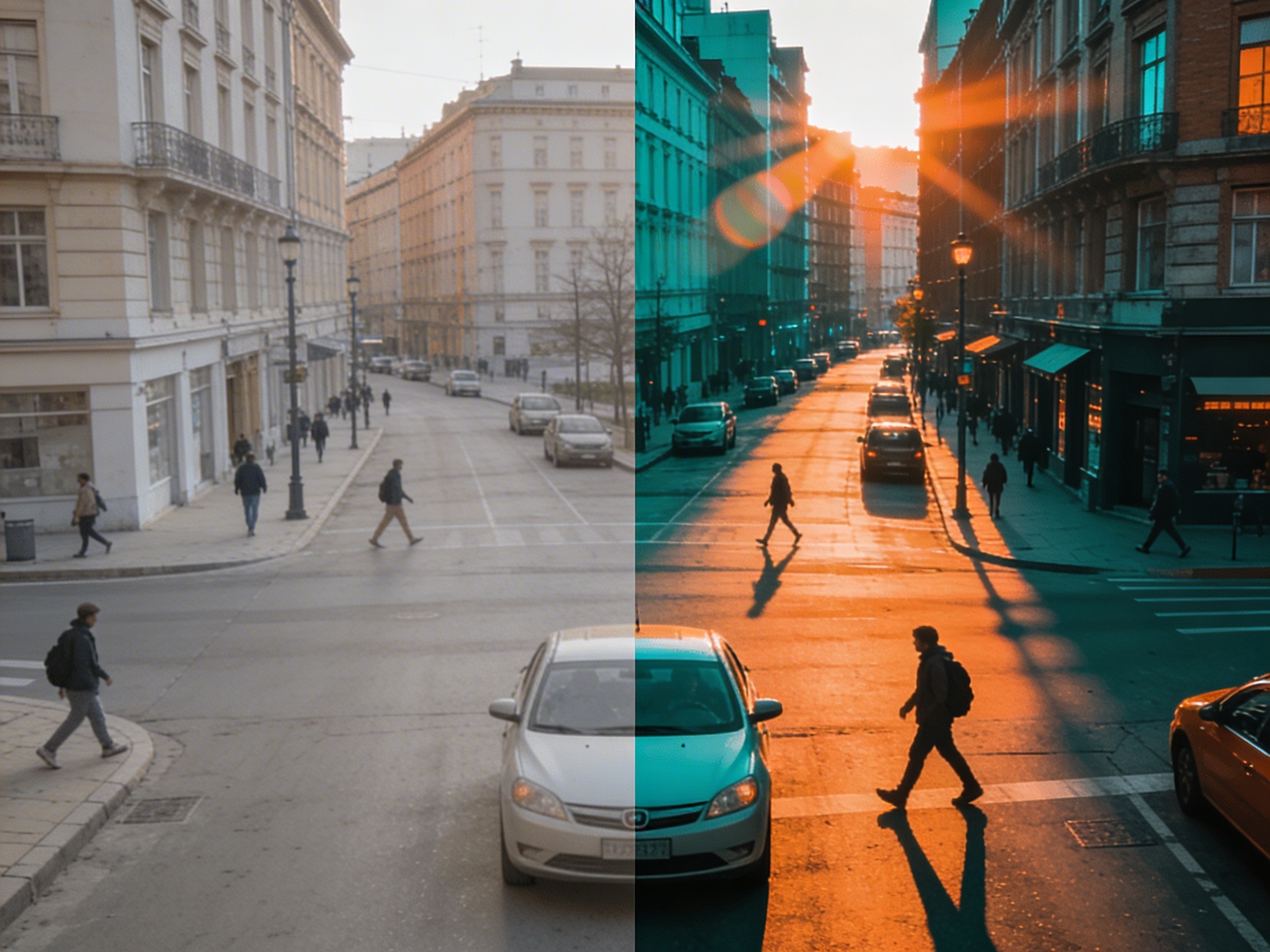
Bewerken, kleurcorrectie, visuele effecten en het creëren van meerdere shotvariaties vereisen gespecialiseerde softwarevaardigheden en weken werk.
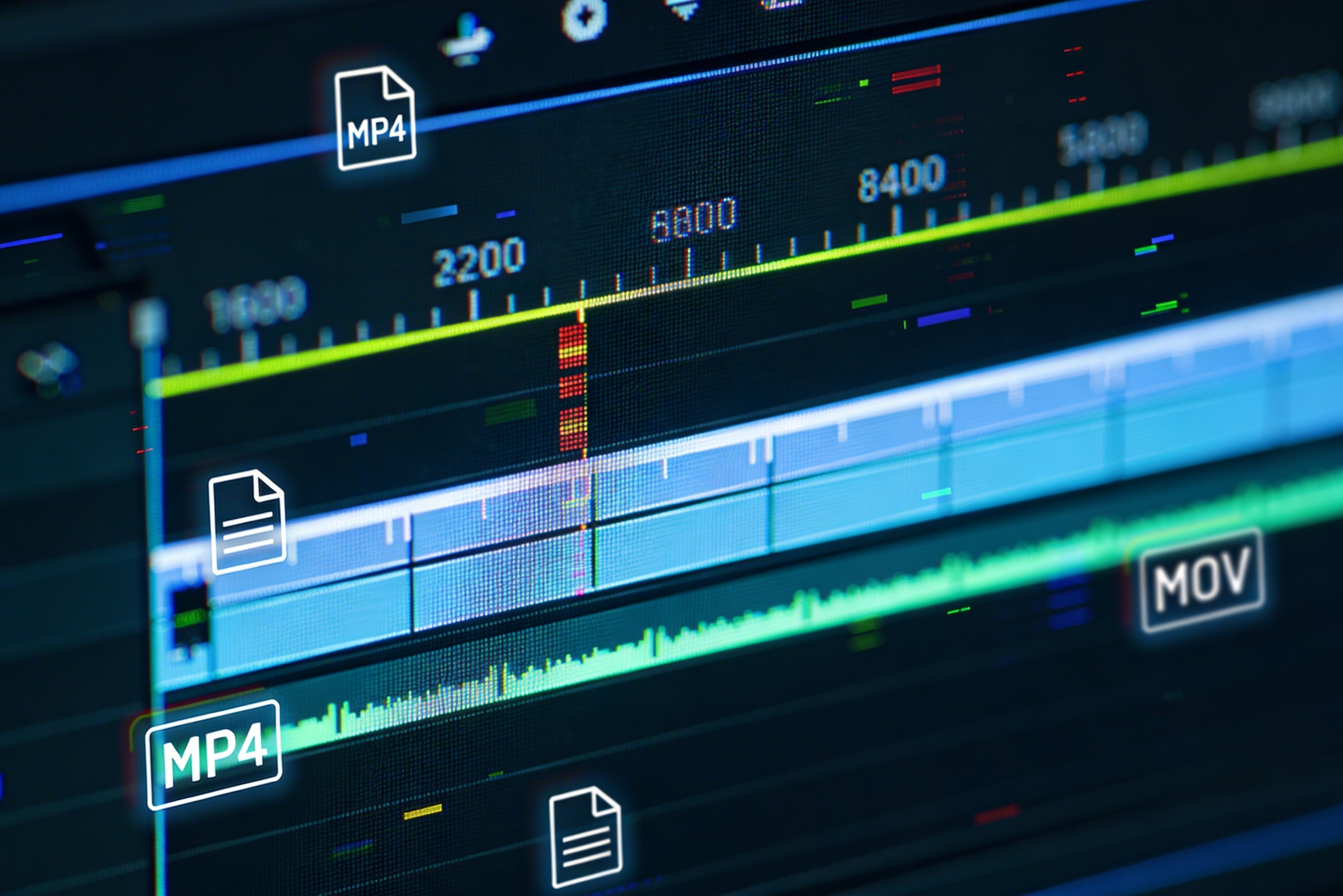
Versies maken voor verschillende platforms – YouTube, TikTok, Instagram – betekent opnieuw bewerken en opnieuw renderen voor verschillende beeldverhoudingen en lengtes.

Professional multi-shot planning can cost hours of creative direction before a final video is generated, filmed, edited, or approved.
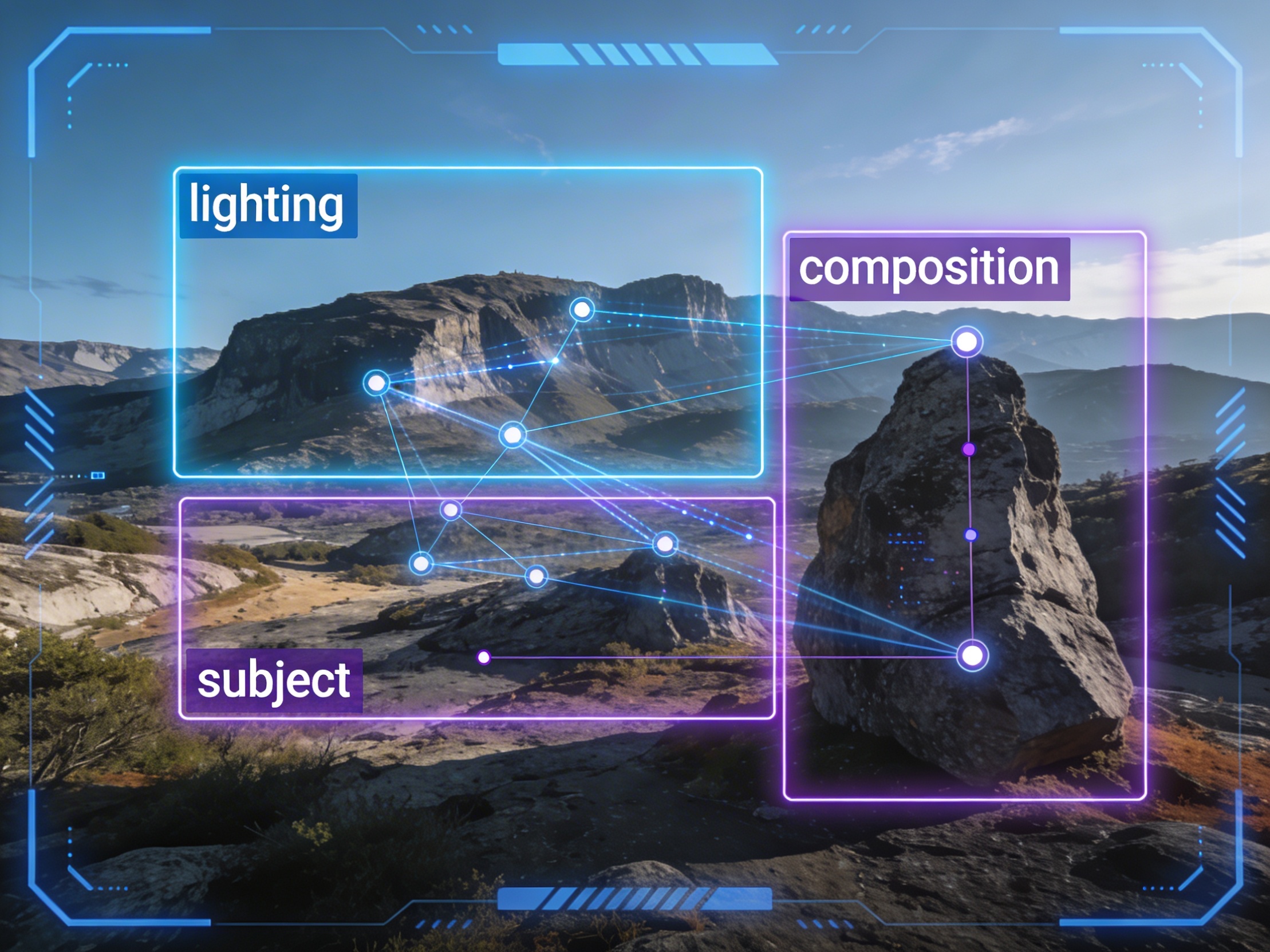
It's not just about creating variations. Our AI reads composition, cinematography, and storytelling needs to create shot prompts that strengthen your visual narrative.
Join creators using LlamaGen to plan shot sequences, camera angles, and AI video prompts before production.
Related writing workflow
Use the AI Screenplay Editor when a script, fiction draft, storyboard brief, video idea, or canvas note needs proper scene headings, action, dialogue, parentheticals, cover pages, outlines, beats, and collaboration-ready revisions.
INT. COMMUNITY CENTER - NIGHT
Folded chairs. A storm outside. MAYA stands at the microphone with a page of notes she no longer needs.
MAYA
If the city will not read the record, we will read it out loud.