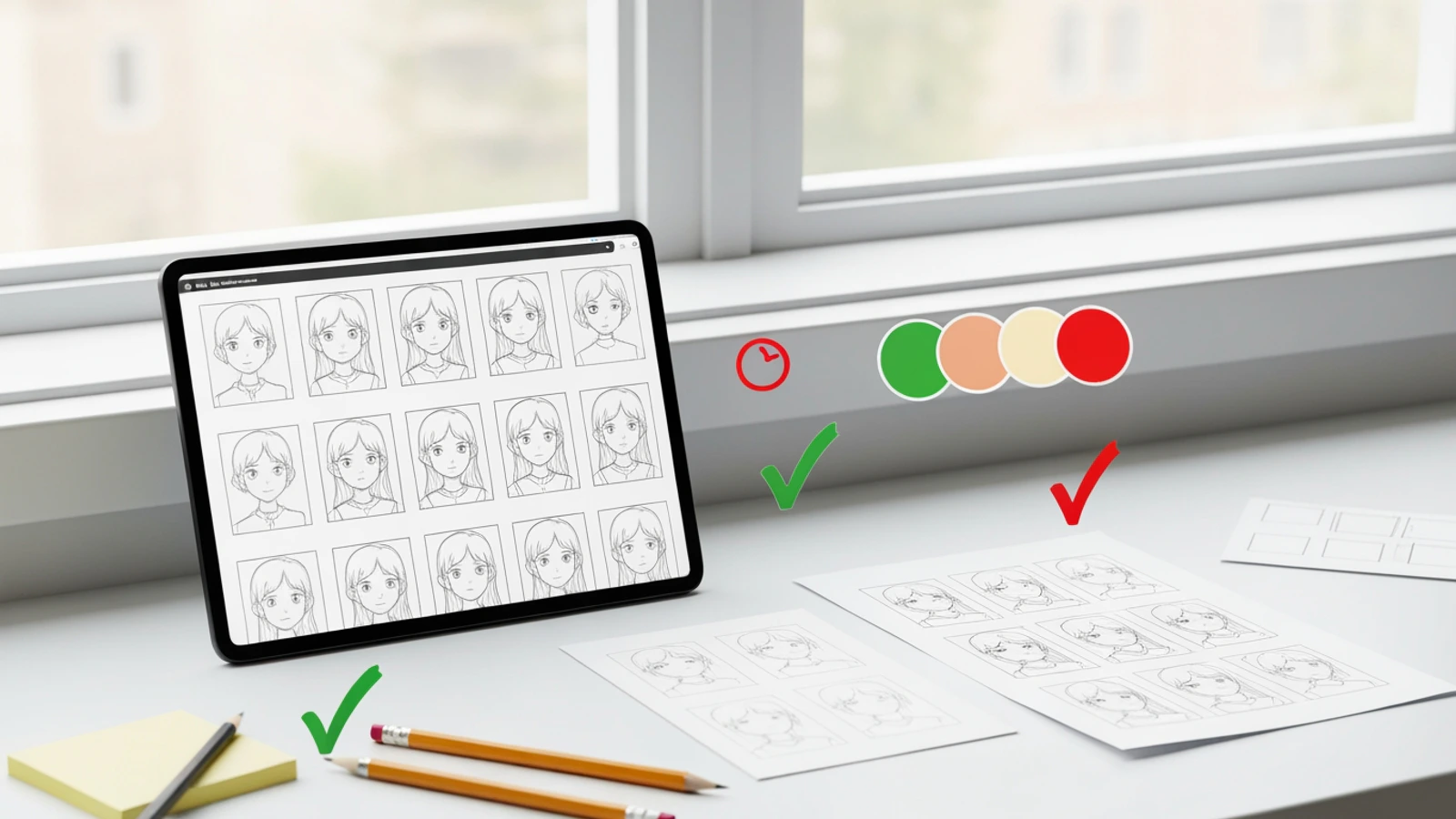
AI comic pages can look solid at first glance and fall apart on a second read.
The main character has a different face in panel 3. The jacket changes color in panel 4. The background shifts to a new location without a story reason. The final panel has the right mood, but the character no longer looks like the person from the opening shot.
That is character drift. In comics, manga, and webtoons, it is not a minor cosmetic issue. It breaks reader trust because sequential art depends on recognition. Readers need to believe the same character is moving through the same story world from panel to panel.
For our sample story, Leo should stay recognizable:
Leo, a nervous apprentice repair kid, slim frame, curious eyes, messy black hair with a copper hair clip, small bandage on left cheek, oversized tan utility jacket, dark green shirt, patched work pants, dented screwdriver in one pocket.
If panel 1 shows Leo with the copper hair clip and panel 5 removes it, that is a consistency issue. If panel 2 gives him a black hoodie instead of the tan utility jacket, that is also a consistency issue. If the floating junk market turns into a clean school hallway, the page has location drift.
You usually cannot fix all of these problems with one generic instruction like "make it more consistent." The better approach is to separate the page into layers.
Step 1: Diagnose Before You Regenerate
Before editing the page, run a quick consistency audit.
Use this checklist:
Character identity:
- Does the face look like the same person?
- Are the hair shape, age range, and main silhouette stable?
- Are the key visual anchors still visible?

Outfit and props:
- Does the outfit stay the same unless the script changes it?
- Are signature colors stable?
- Are recurring props still present?

Location:
- Do the background anchors remain recognizable?
- Does every panel still belong to the same scene?

Style:
- Do line weight, lighting, rendering, and color mood feel related?
- Does one panel look like it came from a different model or genre?

Story flow:
- Does each panel still match the panel script?
- Does the reader understand the action in order?
Then identify the biggest failure. Do not start by asking for a fully improved page. Choose one layer to fix first.
For example:
Primary issue:
Leo's face and jacket drift in panels 3 and 5.

Secondary issue:
Panel 4 loses the floating junk market background.

Do not fix yet:
Dialogue placement and final color grading.
This gives your revision a clear target.
Step 2: Lock the Character Anchors
The strongest consistency fixes start with anchors.
For Leo, the never-change rules are:
Never change:
- messy black hair
- copper hair clip
- small bandage on left cheek
- oversized tan utility jacket
- dark green shirt
- patched work pants
- dented screwdriver
- slim frame and nervous-curious expression
When a panel drifts, do not paste the entire character biography every time. Use the anchors that are missing or unstable.
Weak revision prompt:
Make Leo consistent.
Stronger revision prompt:
Revise panel 5 only. Keep Leo's identity consistent with the previous panels: slim frame, messy black hair with a copper hair clip, small bandage on left cheek, oversized tan utility jacket, dark green shirt, patched work pants, dented screwdriver in one pocket. Keep his expression shocked but protective. Do not change the page layout or the robot position.
That prompt tells the system what must stay, what can change, and what should remain untouched.
If you are working in LlamaGen.AI, use character references, saved character direction, or panel-level editing instead of regenerating the entire page. Sequential work usually improves with controlled edits.
Step 3: Fix the Face Separately From the Outfit
Face drift and outfit drift often need different instructions.
Face fixes should focus on:
Age range
Face shape
Eye shape
Hair silhouette
Signature facial mark
Expression
Camera angle
Outfit fixes should focus on:
Main garment shape
Color palette
Accessories
Prop placement
Sleeve, collar, belt, or bag details
What must not be added
Use separate prompts when the page is heavily drifted.
Face prompt:
Revise Leo's face in panel 3 only. Match the same character identity from panels 1 and 2: teenage apprentice, slim face, curious eyes, messy black hair, copper hair clip, small bandage on left cheek. Keep the close-up camera angle and nervous expression. Do not change the crate, robot, background, or panel border.
Outfit prompt:
Revise Leo's outfit in panel 4 only. Restore the oversized tan utility jacket, dark green shirt, patched work pants, and dented screwdriver in one pocket. Remove any hoodie, scarf, armor, logo, or extra accessories. Keep the guard checkpoint bridge and camera angle unchanged.
This layered approach is slower than relying on one broad prompt, but it usually produces more stable comic assets.
Step 4: Protect the Style Bible
Sometimes the character is recognizable, but the page still feels inconsistent because the style changes.
Style drift can look like this:
One panel becomes glossy 3D while the others are manga line art.
One panel has heavy noir shadows while the rest is bright daylight.
The face rendering becomes too realistic in a stylized page.
Background detail jumps from simple to overloaded.
Create a short style bible:
Style:
Polished manga-inspired comic page, clean linework, readable panel borders, expressive faces, soft screen-tone shadows, dusty gray and faded yellow palette, bright high-altitude daylight, detailed but not cluttered backgrounds.

Do not use:
photorealistic faces, glossy 3D rendering, oil painting texture, random neon lighting, readable text, fake logos, watermarks.
Then reuse it in page-level and panel-level revisions.
Style repair prompt:
Revise panel 2 to match the rest of the page style. Use polished manga-inspired linework, soft screen-tone shadows, bright high-altitude daylight, dusty gray and faded yellow palette, and clean readable panel composition. Keep Leo's pose, the crate, and the market stall action unchanged. Do not make the panel photorealistic or glossy 3D.
The last sentence matters. Negative direction works best when it names specific errors to avoid.
Step 5: Restore Location Continuity
Readers track space through repeated background anchors.
For the floating junk market, the location anchors are:
If a panel loses the location, repair the background without changing the character.
Location repair prompt:
Revise the background of panel 4 only. Keep Leo and the guards in the same positions. Restore the floating junk market setting with stacked salvage platforms, hanging cables, warning flags, open sky gaps, repair stalls, pulley crates, patched metal, and dusty gray plus faded yellow colors. Keep the checkpoint bridge visible in the distance.
This is especially important for action scenes. If the background changes randomly, the chase or discovery can feel disconnected.
Step 6: Fix Panel Continuity in Reading Order
Character consistency is not only about appearance. It is also about sequence.
A page can fail if:
The character holds the robot in panel 2, then finds it in panel 3.
The guards appear before they are introduced.
The map is visible before the robot wakes.
The character's emotion jumps from calm to terrified without a visual cause.
Use a continuity pass after the visual pass.
For the Leo page:
Panel 1: floating junk market, Leo near repair stall
Panel 2: Leo opens the dented crate
Panel 3: tiny robot wakes inside the crate
Panel 4: Leo notices guards near checkpoint bridge
Panel 5: Leo hides robot under jacket, shocked and protective
Continuity repair prompt:
Revise the page sequence so the story order is clear: Leo opens the crate before the robot is visible, the robot wakes before the guards become important, and Leo hides the robot only in the final panel. Keep the same 5-panel layout, same character design, same floating junk market setting, and no readable text.
If only one panel is wrong, edit that panel. If the sequence is completely wrong, a page-level revision may be necessary.
Step 7: Use a Revision Stack
For AI comics, a practical revision order is:
1. Character face
2. Outfit and props
3. Location anchors
4. Panel action
5. Style match
6. Dialogue space
7. Final polish
Do not start with final polish. A beautifully lit inconsistent character is still inconsistent.
Here is a full repair stack for our sample page:
Revision 1:
Fix Leo's face in panels 3 and 5 to match the character sheet.

Revision 2:
Restore the tan utility jacket, dark green shirt, copper hair clip, cheek bandage, and screwdriver in every panel.

Revision 3:
Restore floating junk market anchors in panels 1, 2, and 4.

Revision 4:
Clarify story order: crate -> robot -> guards -> hiding.

Revision 5:
Match all panels to the same manga-inspired linework and daylight palette.

Revision 6:
Leave clean bubble space in panels 2, 3, and 5.
This creates an edit path instead of a guessing loop.
Step 8: Keep Dialogue Out Until the Page Is Stable
Generated text can make consistency harder.
If the model tries to render dialogue inside the image, you may get distorted letters, accidental signs, or speech bubbles that cover important faces. For early revisions, use this rule:
No readable generated text. Leave clean empty space for editable speech bubbles and captions.
Those lines are short enough for comic bubbles and do not explain what the art should already show.
Step 9: Review the Fixed Page Like an Editor
After revisions, run one final review.
Use this prompt:
Review this comic page for production consistency.

Check:
- Does the main character look like the same person in every panel?
- Are the character's fixed anchors preserved?
- Does the outfit stay consistent?
- Does the location remain recognizable?
- Does the style match across panels?
- Does the panel sequence read clearly?
- Which single issue should be fixed before export?

Return a concise issue list and one recommended revision prompt.
The last line matters. You want the review to produce an action, not just criticism.
Complete Consistency Repair Template
Copy this template when a comic page drifts.
Page goal:

Current problem:

Panels to revise:

Character fixed anchors:

Outfit fixed anchors:

Location anchors:

Style bible:

Panel action that must stay:

Panel action that must change:

Do not change:

Text rule:
No readable generated text. Leave clean bubble/caption space.

Revision request:
Revise only the specified panels. Preserve the page layout, story order, character identity, location continuity, and visual style.
Example: Fixing Leo's Page
Here is a complete revision prompt for the Day 5 sample page:
Revise panels 3, 4, and 5 of this 5-panel comic page.

Page goal:
Leo discovers a tiny damaged robot in a dented crate, realizes it may know his missing sister's voice, sees market guards nearby, and hides the robot under his jacket.

Character fixed anchors:
Leo is a nervous apprentice repair kid with a slim frame, curious eyes, messy black hair with a copper hair clip, a small bandage on his left cheek, an oversized tan utility jacket, dark green shirt, patched work pants, and a dented screwdriver in one pocket.

Location anchors:
Floating junk market above the city, stacked salvage platforms, hanging cables, warning flags, open sky gaps, repair stalls, pulley crates, patched metal, dusty gray and faded yellow palette.

Panel fixes:
Panel 3: make the tiny damaged robot the clear focus inside the dented crate; keep Leo's hands visible near the crate.
Panel 4: show Leo noticing market guards near a checkpoint bridge in the background; restore hanging cables and warning flags.
Panel 5: show Leo hiding the robot under his tan jacket with a shocked protective expression; keep copper hair clip and left cheek bandage visible.

Style:
Polished manga-inspired comic art, clean linework, readable panel borders, bright high-altitude daylight, soft screen-tone shadows.

Do not change:
5-panel layout, overall page order, Leo's identity, robot discovery, floating market setting.

Text rule:
No readable generated text, no random signs, no logos, no watermarks. Leave clean space for speech bubbles.
That is specific enough to repair the page while preserving the parts you already like.
Common Mistakes
Avoid these when fixing AI comic consistency:
Regenerating the whole page for one bad face
Changing the character description between revisions
Asking for "more detail" when the real problem is identity
Fixing style before story order
Letting dialogue render directly inside the image too early
Adding too many new objects during a continuity fix
Forgetting which details are fixed and which can change
Judging every panel separately instead of reading the page in order
Consistency is not created by one perfect prompt. It comes from stable references and disciplined edits.
Final Checklist
Before exporting the improved page, confirm:
The protagonist is recognizable in every panel
The fixed face, hair, outfit, and prop anchors are preserved
The location remains recognizable
Style and lighting feel unified
The story order is clear
The emotional progression makes sense
No generated text creates visual noise
There is space for clean speech bubbles or captions
The page still matches the original script
When this checklist passes, you have a usable comic page revision rather than just another image variation.
Next Step
Once your page is consistent, prepare it as a reusable asset package: page image, panel exports, character sheet, prompt notes, and publishing format.