95%
Menos parâmetros do que o fine-tuning completo
A LoRA adiciona camadas adaptadoras leves em vez de reescrever o modelo inteiro.


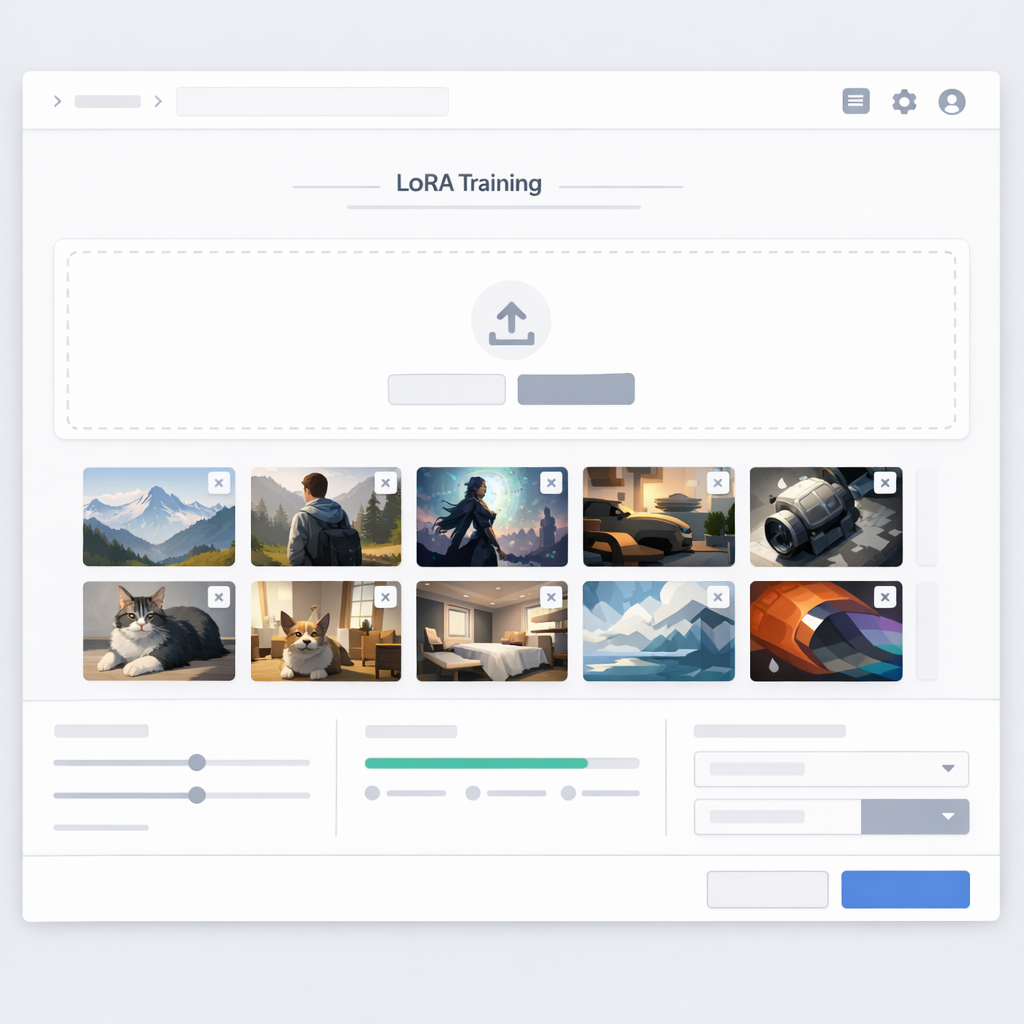
Ferramenta de Treinamento LoRA
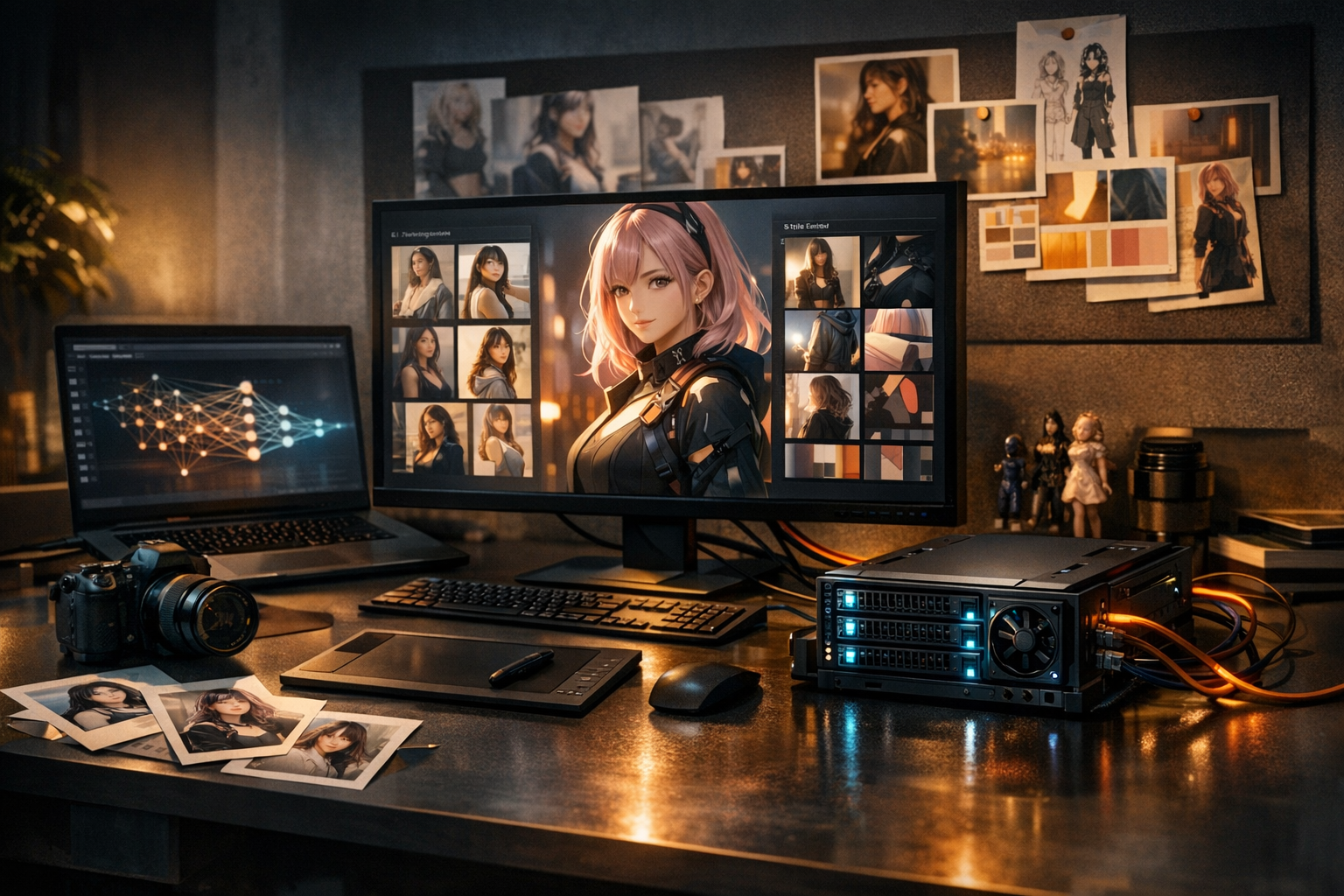
Transforme um pequeno conjunto de referência em uma LoRA de personagem reutilizável. Gere variações ilimitadas — novas poses, roupas e cenas — mantendo o mesmo rosto e personalidade.
10–30 imagens → 15–30 minutos → consistência pronta para produção.
Paste your story, then choose the page count and layout.
Training plan
95%
A LoRA adiciona camadas adaptadoras leves em vez de reescrever o modelo inteiro.
1-10min
Rápido o bastante para iterar, estável o bastante para fluxos de produção.
1-10MB
Modelos pequenos e portáteis que você pode reutilizar e combinar.
10-30
Um conjunto curado funciona melhor do que uma pasta enorme e bagunçada.
Built for the work
Treinamento LoRA: modelos personalizados de personagem para uma consistência que realmente se sustenta em produção.
Treine em minutos, não em dias. Itere como criador, não como laboratório de pesquisa.
Os mesmos olhos, nariz, boca e proporções em todas as gerações — sem desvio de identidade.
Ótimos resultados com apenas 10–30 imagens de referência selecionadas com cuidado.
Adaptadores de 2–10MB são fáceis de armazenar, compartilhar e reutilizar em vários projetos.
Mantenha sua assinatura artística — traço, paleta, composição — enquanto muda as cenas.
Da identidade rígida a uma orientação de estilo mais suave, ajuste conforme a necessidade.
Combine LoRAs de personagem com LoRAs de estilo para um controle mais profundo.
Gere assets para mangá, jogos, storyboards, marketing e pipelines de séries.
Foundation
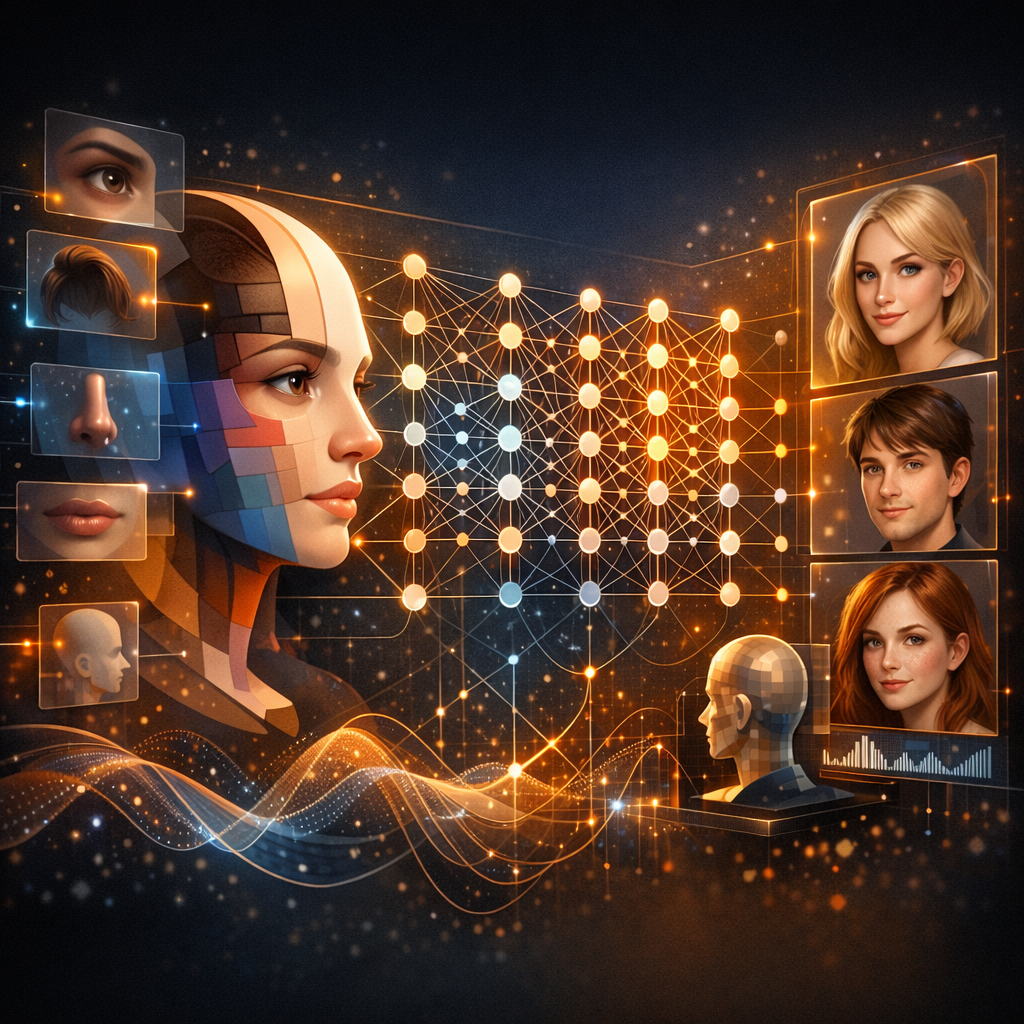
LoRA (Low-Rank Adaptation) é uma técnica de fine-tuning eficiente em parâmetros que ensina a um modelo existente um conhecimento novo e específico sem modificar milhões de pesos centrais. Em vez disso, ela adiciona pequenas camadas adaptadoras — exigindo muito menos processamento e ainda assim alcançando alta fidelidade. Pense nisso como treinar um artista de IA para reconhecer e recriar de forma consistente o DNA do seu personagem: proporções do rosto, expressões, acessórios e sinais de estilo. Com apenas 10–30 imagens curadas, você desbloqueia gerações consistentes ilimitadas para páginas de mangá, assets de jogos, storyboards e personagens de marca.

Continuity
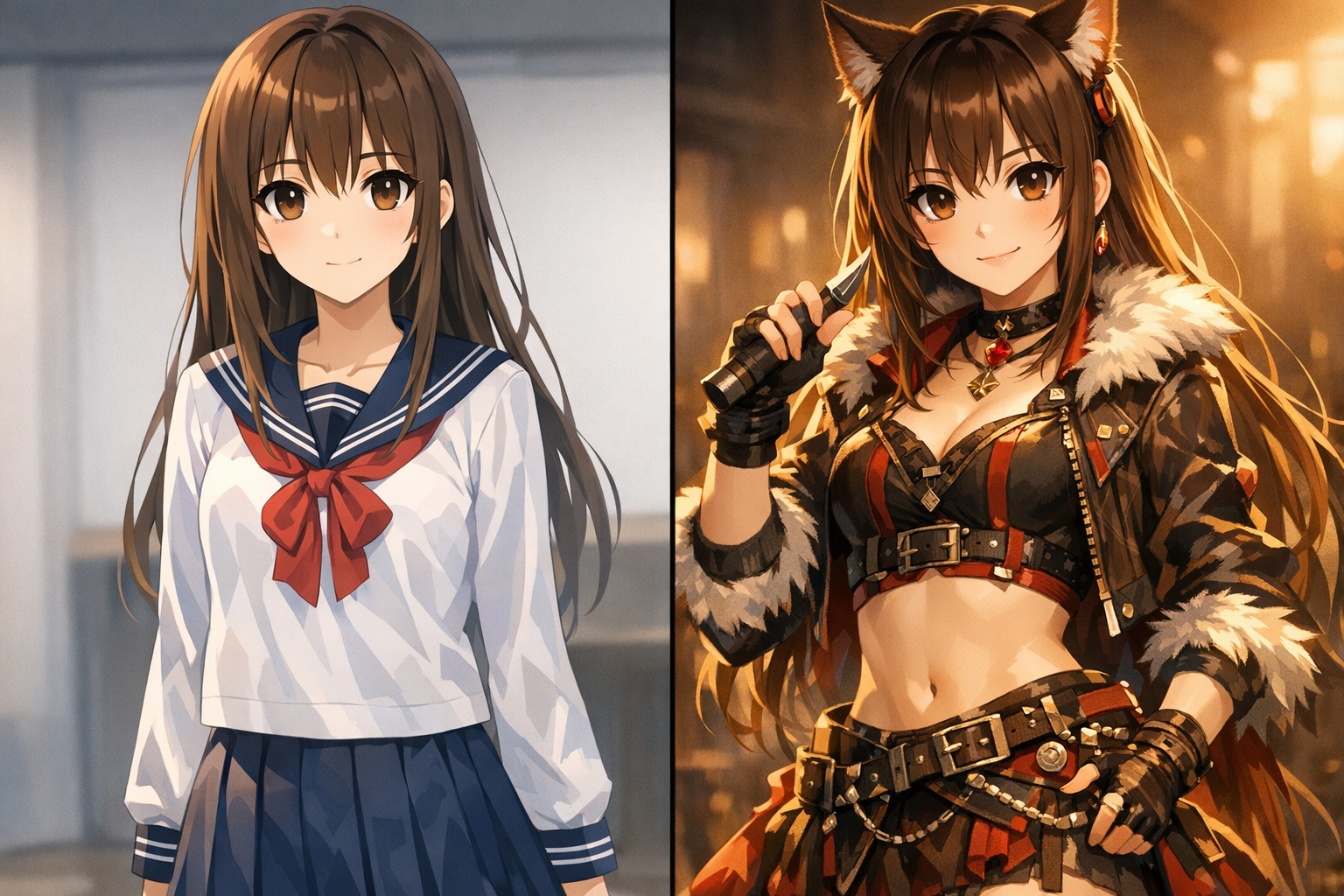
Na narrativa visual, consistência é a base da confiança. Quando o rosto de um personagem muda entre cenas — comprimento do cabelo, formato dos olhos, proporções — o público percebe a quebra. O text-to-image padrão é não determinístico: o mesmo prompt gera identidades diferentes toda vez. O treinamento LoRA resolve isso ao codificar a identidade em um modelo reutilizável, para que seu personagem continue reconhecível em diferentes variações.
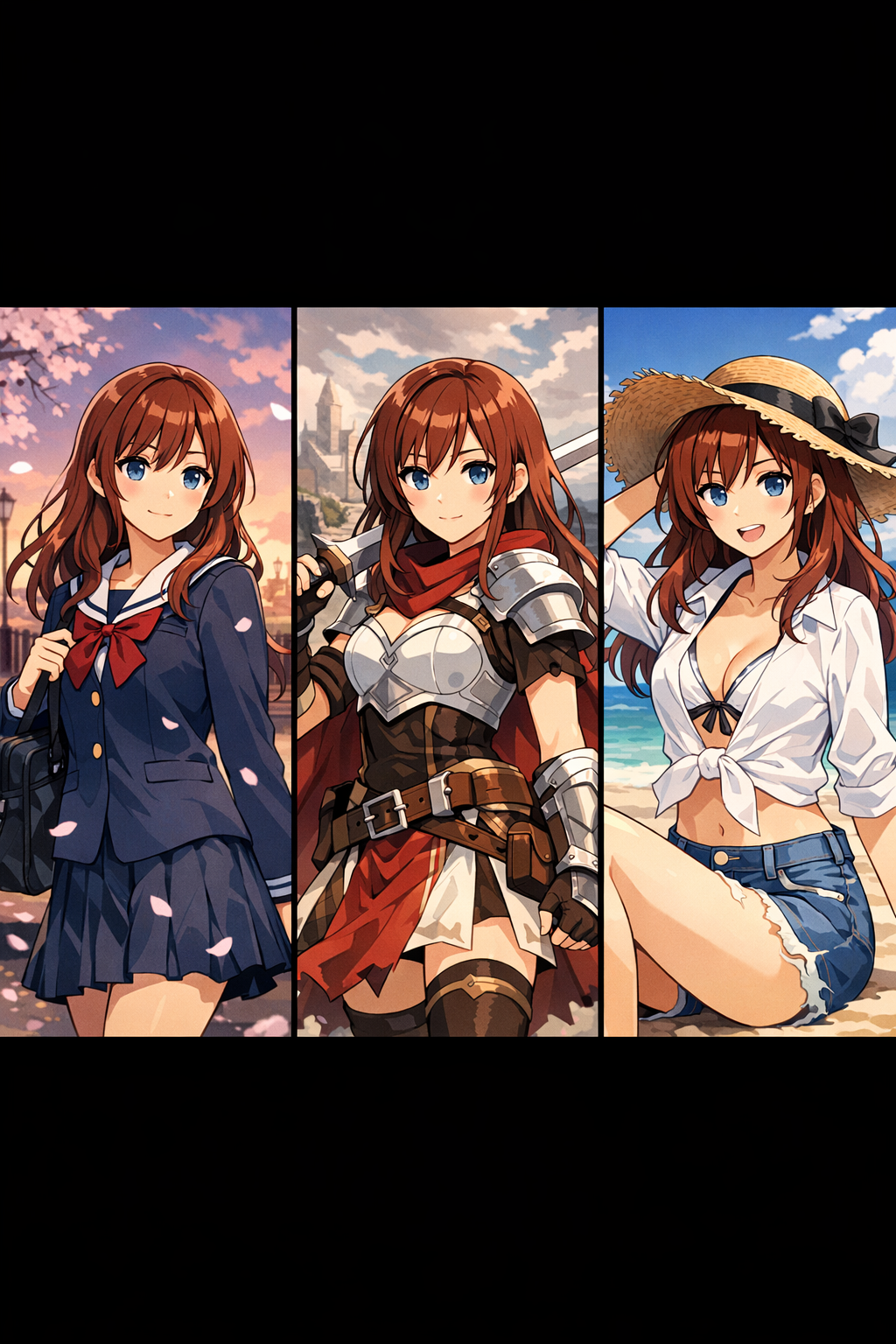
Os mesmos olhos, nariz, boca e proporções em cada geração.
Mantenha sua direção de arte em cenas e composições.
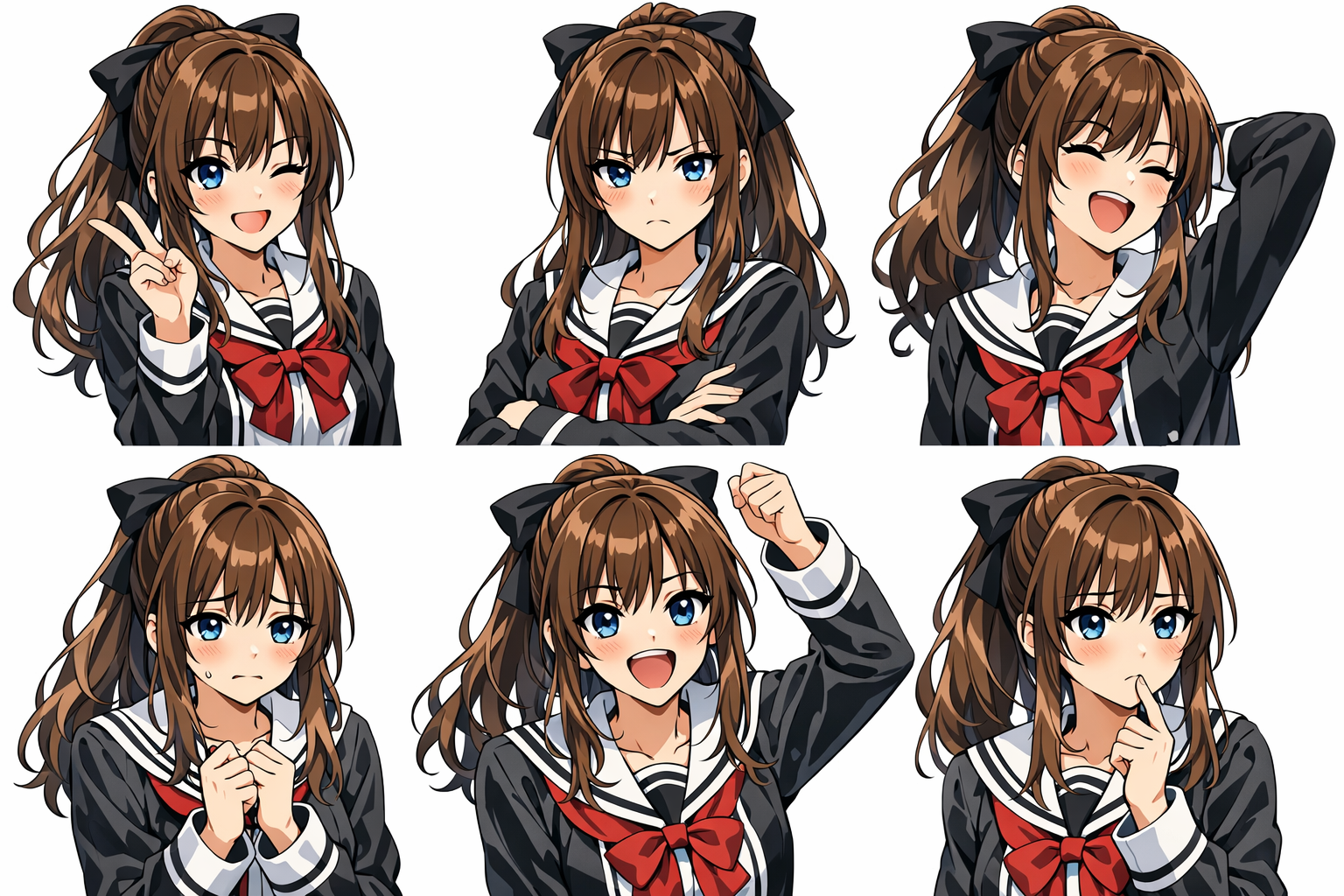
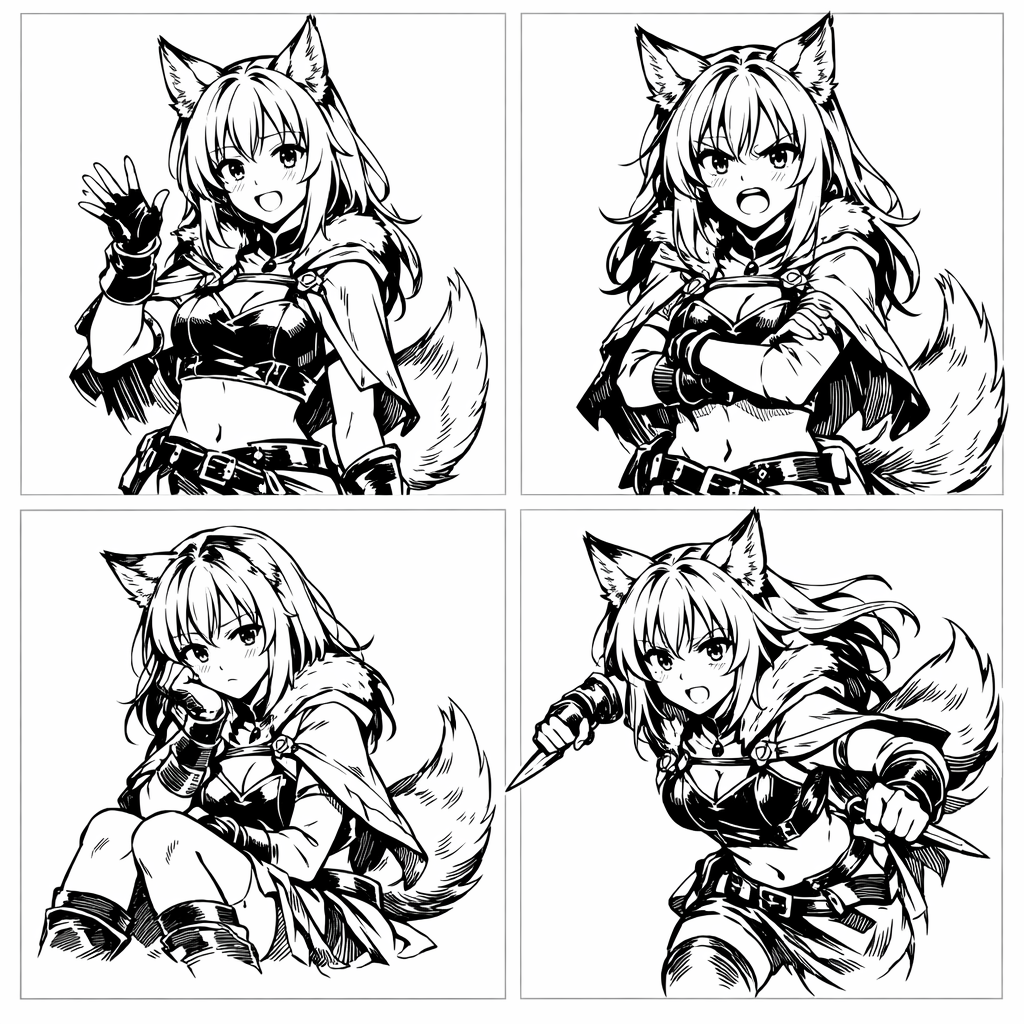
Novas emoções sem perder a identidade.
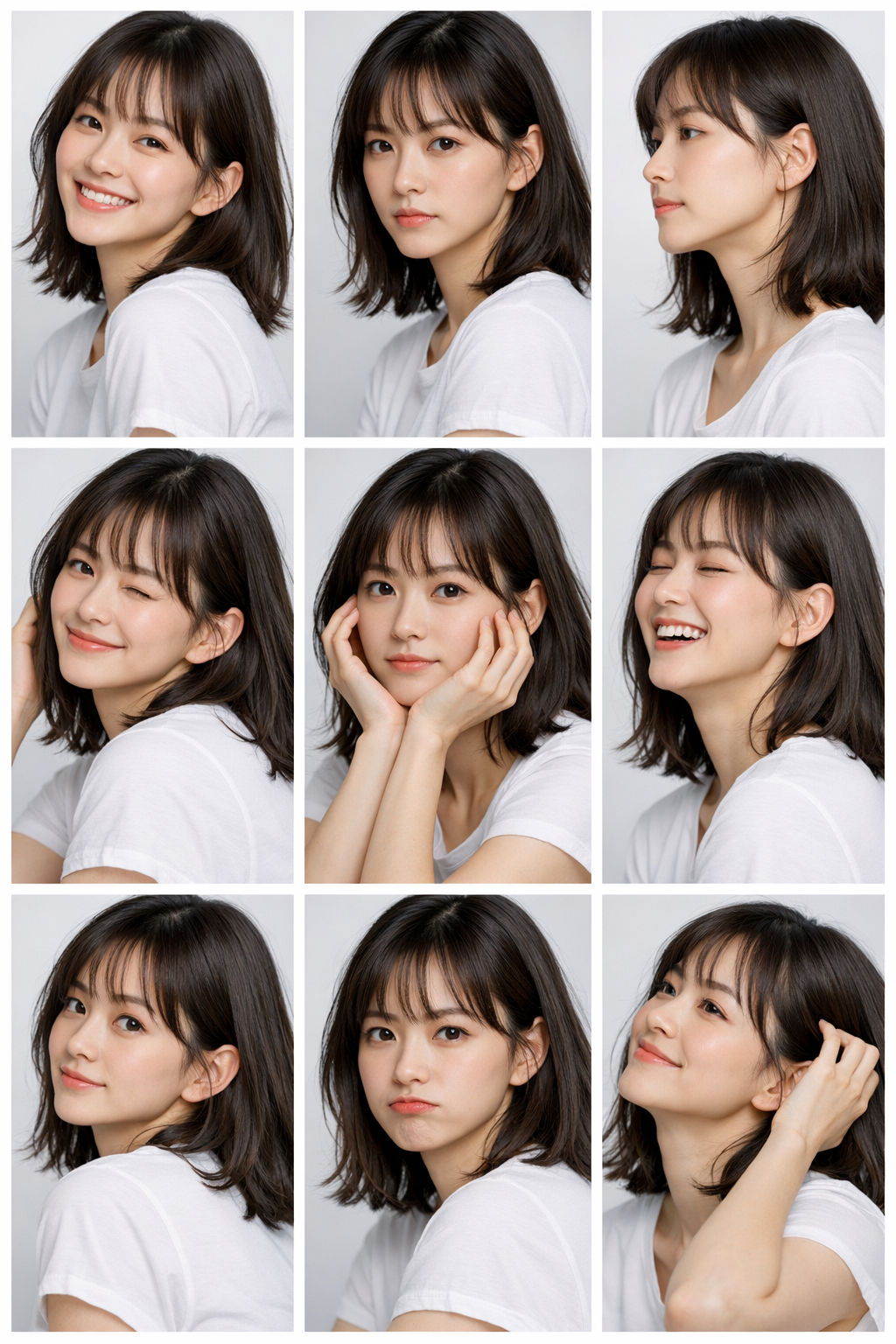
Ângulos e enquadramentos ilimitados mantendo o mesmo personagem.
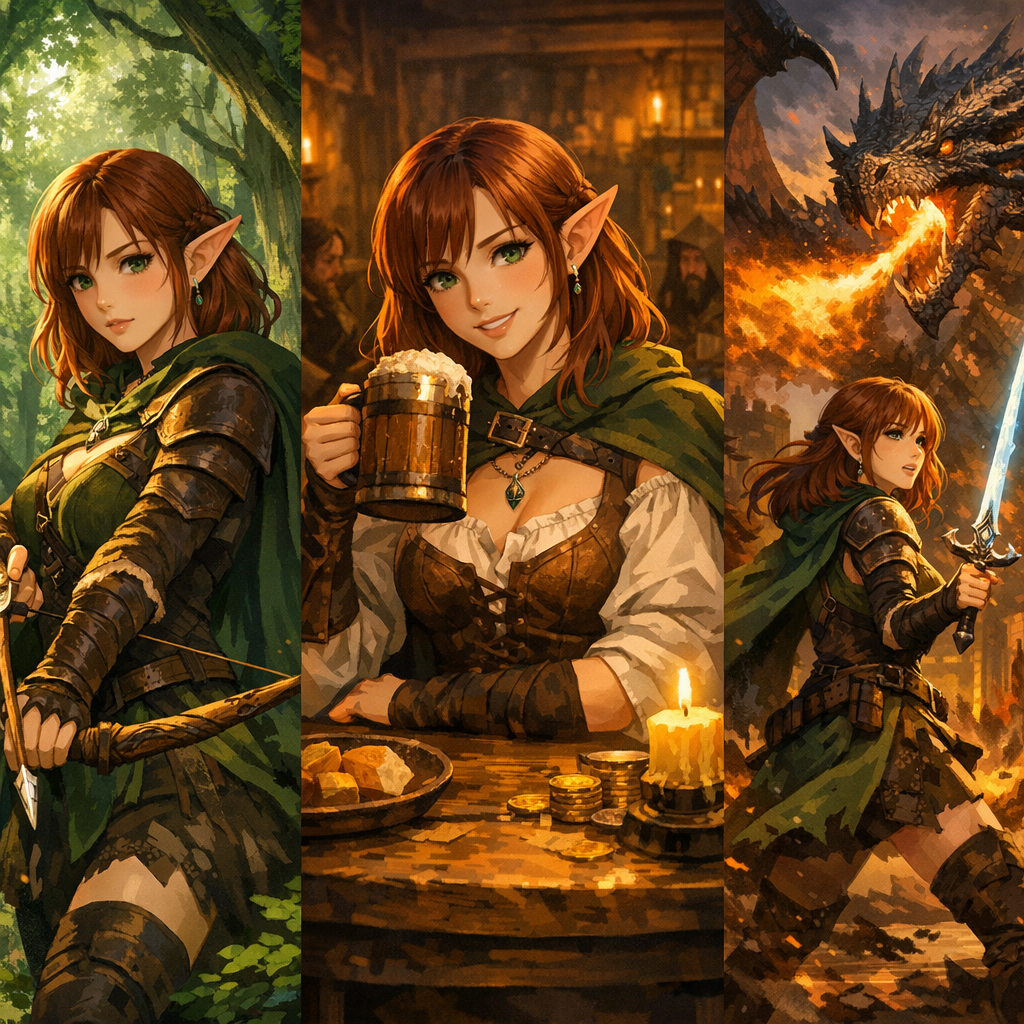
Altere roupas, props e detalhes sem desviar o rosto.
Reconhecível em diferentes iluminações, fundos e climas.
How the method works
O fine-tuning completo reescreve os pesos centrais de um modelo — caro, frágil e fácil de overfitar. A LoRA mantém o modelo base intacto e aprende uma atualização de baixa rank por meio de adaptadores leves. Você obtém aprendizado direcionado (identidade, estilo, conceito) com muito menos parâmetros, arquivos menores e treinamento mais rápido — perfeito para ciclos de iteração de criadores.

01 / Proof in the output
Ensine ao modelo quem é seu personagem. Um conjunto curado de referências fixa o rosto e os principais traços visuais, para que cada nova geração continue parecendo a mesma pessoa.
02 / Proof in the output
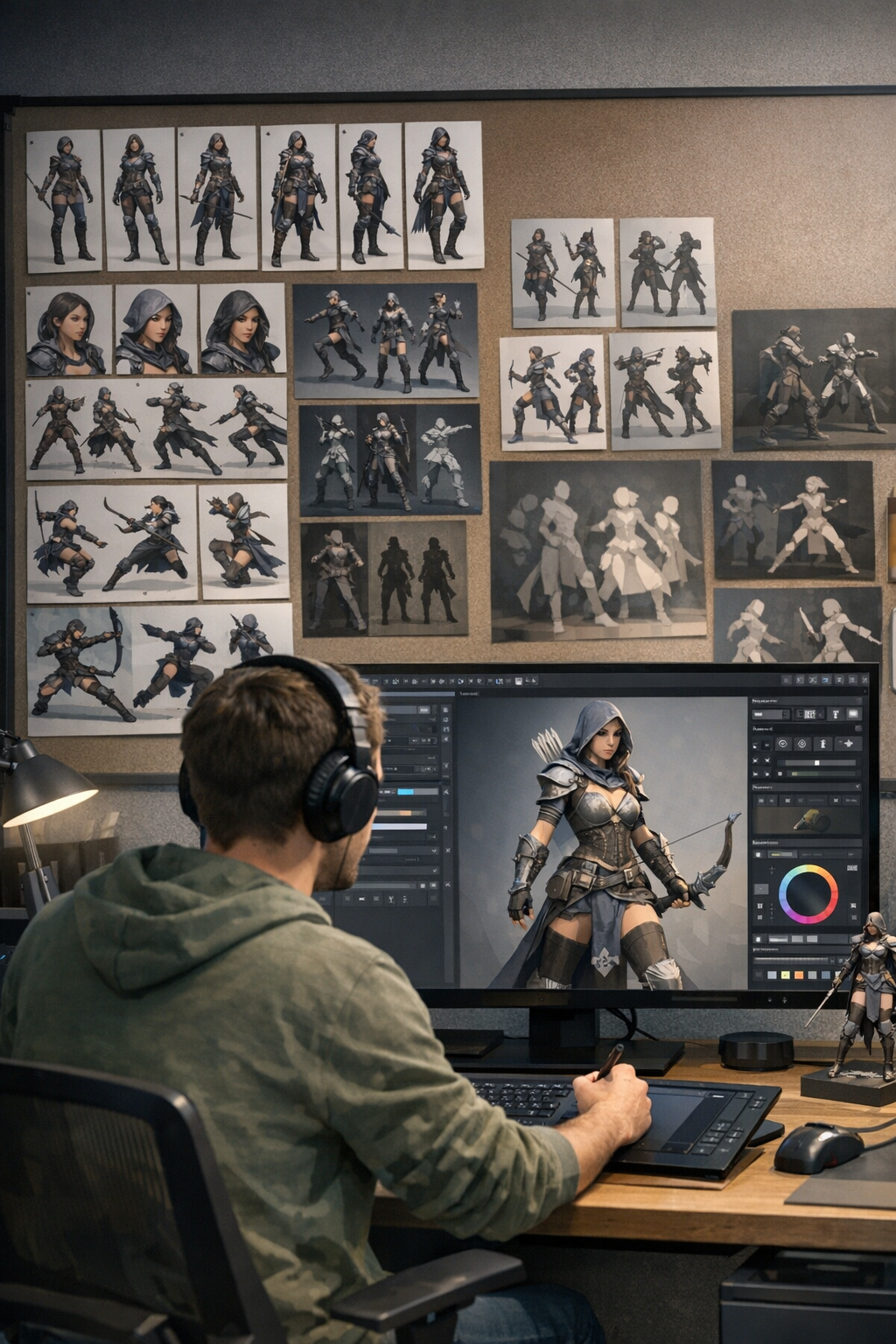
Treine, teste, ajuste e repita. Regule a força da identidade, a aderência ao estilo e a flexibilidade até que o resultado corresponda às necessidades da sua produção — páginas de mangá, jogos, marketing e trabalhos de séries.

Detailed process
Comece em minutos. Não é preciso ter conhecimento em ML.
Step 01
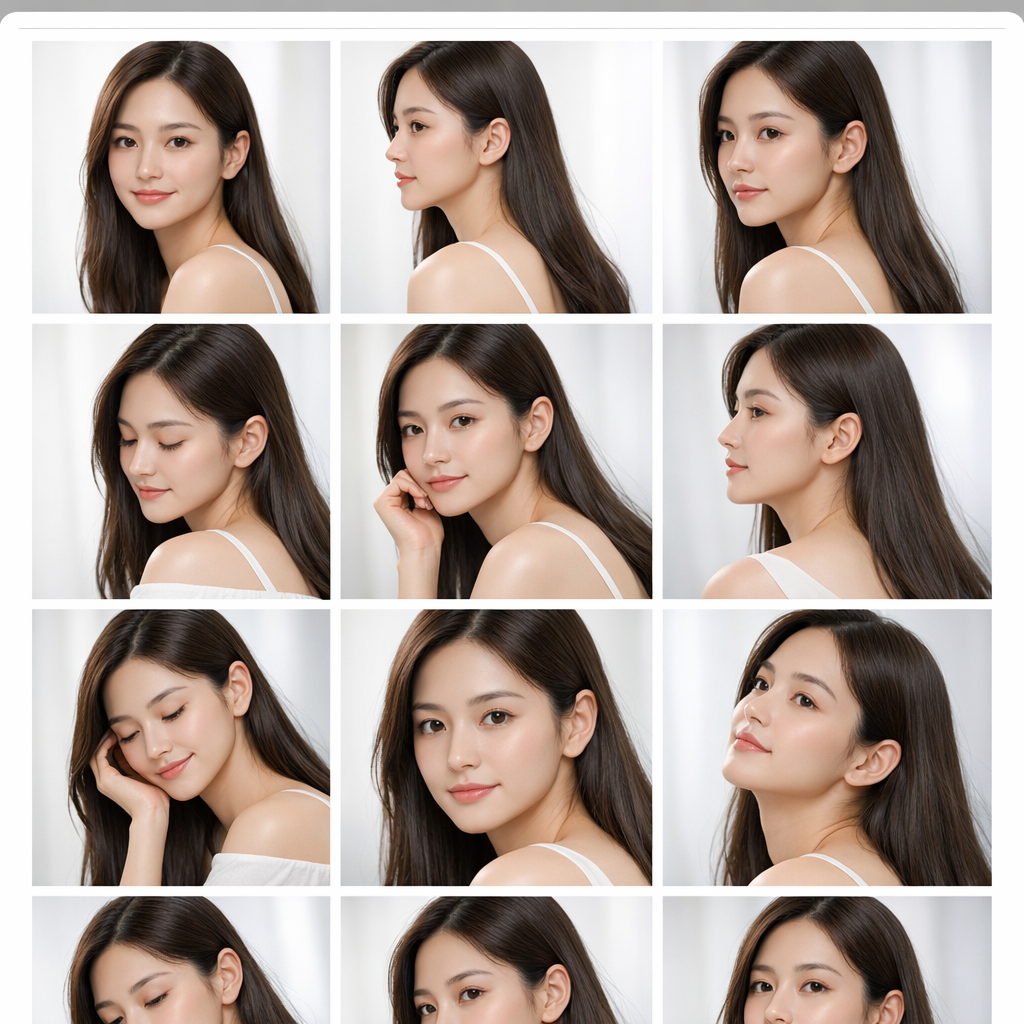
Reúna 10–30 imagens de alta qualidade. Inclua variedade de pose, ângulo e expressão, mantendo a identidade consistente. Recorte com clareza; evite filtros pesados e assuntos misturados.

Step 02
Escolha um modelo base (anime/realista/arte) e ajuste épocas e taxa de aprendizado. Nossos padrões funcionam na maioria dos casos; os controles avançados ajudam quando você precisa de mais precisão.

Step 03
Inicie o treinamento e acompanhe o progresso. A maioria das execuções termina em 15–30 minutos, dependendo do dataset e da complexidade.
Step 04
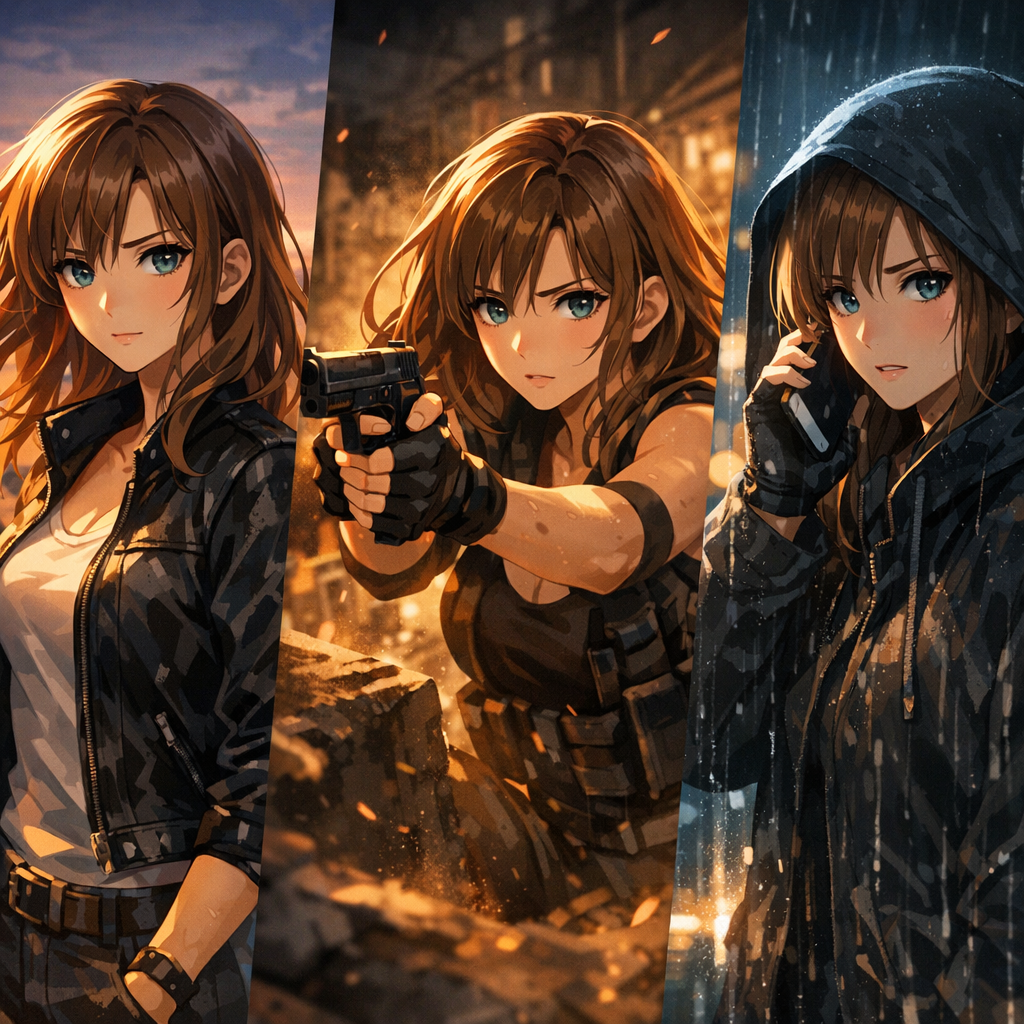
Use a LoRA treinada para gerar variações consistentes: roupas, poses, cenas, iluminação e expressões — sem desvio de identidade.
Where it fits
Como criadores usam o treinamento LoRA para escalar a produção sem sacrificar a identidade.
Gere personagens consistentes em centenas de páginas para séries de mangá, webtoons e graphic novels — do capítulo 1 ao final.
Crie sprites, retratos, key art e variações de estado emocional para protagonistas, NPCs e skins.
Monte conjuntos completos de expressões e roupas mantendo a continuidade em toda a história.
Gere fichas de design com ângulos, expressões e pacotes de roupas para equipes de animação e jogos.
Mantenha a identidade da marca em marketing, redes sociais, produtos e anúncios com um modelo de mascote consistente.
Crie storyboards, cenas conceituais e estudos de personagem antes de partir para a produção final.
Construa reconhecimento do público gerando posts e campanhas consistentes baseados em personagens.
Crie artes de personagem prontas para impressão para colecionáveis e linhas de produtos com representação consistente.
Output gallery
Exemplos do que você pode criar com treinamento LoRA + Character Studio.


Workflow
Um fluxo prático para geração consistente de personagens.
Reúna imagens que representem a mesma identidade em diferentes ângulos, expressões e iluminações. Entradas limpas = melhor consistência.
Execute um treinamento leve para aprender o sinal de identidade/estilo sem overfitting.
Use a LoRA treinada no Character Studio para gerar novas cenas, roupas e poses mantendo o rosto estável.
Where it earns its place
Consistência é o que transforma imagens bonitas em um pipeline de narrativa útil.
Mantenha o mesmo rosto do personagem enquanto muda fundos, ângulos de câmera ou roupas.
Depois que a identidade é capturada, você passa menos tempo refazendo gerações só para bater com o personagem.
Útil para quadrinhos, mangá, webtoons, thumbnails e qualquer fluxo de narrativa com várias imagens.
Treine, teste e ajuste — buscando uma produção repetível, não apenas demos pontuais.
Trate uma LoRA treinada como um asset reutilizável de personagem para novos projetos.
Vá direto para /new/characters para gerar, refinar e continuar construindo seu elenco.
Perguntas Frequentes
Normalmente 10–30 imagens curadas. Variedade ajuda (ângulos, expressões, iluminação), mas a identidade precisa continuar consistente. Dados limpos valem mais do que muitos dados.
Assunto claro, identidade consistente, pontos de vista variados, boa iluminação e recortes bem feitos. Evite assuntos misturados, filtros extremos, oclusões pesadas ou estilos muito diferentes no mesmo conjunto.
Sim — quando bem treinada, a LoRA ajuda a preservar a identidade facial enquanto você altera prompts, roupas, ambientes e iluminação.
A maioria das execuções conclui em 15–30 minutos, dependendo do tamanho do dataset e da complexidade.
O fine-tuning completo atualiza uma grande parte dos pesos do modelo (mais processamento, maior risco de overfitting). A LoRA aprende camadas adaptadoras leves (mais rápida, menor e mais fácil de reutilizar).
Geralmente, sim. Combinar uma LoRA de personagem com uma LoRA de estilo pode desbloquear um controle mais profundo — mantendo a identidade estável enquanto a direção de arte muda.
Você é dono do que cria com a LlamaGen. Certifique-se de que seu dataset e seus prompts respeitem os direitos e a propriedade intelectual de terceiros.
Abra o Character Studio em /new/characters e gere novas imagens usando a identidade treinada do personagem.
Treine uma vez e depois gere para sempre — rostos consistentes em todas as cenas.