10–30
Curated references
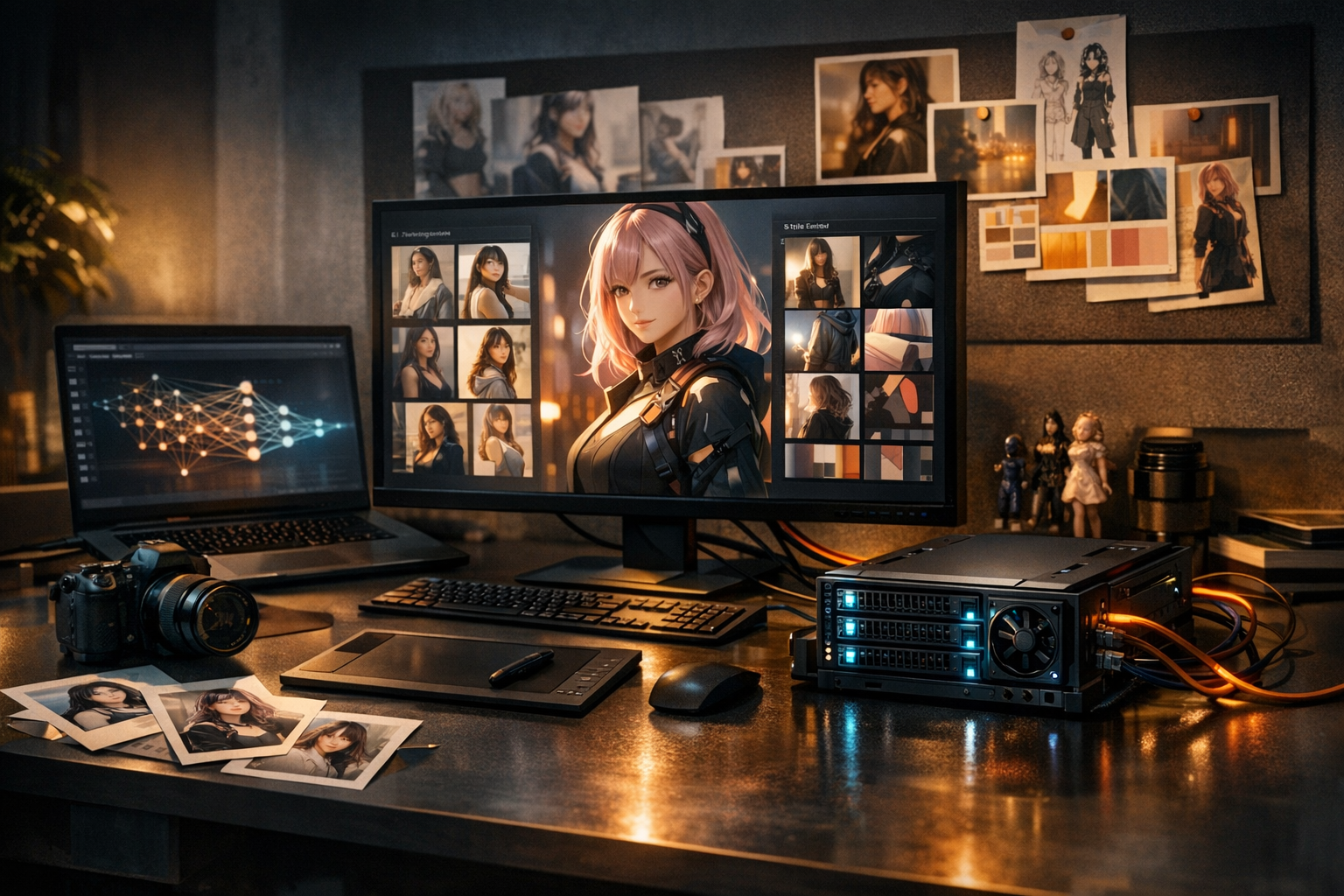
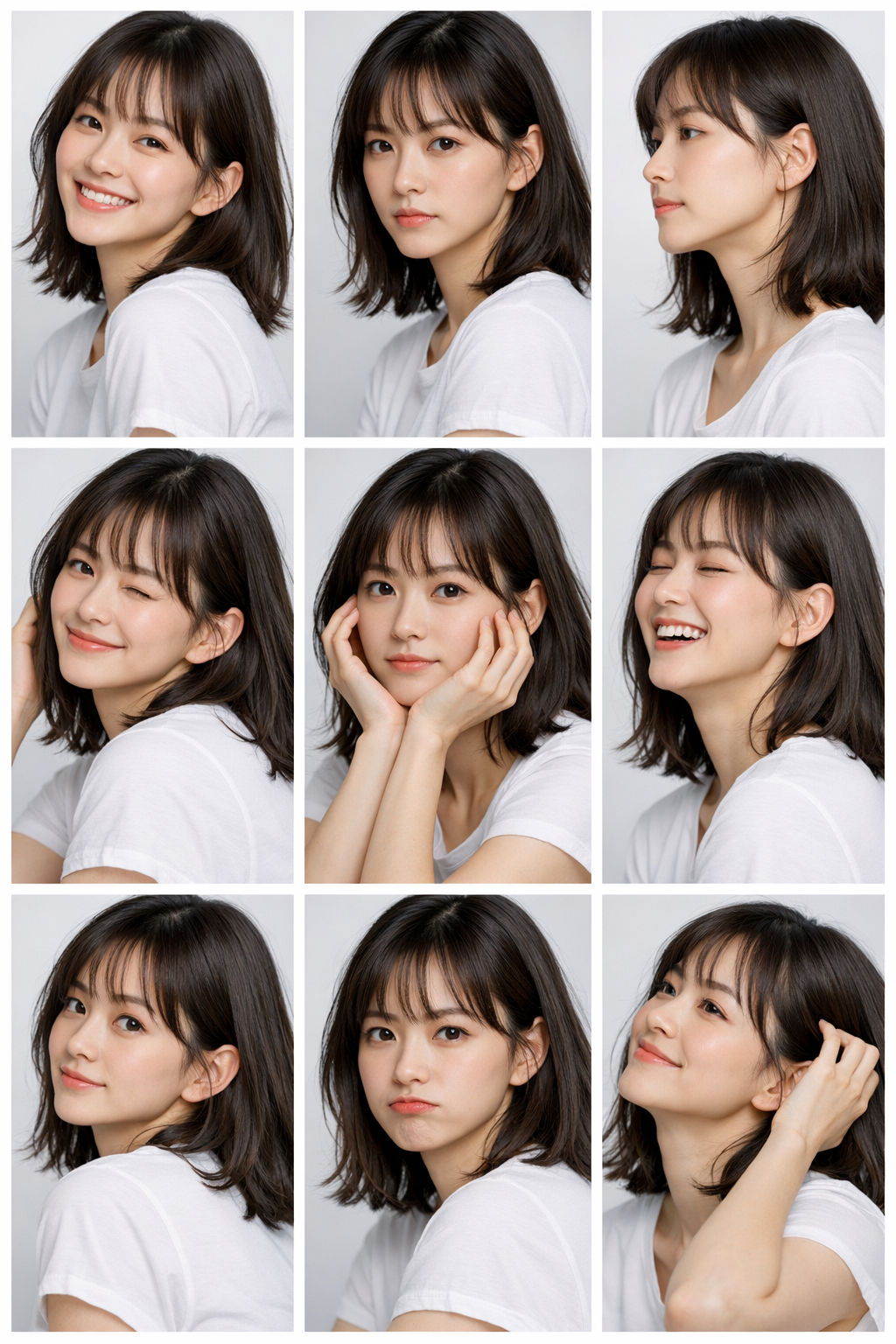
Use clear images of the same identity with useful variation in angle, expression, and lighting.


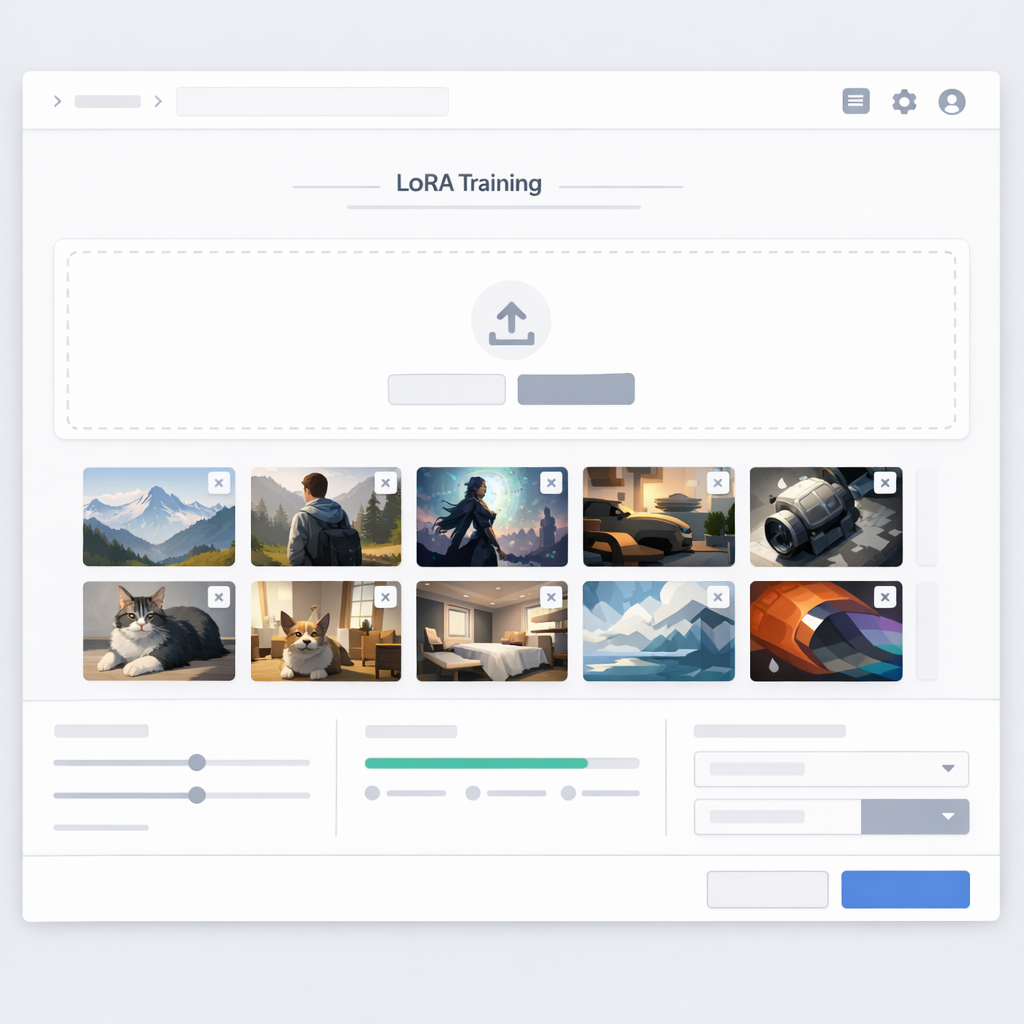
LoRA Training Tool
Turn a curated reference set into a reusable character LoRA, then test how well the identity holds across new poses, outfits, lighting, and scenes.
Prepare references, train a version, review the output, and refine the dataset when identity cues drift.
Paste your story, then choose the page count and layout.
Training plan
10–30
Use clear images of the same identity with useful variation in angle, expression, and lighting.
One subject
Avoid mixed identities, heavy filters, occlusion, and references that contradict one another.
3–5 prompts
Test close-up, full-body, expression, outfit, and lighting changes before approving the model.
Repeatable
Keep the trained direction available for new scenes, poses, and production checks.
Built for the work
Focus on recognizability, controllability, and a repeatable review loop—not a single flattering result.
Prepare, train, test, and adjust without turning character development into a separate research project.
Review whether facial structure, proportions, and defining details remain recognizable across varied prompts.
A smaller, coherent set of clear references is often more useful than a large set with conflicting identities or styles.
Keep the trained character available as a repeatable starting point for scenes, poses, and production tests.
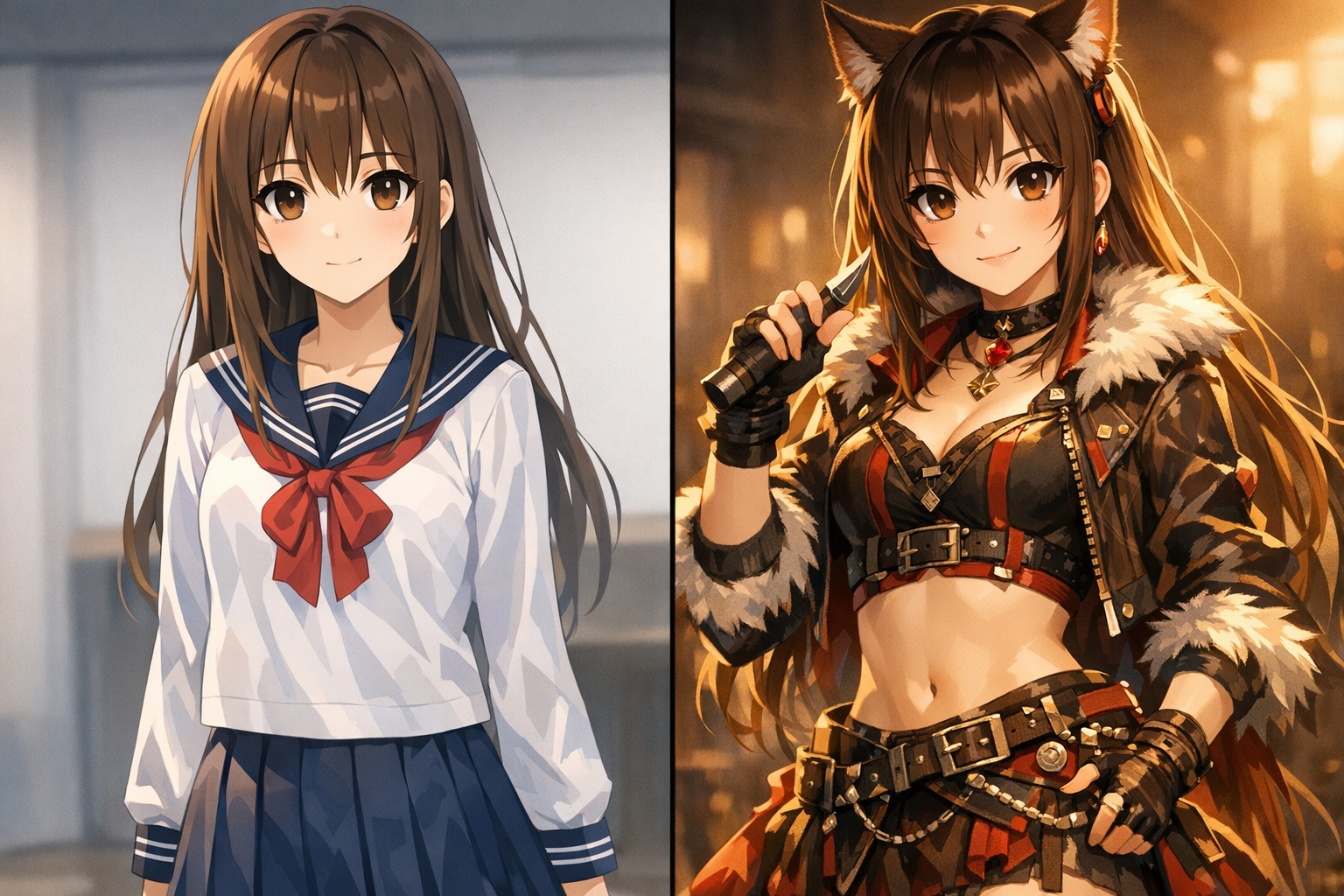
Keep your artistic signature—line quality, palette, composition—while changing scenes.
From strict identity lock to softer stylistic guidance, tune for the job.
Combine character LoRAs with style LoRAs for deeper control.
Generate assets for manga, games, storyboards, marketing, and series pipelines.
Foundation
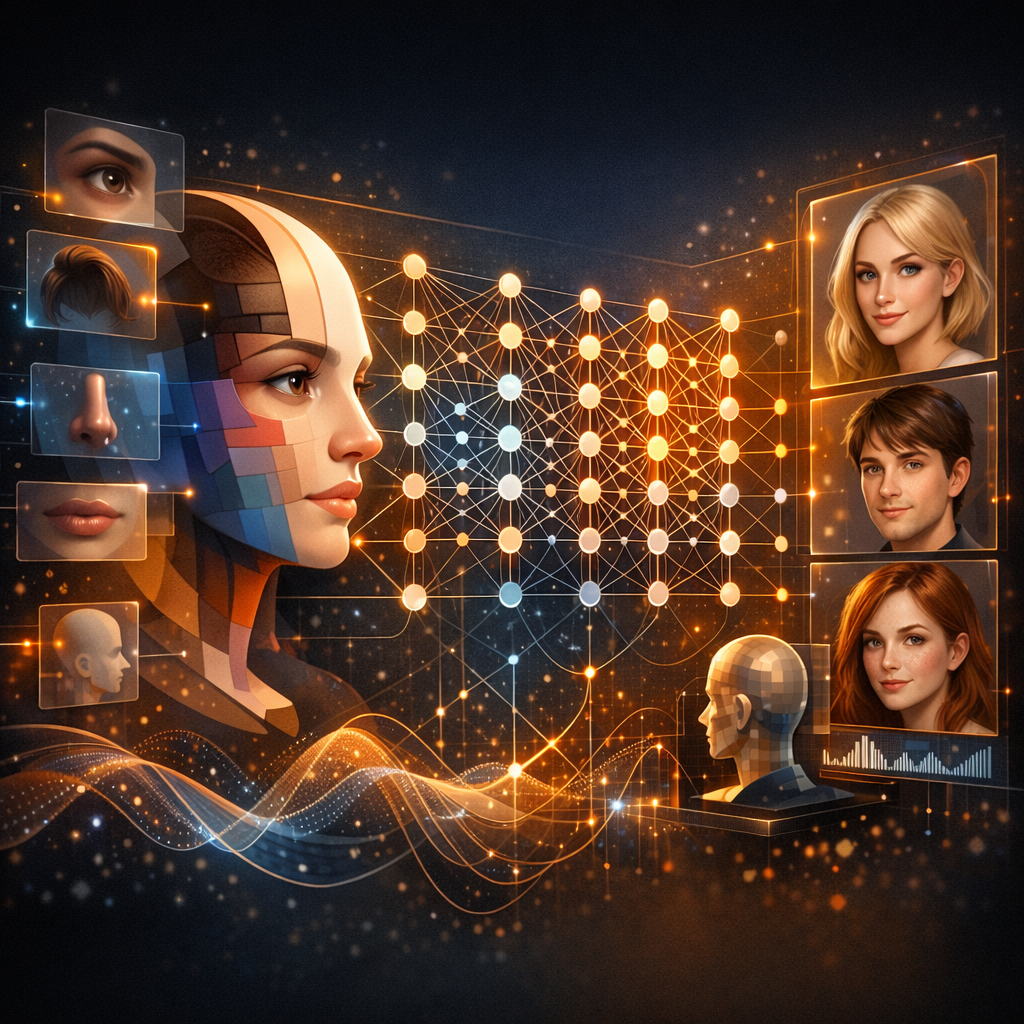
LoRA (Low-Rank Adaptation) is a parameter-efficient fine-tuning method. Instead of replacing the base model, it learns a smaller set of adapter weights from a focused reference set. For character work, the goal is practical: preserve enough facial structure, proportions, accessories, and style cues that the same identity remains recognizable across new scenes—and make drift easier to review and correct.

Continuity
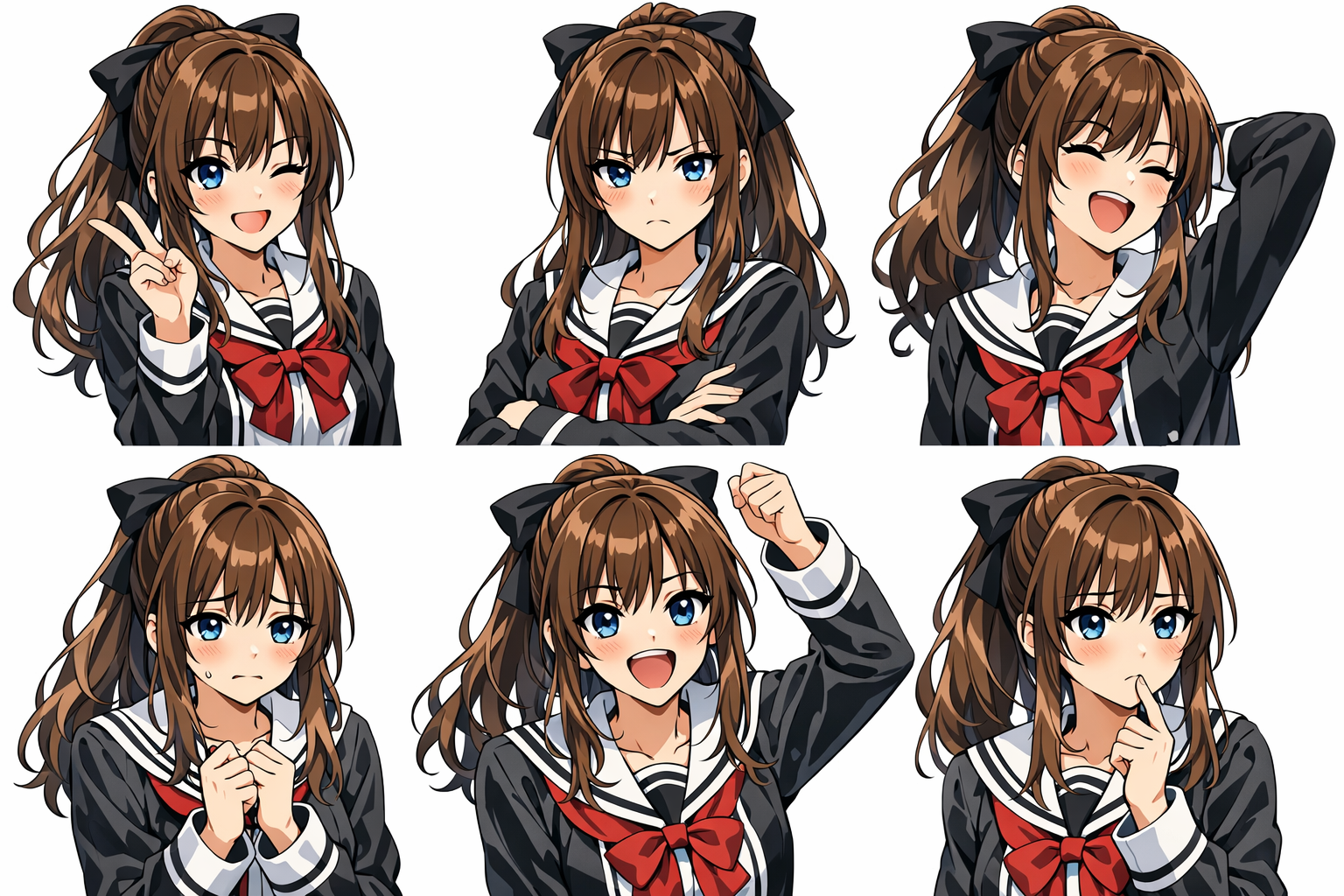
In visual storytelling, consistency is the foundation of trust. When a character’s face shifts between scenes—hair length, eye shape, proportions—viewers feel the break. Standard text-to-image is non-deterministic: the same prompt produces a different identity every time. LoRA training solves this by encoding identity into a reusable model so your character stays recognizable across variations.
Review whether the eyes, nose, mouth, and proportions remain recognizable across generations.
Maintain your art direction across scenes and compositions.
New emotions without losing identity.
Test new angles and framing while checking that the same character still reads clearly.
Change clothing, props, and details without face drift.
Recognizable under different lighting, backgrounds, and moods.
How the method works
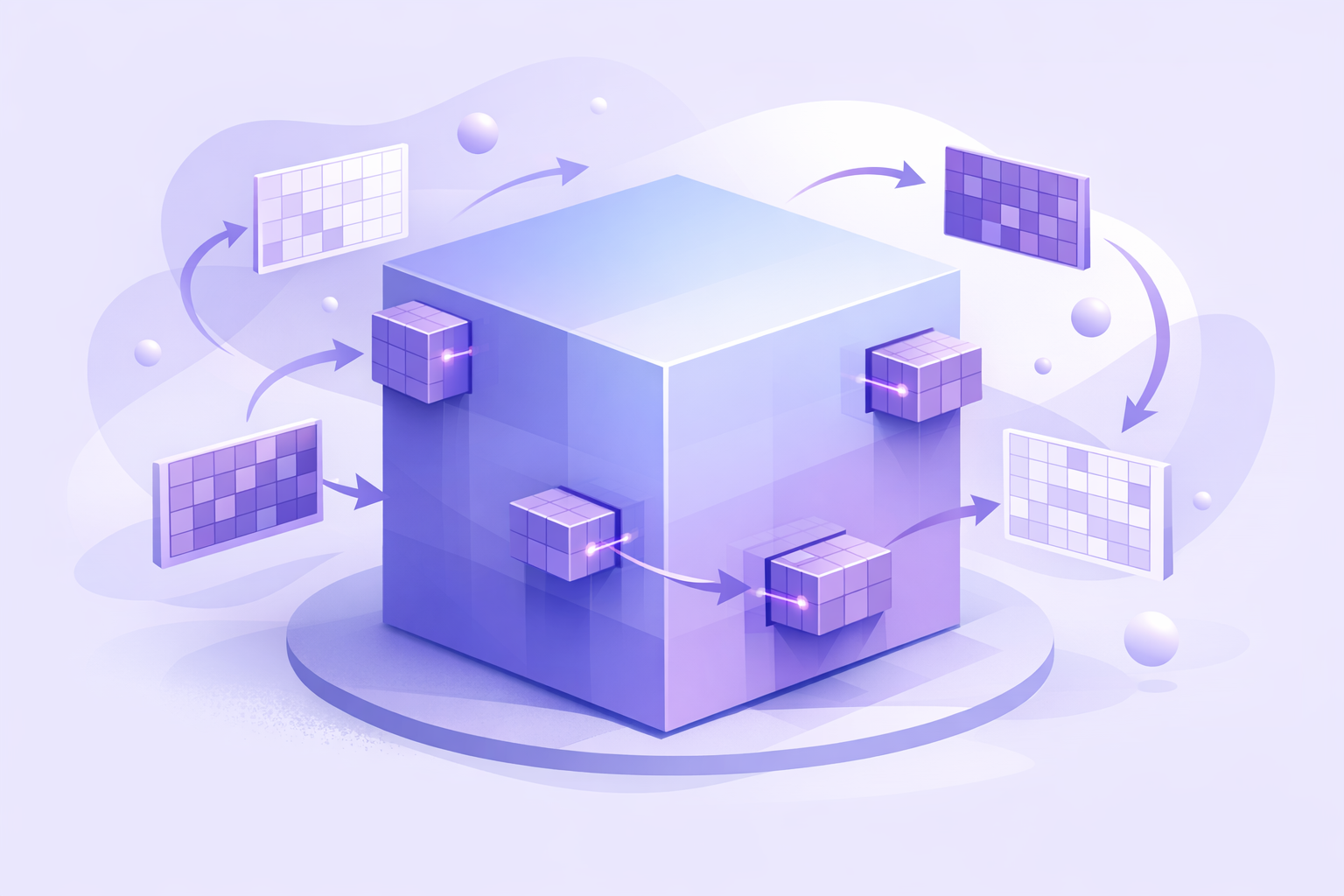
Full fine-tuning rewrites a model’s core weights—expensive, brittle, and easy to overfit. LoRA keeps the base model intact and learns a low-rank update via lightweight adapters. You get targeted learning (identity, style, concept) with far fewer parameters, smaller files, and faster training—perfect for creator iteration loops.
01 / Proof in the output
Teach the model who your character is. A curated reference set locks in the face and key design cues so every new generation still feels like the same person.

02 / Proof in the output
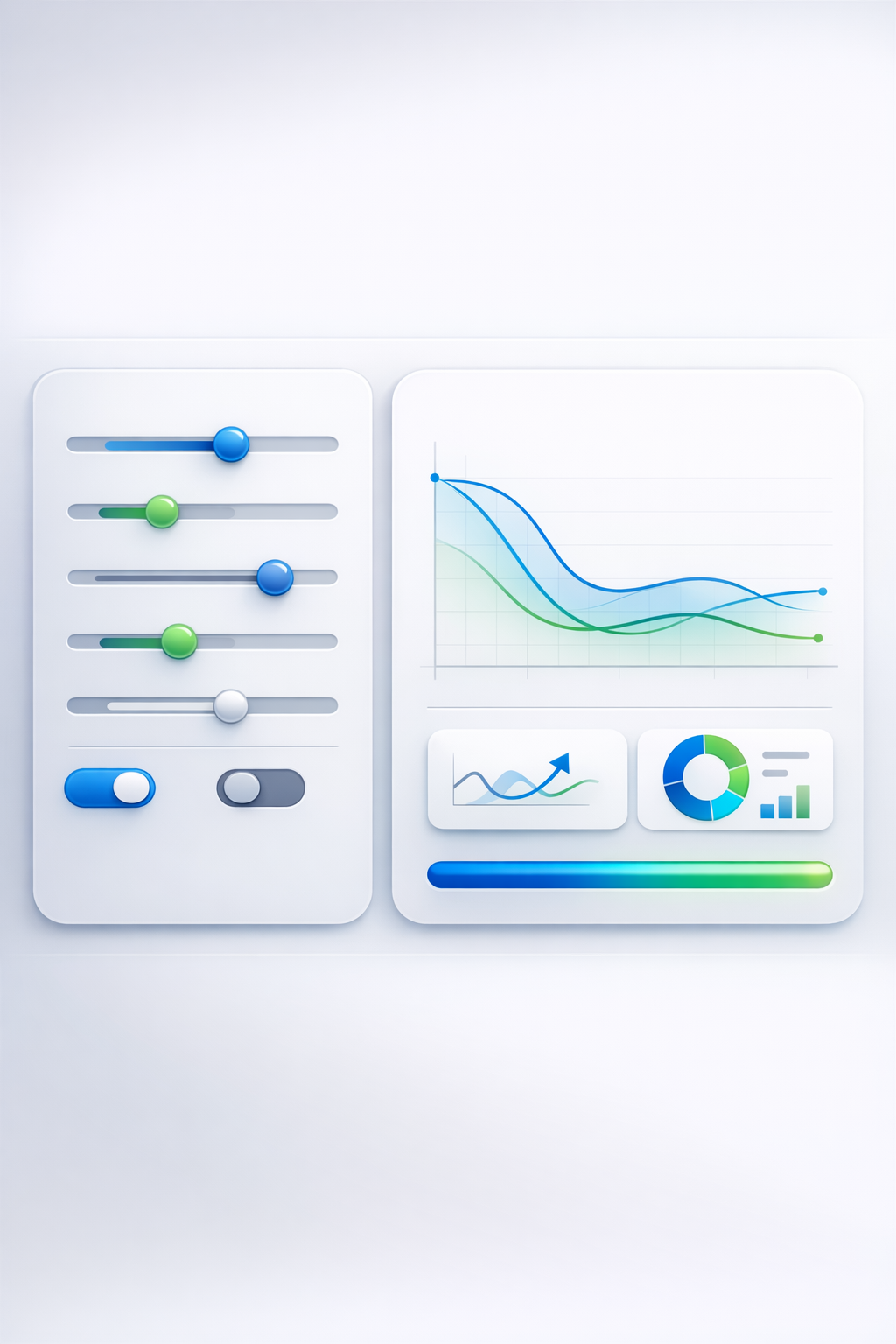
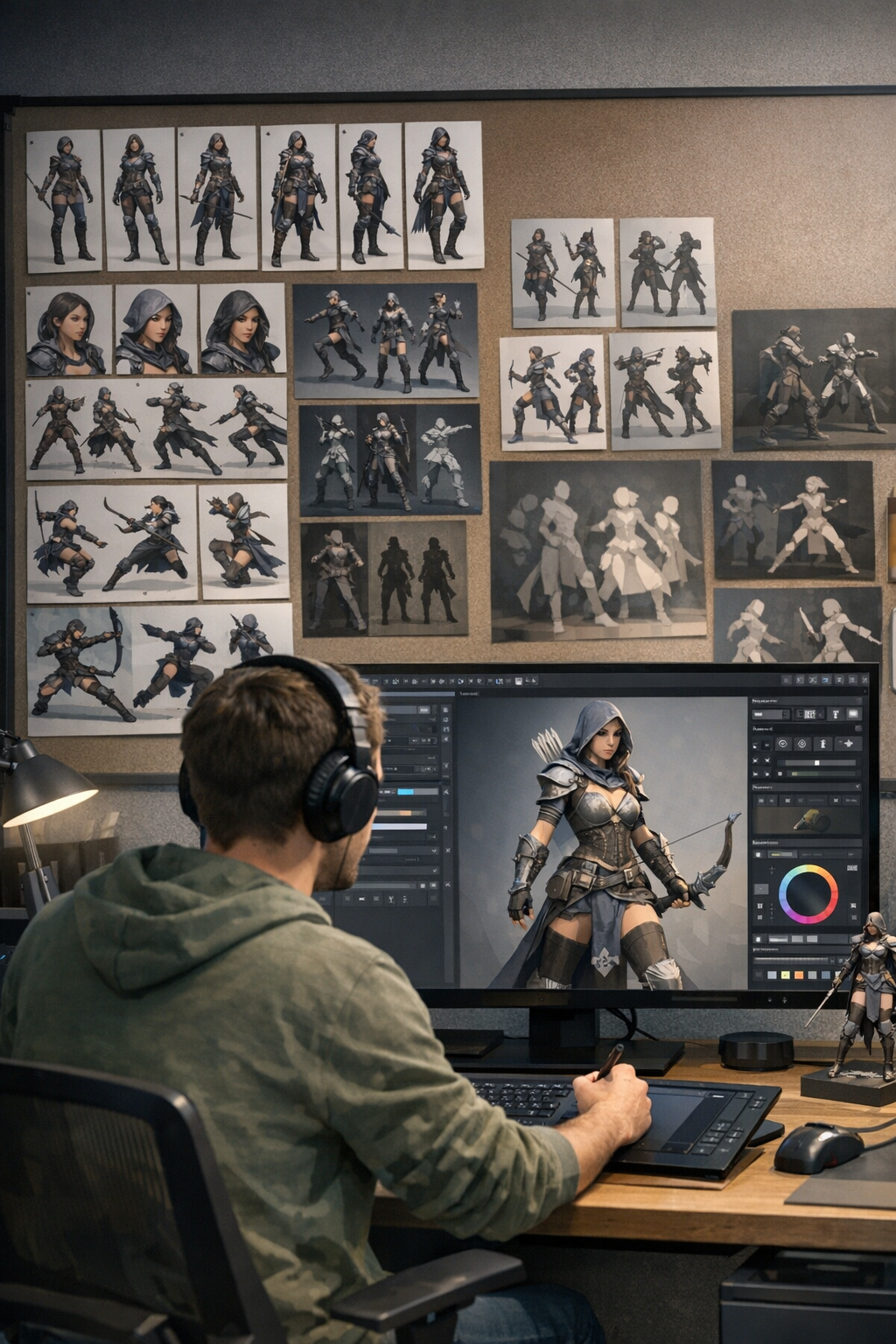
Train, test, adjust, repeat. Dial identity strength, style adherence, and flexibility until the results match your production needs—manga pages, games, marketing, and series work.
Detailed process
Get started in minutes. No ML background required.
Step 01
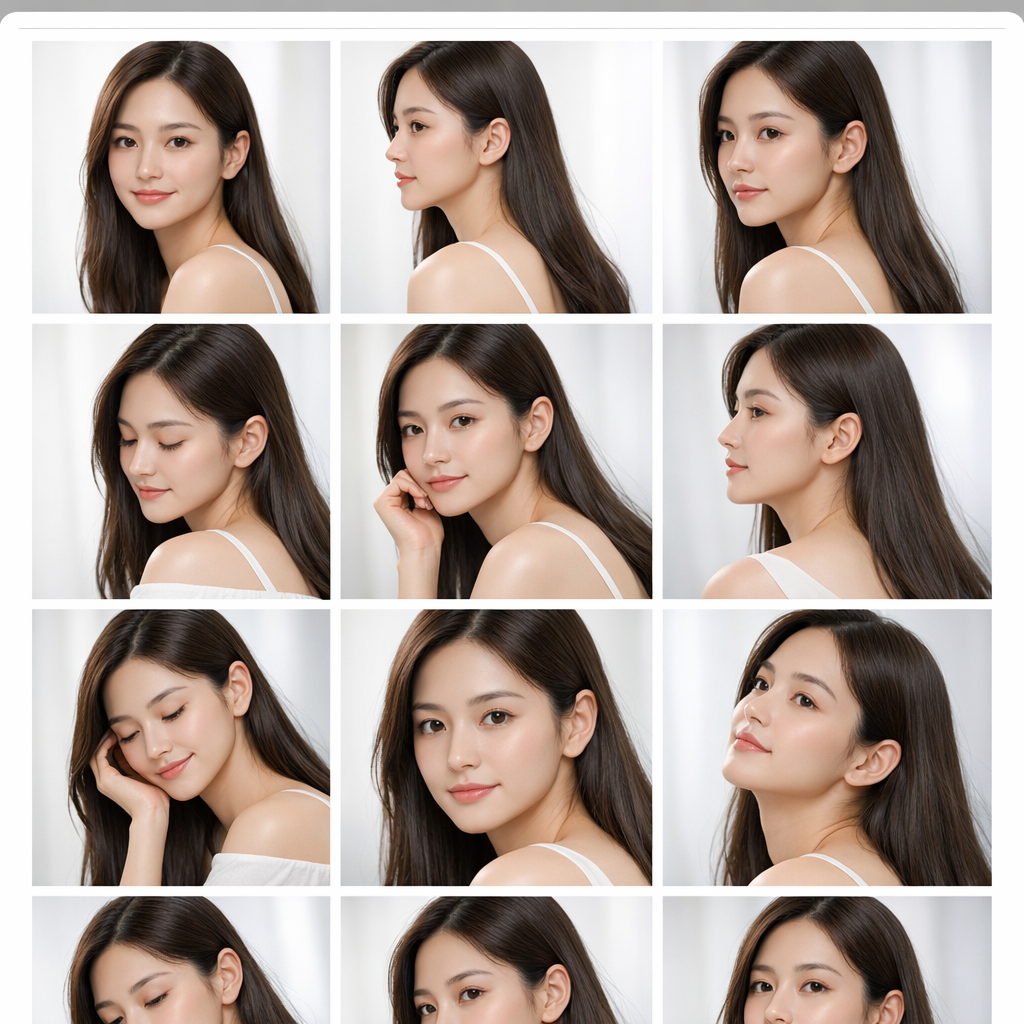
Collect 10–30 high-quality images. Include variety in pose, angle, and expression while keeping identity consistent. Crop clearly; avoid heavy filters and mixed subjects.

Step 02
Pick a base model (anime/realistic/art), then set epochs and learning rate. Our defaults work for most cases; advanced controls help when you need extra precision.

Step 03
Start training and monitor progress. Most runs finish in 15–30 minutes depending on dataset and complexity.
Step 04
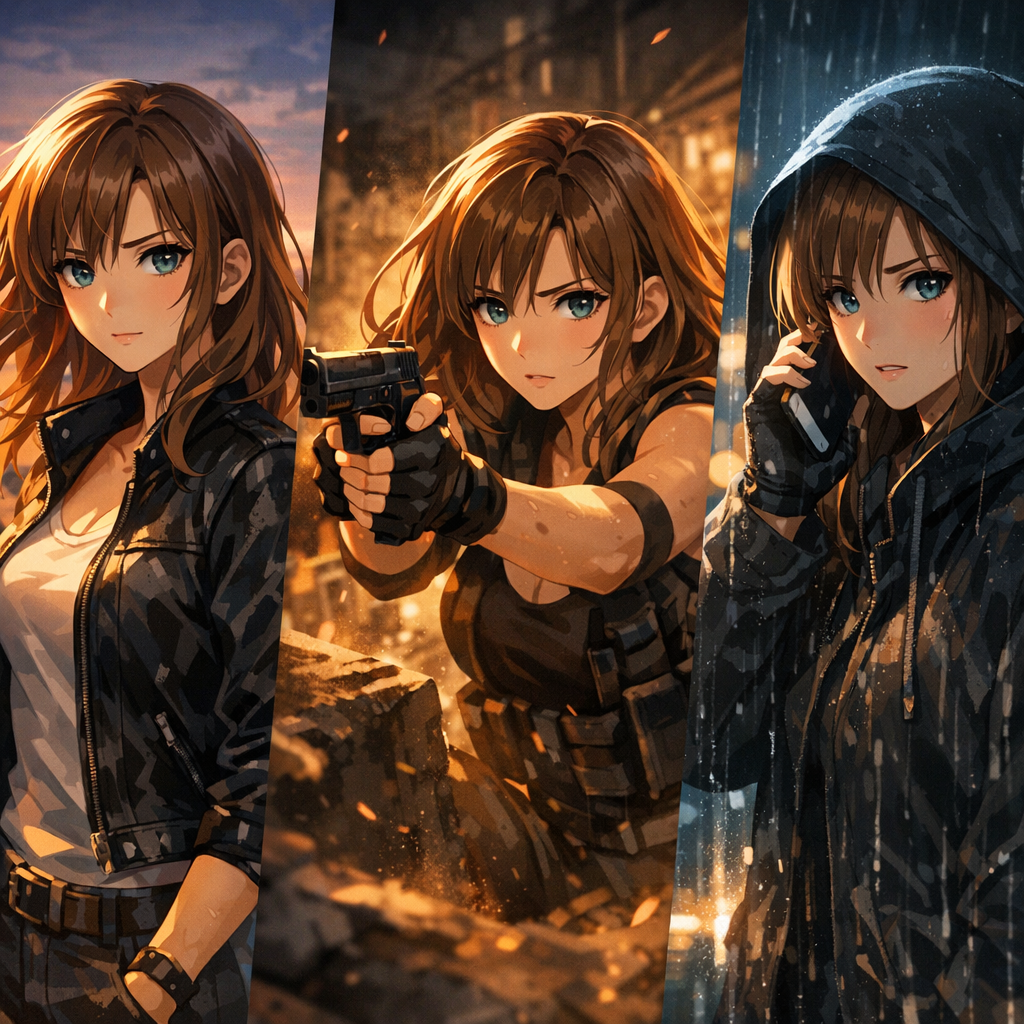
Use your trained LoRA to generate consistent variations: outfits, poses, scenes, lighting, and expressions—without identity drift.
Where it fits
How creators use LoRA training to scale output without sacrificing identity.
Support recurring characters across manga chapters, webtoon scenes, and graphic-novel drafts while keeping continuity review manageable.
Create sprites, portraits, key art, and emotional state variations for protagonists, NPCs, and skins.
Build complete expression and outfit sets while maintaining continuity across the entire story.
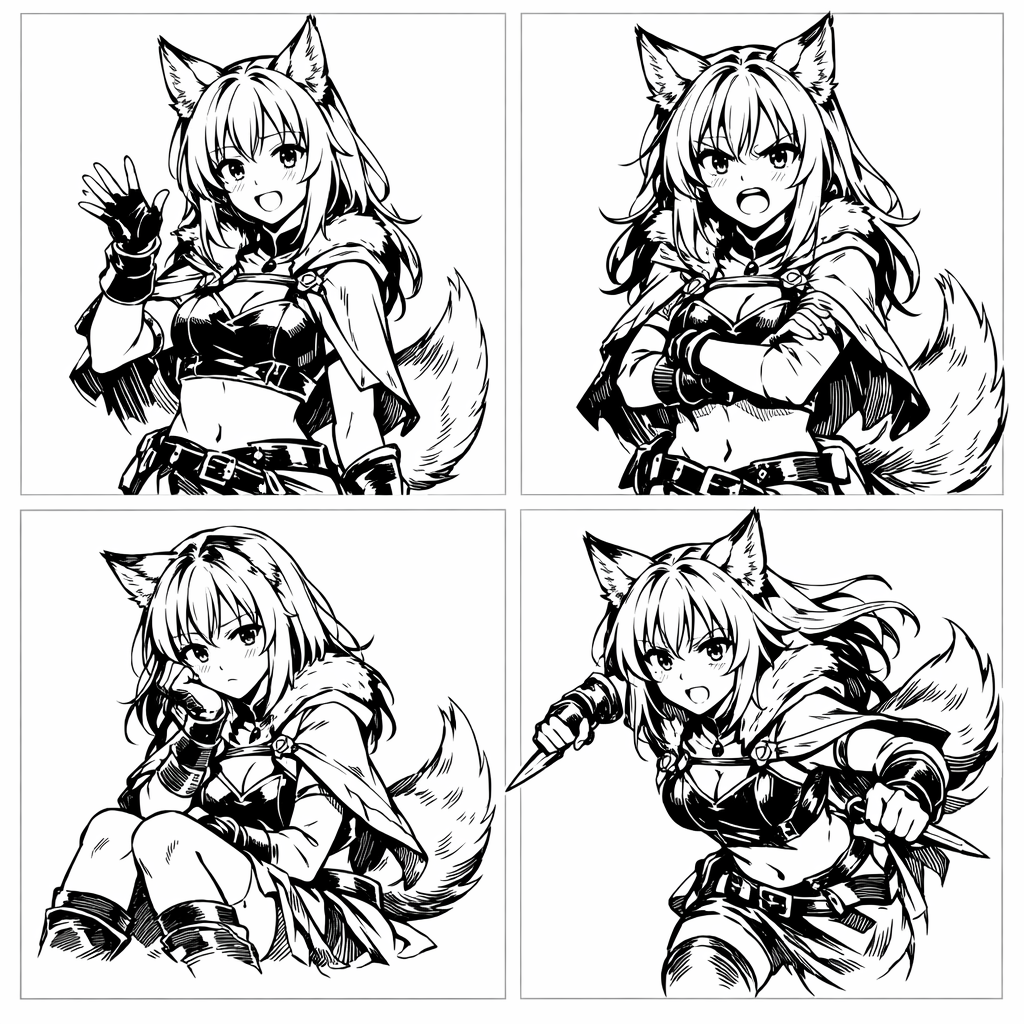
Generate design sheets with angles, expressions, and outfit packs for animation and game teams.
Maintain brand identity across marketing, social, merch, and ads with a consistent mascot model.
Create storyboards, concept scenes, and character studies before committing to final production.
Build audience recognition by generating consistent character-based posts and campaigns.
Create print-ready character art for collectibles and product lines with consistent representation.
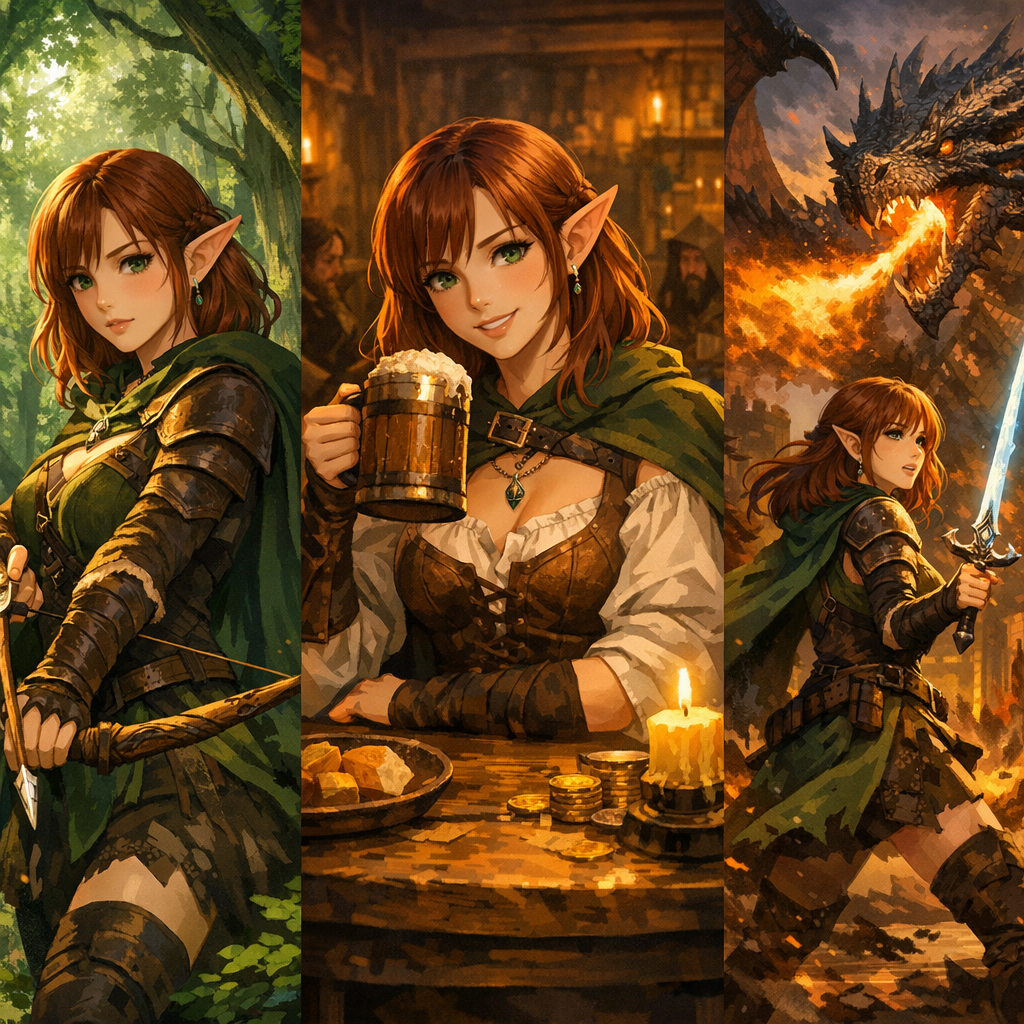
Output gallery
Examples of what you can create with LoRA training + Character Studio.

Workflow
A practical workflow for consistent character generation.
Collect images that represent the same identity across angles, expressions, and lighting. Clean inputs = better consistency.
Run a lightweight training job to learn the identity/style signal without overfitting.
Use the trained LoRA in Character Studio to generate new scenes, outfits, and poses while keeping the face stable.
Where it earns its place
Consistency is what turns pretty images into a usable story pipeline.
Keep the same character face while changing backgrounds, camera angles, or outfits.
Once the identity is captured, you spend less time re-rolling generations just to match the character.
Useful for comics, manga, webtoons, thumbnails, and any multi-image storytelling workflow.
Train, test, adjust — aiming for repeatable production output rather than one-off demos.
Treat a trained LoRA like a reusable character asset you can bring into new projects.
Go straight into /new/characters to generate, refine, and keep building your roster.
FAQ
Typically 10–30 curated images. Variety helps (angles, expressions, lighting), but identity must stay consistent. Clean data beats more data.
Clear subject, consistent identity, varied viewpoints, good lighting, and tight crops. Avoid mixed subjects, extreme filters, heavy occlusion, or wildly different styles in the same set.
A well-prepared LoRA can improve identity consistency, but results still need review. Clear references and controlled prompt changes make drift easier to spot and correct.
Most runs complete in 15–30 minutes depending on dataset size and complexity.
Full fine-tuning updates a large portion of the model’s weights (heavier compute, higher risk of overfitting). LoRA learns lightweight adapter layers (faster, smaller, easier to reuse).
Often yes. Stacking a character LoRA with a style LoRA can unlock deeper control—keep identity stable while changing art direction.
You own what you create with LlamaGen. Please ensure your dataset and prompts respect third‑party rights and IP.
Open Character Studio at /new/characters and generate new images using the trained character identity.
Build a reusable character direction, test it across real scenes, and refine it when the identity starts to drift.