

4 Camera-Angle Prompts
Automatically generate 4 different camera angles, shot types, and sequence ideas from a single image
Shot Sequence Prompt AI
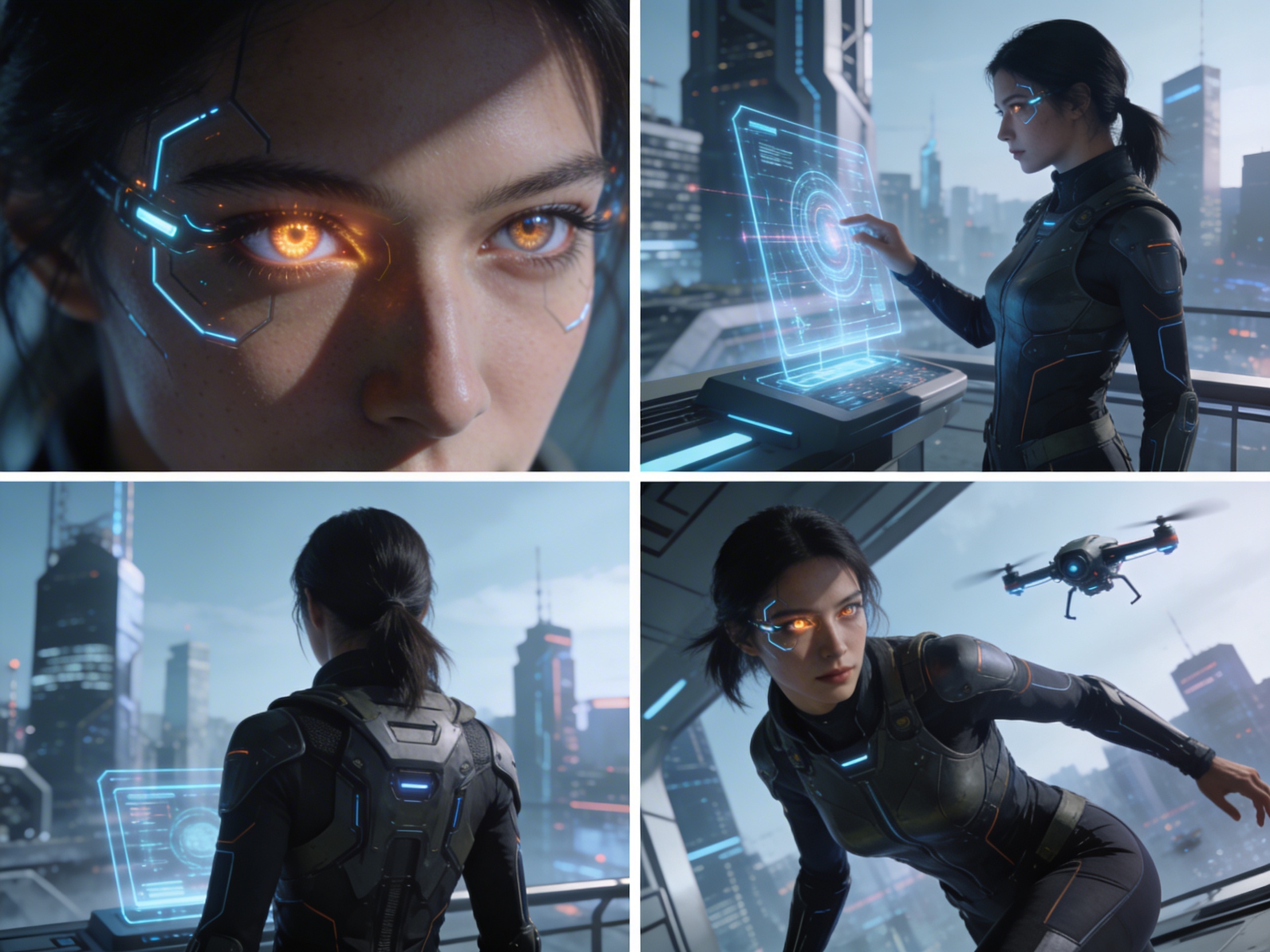
Upload one image and generate a prompt-ready multi-shot video plan: 4 camera angles, cinematic shot descriptions, storyboard notes, and a clear sequence for AI video production.
شاٹ 1
Close-up
شاٹ 2
درمیانہ
شاٹ 3
Wide
شاٹ 4
ایکشن
Plan the shot sequence, camera-angle prompts, and storyboard notes before you generate the final clip
Automatically generate 4 different camera angles, shot types, and sequence ideas from a single image
ہر شاٹ کی وضاحت کو اپنی تخلیقی سوچ کے مطابق درست کریں
Generate multi-shot video prompts and storyboard notes in seconds, not hours
ماہرین سے نو آموز تک، ہمارا ٹول آپ کی تخلیقی ضروریات کو اپناتا ہے
اپنے اگلے فلمی منصوبے کے لیے تفصیلی اسٹوری بورڈز اور شاٹ لسٹس تیار کریں
Generate multi-shot video prompts for social media and YouTube concepts
تحریری کہانیوں کو مختلف زاویوں کے ساتھ بصری کہانیوں میں بدلیں
ملٹی شاٹ ویری ایشن کے ساتھ دلکش بصری مہمات بنائیں
یہ کیسے کام کرتا ہے
کوئی بھی تصویر اپلوڈ کریں - فوٹوز، آرٹ ورک یا تصوراتی تصاویر۔ ہمارا AI تمام اہم فارمیٹس سپورٹ کرتا ہے۔
Our advanced AI analyzes your image and generates 4 unique camera-angle prompts and cinematic shot descriptions.
وضاحتوں کو درست کریں اور اپنی ملٹی شاٹ اسٹوری بورڈ کو ویڈیو پروڈکشن کے لیے ایکسپورٹ کریں۔
AI MULTI-SHOT STORYBOARD EXAMPLES
From single images to cinematic sequences, see how one source can become multiple shot prompts and video concepts.
Choose your output
Use the same source image to prepare camera angles, a connected shot sequence, or storyboard notes for the next production step.
Plan a prompt-ready video sequence from one source image instead of generating one disconnected clip.
Create close-up, medium, wide, product, action, and cinematic angle prompts for the same subject.
Turn a single image into a clear four-shot structure with framing, pacing, and production notes.
Use the generated shot descriptions as storyboard notes for AI video, ads, social clips, and pitches.
پُرانی ویڈیو پروڈکشن ورک فلو
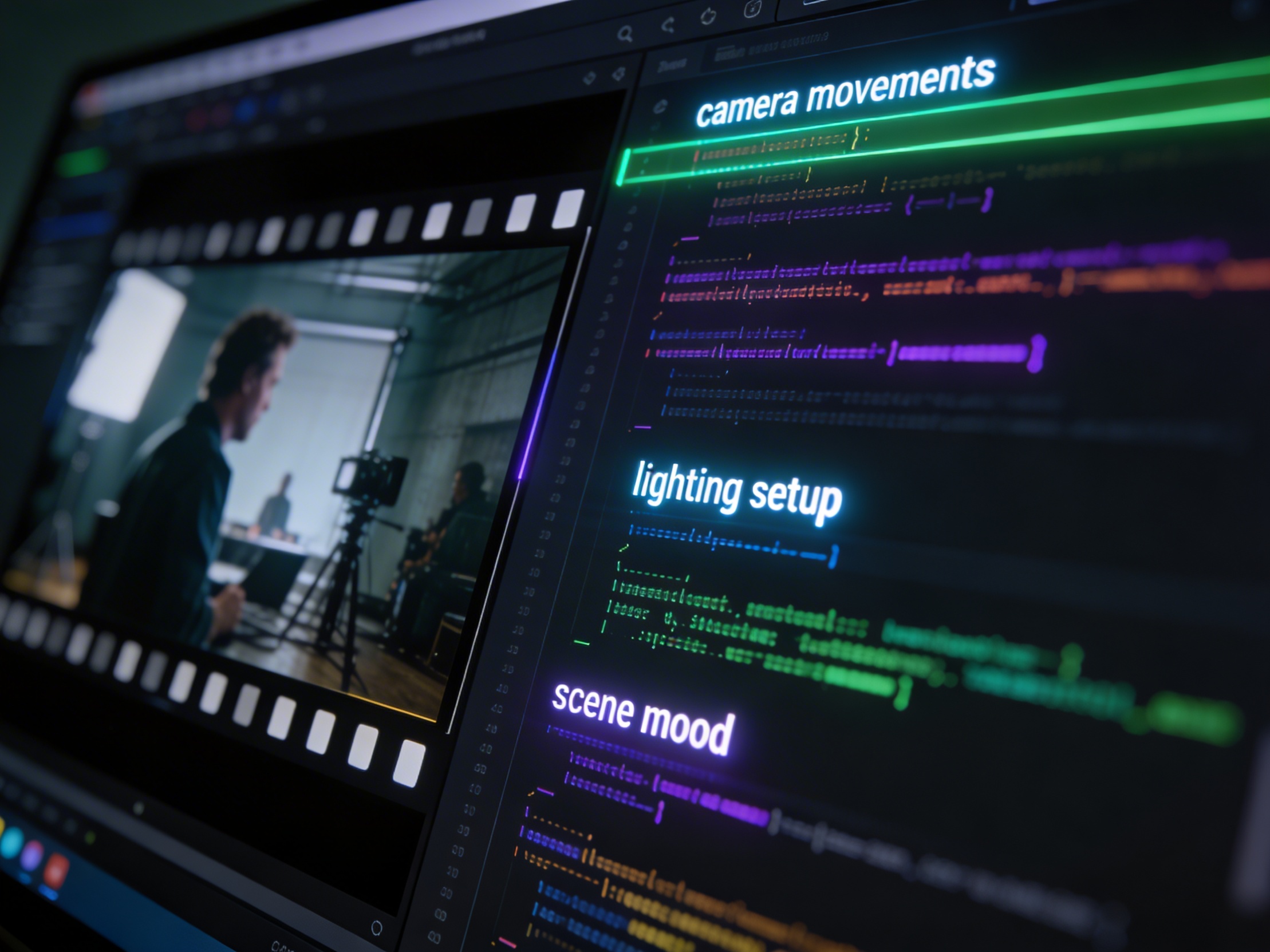
The traditional path from concept to multi-shot video is expensive and time-consuming. Even before generation or filming, creators need shot planning, camera angles, sequence logic, and multiple revisions.
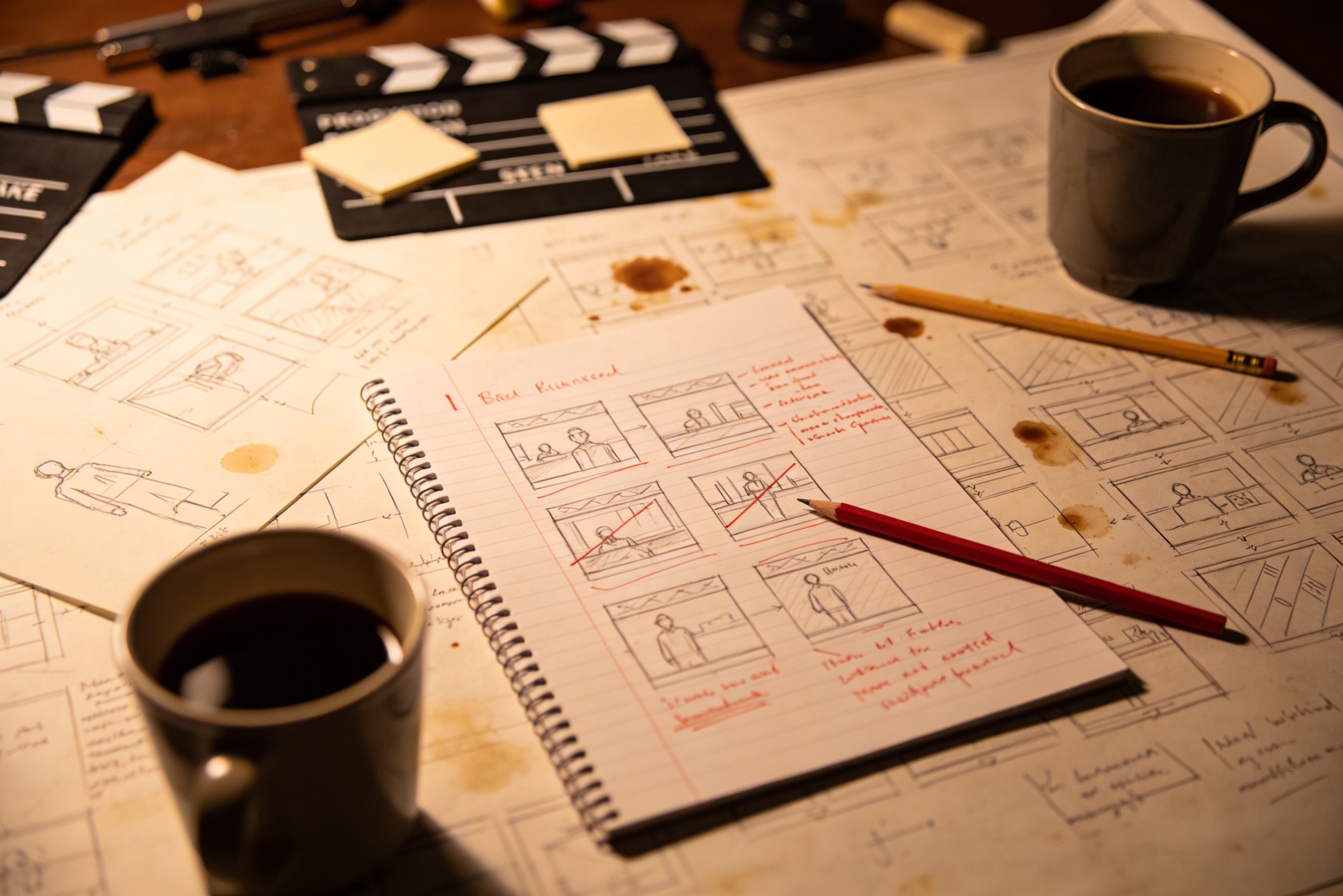
اپنے تخلیقی وژن کو مفصل شاٹ تفصیلات میں تبدیل کرنے کے لیے وسیع منصوبہ بندی اور کئی بار ترمیم کی ضرورت ہوتی ہے۔
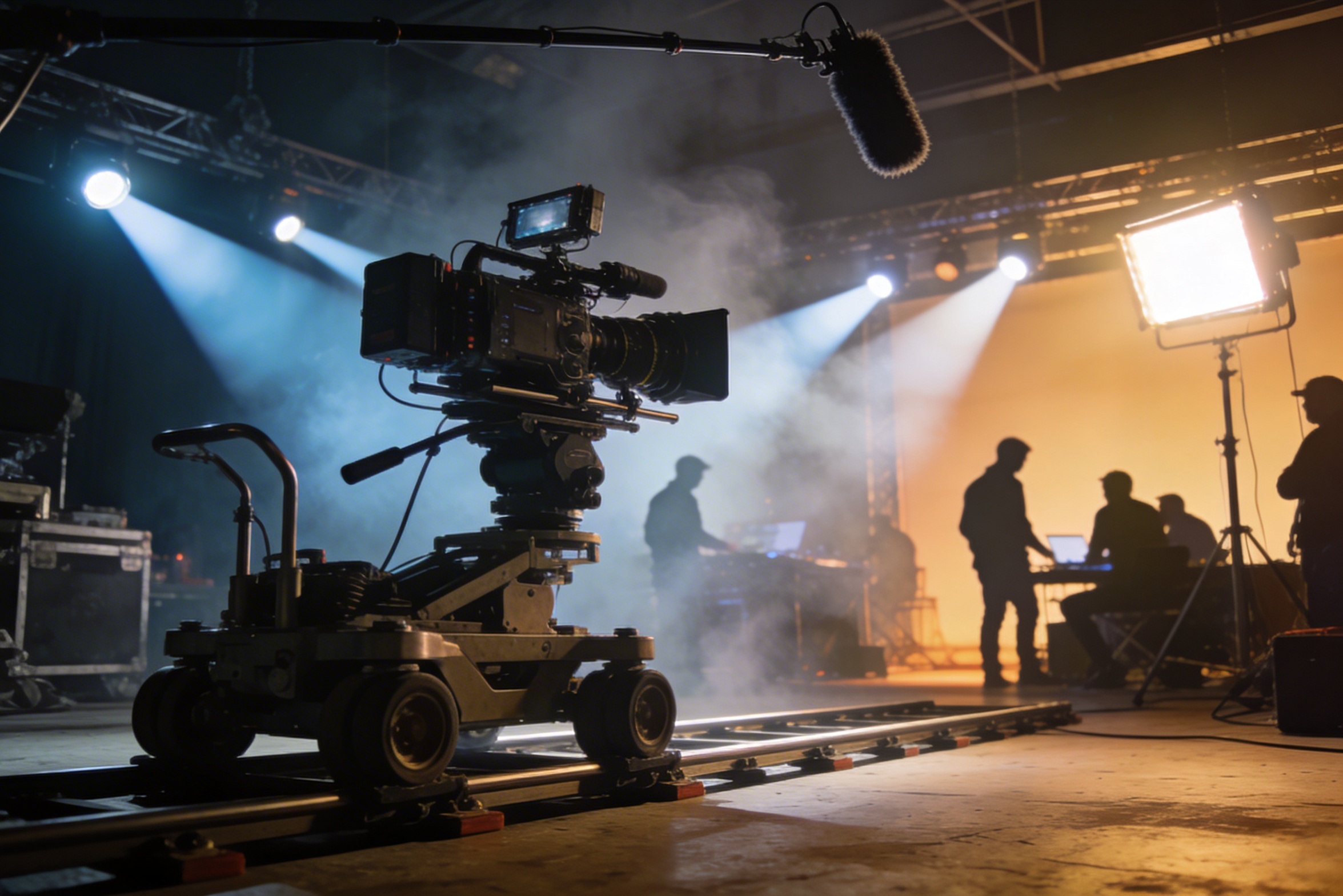
پیشہ ورانہ فلمبندی کے لیے مہنگے آلات، روشنی کی سیٹنگز، مقامات اور اکثر مکمل عملہ درکار ہوتا ہے — یہ اخراجات جلد ہی قابو سے باہر ہو جاتے ہیں۔
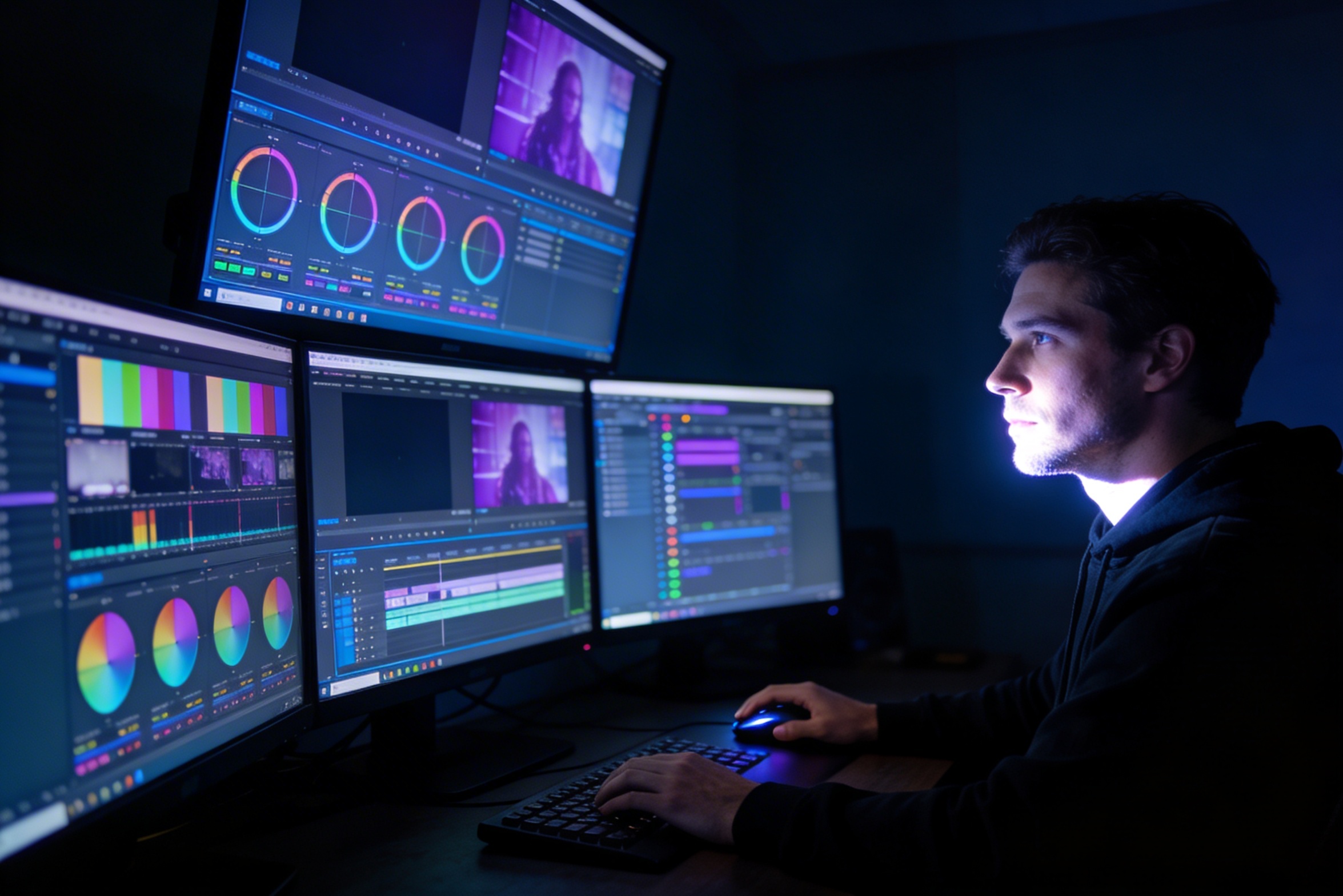
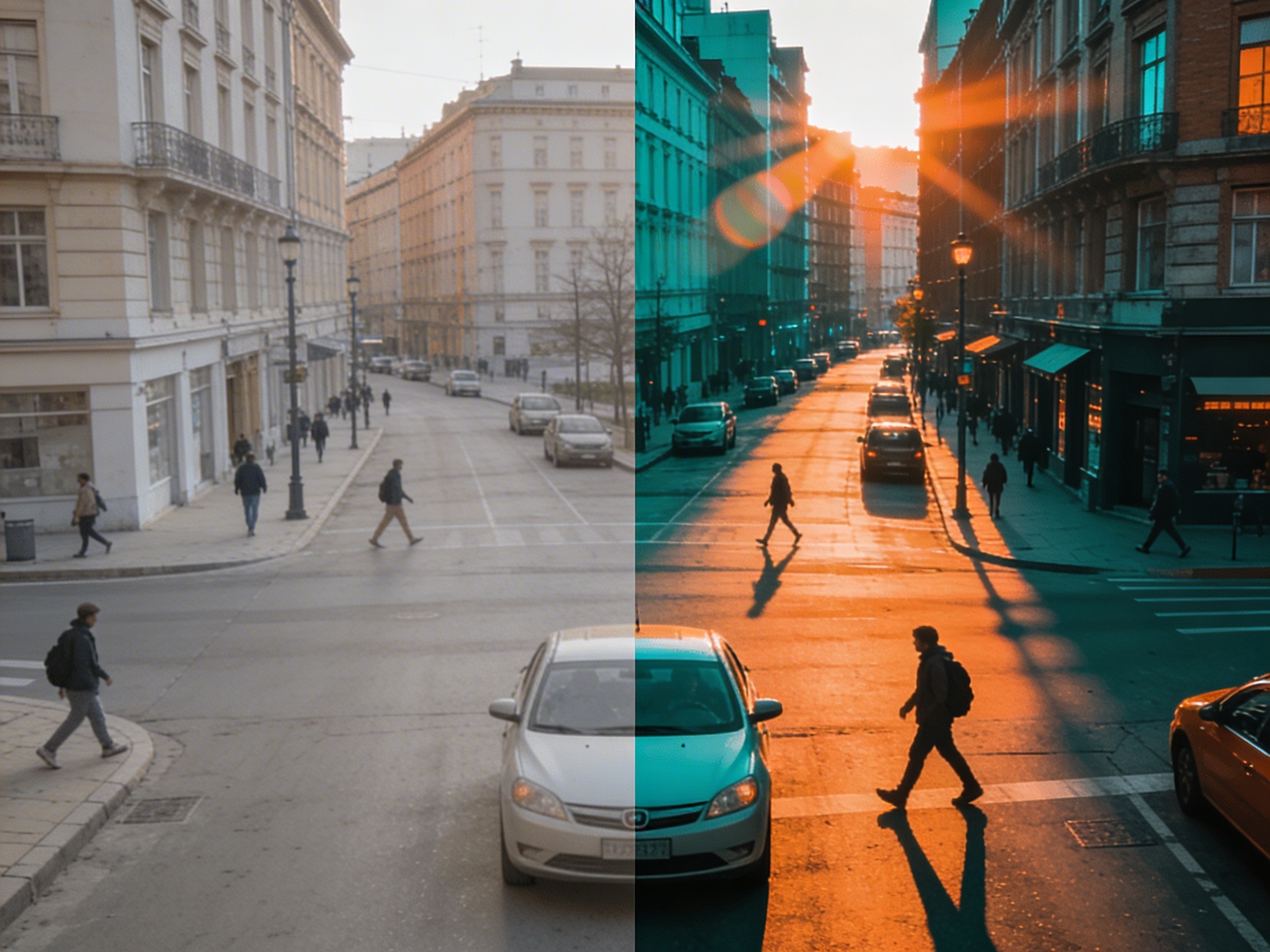
ایڈیٹنگ، کلر گریڈنگ، بصری اثرات، اور متعدد شاٹس بنانے کے لیے خصوصی سافٹ ویئر مہارت اور ہفتوں کی محنت درکار ہوتی ہے۔
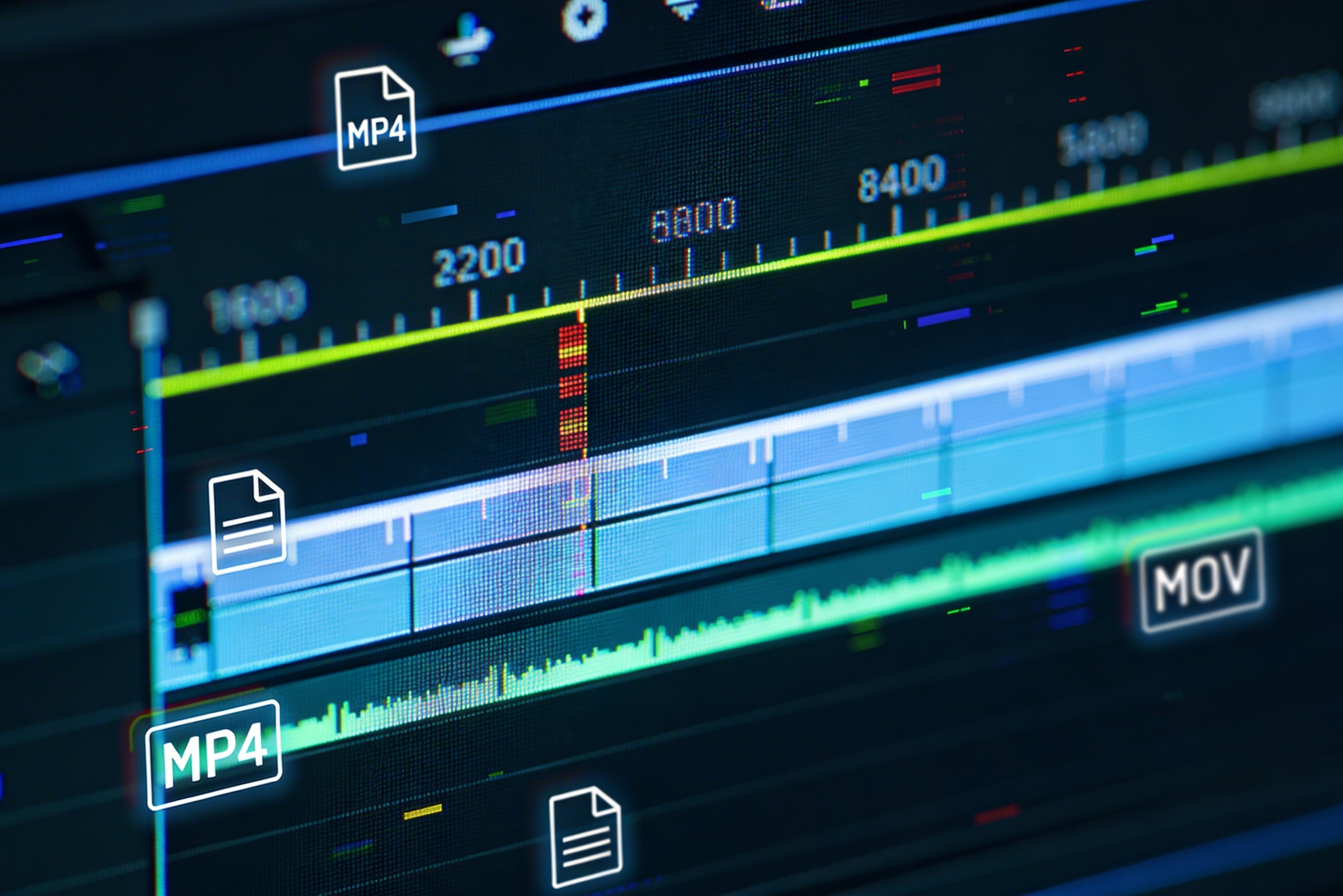
مختلف پلیٹ فارمز — یوٹیوب، ٹک ٹاک، انسٹاگرام — کے لیے ورژنز بنانا مختلف پہلو اور لمبائی کے لیے دوبارہ ایڈیٹنگ و رینڈرنگ کا مطلب ہے۔

Professional multi-shot planning can cost hours of creative direction before a final video is generated, filmed, edited, or approved.
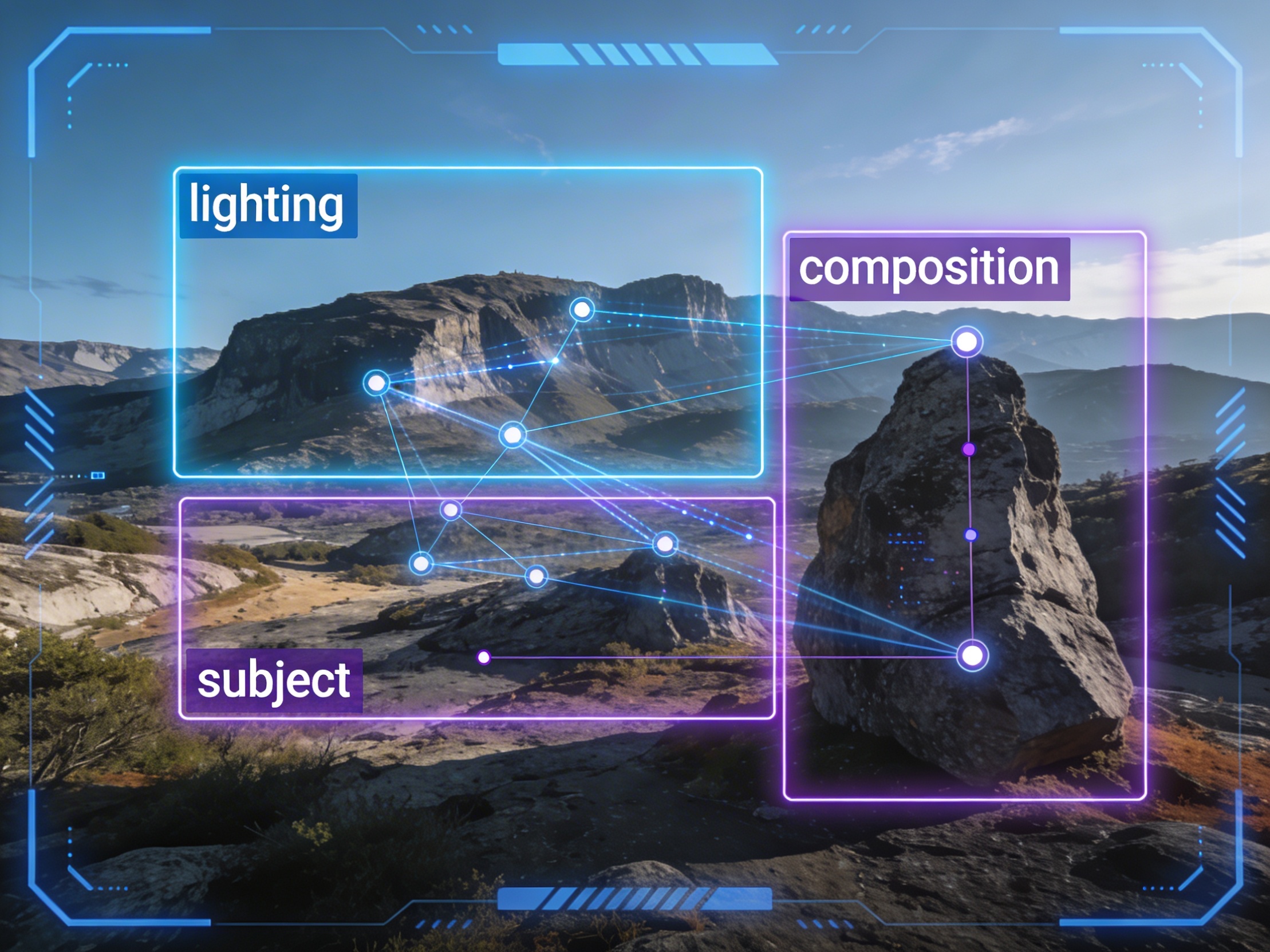
It's not just about creating variations. Our AI reads composition, cinematography, and storytelling needs to create shot prompts that strengthen your visual narrative.
Join creators using LlamaGen to plan shot sequences, camera angles, and AI video prompts before production.
Related writing workflow
Use the AI Screenplay Editor when a script, fiction draft, storyboard brief, video idea, or canvas note needs proper scene headings, action, dialogue, parentheticals, cover pages, outlines, beats, and collaboration-ready revisions.
INT. COMMUNITY CENTER - NIGHT
Folded chairs. A storm outside. MAYA stands at the microphone with a page of notes she no longer needs.
MAYA
If the city will not read the record, we will read it out loud.