

Vertical scroll episodes
Stack panels for phone reading, with pauses, reveals, and a beat that moves down the screen.
Free AI Webtoon Generator
LlamaGen کو ایک AI Webtoon Creator کے طور پر استعمال کریں جو vertical formatting، character consistency، mobile optimization، اور پروفیشنل webtoon episodes کے لیے بنایا گیا ہے۔ ایک prompt یا script سے آغاز کریں، پھر ایسے scroll-ready panels بنائیں جو الگ الگ تصاویر کے بجائے ایک مکمل کہانی کا احساس دیں۔
Works in your browser. Keep the same cast across a vertical episode.
Explore related formats
Create vertical webtoon episodes for mobile reading, or explore comic and manga formats for different page layouts.
کامک
مفت AI کامک جنریٹر
Multi-page comics with a recurring cast
روزمانہ
Free AI Manga Generator
Readable manga pages from a story
ویب ٹون
Free AI Webtoon Generator
Vertical episodes for phone scrolling
What you get
This page sells phone-first webtoon episodes: stacked panels, a recurring cast, and a draft you can continue in the studio.
Stack panels for phone reading, with pauses, reveals, and a beat that moves down the screen.
Keep the same face, outfit, and expression notes so the heroine stays recognizable from beat to beat.
Carry locations, lighting, and the next scene into the following scroll instead of restarting every image.
Webtoon cases
These drafts are built as vertical episodes so you can judge pacing and character continuity before you publish or pitch.
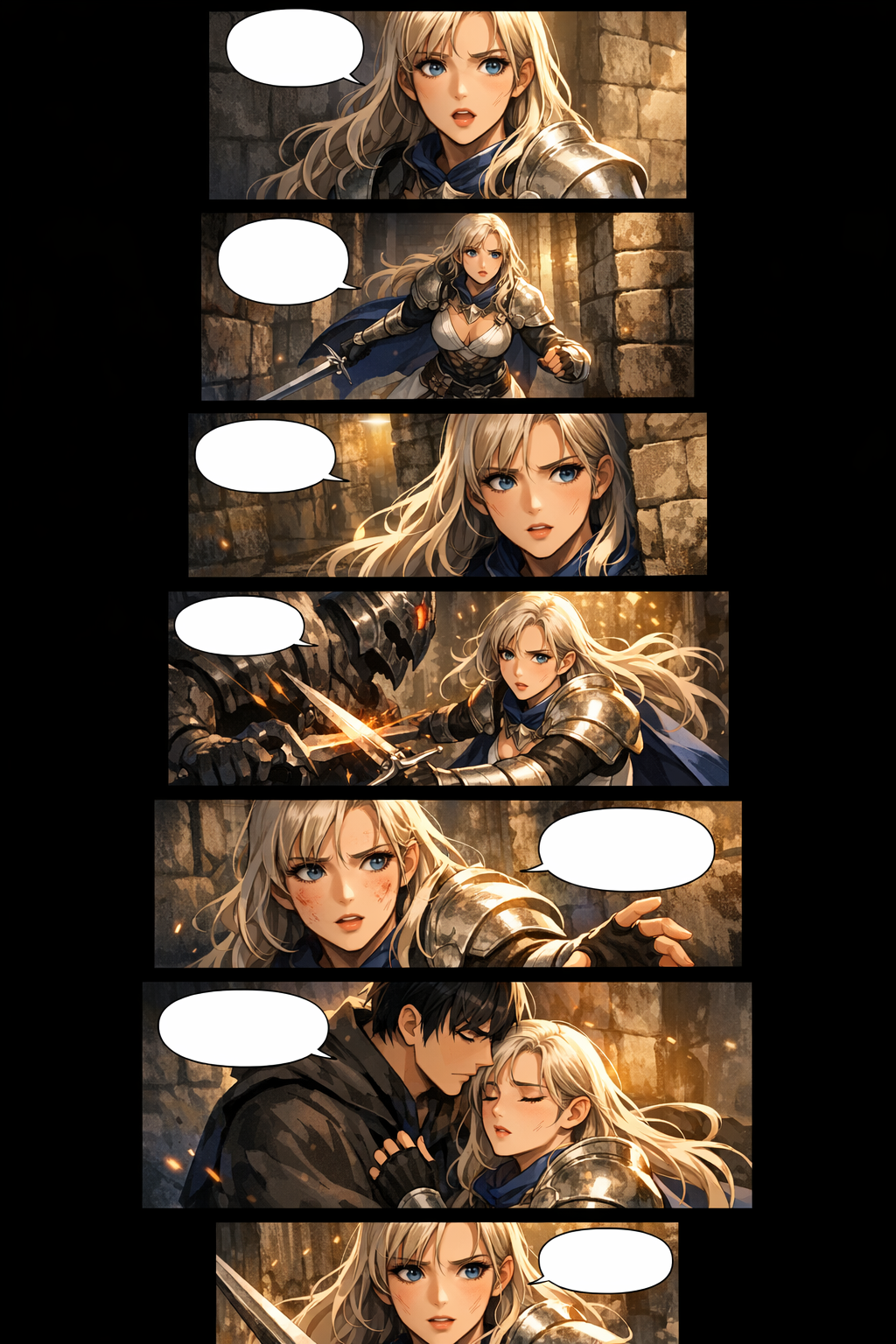
Vertical episode
Premium vertical scroll webtoon episode page, consistent heroine, stacked mobile panels, cinematic fantasy lighting.
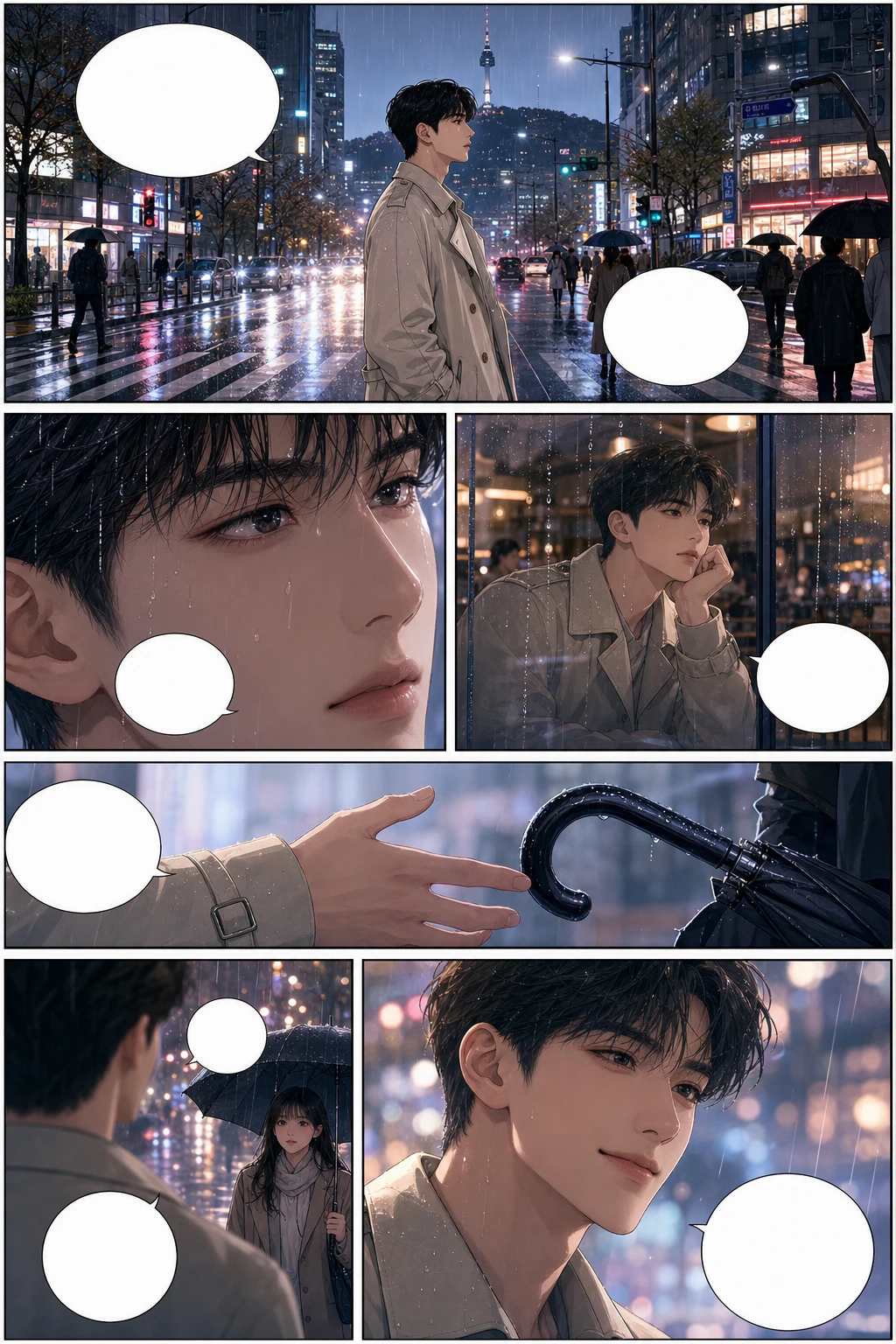
Vertical episode
Full-color Korean manhwa comic page, 6 panels, consistent protagonist, rainy city romance, blank speech bubbles.
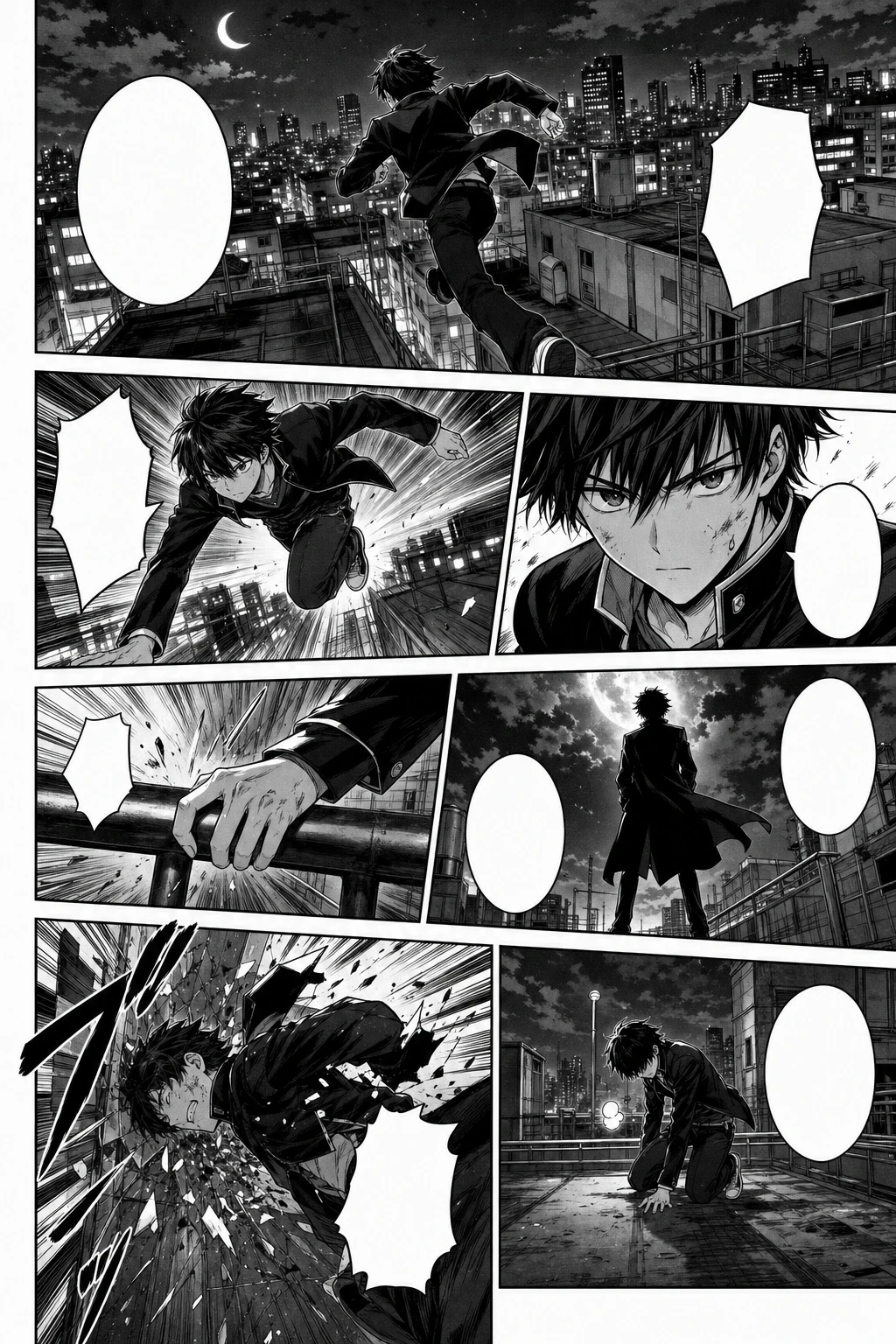
Vertical episode
Black-and-white Japanese manga page, 7 panels, screentone, speed lines, consistent action character.
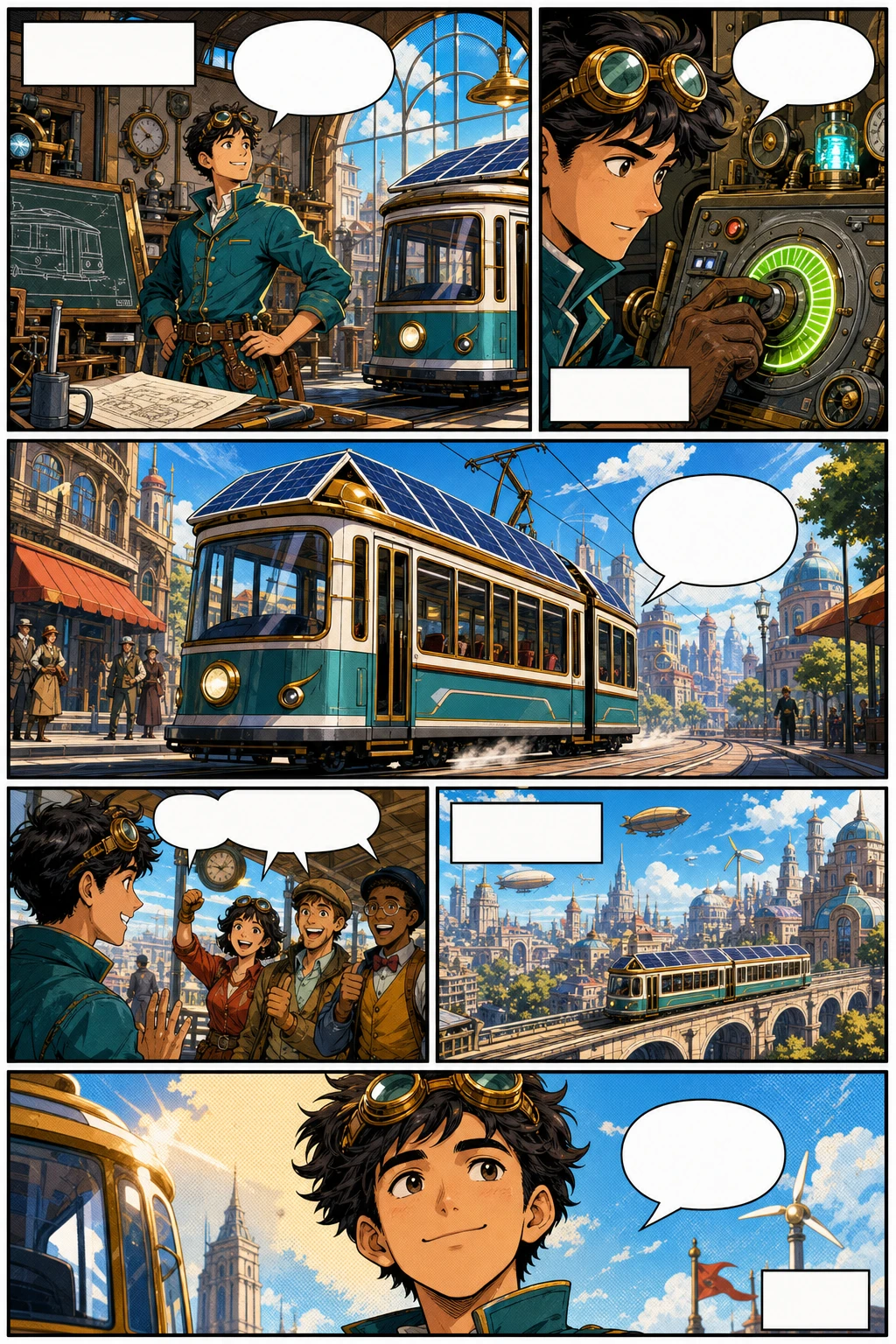
Vertical episode
Western comic book page, 6 panels, original inventor character, bold ink, halftone color, blank captions.
کردار کی مستقل مزاجی
One approved chapter became a 12-beat vertical Webtoon with four recurring characters. Read the delivery, then start your own episode in the studio.
پہلا draft بنانے کے لیے generator استعمال کریں، پھر publishing سے پہلے character shots، spacing اور export slices کو بہتر بنائیں۔
روایتی webtoon production مشکل ہوتا ہے کیونکہ ہر episode میں writing، drawing، coloring، layout، continuity، اور platform formatting شامل ہوتی ہے۔ LlamaGen ان سب کاموں کو ایک visual storytelling workflow میں جوڑتا ہے۔
mobile-first panel spacing، tall compositions، transition gaps، اور stacked scenes استعمال کریں تاکہ episode قدرتی انداز میں scroll ہو، نہ کہ cropped comic page جیسا لگے۔
prompt میں character cues برقرار رکھیں، reference-style descriptions استعمال کریں، اور کمزور shots دوبارہ generate کریں تاکہ چہرے، outfits، silhouettes اور expressions پہچان میں رہیں۔
متعدد scenes جلد draft کریں، پھر انسانی محنت story polish، lettering، اہم moments کی redrawing، اور final release decisions پر لگائیں۔
upload سے پہلے image width، slices، section height، file size، اور format پلان کریں تاکہ final episode کو WEBTOON، Tapas یا اپنی website کے لیے تیار کرنا آسان ہو۔
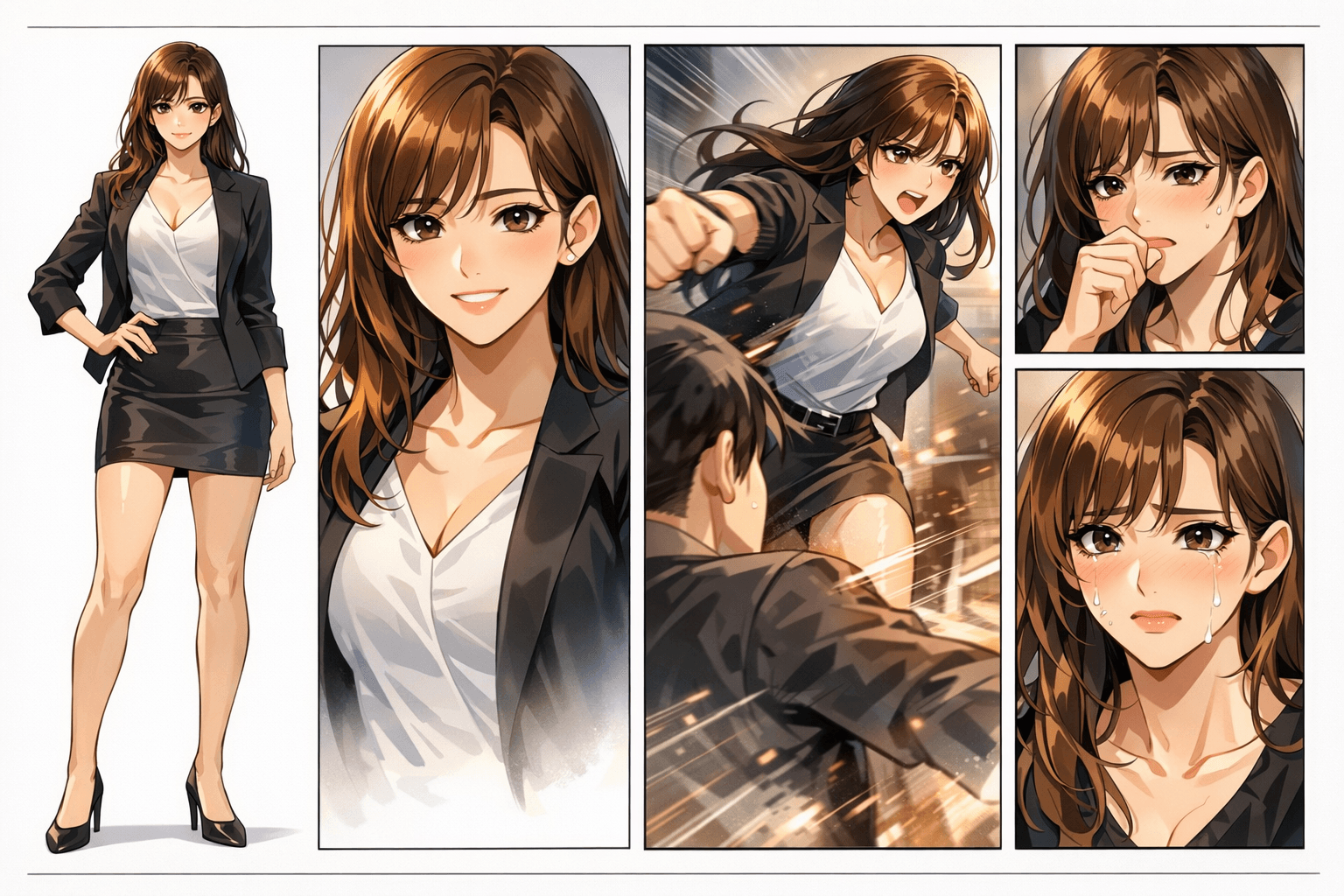
ایک حقیقی webtoon page میں character identity، panel rhythm، background continuity، اور emotional pacing سب کو ساتھ رکھنا پڑتا ہے۔ ایک کمزور panel پورے episode کو متاثر کر سکتا ہے۔
Panels بظاہر رنگین اور خوبصورت لگ سکتے ہیں، لیکن character identity، ہاتھوں کی details، scene continuity، اور reading flow جلد بکھر جاتے ہیں۔
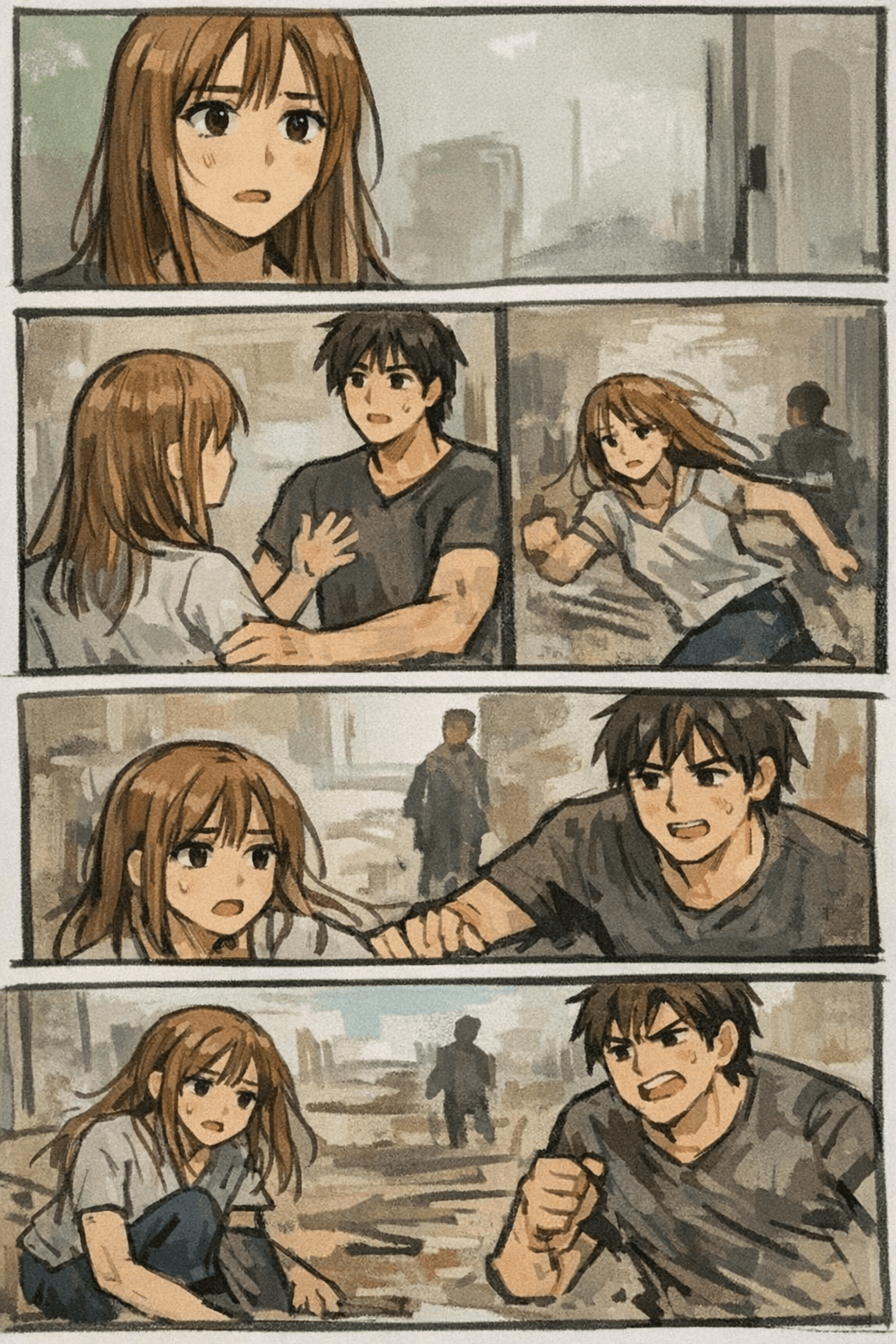
LlamaGen مکمل webtoon result پر فوکس کرتا ہے: prompt، characters، panel pacing، visual style، اور regeneration—جب تک episode مربوط محسوس نہ ہو۔
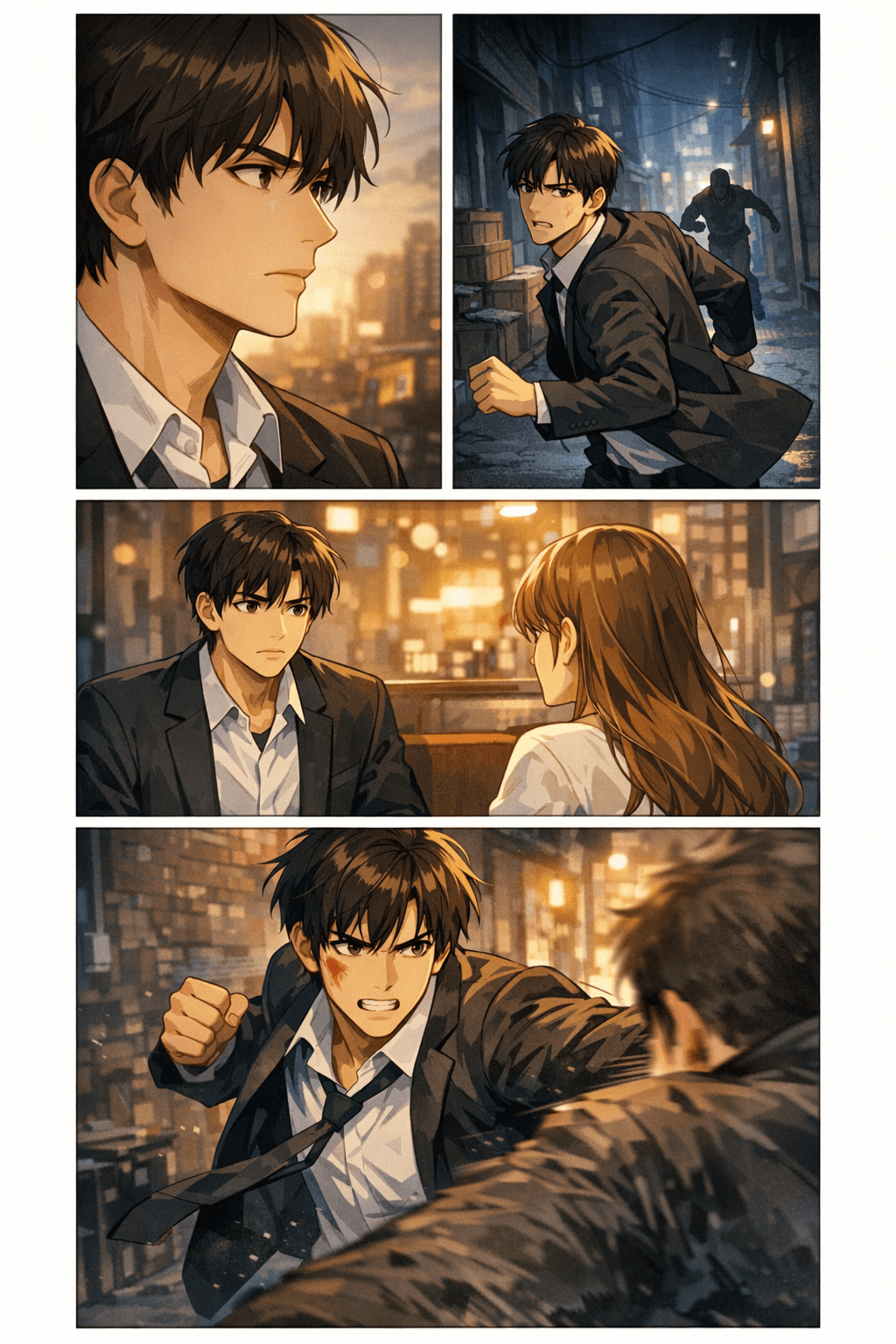
Creators کے لیے یہ جاننا اہم ہوتا ہے کہ آیا AI webtoon draft کو حقیقی export workflow میں منتقل کیا جا سکتا ہے یا نہیں۔ یہ specs width، slice height، file size، format، اور mobile readability پلان کرنے میں مدد دیتی ہیں، download یا upload سے پہلے۔
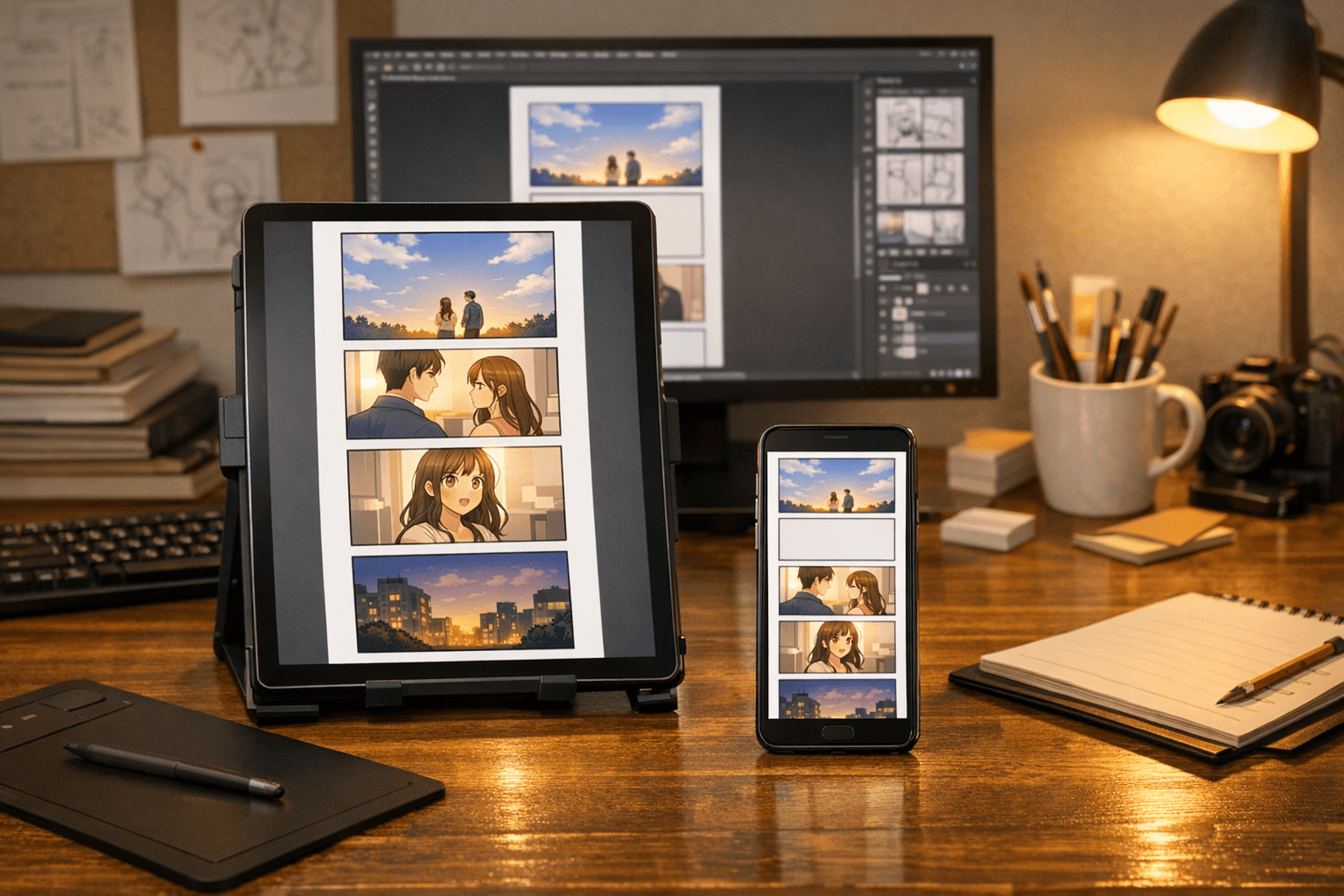
عملی طور پر پہلا episode revisions کے بعد عموماً 40-60 panels کے قریب ہوتا ہے، genre اور pacing پر منحصر ہے۔
emotional beats کے لیے 400-800px breathing space استعمال کریں، اور جب کہانی کو scene transition چاہیے ہو تو 4 یا اس سے زیادہ blank sections رکھیں۔
یہ وہ عناصر ہیں جو ایک سادہ feature page کو واقعی مفید creator resource میں بدلتے ہیں۔
scroll pacing، pauses، reveals، impact frames، اور mobile-first reading کے لیے panels compose کریں۔
character identity، wardrobe cues، face shape، اور emotional beats کو panels میں زیادہ آسانی سے review کے قابل رکھیں۔
ہر image کو نئے سرے سے شروع کرنے کے بجائے locations، lighting، props، اور atmosphere کو پوری sequence میں برقرار رکھیں۔
download سے پہلے file format، slice height، image width، compression، اور destination platform پلان کریں۔
romance، fantasy، action، thriller، slice-of-life، school drama، comedy، یا manhwa-inspired episodes draft کریں۔
کمزور panels دوبارہ بنائیں، expressions بہتر کریں، pacing مضبوط کریں، اور اہم moments کے لیے alternate shots تیار کریں۔
webtoon pages کو collaborators، clients، communities، اور ابتدائی audience tests کے لیے concept proof کے طور پر استعمال کریں۔
non-artists، writers، اور چھوٹی teams کو یہ جانچنے کا تیز طریقہ دیں کہ کوئی کہانی visual انداز میں کام کرتی ہے یا نہیں۔


AI-generated webtoon pages دیکھیں جن میں واضح image context ہو: fantasy scenes، romantic manhwa beats، action panels، thriller pacing، اور slice-of-life episodes۔
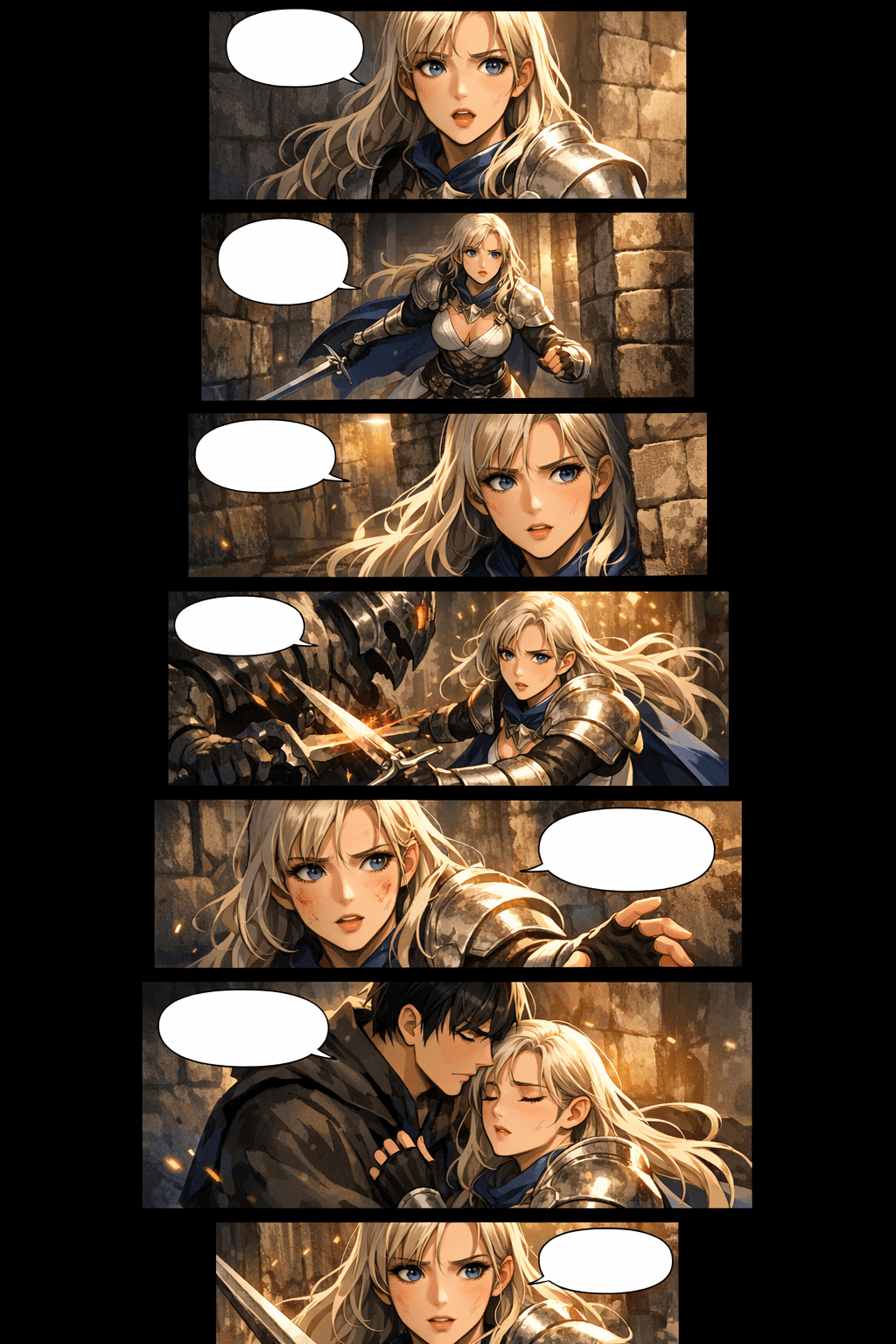
dramatic fantasy scenes اور پروفیشنل scroll formatting کے ساتھ vertical webtoon panels
Premium vertical scroll webtoon episode page, consistent heroine, stacked mobile panels, cinematic fantasy lighting.
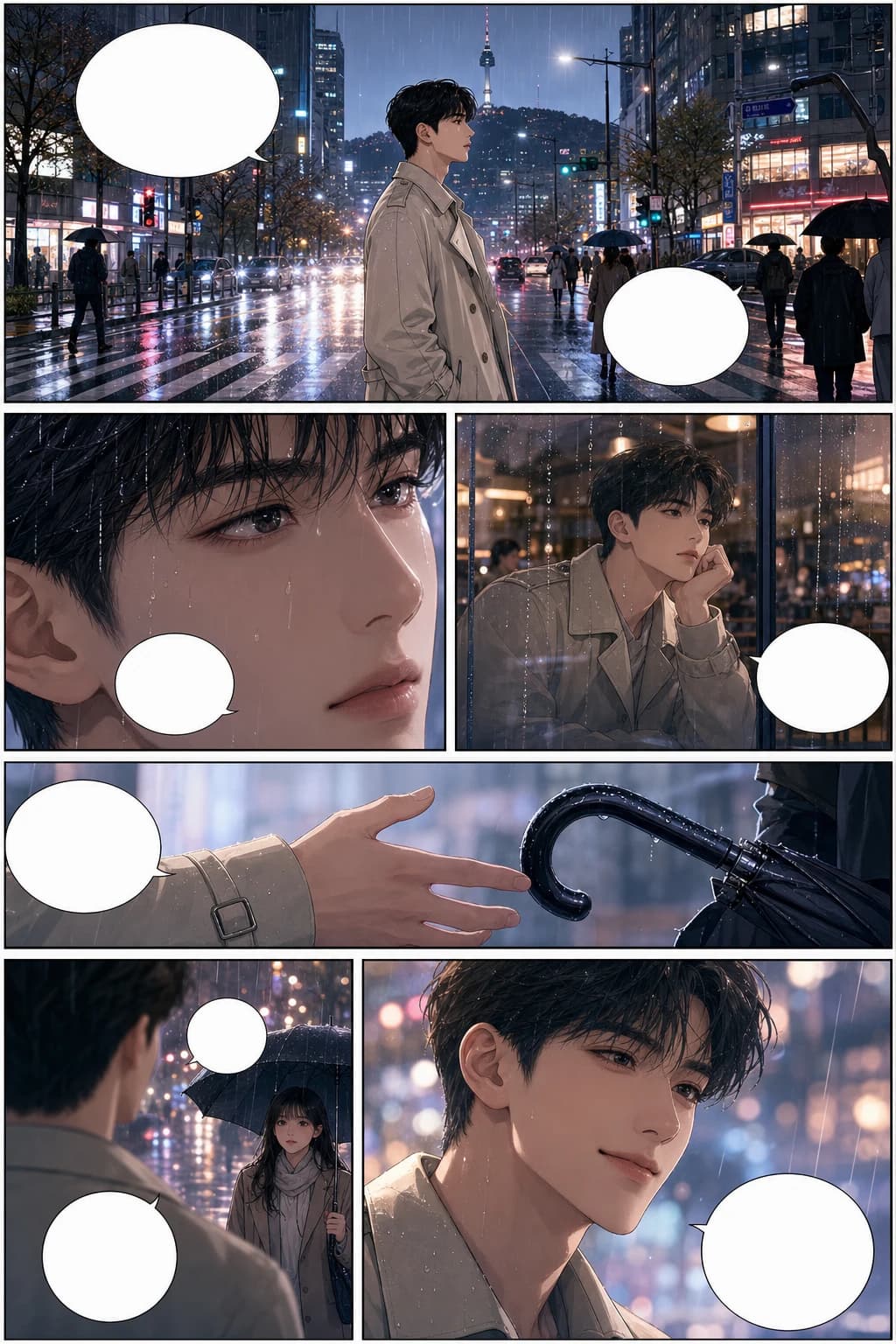
consistent characters اور rainy city panel pacing کے ساتھ romantic Korean manhwa webtoon scene
Full-color Korean manhwa comic page, 6 panels, consistent protagonist, rainy city romance, blank speech bubbles.
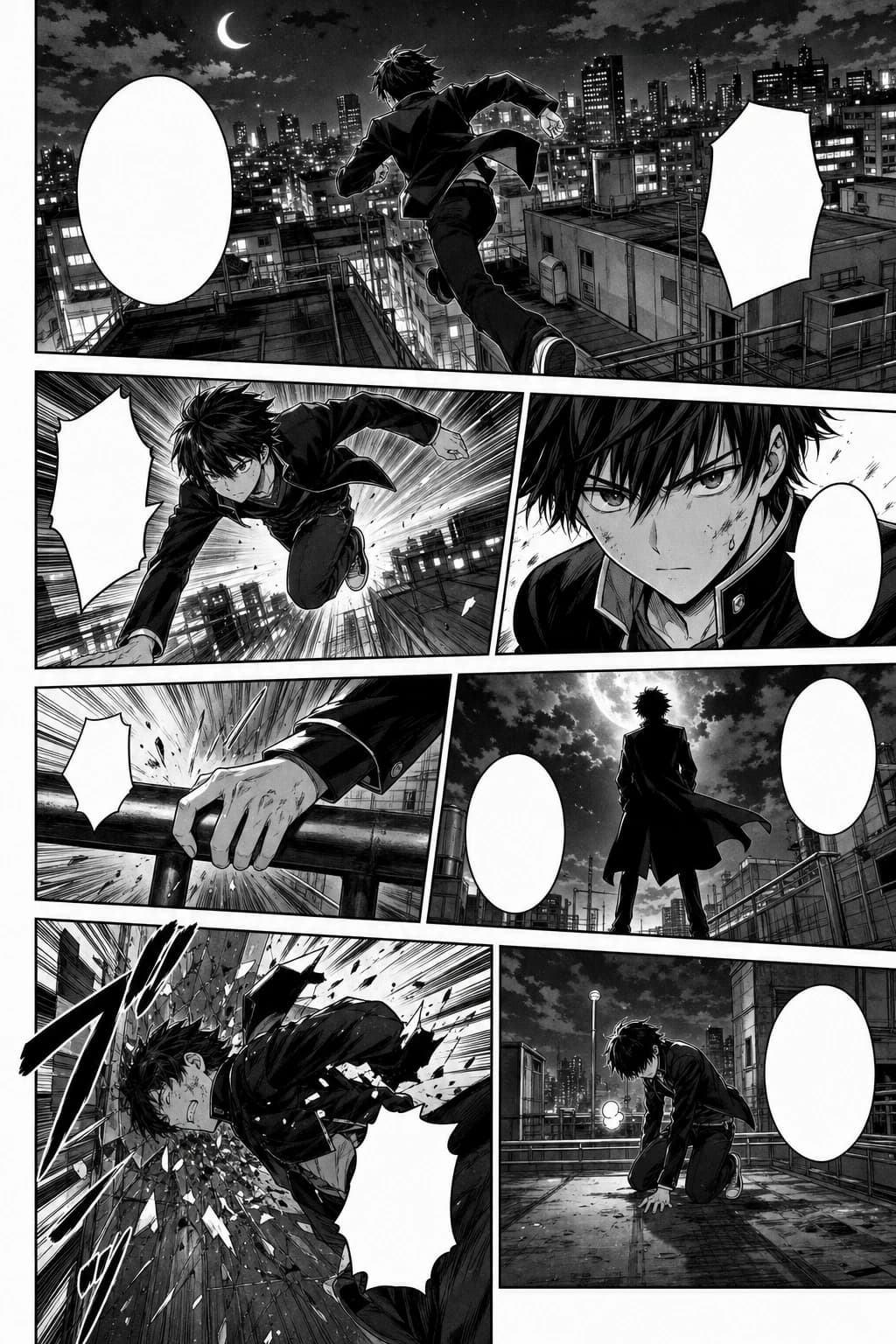
black-and-white manga style میں rooftop motion کے ساتھ action-packed webtoon panel sequence
Black-and-white Japanese manga page, 7 panels, screentone, speed lines, consistent action character.
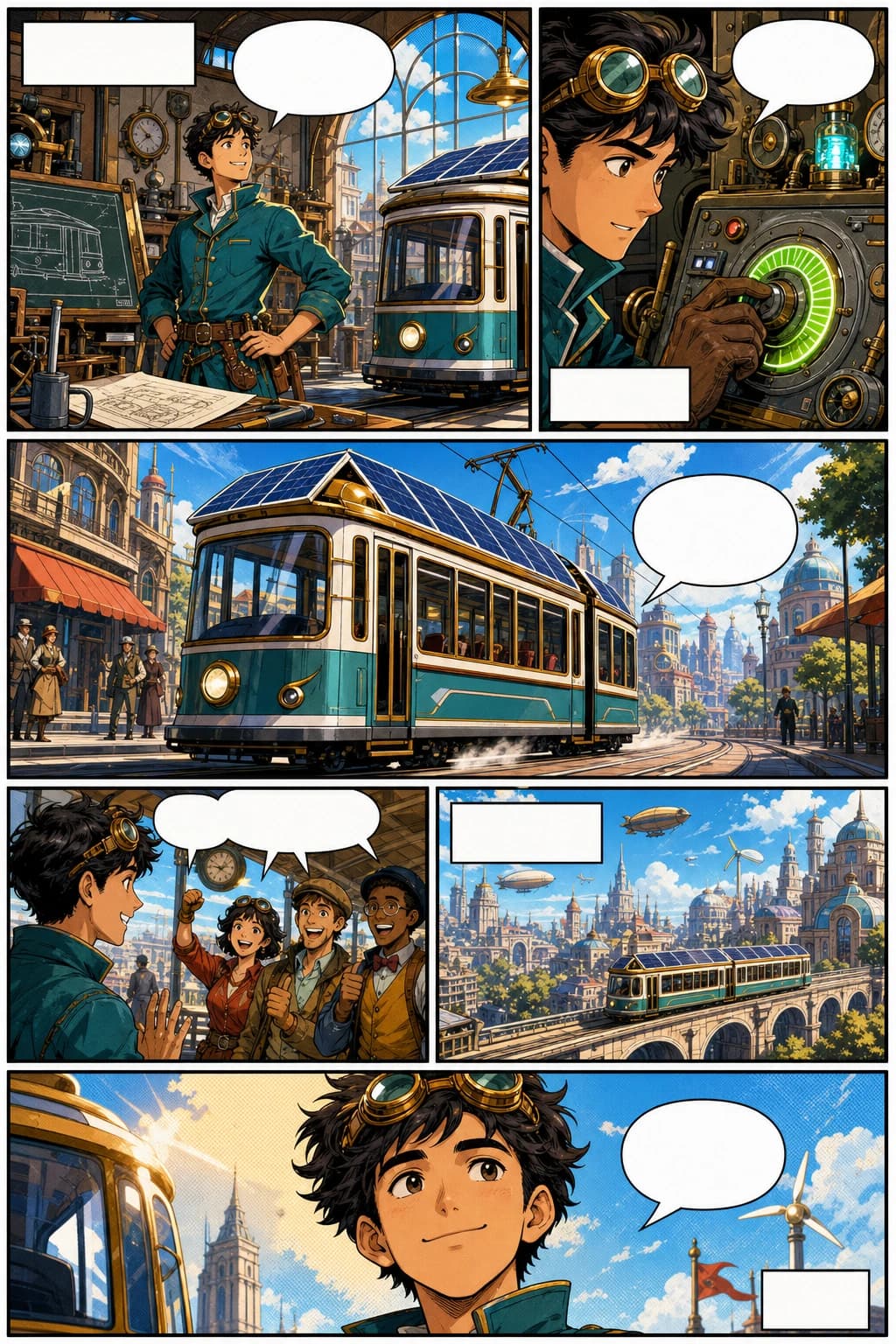
retro-futurist inventor اور bold vertical panels کے ساتھ western comic webtoon page
Western comic book page, 6 panels, original inventor character, bold ink, halftone color, blank captions.
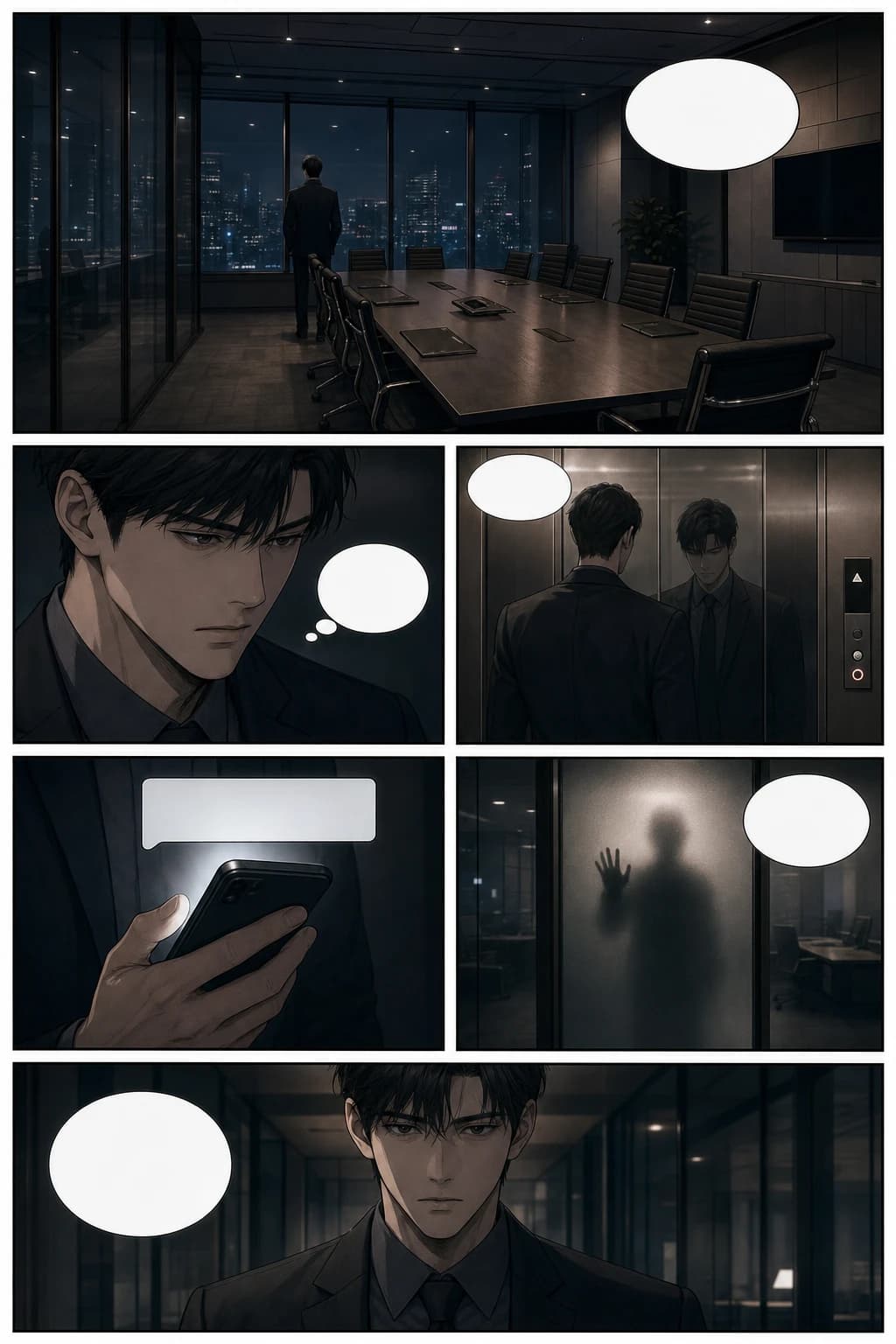
cinematic office suspense اور vertical scroll pacing کے ساتھ thriller manhwa webtoon page
Psychological thriller manhwa page, 6 panels, glass office scene, cinematic pacing, blank speech bubbles.
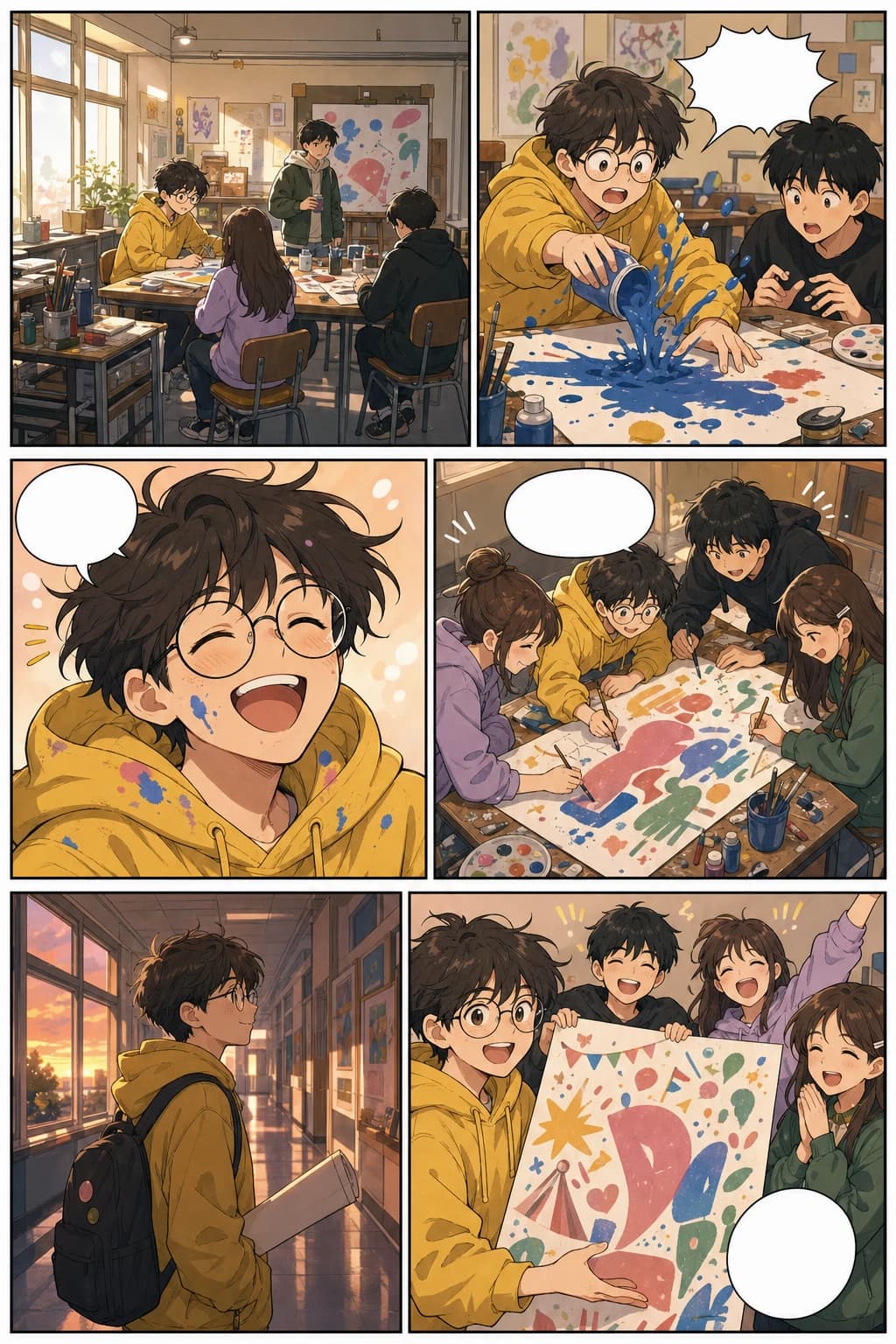
school art club panels اور warm mobile formatting کے ساتھ slice-of-life vertical webtoon page
Colorful slice-of-life webtoon page, 6 panels, consistent art student, warm school festival story.
یہ گائیڈ سیکھنے اور تخلیق—دونوں ضروریات کا احاطہ کرتی ہے: webtoons کیا ہوتے ہیں، AI کیسے مدد دیتا ہے، اور یہ tool حقیقی creator workflows میں کیسے فٹ بیٹھتا ہے۔
طویل comic production cycle شروع کرنے سے پہلے chapter outline کو visual pages میں بدلیں۔
layouts، scene beats، covers، اور social previews draft کریں جبکہ final art direction کے لیے زیادہ توانائی بچائیں۔
clients، publishers، collaborators، یا ابتدائی audience validation کے لیے فوری visual proof تیار کریں۔
lessons، campaigns، explainers، اور brand stories کو پڑھنے میں آسان vertical comics میں تبدیل کریں۔
صرف خوبصورت panels سے آگے بڑھیں۔ کہانی کے flow، mobile pacing، بار بار آنے والے کرداروں، platform format، اور آئیڈیا سے publishable episode تک کے پورے سفر کو پلان کریں۔
prompts، scene notes، scripts یا character moments سے story-based webtoon pages بنائیں، جبکہ workflow کو sequential art پر مرکوز رکھیں۔
صفحے اسی انداز سے بنائیں جیسے قارئین webtoons پڑھتے ہیں: لمبی mobile screens، stacked panels، breathing room، اور episode pacing۔
ایسا recurring cast تیار کریں جس کے چہرے، لباس کی نشانیاں، تاثرات اور poses ہر panel میں پہچانے جا سکیں، تاکہ episode ایک مربوط کہانی لگے۔
WEBTOON، Tapas، social previews، pitch decks، اور اپنی website کے لیے image slices، width، file size، اور export options پہلے سے تیار کریں۔
premise سے script، generated panels، layout review، redraws، downloads، اور release package تک جائیں—بغیر ہر بار کہانی دوبارہ بنائے۔
AI کے ذریعے episodes تیزی سے draft، test اور package کریں، جبکہ originality، platform rules، lettering، اور final creative polish پر انسانی نظر برقرار رکھیں۔
format منتخب کرنے، مختلف devices پر کام کرنے، اور کہانی کے ایک beat کو مکمل vertical episode میں بدلنے کے لیے عملی جوابات۔
AI کے ساتھ online webtoon بنانے کا بہترین طریقہ یہ ہے کہ آپ story beat یا script سے آغاز کریں، vertical panels generate کریں، character consistency چیک کریں، پھر spacing، dialogue اور export slices کو refine کریں۔ LlamaGen اپنے AI comic strips studio کے ذریعے اس workflow کو سپورٹ کرتا ہے۔
LlamaGen دونوں طرح کام کر سکتا ہے: webtoon maker بھی اور vertical comic maker بھی۔ اس کا workflow mobile-first scrolling panels، recurring characters، واضح scene pacing، اور full comic creation studio تک آسان handoff پر فوکس کرتا ہے۔
آپ vertical comic episodes، manhwa-style scenes، mobile-first story pages، character moments، اور text-to-webtoon drafts بنا سکتے ہیں جنہیں publishing سے پہلے مزید refine کیا جا سکتا ہے۔
جی ہاں۔ mobile اور desktop دونوں صارفین comic strips studio میں داخل ہوتے ہیں۔ فون پر compact creation flow استعمال کریں، یا panels کا بہتر جائزہ لینے اور episode revise کرنے کے لیے بڑی screen اختیار کریں۔
اسی topic cluster کو جاری رکھیں
webtoon، manga، comic، character design، background، storyboard، اور vertical comic workflows کے درمیان آسانی سے جائیں، بغیر visual storytelling کے راستے سے ہٹے۔
ایپ شروع کریں
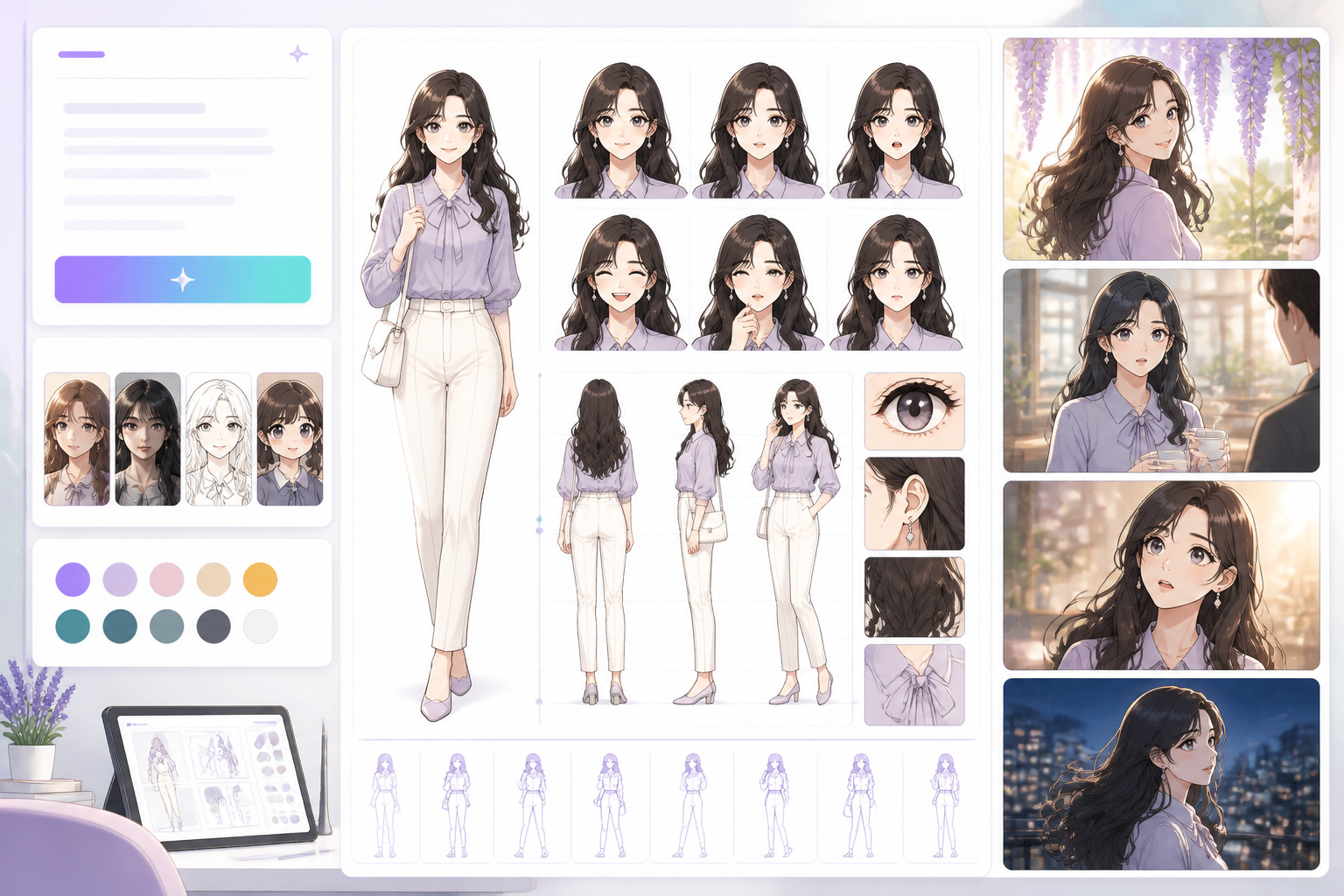
Open a focused workflow inside AI Manga Studio.
ایپ شروع کریں
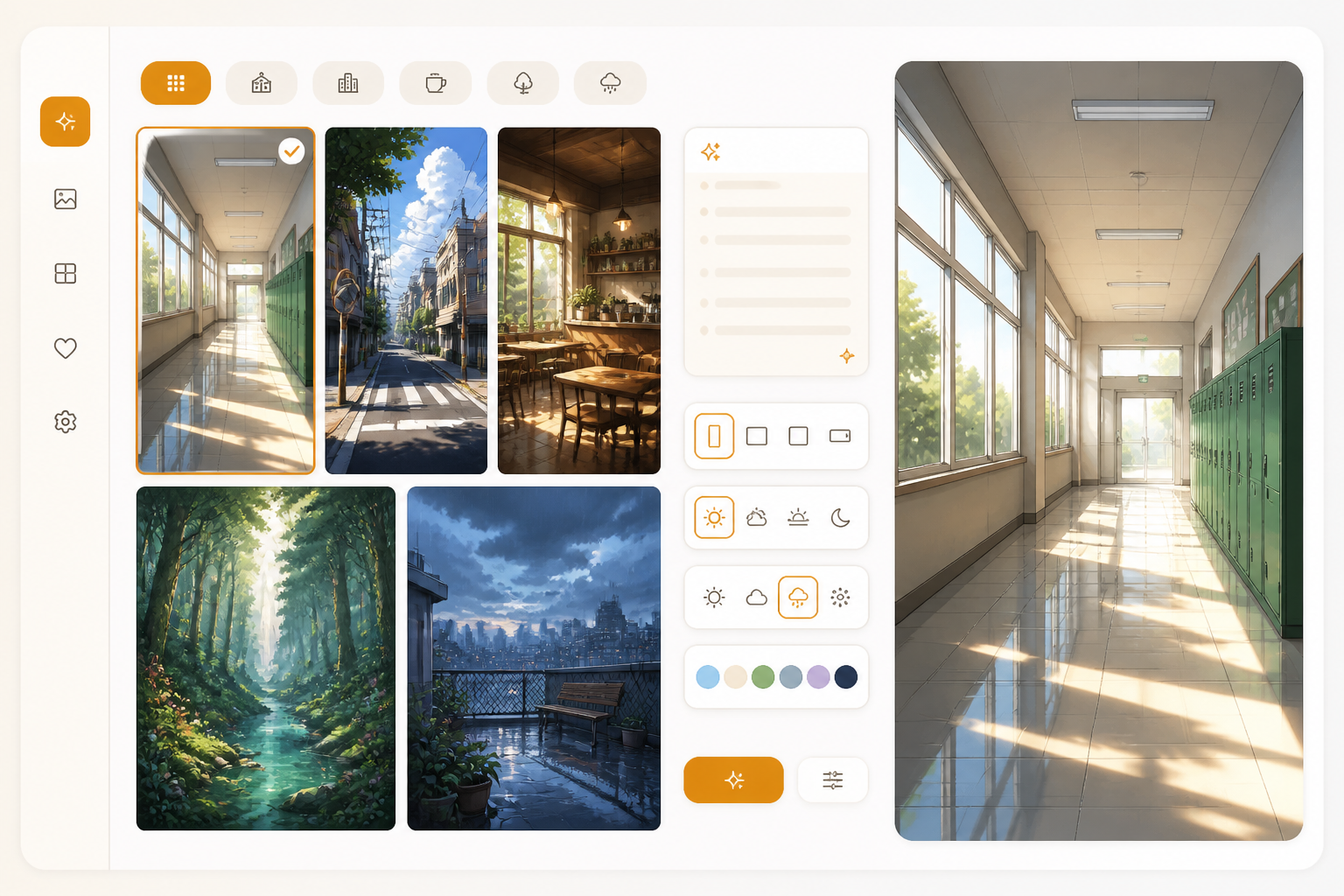
Open a focused workflow inside AI Manga Studio.
ایپ شروع کریں
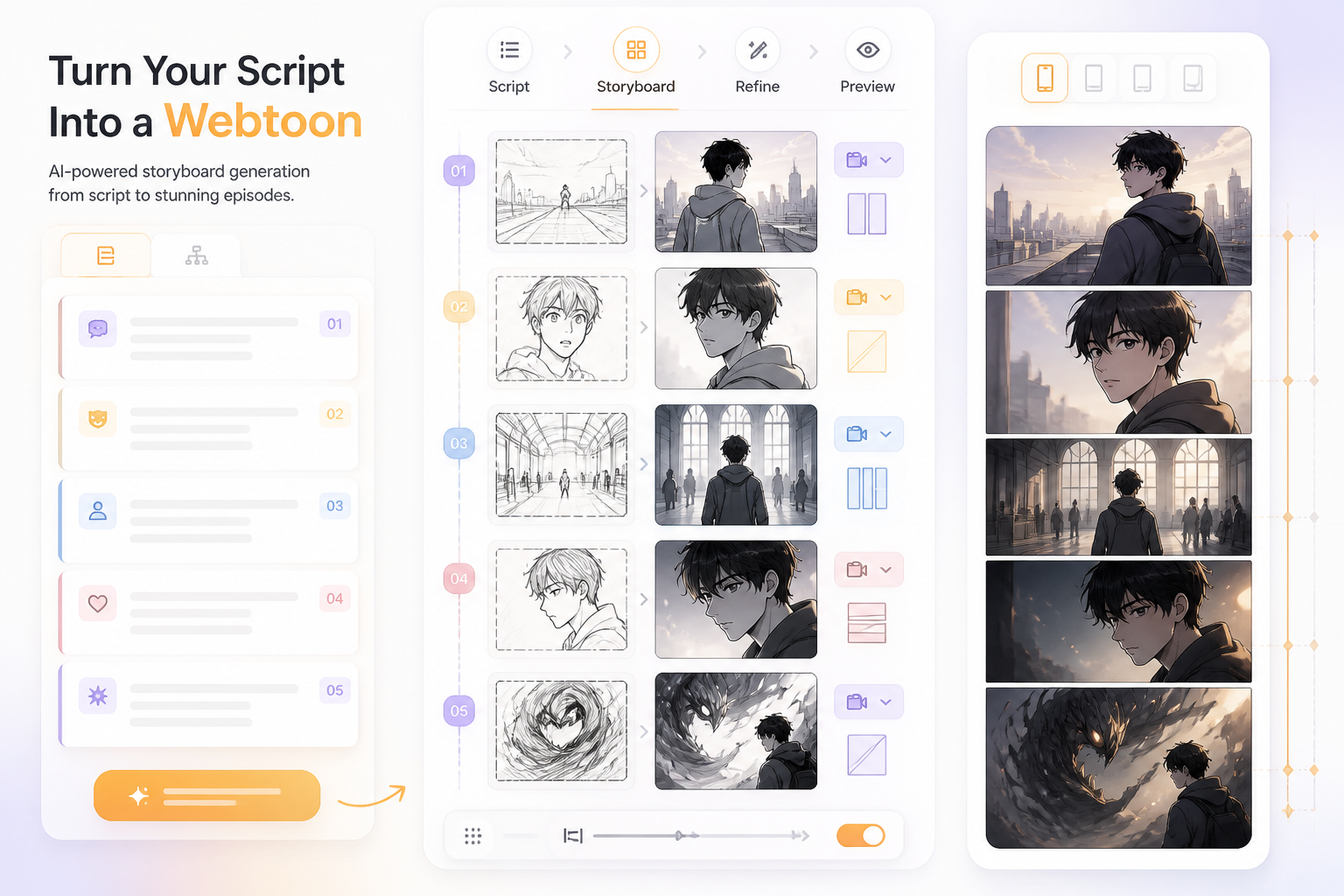
Open a focused workflow inside AI Manga Studio.
ایپ شروع کریں
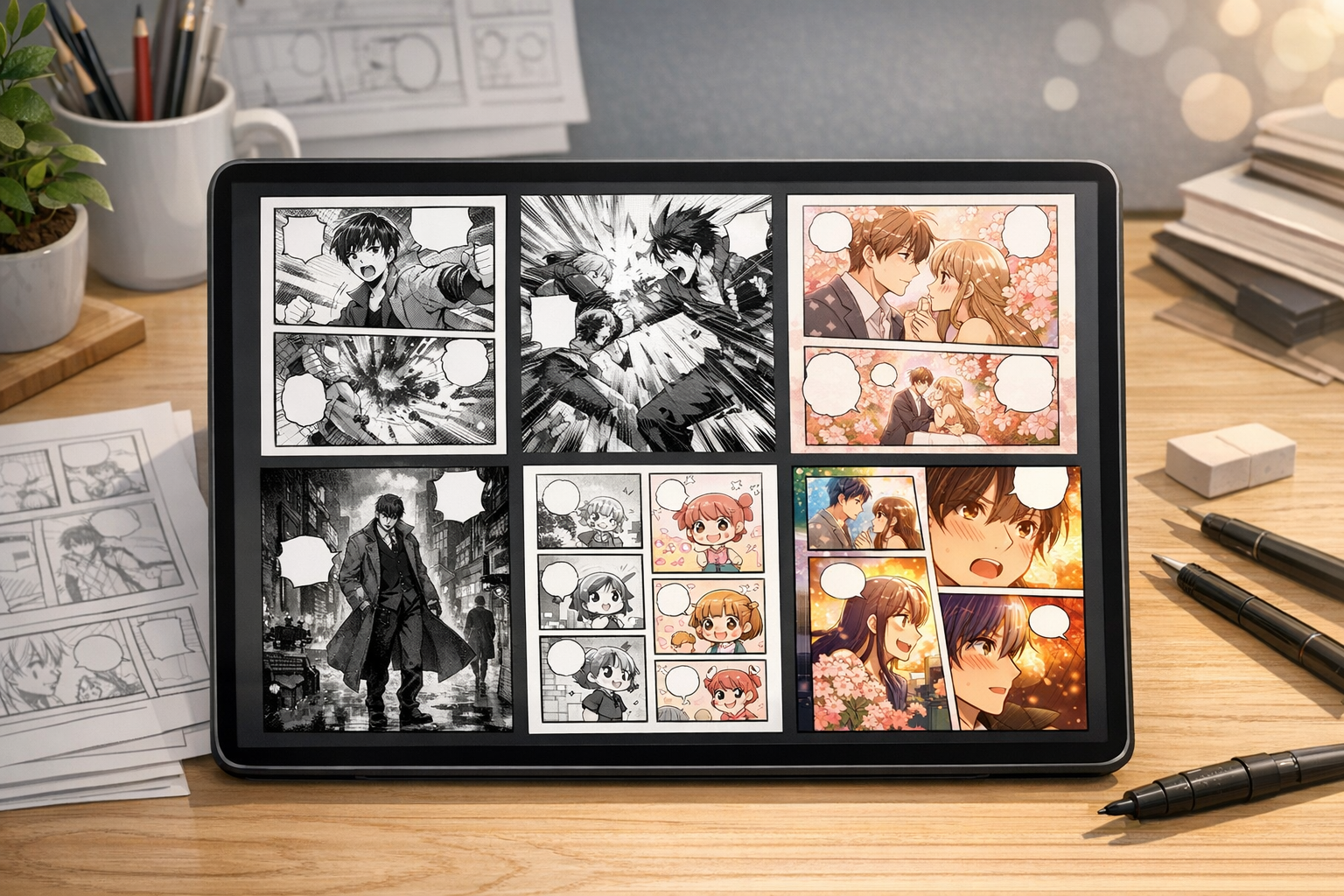
Open a focused workflow inside AI Manga Studio.
ایپ شروع کریں

ہمارا AI مانگا جنریٹر آپ کو چند منٹوں میں ہزاروں مانگا تیار کرنے دیتا ہے۔
ایپ شروع کریں

ہماری جدید AI کامک جنریٹر سے ڈرائنگ کی مہارت کے بغیر بہترین کامکس بنائیں۔
ایپ شروع کریں
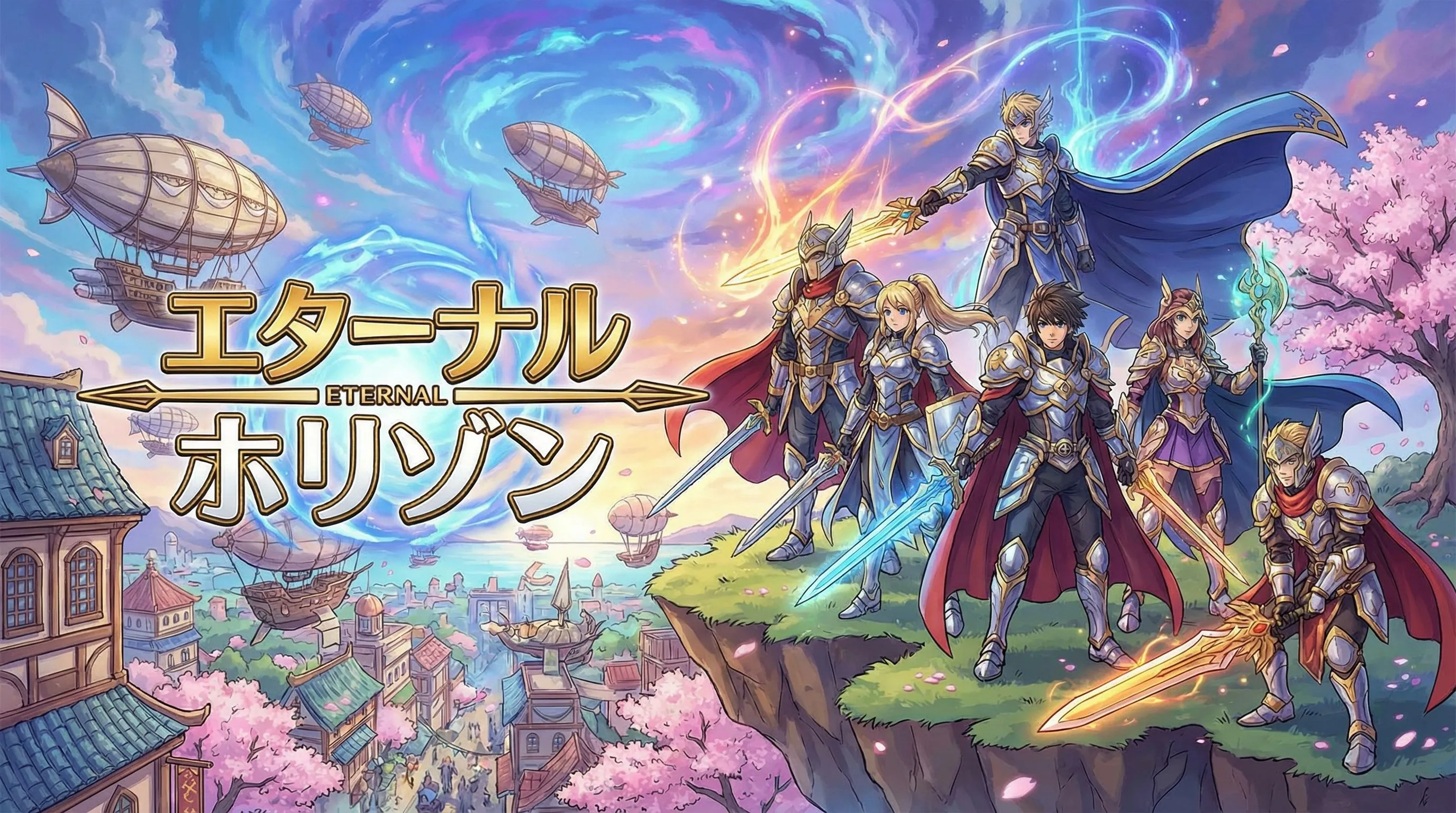
Open a focused workflow inside AI Manga Studio.
ایپ شروع کریں
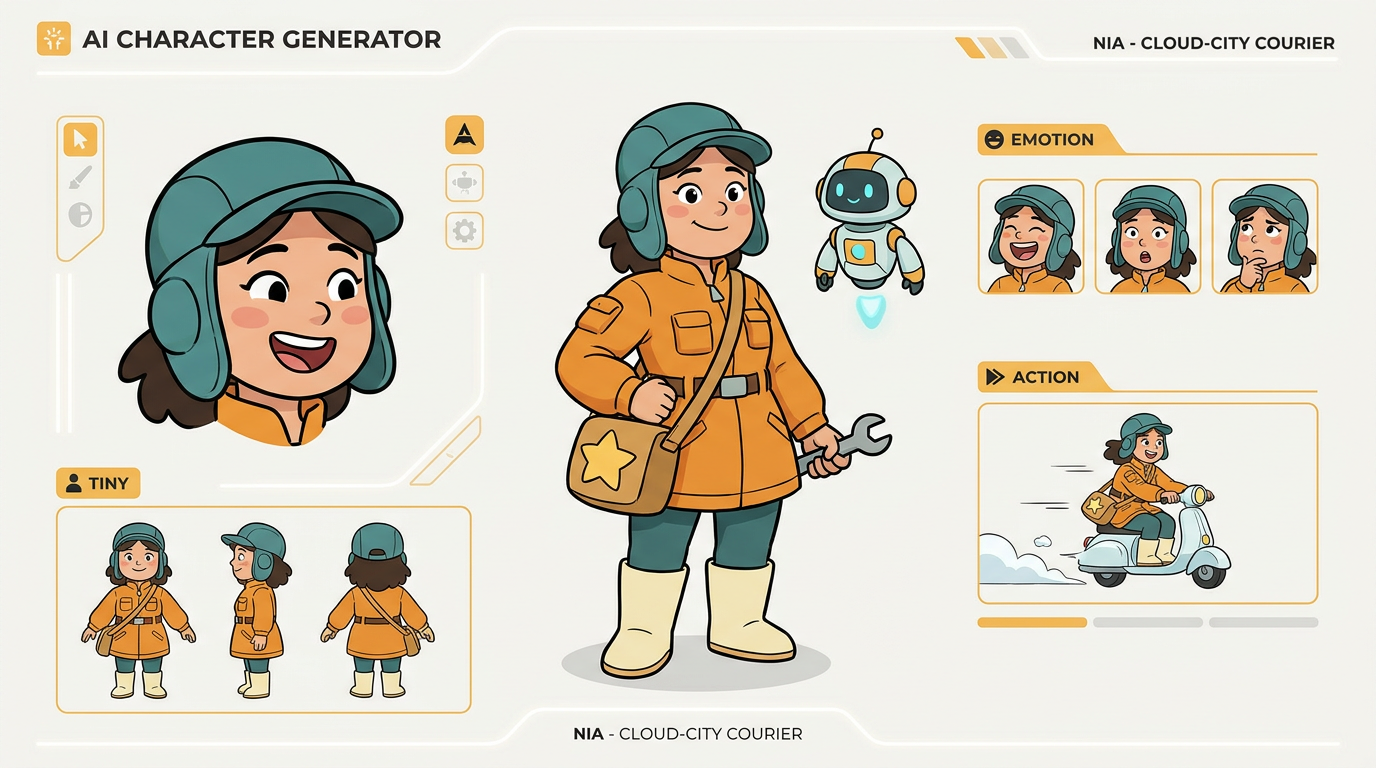
ہمارے AI کردار ڈیزائن ٹول سے اپنی کامک اسٹرپس کے لیے منفرد کردار بنائیں۔
webtoon episode کو slice، compress، preview یا upload کرتے وقت ان موجودہ publishing references سے رہنمائی لیں۔ release سے پہلے ہر platform کی AI content اور monetization policies ضرور دیکھیں۔
کیا کچھ نہیں مل رہا؟ ہمیں پیغام بھیجیں
ایک prompt سے آغاز کریں، اپنا پہلا episode draft generate کریں، پھر اپنے پسندیدہ platform کے لیے characters، spacing، اور export slices کو refine کریں۔
