


The best AI photo editors
We independently review every app we recommend.
AI photo editing is no longer one thing. Some tools are really about retouching. Some are about design plus editing. Some are best on mobile. Some are strongest for product photos. And some are inching closer to full creative direction tools instead of simple editors.
That is what makes the original guide useful: it separates the category by real jobs instead of treating every AI photo editor as interchangeable. This rewrite keeps that decision logic, but adds one more question for LlamaGen users: do you just need a better image, or do you need a better image that can keep working inside a story-driven visual pipeline?
Start creating in LlamaGen
- Create a new comic
- Create a new animation
- Start a manga project
- Generate AI images
- Build AI characters
- Plan a storyboard
The best AI photo editors at a glance
- Adobe Photoshop for a full-featured AI photo editor and design app
- Luminar Neo for deep AI-native editing
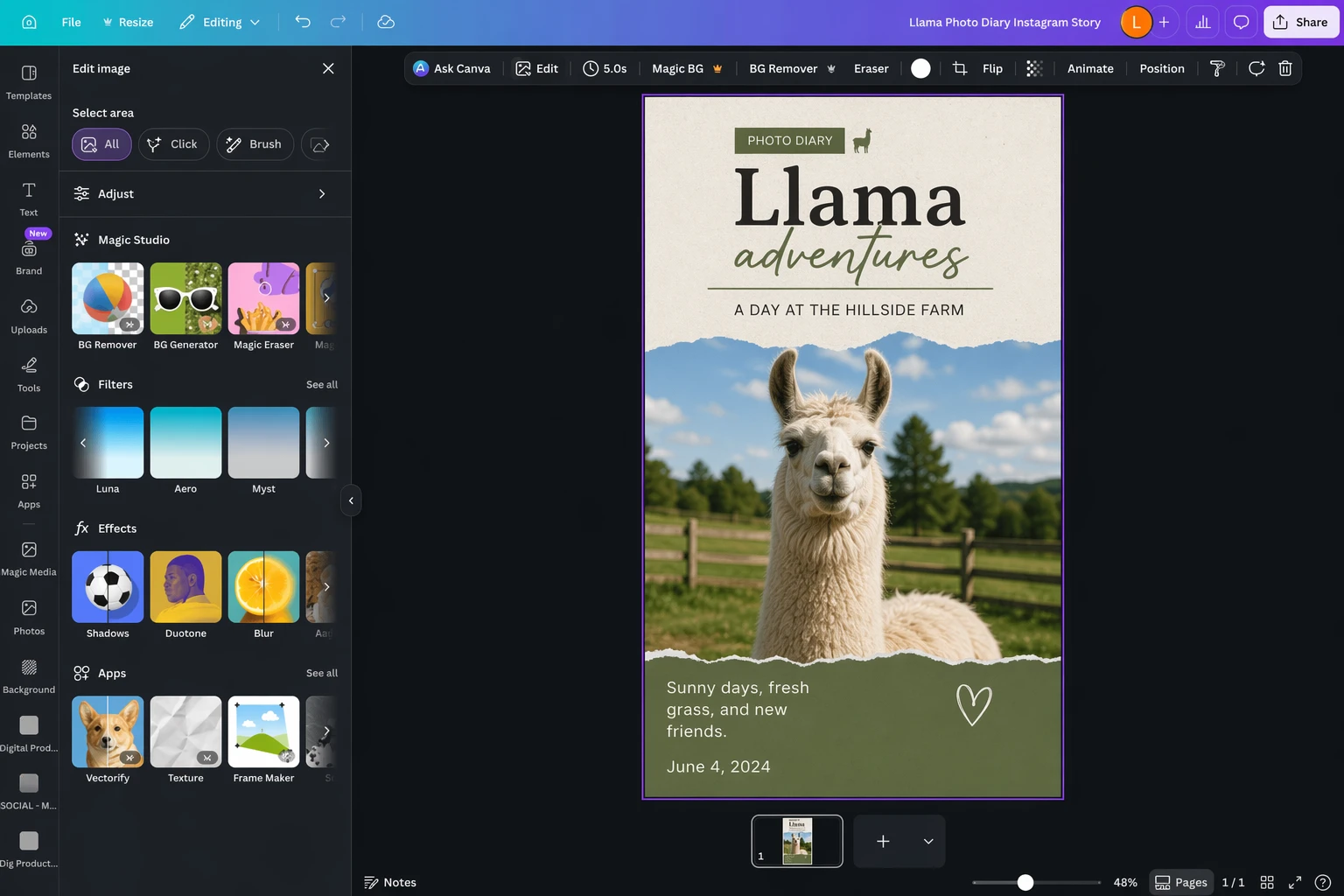
- Canva for design plus approachable AI photo editing
- Pixlr for easy online AI photo editing
- Lensa for mobile-first AI editing
- Claid for product-photo workflows
What an AI photo editor is really helping you do
A good AI photo editor should reduce manual friction in tasks like:
- cleanup and object removal
- expansion and reframing
- tone, color, and subject enhancement
- product shot improvement
- background swaps
- social or campaign-ready composition
For LlamaGen readers, there is an extra layer:
- can the edited result become part of a recurring cast, a panel sequence, or a larger story world?
That is the dividing line between "photo editing" and "creative production."
Photoshop
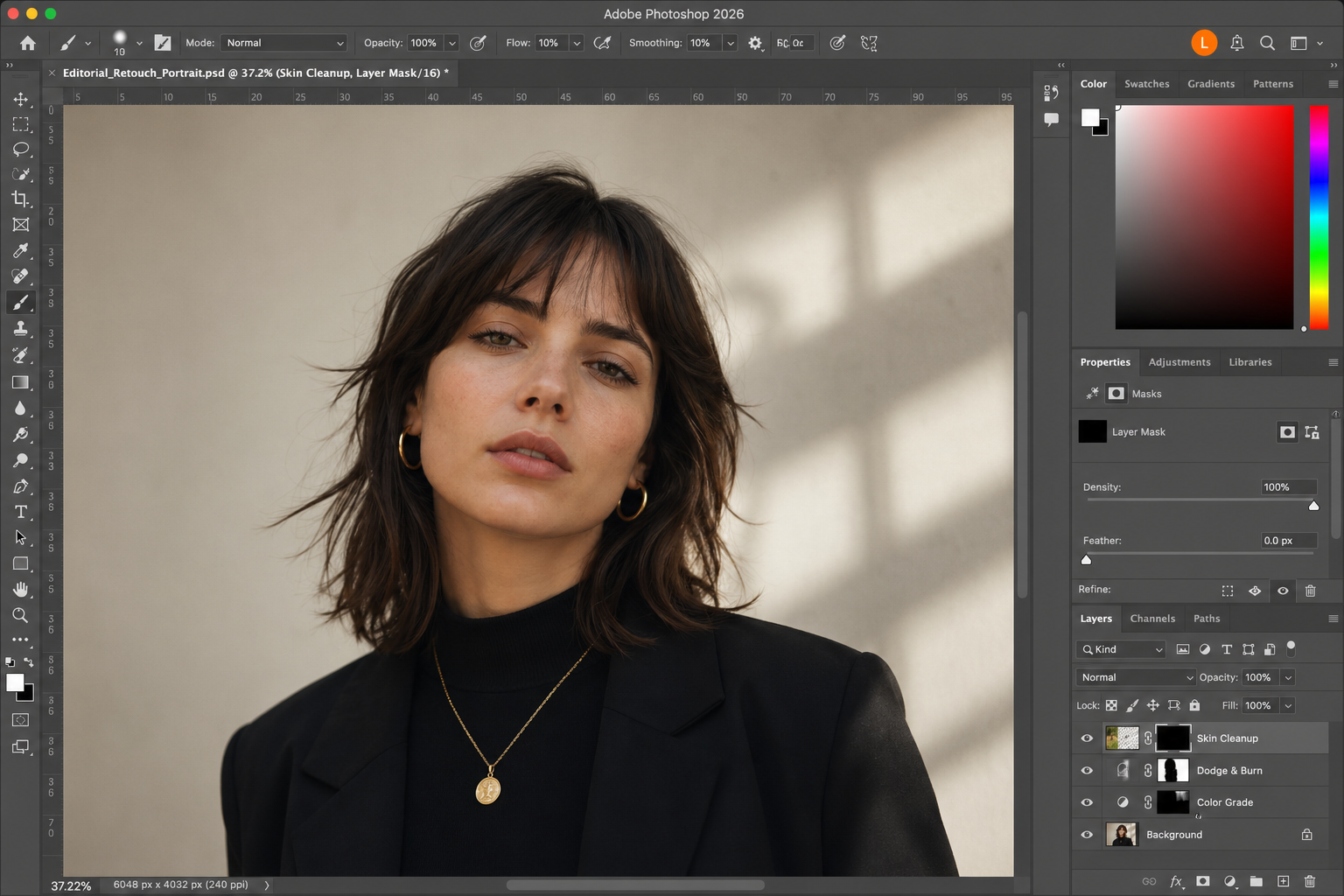
Photoshop still sets the tone for this category because it is both deep and broad. Its AI tools matter more now because they are built into an editor that already had professional trust.
If you need the strongest all-rounder, Photoshop still makes the most complete case. But it is also heavier, more expensive, and more committed to a traditional editing mindset than some newer tools.
Luminar Neo
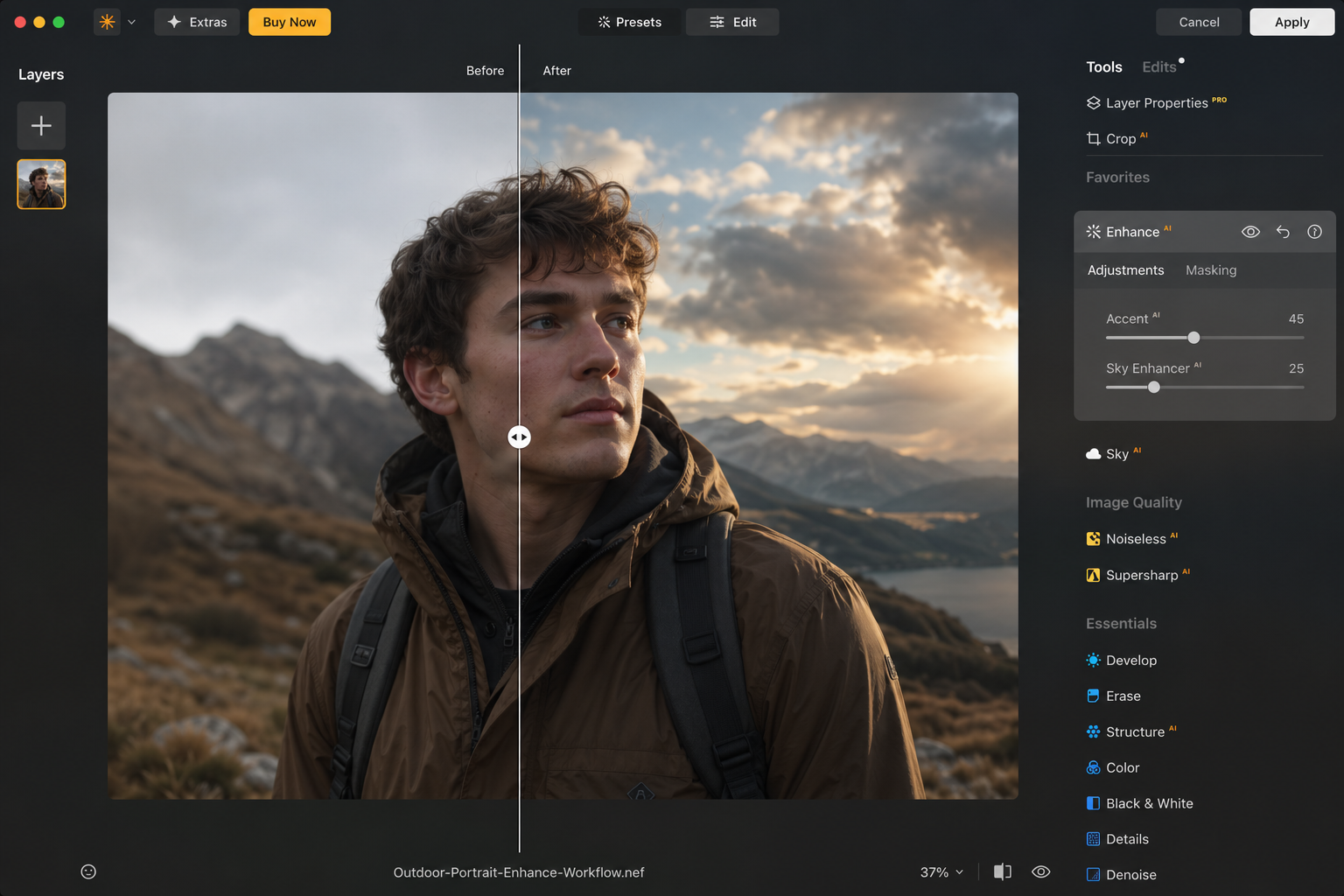
Luminar Neo stands out when you want AI to be the center of the workflow, not an add-on. It is one of the clearest examples of a photo editor that feels built around AI-assisted enhancement rather than retrofitted with a few AI features.
That makes it compelling for photographers and creators who want fast, strong-looking results without losing too much control.
Canva

Canva is not the deepest editor here, but it remains one of the most practical. If the job is "make this photo usable inside a design, post, deck, or promo," Canva can often get there faster than a more specialized tool.
That makes it especially relevant for marketing teams and generalist creators. It is less ideal when the whole job depends on detailed retouching.
Pixlr
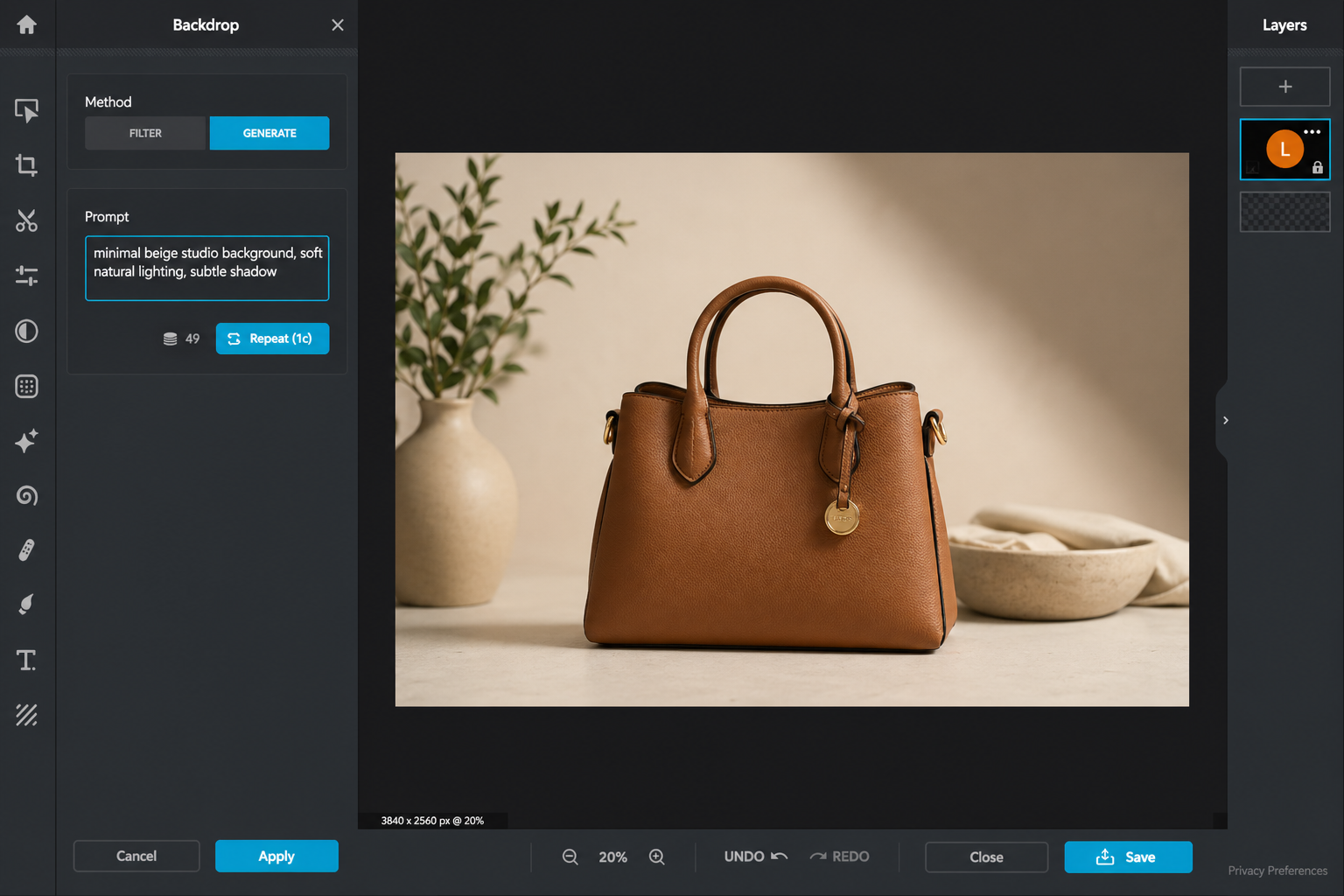
Pixlr keeps getting better because it blends approachability with AI editing that actually feels usable. It is easier to recommend now to people who want online editing without jumping into a heavy desktop workflow.
It also remains one of the more accessible ways to get prompt-driven editing without immediately paying Photoshop-level prices.
Lensa
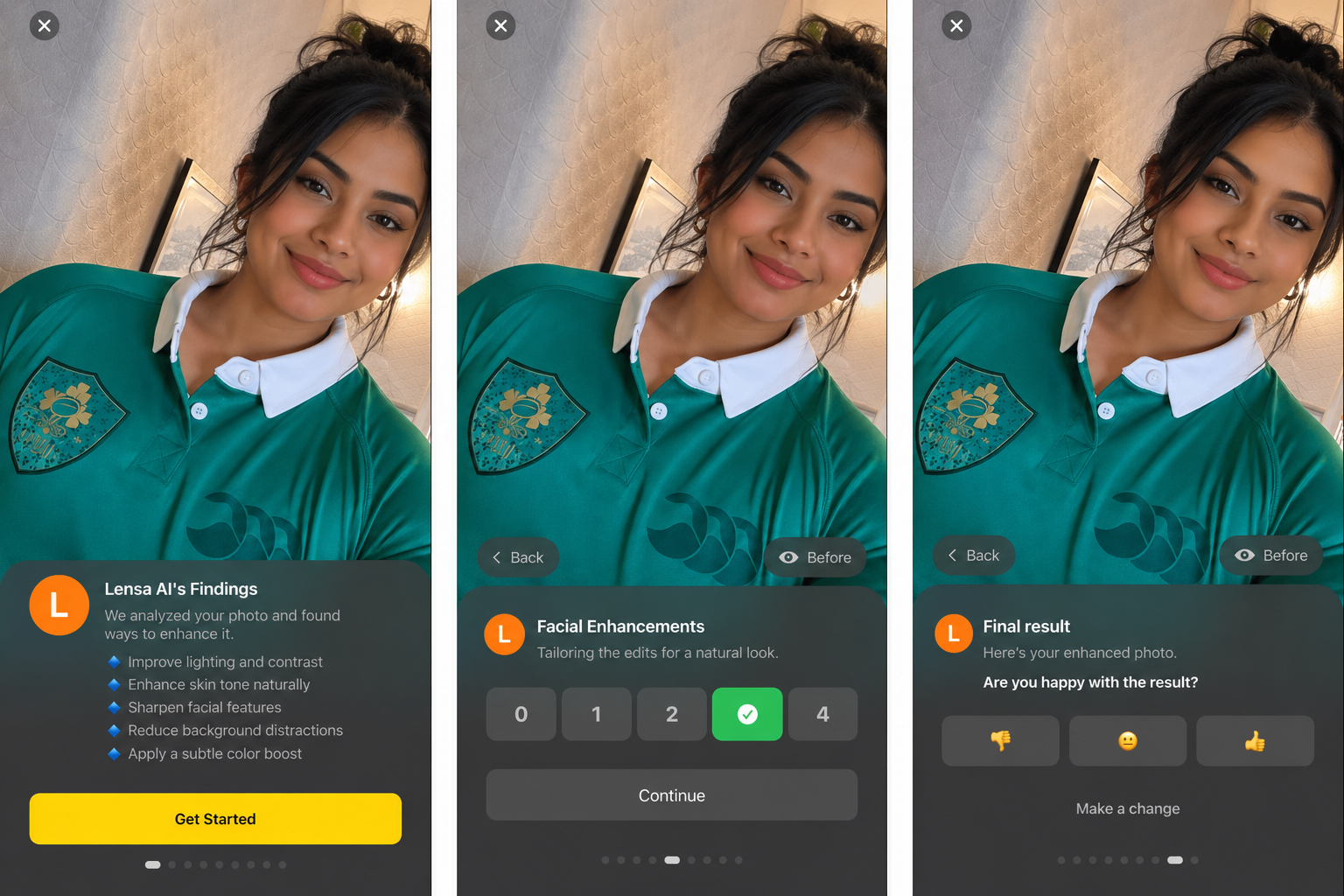
Lensa works because mobile editing still matters. A lot of users are not trying to build a studio pipeline. They want quick AI-assisted enhancement on a phone and want it to look polished enough to publish.
That narrower focus is exactly what makes it useful.
Claid
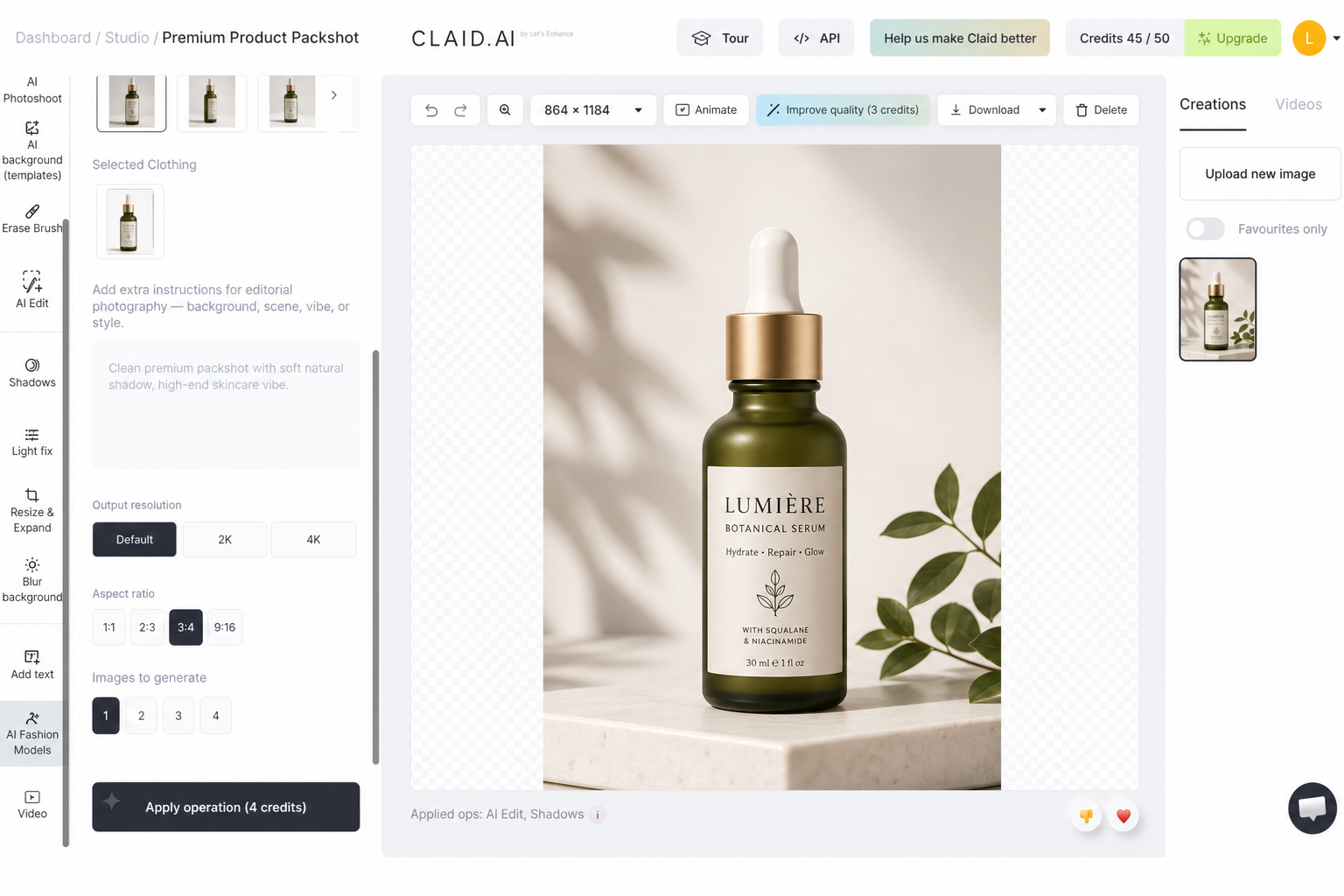
Claid is the specialist pick in this set. If your work revolves around product photography and ecommerce presentation, it makes more sense than a general AI editor.
That narrowness is not a weakness. It is the reason to choose it.
Where LlamaGen belongs
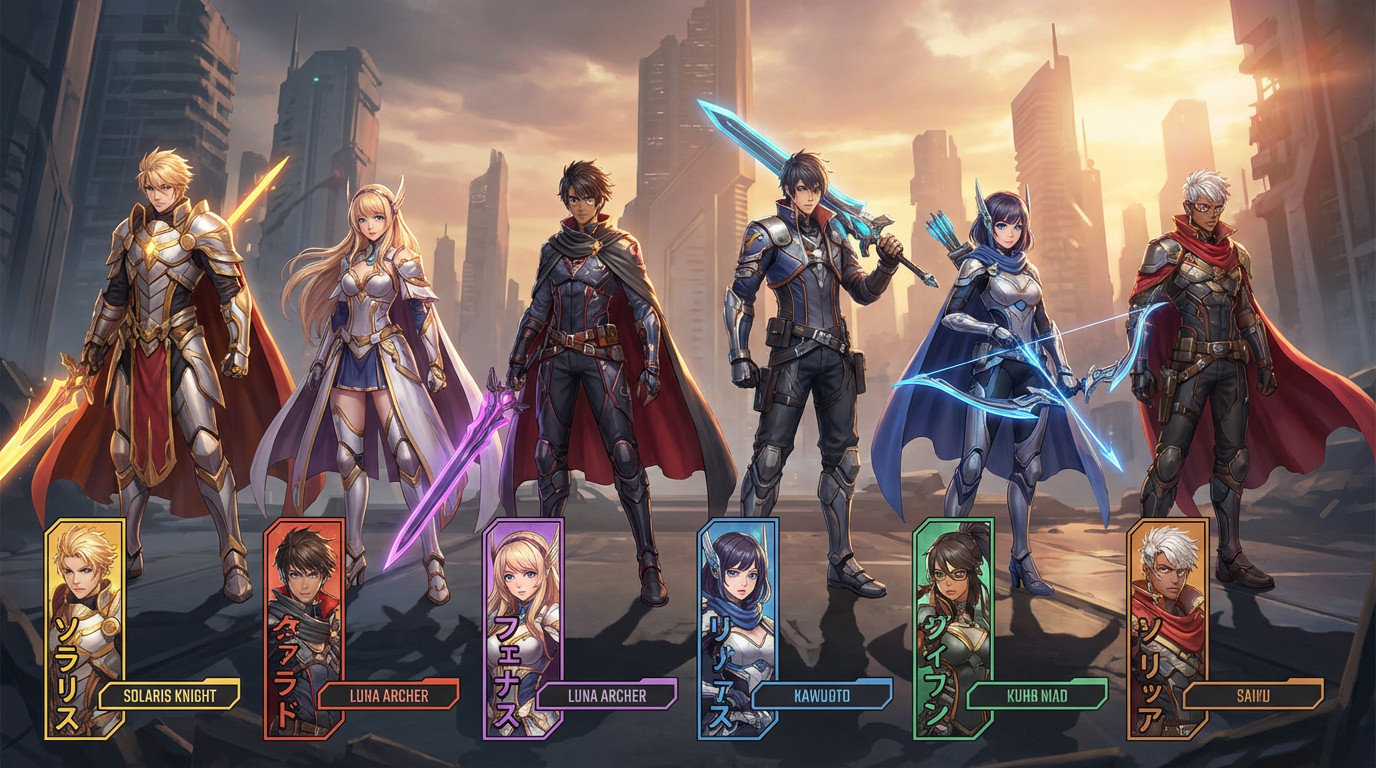
Most AI photo editors are optimized for finishing a single image. LlamaGen becomes useful when the image needs to keep living after that first edit.
Use LlamaGen when you want to turn edited photos into:
- comic or storyboard panels
- recurring character references
- campaign story scenes
- animated or manga-style creative directions
- a visual system with consistency across multiple outputs
That means LlamaGen is not replacing every tool in this article. It is replacing the messy gap between "the image looks good now" and "the campaign still needs ten more assets that match."
Honest tradeoffs
- If you need the deepest traditional editor, Photoshop is still the strongest answer.
- If you want AI everywhere in the workflow, Luminar Neo still feels more specialized.
- If you need fast design-plus-editing convenience, Canva is easier for most non-specialists.
LlamaGen wins once continuity, character logic, and narrative output matter more than finishing one image in isolation.
Which AI photo editor should you choose?
Choose Photoshop if you want the most complete professional package.
Choose Luminar Neo if you want AI to do more of the heavy lifting.
Choose Canva if the image is part of a broader design workflow.
Choose Pixlr if you want approachable online editing.
Choose Lensa if you work mostly on mobile.
Choose Claid if product photos are the whole job.
Choose LlamaGen if the edited image is really a starting asset for a campaign, a character system, a storyboard, or a story-first visual pipeline.
This article was rewritten for LlamaGen readers who care about continuity, visual storytelling, and reusable creative systems.
Related articles

Get productivity tips delivered straight to your inbox
We'll email you 1–3 times per week—and never share your information.
Improve your productivity automatically. Use LlamaGen to turn AI assets into stories.
Use your favorite design tools—then import the assets into LlamaGen to create comics, images, and animations.


