

4 Camera-Angle Prompts
Automatically generate 4 different camera angles, shot types, and sequence ideas from a single image
Shot Sequence Prompt AI
Upload one image and generate a prompt-ready multi-shot video plan: 4 camera angles, cinematic shot descriptions, storyboard notes, and a clear sequence for AI video production.
Shot 1
Close-up
Shot 2
Среден
Shot 3
Wide
Shot 4
Екшън
Plan the shot sequence, camera-angle prompts, and storyboard notes before you generate the final clip
Automatically generate 4 different camera angles, shot types, and sequence ideas from a single image
Коригирайте описанието на всеки кадър за да пасне идеално на вашата творческа визия
Generate multi-shot video prompts and storyboard notes in seconds, not hours
От професионалисти до начинаещи, нашият инструмент се адаптира към творческите ви нужди
Създайте подробни сторибордове и списъци с кадри за вашия следващ филмов проект
Generate multi-shot video prompts for social media and YouTube concepts
Превърнете писмени истории във визуални разкази с множество гледни точки
Създавайте впечатляващи визуални кампании с различни вариации на кадрите
Как работи
Качете всяко изображение - снимки, произведения на изкуството или концептуални изображения. Нашият AI поддържа всички основни формати.
Our advanced AI analyzes your image and generates 4 unique camera-angle prompts and cinematic shot descriptions.
Коригирайте описанията и експортирайте многокадровия сториборд за видео продукция.
AI MULTI-SHOT STORYBOARD EXAMPLES
From single images to cinematic sequences, see how one source can become multiple shot prompts and video concepts.
Choose your output
Use the same source image to prepare camera angles, a connected shot sequence, or storyboard notes for the next production step.
Plan a prompt-ready video sequence from one source image instead of generating one disconnected clip.
Create close-up, medium, wide, product, action, and cinematic angle prompts for the same subject.
Turn a single image into a clear four-shot structure with framing, pacing, and production notes.
Use the generated shot descriptions as storyboard notes for AI video, ads, social clips, and pitches.
СТАРИЯТ ПРОЦЕС НА ВИДЕО ПРОДУКЦИЯ
The traditional path from concept to multi-shot video is expensive and time-consuming. Even before generation or filming, creators need shot planning, camera angles, sequence logic, and multiple revisions.
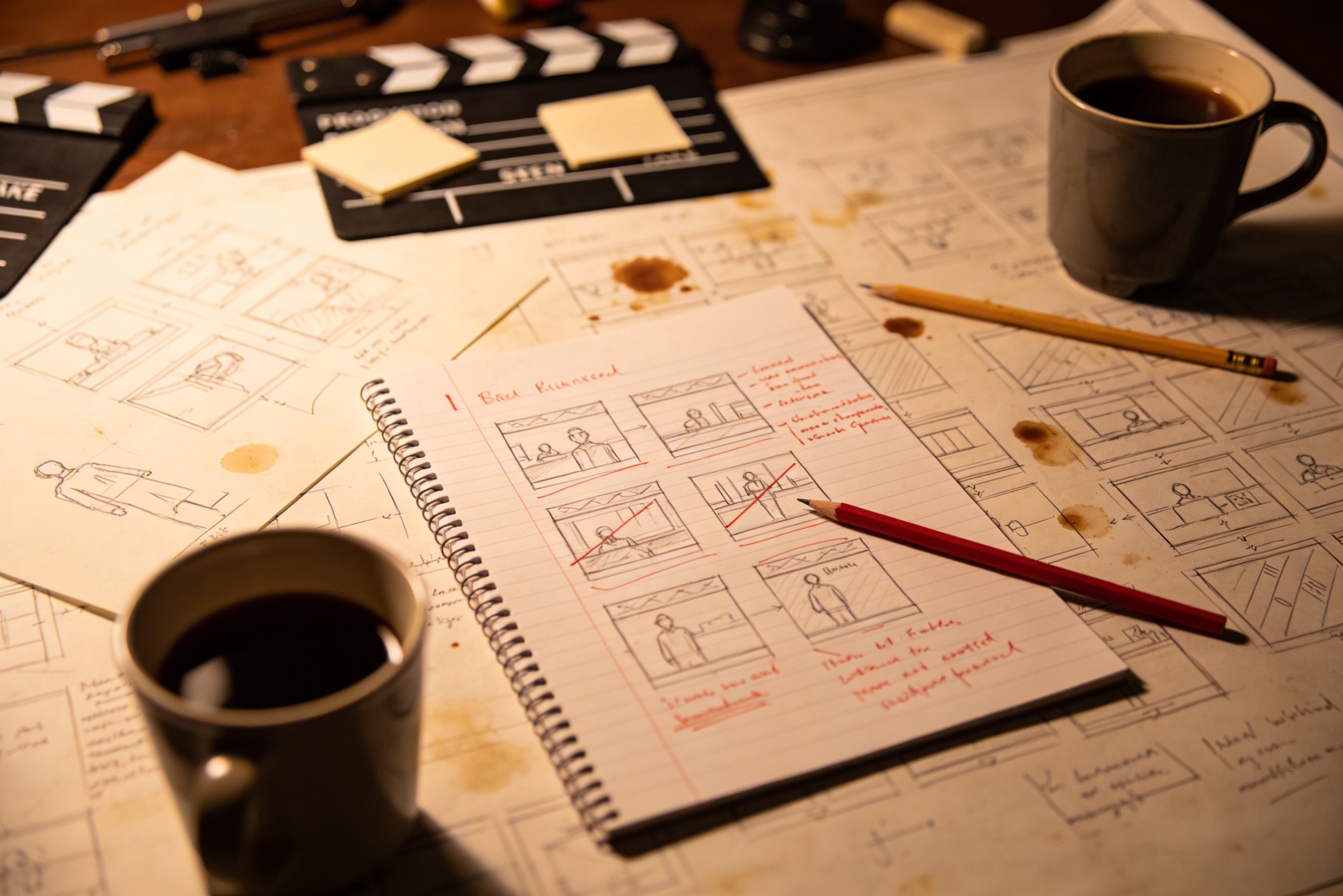
Превръщането на творческата ви визия в подробни описания на кадри изисква сериозно планиране и многократни редакции, за да се постигне желаният резултат.
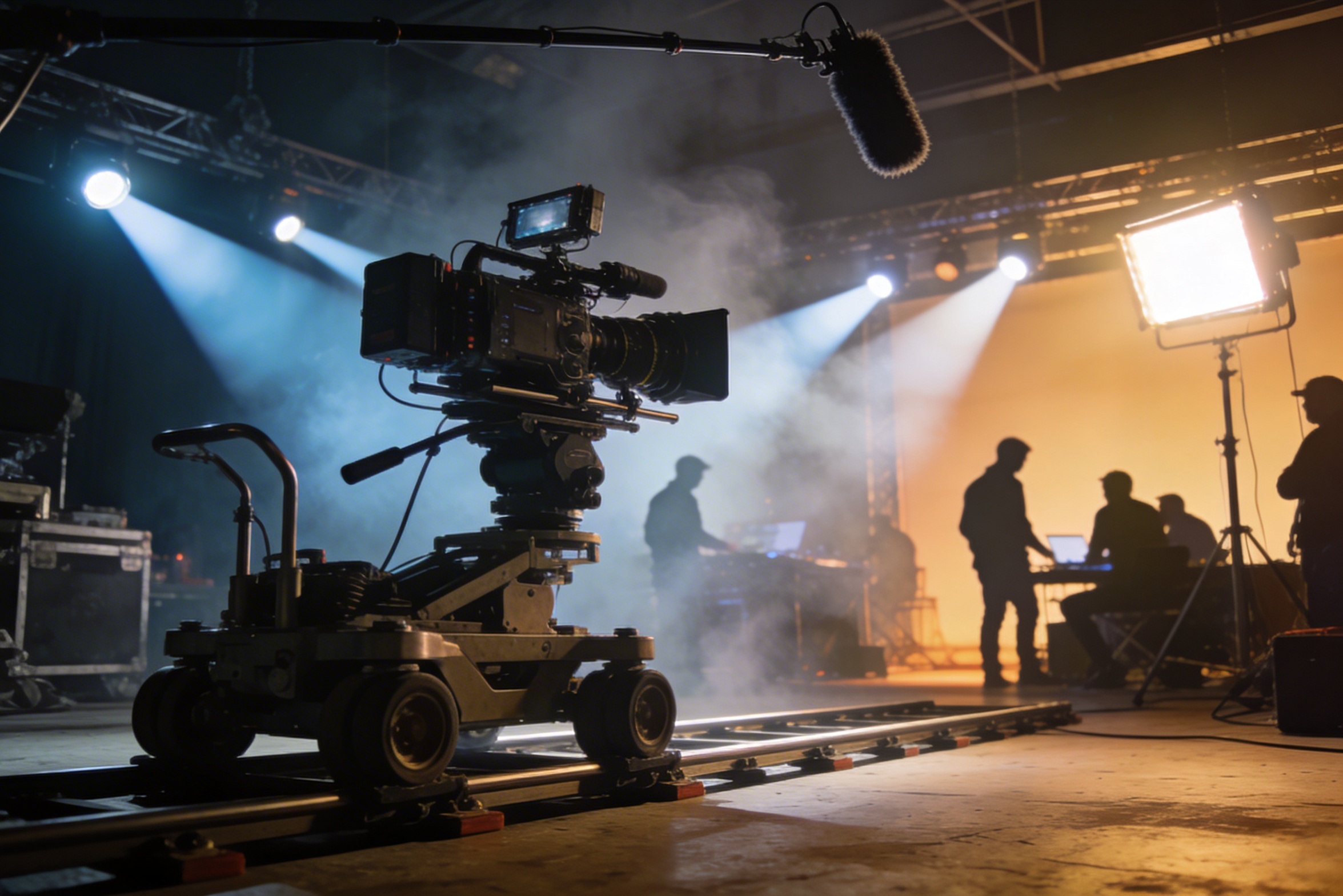
Професионалното заснемане изисква скъпа техника, осветление, локации и често цял екип — разходи, които бързо излизат извън контрол.
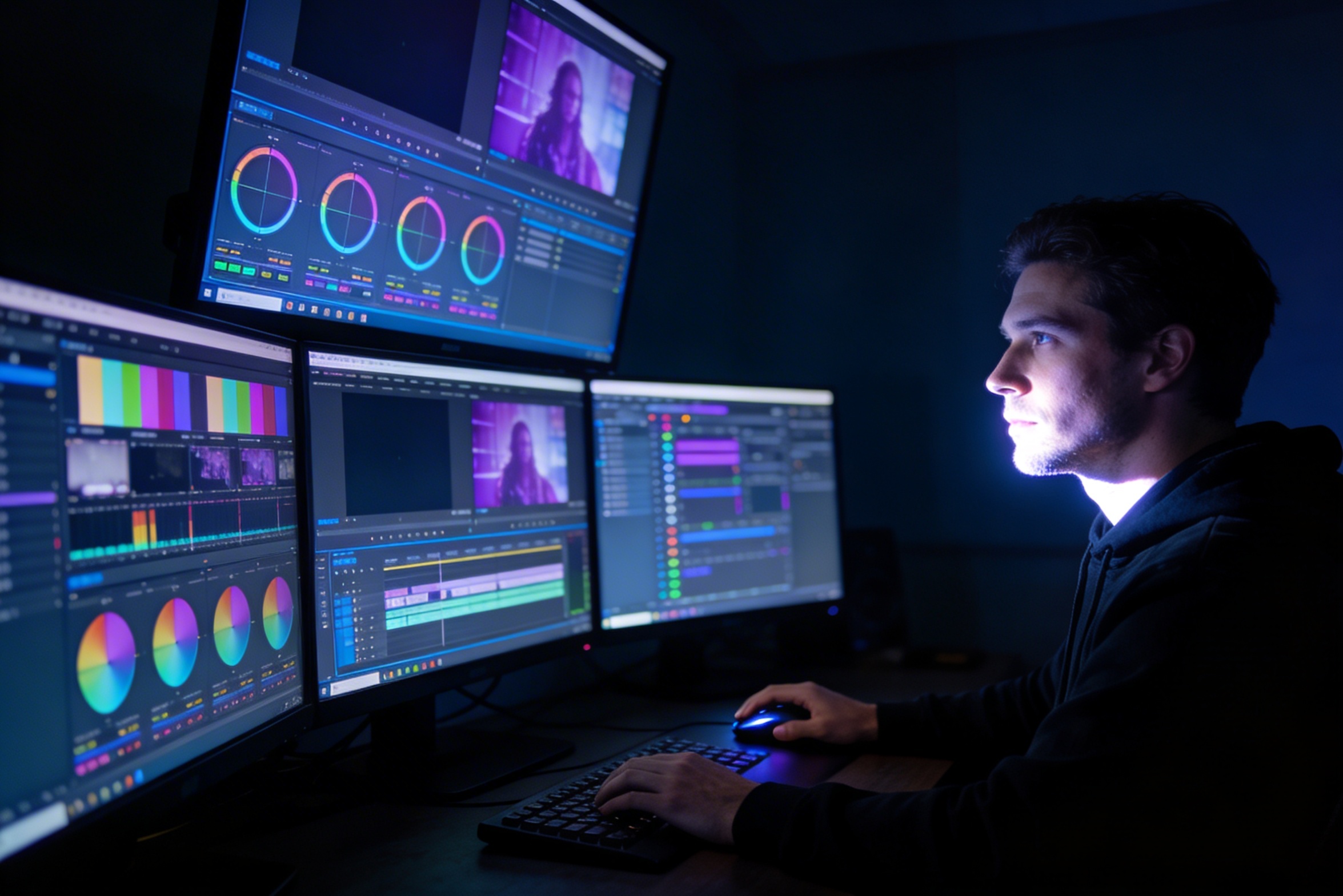
Монтажът, корекцията на цветовете, визуалните ефекти и създаването на различни варианти на кадри изискват специализирани умения със софтуер и седмици работа.
Създаването на версии за различни платформи – YouTube, TikTok, Instagram – означава преработка и рендериране за различни съотношения и дължини.

Professional multi-shot planning can cost hours of creative direction before a final video is generated, filmed, edited, or approved.
It's not just about creating variations. Our AI reads composition, cinematography, and storytelling needs to create shot prompts that strengthen your visual narrative.
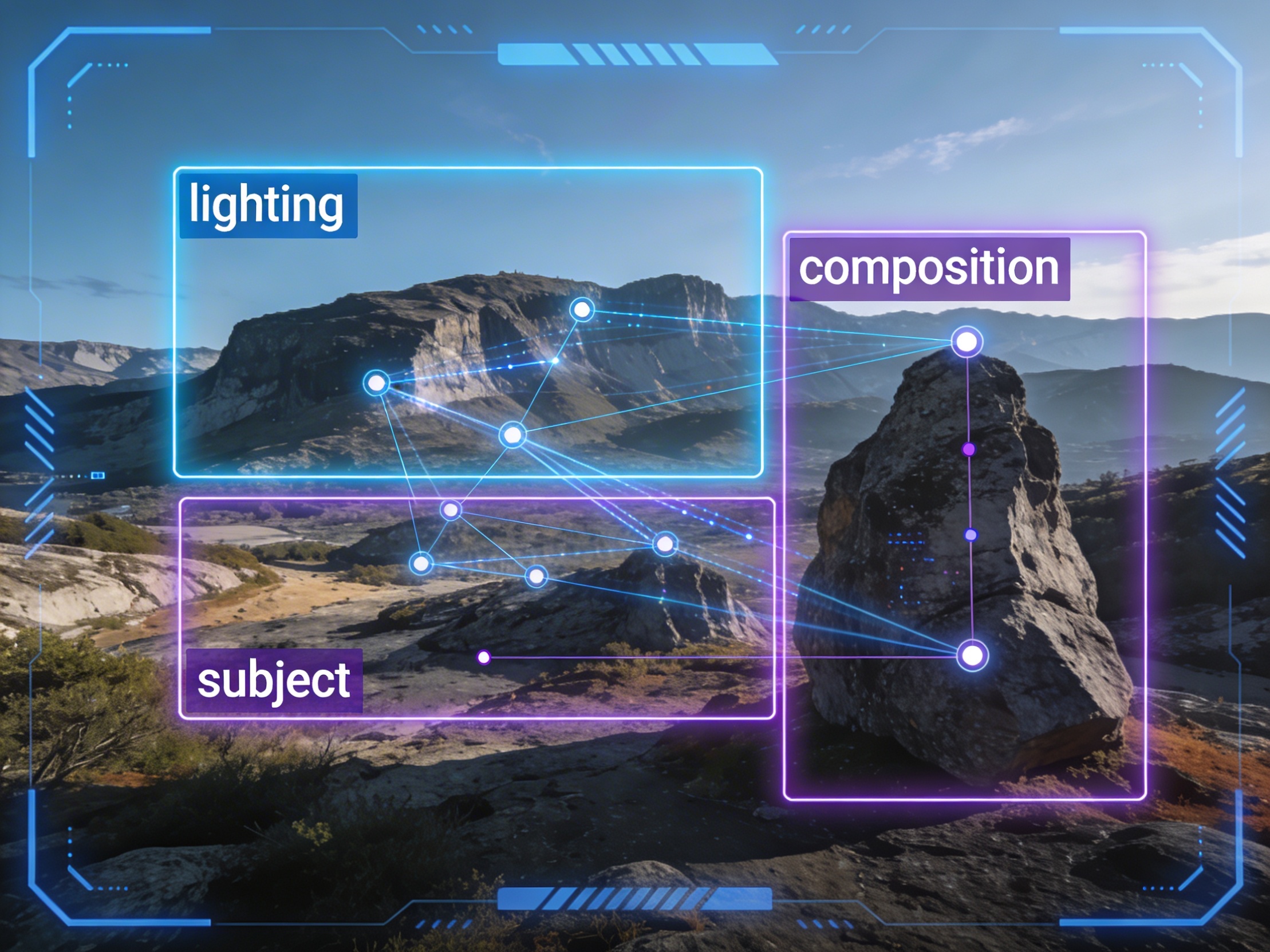
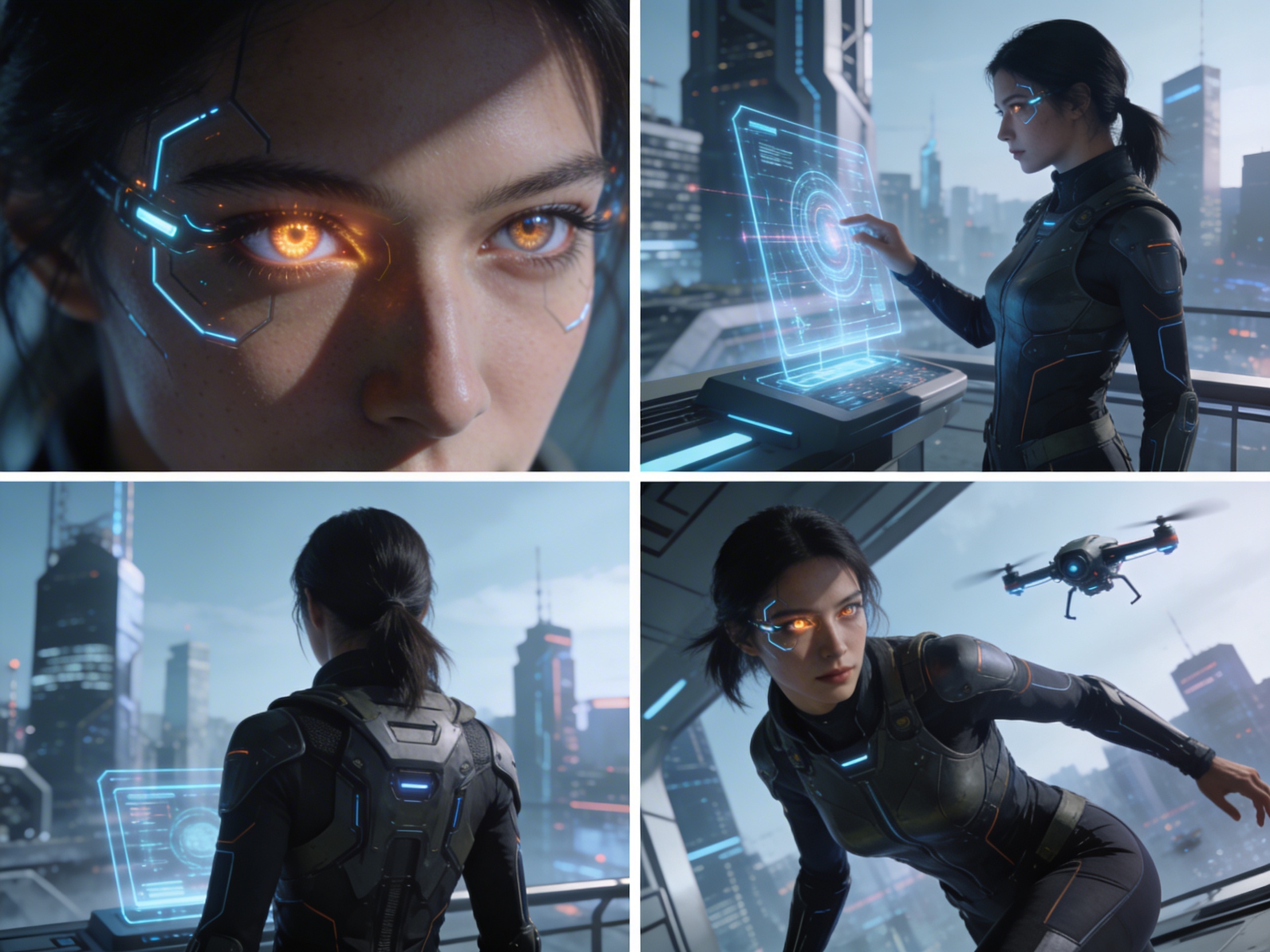
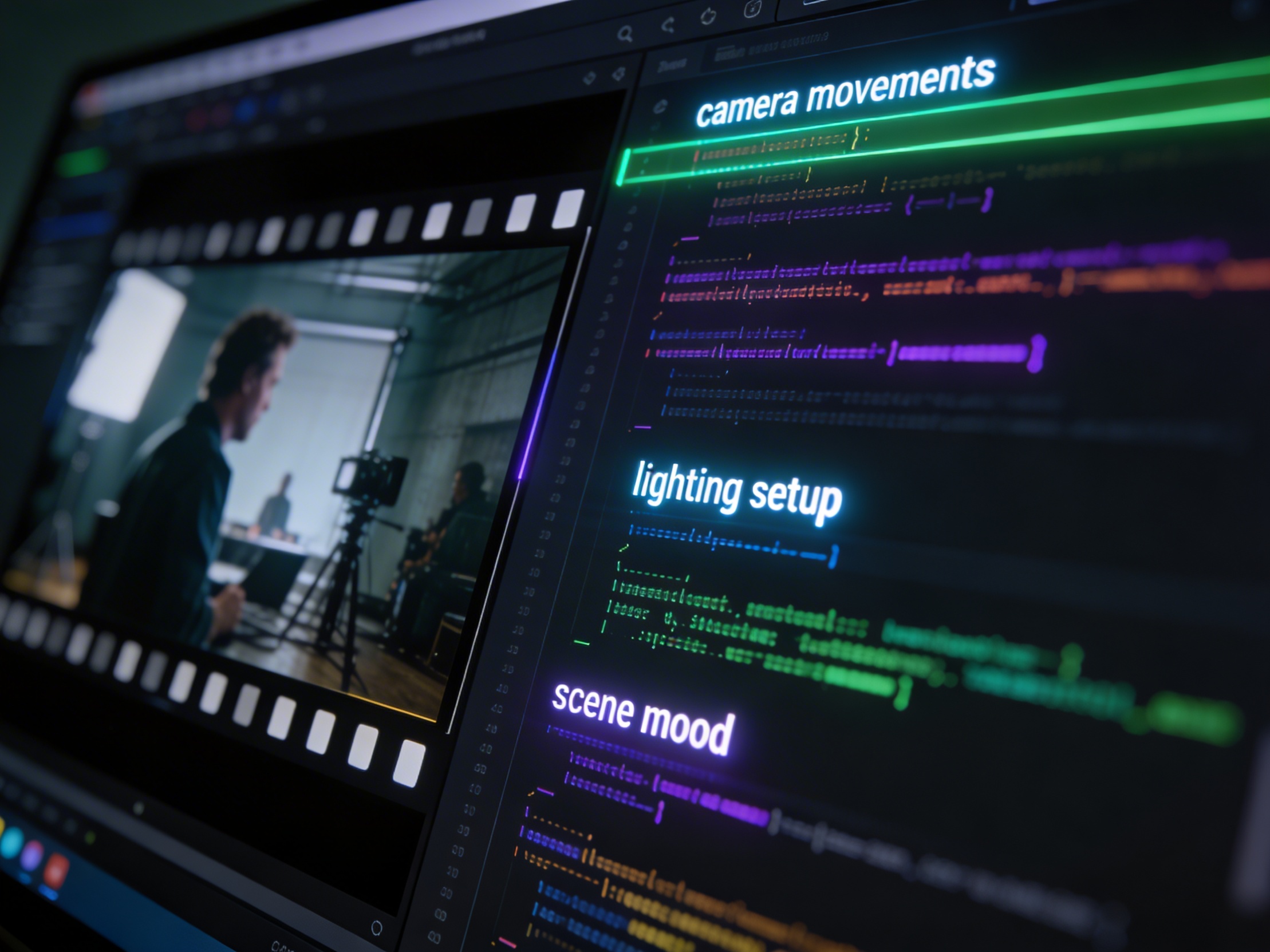
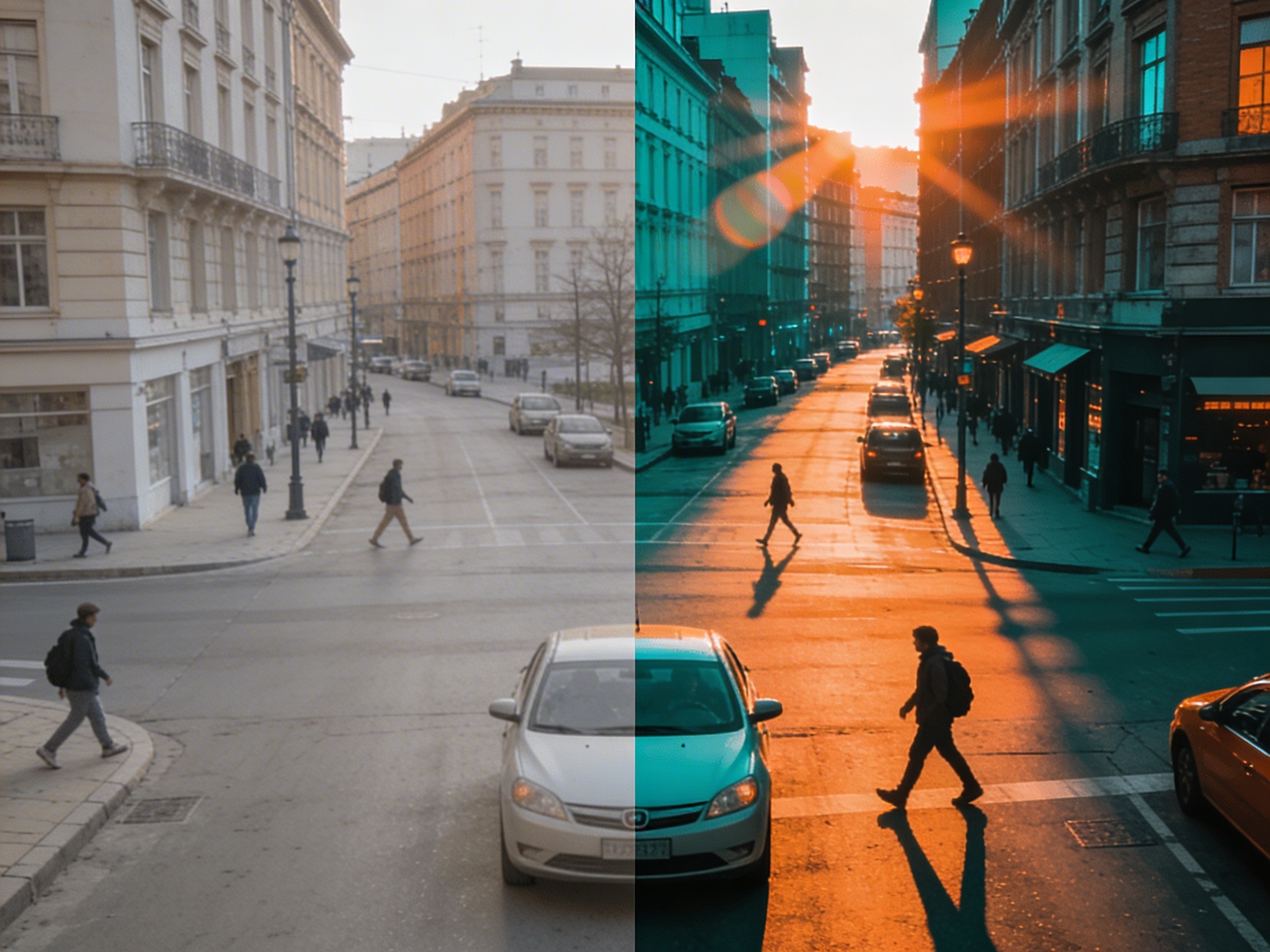
Join creators using LlamaGen to plan shot sequences, camera angles, and AI video prompts before production.
Related writing workflow
Use the AI Screenplay Editor when a script, fiction draft, storyboard brief, video idea, or canvas note needs proper scene headings, action, dialogue, parentheticals, cover pages, outlines, beats, and collaboration-ready revisions.
INT. COMMUNITY CENTER - NIGHT
Folded chairs. A storm outside. MAYA stands at the microphone with a page of notes she no longer needs.
MAYA
If the city will not read the record, we will read it out loud.