AI Pose Generator

AI Pose Generator for Pose-First Portrait and Character Creation

Change pose online before you generate the final image. Build cleaner body direction, more dynamic framing, and more accurate full-body composition from one selfie or character reference.

Use AI-powered pose control to create realistic pose variations, guide anatomy more clearly, and move from pose planning into generation in one studio workflow.

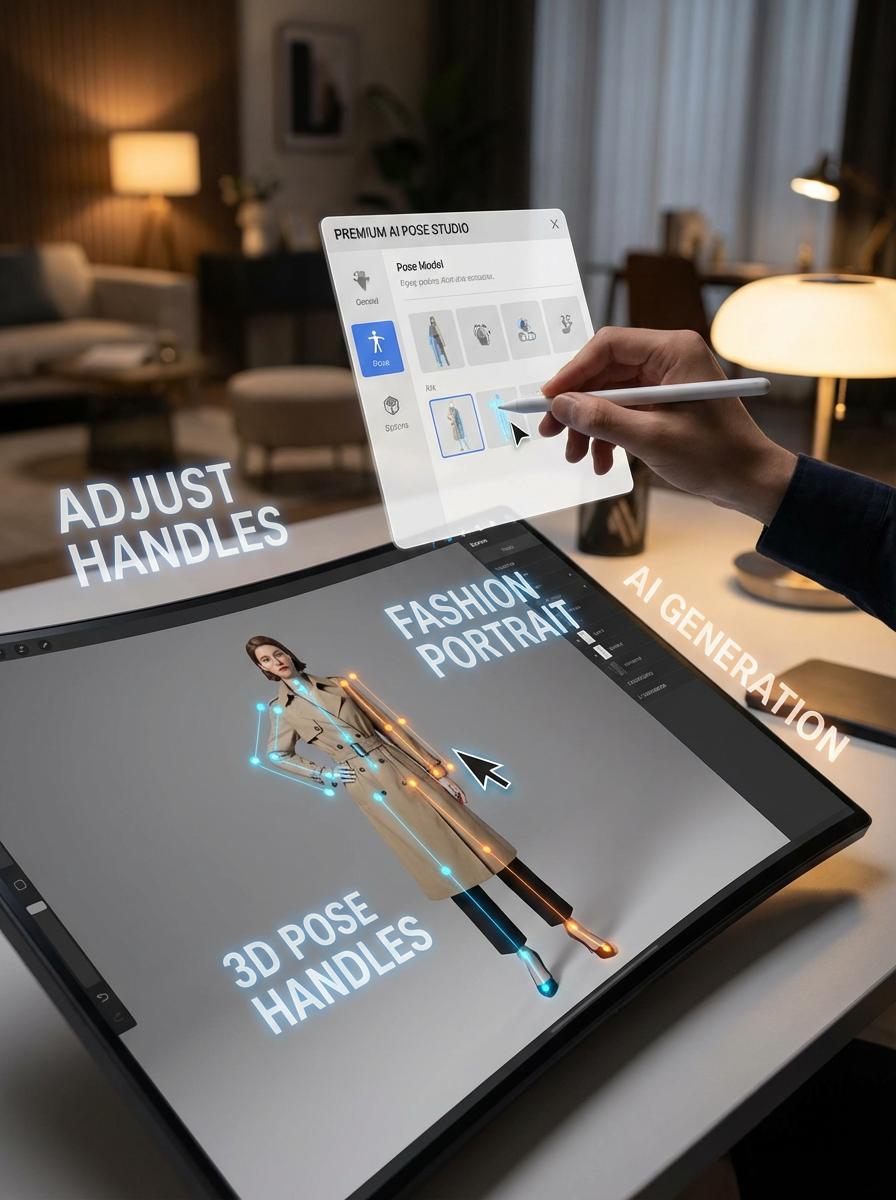
AI pose studio interface scene with pose handles and portrait editing
AI pose generator showing portrait pose variations
Top 25
2024 ОТКРИВАНЕ НА AI ИНСТРУМЕНТИ
300,000+
Активни потребители
1000+
Оценки с 5 звезди

Made for pose-first image direction

LlamaGen AI Pose Generator helps you lock in body direction before image generation. That makes portrait, headshot, and character workflows more controllable than trying to describe pose with prompt text alone.

Start from one selfie or character image

Start from one selfie, portrait, or character image and reuse it to explore stronger body positions and cleaner composition.

Create multiple poses fast

Try natural stance changes, stronger silhouettes, and more dynamic framing without reshooting or redrawing the subject.

Built for downstream generation

Move from pose planning into image generation in one workflow so the final result follows a clearer pose target.

AI-powered pose control landing page hero for portrait and character generation

Use AI-powered pose control instead of prompt guessing

Guide body position with a clear pose workflow. This is useful when you want portraits, headshots, or character images to hit a specific stance instead of relying on prompt-only image generation.

Try pose control
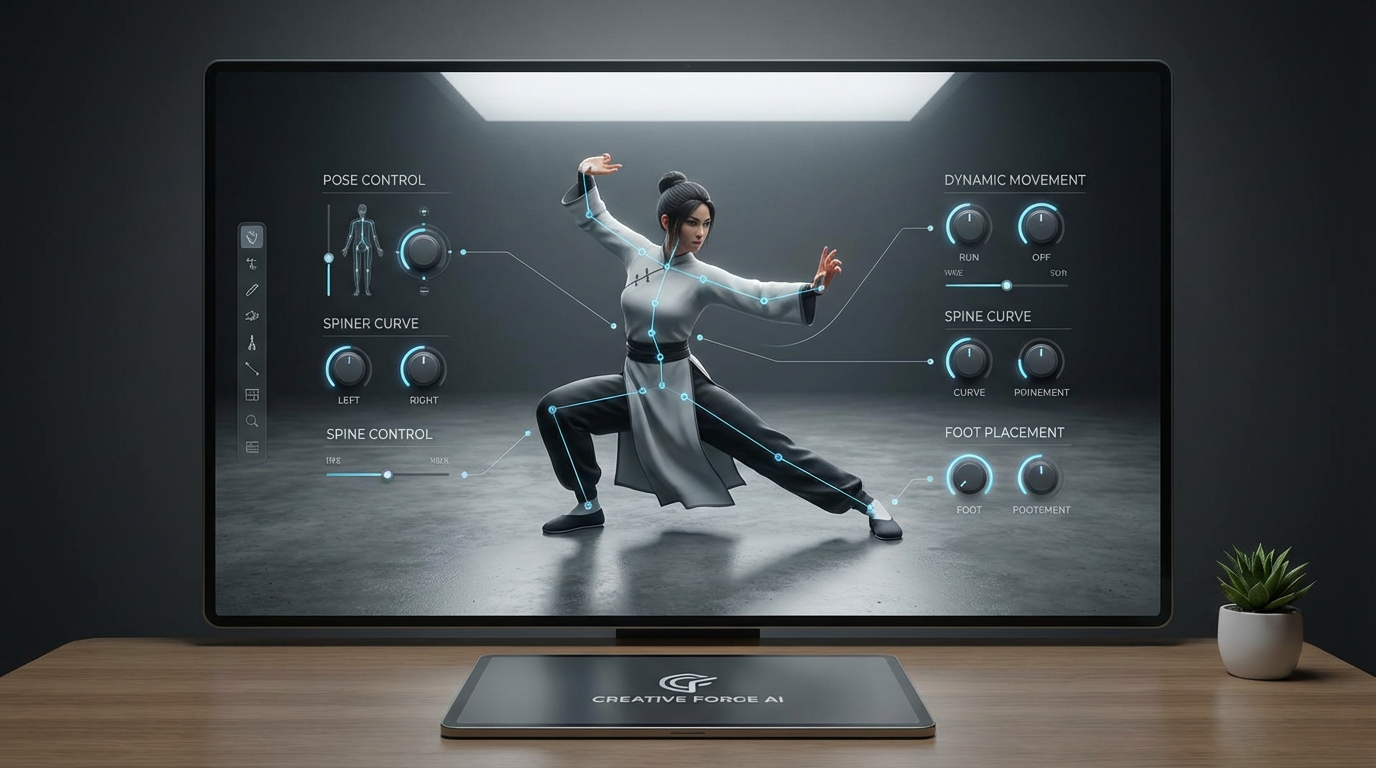
Dynamic full-body pose control for AI character and portrait generation

Create dynamic poses with realistic body angles

AI Pose Generator helps you change pose, create dynamic poses, and get more accurate body direction online with natural, photography-level pose control.

Create a dynamic pose
AI pose generator portrait variations from one source image

Generate better portraits, headshots, and character shots from one image

Generate studio-quality portraits, headshots, and pose-ready character images from one selfie or reference photo, then send that setup into the studio generation workflow.

Open studio/ai-pose

How to use AI Pose Generator in 3 steps

A simple online workflow for pose planning before final image generation.

1

Import a selfie or character reference

Start with one image you want to restage, refine, or reuse as the base for new pose direction.

2

Adjust the pose in the studio

Add handles, move body targets, and define the exact pose you want for portrait, headshot, or full-body output.

3

Generate the final image

Send the pose setup into the studio flow to create a refined image with stronger composition and more intentional body language.

Pose-first image direction examples

Use AI pose control to shape a scene before generating the final result. This keeps subject direction more predictable and easier to iterate on.

AI pose studio workflow visual

Studio workflow visual

A pose-planning workflow that focuses on body direction, not just text prompt changes.

Dynamic AI-generated full-body pose result

Dynamic body-angle result

Use the pose setup to move toward more natural full-body composition and clearer silhouette.

Why creators use AI pose control

Useful when pose direction matters as much as style.

More controllable than prompt-only posing

Start by defining the body pose, then let the image model work from a clearer visual plan.

Works for portraits and headshots

Prepare stronger upper-body framing, face direction, shoulder angle, and stance for portrait-style images.

Useful for characters and creative teams

Plan pose variations for marketing art, storyboards, reference sheets, and stylized character generation.

Fast iteration from one source image

Change body direction multiple times from one selfie or reference image instead of collecting more source photography.

Supports dynamic motion-ready posing

Explore more expressive body movement before generating still images, mockups, or motion-oriented scenes.

Built for studio workflow handoff

After pose setup, continue in studio/ai-pose to generate new images with the pose already decided.

Frequently asked questions

Need image generation after pose setup?

Open the AI pose studio to import references, shape pose direction, and move into generation from the same workflow.

Ready to change pose and generate a cleaner result?

Open studio/ai-pose to control body direction before you generate the final portrait, headshot, or character image.