

4 Camera-Angle Prompts
Automatically generate 4 different camera angles, shot types, and sequence ideas from a single image
Shot Sequence Prompt AI
Upload one image and generate a prompt-ready multi-shot video plan: 4 camera angles, cinematic shot descriptions, storyboard notes, and a clear sequence for AI video production.
Shot 1
Close-up
Shot 2
Střední
Shot 3
Wide
Shot 4
Akce
Plan the shot sequence, camera-angle prompts, and storyboard notes before you generate the final clip
Automatically generate 4 different camera angles, shot types, and sequence ideas from a single image
Doladěte každý popis záběru pro perfektní shodu s vaším kreativitním záměrem
Generate multi-shot video prompts and storyboard notes in seconds, not hours
Od profesionálů po začátečníky – náš nástroj se přizpůsobí vašim kreativním potřebám
Vytvořte detailní storyboardy a seznamy záběrů pro váš další filmový projekt
Generate multi-shot video prompts for social media and YouTube concepts
Proměňte psané příběhy na vizuální vyprávění z různých perspektiv
Vytvářejte působivé vizuální kampaně s různými variantami záběrů
Jak to funguje
Nahrajte libovolný obrázek – fotografie, kresby či koncepty. Naše AI podporuje všechny hlavní formáty.
Our advanced AI analyzes your image and generates 4 unique camera-angle prompts and cinematic shot descriptions.
Doladěte popisy záběrů a exportujte svůj vícesnímkový storyboard pro výrobu videa.
AI MULTI-SHOT STORYBOARD EXAMPLES
From single images to cinematic sequences, see how one source can become multiple shot prompts and video concepts.
Choose your output
Use the same source image to prepare camera angles, a connected shot sequence, or storyboard notes for the next production step.
Plan a prompt-ready video sequence from one source image instead of generating one disconnected clip.
Create close-up, medium, wide, product, action, and cinematic angle prompts for the same subject.
Turn a single image into a clear four-shot structure with framing, pacing, and production notes.
Use the generated shot descriptions as storyboard notes for AI video, ads, social clips, and pitches.
STARÝ PRACOVNÍ POSTUP VIDEOPRODUKCE
The traditional path from concept to multi-shot video is expensive and time-consuming. Even before generation or filming, creators need shot planning, camera angles, sequence logic, and multiple revisions.
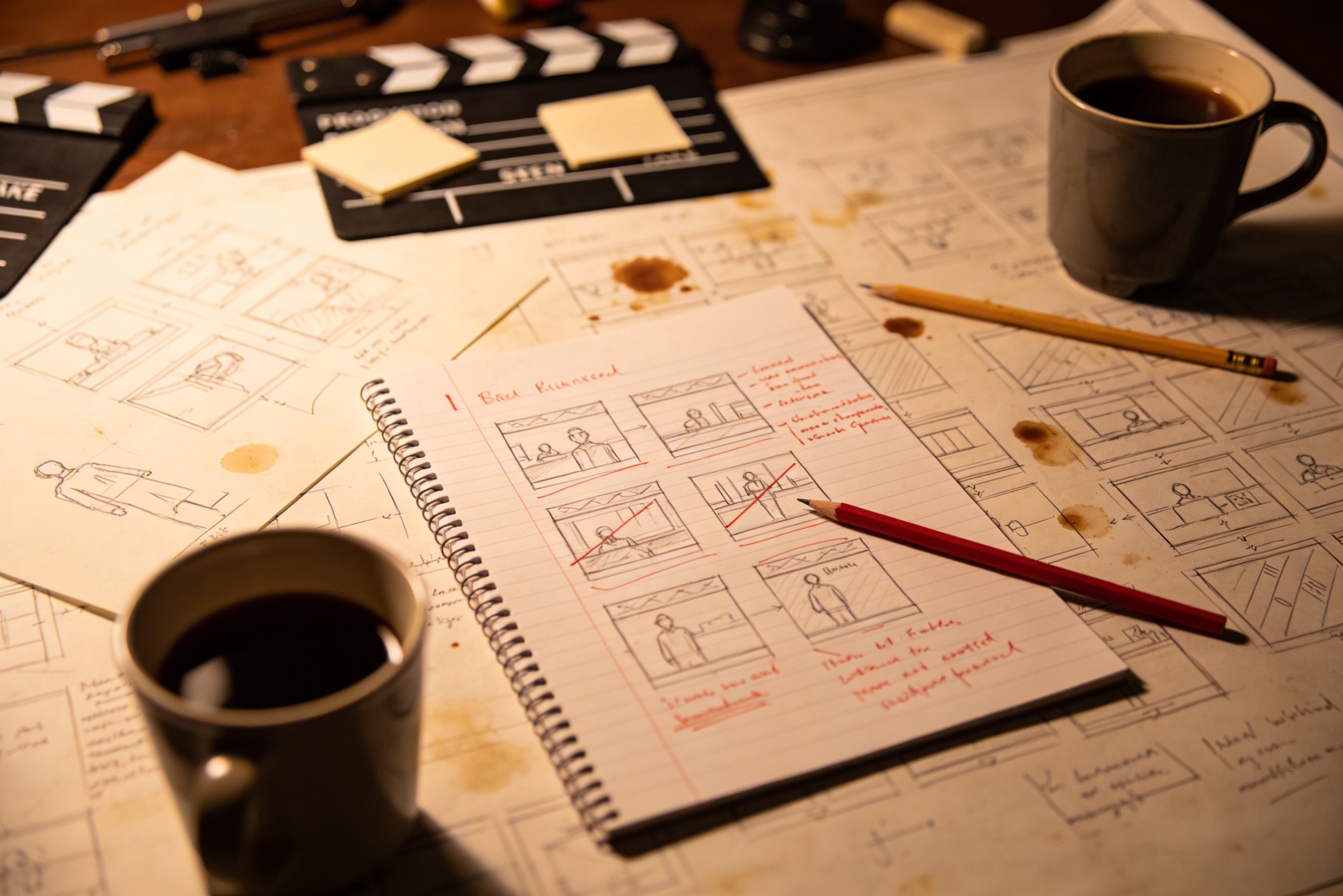
Převod vaší kreativní vize do detailních popisů záběrů vyžaduje rozsáhlé plánování a několik úprav, než je výsledek správný.
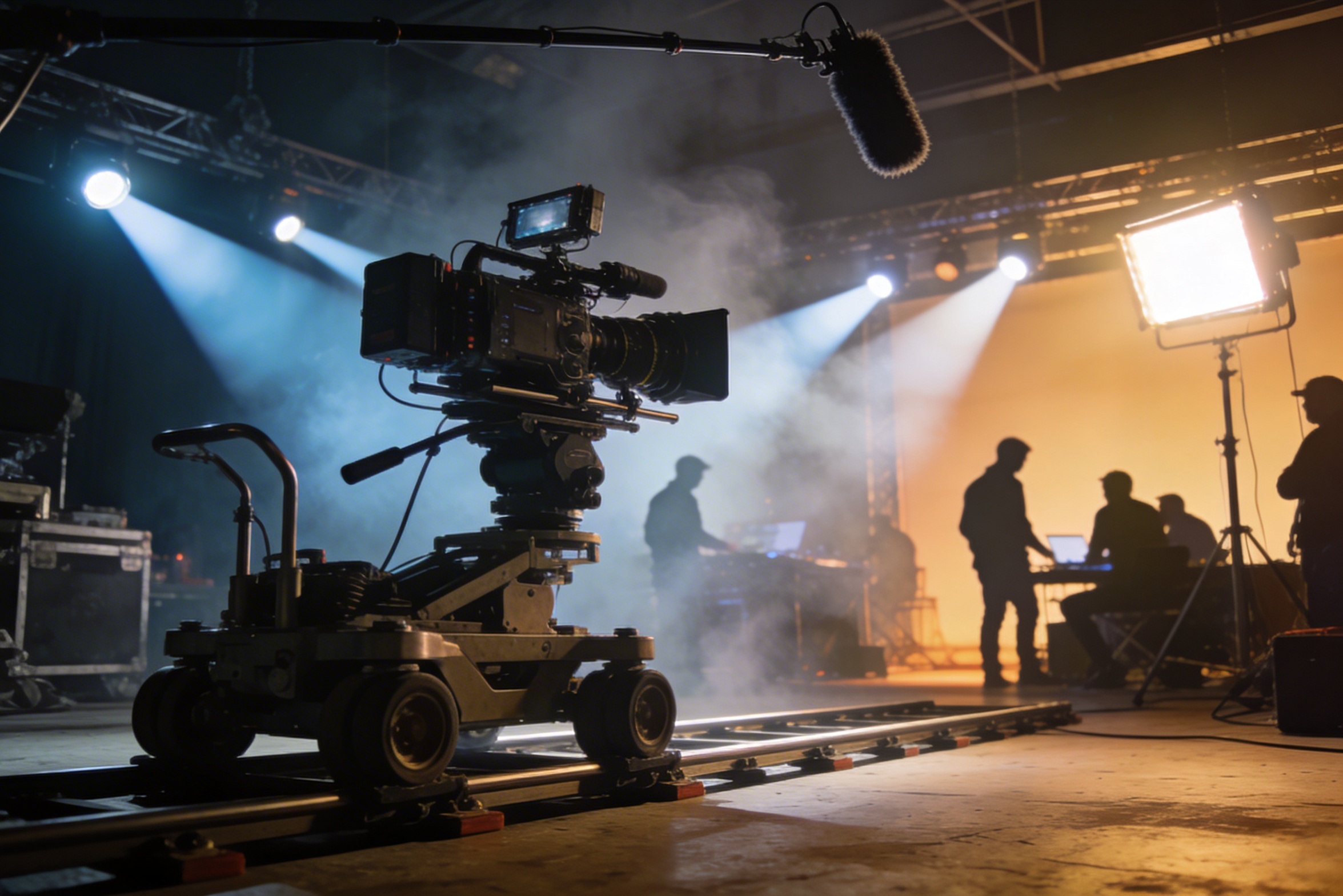
Profesionální natáčení vyžaduje drahou techniku, osvětlení, lokace a často celý tým – náklady rychle rostou.
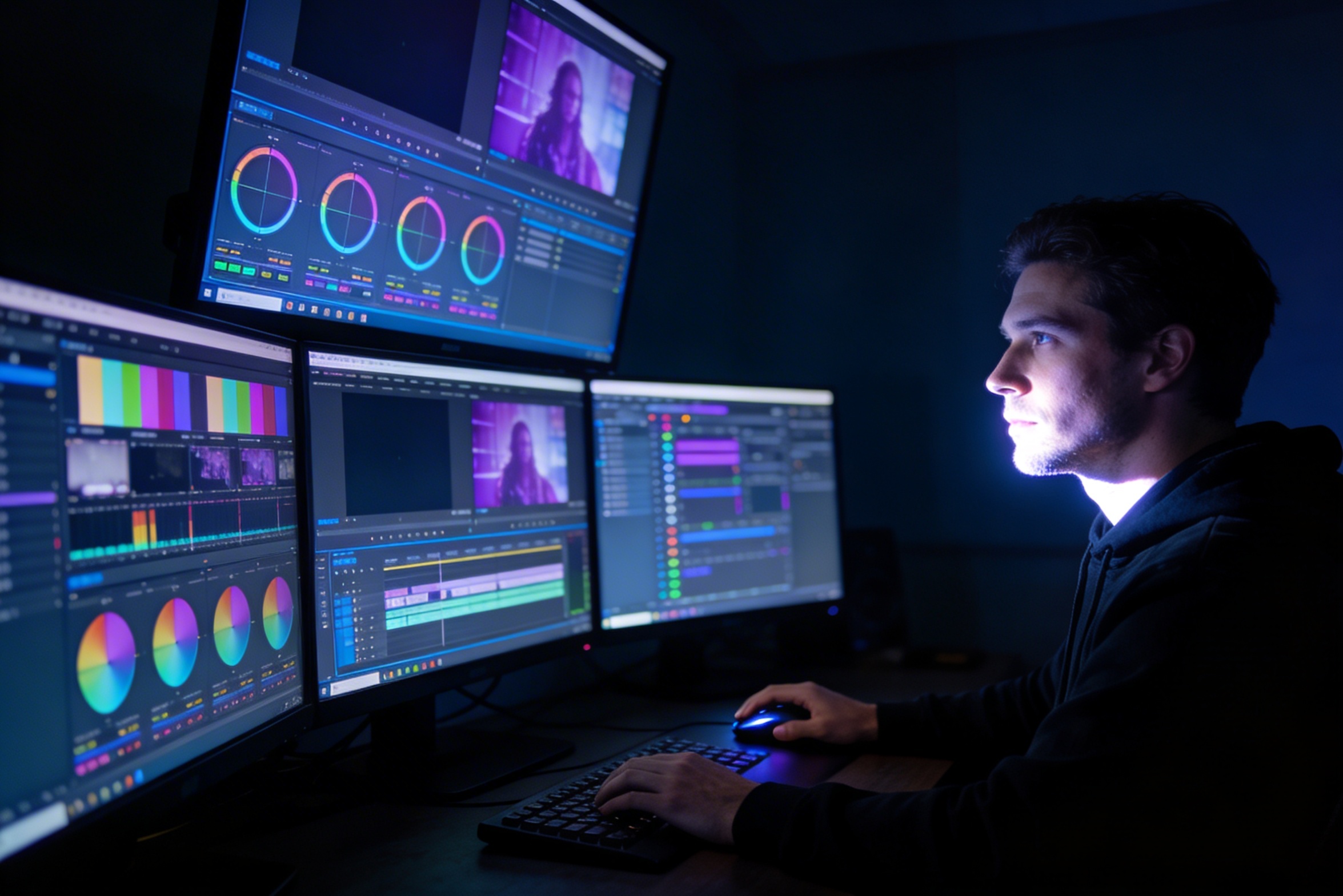
Střih, barevné korekce, vizuální efekty a tvorba více variant záběrů vyžaduje specializované softwarové dovednosti a týdny práce.
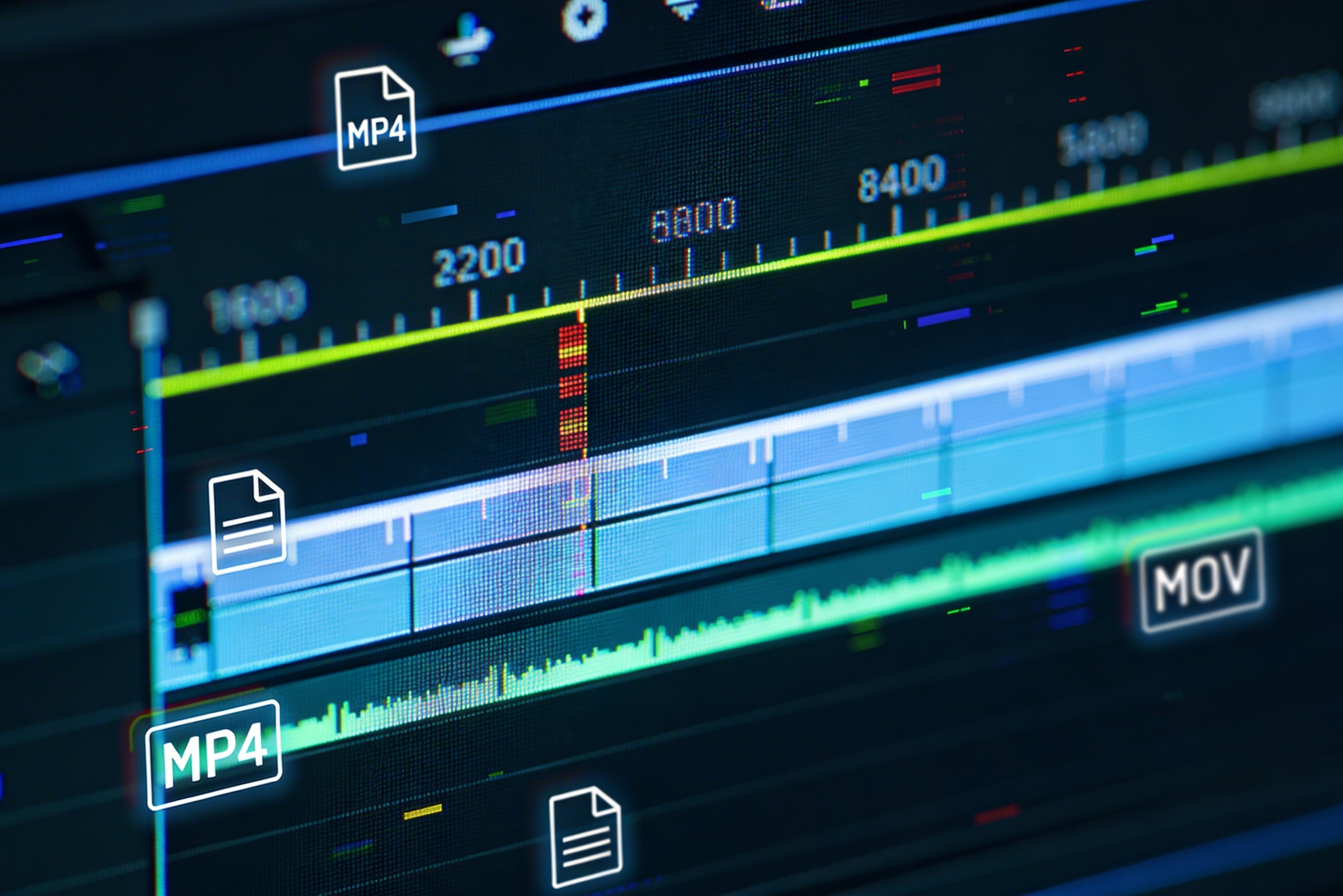
Vytváření verzí pro různé platformy – YouTube, TikTok, Instagram – znamená předělat a znovu vykreslit obsah pro různé poměry stran a délky.

Professional multi-shot planning can cost hours of creative direction before a final video is generated, filmed, edited, or approved.
It's not just about creating variations. Our AI reads composition, cinematography, and storytelling needs to create shot prompts that strengthen your visual narrative.
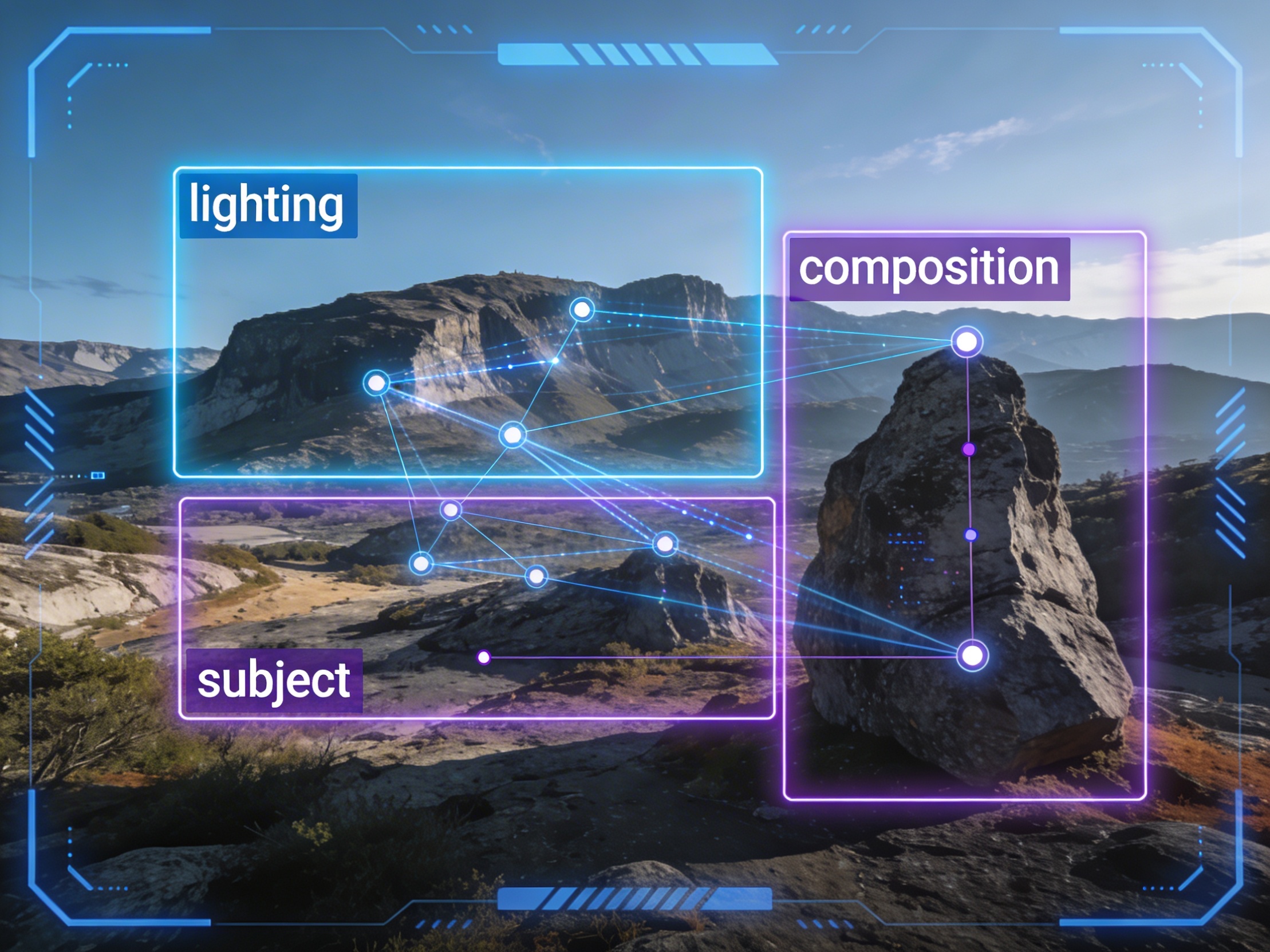
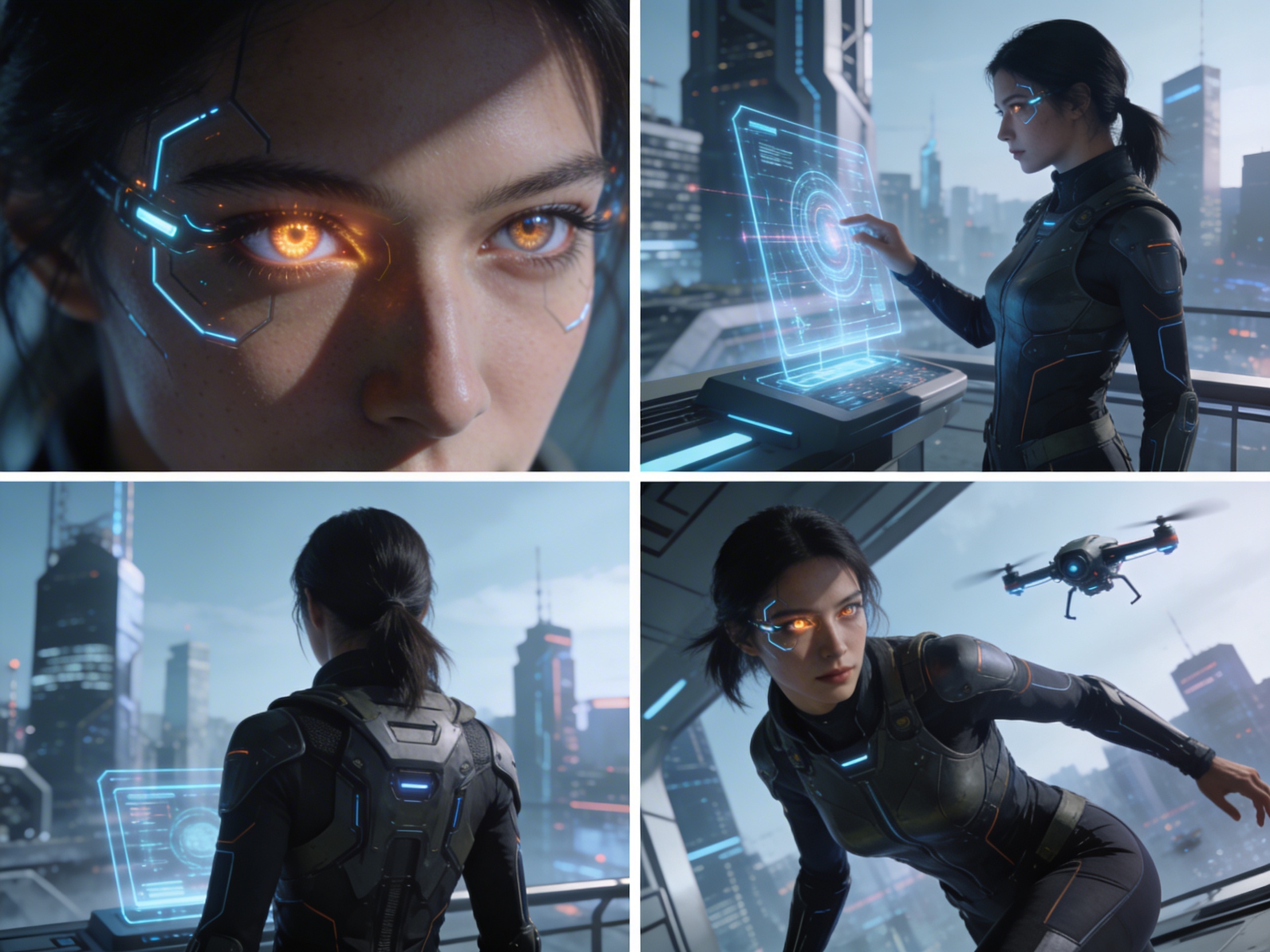
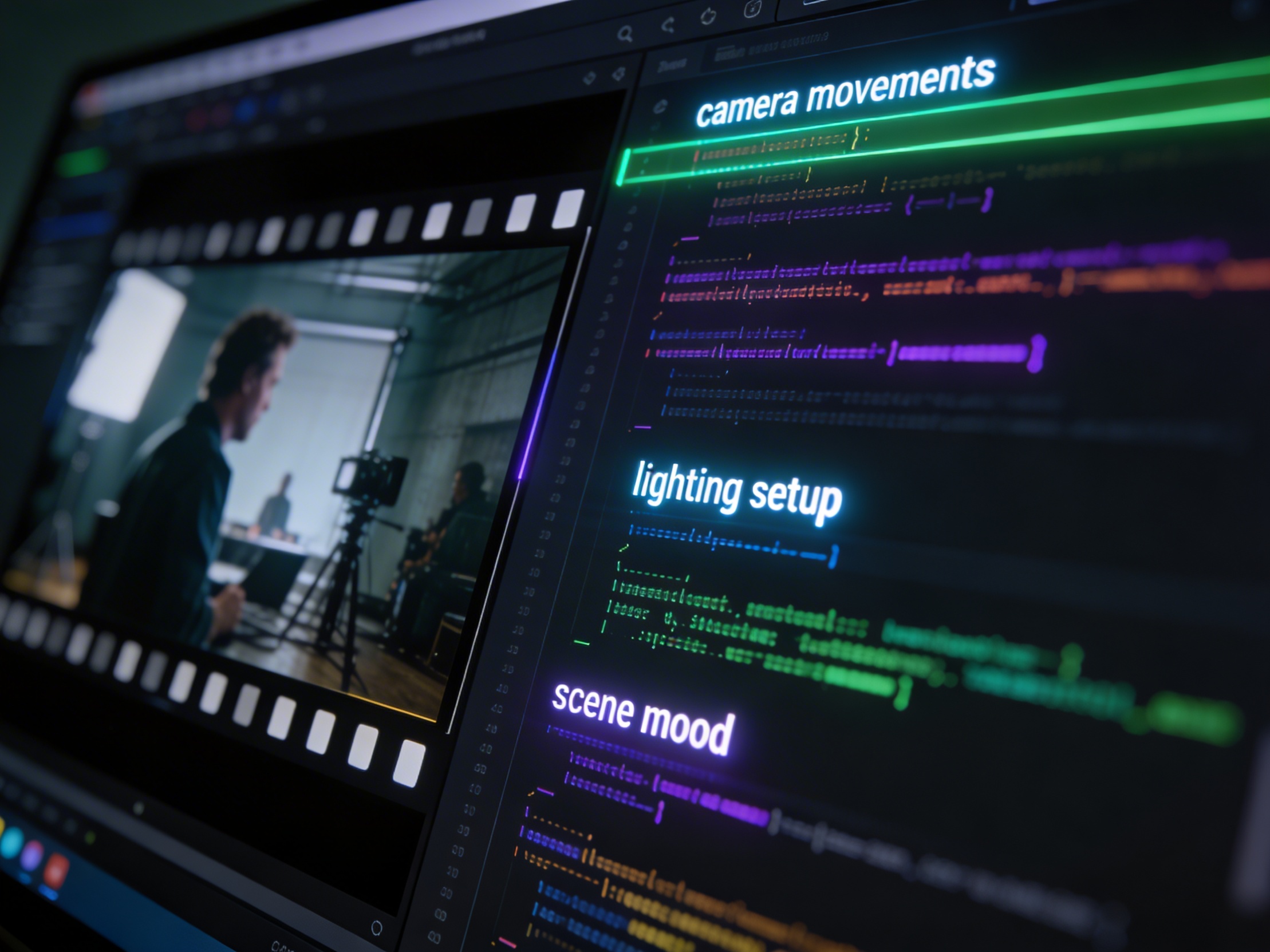
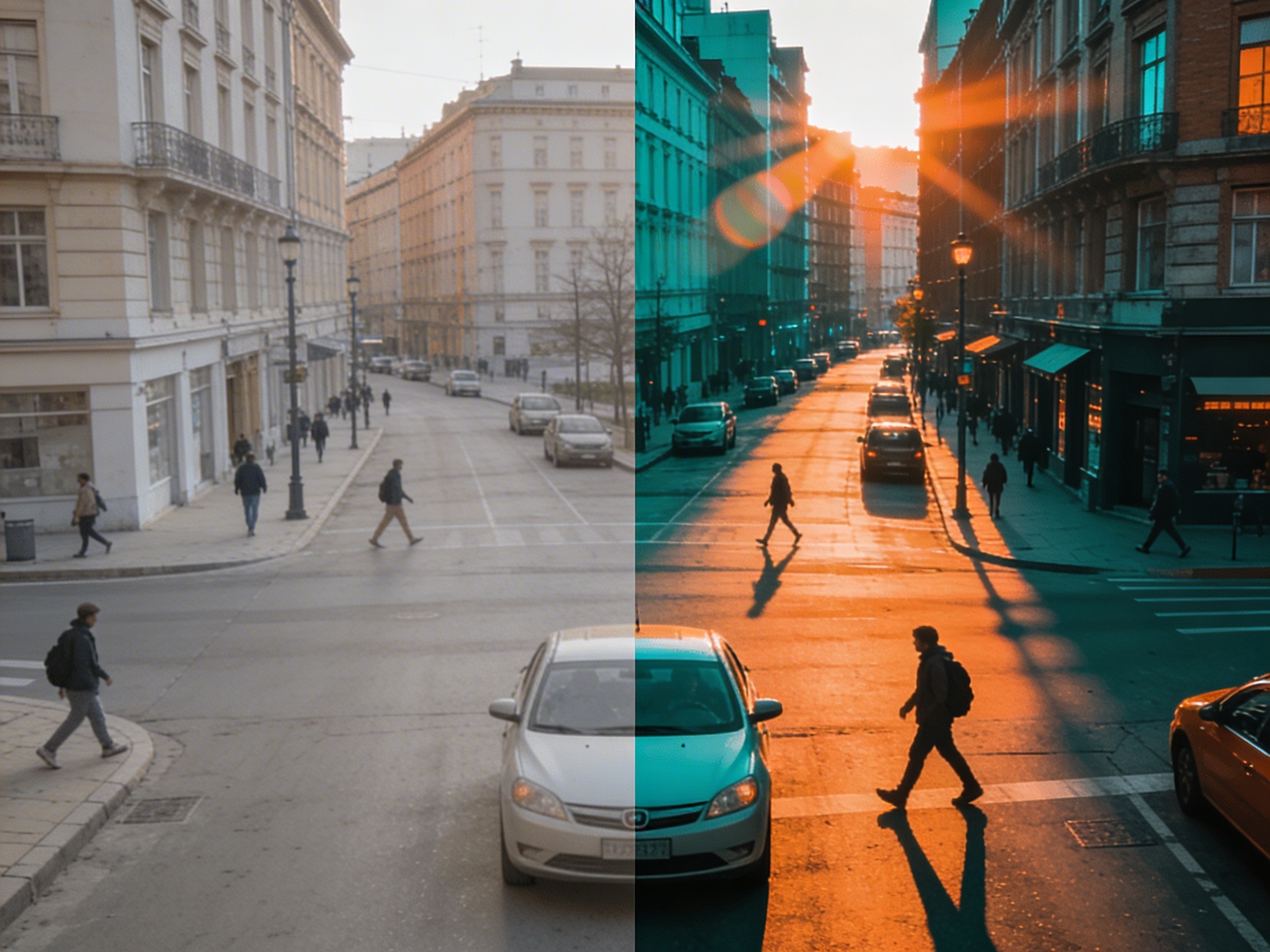
Join creators using LlamaGen to plan shot sequences, camera angles, and AI video prompts before production.
Related writing workflow
Use the AI Screenplay Editor when a script, fiction draft, storyboard brief, video idea, or canvas note needs proper scene headings, action, dialogue, parentheticals, cover pages, outlines, beats, and collaboration-ready revisions.
INT. COMMUNITY CENTER - NIGHT
Folded chairs. A storm outside. MAYA stands at the microphone with a page of notes she no longer needs.
MAYA
If the city will not read the record, we will read it out loud.