

Paneler kræver intention
Et tegneseriepanel er ikke bare et billede. Det har en kameravinkel, en følelse, en plads i sekvensen og en læseretning.
Forvandl et scene-beat til et læsbart tegneseriepanel, og gentag derefter workflowet til sider, striber, manga-udkast og visuelle storyboards uden at skulle bygge hver frame op fra bunden.
Scene-prompt
Prompt to result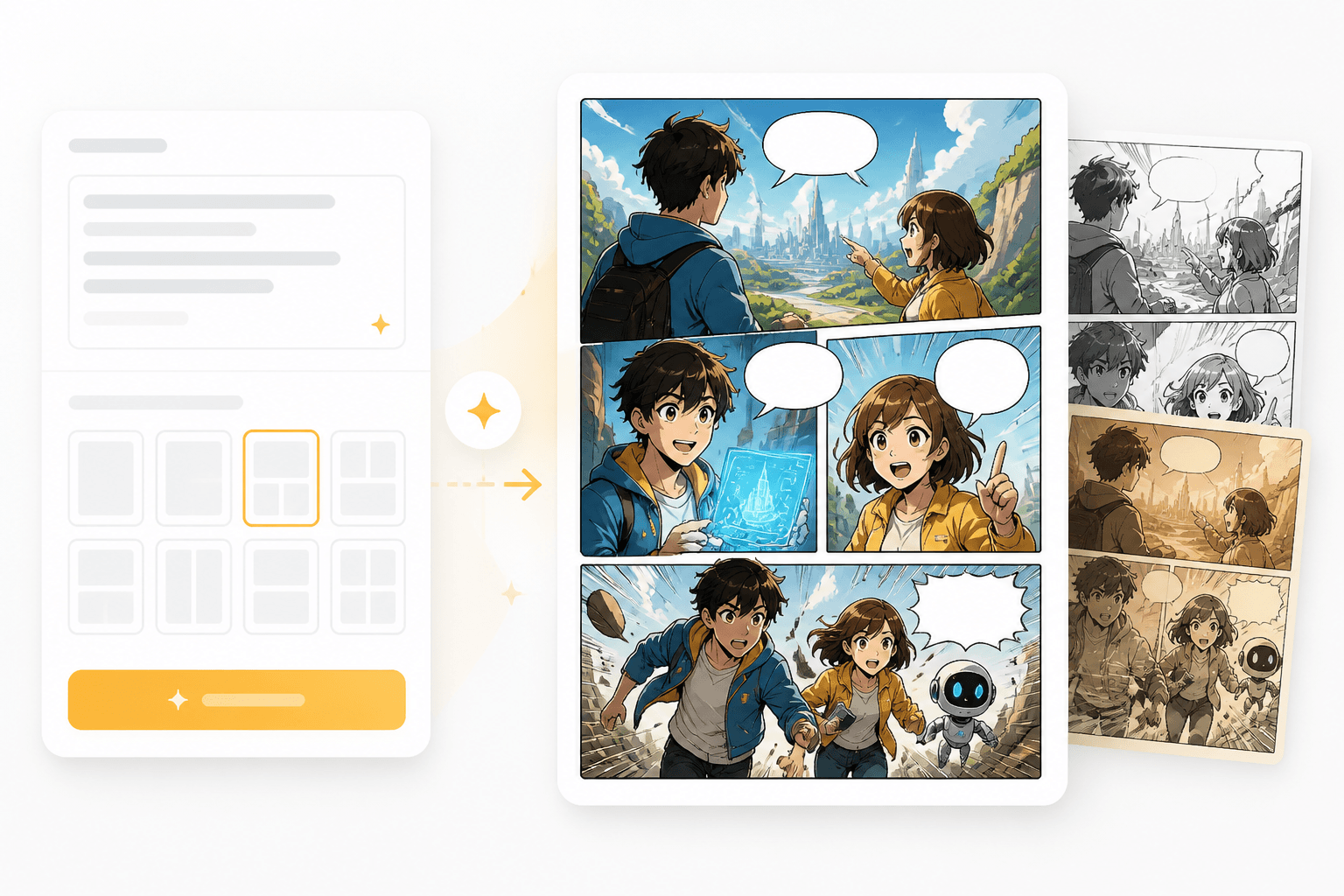
Panelresultater
1 beat
til et færdigt panel
Flere paneler
klar til længere sider
Indtast handlingen, følelsen, kameravinklen og eventuelle behov for dialog.
Vælg framing, stil, tempo og layoutintention før generering.
Brug resultatet som et enkeltstående panel, eller udvid det til en stribe, manga-side eller storyboard.
Brug dette værktøj, når du har brug for ét læsbart panel frem for et generisk billede. Kontroller og eksempler understøtter panelkomposition, læsbarhed og et gentageligt story flow.
Skriv et beat, tilføj karakternoter, og vælg en framingretning.
Gennemgå panelet, og behold derefter det samme persongalleri og den samme stil i næste frame.
Maker-sider i Canva-stil behandler ofte paneler som skabeloner. Tegneserieskabere har brug for story beats, framing, bobler, kontinuitet og tempo i ét fokuseret workflow.
Et tegneseriepanel er ikke bare et billede. Det har en kameravinkel, en følelse, en plads i sekvensen og en læseretning.
Tilbagevendende figurer og visuel stil bør forblive stabile, når du bygger det næste panel.
Start med output klar til paneler, når et tomt lærred bare vil sinke historien.
Komposition
Styr scenens beat og den visuelle kameraretning, så resultatet føles som et tegneseriepanel frem for en generisk illustration.
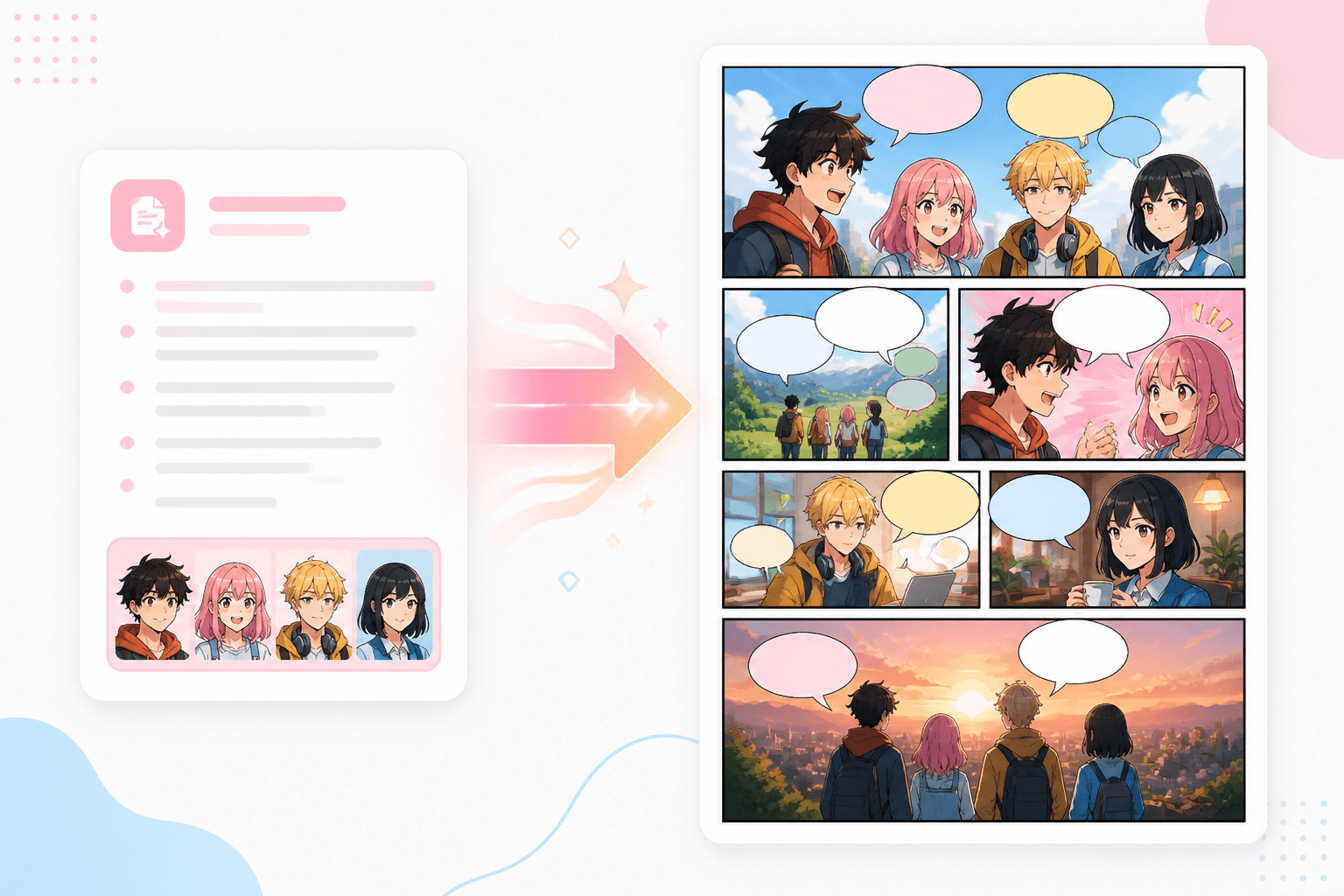
Kontinuitet
Brug hver genereret frame som byggesten til tegneseriestriber, manga-sider, storyboards og workflows til animerede tegneserier.
Workflow guide
Start med én stærk frame, test komposition og karakterkontinuitet, og udvid derefter den samme visuelle retning til en side eller episode.
Indtast handlingen, følelsen, kameravinklen og eventuelle behov for dialog.
Vælg framing, stil, tempo og layoutintention før generering.
Brug resultatet som et enkeltstående panel, eller udvid det til en stribe, manga-side eller storyboard.
Brug prompts, der angiver handling, kamera, figurer og panelets formål.
Related writing workflow
Use the AI Screenplay Editor when a script, fiction draft, storyboard brief, video idea, or canvas note needs proper scene headings, action, dialogue, parentheticals, cover pages, outlines, beats, and collaboration-ready revisions.
INT. COMMUNITY CENTER - NIGHT
Folded chairs. A storm outside. MAYA stands at the microphone with a page of notes she no longer needs.
MAYA
If the city will not read the record, we will read it out loud.
Generér den frame, der forankrer din tegneseriescene, og udvid den derefter til en side, et storyboard eller en animation.