Anime pose presets


Focused image workflow
AI Anime Pose Changer
Upload an anime character and generate a new pose while preserving the same identity, outfit, and art style.
Change Anime Pose with AI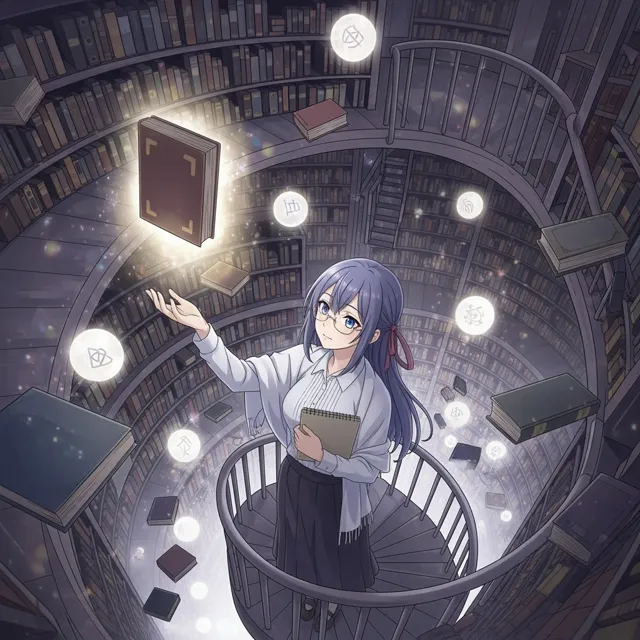
Repose an anime character without redesigning the OC
Upload one character image, choose a pose direction, and add scene details while keeping the design recognizable.
Anime Pose Presets
237 / 2000
Use 1K for quick drafts. Upgrade for 2K/4K finals and no-watermark exports.
Στυλ Τέχνης
Explore examples, workflow details, and practical guidance
Action and camera controls
Reference-image generation
OC continuity prompts
Workflow
Build, generate, then review
Upload the character
Use a clear anime image with the face, outfit, and body silhouette visible.
Select a pose
Choose an everyday, action, expression, or camera-angle preset, then refine the prompt.
Review continuity
Generate and compare facial identity, costume details, anatomy, hands, and scene consistency.
Art direction
What to refine after the first draft
Four pose direction groups
Explore everyday body language, action, emotion, and camera framing without starting from a blank prompt.
Anatomy-aware instructions
Preset prompts request readable hands, limb separation, controlled perspective, and a clear silhouette.
OC identity preservation
Each preset protects the character's face, hair, outfit design, palette, lighting, and anime style.
Editable scene direction
Add expressions, props, camera angles, or background context in the main prompt before generation.
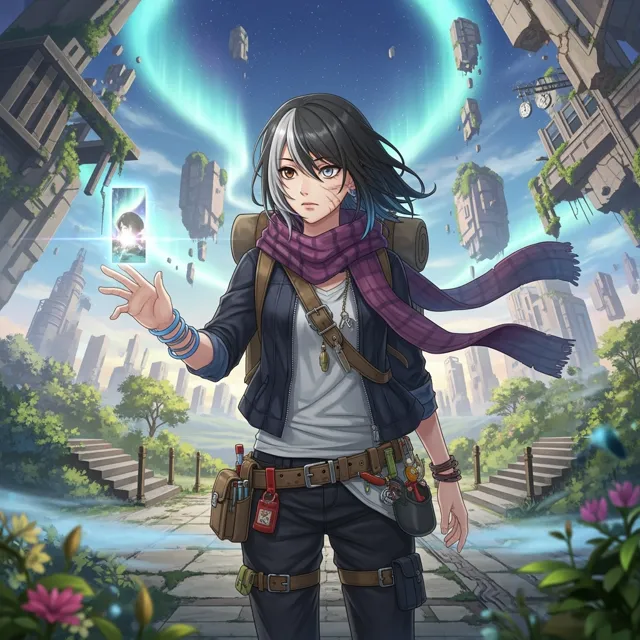
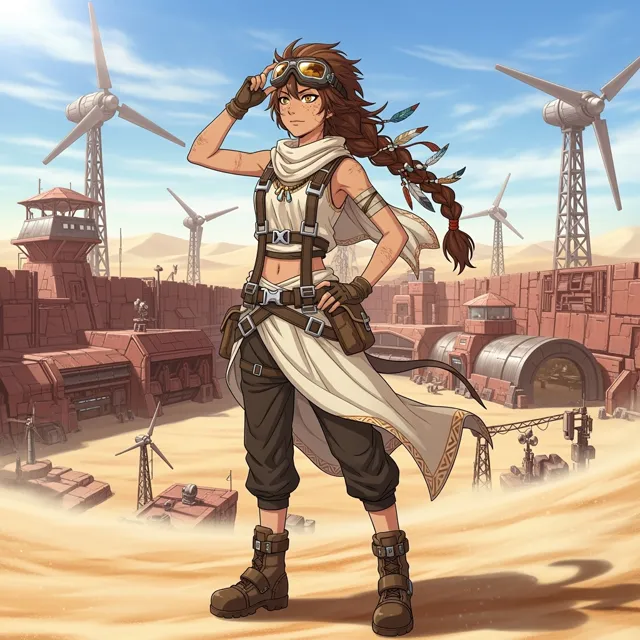
Example directions
Compare complete visual directions
FAQ
Practical questions
What does the AI Anime Pose Changer do?
It generates a new pose, gesture, action, or camera angle from an uploaded anime character image.
Can it preserve the same character design?
The built-in prompts explicitly preserve the face, hair, outfit, palette, lighting, and anime rendering style, but generated details should always be reviewed.
Can I create action poses?
Yes. Sprinting, jumping, sword-ready, and other fictional action directions can be described in the editable prompt.
Can I add a pose reference image?
The current workflow accepts character reference images and detailed pose text. You can upload up to the reference limit supported by the selected image model.
How do I get better hands and anatomy?
Use a clear source image, choose a readable silhouette, avoid conflicting limb directions, and explicitly request visible, natural hands and controlled perspective.
Take the strongest direction into production
Generate several directions, choose the one with the clearest visual promise, then proof the details before publishing or printing.