Image-to-video first


Focused image workflow
AI Anime Dance Generator
Upload an anime character, choose a motion template, and generate a dance video through LlamaGen's anime2 pipeline.
Make an Anime Dance with AI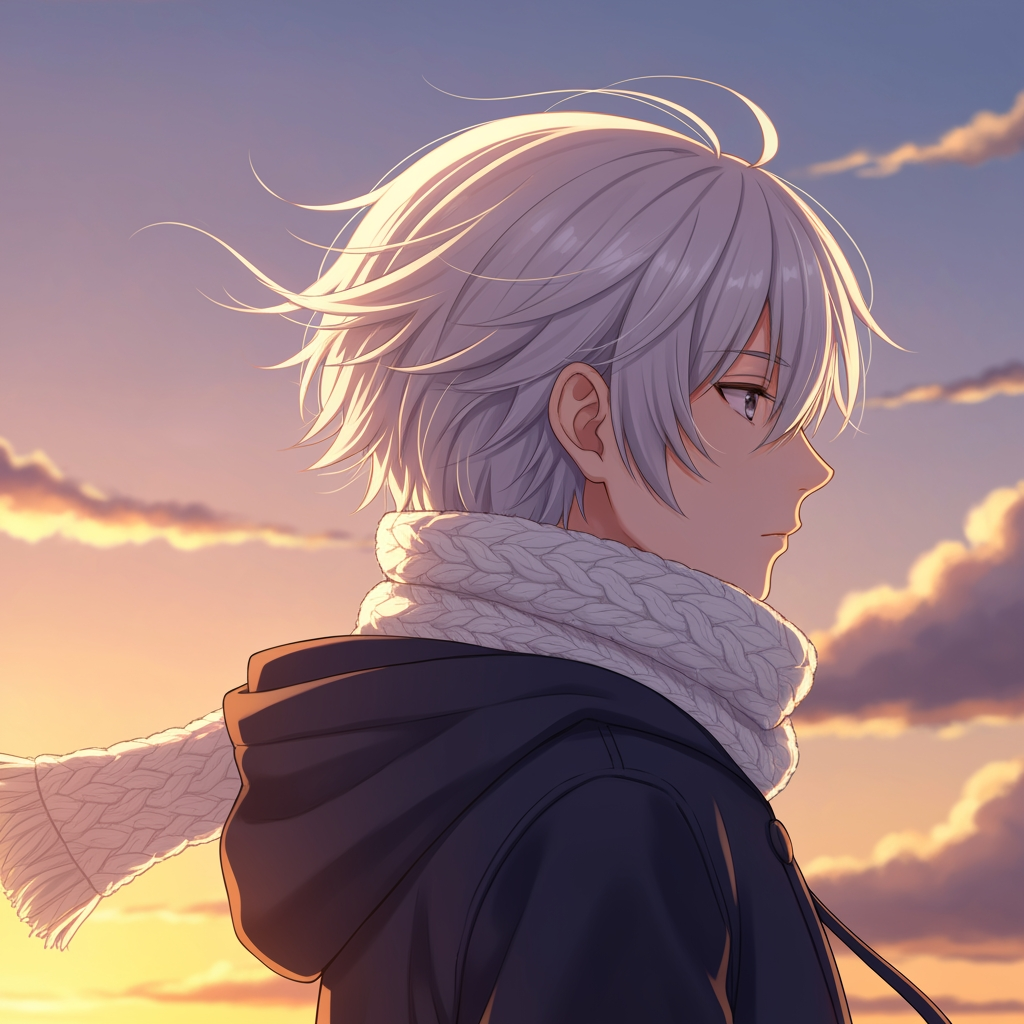
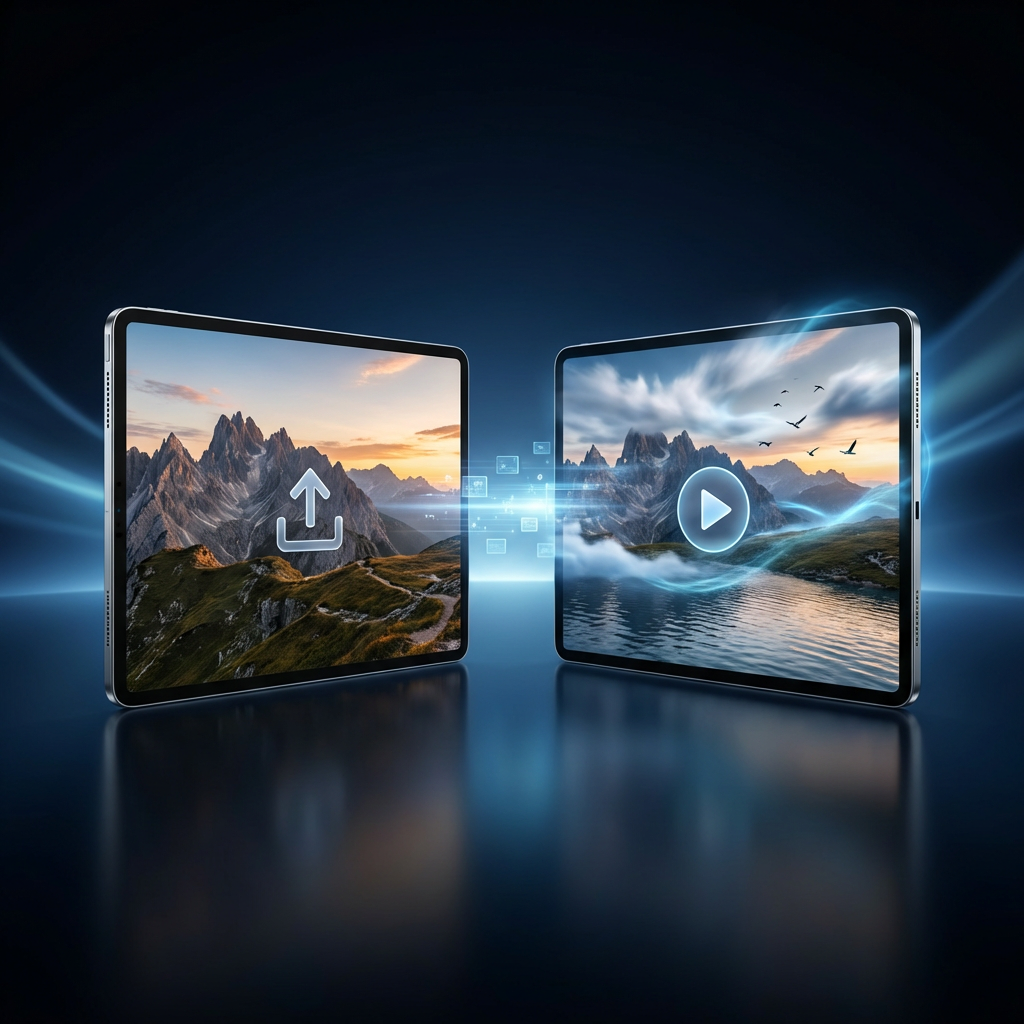
Turn an anime character image into a dance video
Upload an anime character, choose a motion template, then generate an image-to-video dance clip through LlamaGen's anime2 video pipeline.
Motion Templates
Auto Translate
269 / 2000
Explore examples, workflow details, and practical guidance
Anime dance templates
Duration and format controls
Existing anime2 pipeline
Workflow
Build, generate, then review
Upload an anime image
Choose a clear character image, preferably full-body, with visible hands, feet, and a readable outfit silhouette.
Choose the motion
Select an idol, street, anime-motion, or elegant template, then edit choreography and camera instructions.
Generate the video
Submit through the anime2 workflow, monitor generation status, then review identity, limbs, costume, timing, and loop quality.
Art direction
What to refine after the first draft
Real anime2 image-to-video flow
The generator submits image, prompt, model, duration, resolution, and aspect ratio to /api/anime2 and uses its existing status polling.
Motion template library
Idol, street, anime-motion, and elegant categories provide original choreography directions rather than named dance copies.
Character continuity prompts
Templates ask for a stable face, coherent limbs and hands, consistent costume, and controlled camera motion.
Image and text modes
The page defaults to image-to-video for character animation while retaining the existing text-to-video option where the selected model supports it.
Example directions
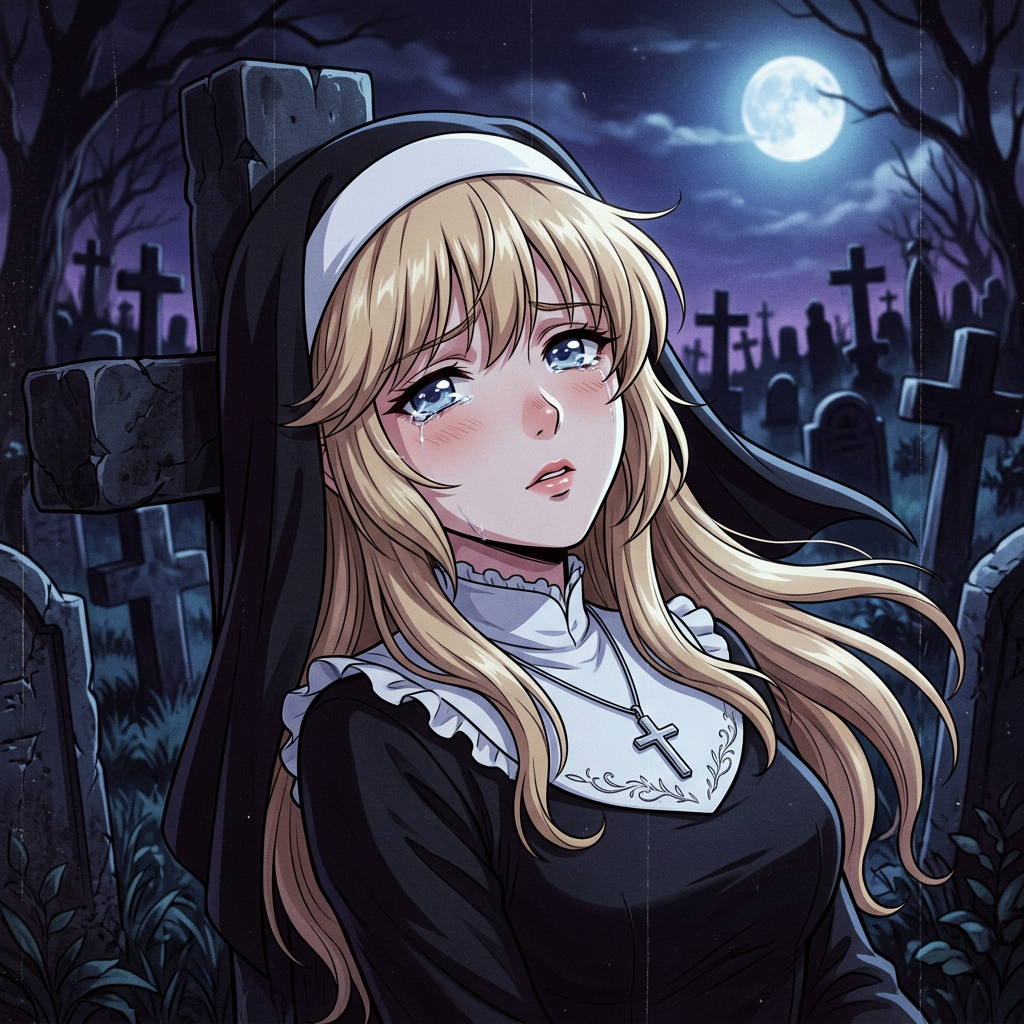
Compare complete visual directions
FAQ
Practical questions
Does the AI Anime Dance Generator use api/anime2?
Yes. It reuses LlamaGen's existing VideoGenerator submission and polling flow built around /api/anime2.
Do I need to upload an image?
The page defaults to image-to-video because the main workflow animates an existing anime character. Clear full-body images generally provide the best dance results.
Can I also generate from text?
Yes. The existing video generator retains text-to-video when supported by the selected model, while image-to-video remains the default for this tool.
How can I keep the character consistent?
Use a clear source image and prompts that request a stable face, coherent anatomy, consistent clothing, readable hands and feet, and controlled camera movement.
Are these copies of famous choreographies?
No. The templates describe original dance qualities such as rhythm, steps, gestures, and camera direction without requesting a specific protected choreography.
How long does generation take?
Timing depends on the selected model and queue. The page shows model estimates and polls the existing anime2 status endpoints until the clip succeeds or fails.
Take the strongest direction into production
Generate several directions, choose the one with the clearest visual promise, then proof the details before publishing or printing.